App Interface Background
App Interface Backgrounds are fundamental elements in app design, providing context and visual comfort for users. They range from simple solid colors to intricate abstract patterns or soft gradients. When incorporated as a keyword in AI image prompts, 'App Interface Background' steers image generation towards backgrounds optimized for screen display, emphasizing clarity, balance, and user focus. This ensures the produced image can seamlessly integrate into app interfaces, serving as hero images, login screens, or dashboard backdrops without distraction.

Definition
An app interface background is the foundational visual layer in app design that supports all interactive elements without overwhelming them. In AI image prompts, including 'App Interface Background' influences the model to generate backgrounds optimized for digital interfaces—clean, subtle, and functional. For beginners, this means the prompt focuses on elements that enhance usability, such as muted colors, soft textures, and balanced lighting that won't distract users from the main content.
Prompt Formula
To craft effective AI prompts for app interface backgrounds, combine texture, color, style, and lighting descriptors with the keyword. For example:
- <Minimalist, soft gradient, pastel colors> app interface background, refined lighting, clean and subtle textures
- Abstract geometric shapes, neutral color scheme app interface background, smooth depth, no text
- <Flat colors, muted tones> app interface background, realistic materials, gentle ambient light
Best Use Cases
This keyword is ideal for scenarios where the background must support foreground UI elements without distraction. Practical applications include:
- Mobile app splash screens needing harmonious, welcoming visuals
- Dashboard UIs where data clarity is key and background should be subtle
- Marketing visuals requiring polished backgrounds that frame app screenshots effectively
Advanced Techniques
Experienced prompt writers can refine outputs by combining 'App Interface Background' with precise style and thematic elements:
- Add constraints like 'high resolution, seamless texture' for UI scalability
- Incorporate specific palettes e.g., 'brand colors with soft lighting' for consistent design systems
- Combine with mood keywords such as 'calm, futuristic' to tailor background ambiance
Professional Workflow
A streamlined process for leveraging this keyword in projects includes:
- Brief: Define the app's design goals and required mood for backgrounds
- Prompt Generation: Use the formula to create diverse AI-generated backgrounds
- Selection: Choose images with appropriate balance, color, and subtlety
- Refinement: Edit or upscale selected images to meet resolution and style needs before integration
Related Styles
Relevant visual styles and keywords that complement or expand on 'App Interface Background' include:
- Minimalist Background – focusing on clean and simple visuals
- Abstract Interface Background – emphasizing shapes and patterns
- Tech UI Background – incorporating futuristic or digital motifs
FAQ
Can I use AI-generated app interface backgrounds commercially?
Yes, AI-generated app interface backgrounds created with appropriate licenses can be used commercially for app design, marketing, and other digital products.
Should app interface backgrounds be complex or simple?
Generally, app interface backgrounds should be simple, subtle, and non-distracting to ensure UI elements remain clear and user-friendly.
Continue Exploring
Related Prompts
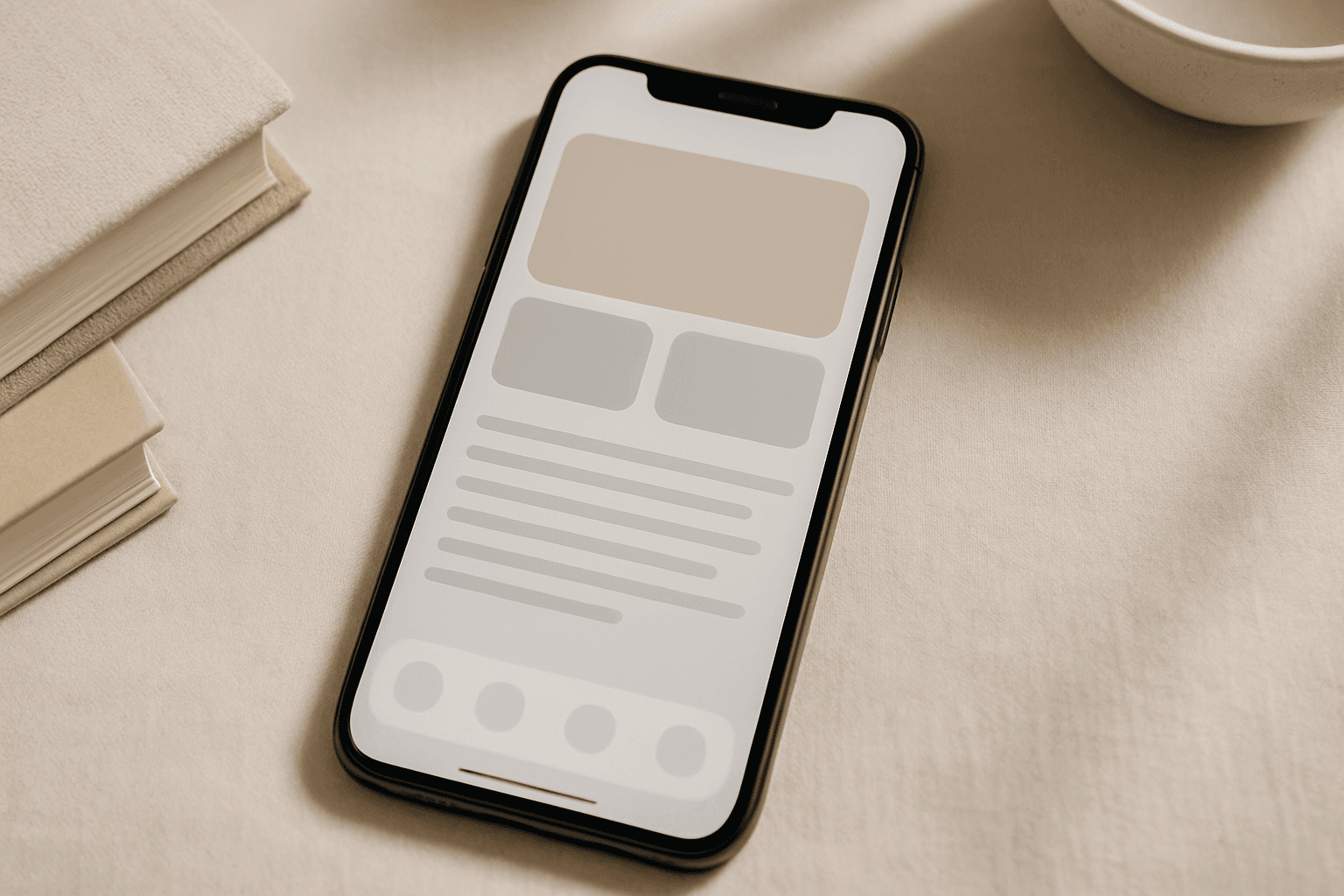
Mobile App Hero Image
Mobile App Hero Images serve as the primary visual representation of a mobile app and are vital in marketing campaigns, app store listings, and promotional content. Using this keyword in AI image generation helps produce premium, polished visuals that highlight app interfaces or thematic concepts in a modern and engaging style. These images prioritize clarity, subtle depth effects, and premium stock photo quality to create professional assets suitable for commercial use. The style avoids text elements and branding overlays, making the images versatile for various editorial and advertising contexts.
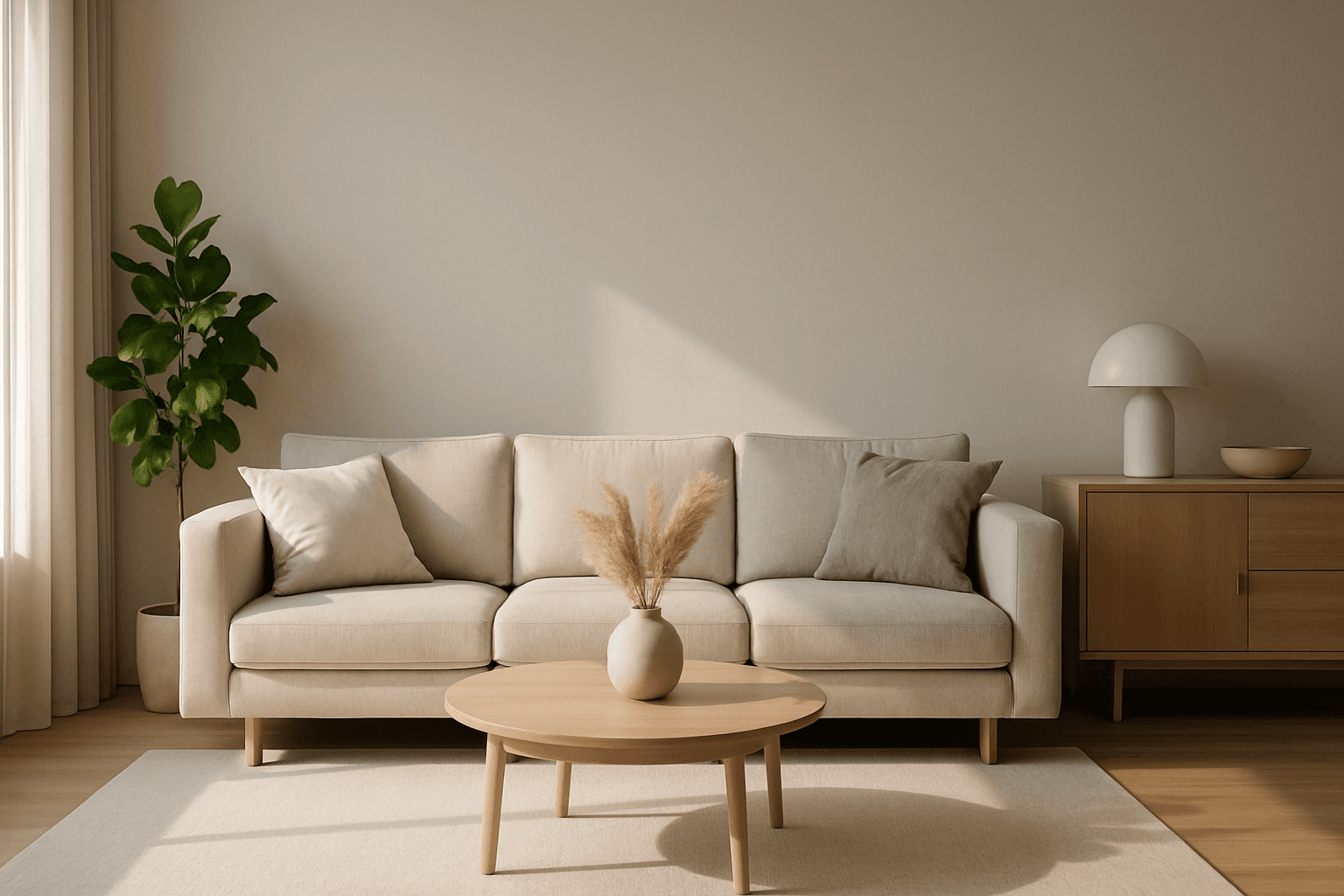
Website Hero Background
Creating a website hero background with AI involves generating a visually striking image that sets the tone for the whole site. These images typically span the full width of the page and must balance aesthetic appeal with clear space for overlaying text or buttons. By guiding AI prompts with the 'Website Hero Background' keyword, designers can generate images that feature clean editorial compositions, realistic lighting, and subtle depth, ensuring they integrate seamlessly into commercial websites. The style emphasizes premium polish similar to high-quality stock photos, removing distractions like text or logos. This approach supports versatile use across various industries, maintaining professionalism and visual harmony.

Event Poster Composition
Event Poster Composition is an essential keyword for AI-generated imagery aimed at creating effective promotional materials. It guides the AI to arrange elements within the frame in a way that catches viewers’ attention while maintaining clarity. This composition style typically features distinct focal areas where event details could be inserted, complemented by aesthetic background and graphic elements that reinforce the theme. Ideal for commercial applications, it supports various event types such as concerts, exhibitions, or corporate gatherings. The images generated prioritize clean editorial looks with controlled lighting and a realistic finish, enhancing their appeal for professional use.
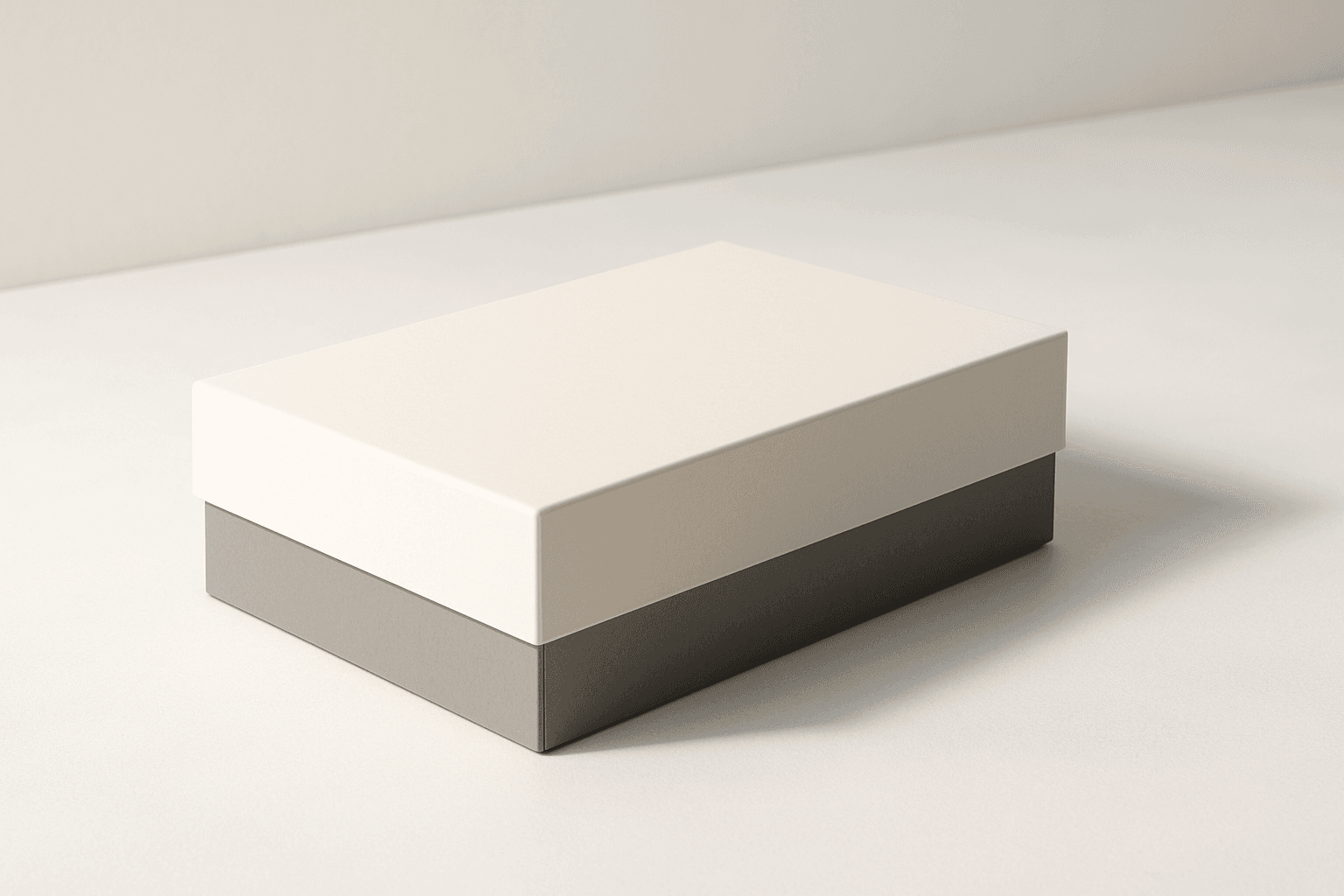
Packaging Design Presentation
The 'Packaging Design Presentation' keyword elevates AI-generated images to display consumer product packaging in a professional, editorial style. It's designed to produce visuals that showcase packaging designs with premium polish, realistic material representation, and refined lighting. This approach is essential for designers, marketers, and e-commerce professionals needing imagery that accurately reflects packaging aesthetics without distractions. The results typically feature a clean background, subtle depth to accentuate three-dimensionality, and an absence of text or logos, ensuring the focus remains on the package design itself. By integrating this keyword into prompts, users can expect images suitable for presentations, online catalogs, and marketing assets that demand a commercial finish.

E-Commerce Banner Layout
E-Commerce Banner Layout is a vital keyword in AI image generation that helps create visually engaging banners tailored for online retail environments. These layouts emphasize product visibility, aesthetic harmony, and balanced negative space to facilitate adding promotional text or calls to action later. By incorporating this keyword, AI models generate images with a refined commercial style resembling professional stock banners suitable for websites, social media ads, and newsletters. The focus is on clean editorial composition, premium polish, and subtle depth that enhances product appeal without overwhelming the viewer. Utilizing this layout keyword ensures images meet modern e-commerce design standards and help brands effectively present their merchandise in a digital-first marketplace.

Social Media Ad Creative
Social media advertising demands visuals that are both eye-catching and professional, capturing viewer attention immediately. The 'Social Media Ad Creative' prompt keyword is tailored to guide AI models to generate images with a modern, clean design aesthetic that matches current digital marketing trends. By emphasizing polished lighting, realistic materials, and subtle depth, these prompts produce versatile visuals suitable for various platforms without distractions like text or branding elements. Using this keyword can streamline content creation, helping marketers and designers efficiently create standout ad imagery that resonates with target audiences and drives engagement.