Social Media Ad Creative
Social media advertising demands visuals that are both eye-catching and professional, capturing viewer attention immediately. The 'Social Media Ad Creative' prompt keyword is tailored to guide AI models to generate images with a modern, clean design aesthetic that matches current digital marketing trends. By emphasizing polished lighting, realistic materials, and subtle depth, these prompts produce versatile visuals suitable for various platforms without distractions like text or branding elements. Using this keyword can streamline content creation, helping marketers and designers efficiently create standout ad imagery that resonates with target audiences and drives engagement.

Definition
The term 'Social Media Ad Creative' relates to AI prompts used to generate images specifically designed for social media advertising. When included, it guides the AI to produce clean, modern visuals with editorial composition and premium lighting. This removes any distracting text or branding and ensures the images look professional and adaptable for various social platforms.
Visual Characteristics
- Clean, minimal editorial layout with balanced composition.
- Refined lighting delivering subtle depth and realistic materials.
- No text, logos, or watermarks ensuring versatile usage.
Prompt Formula
Use this formula structure to craft effective social media ad creative prompts: Begin with the keyword phrase 'social media ad creative,' then specify desired traits such as 'clean editorial composition,' 'premium photorealistic lighting,' and 'subtle depth.' Add details about subjects or context but avoid any text or logos to keep the image versatile. Examples illustrate how to combine these terms to achieve polished and professional visuals.
- social media ad creative
- clean editorial composition
- premium photorealistic lighting
- subtle depth
- realistic materials, no text, no logos
Best Use Cases
- Hero images for Instagram and Facebook ads that grab attention.
- Thumbnail graphics for YouTube ads and TikTok sponsored posts.
- Visual content for influencer endorsement campaigns and brand storytelling.
Creative Variations
To inject originality and reduce repetitive outcomes, consider varying elements such as lighting (golden hour, soft diffused, high contrast), color schemes (monochromatic, vibrant primaries, muted pastels), or composition (close-ups, wide shots, flat lays). Incorporate diverse subjects like people, products, or abstract backgrounds to create unique ad creatives while maintaining the core keyword style.
- Experiment with warm vs. cool lighting for mood shifts.
- Vary poses and diversity in subject selection.
- Alternate color palettes from bold to subtle tones.
- Try different perspectives, including aerial or eye-level views.
- Integrate dynamic vs. static compositions.
Professional Workflow
Start by briefing your project requirements clearly, emphasizing the need for polished, adaptable images suitable for multiple social channels. Use the 'Social Media Ad Creative' keyword to guide initial AI generations. Select output that best fits your brand tone and platform specifications, then fine-tune or upscale as needed. Finally, integrate images into your marketing assets, ensuring consistency and adherence to the style without additional text overlays on the image itself.
- Define campaign objectives and target platform.
- Generate images with the keyword and optional descriptors.
- Review selections for composition and lighting quality.
- Refine selected images through iteration or enhancement.
- Deploy images directly or prepare for graphic design overlay.
Related Styles
- Commercial Product Photography
- Digital Marketing Visuals
- Branding Composition
Model-Specific Tips
When using various AI image models, maintain clear, concise language emphasizing composition and lighting quality. Avoid model-specific syntax or shorthand to keep portability high. Use descriptive adjectives like 'premium,' 'realistic,' and 'editorial' that most models recognize. Exclude text or logo requests explicitly. Consider adding style influences (e.g., 'modern photography style') compatible across systems to achieve consistent high-quality outputs.
- Use universal descriptive language over platform-specific tags.
- Avoid mentions of proprietary features or tokens.
- Emphasize clarity: 'clean composition,' 'refined lighting.'
- Explicitly state 'no text, no logos' for image cleanliness.
- Incorporate neutral style references to improve cross-model consistency.
FAQ
Can I use images generated with this prompt for commercial advertising?
Yes, images created using the 'Social Media Ad Creative' prompt are designed with commercial use in mind, making them suitable for digital marketing campaigns and social media advertisements.
Will these images include text or logos by default?
No, the prompt specifically excludes text, logos, and watermarks to ensure the images remain versatile and adaptable to various brand needs.
Continue Exploring
Related Prompts

Social Media Banner Design
Social Media Banner Design is a crucial category in AI image generation aimed at producing graphics optimized for social media headers, ads, and promotional content. These designs prioritize clean layouts, modern aesthetics, and balanced lighting to ensure clarity and premium appeal. Using this keyword helps prompt AI models to focus on the visual language suitable for digital marketing banners—emphasizing readability, simplicity, and brand adaptability without text or logos. This is essential for marketers and designers who want to generate versatile hero images or thumbnails ready for social media use, maintaining consistency and professionalism across campaigns.

Social Media Visual Strategy
Incorporating Social Media Visual Strategy into AI image prompts helps designers and marketers create images tailored for online platforms. This approach emphasizes clarity, brand identity, and engagement potential, adapting visuals to various social channels' unique demands. By targeting platform-appropriate styles—such as Instagram’s vibrant and polished look or LinkedIn’s professional tone—imagery gains effectiveness. Applying this strategy leads to visuals that not only look professional but also strategically support marketing goals and audience interaction in social media spheres.
Social Media Profile Photo
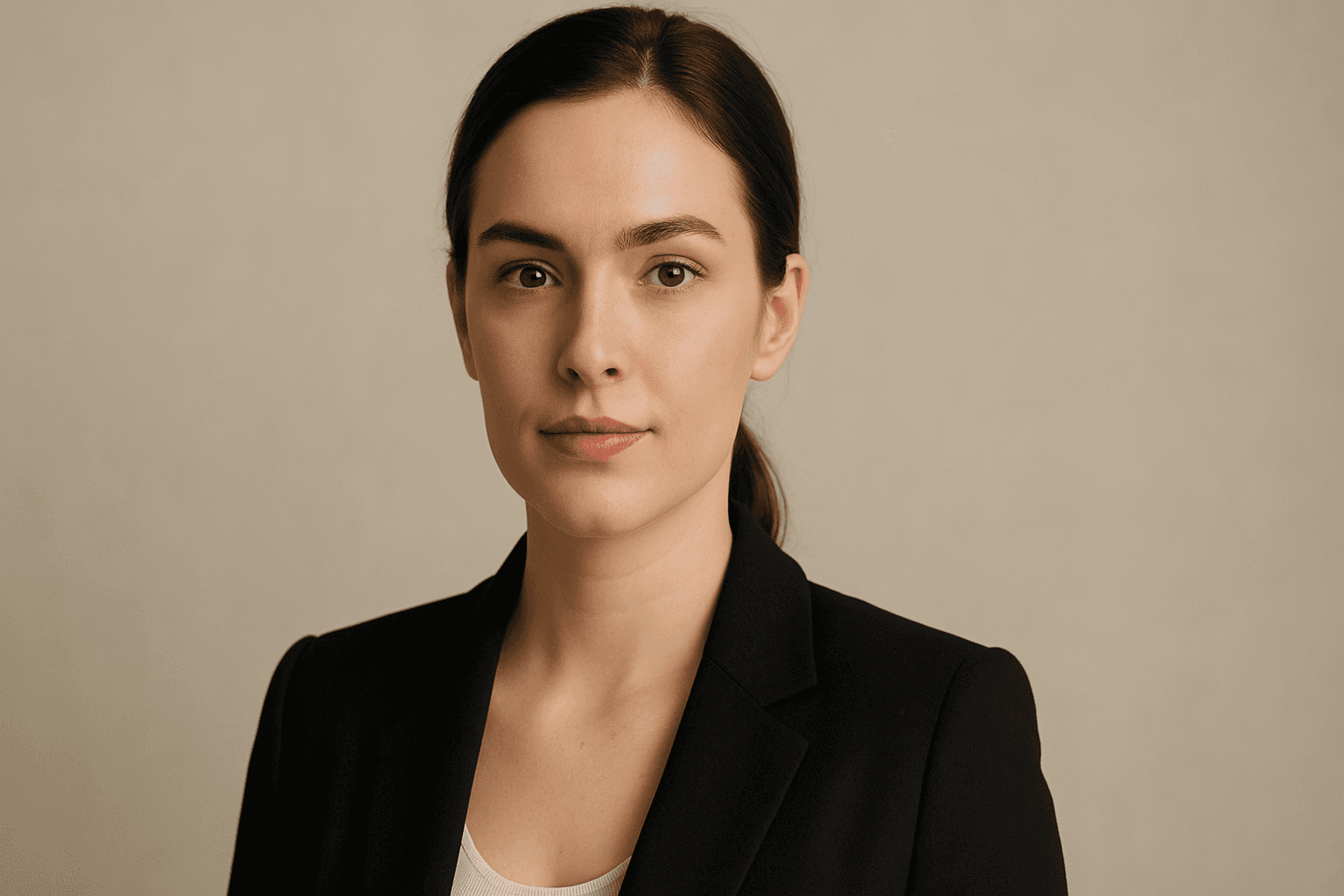
Social media profile photos are a critical component for personal and professional online presence. Using AI to generate these images demands precision to maintain realism, approachability, and relevance to social networking contexts. This keyword steers the AI to output clean, crisp portraits that users can utilize as profile pictures without additional editing. The focus on subtle depth, realistic materials like skin textures, and polished editorial style ensures the avatars look premium. Incorporating this into prompts helps produce images suited for commercial and personal use, reflecting identity with authenticity and clarity.

Packaging Design Visuals
Packaging Design Visuals are critical in illustrating product packaging concepts for designers, marketers, and retailers. Using AI prompts with this keyword generates imagery that highlights packaging prototypes or final designs with photorealistic qualities, often emphasizing materials and dimensional structure in well-lit editorial-style compositions. Such visuals are vital for client presentations, advertisements, e-commerce showcases, and refining packaging aesthetics without the need for physical samples. The approach focuses on clarity, material authenticity, and minimal distractions, making it a powerful tool in both creative and commercial workflows.
Website Hero Background
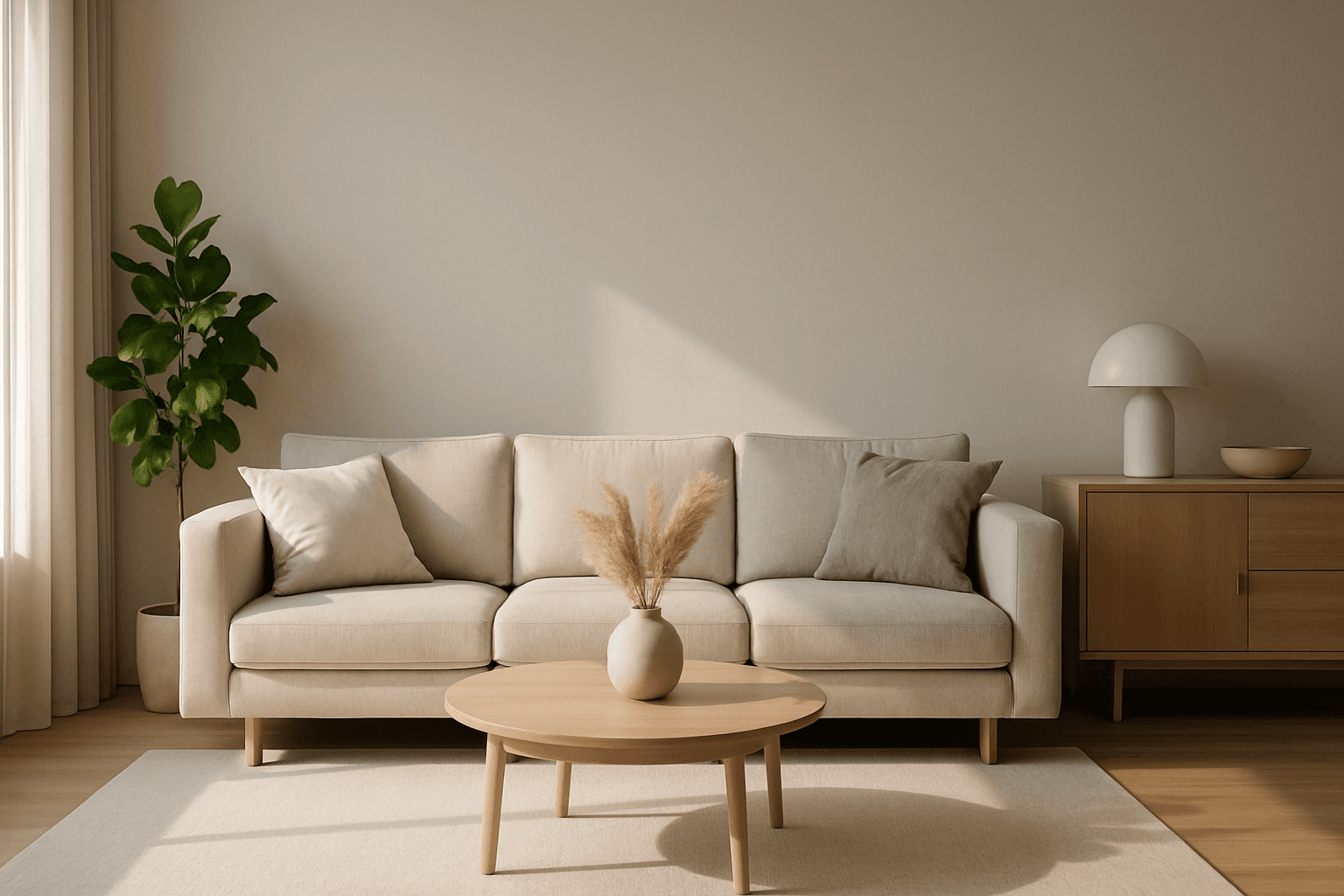
Creating a website hero background with AI involves generating a visually striking image that sets the tone for the whole site. These images typically span the full width of the page and must balance aesthetic appeal with clear space for overlaying text or buttons. By guiding AI prompts with the 'Website Hero Background' keyword, designers can generate images that feature clean editorial compositions, realistic lighting, and subtle depth, ensuring they integrate seamlessly into commercial websites. The style emphasizes premium polish similar to high-quality stock photos, removing distractions like text or logos. This approach supports versatile use across various industries, maintaining professionalism and visual harmony.

E-Commerce Banner Layout
E-Commerce Banner Layout is a vital keyword in AI image generation that helps create visually engaging banners tailored for online retail environments. These layouts emphasize product visibility, aesthetic harmony, and balanced negative space to facilitate adding promotional text or calls to action later. By incorporating this keyword, AI models generate images with a refined commercial style resembling professional stock banners suitable for websites, social media ads, and newsletters. The focus is on clean editorial composition, premium polish, and subtle depth that enhances product appeal without overwhelming the viewer. Utilizing this layout keyword ensures images meet modern e-commerce design standards and help brands effectively present their merchandise in a digital-first marketplace.