Social Media Banner Design
Social Media Banner Design is a crucial category in AI image generation aimed at producing graphics optimized for social media headers, ads, and promotional content. These designs prioritize clean layouts, modern aesthetics, and balanced lighting to ensure clarity and premium appeal. Using this keyword helps prompt AI models to focus on the visual language suitable for digital marketing banners—emphasizing readability, simplicity, and brand adaptability without text or logos. This is essential for marketers and designers who want to generate versatile hero images or thumbnails ready for social media use, maintaining consistency and professionalism across campaigns.

Definition
Social Media Banner Design refers to AI-generated images crafted specifically for banners used on social media sites. These prompts shape images to have appropriate dimensions, modern aesthetics, and clean compositions, helping create visuals that fit digital marketing needs without distracting elements like text or logos. It modifies the AI's output focus towards professional marketing headers, ensuring a refined, usable visual base.
Prompt Formula
Use this reusable pattern to create effective social media banner prompts by combining components: 1. Start with 'Social Media Banner Design' 2. Add style cues like 'clean editorial composition', 'subtle depth', 'refined lighting' 3. Specify exclusions: 'no text', 'no logos', 'no watermark' 4. Add material quality: 'realistic materials', 'premium stock-image polish' 5. Include aspect ratio or platform target: '16:9 aspect ratio' or 'Instagram story size' Example: 'Social Media Banner Design, clean editorial composition, subtle depth, refined lighting, realistic materials, no text or logos, 16:9 aspect ratio'
- Social Media Banner Design
- clean editorial composition
- subtle depth
- refined lighting
- realistic materials and premium polish
Best Use Cases
- Facebook and Twitter campaign headers
- LinkedIn professional cover photos
- Instagram Story and post advertising visuals
Common Mistakes
Common pitfalls in Social Media Banner Design prompts include overloading the image with too many elements or colors, which creates visual noise and reduces clarity. Another mistake is neglecting to specify exclusions like 'no text' or 'no watermark,' resulting in cluttered or unusable images. Also, ignoring aspect ratio constraints can produce images unsuitable for social media banner dimensions, leading to cropping or distortion. To avoid these, keep prompts focused on clean composition, explicitly request no distracting overlays, and define output aspect ratios matching platform standards.
Advanced Techniques
For experienced prompt writers, refine Social Media Banner Design prompts by: - Combining them with precise lighting keywords such as 'soft natural light' or 'studio-quality illumination' to control mood. - Adding material descriptors like 'matte finish' or 'subtle texture' for tactile feel. - Using negative prompts to exclude unwanted elements like 'no clutter' or 'avoid busy backgrounds.' - Specifying color palettes aligned with brand guidelines, e.g., 'muted blues and grays.' - Applying version-specific model tags or stylization levels for sharper or more artistic outputs.
Professional Workflow
A streamlined workflow for Social Media Banner Design AI image creation: 1. Briefing: Define the target platform, banner dimensions, and desired style. 2. Prompting: Build the AI prompt using the formula, including necessary style and exclusion terms. 3. Generation: Run multiple iterations to explore variations. 4. Selection: Choose images with clean composition, correct aspect ratio, and premium aesthetic. 5. Refinement: Optionally upscale or edit images for branding overlays. 6. Integration: Implement banners in social media campaigns ensuring visual consistency and impact.
FAQ
Can I include text overlays directly in Social Media Banner Design prompts?
It's recommended not to include text in the AI-generated image itself when using Social Media Banner Design prompts. Instead, generate clean, text-free backgrounds to allow flexibility for adding custom text overlays later with design software.
What aspect ratios work best for social media banners?
Common aspect ratios include 16:9 for Facebook and Twitter headers, 4:5 for Instagram posts, and 9:16 for Instagram stories. Specifying the correct aspect ratio in your prompt helps generate accurately sized images.
Continue Exploring
Related Prompts

Social Media Ad Creative
Social media advertising demands visuals that are both eye-catching and professional, capturing viewer attention immediately. The 'Social Media Ad Creative' prompt keyword is tailored to guide AI models to generate images with a modern, clean design aesthetic that matches current digital marketing trends. By emphasizing polished lighting, realistic materials, and subtle depth, these prompts produce versatile visuals suitable for various platforms without distractions like text or branding elements. Using this keyword can streamline content creation, helping marketers and designers efficiently create standout ad imagery that resonates with target audiences and drives engagement.
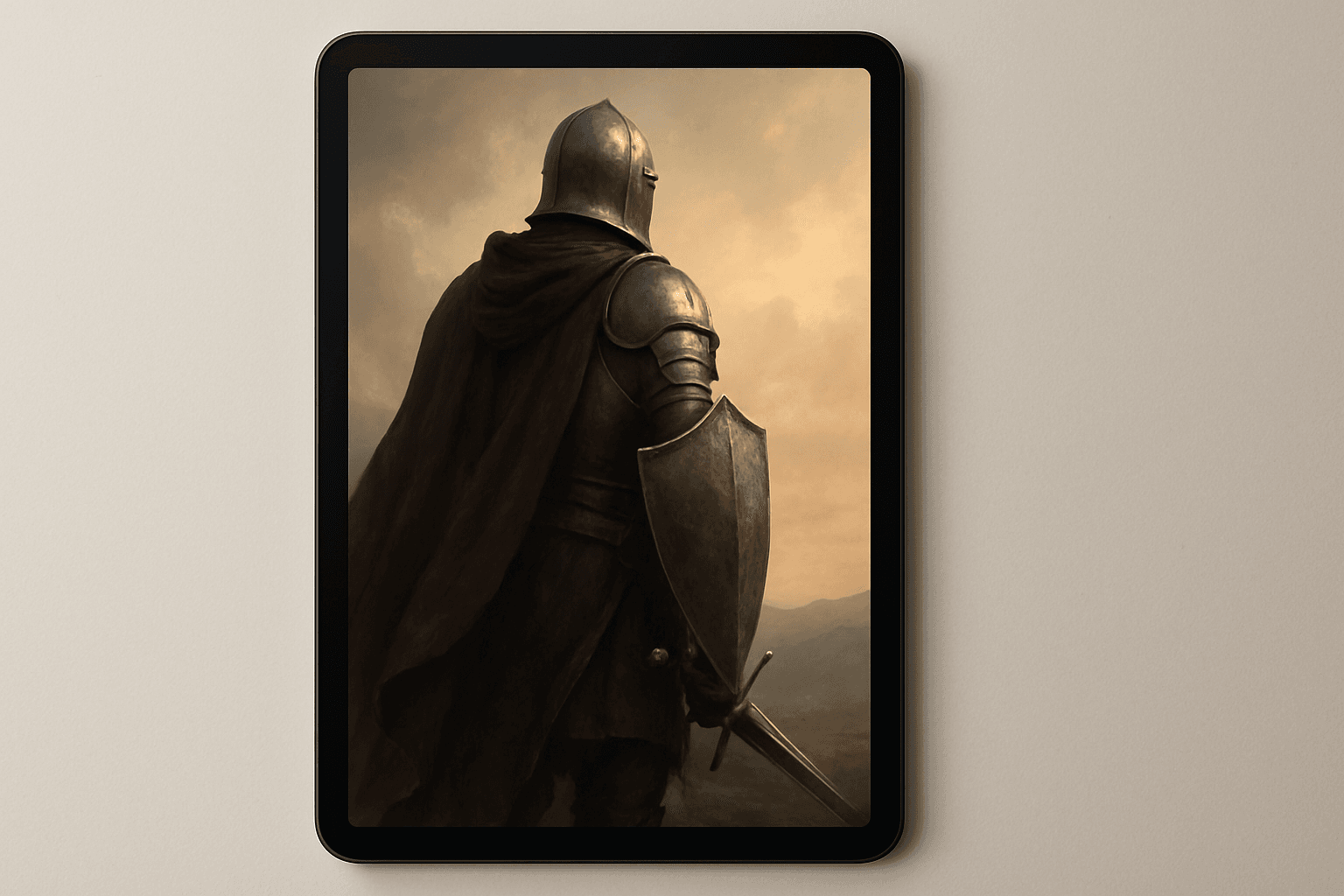
Ebook Cover Design
Ebook Cover Design is an essential element in capturing a reader's attention and conveying the essence of the book through a single image. Using AI-generated prompts tailored for ebook covers enables creators to rapidly produce high-quality, polished visuals that meet commercial publishing standards. These designs typically feature a balanced editorial composition, premium stock-image quality, and refined lighting to enhance the cover's visual impact. Removing text, logos, and watermarks ensures adaptability and focus on imagery, suitable for article hero images or thumbnail previews. Integrating Ebook Cover Design into AI prompts helps streamline creative workflows for authors, publishers, and marketers.

E-Commerce Banner Layout
E-Commerce Banner Layout is a vital keyword in AI image generation that helps create visually engaging banners tailored for online retail environments. These layouts emphasize product visibility, aesthetic harmony, and balanced negative space to facilitate adding promotional text or calls to action later. By incorporating this keyword, AI models generate images with a refined commercial style resembling professional stock banners suitable for websites, social media ads, and newsletters. The focus is on clean editorial composition, premium polish, and subtle depth that enhances product appeal without overwhelming the viewer. Utilizing this layout keyword ensures images meet modern e-commerce design standards and help brands effectively present their merchandise in a digital-first marketplace.
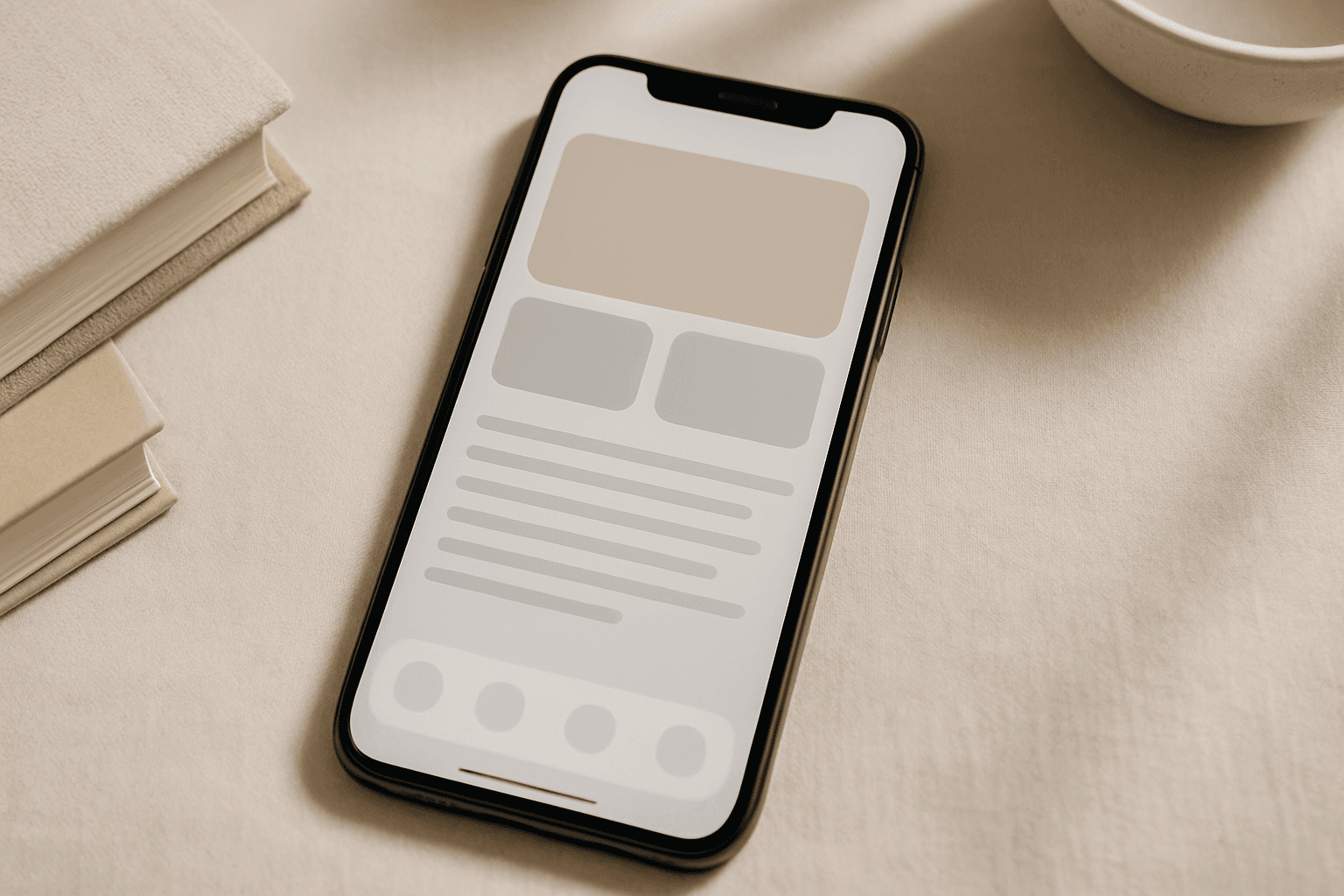
Mobile App Hero Image
Mobile App Hero Images serve as the primary visual representation of a mobile app and are vital in marketing campaigns, app store listings, and promotional content. Using this keyword in AI image generation helps produce premium, polished visuals that highlight app interfaces or thematic concepts in a modern and engaging style. These images prioritize clarity, subtle depth effects, and premium stock photo quality to create professional assets suitable for commercial use. The style avoids text elements and branding overlays, making the images versatile for various editorial and advertising contexts.
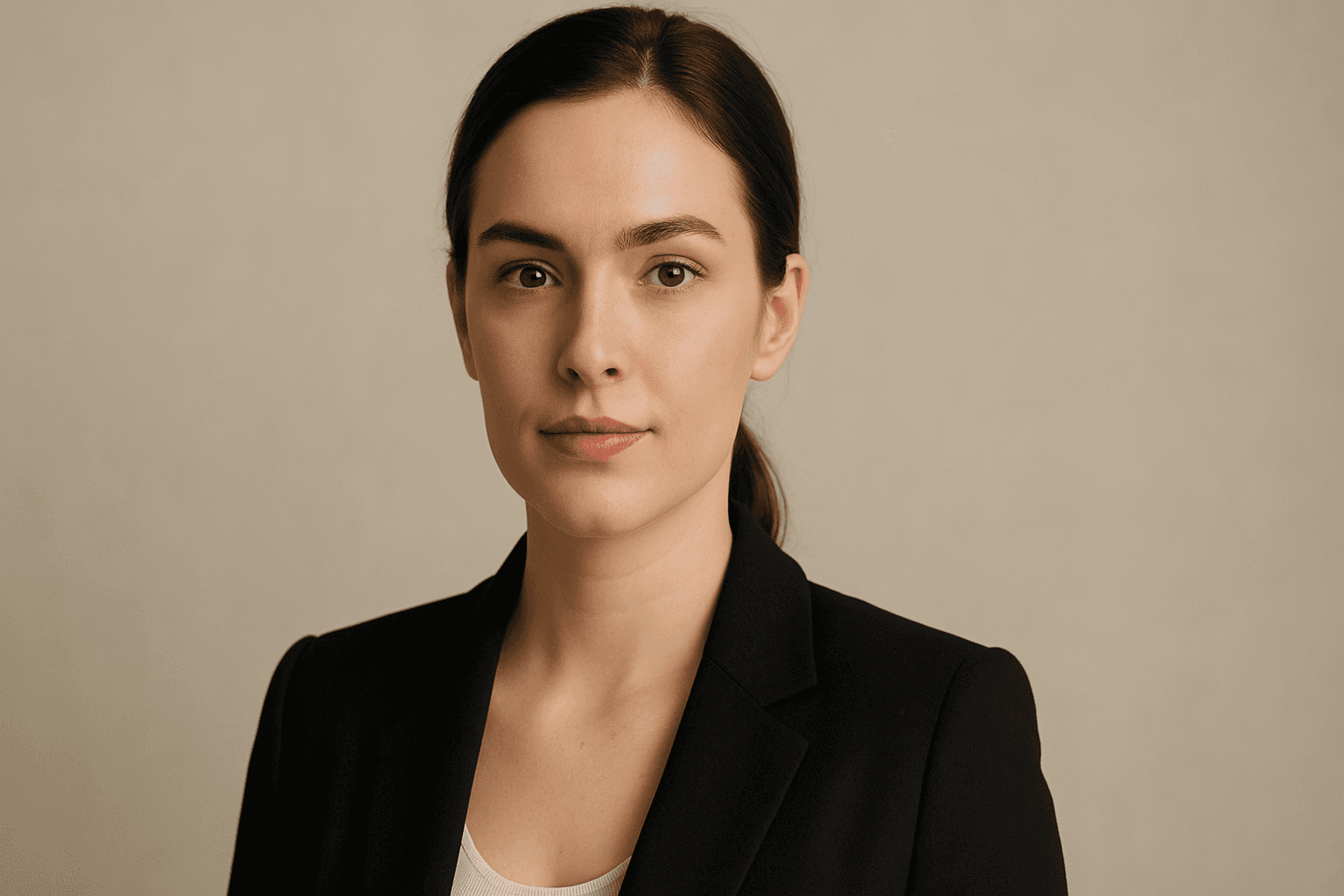
Social Media Profile Photo
Social media profile photos are a critical component for personal and professional online presence. Using AI to generate these images demands precision to maintain realism, approachability, and relevance to social networking contexts. This keyword steers the AI to output clean, crisp portraits that users can utilize as profile pictures without additional editing. The focus on subtle depth, realistic materials like skin textures, and polished editorial style ensures the avatars look premium. Incorporating this into prompts helps produce images suited for commercial and personal use, reflecting identity with authenticity and clarity.

Social Media Visual Strategy
Incorporating Social Media Visual Strategy into AI image prompts helps designers and marketers create images tailored for online platforms. This approach emphasizes clarity, brand identity, and engagement potential, adapting visuals to various social channels' unique demands. By targeting platform-appropriate styles—such as Instagram’s vibrant and polished look or LinkedIn’s professional tone—imagery gains effectiveness. Applying this strategy leads to visuals that not only look professional but also strategically support marketing goals and audience interaction in social media spheres.