Social Media Profile Photo
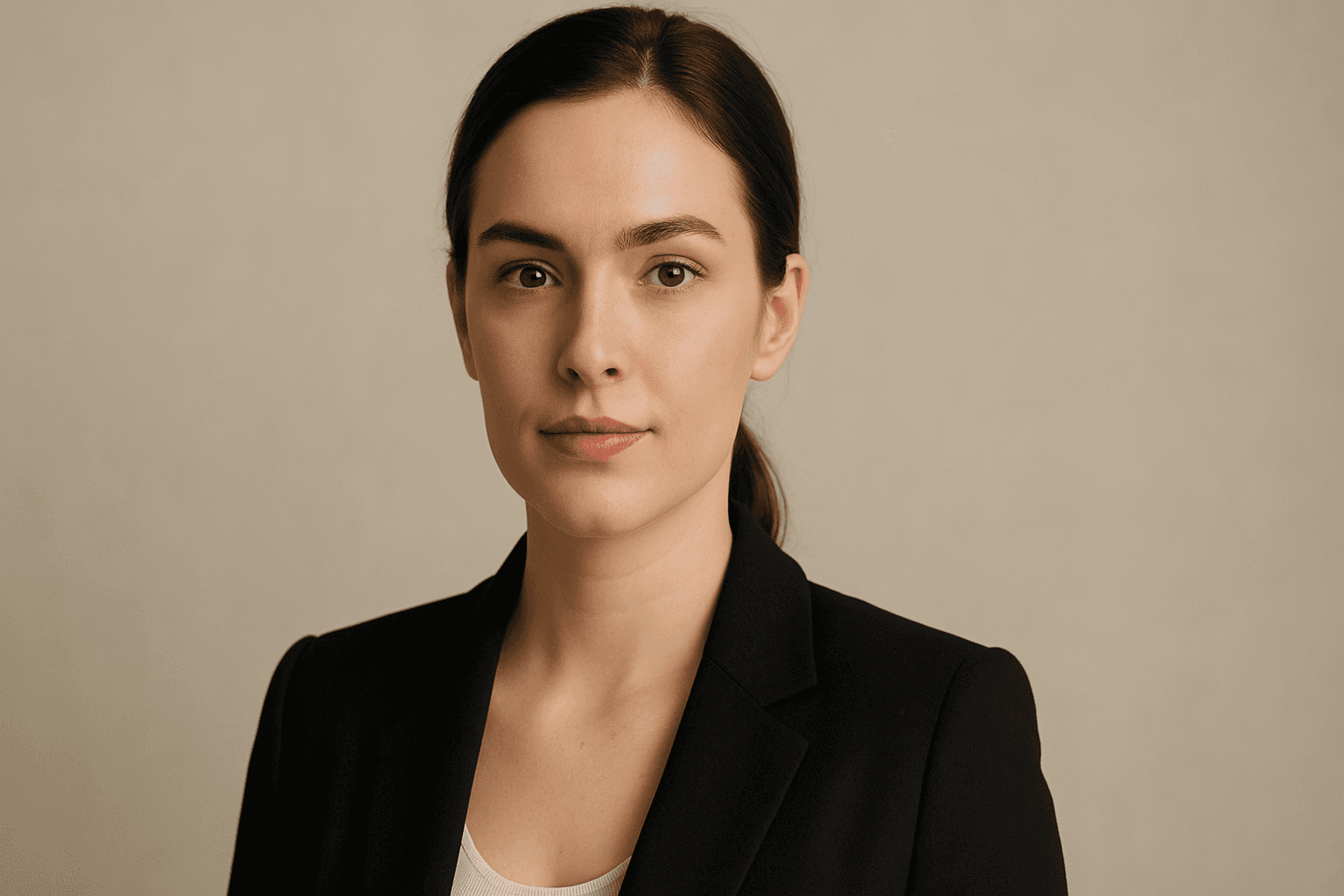
Social media profile photos are a critical component for personal and professional online presence. Using AI to generate these images demands precision to maintain realism, approachability, and relevance to social networking contexts. This keyword steers the AI to output clean, crisp portraits that users can utilize as profile pictures without additional editing. The focus on subtle depth, realistic materials like skin textures, and polished editorial style ensures the avatars look premium. Incorporating this into prompts helps produce images suited for commercial and personal use, reflecting identity with authenticity and clarity.
Definition
A social media profile photo keyword in AI image prompts specifies a head-and-shoulders portrait optimized for online profiles. It instructs the AI to focus on clear facial detail, appropriate lighting, and neutral backgrounds to create images that can function as professional or personal avatars across platforms.
Prompt Formula
Use this prompt formula to create social media profile photos: [Subject] + [Age] + [Ethnicity] + "social media profile photo" + [Lighting] + [Background Description] + [Clothing Style] + [Facial Expression] + "high resolution, realistic, clean editorial style"
- Subject: man, woman, person
- Age: young adult, middle-aged, senior
- Ethnicity: diverse options
- Lighting: natural light, studio lighting
- Background Description: neutral background, soft bokeh
Best Use Cases
- Professional headshots for LinkedIn and business profiles
- Personal branding portraits for Instagram and Twitter
- Stock images for corporate websites and team pages
Advanced Techniques
To enhance AI-generated social media profile photos, experiment with specific constraints like "soft shadows only," "natural skin textures," or "eye-catching catchlights." Combining this keyword with mood modifiers (e.g., "confident expression," "warm glow") and style settings (e.g., "cinematic lighting," "minimalist background") can produce more tailored outputs. Additionally, specifying the aspect ratio (typically square or 4:5) helps fit common social media frame sizes and cropping needs.
- Add lighting style modifiers (e.g., Rembrandt lighting)
- Specify expression (e.g., subtle smile, confident gaze)
- Use aspect ratio constraints for social media formats
Professional Workflow
Start by defining key subject attributes such as age, ethnicity, and mood before incorporating the 'social media profile photo' keyword for clarity. Generate multiple images using slight variations in lighting and backgrounds to ensure variety. Select candidates based on realism, composition, and appropriateness for intended platforms. Refine chosen images with post-processing tools for color correction and cropping if necessary. Finally, test images within platform frame previews to confirm optimal fit and impact.
- Brief core subject details before the keyword
- Generate variants with lighting and background tweaks
- Select images emphasizing realism and clarity
- Post-process for color and crop
- Preview on target social media platforms
Related Styles
Social media profile photos share visual elements with business headshots and corporate portraits but are often more casual or stylistically diverse. Related styles include environmental portraits and glamor shots when seeking flair or lifestyle context. Adjacent PromptAtlas keywords to consider are 'Headshot Photography' for more formal portraits, 'Corporate Portrait' for business-focused imagery, and 'Online Avatar' for stylized profile pictures.
- Headshot Photography
- Corporate Portrait
- Online Avatar
Model-Specific Tips
For best results across modern AI image models, keep prompts concise but descriptive, emphasizing the subject's key traits along with 'social media profile photo.' Avoid overly complex syntax that can confuse the model. Using straightforward, natural language works well, and always specify lighting and background to guide the style. Experiment with synonyms and phrase variants like 'profile portrait' or 'web avatar' to compare quality and diversity in outputs.
- Use clear, natural language prompts
- Specify lighting and background explicitly
- Experiment with synonyms to optimize results
FAQ
What makes a good social media profile photo prompt for AI?
A good prompt clearly defines the subject's appearance, expression, lighting, and background, indicating that the image is a social media profile photo to ensure focused, high-quality headshots suitable for online use.
Can I use AI-generated social media profile photos commercially?
Yes, if the AI model's license permits commercial use, these images can be used for personal branding, marketing, and official online profiles, making them versatile commercial assets.
Continue Exploring
Related Prompts

Social Media Ad Creative
Social media advertising demands visuals that are both eye-catching and professional, capturing viewer attention immediately. The 'Social Media Ad Creative' prompt keyword is tailored to guide AI models to generate images with a modern, clean design aesthetic that matches current digital marketing trends. By emphasizing polished lighting, realistic materials, and subtle depth, these prompts produce versatile visuals suitable for various platforms without distractions like text or branding elements. Using this keyword can streamline content creation, helping marketers and designers efficiently create standout ad imagery that resonates with target audiences and drives engagement.

Social Media Banner Design
Social Media Banner Design is a crucial category in AI image generation aimed at producing graphics optimized for social media headers, ads, and promotional content. These designs prioritize clean layouts, modern aesthetics, and balanced lighting to ensure clarity and premium appeal. Using this keyword helps prompt AI models to focus on the visual language suitable for digital marketing banners—emphasizing readability, simplicity, and brand adaptability without text or logos. This is essential for marketers and designers who want to generate versatile hero images or thumbnails ready for social media use, maintaining consistency and professionalism across campaigns.

Social Media Visual Strategy
Incorporating Social Media Visual Strategy into AI image prompts helps designers and marketers create images tailored for online platforms. This approach emphasizes clarity, brand identity, and engagement potential, adapting visuals to various social channels' unique demands. By targeting platform-appropriate styles—such as Instagram’s vibrant and polished look or LinkedIn’s professional tone—imagery gains effectiveness. Applying this strategy leads to visuals that not only look professional but also strategically support marketing goals and audience interaction in social media spheres.

Mobile App Hero Image
Mobile App Hero Images serve as the primary visual representation of a mobile app and are vital in marketing campaigns, app store listings, and promotional content. Using this keyword in AI image generation helps produce premium, polished visuals that highlight app interfaces or thematic concepts in a modern and engaging style. These images prioritize clarity, subtle depth effects, and premium stock photo quality to create professional assets suitable for commercial use. The style avoids text elements and branding overlays, making the images versatile for various editorial and advertising contexts.

Social Media Visual Branding
Social Media Visual Branding is a critical component in AI image generation that ensures visual content consistently represents a brand’s personality across social platforms. By specifying branding elements—such as color theory, style, mood, and composition—in AI prompts, creators can generate images that resonate with target audiences and enhance brand recognition. This approach helps marketers and designers produce visuals that fit seamlessly within campaigns, improve engagement, and support storytelling efforts. The technique requires understanding branding fundamentals combined with prompt engineering to effectively influence AI outputs for specific marketing needs.

Stock Photo Editorial Use
Stock photo editorial use is a crucial keyword in AI image generation, especially for creators aiming to produce images suitable for journalistic and editorial content. These images often demand authenticity, contextual relevance, and subtle storytelling elements without overt commercial cues. Incorporating this keyword influences the AI to generate visuals that align with publication standards, avoiding promotional tones or artificial enhancements that could mislead viewers. This makes such images ideal for articles, reports, and blog posts where credibility and clarity are paramount. By understanding stock photo editorial use, content creators can effectively tailor AI prompts to generate images that enhance narrative quality and comply with editorial licensing requirements.