Ecommerce Product Shot
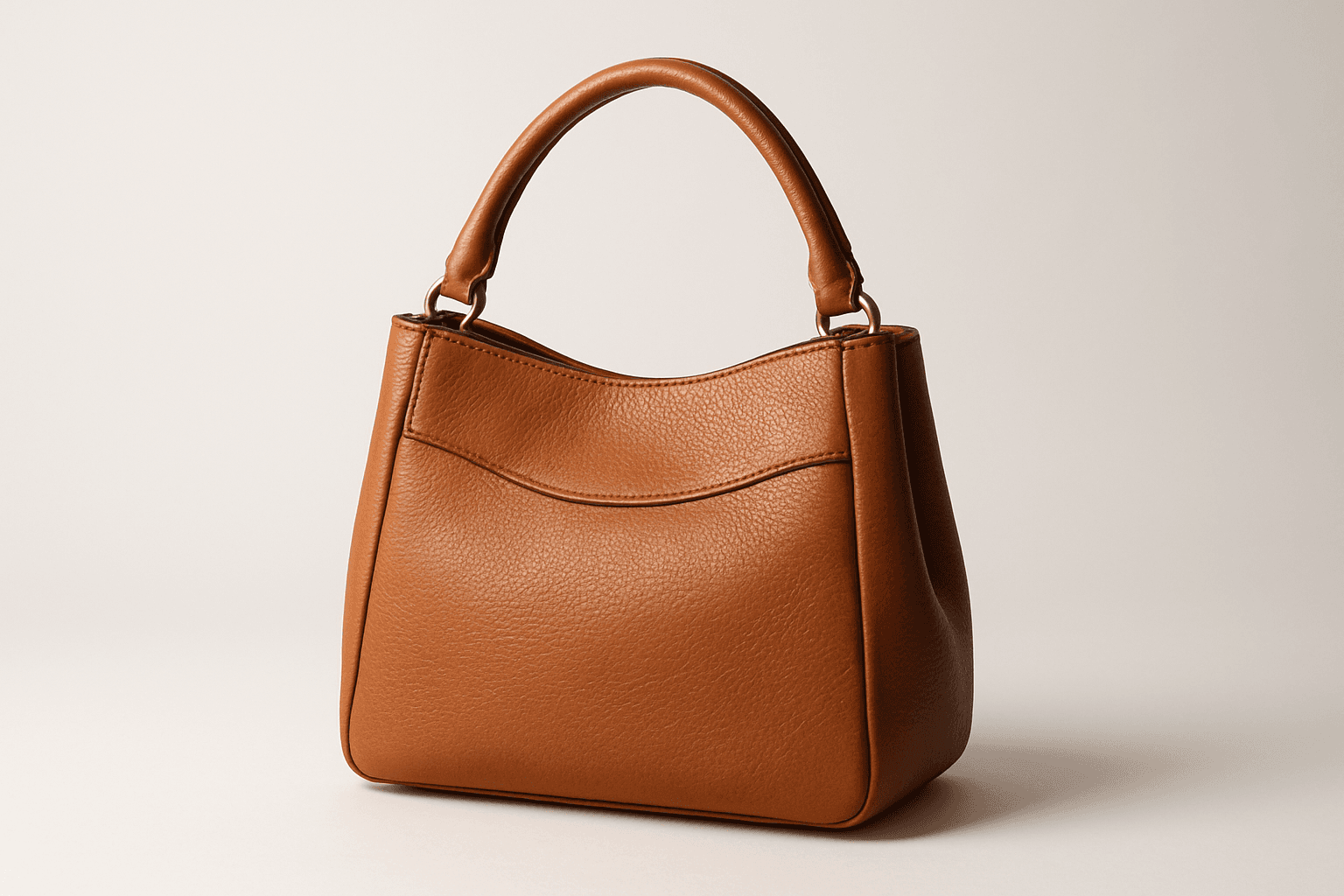
Ecommerce product shots are essential visuals that present products attractively for online stores, catalogs, and advertisements. Using AI to generate these images requires precise prompts that emphasize clarity, realism, and commercial appeal. These images typically feature a clean background, consistent lighting, and sharp rendering of the product's materials and details to facilitate customer trust and purchase decisions. By mastering how to craft ecommerce product shot prompts, creators can streamline content production, maintain brand consistency, and support sales efforts effectively across digital platforms.
Definition
Ecommerce product shots are focused images that present a product clearly and attractively for online sales. When used as an AI prompt keyword, this guides the system to generate images that emphasize clarity, detailed textures, and commercial appeal, removing distractions and spotlighting the product as it would appear on retail platforms.
- Guides AI towards clean and focused compositions
- Emphasizes product detail and texture realism
- Optimizes images for commercial and retail use
Prompt Formula
Use structured prompt patterns combining product description with technical keywords to specify lighting, background, and detail. For example: "ecommerce product shot of [product], soft studio lighting, [background color], sharp focus, realistic materials." This formula helps produce consistent, high-quality commercial images.
- ecommerce product shot of [product], soft studio lighting, white background, sharp focus
- ecommerce product shot of [product], neutral background, diffuse lighting, realistic texture detail
- ecommerce product shot of [product], plain background, detailed close-up, premium stock image style
Best Use Cases
- Online retail platforms requiring clean product imagery
- Marketing campaigns emphasizing product features
- Digital and print catalogs needing consistent product visuals
Common Mistakes
Typical mistakes include overcrowding the composition with multiple products or complex backgrounds, using unrealistic or dramatic lighting that detracts from the product, and prompting vague descriptors that yield generic or blurry images. To avoid this, keep the prompt focused, specify neutral or plain backgrounds, and emphasize realistic lighting and textures.
- Avoid cluttered or busy backgrounds
- Specify realistic lighting over artistic effects
- Use specific product details to enhance focus and clarity
Advanced Techniques
Refine prompts by integrating material-specific keywords like "matte finish" or "glossy texture" to enhance realism. Use lighting style variations such as "softbox lighting" or "natural daylight simulation." Incorporate shot angles like "front view" or "45-degree angle" for dynamic yet product-focused visuals. Experiment with depth of field to subtly isolate the product from the background without losing clarity.
- Combine material descriptors: matte, glossy, textured
- Specify precise lighting: softbox, natural daylight
- Use angle instructions: front view, 3/4 perspective
- Add subtle depth of field for product isolation
Professional Workflow
Start by defining the product and desired style clearly in the briefing. Generate multiple AI image variants using established ecommerce product shot prompts. Review images focusing on composition, texture accuracy, and lighting realism. Select top candidates and refine prompts iteratively to eliminate flaws such as shadows or background noise. Finally, post-process the chosen image minimally to match brand standards, ensuring readiness for ecommerce use.
- Brief clearly with product details and style
- Generate multiple prompt variants
- Assess images for clarity and realism
- Refine via prompt adjustments and post-processing
- Finalize for consistent brand presentation
Related Styles
Ecommerce product shot imagery connects closely with product photography and commercial product renders, sharing traits like clean backgrounds and realistic lighting. It contrasts with artistic or lifestyle product images that have more environmental context. Adjacent PromptAtlas keywords include 'Product Photography' for realistic shots, 'Commercial Product Render' focusing on 3D-like presentation, and 'Studio Lighting' for lighting techniques that enhance product appeal.
- Product Photography
- Commercial Product Render
- Studio Lighting
FAQ
What makes an ecommerce product shot different from regular product photography?
Ecommerce product shots emphasize clarity, simplicity, and commercial viability tailored for online retail, with minimal distractions, neutral backgrounds, and consistent lighting to highlight product details effectively.
Can AI-generated ecommerce product shots replace traditional photography?
AI-generated ecommerce product shots can complement and sometimes replace traditional photography for simple, consistent images, offering faster turnaround and scalability, but may still require careful prompting and occasional post-processing.
Continue Exploring
Related Prompts
Ecommerce Product Photography
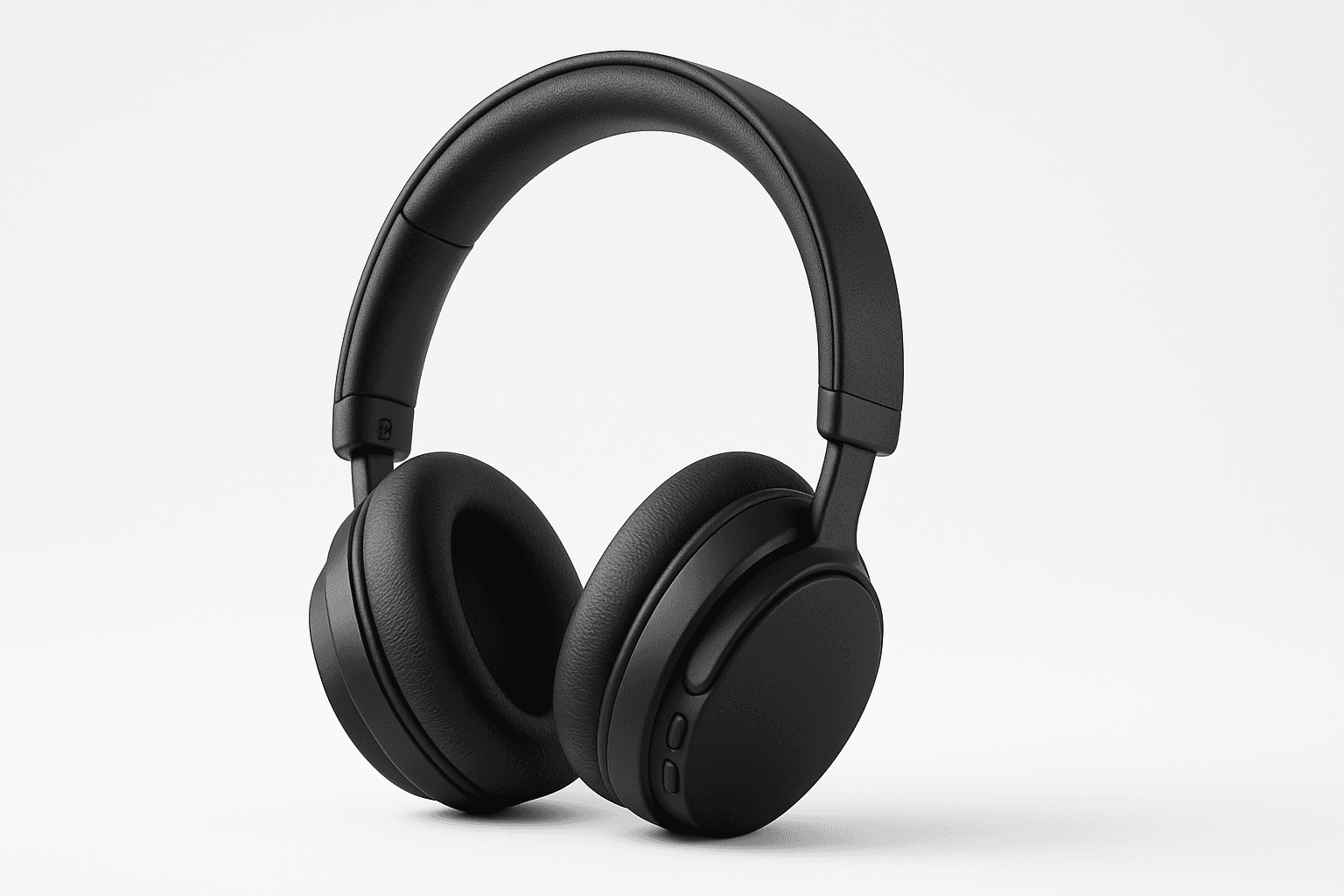
Ecommerce Product Photography as an AI prompt keyword is essential for creating appealing product images suitable for online stores and catalogs. It guides the AI to render products with clarity and a commercial polish that enhances their attractiveness to potential buyers. This style emphasizes minimalistic compositions and true-to-life textures, ensuring products appear tangible and appealing on digital platforms. Using this keyword helps content creators, marketers, and designers rapidly produce consistent, high-quality product imagery without a physical photoshoot.
Product Photography
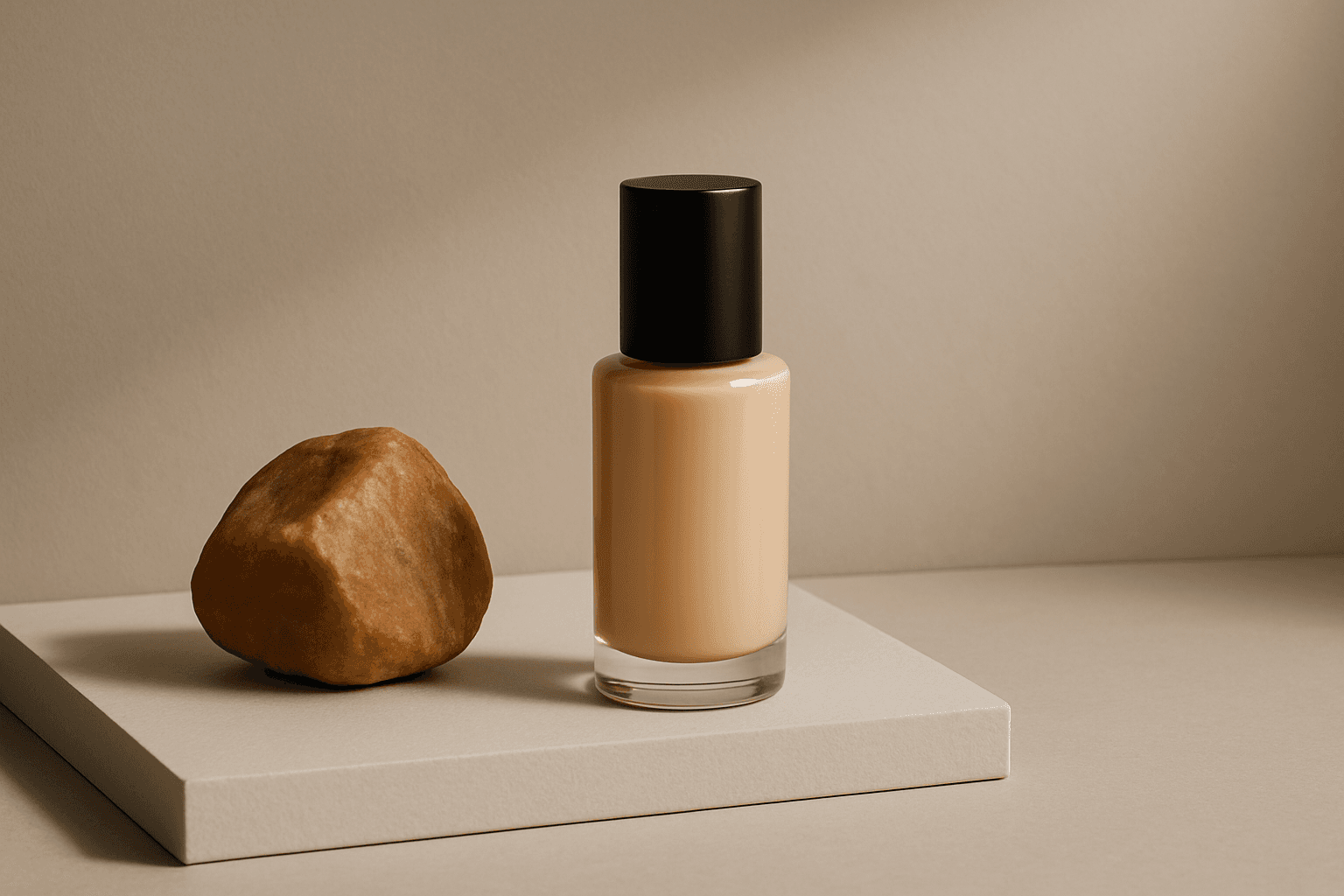
Product Photography is a prompt keyword for clear, sellable images focused on a product. It emphasizes lighting, staging, surface, material, and commercial clarity.

E-Commerce Visual Optimization
E-Commerce Visual Optimization is a specialized approach in AI image prompting that enhances product visuals for online retail platforms. It involves tailoring prompts to generate images with premium stock-image quality, ensuring products are displayed clearly and attractively. This optimization improves customer engagement by presenting items with realistic textures, subtle depth, and refined lighting, all within clean editorial compositions. The result is images that inspire consumer confidence and encourage purchases across a range of digital commerce environments.
Studio Product Photography
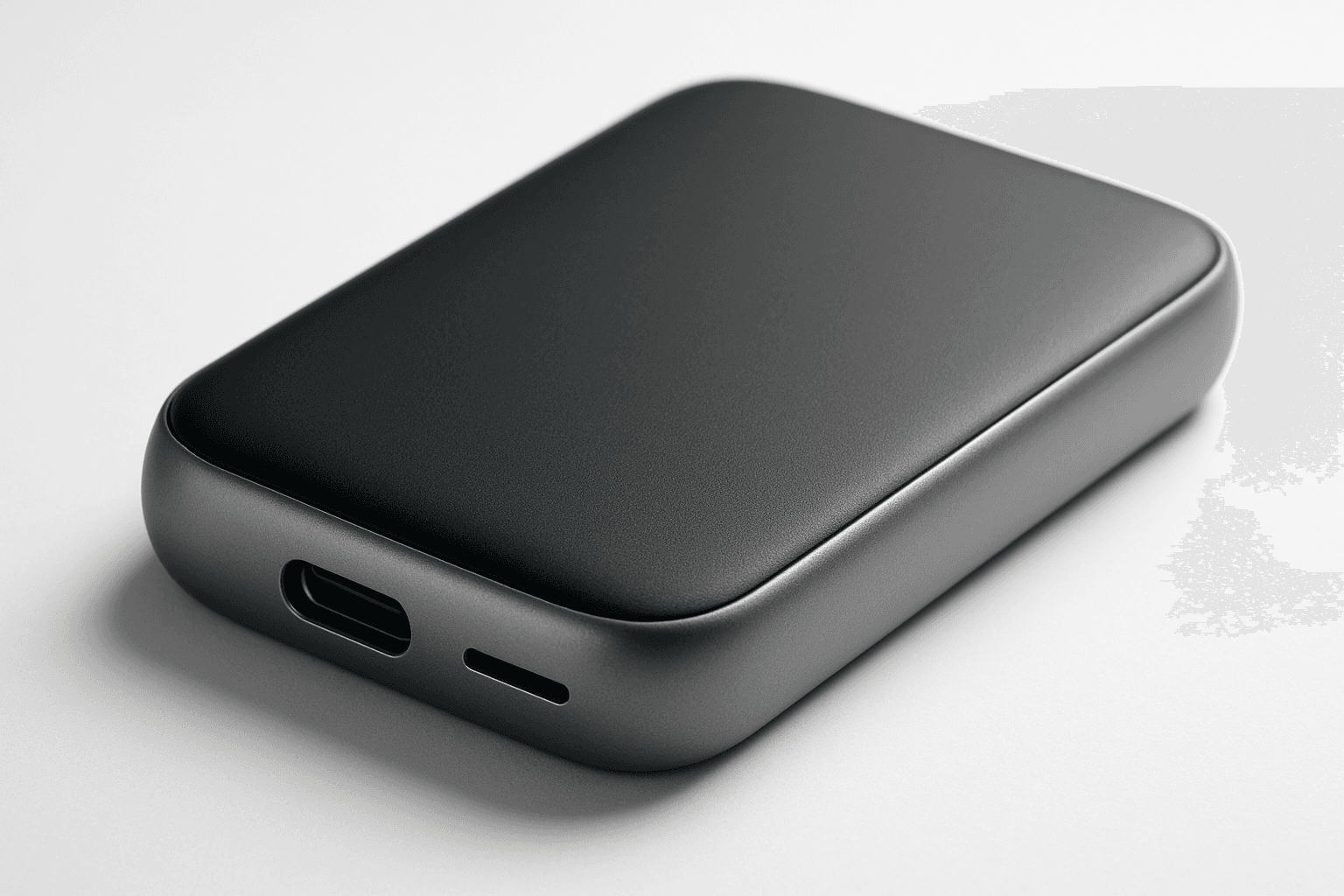
Studio product photography is a popular keyword in AI-generated imagery for showcasing products in a professional, high-quality manner. It emphasizes clarity, precise lighting, and minimalistic composition to reproduce the polished look of commercial studio shots. Using this keyword helps to create images perfect for advertising, ecommerce, and editorial uses where the product's details and features need to stand out precisely and attractively. The style typically involves neutral backgrounds, soft shadows, and realistic textures, ensuring the product is the visual focus without any distractions or stylization that could detract from its presentation.

Product Photography Guidelines
Product Photography Guidelines serve as a foundational element when crafting AI prompts for commercial product images. They guide the AI to replicate classic photographic techniques—such as clean compositions, premium lighting setups, and subtle depth of field—to emphasize the product as the main subject. These guidelines help avoid clutter and ensure materials look realistic, which is crucial for marketing, ecommerce, and editorial photography. Applying these principles in prompts results in images that look polished and professional, suitable for high-end stock image platforms and advertising campaigns.
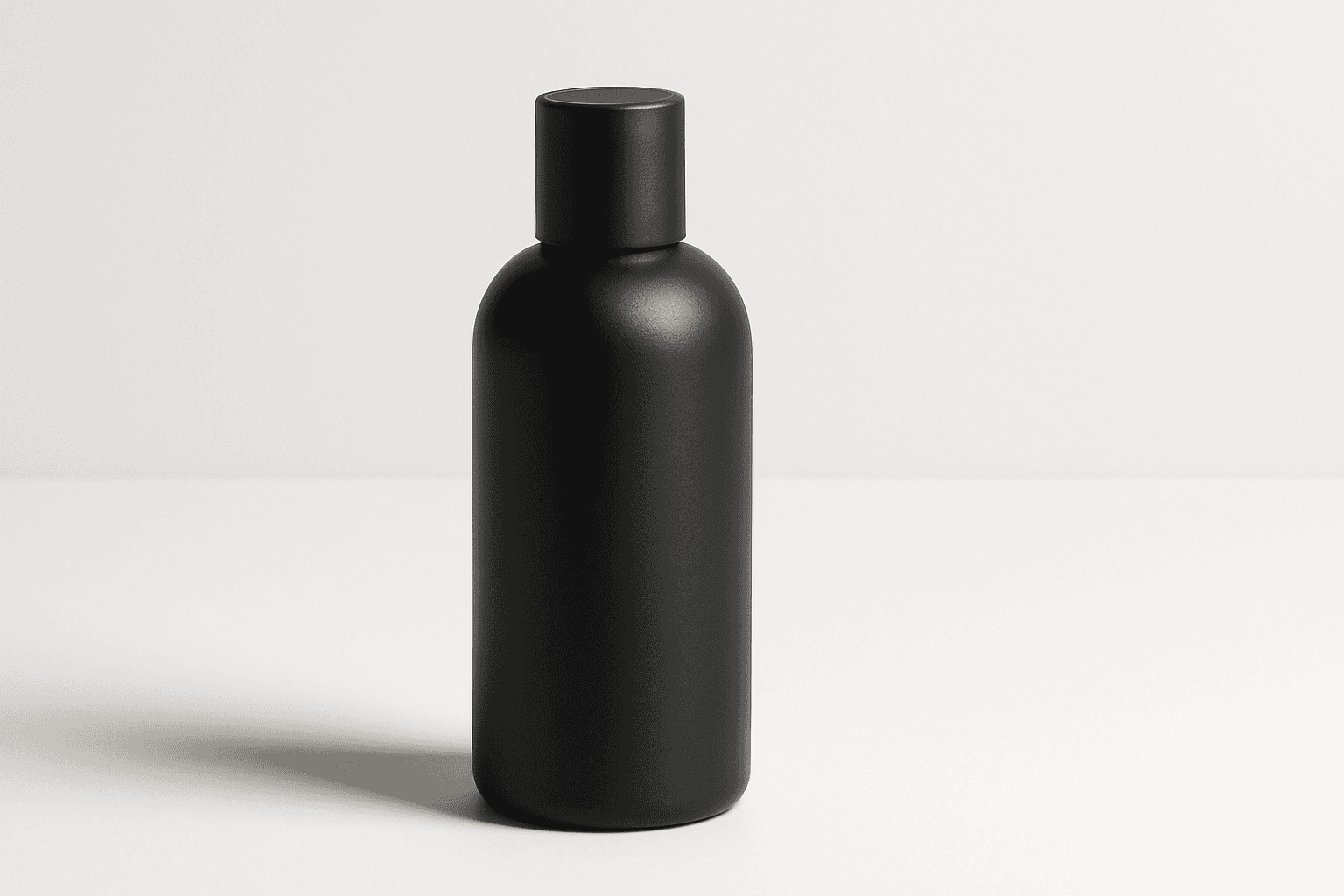
Packaging Mockup
Packaging mockups are essential tools in product design and marketing, allowing designers and brands to visualize and present their packaging concepts in a realistic setting before production. When using AI image prompts, including 'packaging mockup' guides the generation process to focus on product boxes, bottles, or containers with attention to accurate textures and lighting. This results in polished, professional images ideal for presentations, ecommerce, or advertisements. The style should emphasize clarity and premium quality, highlighting packaging features without distractions like logos or text, ensuring versatility for various commercial applications.