E-Commerce Product Photoshoot
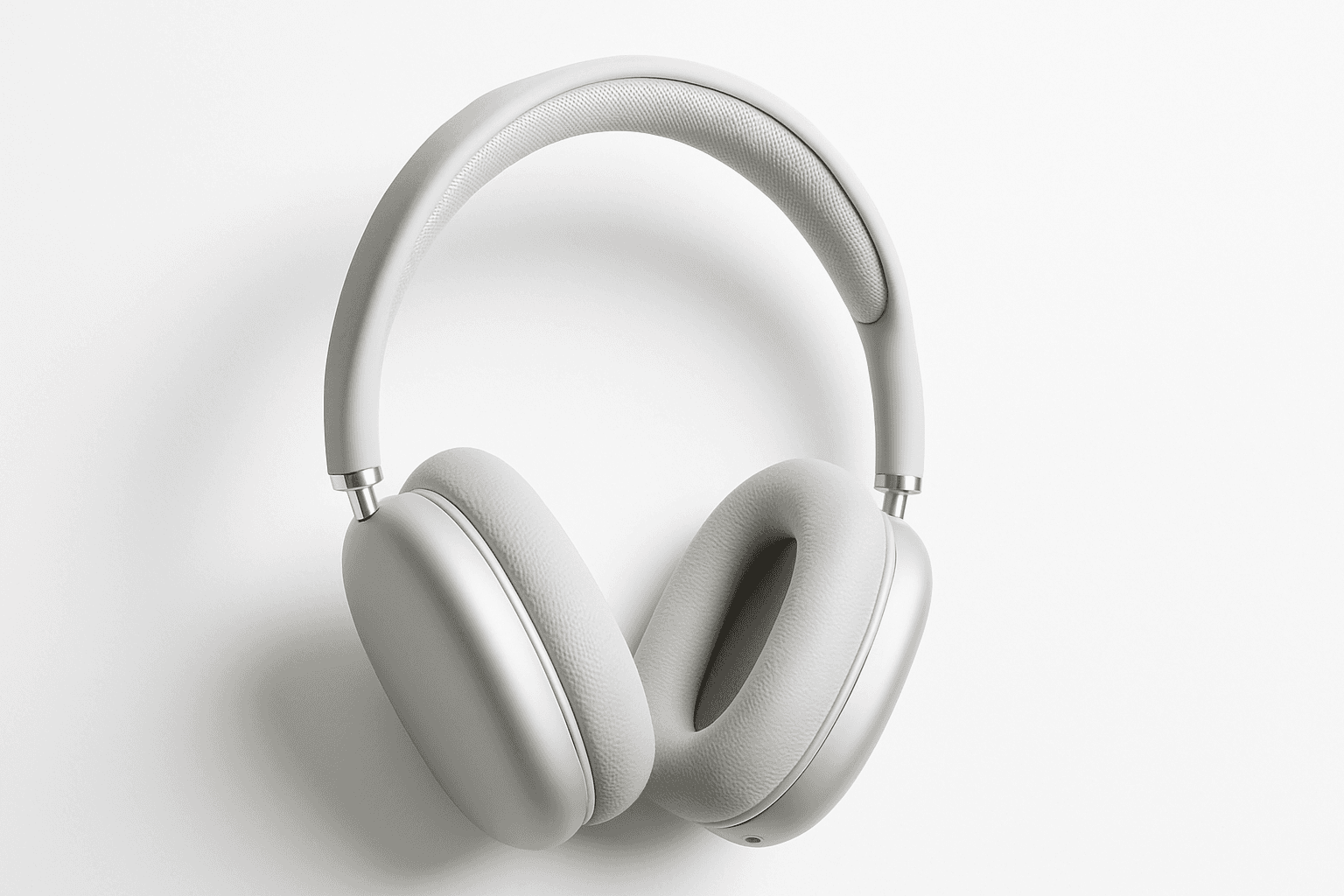
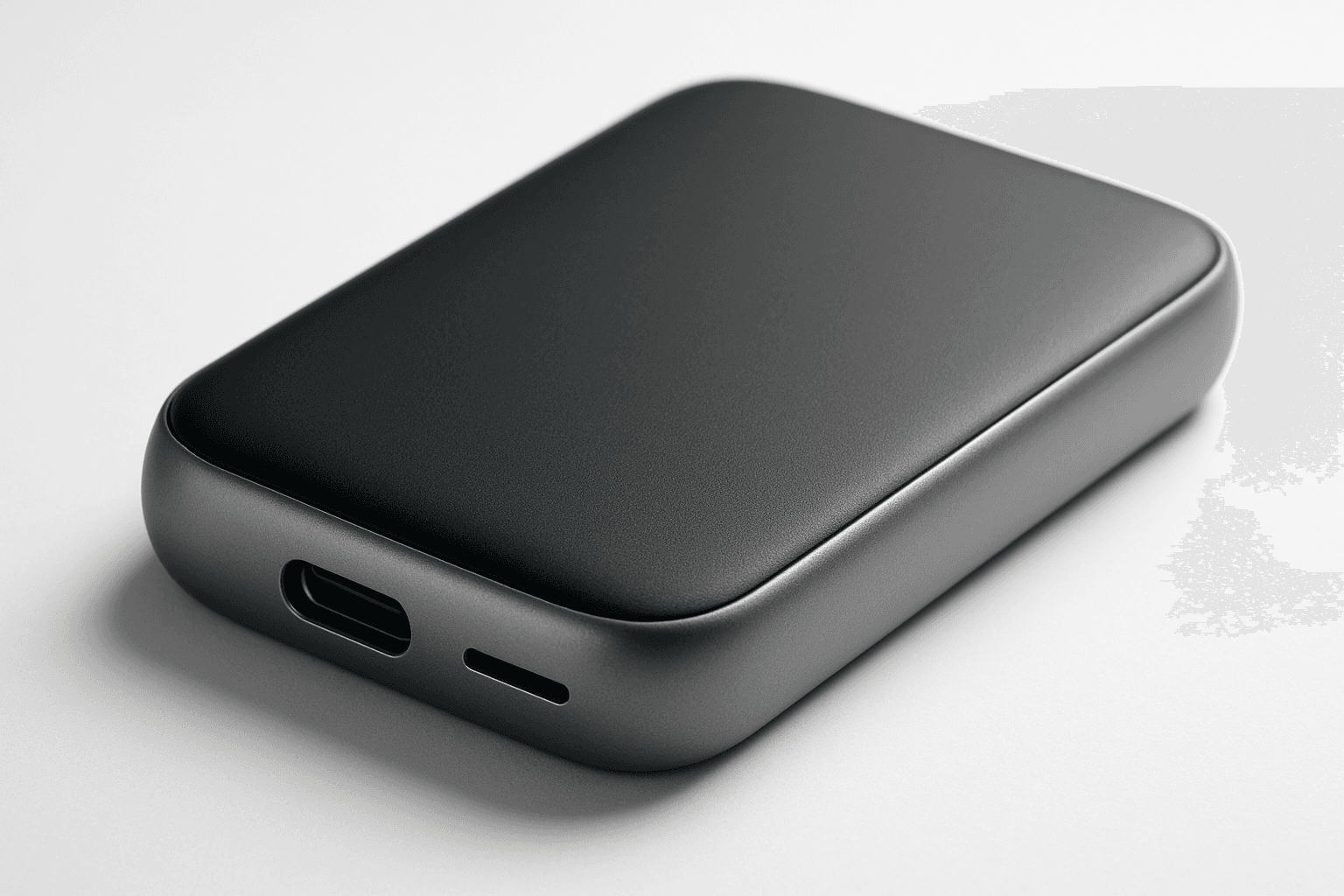
In AI image generation, 'E-Commerce Product Photoshoot' is used to simulate professional product photography tailored for online retail environments. This keyword enhances prompts with cues for refined lighting, crisp focus, and minimalistic backgrounds, mimicking studio conditions. The resulting images emphasize product details realistically, boosting visual appeal and consumer trust when used in catalogs, websites, or ads. This approach avoids clutter and over-stylization, producing versatile images ready for commercial presentation or branding purposes.
Definition
E-Commerce Product Photoshoot in AI image prompts is a directive that influences the generation of images to mimic professional product photography for online retail. It instructs the AI to emphasize clean compositions, realistic textures, and lighting setups typical in studio product shoots. This keyword helps ensure images portray products clearly and attractively, simulating the commercial look required for e-commerce use.
Prompt Formula
Constructing effective prompts around 'E-Commerce Product Photoshoot' involves combining the keyword with: 1. The specific product name or category (e.g., "wireless headphones"), 2. Descriptors of the desired background (e.g., "white background" or "neutral backdrop"), 3. Lighting details (e.g., "soft shadows," "studio lighting"), and 4. Desired stylistic modifiers (e.g., "high detail textures," "minimalistic"). A sample formula is: '[Product] + E-Commerce Product Photoshoot + [Lighting Details] + [Background] + [Stylistic Modifiers]'
- [Product] + E-Commerce Product Photoshoot + [Lighting Details] + [Background] + [Modifiers]
- Include specific materials or color if important
- Specify lighting type (studio, soft, natural) for realism
- Use background cues (white, seamless, neutral)
Best Use Cases
- Creating product images for online storefronts that require clarity and detail
- Generating promotional visuals for digital marketing campaigns
- Producing high-quality images for printed catalogs and brochures
Common Mistakes
A frequent error is overloading the prompt with unrelated artistic styles or complex backgrounds, which detracts from the clean commercial look necessary for e-commerce photos. Another mistake is neglecting lighting and texture detail specifications, resulting in flat or unrealistic product images. Avoid vague language; precise material and lighting descriptions help maintain photo-like quality.
- Adding artistic or abstract elements incompatible with commercial clarity
- Omitting lighting and background details leading to generic images
- Using broad terms like 'beautiful' instead of specific style descriptors
Advanced Techniques
Advanced prompt crafting includes combining 'E-Commerce Product Photoshoot' with product positioning directives (e.g., "angled front view," "top-down shot") and detailed texture emphasis (e.g., "visible fabric weave"). Applying constraints like 'high resolution' or '8K detail' can enhance output fidelity. Utilizing negative prompts to exclude props ensures focus remains solely on the product.
- Specify camera angles or framing (close-up, flat lay)
- Emphasize textures or material traits explicitly
- Use negations to exclude distracting elements
- Instruct for ultra-high resolution and crisp detail
Professional Workflow
A streamlined workflow starts with briefing the AI with a detailed prompt including product and photoshoot keywords, then generating multiple image variants. Next, select images with optimal lighting, focus, and composition. Refine chosen images through iterative prompt adjustments or editing tools to meet commercial standards. Finally, export images in appropriate formats for use in online stores or advertising.
- Draft detailed prompts combining product specifics and photoshoot style
- Generate batches of images for variety
- Evaluate and select best shots with commercial viability
- Refine prompts or edit images for final polish
Related Styles
E-Commerce Product Photoshoot is closely related to Studio Lighting, which emphasizes controlled illumination setups. It also connects with Product Detail Shot, focusing on texture and fine surface features. Minimalist Commercial Photography shares its clean and distraction-free approach, making these styles complementary for building varied but cohesive image collections.
- Studio Lighting
- Product Detail Shot
- Minimalist Commercial Photography
FAQ
How can I make my AI product photos look more realistic?
Include specific lighting descriptions such as 'soft studio lighting' and detail materials clearly in your prompt. Use 'E-Commerce Product Photoshoot' combined with precise product and background details to guide the AI toward realistic, high-quality imagery.
What background works best for e-commerce product photos?
Neutral or white seamless backgrounds are ideal as they enhance product visibility and provide a clean, professional look that matches industry standards for online retail photography.
Can I use E-Commerce Product Photoshoot style for fashion items?
Yes. This style works well for any product category, including fashion accessories and apparel, as long as the prompt includes relevant descriptors for materials, textures, and typical product photography angles.
Continue Exploring
Related Prompts
E-Commerce Product Layout
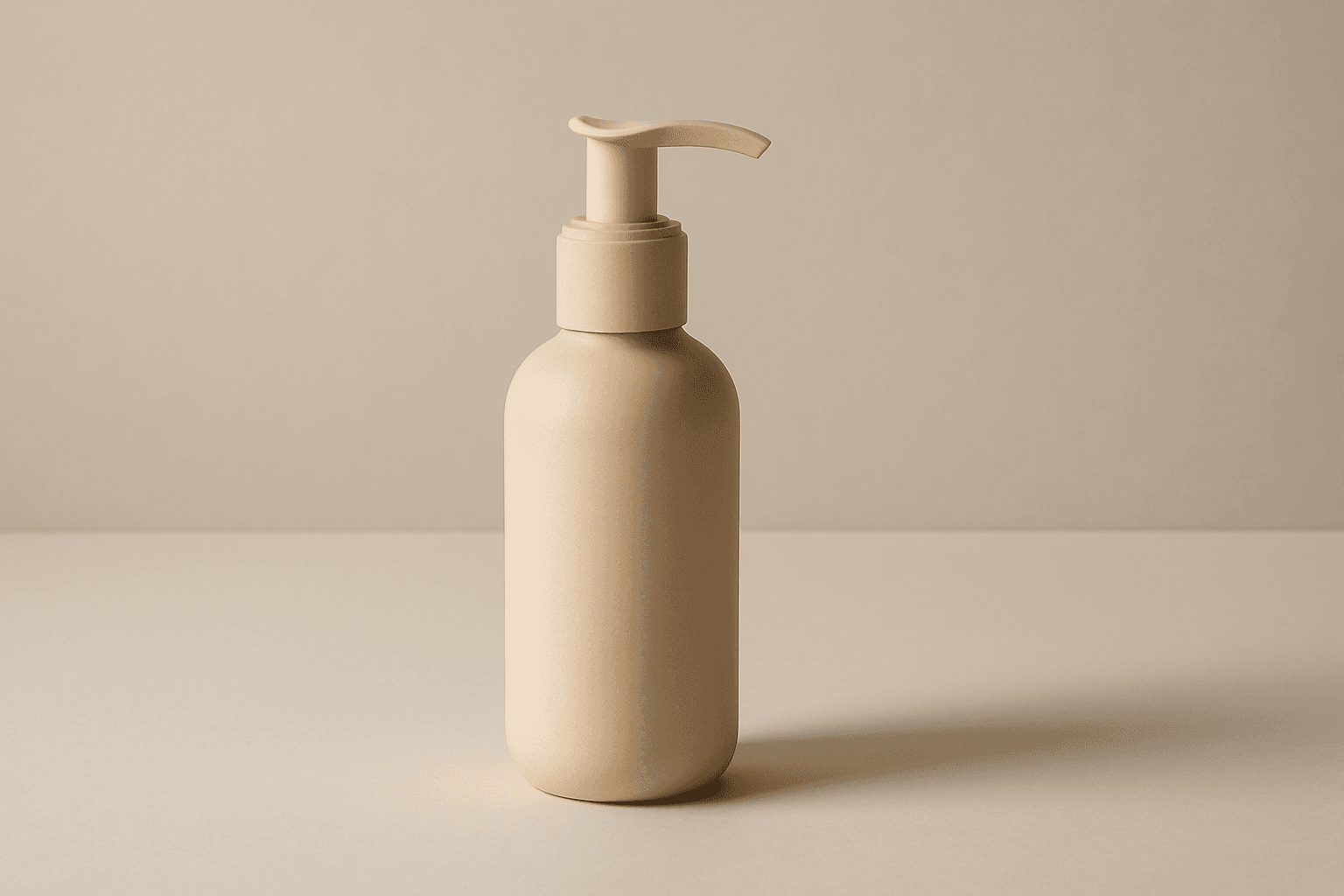
The E-Commerce Product Layout keyword is essential for creating AI-generated images that mimic professional online retail displays. These images typically feature clean, minimalistic compositions that put the product front and center, using subtle depth and natural lighting to showcase textures and materials. Such layouts avoid clutter, watermarks, or text, ensuring the product's appeal is maximized for commercial applications such as digital catalogs, social media ads, and website hero images. The modern editorial style aligns with premium stock imagery, offering versatility and polish across various e-commerce platforms.
Ecommerce Product Shot
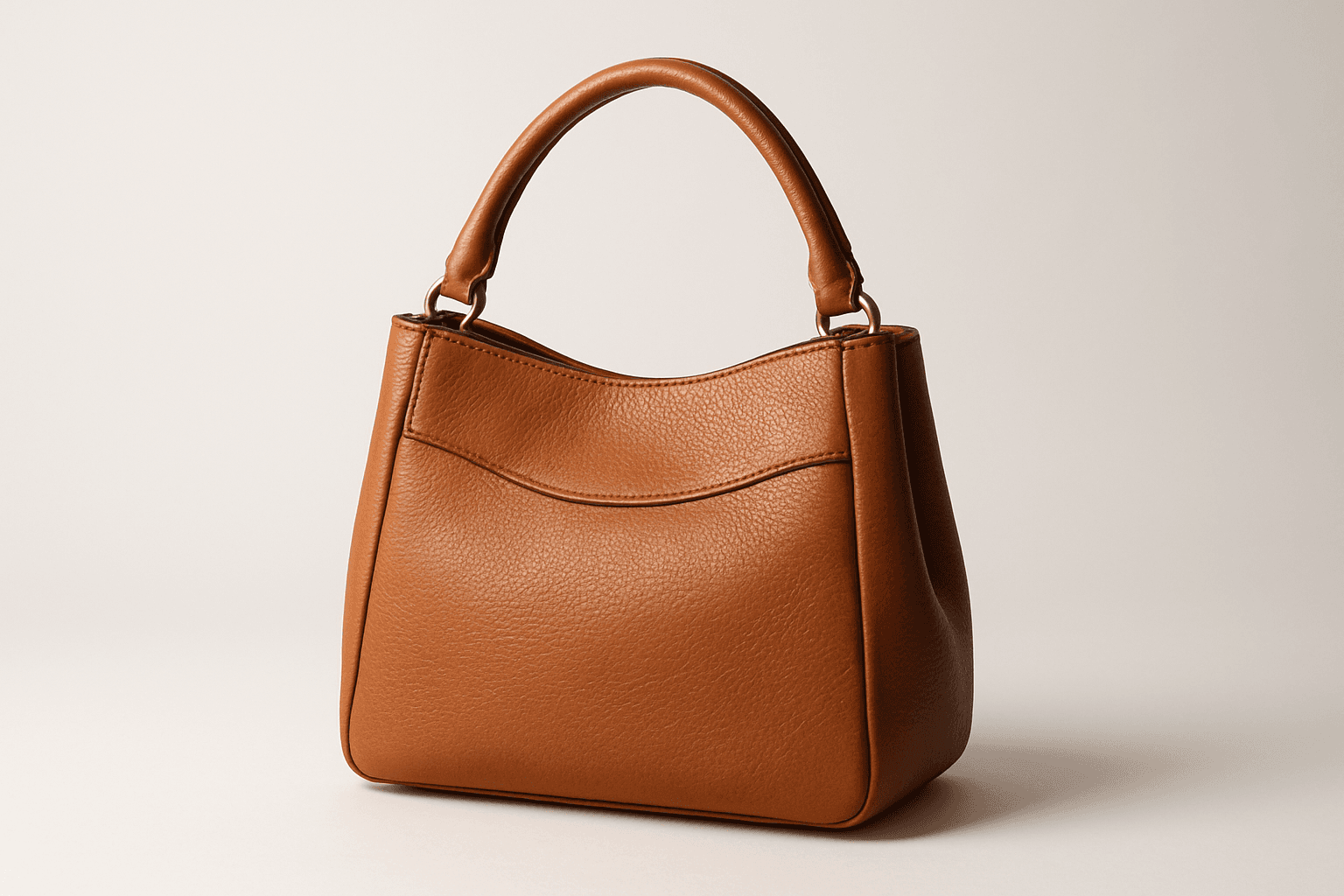
Ecommerce product shots are essential visuals that present products attractively for online stores, catalogs, and advertisements. Using AI to generate these images requires precise prompts that emphasize clarity, realism, and commercial appeal. These images typically feature a clean background, consistent lighting, and sharp rendering of the product's materials and details to facilitate customer trust and purchase decisions. By mastering how to craft ecommerce product shot prompts, creators can streamline content production, maintain brand consistency, and support sales efforts effectively across digital platforms.
Ecommerce Product Photography
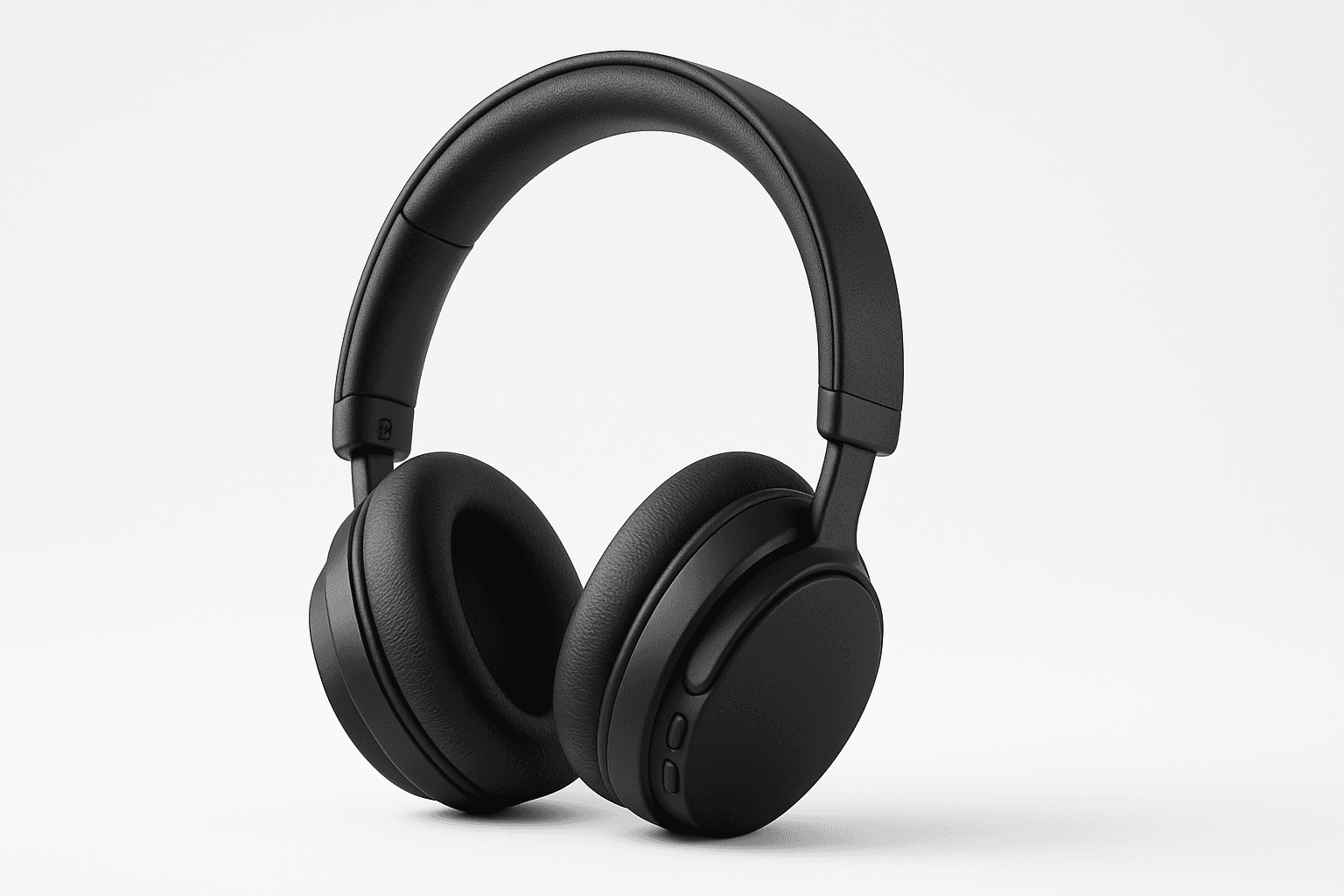
Ecommerce Product Photography as an AI prompt keyword is essential for creating appealing product images suitable for online stores and catalogs. It guides the AI to render products with clarity and a commercial polish that enhances their attractiveness to potential buyers. This style emphasizes minimalistic compositions and true-to-life textures, ensuring products appear tangible and appealing on digital platforms. Using this keyword helps content creators, marketers, and designers rapidly produce consistent, high-quality product imagery without a physical photoshoot.

E-Commerce Banner Layout
E-Commerce Banner Layout is a vital keyword in AI image generation that helps create visually engaging banners tailored for online retail environments. These layouts emphasize product visibility, aesthetic harmony, and balanced negative space to facilitate adding promotional text or calls to action later. By incorporating this keyword, AI models generate images with a refined commercial style resembling professional stock banners suitable for websites, social media ads, and newsletters. The focus is on clean editorial composition, premium polish, and subtle depth that enhances product appeal without overwhelming the viewer. Utilizing this layout keyword ensures images meet modern e-commerce design standards and help brands effectively present their merchandise in a digital-first marketplace.

Product Photography Guidelines
Product Photography Guidelines serve as a foundational element when crafting AI prompts for commercial product images. They guide the AI to replicate classic photographic techniques—such as clean compositions, premium lighting setups, and subtle depth of field—to emphasize the product as the main subject. These guidelines help avoid clutter and ensure materials look realistic, which is crucial for marketing, ecommerce, and editorial photography. Applying these principles in prompts results in images that look polished and professional, suitable for high-end stock image platforms and advertising campaigns.
Studio Product Photography
Studio product photography is a popular keyword in AI-generated imagery for showcasing products in a professional, high-quality manner. It emphasizes clarity, precise lighting, and minimalistic composition to reproduce the polished look of commercial studio shots. Using this keyword helps to create images perfect for advertising, ecommerce, and editorial uses where the product's details and features need to stand out precisely and attractively. The style typically involves neutral backgrounds, soft shadows, and realistic textures, ensuring the product is the visual focus without any distractions or stylization that could detract from its presentation.