Product Photography Guidelines
Product Photography Guidelines serve as a foundational element when crafting AI prompts for commercial product images. They guide the AI to replicate classic photographic techniques—such as clean compositions, premium lighting setups, and subtle depth of field—to emphasize the product as the main subject. These guidelines help avoid clutter and ensure materials look realistic, which is crucial for marketing, ecommerce, and editorial photography. Applying these principles in prompts results in images that look polished and professional, suitable for high-end stock image platforms and advertising campaigns.

Definition
Product Photography Guidelines in AI image prompts provide clear instructions to replicate professional product photography attributes. This includes clean compositions, premium lighting, neutral backgrounds, and accurate material rendering. They help beginners understand how to articulate prompts for commercial-quality product images by influencing AI to prioritize clarity and detail.
Visual Characteristics
- Well-lit products with balanced, soft shadows
- Minimalistic or neutral backgrounds enhancing focus on the subject
- Realistic textures and accurate color rendering of materials
Prompt Formula
Use a structured prompt combining the product description, lighting details, background style, and material focus to achieve consistent results. For example: "A [adjective] [product] with [lighting style], [background type], showcasing [material detail] and [focus technique]." This formula ensures prompts cover crucial photography aspects for AI interpretation.
- [Adjective] + [Product]
- [Lighting style] (e.g., softbox, natural, diffused)
- [Background type] (e.g., white, gray, reflective)
- [Material detail] (e.g., textured leather, polished metal)
- [Focus technique] (e.g., sharp focus, shallow depth of field)
Best Use Cases
- Creating clean, appealing images for ecommerce product catalogs
- Generating styled product images for advertising campaigns
- Producing editorial-quality visuals for marketing and online content
Creative Variations
To avoid repetitive outputs, experiment with lighting angles (side, back), background textures (matte, reflective), color temperature (warm vs. cool), and composition style (flat lay, three-quarter view). Adjust materials visible (glossy vs. matte finishes) or incorporate subtle environmental elements to add context without distraction.
- Side or backlighting for dramatic shadows
- Reflective vs. matte background surfaces
- Warm (yellow) versus cool (blue) lighting tones
- Flat lay composition instead of frontal angles
- Showing glossy or matte material finishes
Industry Applications
Product Photography Guidelines apply widely in commercial fields requiring high-quality product visuals. Ecommerce benefits from consistent, clear product renderings that drive sales. Advertising uses polished images for campaigns that capture consumer interest. Editorial projects rely on these guidelines for magazine spreads and digital content requiring aesthetic appeal and professionalism.
- Ecommerce platforms enhancing product catalog visuals
- Advertising campaigns promoting new product launches
- Editorial magazines and online articles showcasing products
Model-Specific Tips
When using modern AI image models, be sure to include explicit lighting and background descriptors to guide image clarity. Avoid ambiguous terms and prefer concrete photography-related phrases such as 'softbox lighting' or 'neutral gray background.' Additionally, use modifiers like 'sharp focus' and 'realistic texture' to help models understand photographic fidelity without relying on model-specific tokens or fragile syntax.
- Use clear lighting descriptors (e.g., "softbox lighting")
- Specify background styles to avoid clutter (e.g., "neutral gray")
- Include modifiers like "sharp focus" and "realistic texture"
- Avoid vague terms to reduce unpredictable outputs
- Combine product details with photography terms for accuracy
FAQ
Why are product photography guidelines important in AI image generation?
They help the AI produce images that resemble professional product photos, ensuring clarity, realistic materials, and clean compositions suitable for commercial use.
What lighting types work best with product photography prompts?
Soft, diffused lighting such as softbox or natural window light commonly works best to highlight product details without harsh shadows.
Can I use these guidelines for non-product images?
While tailored for product imagery, aspects like clean backgrounds and refined lighting can enhance other types of still-life or commercial photography images.
Continue Exploring
Related Prompts
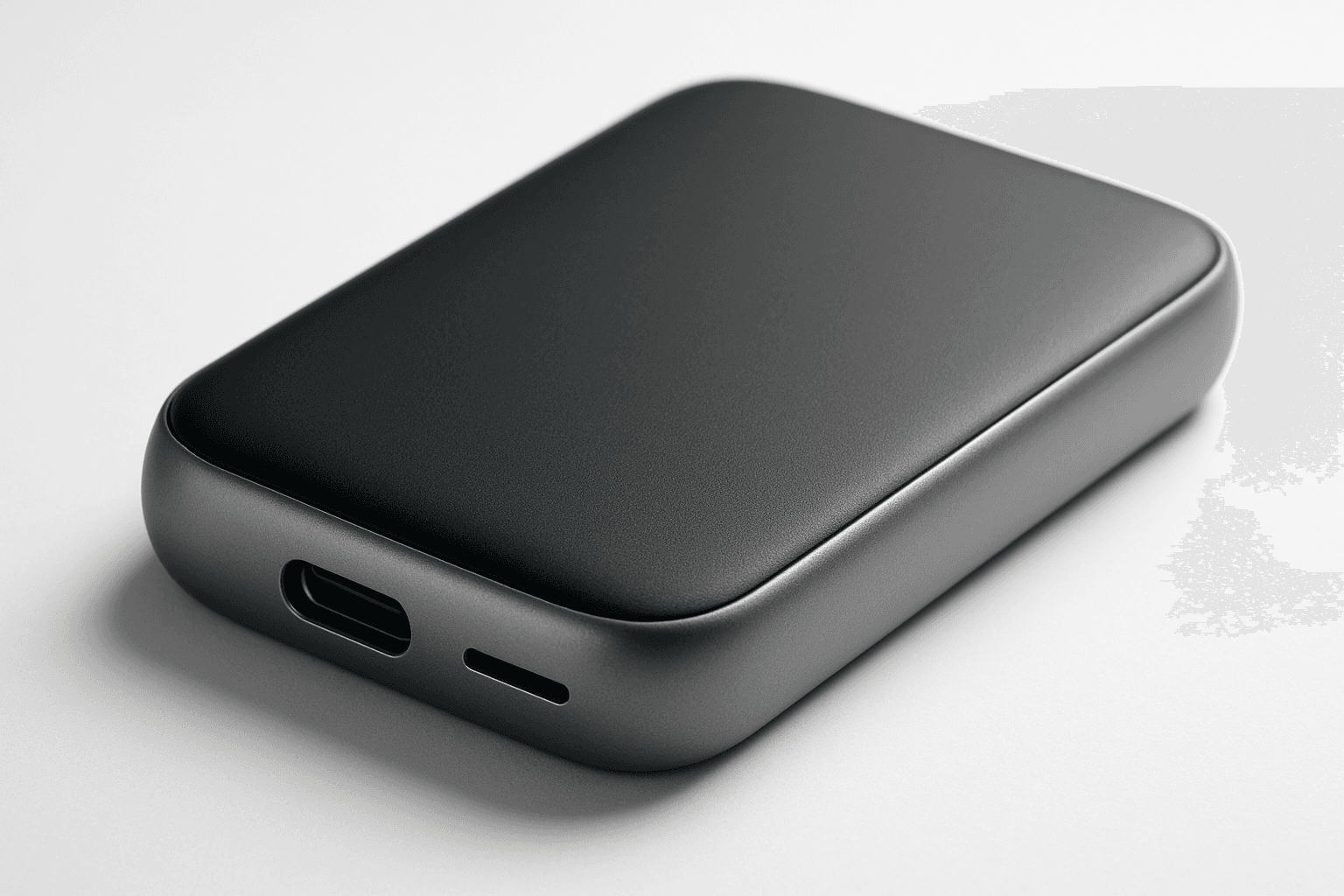
Studio Product Photography
Studio product photography is a popular keyword in AI-generated imagery for showcasing products in a professional, high-quality manner. It emphasizes clarity, precise lighting, and minimalistic composition to reproduce the polished look of commercial studio shots. Using this keyword helps to create images perfect for advertising, ecommerce, and editorial uses where the product's details and features need to stand out precisely and attractively. The style typically involves neutral backgrounds, soft shadows, and realistic textures, ensuring the product is the visual focus without any distractions or stylization that could detract from its presentation.
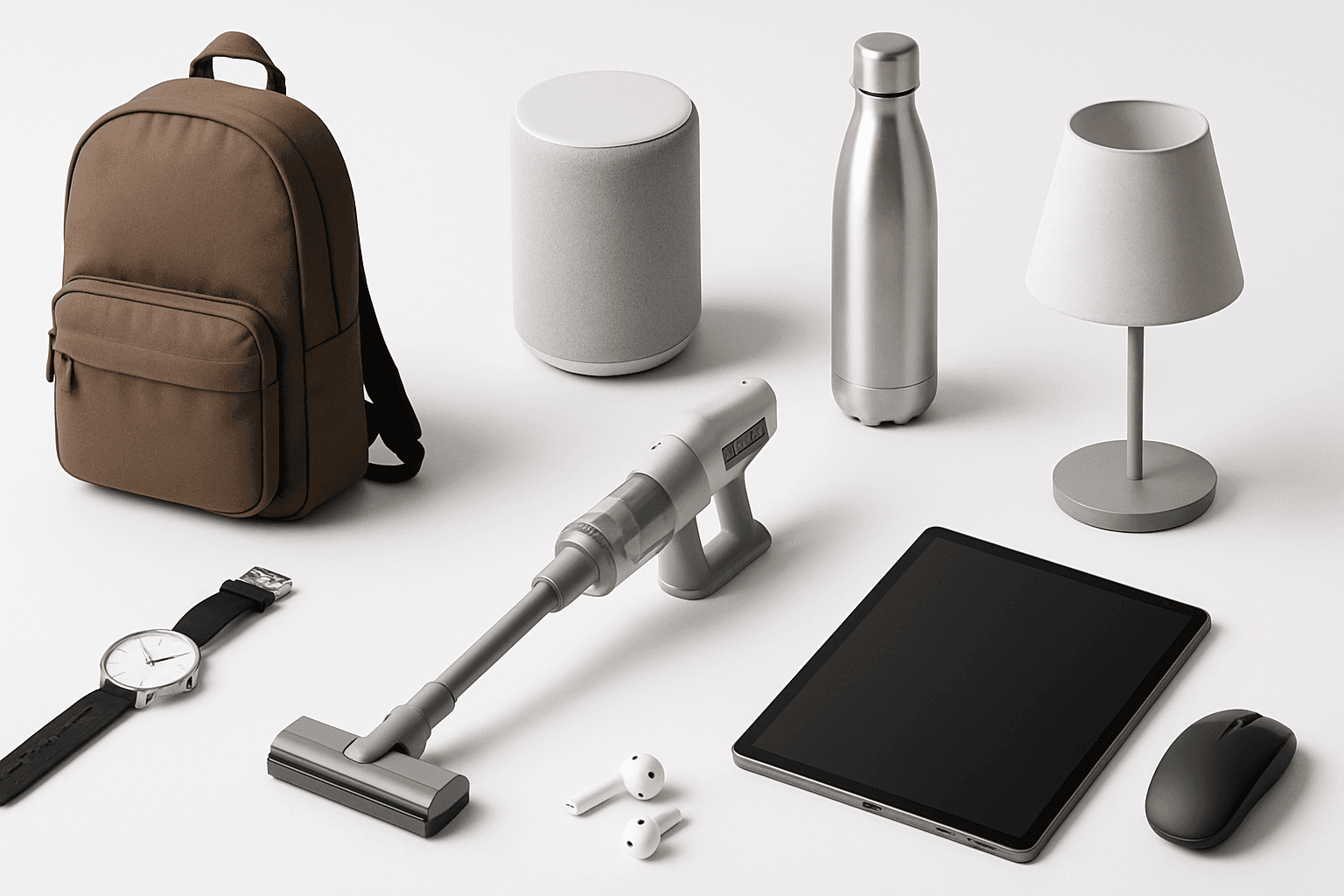
Product Catalog Layout
Product Catalog Layout is an essential keyword for generating AI images that mimic the professional and polished style of commercial product catalogs. This approach ensures images have a well-organized display, typically using grids or segmented sections that highlight each product distinctly. The style favors minimalistic and modern editorial design with premium stock image qualities like refined lighting and realistic textures. By incorporating this into prompts, creators can produce visuals suitable for ecommerce listings, print brochures, and web catalogs where clarity and premium presentation are paramount, making it a versatile asset for marketing and sales-oriented projects.
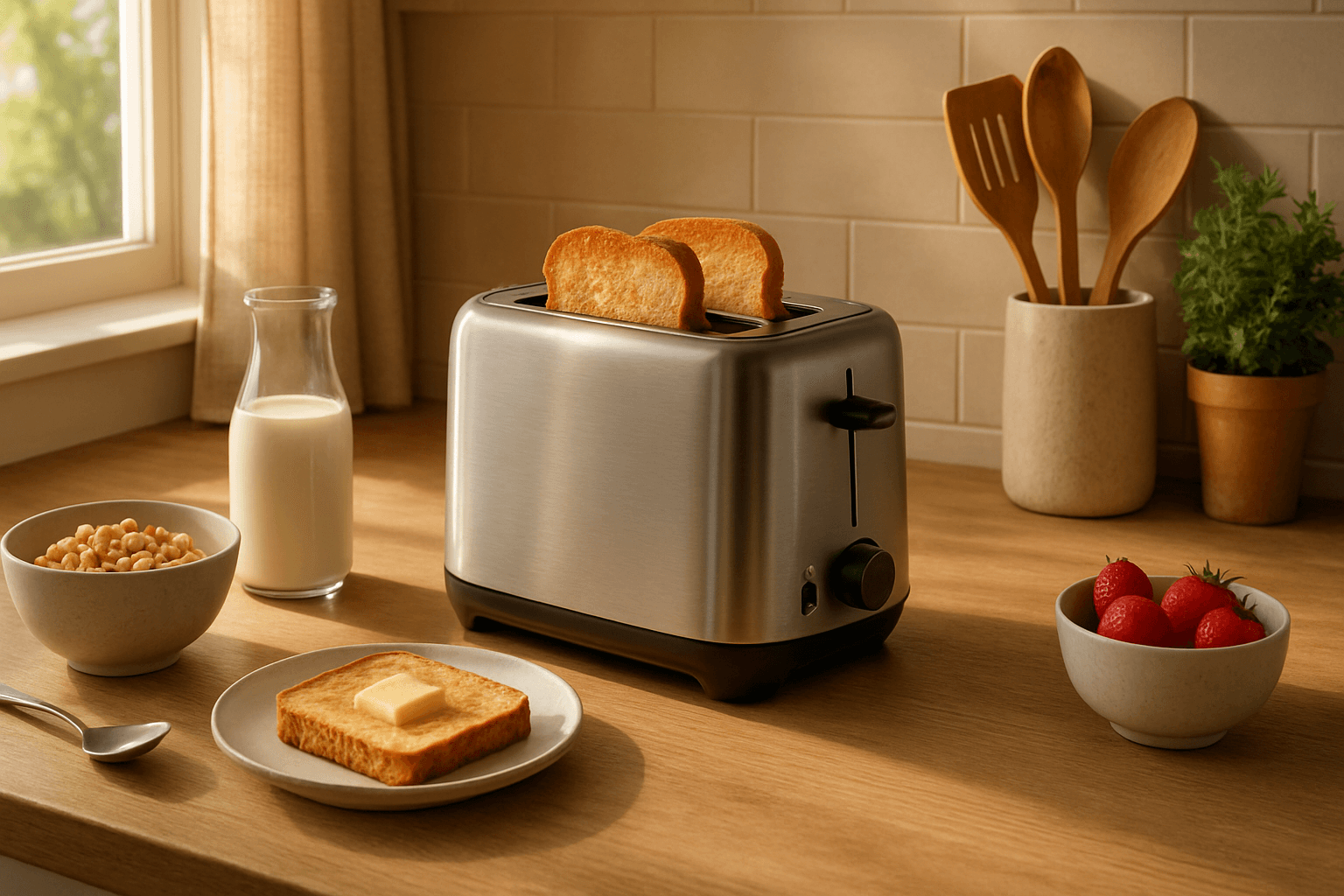
Product Lifestyle Photography
Product lifestyle photography transforms product imagery from static showcases into engaging narratives that convey how a product fits into everyday life. In AI prompt crafting, including this keyword guides the algorithm to generate scenes where products appear naturally integrated within surroundings, often with human subjects or lifestyle props. This approach enhances the emotional connection and desirability of the product by illustrating practical use or aspirational environments, making it ideal for commercial branding and advertising. The style demands attention to realistic details, balanced lighting, and thoughtful composition to evoke authenticity and premium quality suitable for modern editorial and ecommerce visuals.
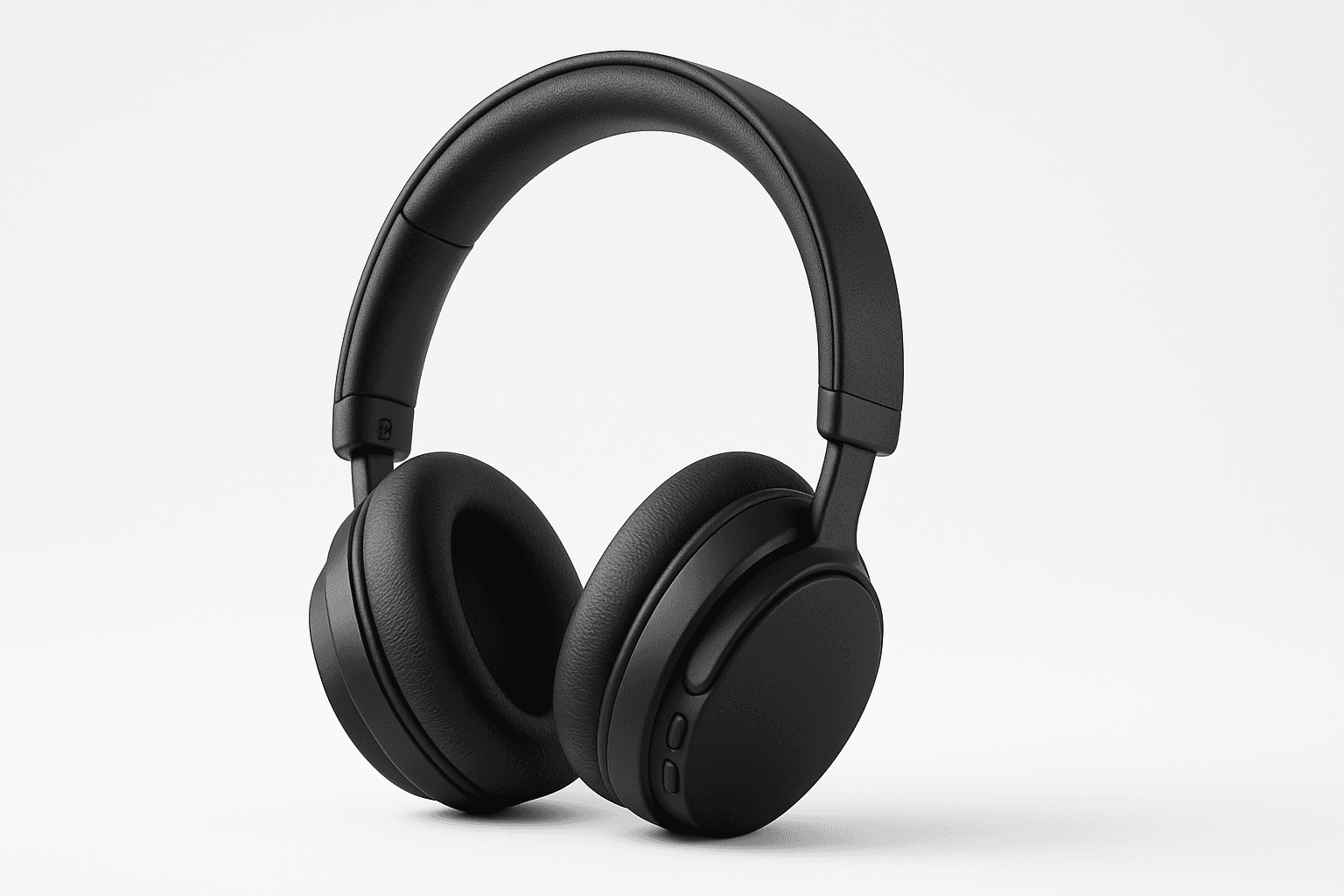
Ecommerce Product Photography
Ecommerce Product Photography as an AI prompt keyword is essential for creating appealing product images suitable for online stores and catalogs. It guides the AI to render products with clarity and a commercial polish that enhances their attractiveness to potential buyers. This style emphasizes minimalistic compositions and true-to-life textures, ensuring products appear tangible and appealing on digital platforms. Using this keyword helps content creators, marketers, and designers rapidly produce consistent, high-quality product imagery without a physical photoshoot.
Ecommerce Product Shot
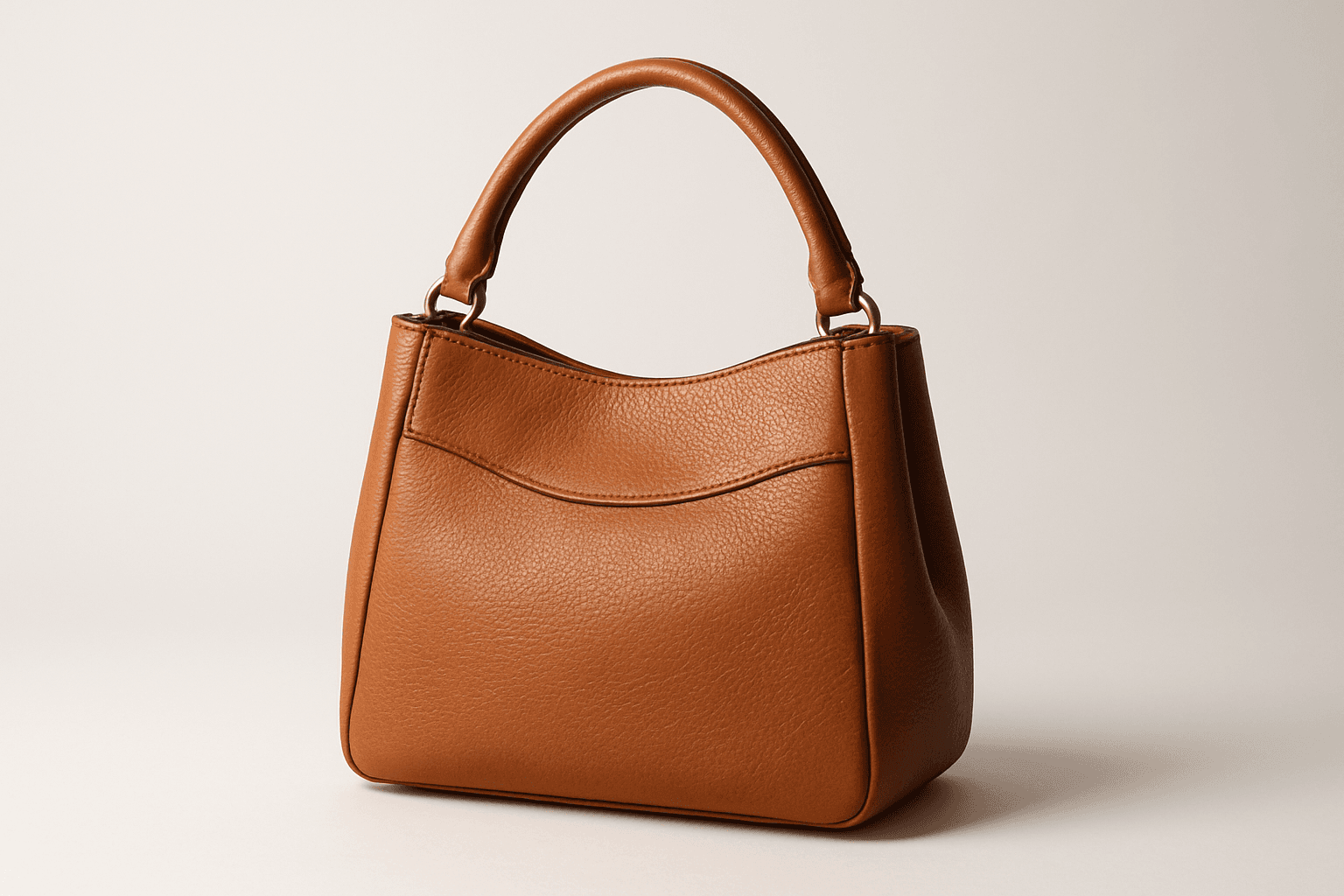
Ecommerce product shots are essential visuals that present products attractively for online stores, catalogs, and advertisements. Using AI to generate these images requires precise prompts that emphasize clarity, realism, and commercial appeal. These images typically feature a clean background, consistent lighting, and sharp rendering of the product's materials and details to facilitate customer trust and purchase decisions. By mastering how to craft ecommerce product shot prompts, creators can streamline content production, maintain brand consistency, and support sales efforts effectively across digital platforms.

Product Showcase Setup
A Product Showcase Setup keyword guides AI image generation to create scenes where products are displayed in a controlled, studio-like environment. It ensures images resemble professional commercial photography, focusing on clean editorial compositions with premium polish and refined lighting. This setup avoids clutter and distractions, emphasizing realistic materials and subtle depth. The keyword is essential for producing images suitable for article hero sections, thumbnails, and commercial catalogs, delivering a consistent modern aesthetic without text, logos, or watermarks.