Studio Product Photography
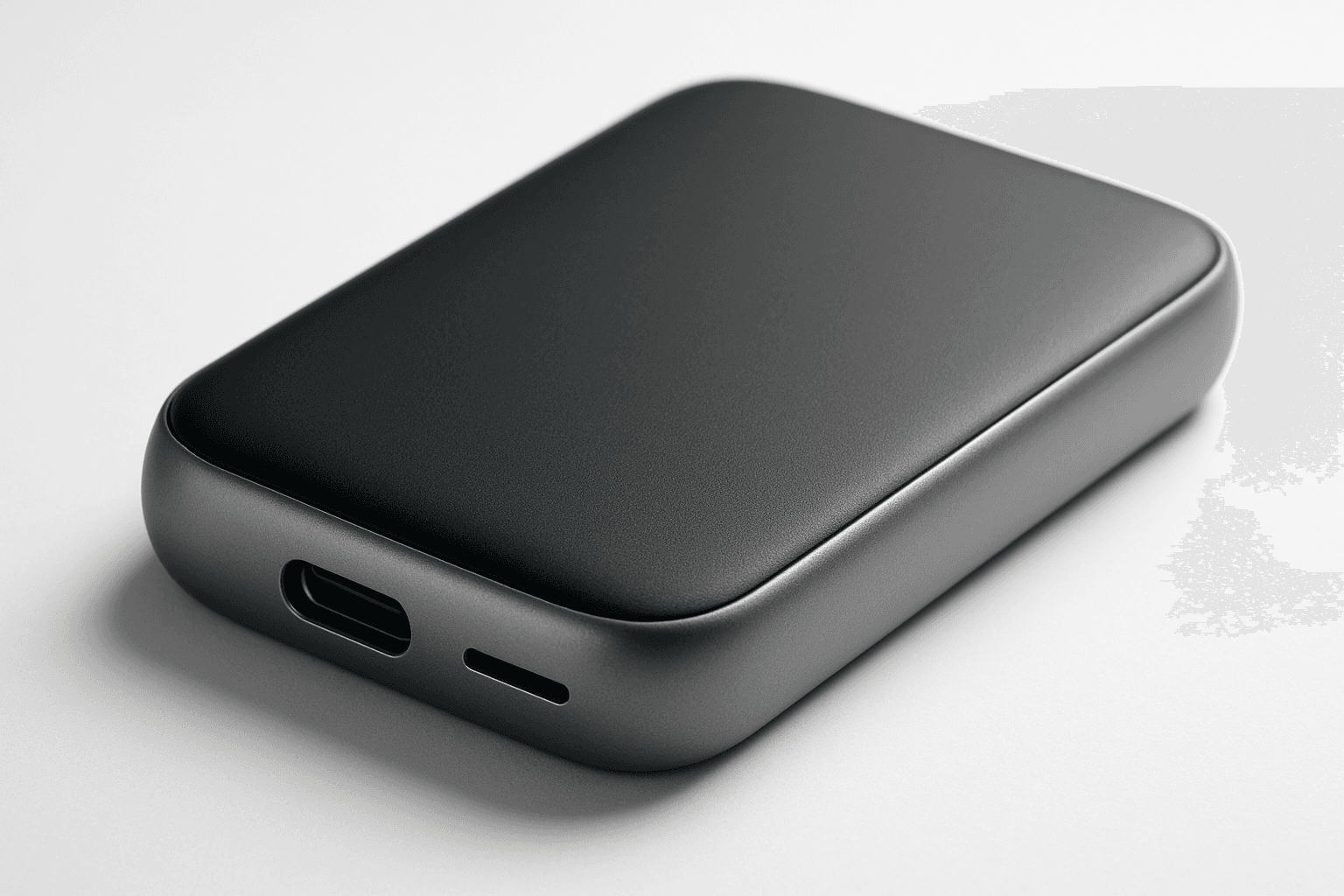
Studio product photography is a popular keyword in AI-generated imagery for showcasing products in a professional, high-quality manner. It emphasizes clarity, precise lighting, and minimalistic composition to reproduce the polished look of commercial studio shots. Using this keyword helps to create images perfect for advertising, ecommerce, and editorial uses where the product's details and features need to stand out precisely and attractively. The style typically involves neutral backgrounds, soft shadows, and realistic textures, ensuring the product is the visual focus without any distractions or stylization that could detract from its presentation.
Definition
Studio product photography in AI image generation means creating images that replicate the look of products shot in a professional photographic studio. This involves focusing on clean backgrounds, precise lighting setups, and realistic material renderings to highlight the product effectively. When added to a prompt, it directs the AI to prioritize clarity, realistic shadows, and minimal distractions, producing images suitable for commercial presentation.
Prompt Formula
Use a combination of the product description with modifiers for lighting, background, and style to achieve studio-quality results. For example: [Product description], studio product photography, soft diffused lighting, clean white background, sharp focus, realistic textures.
- [Product description], studio product photography, soft diffused lighting
- clean white or neutral seamless background
- sharp focus, high detail texture rendering
- minimal shadows, subtle depth
- realistic reflections and material shading
Best Use Cases
- Ecommerce product photos requiring clarity and detail
- Marketing materials showing product craftsmanship
- Editorial images for product-focused articles
Industry Applications
Studio product photography keywords apply directly across commercial sectors where product visualization is key. Ecommerce platforms rely on clean, detailed photos to improve conversion rates. Advertising agencies utilize such imagery for polished campaign visuals that attract customers. Editorial publications benefit from studio-style product shots for clean and compelling layouts that emphasize product features without clutter or distraction.
- Ecommerce websites and online catalogs
- Advertising agencies for product campaigns
- Editorial magazines and product reviews
Common Mistakes
A frequent error is combining 'studio product photography' with incompatible artistic or naturalistic styles, resulting in conflicting priorities that produce unrealistic or muddy images. Avoid overcrowding the composition with props or patterned backgrounds that detract from the product. Overexposure or harsh shadows can also impair the clean look associated with this style. Ensuring the lighting is soft and the background neutral maintains the professional quality.
- Mixing studio product keywords with busy or colorful backgrounds
- Using harsh or directional lighting that creates distracting shadows
- Including extraneous props reducing focus on the product
- Over-processing textures causing unnatural appearance
Advanced Techniques
For expert prompt writers, refining results can involve specifying light modifiers (e.g., 'softbox lighting', 'reflector bounce'), camera angles like 'flat lay' or '45-degree angle', and material-specific descriptors ('matte finish', 'glossy surface'). Adding constraints such as 'no logos or text' or 'minimal shadow' yields cleaner results. Layering the prompt with specific camera lens types or focus techniques can increase realism.
- Add lighting modifiers: 'softbox', 'reflector bounce'
- Specify camera perspective: 'flat lay', 'eye-level'
- Refine materials: 'matte finish', 'glossy reflections'
- Include constraints: 'no text', 'minimal shadows'
- Use lens types: 'macro lens', '85mm prime']},{
Professional Workflow
Begin by clearly defining the product and desired style attributes in the prompt to ensure focus. Generate multiple variations to explore lighting and angle options. Select images that best represent the product with clean backgrounds and realistic textures. Refine by adjusting prompt details, enhancing lighting descriptions, or specifying material finishes. Validate usability by checking for composition, sharpness, and commercial compliance before final use.
- Write a detailed prompt including product and studio modifiers
- Generate a batch of image variants
- Select images with optimal clarity and lighting
- Refine prompts based on initial outputs
- Validate images for commercial usability
Related Styles
Explore similar visual styles like 'clean product shot' focusing on minimalism and clarity, 'editorial product photography' which may include contextual or styled backgrounds, and 'commercial product lighting' that emphasizes lighting techniques used in advertising. These keywords can complement or expand the style range when adjusting your prompts for different commercial contexts.
- Clean Product Shot
- Editorial Product Photography
- Commercial Product Lighting
FAQ
What key elements define studio product photography in AI images?
Key elements include clean or neutral backgrounds, soft and controlled lighting to avoid harsh shadows, realistic material textures, and composition that centers the product with minimal distractions.
Can I combine studio product photography with artistic styles?
While possible, combining studio product photography with artistic styles may cause conflicting results, often reducing the realism and commercial polish expected. It's best to keep the style clean and neutral for this keyword.
Continue Exploring
Related Prompts

Product Photography Guidelines
Product Photography Guidelines serve as a foundational element when crafting AI prompts for commercial product images. They guide the AI to replicate classic photographic techniques—such as clean compositions, premium lighting setups, and subtle depth of field—to emphasize the product as the main subject. These guidelines help avoid clutter and ensure materials look realistic, which is crucial for marketing, ecommerce, and editorial photography. Applying these principles in prompts results in images that look polished and professional, suitable for high-end stock image platforms and advertising campaigns.
Ecommerce Product Photography
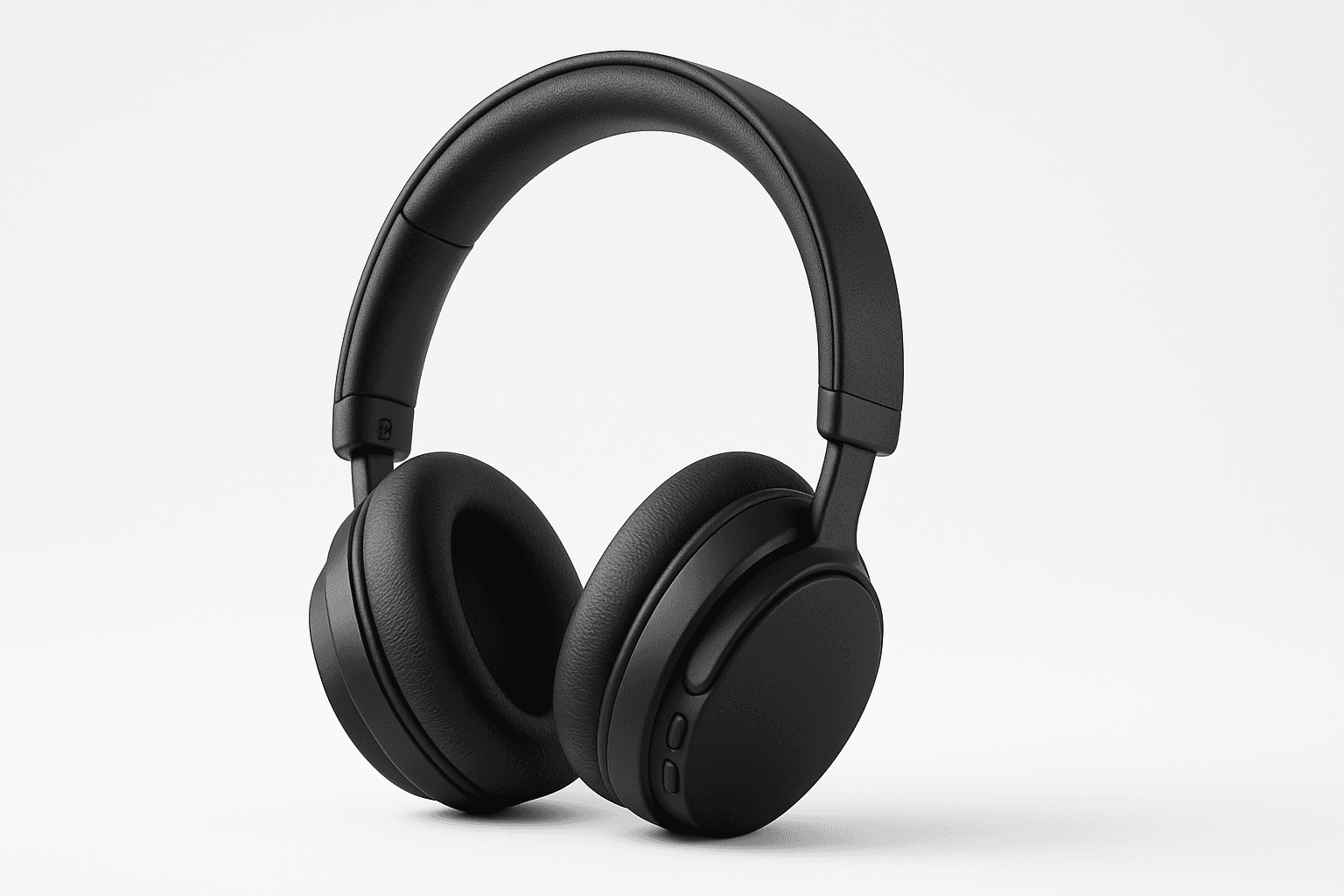
Ecommerce Product Photography as an AI prompt keyword is essential for creating appealing product images suitable for online stores and catalogs. It guides the AI to render products with clarity and a commercial polish that enhances their attractiveness to potential buyers. This style emphasizes minimalistic compositions and true-to-life textures, ensuring products appear tangible and appealing on digital platforms. Using this keyword helps content creators, marketers, and designers rapidly produce consistent, high-quality product imagery without a physical photoshoot.
Packaging Design Presentation
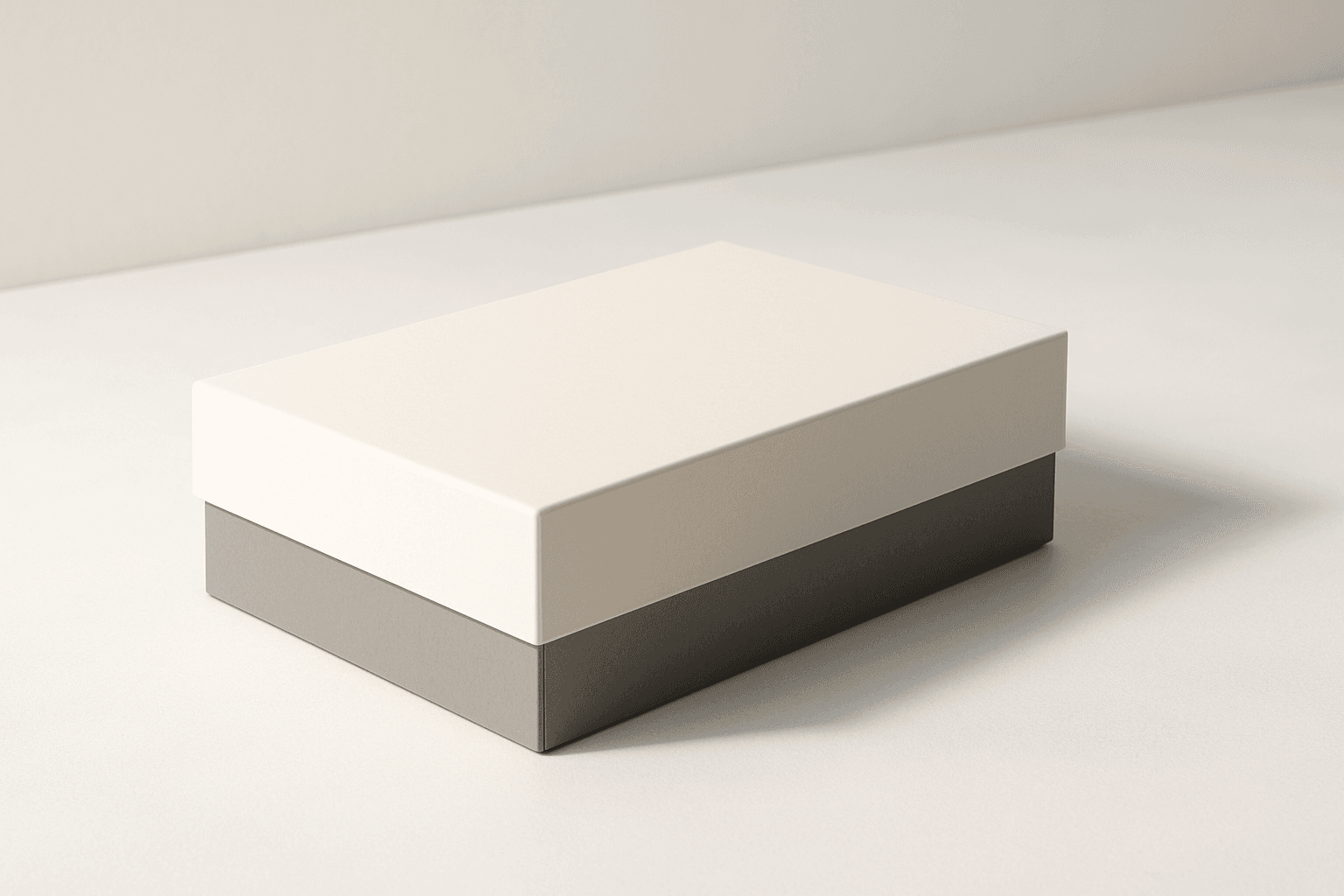
The 'Packaging Design Presentation' keyword elevates AI-generated images to display consumer product packaging in a professional, editorial style. It's designed to produce visuals that showcase packaging designs with premium polish, realistic material representation, and refined lighting. This approach is essential for designers, marketers, and e-commerce professionals needing imagery that accurately reflects packaging aesthetics without distractions. The results typically feature a clean background, subtle depth to accentuate three-dimensionality, and an absence of text or logos, ensuring the focus remains on the package design itself. By integrating this keyword into prompts, users can expect images suitable for presentations, online catalogs, and marketing assets that demand a commercial finish.

Product Showcase Setup
A Product Showcase Setup keyword guides AI image generation to create scenes where products are displayed in a controlled, studio-like environment. It ensures images resemble professional commercial photography, focusing on clean editorial compositions with premium polish and refined lighting. This setup avoids clutter and distractions, emphasizing realistic materials and subtle depth. The keyword is essential for producing images suitable for article hero sections, thumbnails, and commercial catalogs, delivering a consistent modern aesthetic without text, logos, or watermarks.
Ecommerce Product Shot
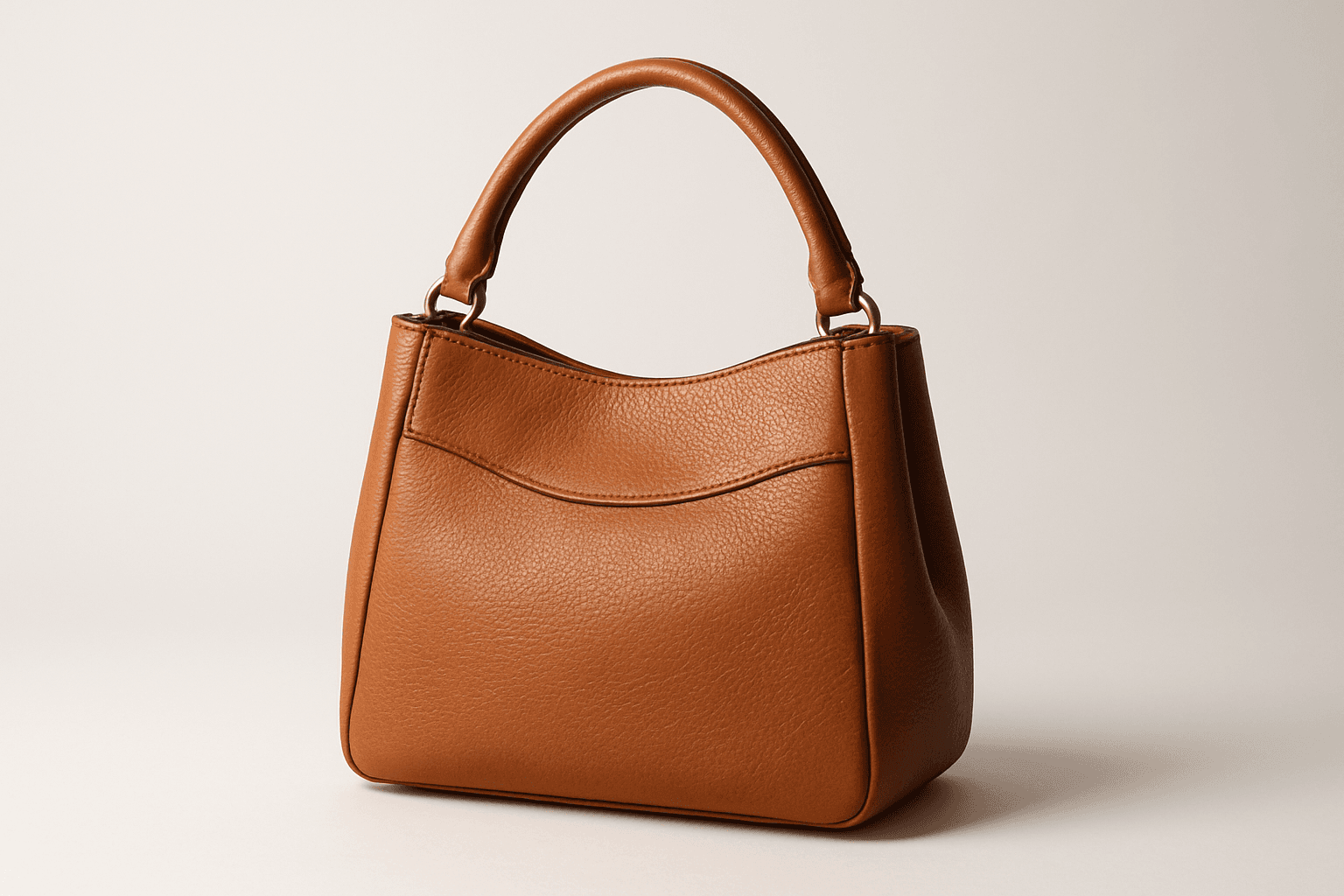
Ecommerce product shots are essential visuals that present products attractively for online stores, catalogs, and advertisements. Using AI to generate these images requires precise prompts that emphasize clarity, realism, and commercial appeal. These images typically feature a clean background, consistent lighting, and sharp rendering of the product's materials and details to facilitate customer trust and purchase decisions. By mastering how to craft ecommerce product shot prompts, creators can streamline content production, maintain brand consistency, and support sales efforts effectively across digital platforms.
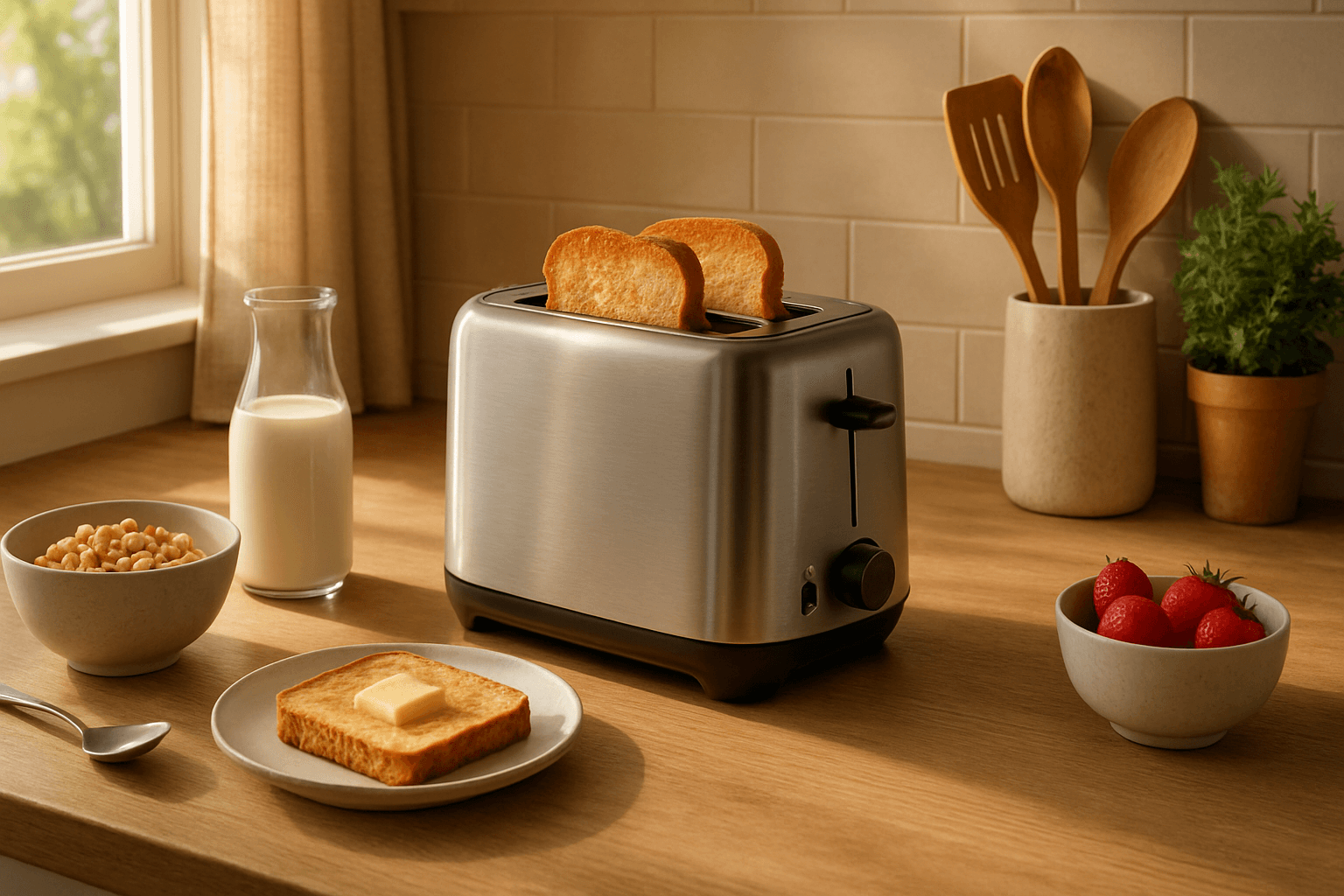
Product Lifestyle Photography
Product lifestyle photography transforms product imagery from static showcases into engaging narratives that convey how a product fits into everyday life. In AI prompt crafting, including this keyword guides the algorithm to generate scenes where products appear naturally integrated within surroundings, often with human subjects or lifestyle props. This approach enhances the emotional connection and desirability of the product by illustrating practical use or aspirational environments, making it ideal for commercial branding and advertising. The style demands attention to realistic details, balanced lighting, and thoughtful composition to evoke authenticity and premium quality suitable for modern editorial and ecommerce visuals.