Product Showcase Setup
A Product Showcase Setup keyword guides AI image generation to create scenes where products are displayed in a controlled, studio-like environment. It ensures images resemble professional commercial photography, focusing on clean editorial compositions with premium polish and refined lighting. This setup avoids clutter and distractions, emphasizing realistic materials and subtle depth. The keyword is essential for producing images suitable for article hero sections, thumbnails, and commercial catalogs, delivering a consistent modern aesthetic without text, logos, or watermarks.

Definition
Product Showcase Setup in AI image prompts defines the intentional staging and lighting of products to emulate high-quality commercial photography. This keyword adjusts the model’s output to focus on clean, uncluttered backgrounds, realistic materials, and balanced lighting that highlight product details without distractions. It helps beginners understand how to guide AI to produce polished product images resembling editorial or stock photography.
Prompt Formula
Use structured phrases to build effective prompts combining environment, lighting, and style elements:
- <product description> + clean white or minimalistic background
- premium soft lighting + subtle shadows + realistic textures
- product showcase setup + commercial use + no text, no logos
Best Use Cases
- Creating hero images for e-commerce product pages
- Producing advertising visuals with product focus
- Generating editorial images for product feature articles
Common Mistakes
Common pitfalls include using busy backgrounds that distract from the product, harsh or unnatural lighting that obscures details, and inclusion of text or logos that reduce commercial usability. Avoid vague descriptors; specificity in material and lighting ensures realistic images. Overcomplicating scenes leads to clutter, while too much symmetry can appear artificial. Instead, focus on minimalism and realistic textures.
Advanced Techniques
Enhance your prompts by specifying exact light sources (e.g., softbox, diffused window light), detailed material finishes (matte, glossy, metallic), and subtle post-processing effects (shallow depth of field, slight vignette) to add dimension. Combine with camera angles like three-quarter views or flat lays for variety. Use negative prompts to exclude unwanted elements explicitly, ensuring clean compositions. Experiment with adding natural props for context while maintaining product prominence.
FAQ
How does 'Product Showcase Setup' differ from general product photography prompts?
It specifically instructs the AI to create clean, polished environments with refined lighting and minimal distractions, focusing on realism and commercial appeal, rather than generic or casual product representations.
Can I use 'Product Showcase Setup' for any product type?
Yes, it's versatile for a wide range of products, but specifying material and lighting details in conjunction improves results for particular items like glass, fabric, or metal.
Continue Exploring
Related Prompts
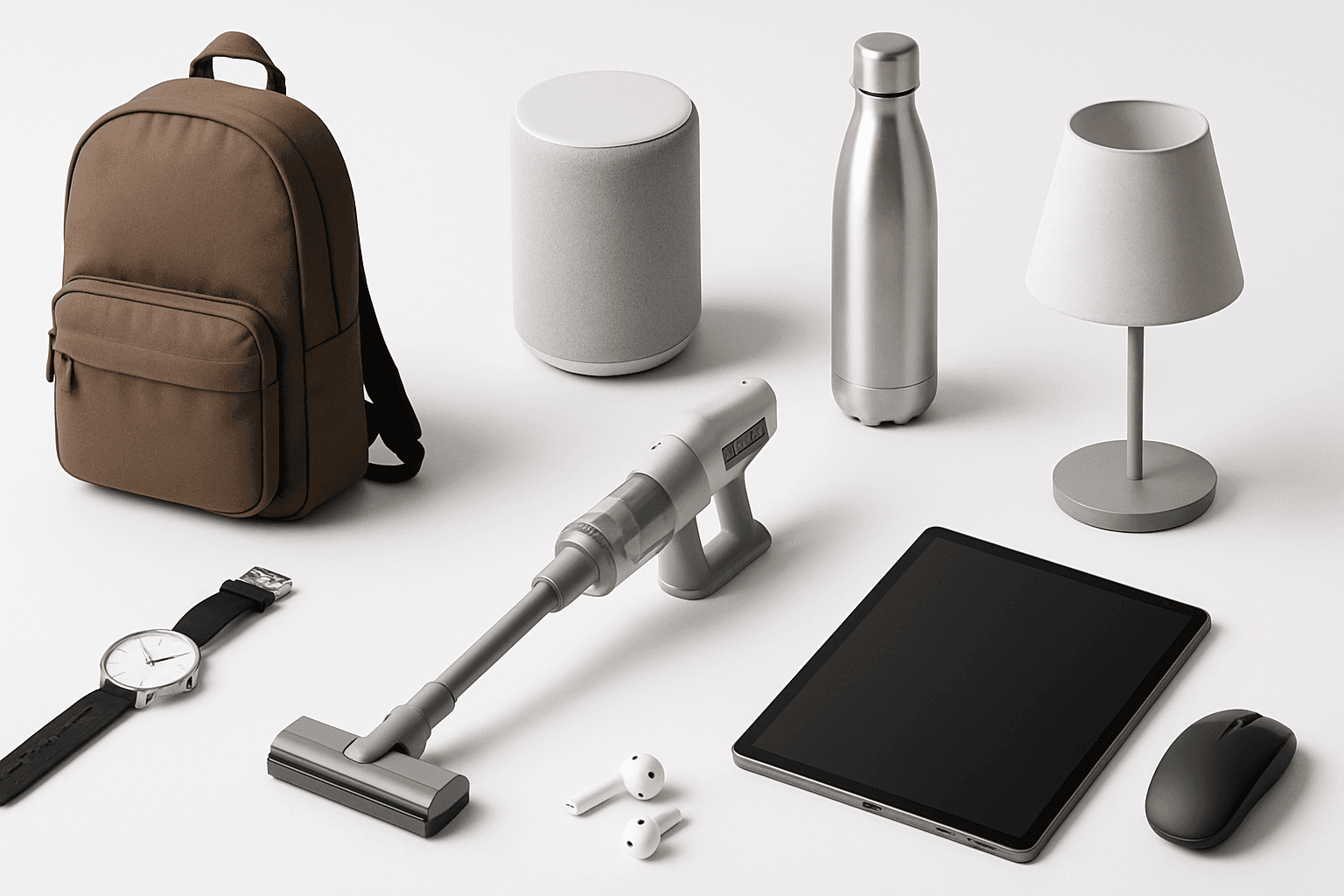
Product Catalog Layout
Product Catalog Layout is an essential keyword for generating AI images that mimic the professional and polished style of commercial product catalogs. This approach ensures images have a well-organized display, typically using grids or segmented sections that highlight each product distinctly. The style favors minimalistic and modern editorial design with premium stock image qualities like refined lighting and realistic textures. By incorporating this into prompts, creators can produce visuals suitable for ecommerce listings, print brochures, and web catalogs where clarity and premium presentation are paramount, making it a versatile asset for marketing and sales-oriented projects.
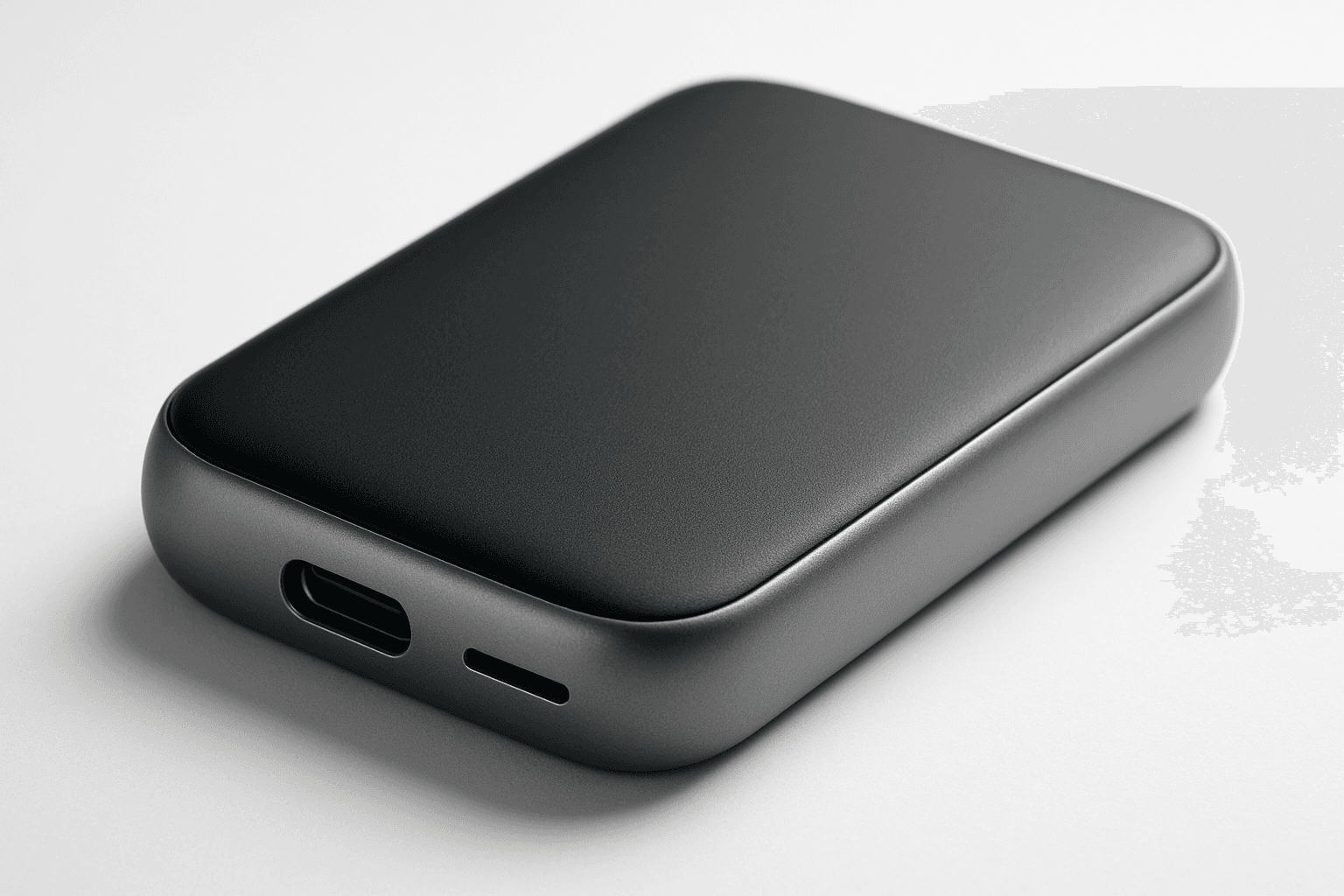
Studio Product Photography
Studio product photography is a popular keyword in AI-generated imagery for showcasing products in a professional, high-quality manner. It emphasizes clarity, precise lighting, and minimalistic composition to reproduce the polished look of commercial studio shots. Using this keyword helps to create images perfect for advertising, ecommerce, and editorial uses where the product's details and features need to stand out precisely and attractively. The style typically involves neutral backgrounds, soft shadows, and realistic textures, ensuring the product is the visual focus without any distractions or stylization that could detract from its presentation.
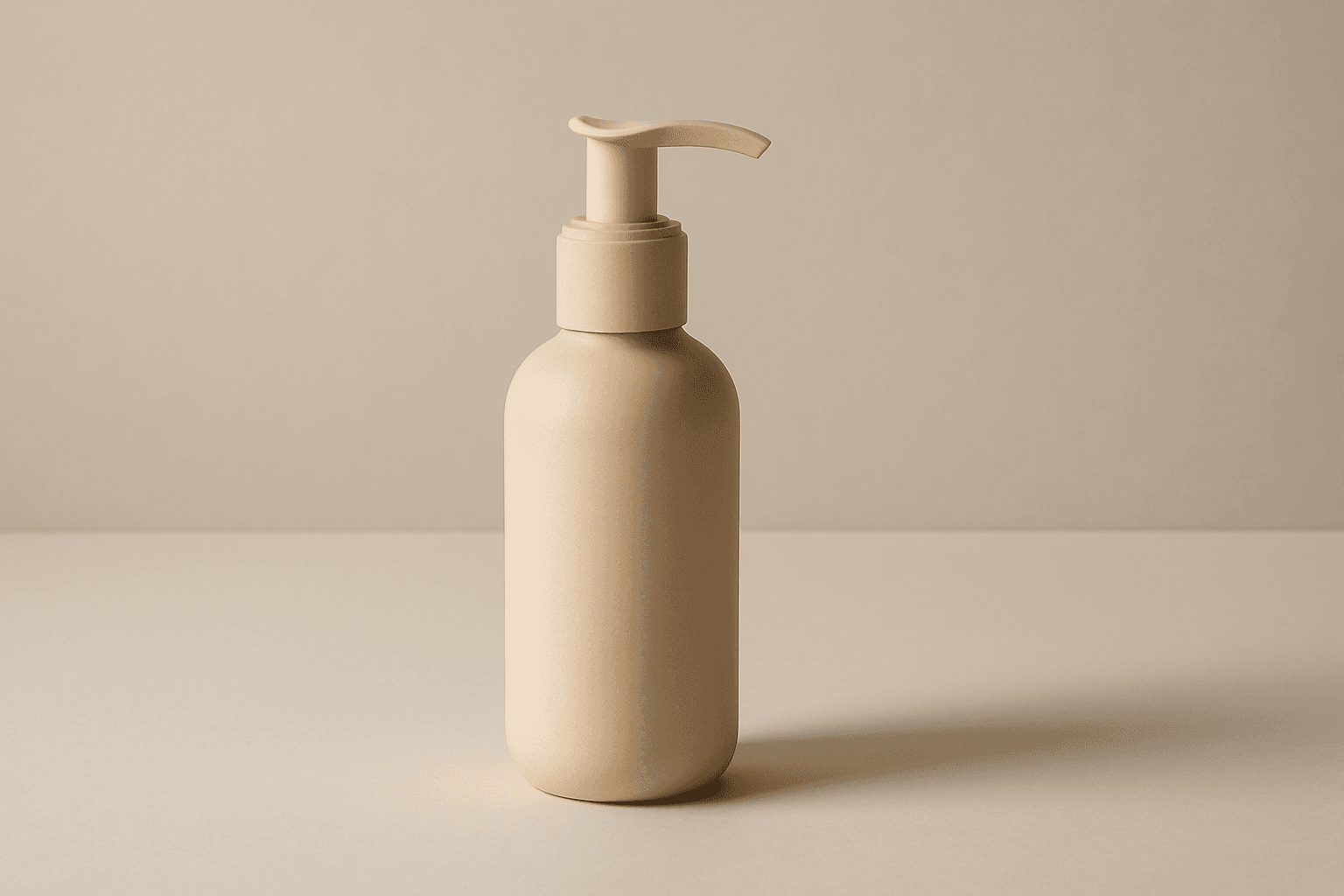
E-Commerce Product Layout
The E-Commerce Product Layout keyword is essential for creating AI-generated images that mimic professional online retail displays. These images typically feature clean, minimalistic compositions that put the product front and center, using subtle depth and natural lighting to showcase textures and materials. Such layouts avoid clutter, watermarks, or text, ensuring the product's appeal is maximized for commercial applications such as digital catalogs, social media ads, and website hero images. The modern editorial style aligns with premium stock imagery, offering versatility and polish across various e-commerce platforms.

E-Commerce Banner Layout
E-Commerce Banner Layout is a vital keyword in AI image generation that helps create visually engaging banners tailored for online retail environments. These layouts emphasize product visibility, aesthetic harmony, and balanced negative space to facilitate adding promotional text or calls to action later. By incorporating this keyword, AI models generate images with a refined commercial style resembling professional stock banners suitable for websites, social media ads, and newsletters. The focus is on clean editorial composition, premium polish, and subtle depth that enhances product appeal without overwhelming the viewer. Utilizing this layout keyword ensures images meet modern e-commerce design standards and help brands effectively present their merchandise in a digital-first marketplace.

Product Photography Guidelines
Product Photography Guidelines serve as a foundational element when crafting AI prompts for commercial product images. They guide the AI to replicate classic photographic techniques—such as clean compositions, premium lighting setups, and subtle depth of field—to emphasize the product as the main subject. These guidelines help avoid clutter and ensure materials look realistic, which is crucial for marketing, ecommerce, and editorial photography. Applying these principles in prompts results in images that look polished and professional, suitable for high-end stock image platforms and advertising campaigns.
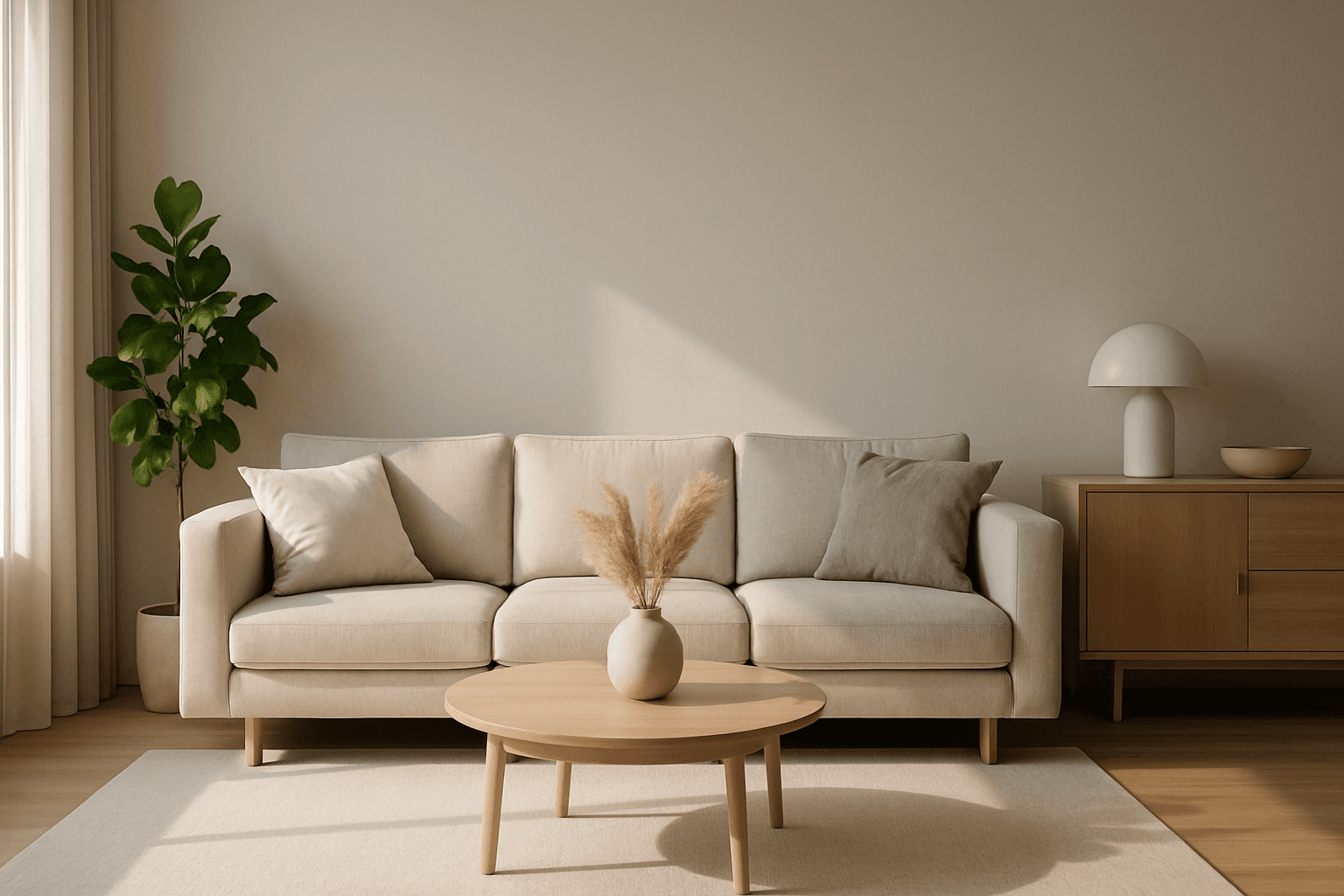
Website Hero Background
Creating a website hero background with AI involves generating a visually striking image that sets the tone for the whole site. These images typically span the full width of the page and must balance aesthetic appeal with clear space for overlaying text or buttons. By guiding AI prompts with the 'Website Hero Background' keyword, designers can generate images that feature clean editorial compositions, realistic lighting, and subtle depth, ensuring they integrate seamlessly into commercial websites. The style emphasizes premium polish similar to high-quality stock photos, removing distractions like text or logos. This approach supports versatile use across various industries, maintaining professionalism and visual harmony.