Editorial Fashion Layout
An editorial fashion layout is a key concept in commercial photography and graphic design that evokes the exclusive, curated aesthetic common in fashion magazines. When used in AI image prompting, it aims to produce images that resemble professional editorial spreads—featuring models, styling, and settings arranged with attention to balance, light, and mood characteristic of premium editorial content. This keyword helps prompt creators get images that look polished, realistic, and fit for use as article hero images or commercial fashion campaigns, reflecting the latest visual trends without extraneous elements like text or logos.

Definition
An 'Editorial Fashion Layout' is a visual style that mimics the structured, clean, and polished compositions typical of high-end fashion magazines. In AI image prompts, including this phrase guides the AI to arrange subjects, lighting, and materials in a balanced, magazine-appropriate manner. This transforms generic fashion photos into sophisticated, storytelling visuals with realistic textures and refined lighting suitable for professional editorial use.
Prompt Formula
To create an effective editorial fashion layout prompt, combine key elements that specify subject, composition, lighting, and ambiance. Example formula: [Subject description] + 'editorial fashion layout' + [lighting description] + [material/texture details] + [background style] + 'no text, no logos, no watermark' This structure helps the AI understand the desired premium and clean style with realistic materials and professional composition.
- Subject description (e.g., female model in couture dress)
- 'Editorial fashion layout' keyword phrase
- Lighting descriptor (e.g., soft natural lighting)
- Material and texture detail (e.g., realistic silk fabric)
- Background style (e.g., minimalistic white background)
Best Use Cases
- Hero images for fashion and lifestyle editorial websites.
- High-end commercial stock photos for fashion advertising.
- Editorial spreads for print and digital fashion magazines.
Common Mistakes
A common mistake when using 'Editorial Fashion Layout' prompts is neglecting to specify lighting or material details, which can result in flat or unrealistic images. Another error is including extraneous elements like text or logos contrary to editorial clarity, causing cluttered or incoherent results. Additionally, overgeneralizing the subject or composition can lead to generic outputs that lack the distinctive sophistication editorial layouts require. To avoid these pitfalls, be precise with lighting, materials, and exclude non-visual elements in prompts.
- Ignoring lighting and material refinement leads to flat images.
- Including text or logos breaks editorial cleanliness.
- Vague subject descriptions produce generic results.
- Overcrowded backgrounds reduce image focus.
Advanced Techniques
For experienced prompt writers, consider combining 'Editorial Fashion Layout' with specific lighting types (e.g., Rembrandt or natural window light) and advanced camera details (e.g., shallow depth of field, prime lens effects) to heighten realism. Introducing constraints like 'no props' or 'studio environment only' sharpens results. Use style modifiers such as 'high fashion surrealism' or 'minimalist color palettes' to tailor mood and exclusivity. Layering these nuanced refinements results in editorial images with stronger storytelling and visual impact.
- Specify advanced lighting (Rembrandt, softbox)
- Add camera details (50mm lens, bokeh effect)
- Apply environment constraints (studio, outdoor)
- Incorporate style modifiers (minimalist, surrealistic)
- Use color grading hints (cool tones, desaturated)
Professional Workflow
Start by defining the editorial theme and subject with clear, precise language. Incorporate 'Editorial Fashion Layout' along with lighting, texture, and background details in your prompt. Generate multiple variants to evaluate composition and realism. Select the strongest images with balanced lighting and materials, and refine prompts to enhance depth or clarity if needed. Finally, adapt selected images for commercial or editorial licensing by cropping, color grading, or retouching while preserving the clean, sophisticated style inherent to editorial fashion imagery.
Related Styles
Editorial Fashion Layout complements several adjacent visual styles such as 'Fashion Photography Lighting,' focusing on light dynamics, and 'Magazine Cover Style,' emphasizing bold composition and visual hierarchy. It also shares traits with 'Luxury Product Shoot,' highlighting premium materials and textures. Combining these styles with careful prompt formatting can broaden creative possibilities while maintaining the editorial polish and commercial appeal.
- Fashion Photography Lighting
- Magazine Cover Style
- Luxury Product Shoot
FAQ
How does including 'Editorial Fashion Layout' improve AI-generated images?
Including 'Editorial Fashion Layout' guides the AI to produce images with polished, structured compositions typical of fashion magazines, enhancing lighting, material realism, and overall sophistication beyond generic images.
Can I use 'Editorial Fashion Layout' for product photography prompts?
Yes, this keyword works well to create refined, commercial-style product images with clean backgrounds and premium lighting commonly seen in fashion accessory editorials.
Continue Exploring
Related Prompts
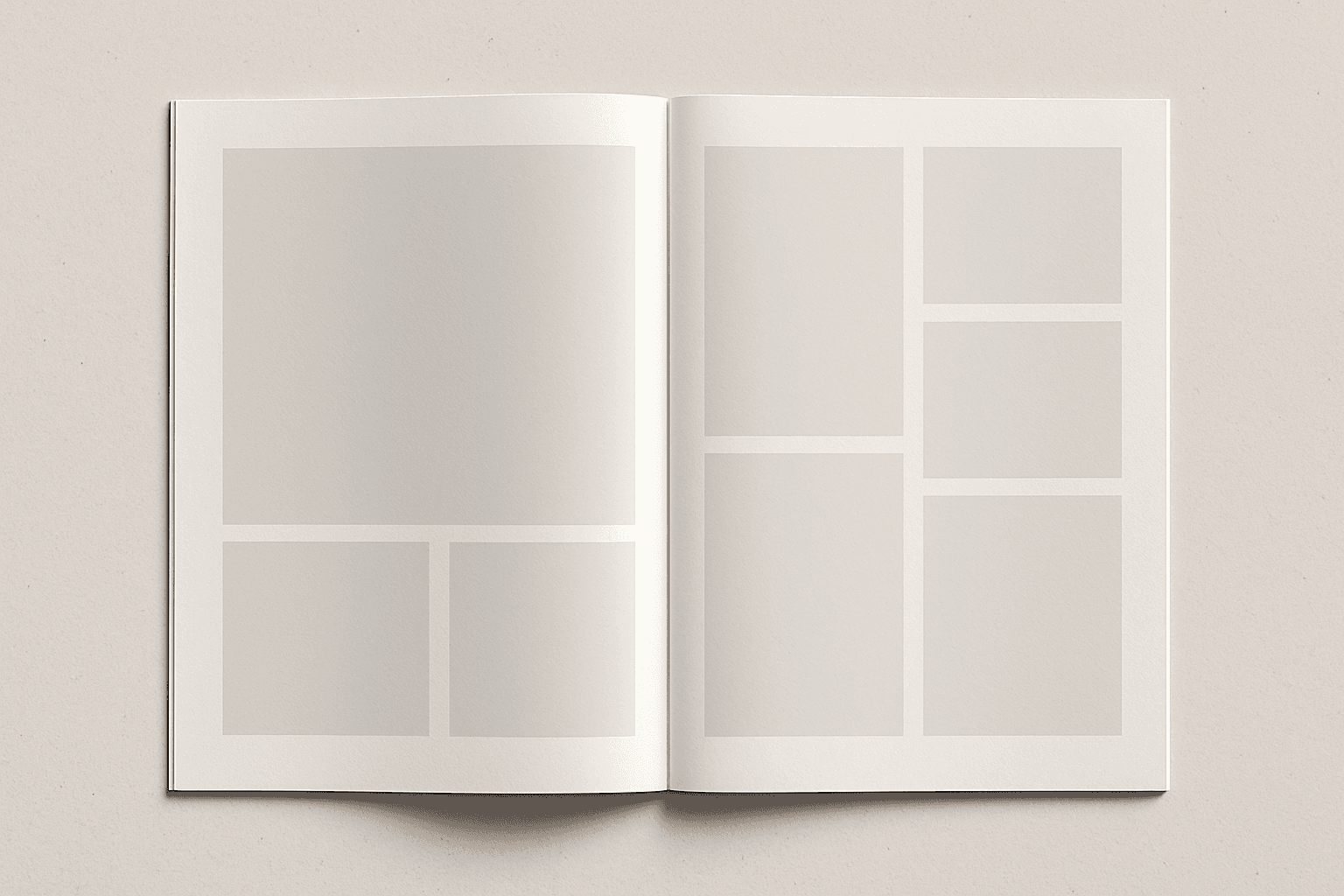
Print Editorial Layout
Print Editorial Layout prompts enable AI models to generate images that resemble high-end magazine or newspaper page compositions. These layouts emphasize clean, structured arrangements and polished visual polish, focusing on premium lighting and material realism without text or branding elements. Such prompts are ideal for article hero images or thumbnail cards needing a sophisticated editorial style. By specifying this keyword, creators ensure output with refined lighting, consistent spacing, and realistic depth, producing versatile images fit for commercial publishing and digital media.
Print Advertisement Layout
Print Advertisement Layout is foundational in creating compelling commercial visuals optimized for print media. These layouts emphasize structured design that balances images and text areas, achieving clarity and visual appeal to capture viewer attention effectively. In AI-generated imagery, integrating this keyword encourages clean editorial compositions with refined lighting and realistic materials, avoiding clutter or distracting elements. By focusing on such layouts, designers and marketers ensure their ads deliver messages efficiently across magazines, brochures, and other printed marketing materials, fostering brand engagement and recognition.
Advertising Print Layout
Advertising Print Layout is a crucial concept for designers aiming to create visually striking print ads. When used in AI image prompts, it guides the system to generate images that mimic professional advertising layouts, emphasizing clarity, visual hierarchy, and premium quality. This results in images with clean editorial compositions, subtle depth effects, and realistic materials, perfectly suited for commercial projects requiring a polished and trustworthy look. The style is typically free of distracting text or watermarks, ensuring versatility for multiple uses such as article heroes or thumbnail cards.
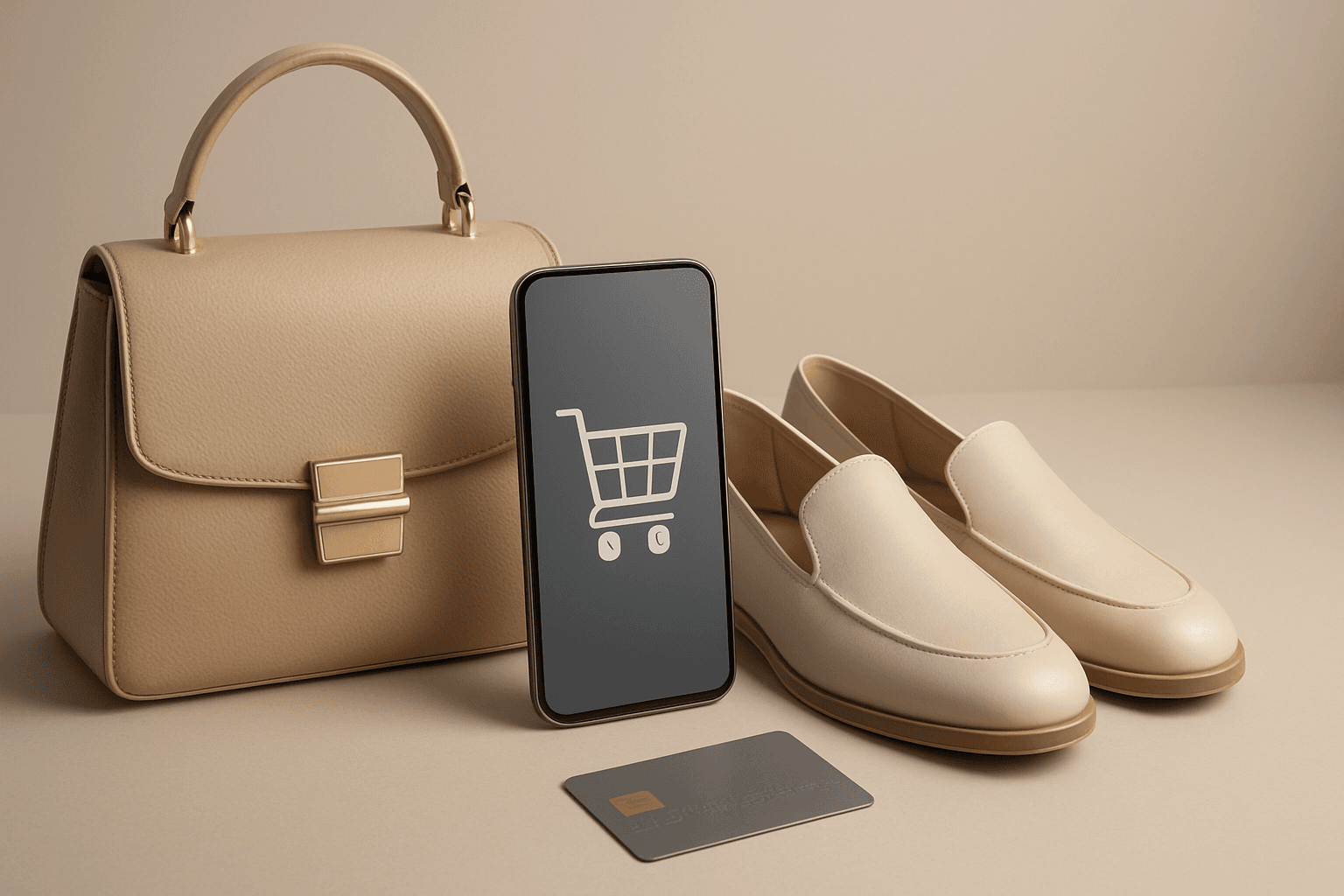
E-Commerce Banner Layout
E-Commerce Banner Layout is a vital keyword in AI image generation that helps create visually engaging banners tailored for online retail environments. These layouts emphasize product visibility, aesthetic harmony, and balanced negative space to facilitate adding promotional text or calls to action later. By incorporating this keyword, AI models generate images with a refined commercial style resembling professional stock banners suitable for websites, social media ads, and newsletters. The focus is on clean editorial composition, premium polish, and subtle depth that enhances product appeal without overwhelming the viewer. Utilizing this layout keyword ensures images meet modern e-commerce design standards and help brands effectively present their merchandise in a digital-first marketplace.
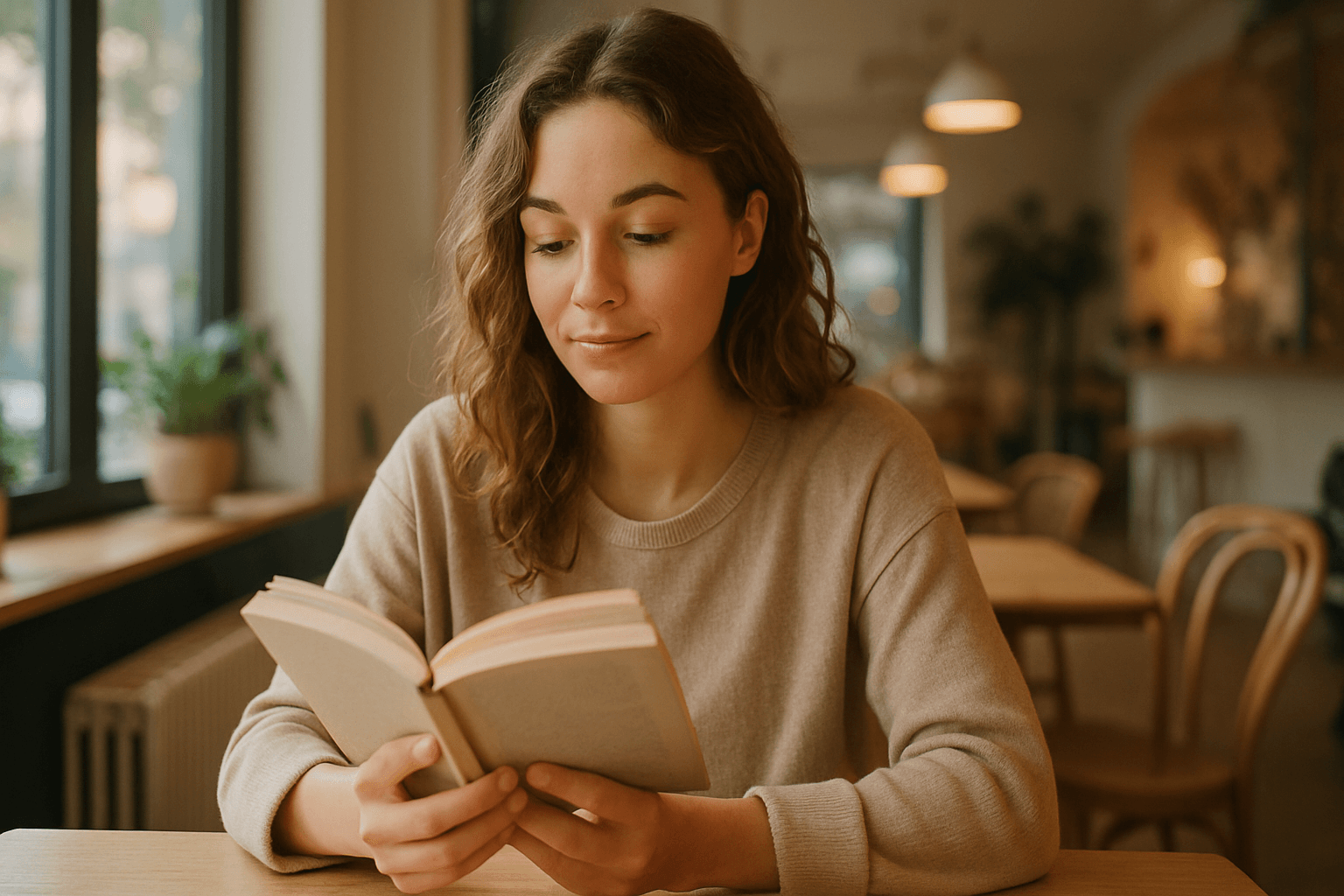
Editorial Lifestyle Photography
Editorial lifestyle photography combines the authenticity of candid moments with the polish of professional editorial imagery. It focuses on telling relatable stories through visuals, often featuring people engaged in daily activities but styled and lit with attention to detail. Using this keyword in AI image prompts shifts outputs towards well-composed scenes that feel natural yet visually sophisticated. This style is ideal for commercial clients who want to connect emotionally with their audience through believable, aspirational imagery. The prompt encourages a blend of realism and artistry, ensuring images are both genuine and visually compelling for magazines, advertising, and social media content.
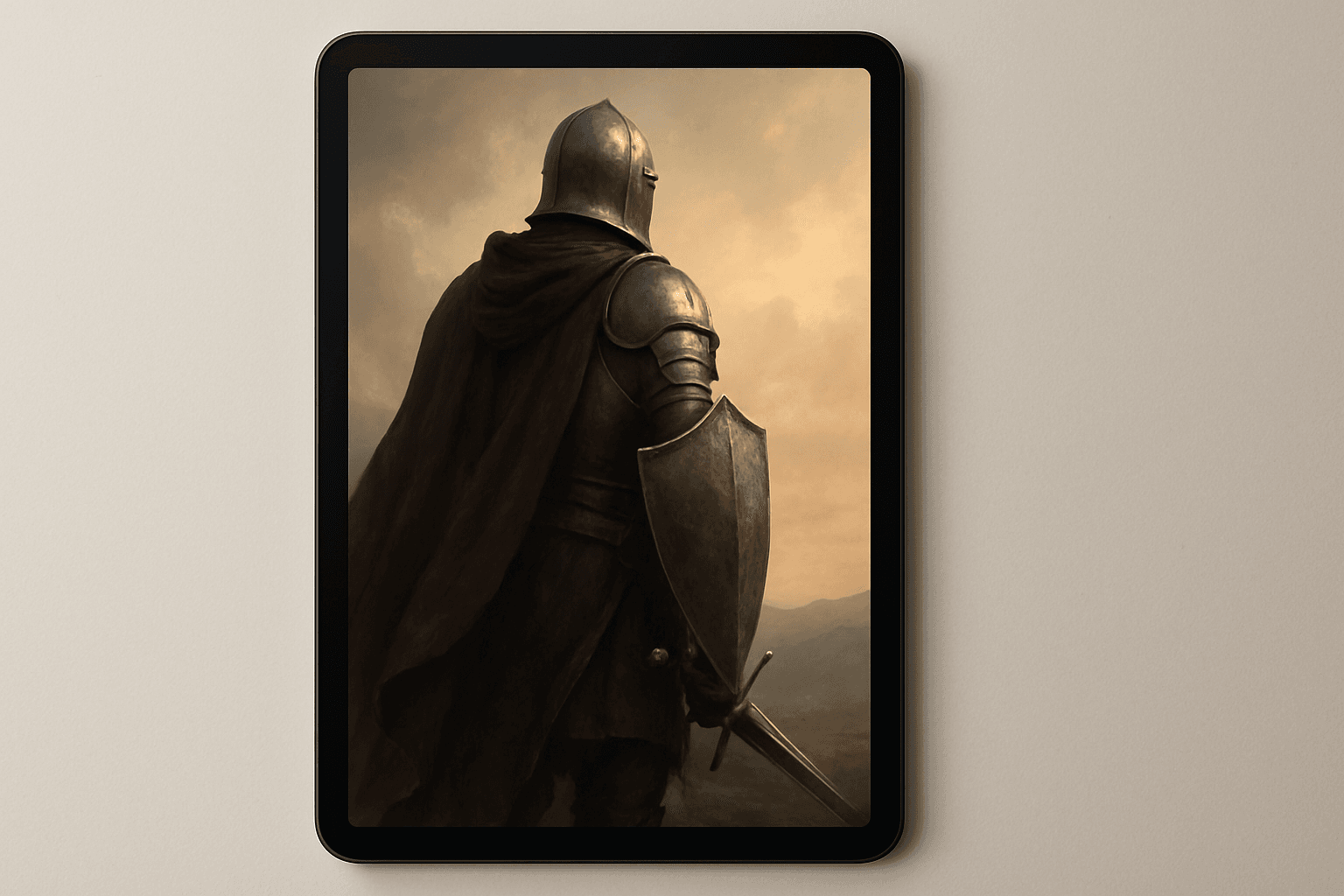
Ebook Cover Design
Ebook Cover Design is an essential element in capturing a reader's attention and conveying the essence of the book through a single image. Using AI-generated prompts tailored for ebook covers enables creators to rapidly produce high-quality, polished visuals that meet commercial publishing standards. These designs typically feature a balanced editorial composition, premium stock-image quality, and refined lighting to enhance the cover's visual impact. Removing text, logos, and watermarks ensures adaptability and focus on imagery, suitable for article hero images or thumbnail previews. Integrating Ebook Cover Design into AI prompts helps streamline creative workflows for authors, publishers, and marketers.