Foggy Landscape Mood
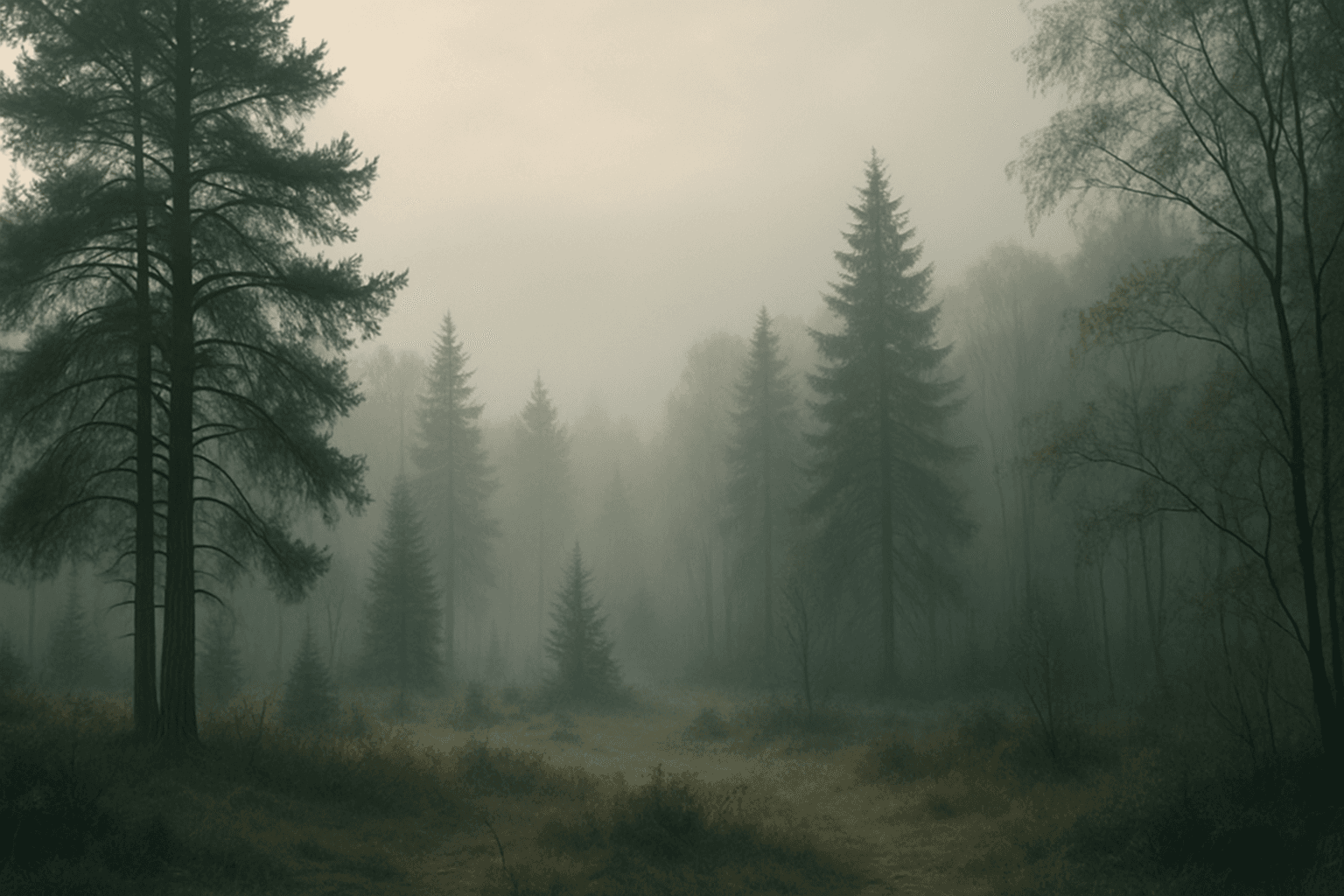
The Foggy Landscape Mood keyword is essential for generating serene and ethereal nature scenes using AI image models. By introducing fog or mist, images gain a layered depth and emotional resonance, often invoking feelings of quiet solitude or mystery. This mood softens sharp details and shadows, lending a dreamy or suspenseful tone that works well for forest, mountain, or waterfront environments. Artists and designers leverage this effect to create immersive atmospheres that feel both natural and cinematic, making it suitable for editorial, fine art, or conceptual visuals.
Definition
Foggy Landscape Mood is a keyword that guides AI models to generate images depicting landscapes veiled in fog or mist. This effect softens scenery details and diffuses lighting, creating a dreamy, muted ambiance. Beginners can understand it as adding an atmospheric filter that simulates natural fog, enhancing mood and depth by reducing contrast and clarity in backgrounds.
Prompt Formula
Use structured prompt patterns incorporating clear scene descriptions plus fog-related modifiers for effective results. Combine environment, time, and lighting with fog descriptors.
- [Subject] in a [location] shrouded in fog, with soft, diffused light
- [Time of day] scene of [landscape] enveloped in thick mist, muted colors
- [Emotional tone], foggy landscape mood, layered atmospheric depth, low contrast light
Best Use Cases
- Creating moody nature and forest scenes for editorial use
- Designing atmospheric backgrounds for fantasy or thriller media
- Generating imagery for wellness and mindfulness brand visuals
Advanced Techniques
Advanced prompt creators can refine foggy landscape moods by combining multiple atmospheric elements and technical constraints. Use modifiers for fog density, color temperature, and time of day to shape mood precisely. Layer fog with elements like drifting leaves or water vapor to enhance realism. Specify camera effects such as shallow depth of field or lens flare filtered through mist. These refinements increase visual storytelling complexity and image uniqueness.
- Specify fog thickness: light mist vs. dense fog
- Combine with lighting: sunrise fog vs. evening haze
- Add dynamic elements: floating particles or rain
- Control color grading: cool vs. warm fog tones
- Use camera perspective: low angle through fog
Professional Workflow
Start by defining project goals and desired mood when briefing. Draft prompts using the foggy landscape formula, testing variations of fog density and lighting. Generate multiple image candidates, select those with balanced diffusion and visible yet softened details. Refine selections with controlled edits—adjust color tones, contrast, or add fog overlays if needed. Finalize by exporting images at appropriate resolutions for intended use, ensuring consistency across a visual set.
Related Styles
Foggy Landscape Mood pairs well with adjacent styles that emphasize atmosphere and emotion. Related keywords include Misty Forest Atmosphere for woodland environments, Moody Nature Scene for emotionally charged settings, and Dawn and Dusk Lighting to exploit natural low-light conditions enhancing fog effects. These styles share a focus on natural beauty filtered through atmospheric layers, often used in cinematic and fine art imagery.
- Misty Forest Atmosphere
- Moody Nature Scene
- Dawn and Dusk Lighting
Model-Specific Tips
When working with current AI image models, avoid overly complex syntax. Use clear, descriptive phrases like 'dense morning fog' or 'soft diffused mist' rather than ambiguous adjectives. Experiment with positioning modifiers earlier in the prompt for better model attention to fog effects. Adjust prompt weights if available, boosting terms related to atmosphere or lighting. Validate outputs for natural rendering of fog without artifacts, and iterate by simplifying or reordering prompt elements to improve realism.
- Keep fog descriptors simple and direct
- Place atmosphere-related adjectives close to the subject
- Use prompt weighting to emphasize fog effects
- Test model iterations to compare fog realism
- Simplify prompts if fog appears unnatural
FAQ
How can I make AI-generated fog look more realistic?
To enhance realism, specify fog density and lighting conditions clearly in your prompt, such as 'dense morning fog' or 'soft diffused mist at dawn.' Combining atmospheric conditions with environmental details helps the model contextualize the fog. Additionally, generating multiple images and selecting those with natural gradations and softened edges improves quality.
Does fog reduce image color saturation in AI-generated art?
Yes, natural fog diffuses light and often reduces color saturation and contrast. Including 'foggy landscape mood' in prompts guides the AI to mimic this effect, producing muted colors and softer highlights consistent with real-world foggy conditions.
Continue Exploring
Related Prompts

Misty Forest Atmosphere
The Misty Forest Atmosphere keyword is used in AI art generation to evoke a tranquil and mysterious mood within wooded landscapes. By simulating the presence of early morning fog or mist shrouding trees and underbrush, this prompt detail adds soft depth and a sense of calm isolation to images. The low contrast and de-saturated tones typical of misty scenes create a dreamy, almost otherworldly feel that is visually compelling. Artists and designers use this atmosphere to craft scenes that are both peaceful and evocative, often serving as backgrounds for stories, nature art, or mood boards. It works well in both photorealistic and stylized compositions, enhancing the emotional resonance through natural environmental effects.
Dusk Twilight Mood
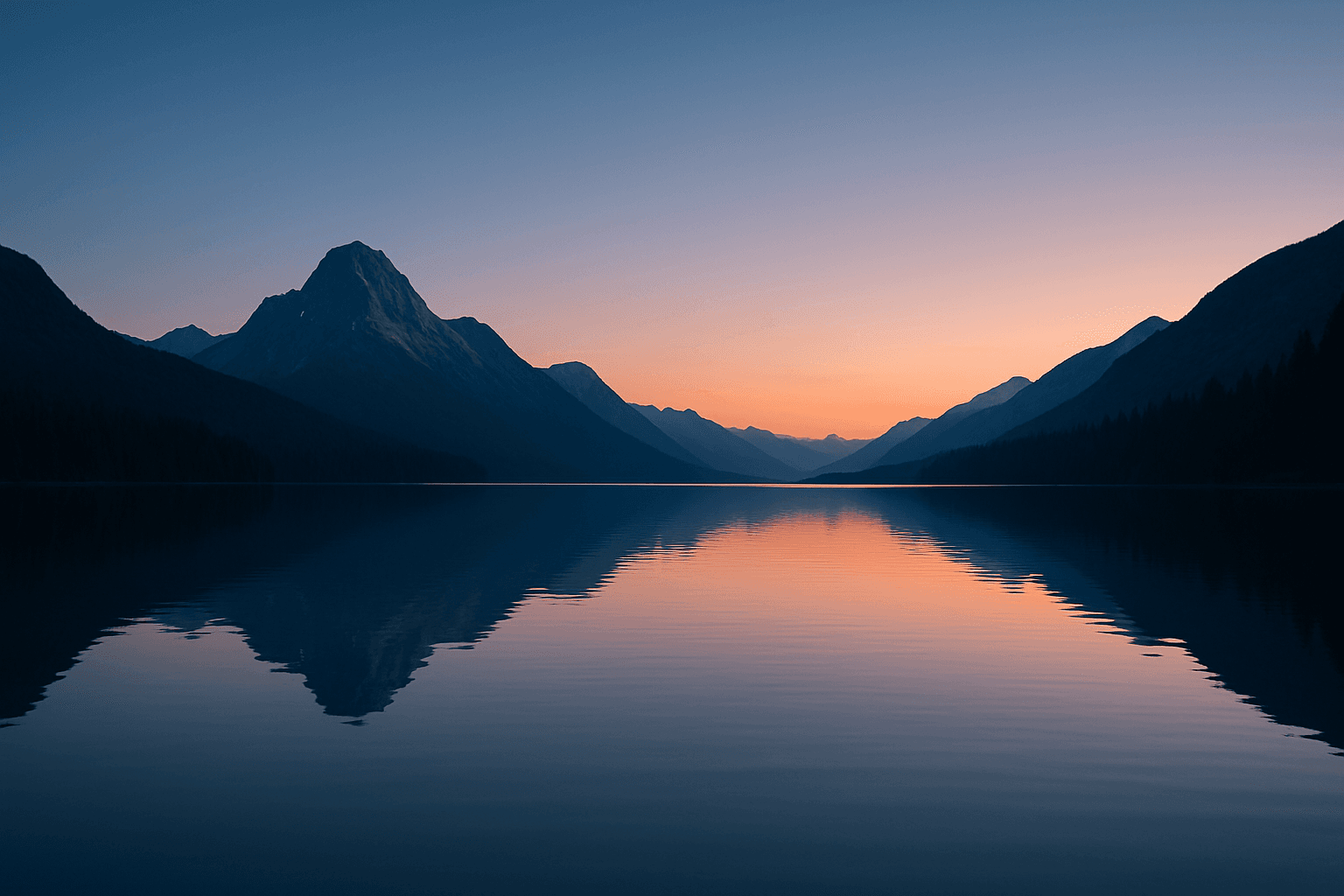
Dusk Twilight Mood captures the enchanting moments shortly after sunset when natural light softens and the sky transitions into peaceful gradients of blue and orange hues. This keyword enhances AI-generated images by infusing subtle warmth and fading daylight effects, creating contemplative and gentle moods. Its application suits a wide range of subjects from landscapes drenched in pastel skies to intimate portraits highlighted by soft shadows. The mood encourages a sense of calm and introspection, often reflecting the day's end and the approach of night. Using this keyword, artists can simulate realistic twilight lighting with refined contrast and balanced saturation, delivering evocative images with a premium editorial quality.
Foggy Morning Atmosphere
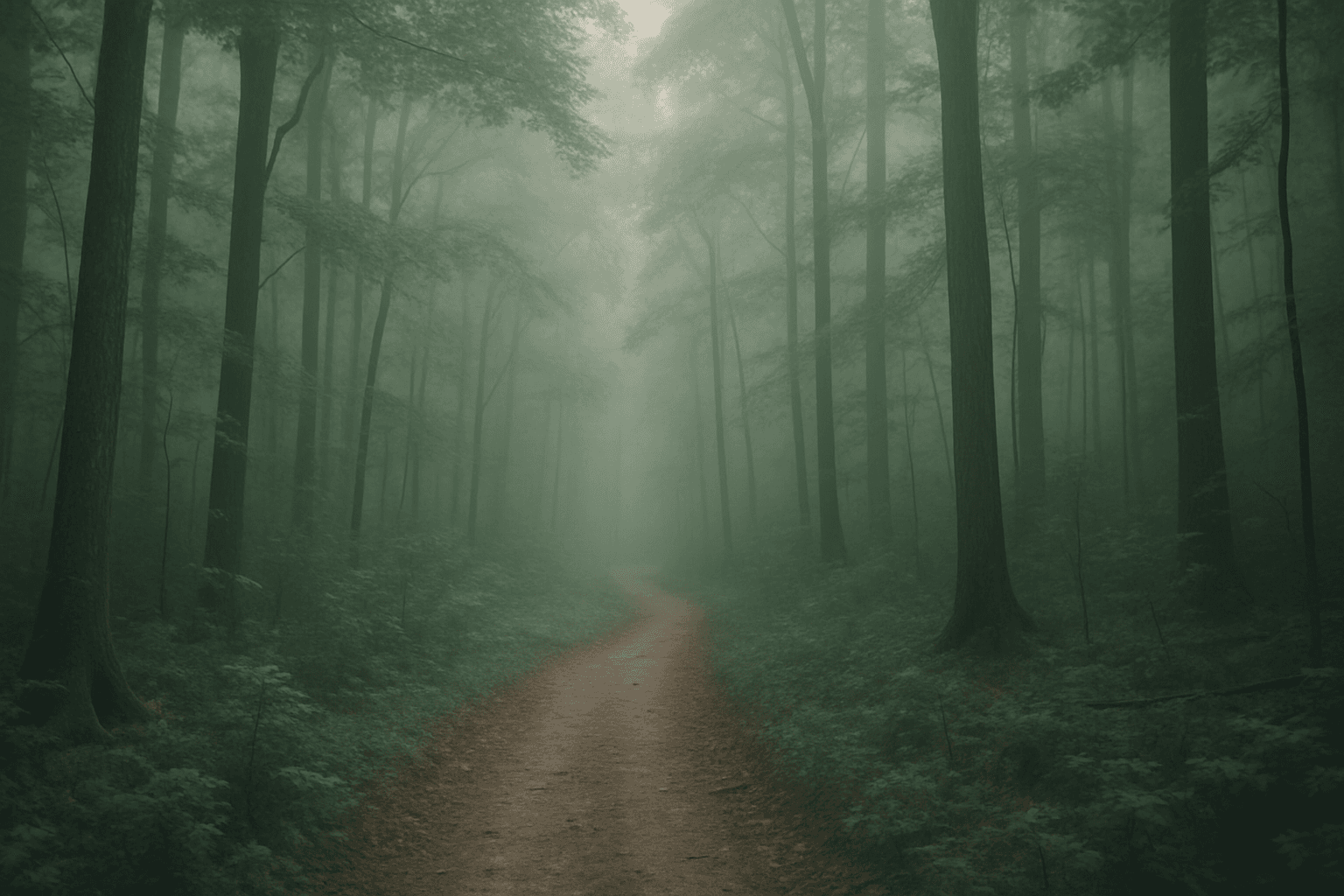
Foggy mornings are a quintessential atmospheric setting that transforms landscapes and scenes with diffused light and gentle haze. Using "Foggy Morning Atmosphere" in AI image prompts guides the model to simulate these unique conditions, creating visuals with muted tones, gentle contrasts, and a dreamy mood. This effect works exceptionally well for nature shots, serene urban scenes, or introspective portraits. Employing this atmosphere enriches storytelling by adding depth and emotion, often implying tranquility, mystery, or a fresh start to the day. The subtlety in light and shadow allows for creative compositions where subjects emerge softly from the mist, fostering a poetic visual narrative.
Misty Morning Fog
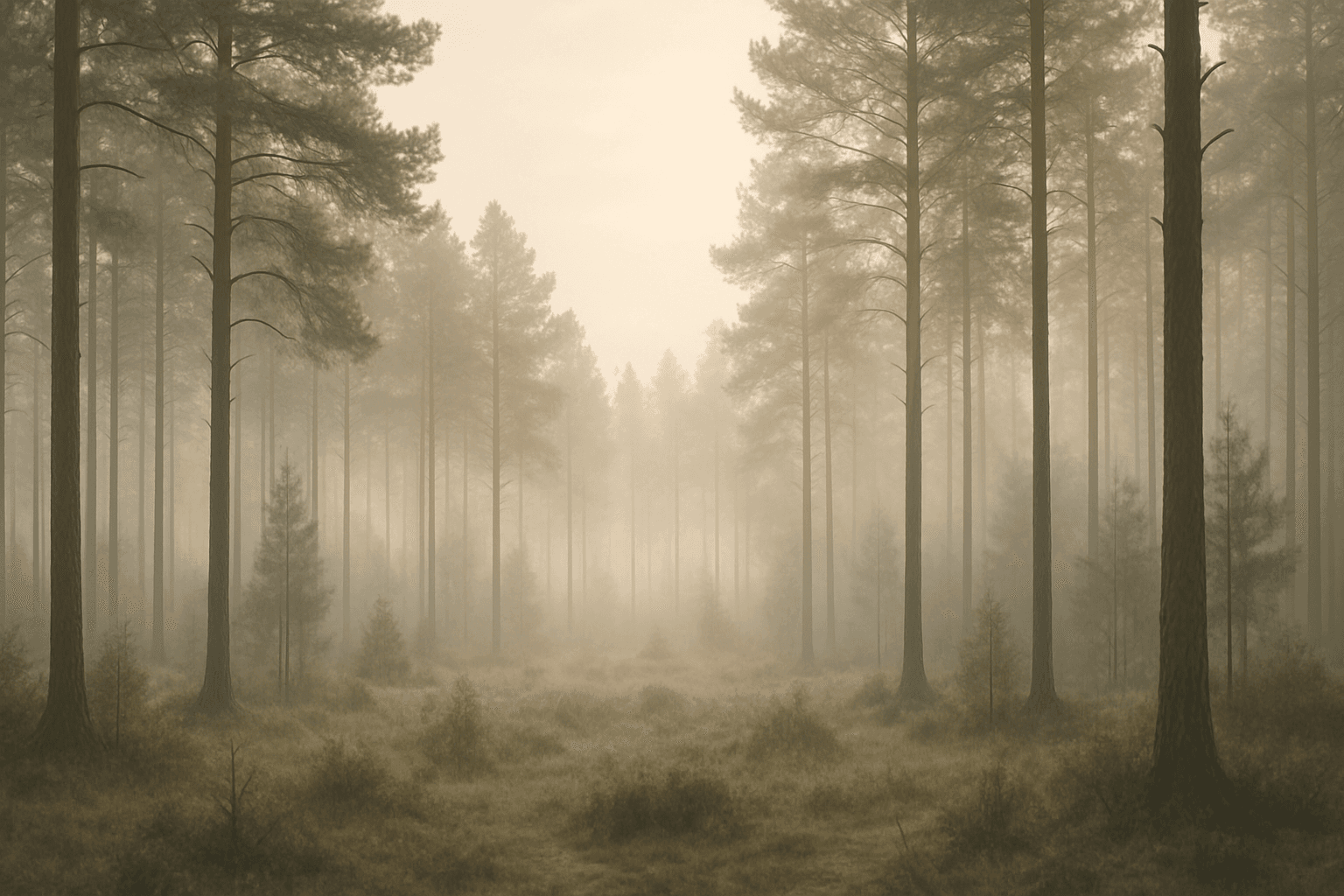
The keyword "Misty Morning Fog" captures the quintessential elements of early day foggy atmospheres, offering artists and designers a tool to create images rich in mood and texture. When included in AI prompts, it guides models to simulate the delicate layering of moisture in the air, resulting in soft glows and natural gradients that reduce sharpness and contrast. This effect can transform ordinary scenes by introducing a tranquil, almost dreamy quality that resonates with viewers seeking serenity. The subtle light scattering and nuanced depth cues help generate images ideal for nature photography, serene landscapes, and evocative editorial visuals. Whether for creative projects or commercial photography, the 'Misty Morning Fog' keyword unlocks a distinct atmosphere that enriches visual storytelling.
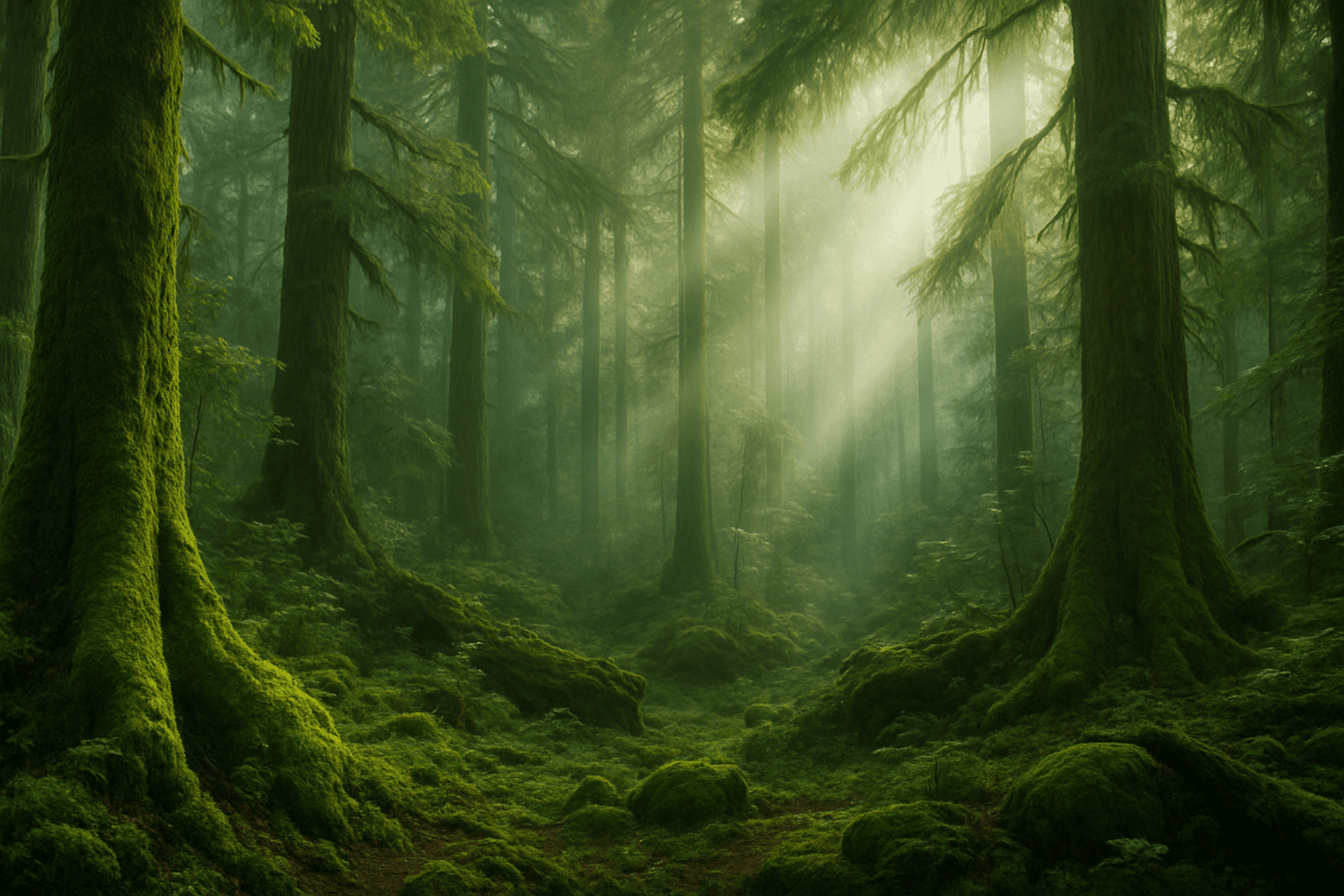
Mystic Forest Atmosphere
The Mystic Forest Atmosphere keyword brings an enchanting, otherworldly vibe to AI-generated images by conjuring scenes rich with natural mystery and subdued lighting. This atmosphere typically involves densely packed trees interspersed with mist or gentle fog that softens the scene and creates a sense of depth and intrigue. Light often filters through the canopy in dappled or diffuse beams that highlight textures and shadows, lending a dreamlike quality. Artists and creators use this atmosphere to evoke emotion, suggest fantasy realms, or produce contemplative natural landscapes. When added to an AI image prompt, it shifts the focus to mood over detail and sophistication over simplicity, making the scene feel immersive and timeless.
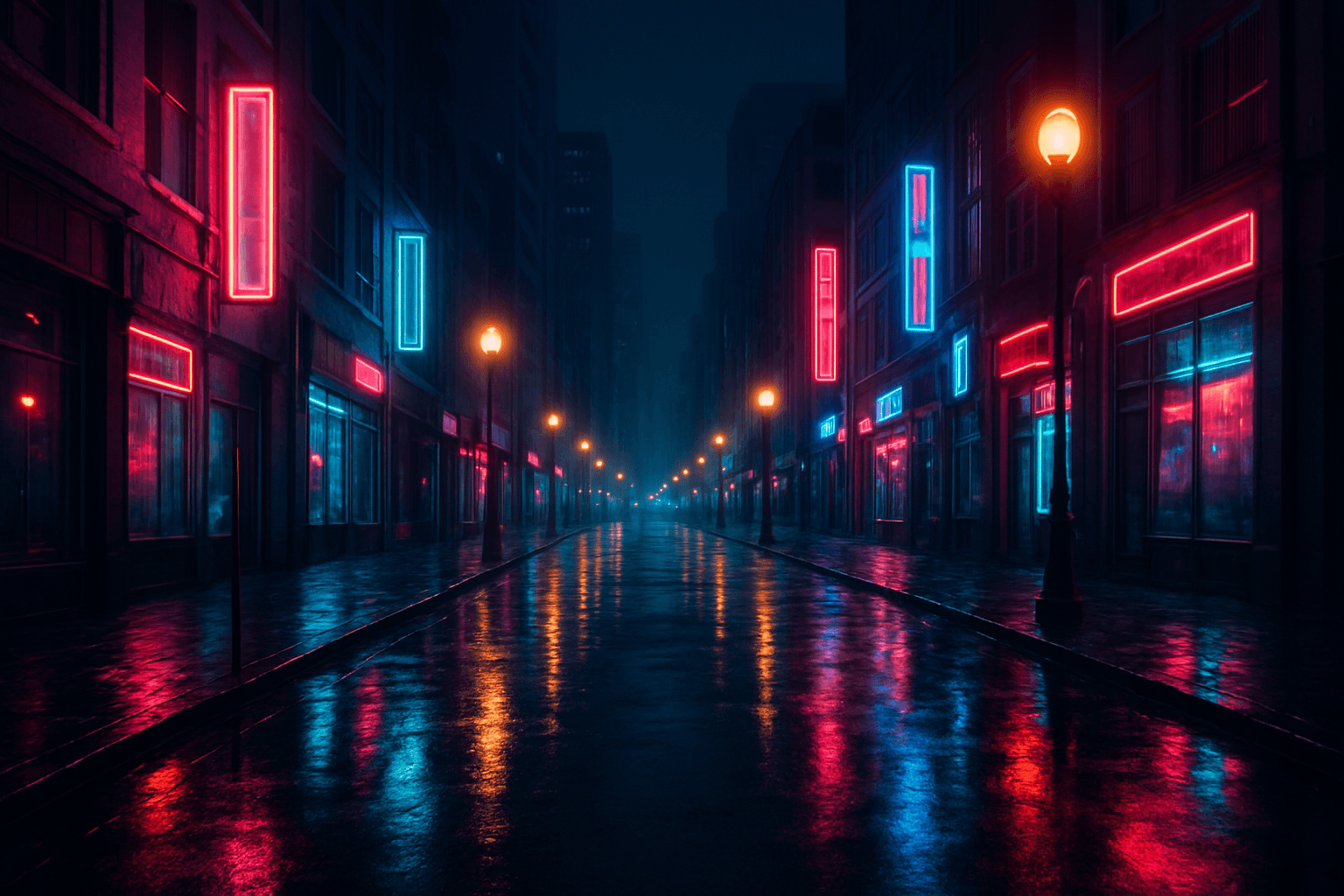
Urban Nighttime Mood
Urban Nighttime Mood focuses on capturing the unique ambiance present in cityscapes after sunset. This keyword emphasizes subtle lighting contrasts between artificial light sources and shadows, while showcasing realistic textures such as wet streets or glass surfaces. It conveys a quiet, contemplative, or energetic vibe depending on composition, making it ideal for cinematic, editorial, or conceptual visuals. Using this keyword enhances the emotional resonance of urban scenes and highlights the beauty found in nighttime environments.