Haze Depth Effect
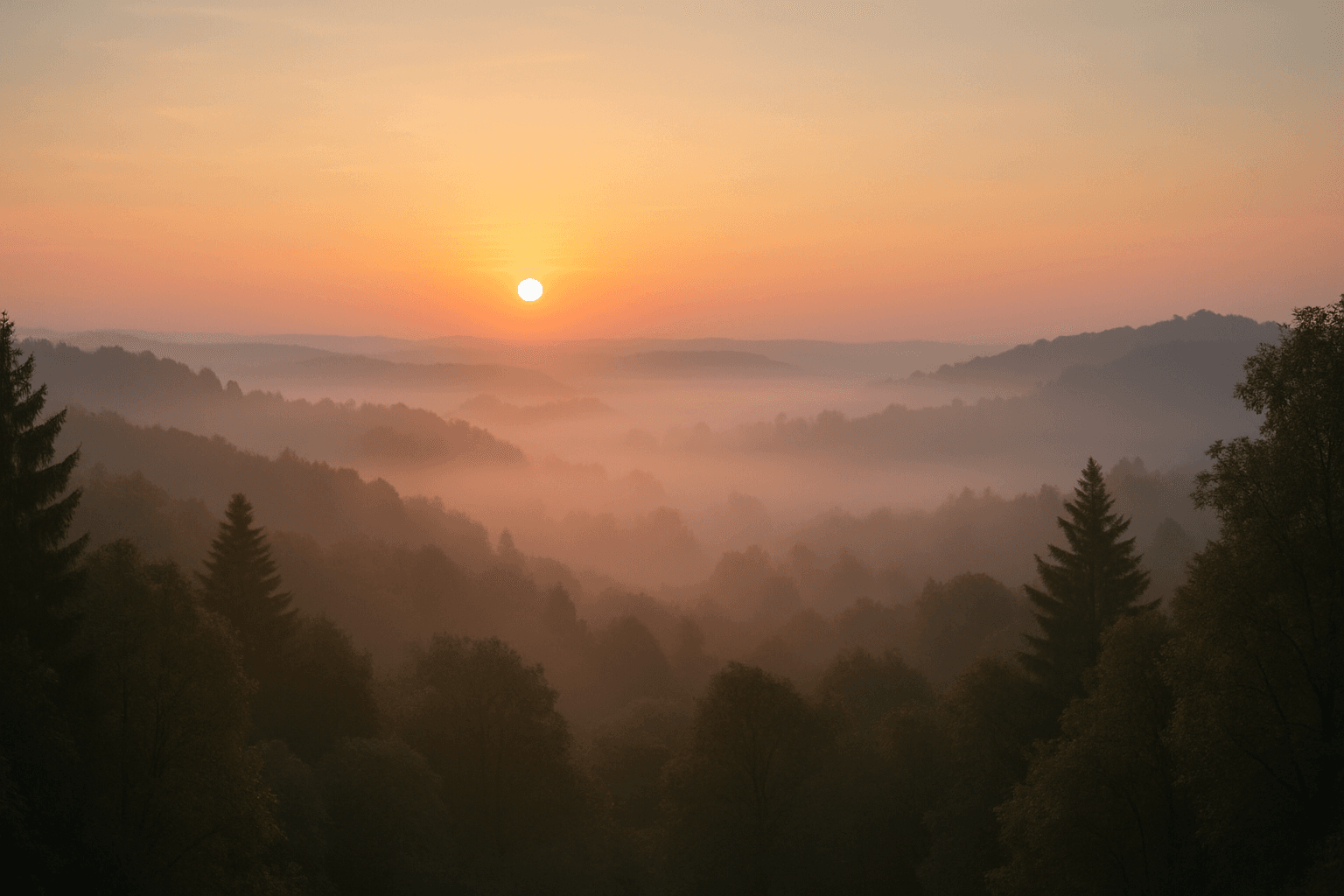
In AI-generated imagery, the Haze Depth Effect introduces a natural depth cue by imitating atmospheric conditions where particles scatter light over distance. This effect helps distinguish foreground objects from background elements by making distant parts appear lighter, softer, and slightly blurred, replicating how haze or mist behaves in real environments. It improves realism and mood, especially in landscapes, cityscapes, or scenes with expansive views. Incorporating haze also aids compositional clarity by reducing visual clutter in the background, guiding the viewer's focus towards the main subjects. Properly applied, the effect balances subtlety with visibility, avoiding overwhelming softness while enhancing three-dimensionality.
Definition
The Haze Depth Effect is a technique that recreates the appearance of atmospheric haze or mist in AI-generated images. It gradually softens and desaturates objects based on their distance from the viewer, mimicking how particles in the air scatter light in the real world. This makes distant subjects appear lighter and less defined than those up close, providing a natural illusion of depth and scale that enriches the overall scene.
Prompt Formula
Use descriptive phrases that imply atmospheric layering and gradual softening to invoke haze depth. Combine distance indicators with adjectives for light diffusion and softness for best effect.
- Foreground subject, sharp focus, crisp details
- Midground scene with light haze, subtle mist layers
- Background distant elements with soft fading, atmospheric perspective
- Modifiers: 'haze depth effect', 'soft mist', 'light scattering', 'gradual desaturation'
Best Use Cases
The Haze Depth Effect excels in enhancing images where mood and depth are critical. It is ideal for:
- Natural landscapes featuring mountains, forests, or water bodies with atmospheric conditions
- Urban or cityscape views emphasizing depth and distance through soft fading backgrounds
- Portraits or editorial settings requiring a dreamy or moody backdrop that separates subject from environment
Industry Applications
This effect is used commercially across various fields to elevate visual storytelling:
- Advertising campaigns that benefit from evocative outdoor or product placement visuals
- Editorial content in magazines and online publications aiming for immersive atmosphere
- Ecommerce platforms presenting products in natural or styled environments with depth and mood enhancement
Common Mistakes
Misapplication of the Haze Depth Effect can diminish image quality. Avoid these pitfalls:
- Overusing haze excessively, resulting in muddy, washed-out images lacking contrast
- Failing to balance haze with sharp foreground details, causing flat composition
- Using generic haze descriptors without specifying gradual layering, leading to unrealistic flat haze
- Neglecting color shifts caused by haze, which can make images look unnatural if ignored
FAQ
How does the Haze Depth Effect improve image realism?
By simulating atmospheric light scattering, it creates natural depth cues that help separate foreground and background, making scenes appear more three-dimensional and true to life.
Can I use the Haze Depth Effect for indoor scenes?
While it is primarily effective in outdoor scenes with visible distance, subtle haze can sometimes enhance mood indoors such as foggy windows or smoky environments.
What prompt terms work best to invoke this effect?
Using keywords like 'haze depth effect', 'atmospheric perspective', 'soft mist', 'light diffusion', and 'gradual fading' help guide AI models to include this effect.
Continue Exploring
Related Prompts
Misty Morning Fog
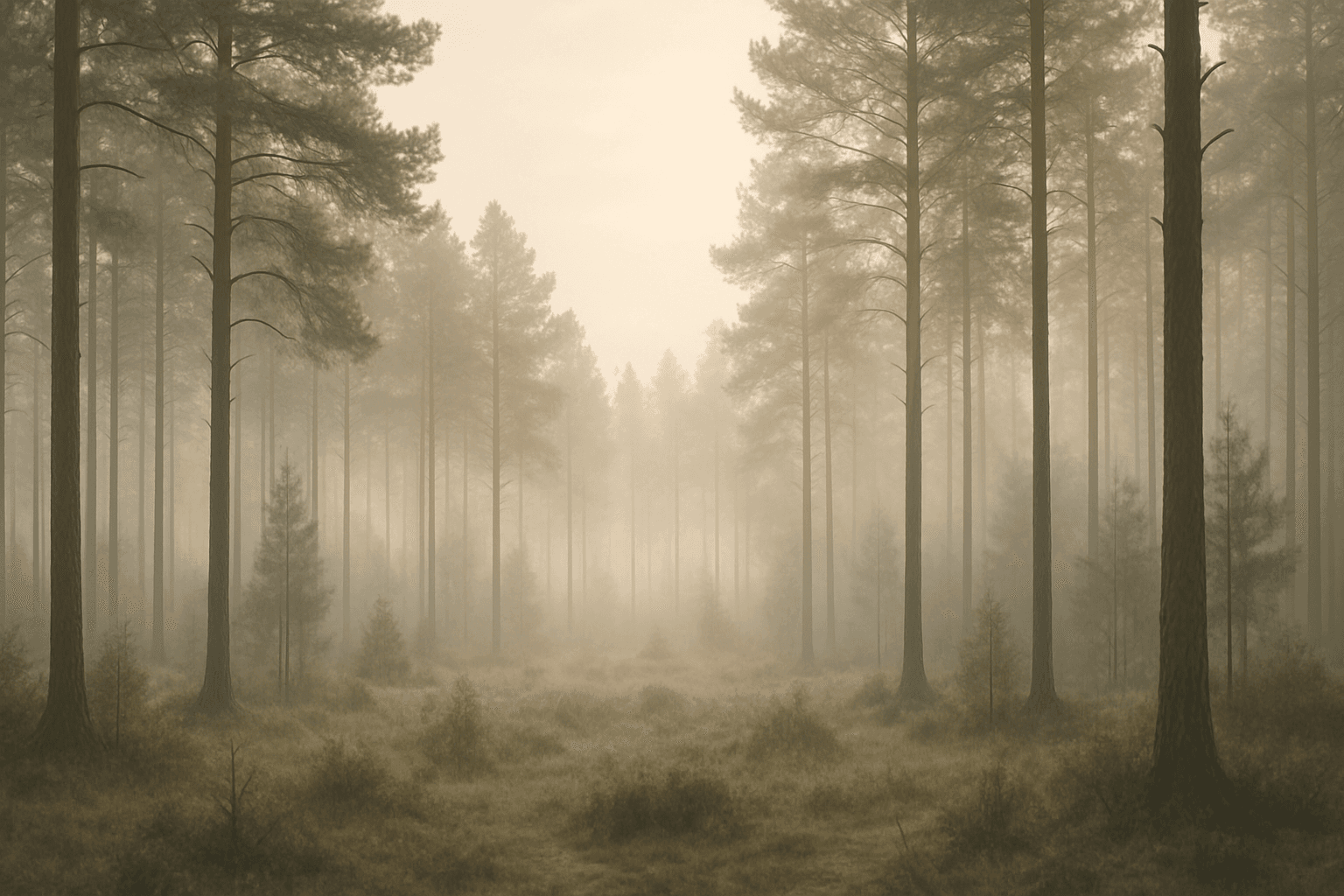
The keyword "Misty Morning Fog" captures the quintessential elements of early day foggy atmospheres, offering artists and designers a tool to create images rich in mood and texture. When included in AI prompts, it guides models to simulate the delicate layering of moisture in the air, resulting in soft glows and natural gradients that reduce sharpness and contrast. This effect can transform ordinary scenes by introducing a tranquil, almost dreamy quality that resonates with viewers seeking serenity. The subtle light scattering and nuanced depth cues help generate images ideal for nature photography, serene landscapes, and evocative editorial visuals. Whether for creative projects or commercial photography, the 'Misty Morning Fog' keyword unlocks a distinct atmosphere that enriches visual storytelling.
Morning Fog Atmosphere
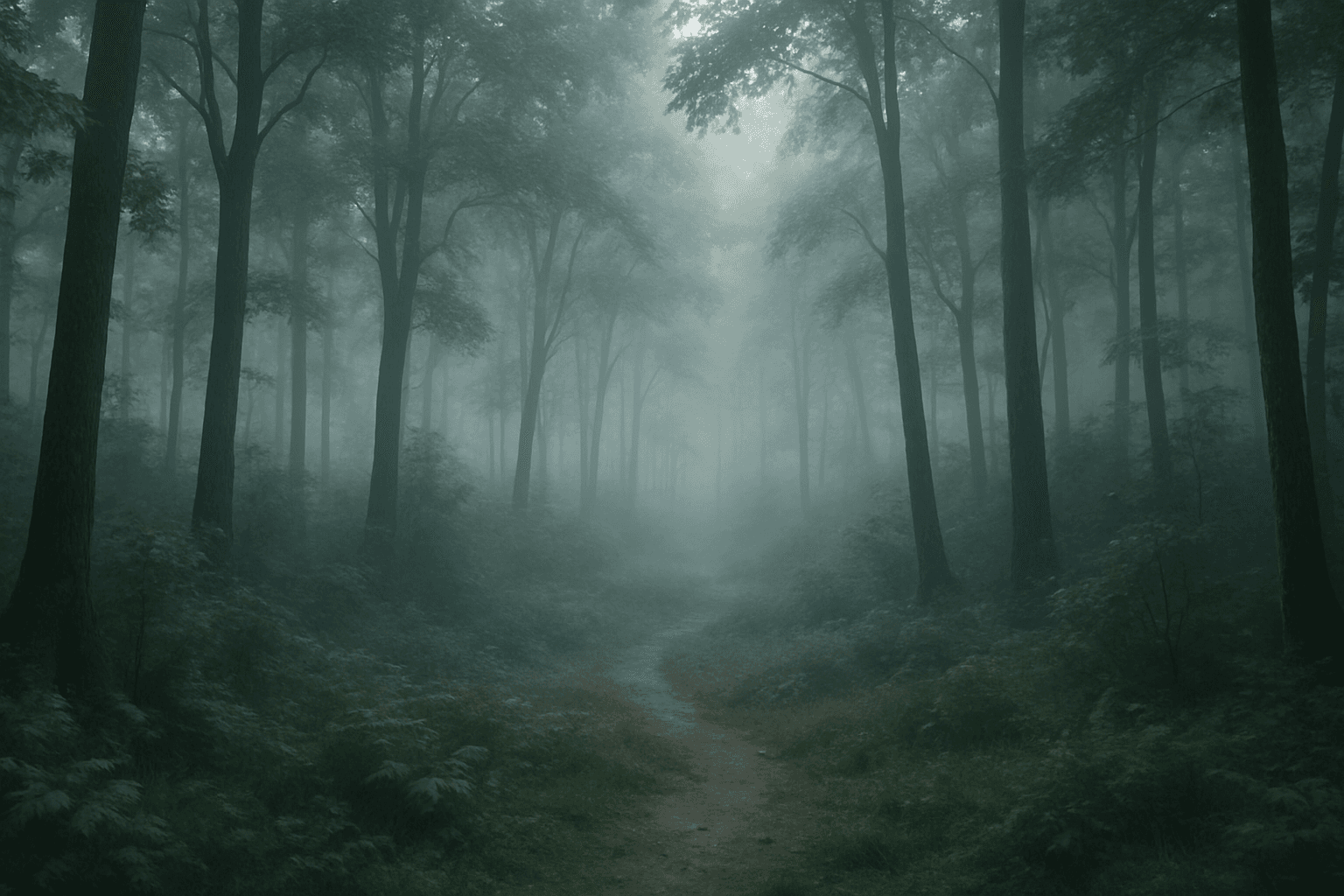
Morning Fog Atmosphere is an evocative keyword for AI image generation that calls for imagery depicting the calm and mystique of early dawn fog. This atmosphere is characterized by low contrast, diffused light, and a subtle veil of mist that softens details and enhances depth. Using this keyword in prompts helps produce landscapes, urban scenes, or nature shots that feel serene, introspective, or slightly mysterious. Photorealistic renderings benefit from this keyword by emulating natural weather conditions prevalent during sunrise. Its use is versatile across many visual styles, from realistic photography simulations to stylized art that emphasizes mood through softened visuals.
Soft Ambient Fog
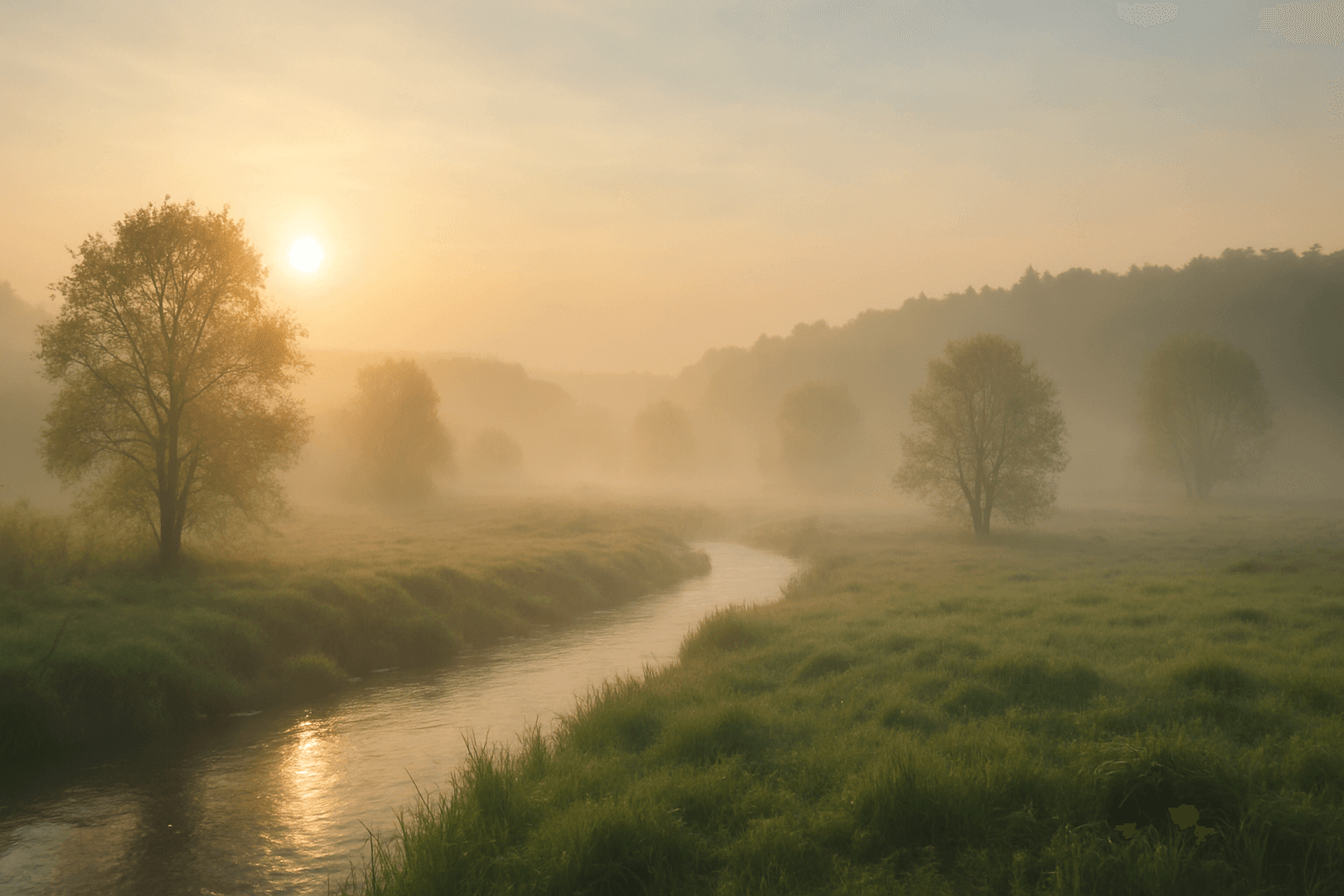
Soft Ambient Fog is a valuable prompt parameter that adds a subtle layer of atmospheric haze to images, transforming ordinary scenes with gentle diffusion and mood elevation. Unlike heavy fog or thick mist, this effect remains understated, allowing details to remain visible while enriching spatial depth and lighting texture. It evokes quietness and a sense of calm or mystery, making images appear more immersive and realistic. The presence of soft ambient fog interacts with light sources to produce smooth light transitions and a harmonious color palette, ideal for natural landscapes, portraits, or architectural shots. This nuanced atmospheric element helps creative projects achieve a premium, polished aesthetic with realistic environmental ambiance.

Atmospheric Haze
Atmospheric Haze is a depth keyword that adds subtle mist, dust, fog, or air particles between the viewer and distant objects.
Foggy Morning Atmosphere
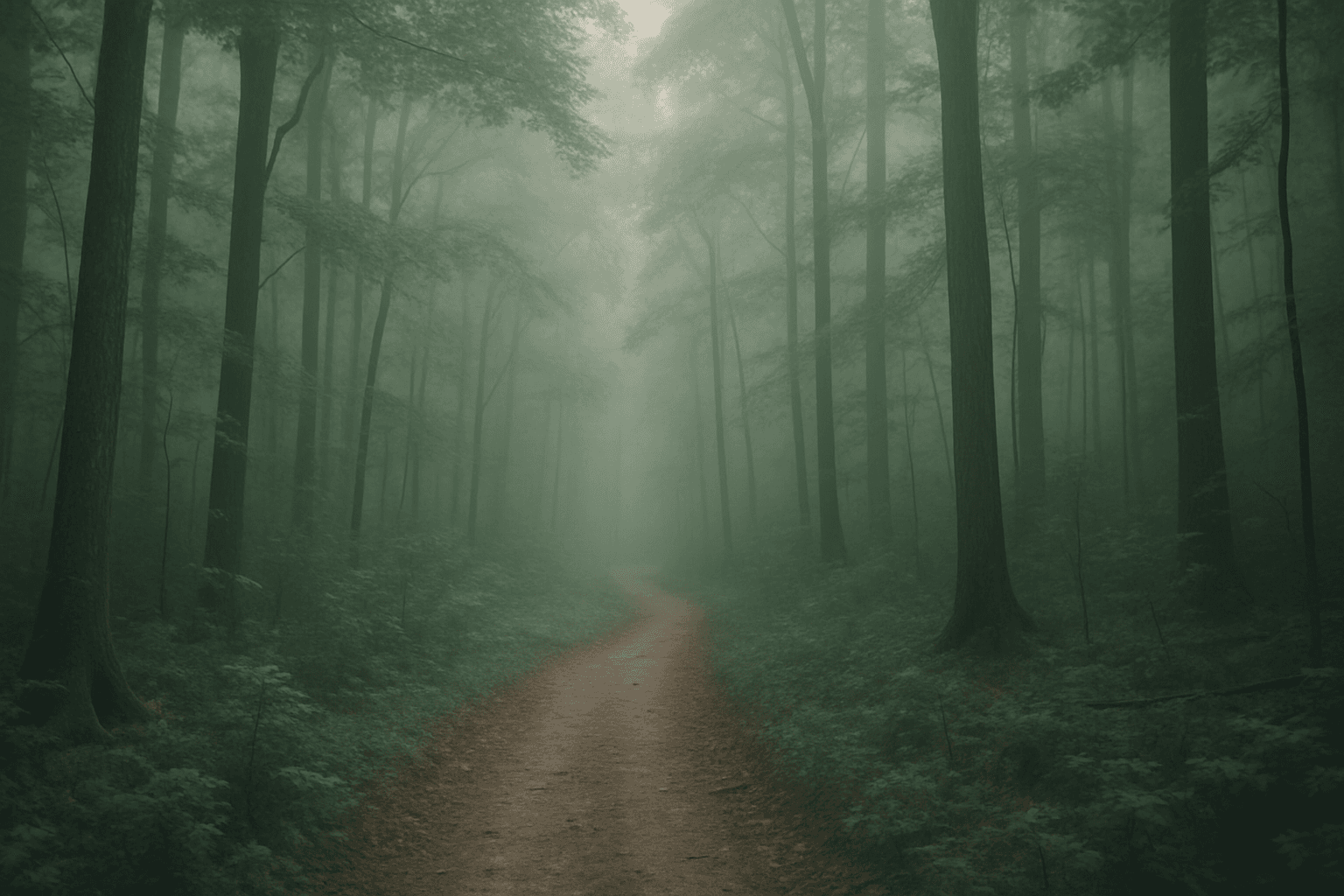
Foggy mornings are a quintessential atmospheric setting that transforms landscapes and scenes with diffused light and gentle haze. Using "Foggy Morning Atmosphere" in AI image prompts guides the model to simulate these unique conditions, creating visuals with muted tones, gentle contrasts, and a dreamy mood. This effect works exceptionally well for nature shots, serene urban scenes, or introspective portraits. Employing this atmosphere enriches storytelling by adding depth and emotion, often implying tranquility, mystery, or a fresh start to the day. The subtlety in light and shadow allows for creative compositions where subjects emerge softly from the mist, fostering a poetic visual narrative.
Moody Atmospheric Fog
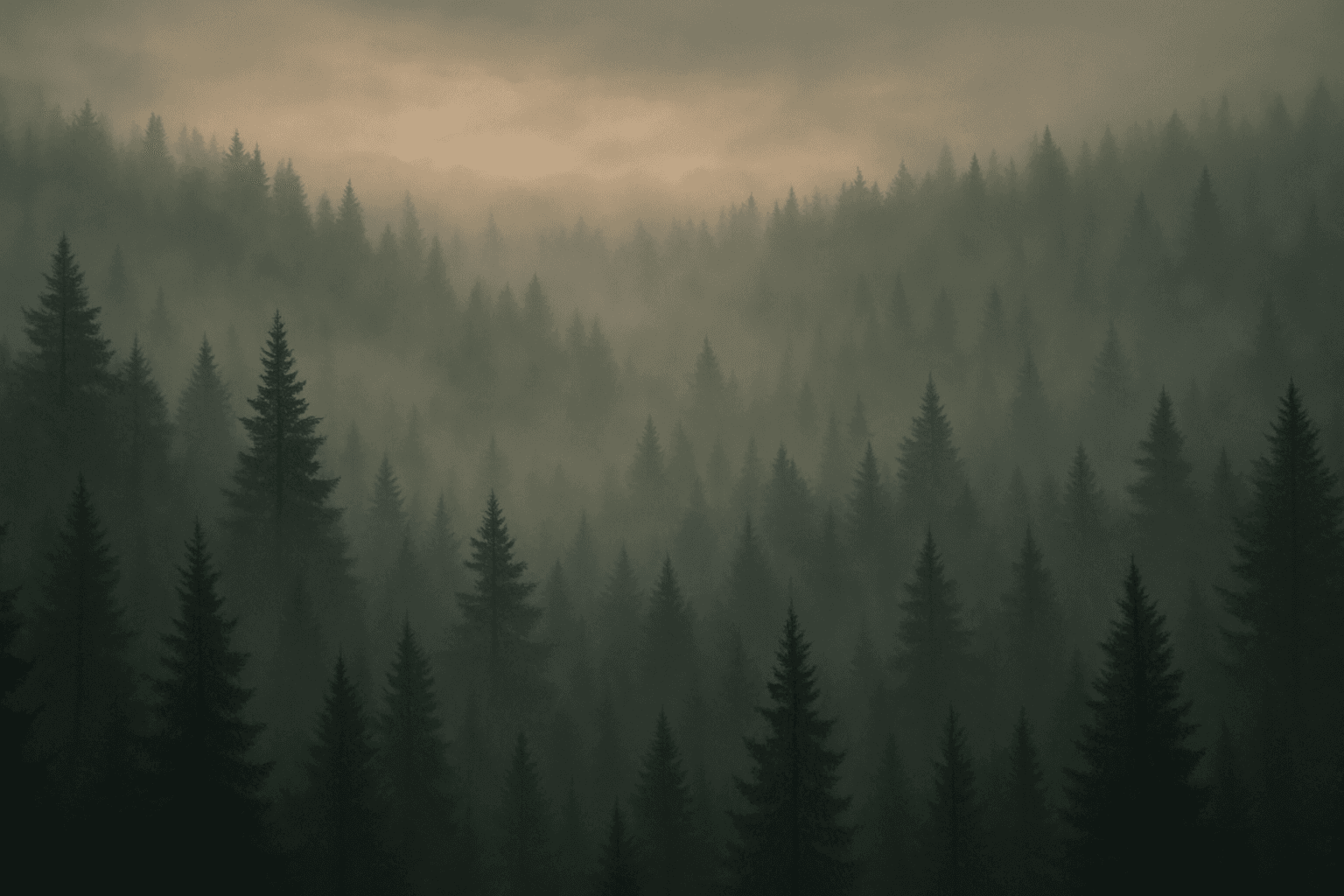
Moody Atmospheric Fog is a valuable keyword in AI image generation that transforms scenes by adding layers of soft, diffused fog with a melancholic or mysterious feel. This effect helps create emotional resonance, making images appear more cinematic and immersive. By muting colors and balancing light diffusion, it can enhance environments such as landscapes, urban streets, or interiors, providing a feeling of depth and atmosphere. This keyword is popular among creatives seeking to evoke emotions like solitude, contemplation, or suspense. Including it in prompts modifies the AI's rendering behavior to emphasize fog details that support these moods while maintaining realistic textures and lighting.