Snowy Winter Atmosphere
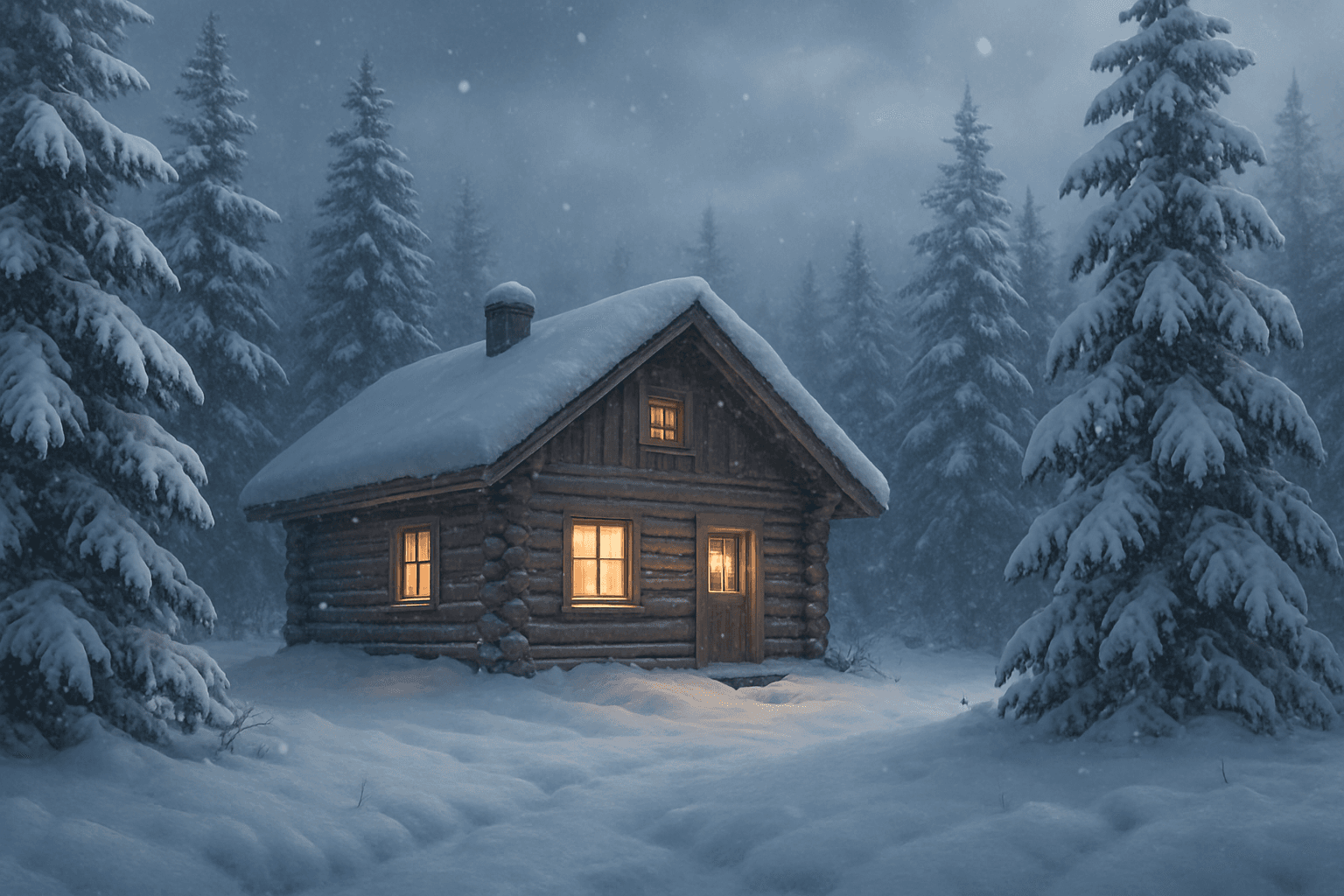
In AI image generation, the 'Snowy Winter Atmosphere' keyword helps create scenes saturated with the unique sensory and visual qualities of a cold, snow-laden landscape. It signifies an environment where snow falls gently or lies thickly, the air feels crisp, and nature undergoes a serene transformation. This atmosphere is achieved through soft, diffused lighting, monochromatic and cool color tones, and subtle textural details such as frosted branches and icy surfaces. Whether representing a quiet winter village, a forest in deep snow, or a festive holiday setting, this prompt keyword helps artists and creators evoke the distinct mood of winter's snowy embrace, suitable for evocative storytelling or seasonal design themes.
Definition
The 'Snowy Winter Atmosphere' keyword helps AI understand and recreate the essence of a snow-filled winter environment. This includes visual cues such as falling snowflakes, snow-laden landscapes, cold and soft lighting conditions, and a color palette dominated by whites, blues, and grays. Adding this keyword to a prompt modifies the scene to evoke winter's chill and tranquility, setting a clear mood and environmental context for imagery.
Prompt Formula
To effectively create images with a snowy winter atmosphere, combine specific elements and descriptors in your prompts. Use this formula: [Subject] + 'in a snowy winter atmosphere' + [lighting description, e.g., soft diffused light] + [weather details, e.g., gentle snowfall or heavy snow cover] + [color tones, e.g., cool blues and muted grays] + [mood, e.g., serene or cozy].
- Subject (e.g., cabin, forest, cityscape)
- Phrase 'in a snowy winter atmosphere'
- Lighting descriptor (e.g., soft diffused light)
- Weather details (e.g., gentle snowfall)
- Color tones (e.g., cool blues, muted grays)
Best Use Cases
The snowy winter atmosphere keyword excels in creating visuals for seasonal and thematic projects where the feeling of winter is critical. It is ideal for: - Greeting cards and holiday visuals that need a cozy, festive environment. - Concept art and backgrounds for video games or films set in winter. - Marketing materials seeking to evoke winter imagery and emotions in retail or advertising.
- Seasonal greeting cards and holiday visuals
- Winter-themed concept art for entertainment
- Marketing campaigns focused on winter products
Common Mistakes
Common errors when using the snowy winter atmosphere keyword include: - Omitting environmental details, resulting in generic cold scenes without authentic snow elements. - Overloading with too many contradictory weather descriptors causing confusion. - Using overly bright or warm colors that break the wintry mood. To avoid these, focus on cohesive cold color palettes, include specific snow-related imagery, and use consistent lighting that reflects the overcast or soft light typical of snowy days.
- Lack of distinct snow elements leading to vague winter scenes
- Conflicting weather descriptors causing unrealistic images
- Warm or bright colors diminishing the cold atmosphere
Advanced Techniques
Experienced prompt writers can fine-tune snowy winter atmosphere images by combining the keyword with advanced descriptors and constraints. Examples include specifying time of day (e.g., twilight with snowy atmosphere), adding atmospheric effects like fog or snowflakes in the foreground for depth, and controlling snow density to balance visual clarity. Integrating realistic material descriptions, such as icy textures or frosted surfaces, boosts authenticity. Layering the atmosphere with human or animal elements dressed appropriately enhances storytelling.
- Specify time of day to influence mood and lighting
- Include foreground snowflakes or mist for depth
- Adjust snow density for scene clarity
- Describe icy or frosted textures explicitly
- Add human or animal subjects with winter attire
Professional Workflow
A concise workflow for producing usable snowy winter atmosphere images involves: 1. Briefing: Define the subject, mood, and level of snow detail needed. 2. Prompt generation: Use the prompt formula, tailoring lighting, weather, and color specifics. 3. Generation: Produce multiple image variants. 4. Selection: Review images for realism, correct atmosphere, and composition. 5. Refinement: Iterate by tweaking prompt details or enhancing images post-generation to perfect lighting or textures before final use.
- Brief subject and atmosphere requirements clearly
- Construct detailed prompts with atmospheric cues
- Generate multiple variants for choice
- Evaluate images for atmospheric authenticity
- Iterate and refine for final polish
FAQ
How can I make sure the snow looks realistic in AI-generated images?
To ensure realistic snow, include specific descriptors such as 'soft falling snowflakes', 'snow-covered branches', or 'powdery snow on ground' in your prompt. Use terms that describe the texture and interaction of snow with light, like 'frosted surfaces' or 'glimmering snow under diffused light'. Combining these with accurate lighting and cool color palettes helps the AI produce believable snow effects.
Can I use 'Snowy Winter Atmosphere' with urban scenes?
Yes, this keyword works well with urban scenes to evoke a winter city mood. Adding descriptors like 'snow-covered streets', 'glowing street lamps under snowfall', or 'icy sidewalks' helps tailor the atmosphere appropriately for urban settings while maintaining the winter ambiance.
Continue Exploring
Related Prompts
Crisp Winter Air Atmosphere
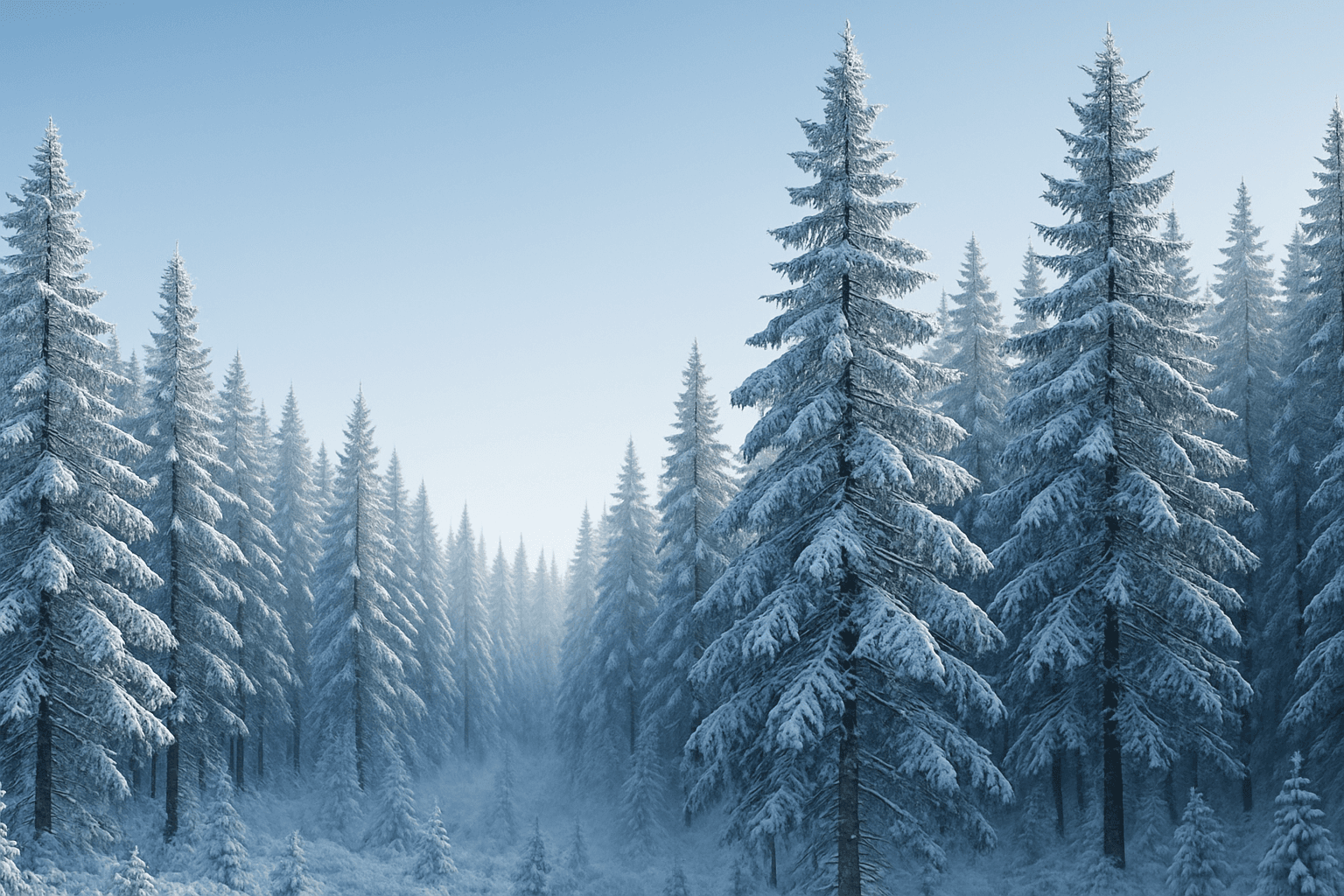
The 'Crisp Winter Air Atmosphere' keyword is essential for generating AI images that reflect the invigorating qualities of cold winter days. It infuses scenes with clarity and sharpness, often emphasizing cool light and minimal haze to produce a sense of fresh, cool air typical of early winter mornings or snowy landscapes. This atmosphere enhances compositions by adding emotional depth—evoking calmness, freshness, and renewal—while maintaining visual crispness suitable for editorial, advertising, and premium stock imagery. Using this keyword helps achieve refined lighting and realistic material effects without over-saturation or artificial haze.

Misty Forest Atmosphere
The Misty Forest Atmosphere keyword is used in AI art generation to evoke a tranquil and mysterious mood within wooded landscapes. By simulating the presence of early morning fog or mist shrouding trees and underbrush, this prompt detail adds soft depth and a sense of calm isolation to images. The low contrast and de-saturated tones typical of misty scenes create a dreamy, almost otherworldly feel that is visually compelling. Artists and designers use this atmosphere to craft scenes that are both peaceful and evocative, often serving as backgrounds for stories, nature art, or mood boards. It works well in both photorealistic and stylized compositions, enhancing the emotional resonance through natural environmental effects.
Autumn Forest Atmosphere
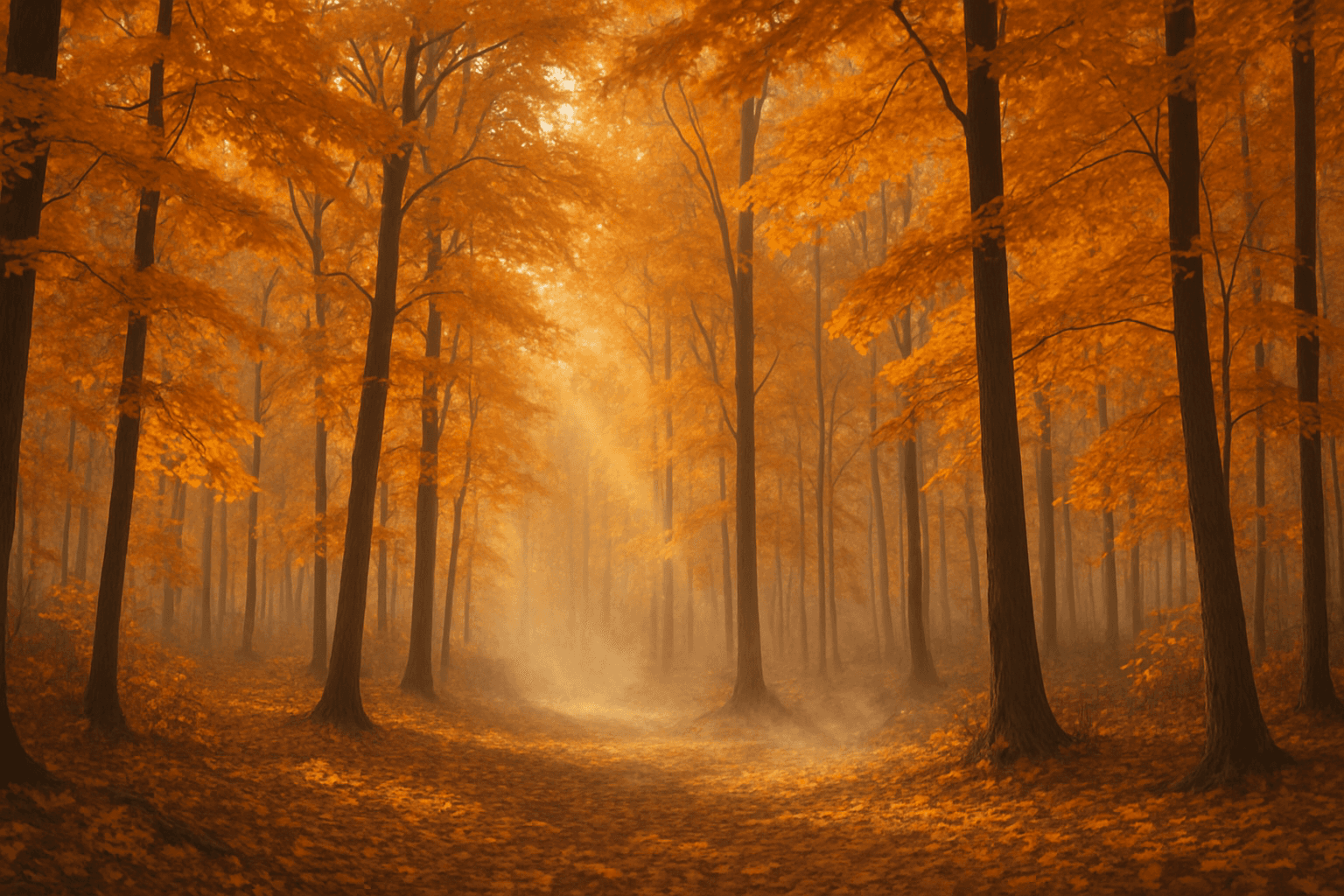
Autumn Forest Atmosphere refers to the visual and emotional qualities associated with forests during the fall season. When incorporated into AI image prompts, it helps produce scenes rich in warm hues like amber, crimson, and gold. The lighting tends to be soft, mimicking early morning or late afternoon sunlight filtered through foliage. This keyword also introduces elements such as fallen leaves, bare branches, and sometimes mist to evoke a serene yet dynamic environment. The atmosphere feels nostalgic, calm, and reflective, perfect for storytelling, seasonal marketing, and artistic nature representations.
Mystic Forest Atmosphere
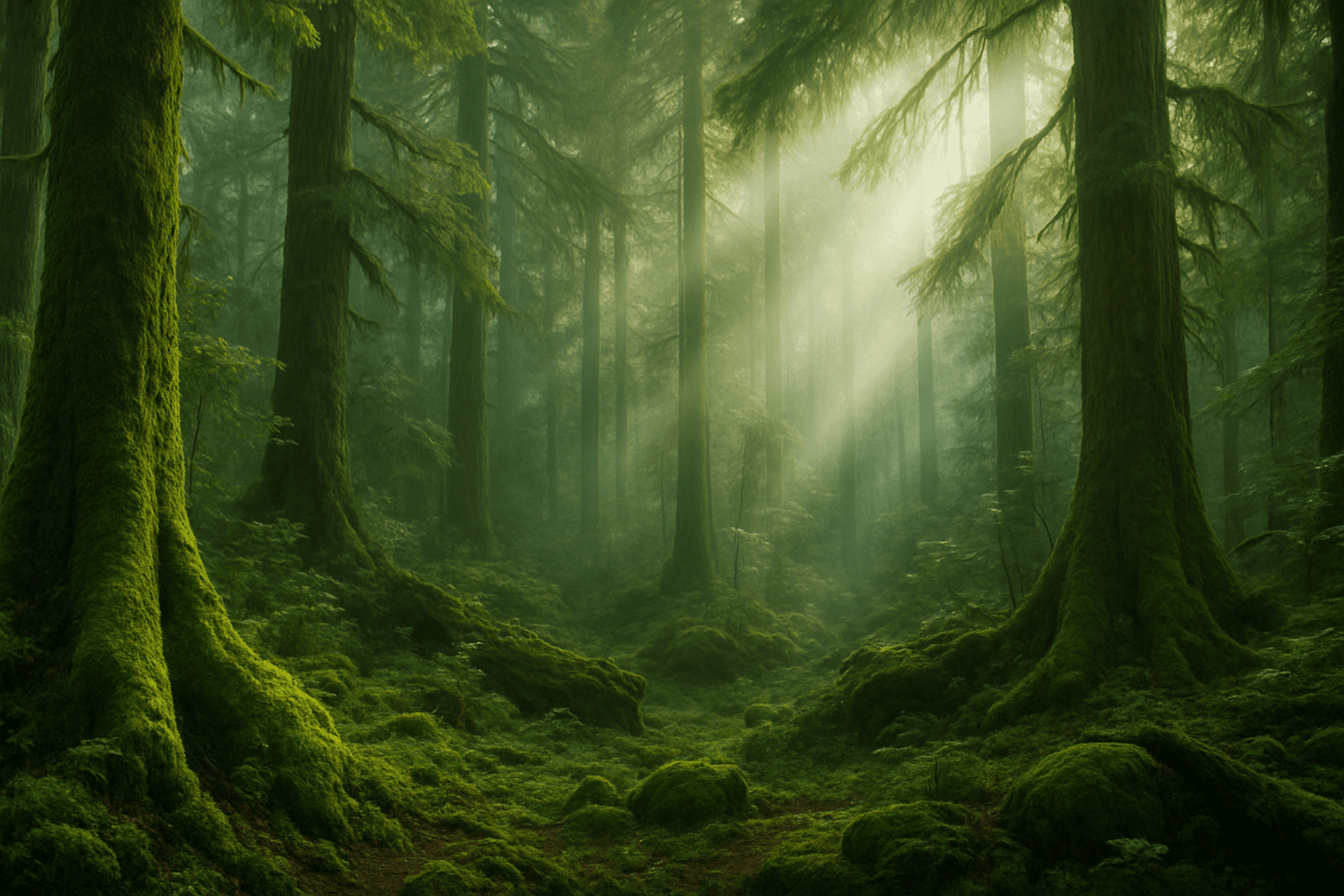
The Mystic Forest Atmosphere keyword brings an enchanting, otherworldly vibe to AI-generated images by conjuring scenes rich with natural mystery and subdued lighting. This atmosphere typically involves densely packed trees interspersed with mist or gentle fog that softens the scene and creates a sense of depth and intrigue. Light often filters through the canopy in dappled or diffuse beams that highlight textures and shadows, lending a dreamlike quality. Artists and creators use this atmosphere to evoke emotion, suggest fantasy realms, or produce contemplative natural landscapes. When added to an AI image prompt, it shifts the focus to mood over detail and sophistication over simplicity, making the scene feel immersive and timeless.
Tranquil Misty Atmosphere
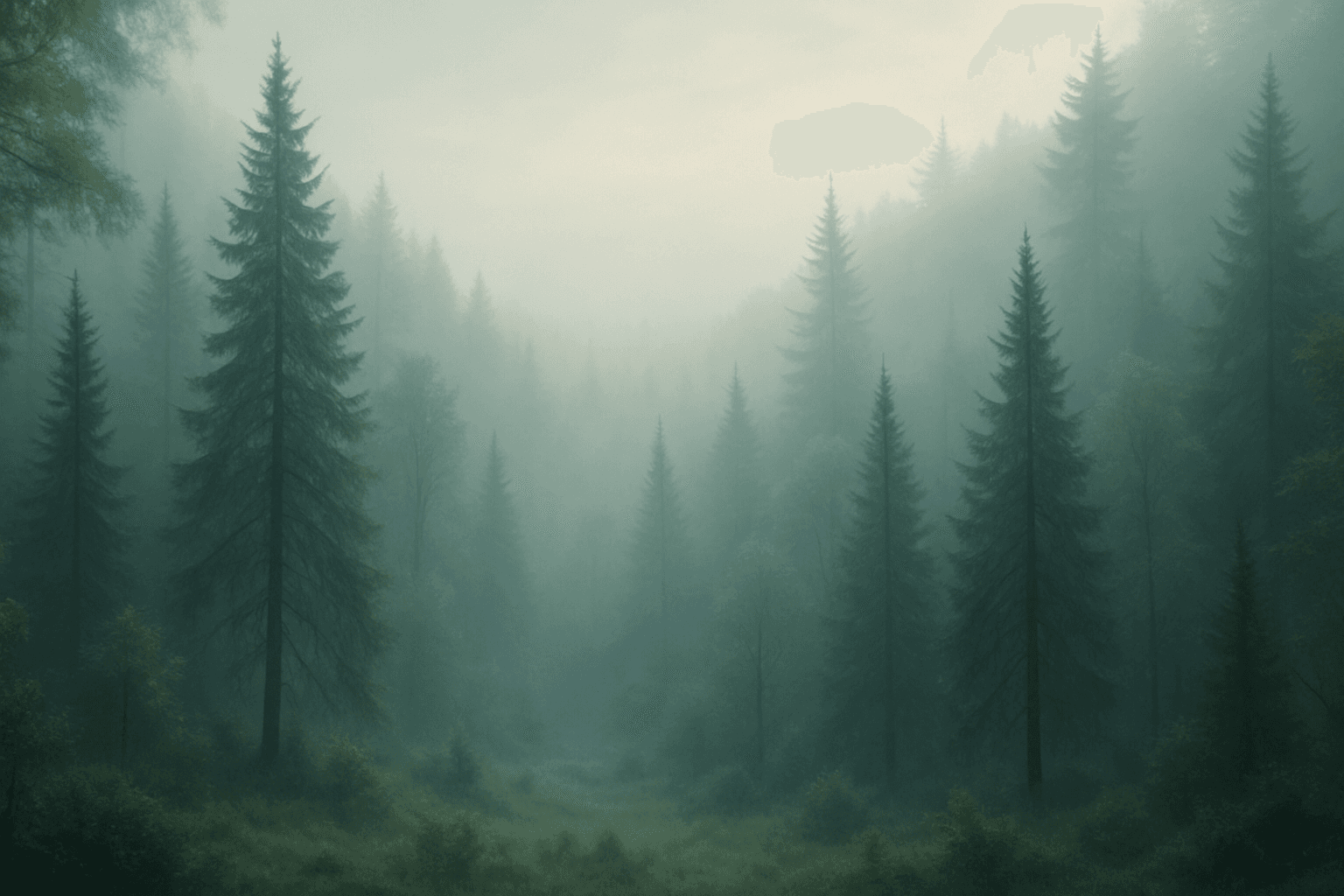
Tranquil misty atmosphere is a popular keyword for creating images that evoke calmness, mystery, and softness. It simulates the natural effect of moisture-laden air, which diffuses light and obscures fine details, creating a dreamy, ethereal quality. Artists and designers use this mood to depict serene landscapes, quiet mornings, or gentle scenes that invite contemplation. By integrating this atmosphere, AI-generated images gain depth and softness, fostering emotional responses of peace and reflection. It is particularly effective for nature, architectural, or fantasy art where mood plays a critical role.
Stormy Weather Atmosphere
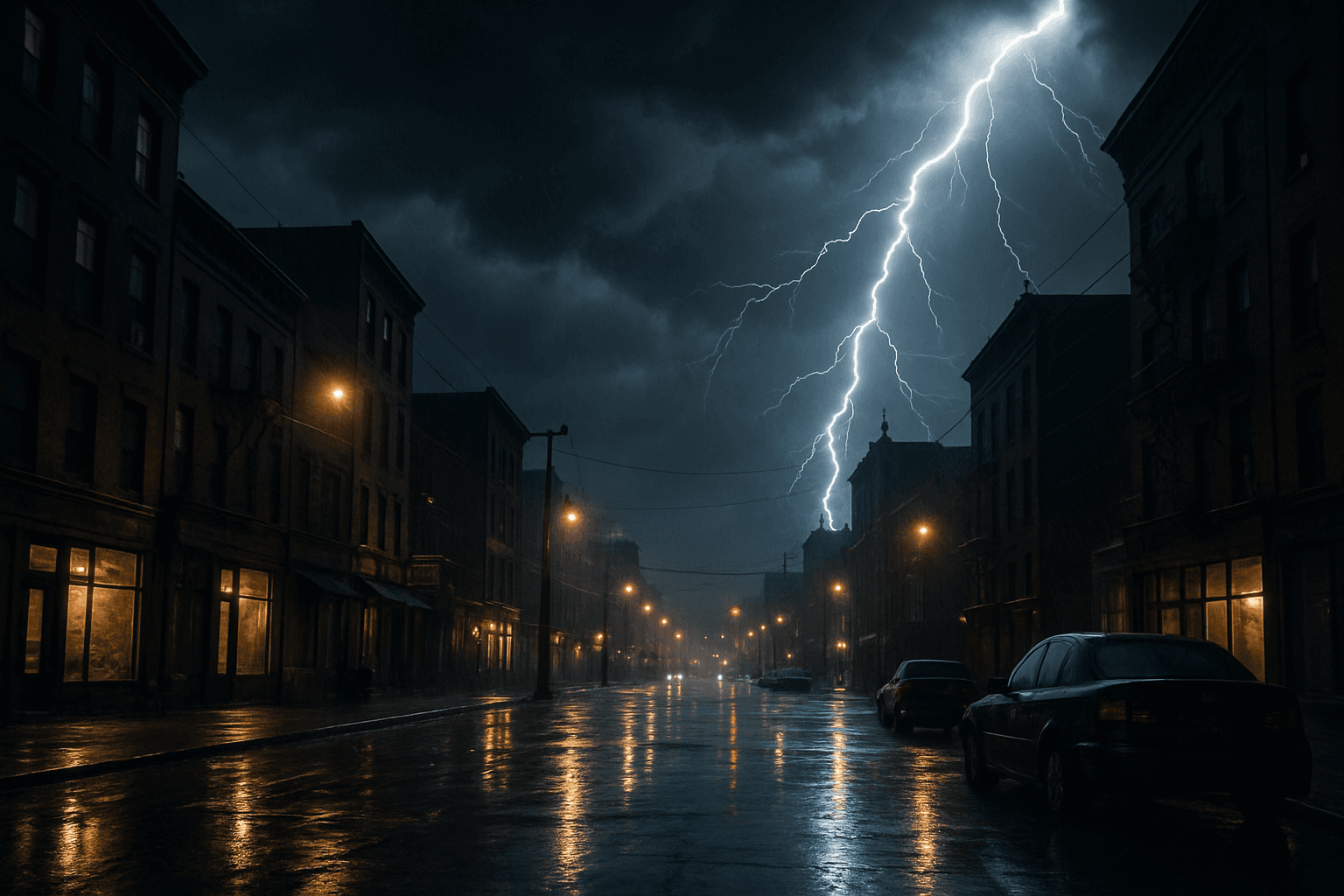
Stormy Weather Atmosphere is a powerful keyword for AI image generation that evokes dramatic and intense environmental conditions. By prompting the AI to include storm-related elements like ominous rain clouds, flashes of lightning, and turbulent skies, artists and creators can achieve scenes rich in tension and emotional impact. This atmosphere shifts the mood drastically from calm or sunny depictions, lending itself well to narratives involving conflict, intensity, or natural power. Incorporating storm characteristics enhances depth and realism, especially when paired with subtle reflections, wind-affected natural elements, or wet surfaces. It's ideal for compelling hero images, editorial visuals, or storytelling backdrops requiring a heightened sense of drama or unpredictability.