Sunset Glow Atmosphere
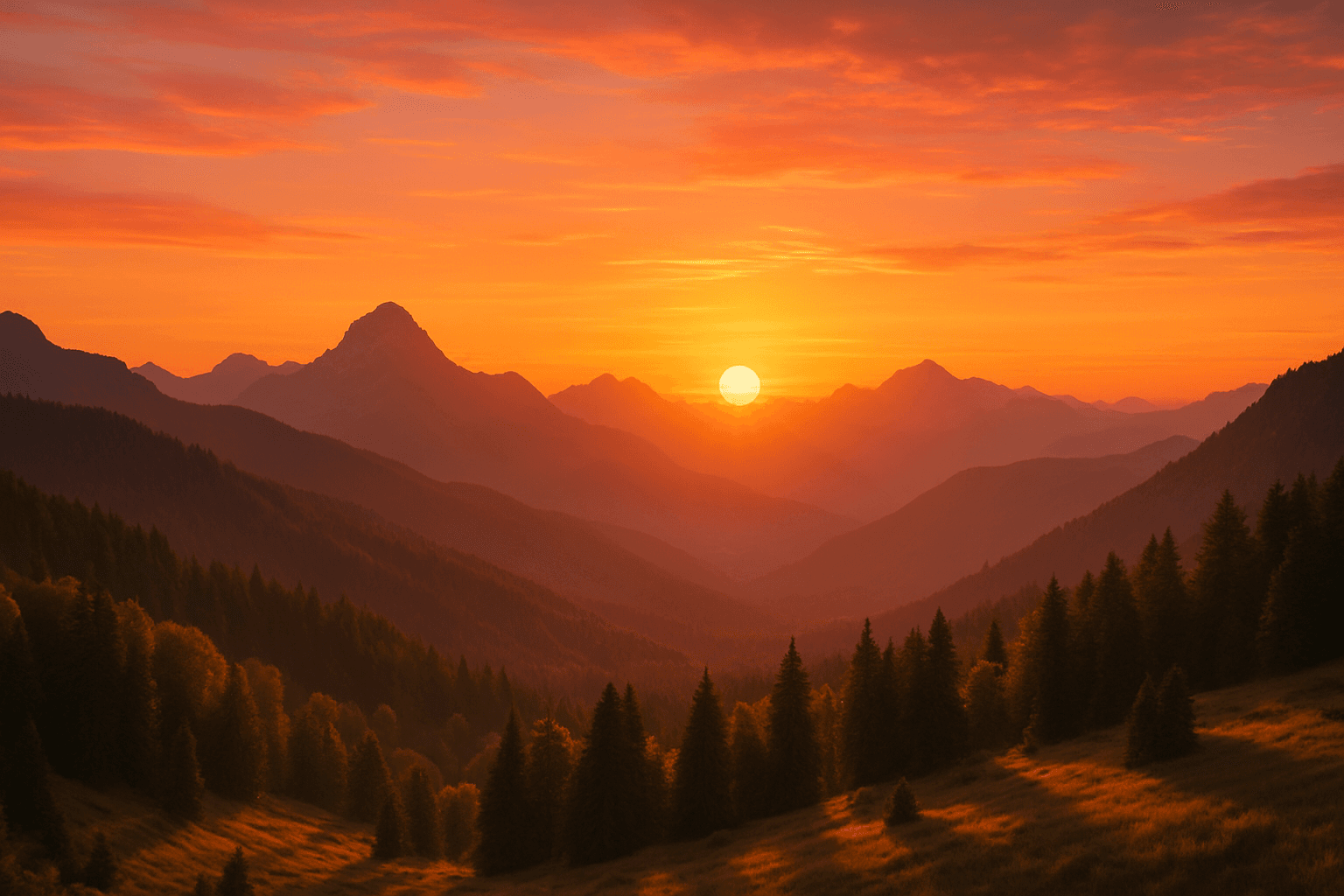
The 'Sunset Glow Atmosphere' keyword is used in AI image generation to evoke the distinctive lighting and coloration seen during the sunset hour. This effect creates rich, warm tones that enhance mood and beauty, often bathing scenes in orange, pink, and purple shades. It adds depth through long shadows and soft light transitions, lending images a natural and emotive ambiance. Incorporating this atmosphere is especially effective for outdoor scenes, portraits, or landscapes where golden-hour light can accentuate texture and color. By specifying this keyword, users guide AI models to prioritize visually compelling warm hues and glow effects, resulting in images that feel both realistic and artistically vibrant.
Definition
The 'Sunset Glow Atmosphere' keyword instructs AI image models to incorporate the characteristic warm, glowing light and color palette of sunset into an image. It modifies the lighting by adding golden-orange hues, soft diffusion, and long shadows, resulting in an inviting and natural ambiance. This keyword helps beginner prompt writers prioritize warm tones and atmospheric depth typically seen shortly before dusk.
Prompt Formula
Use the following pattern to include the sunset glow effect effectively: "[Subject or Scene], with sunset glow atmosphere, warm golden light, vibrant orange and pink skies, soft shadows, photorealistic, detailed texture" This formula balances the scene description with lighting and color cues to produce vivid sunset lighting. Alternative phrases like "warm ambient light" or "golden hour glow" can be swapped for variation.
- [Main subject or scene], with sunset glow atmosphere
- warm golden light
- vibrant orange and pink skies
- soft shadows and light diffusion
- photorealistic, detailed texture
Best Use Cases
- Outdoor portraits requiring warm, flattering skin tones
- Scenic landscapes enhanced by natural golden hour light
- Product shots needing emotional, inviting atmosphere
Common Mistakes
Beginners often misuse 'Sunset Glow Atmosphere' by omitting complementary lighting details, producing images with flat or unnatural colors. Another common error is over-saturating hues, leading to unrealistic or cartoonish appearances. Avoid generic phrases without specifying the direction or quality of light, which can cause muddy or dim results. Ensure the prompt balances lighting, color tones, and detail to reflect natural sunset glow authentically.
- Omitting light direction causing flat lighting
- Excessive saturation producing artificial colors
- Lack of detail resulting in unrealistic atmosphere
- Generic terms without specifying color temperature or shadows
Advanced Techniques
To refine the sunset glow effect, combine the keyword with precise lighting constraints like "soft rim light from the left" or "golden backlight with lens flare." Use modifiers such as "subtle haze" or "warm light diffusion" for atmospheric depth. Integrate time-of-day settings like "evening twilight" for greater nuance. Layer with style instructions (e.g., "cinematic mood lighting, ultra-realistic") to enhance emotional impact while maintaining realism.
- Add directional light details: 'soft rim light from left'
- Incorporate atmospheric effects: 'subtle haze'
- Specify time context: 'evening twilight'
- Combine with stylistic cues: 'cinematic mood lighting'
Professional Workflow
Start by defining the subject or scene clearly, then append the 'Sunset Glow Atmosphere' with complementary lighting and color descriptors. Generate multiple variations using slightly modified prompt elements to explore different warm light moods. Review outputs critically, selecting images with balanced warmth, natural shadows, and vibrant but realistic colors. Refine by adjusting saturation and detail keywords or incorporating modifiers for haze or lens flare. Finalize by choosing images that align with your project’s emotional and aesthetic goals.
- Define scene and subject explicitly
- Include sunset glow with color and shadow details
- Generate multiple prompt variants
- Select images with balanced warmth and realism
- Refine prompts to enhance desired effects
FAQ
How does 'Sunset Glow Atmosphere' affect image mood?
It adds warm, golden tones and soft lighting typical of sunset, creating an inviting, emotional, and visually rich ambiance that enhances the overall mood.
Can I use 'Sunset Glow Atmosphere' for indoor scenes?
While typically applied to outdoor lighting, it can be adapted for indoor scenes with windows or light sources that mimic sunset hues to create warm, ambient indoor lighting.
Continue Exploring
Related Prompts
Morning Sunlight Atmosphere
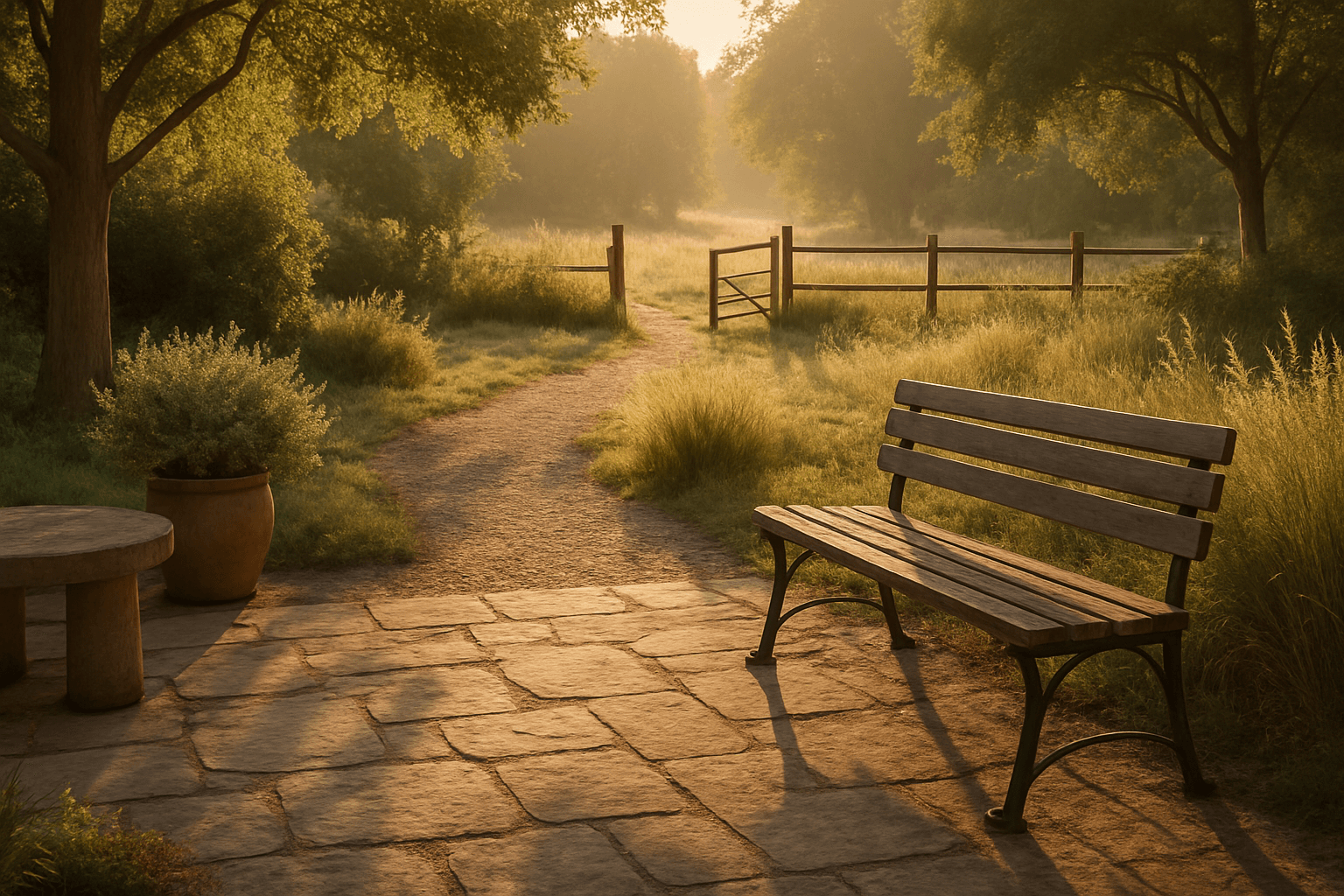
The 'Morning Sunlight Atmosphere' keyword brings a distinctive mood to AI-generated images by simulating the unique lighting found during sunrise hours. This atmosphere bathes scenes in soft golden tones, creating natural warmth and subtle shadow play that enhances textures and depth. It's particularly effective in landscapes, architectural shots, and portraits, where the interplay between light and early morning freshness conveys optimism, tranquility, and renewal. Using this keyword helps shift an image's palette toward warm ambers and gentle highlights, contributing to compelling compositions with emotional resonance and visual balance.
Dusk Twilight Mood
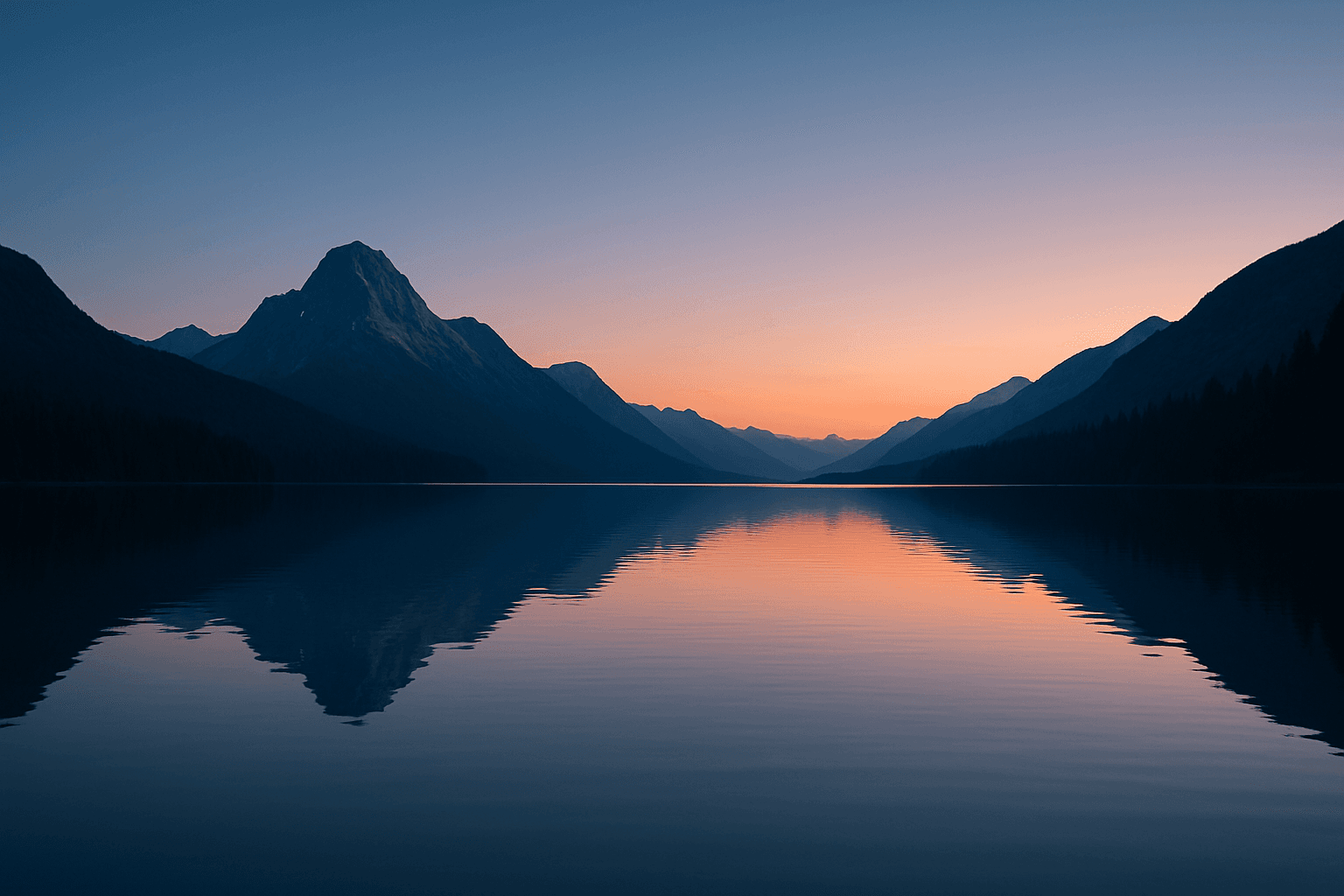
Dusk Twilight Mood captures the enchanting moments shortly after sunset when natural light softens and the sky transitions into peaceful gradients of blue and orange hues. This keyword enhances AI-generated images by infusing subtle warmth and fading daylight effects, creating contemplative and gentle moods. Its application suits a wide range of subjects from landscapes drenched in pastel skies to intimate portraits highlighted by soft shadows. The mood encourages a sense of calm and introspection, often reflecting the day's end and the approach of night. Using this keyword, artists can simulate realistic twilight lighting with refined contrast and balanced saturation, delivering evocative images with a premium editorial quality.

Misty Forest Atmosphere
The Misty Forest Atmosphere keyword is used in AI art generation to evoke a tranquil and mysterious mood within wooded landscapes. By simulating the presence of early morning fog or mist shrouding trees and underbrush, this prompt detail adds soft depth and a sense of calm isolation to images. The low contrast and de-saturated tones typical of misty scenes create a dreamy, almost otherworldly feel that is visually compelling. Artists and designers use this atmosphere to craft scenes that are both peaceful and evocative, often serving as backgrounds for stories, nature art, or mood boards. It works well in both photorealistic and stylized compositions, enhancing the emotional resonance through natural environmental effects.
Peaceful Sunset Backdrop
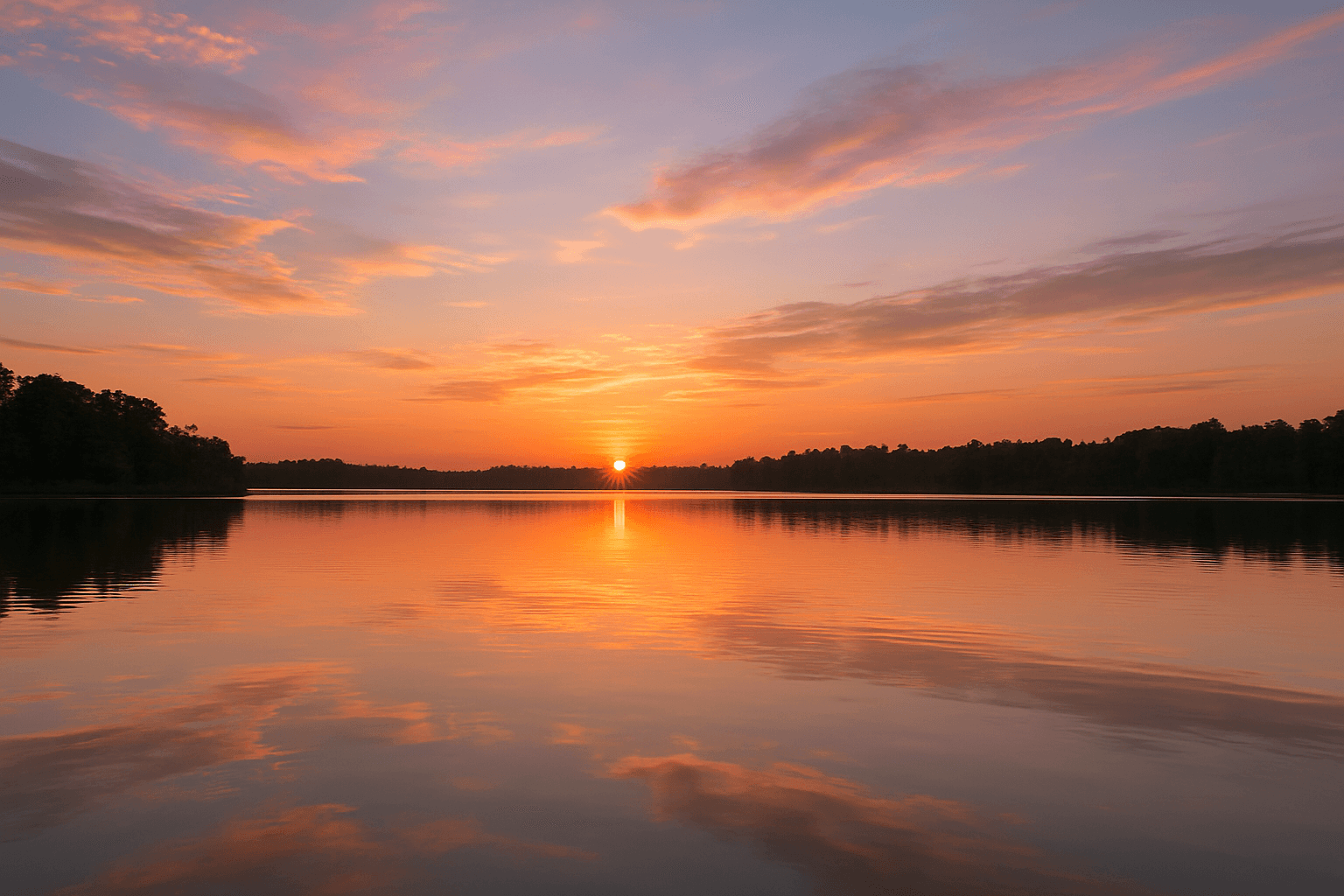
A peaceful sunset backdrop is a powerful keyword for AI-generated imagery aiming to evoke calm, warmth, and natural beauty. This setting typically features a softly glowing sun dipping below the horizon, spreading warm tones throughout the sky and reflecting gently over landscapes or seascapes. The atmosphere created is tranquil and inviting, often used to convey endings, rest, or reflection. By including this keyword in prompts, artists and designers can produce images suitable for mood-setting visuals, relaxation concepts, or nature-themed content. It encourages the generation of images with harmonious color transitions and balanced compositions that avoid harsh contrasts or busy elements.
Tense Stormy Sky Atmosphere
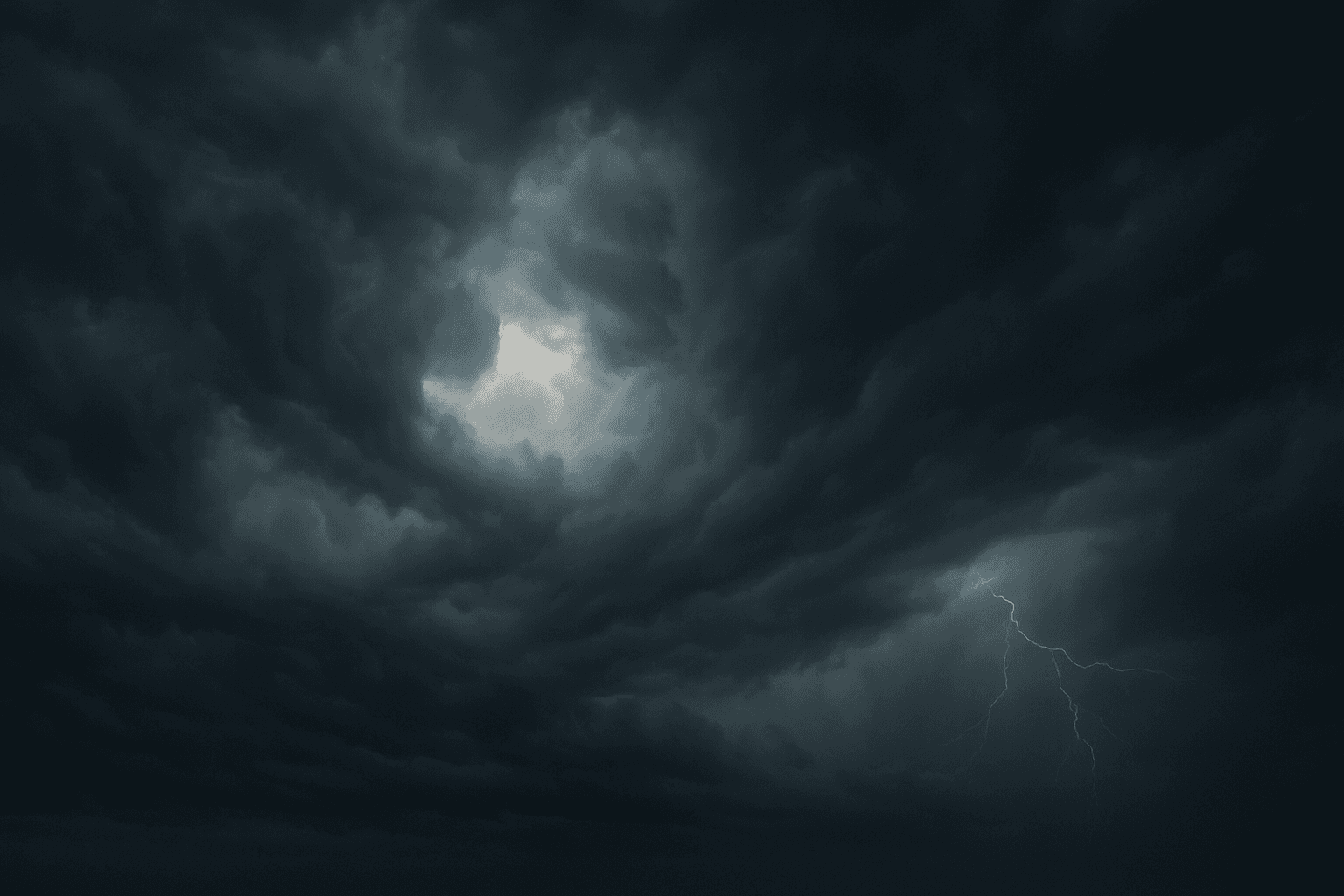
The 'Tense Stormy Sky Atmosphere' keyword brings a vivid emotional layer to AI-generated imagery by simulating the mood of an unstable, tumultuous weather scenario. It transforms neutral or calm skies into dynamic canvases filled with dark clouds, subtle lighting contrasts, and a palpable sense of tension or anticipation. This atmosphere can dramatically influence the storytelling and emotional pull in landscapes, cityscapes, or nature scenes. By including this keyword in your prompts, you guide AI models to produce images rich in contrast and dramatic lighting cues that amplify the underlying narrative's intensity or urgency.
Stormy Weather Atmosphere
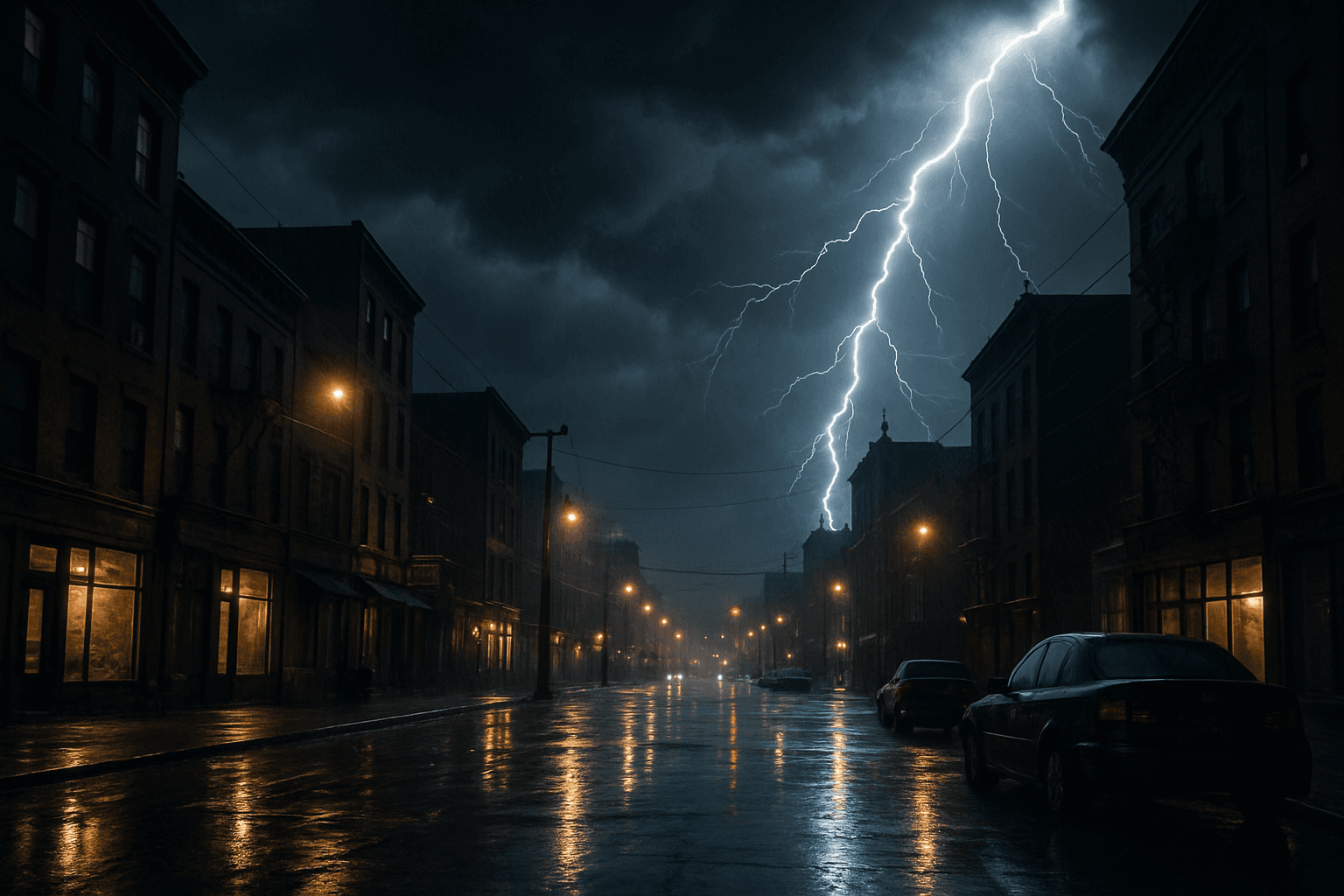
Stormy Weather Atmosphere is a powerful keyword for AI image generation that evokes dramatic and intense environmental conditions. By prompting the AI to include storm-related elements like ominous rain clouds, flashes of lightning, and turbulent skies, artists and creators can achieve scenes rich in tension and emotional impact. This atmosphere shifts the mood drastically from calm or sunny depictions, lending itself well to narratives involving conflict, intensity, or natural power. Incorporating storm characteristics enhances depth and realism, especially when paired with subtle reflections, wind-affected natural elements, or wet surfaces. It's ideal for compelling hero images, editorial visuals, or storytelling backdrops requiring a heightened sense of drama or unpredictability.