Calm Peaceful Environment
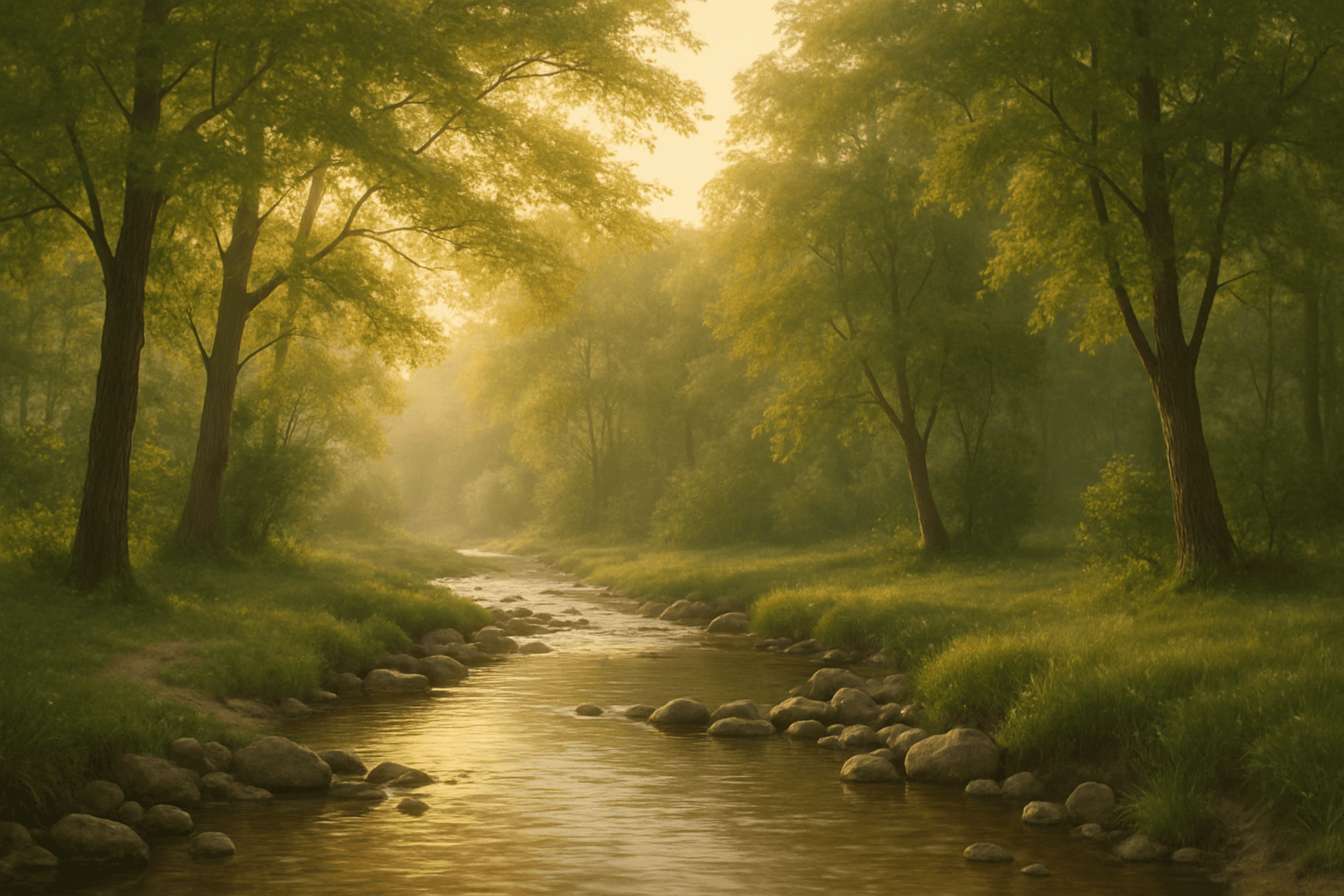
Using the 'Calm Peaceful Environment' keyword in AI image prompts helps produce images that communicate a sense of tranquility and well-being. This keyword guides the AI to prioritize soft light, natural and uncluttered scenes, and harmonious color palettes such as soft blues, greens, or warm earth tones. It is ideal for compositions depicting serene landscapes, quiet interiors, or soothing abstract backgrounds. Incorporating this keyword ensures the generated images are inviting and restful, suitable for wellness, meditation, or lifestyle themes. Overall, it adjusts the image's mood towards peacefulness by influencing elements like lighting, color, and spatial arrangement to reduce visual chaos and encourage contemplation.
Definition
The "Calm Peaceful Environment" keyword instructs the AI to generate scenes that feel tranquil and soothing. It emphasizes soft lighting, harmonious colors, and simple compositions, creating spaces that evoke relaxation and mental clarity. This keyword guides beginners in shaping the overall emotional tone of their images towards peacefulness and balance.
Prompt Formula
To effectively use the "Calm Peaceful Environment" keyword, combine it with descriptors of natural elements, lighting conditions, and mood. For example: "Calm peaceful environment, [time of day] soft natural light, [setting descriptor], muted harmonious colors, minimalistic composition, realistic textures."
- Calm peaceful environment, morning soft light, misty forest, pastel color palette, serene mood
- Calm peaceful environment, golden hour sunlight, quiet beach, gentle waves, warm tones
- Calm peaceful environment, cozy interior, neutral colors, gentle shadows, uncluttered space
Best Use Cases
- Creating backgrounds for meditation and wellness apps
- Designing editorial images for lifestyle and relaxation blogs
- Developing web visuals for travel destinations showcasing serenity
Common Mistakes
Common pitfalls with this keyword include adding too many busy elements which disrupt the tranquil feeling, using overly saturated or harsh colors that conflict with calmness, and harsh or directional lighting creating dramatic shadows that reduce softness. Avoid clutter and focus on balance between light, color, and composition to maintain realism without losing the peaceful mood.
- Overcrowding the scene with unrelated objects
- Using intense or contrasting colors that reduce harmony
- Applying harsh lighting rather than soft, diffused illumination
Advanced Techniques
Experienced users can refine prompts by specifying detailed lighting setups like "soft volumetric light with light rays" or combining seasonal elements such as "autumn leaves lightly falling" to enhance atmosphere. Incorporate camera settings like "shallow depth of field" to focus attention or "wide-angle lens" to emphasize openness. Use negative prompts to prevent unwanted artifacts, for example excluding people or urban features to keep the environment untouched.
- Add precise lighting descriptions: "soft diffused morning light with mist"
- Include seasonal and natural details: "light autumn leaves falling gently"
- Apply photographic terms: "shallow depth of field, bokeh background"
- Use negative prompts: "no crowds, no buildings, no harsh shadows"
Professional Workflow
Start with a clear brief describing the desired calm atmosphere and key natural or interior elements. Build prompts using the formula combining environment, lighting, color schemes, and mood. Generate multiple image variants to explore subtleties. Select images with balanced composition and realistic lighting, then refine prompts to correct issues like color saturation or clutter. Use iterative generation and selection until achieving polished, usable images suitable for professional projects.
- Define serene mood and core setting elements
- Create detailed prompts using formula and modifiers
- Generate batches of images for variety
- Evaluate and select images based on lighting and balance
- Refine prompts to fix issues and regenerate as needed
FAQ
How does 'Calm Peaceful Environment' affect image color tone?
It encourages the use of muted, harmonious, and soft color tones like pastel blues, greens, and warm earth tones to evoke tranquility.
Can I use this keyword for indoor scenes?
Yes, applying "Calm Peaceful Environment" works well for both natural outdoor settings and interiors that are minimalist and softly lit.
What lighting types are best for this keyword?
Soft, diffused lighting such as early morning, golden hour, or overcast sky light best supports the calm and peaceful mood.
Continue Exploring
Related Prompts
Peaceful Sunset Backdrop
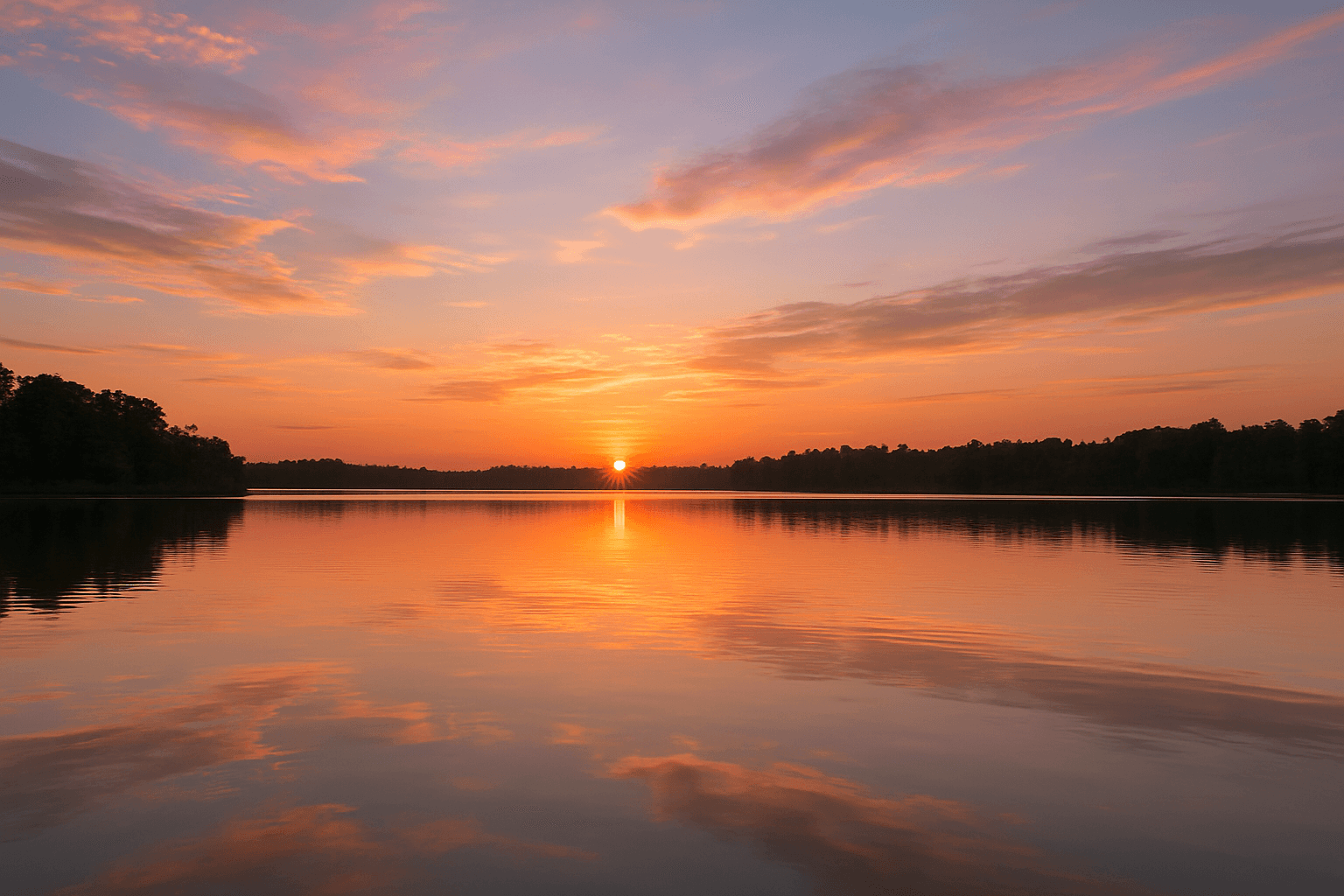
A peaceful sunset backdrop is a powerful keyword for AI-generated imagery aiming to evoke calm, warmth, and natural beauty. This setting typically features a softly glowing sun dipping below the horizon, spreading warm tones throughout the sky and reflecting gently over landscapes or seascapes. The atmosphere created is tranquil and inviting, often used to convey endings, rest, or reflection. By including this keyword in prompts, artists and designers can produce images suitable for mood-setting visuals, relaxation concepts, or nature-themed content. It encourages the generation of images with harmonious color transitions and balanced compositions that avoid harsh contrasts or busy elements.
Calm Serene Mood
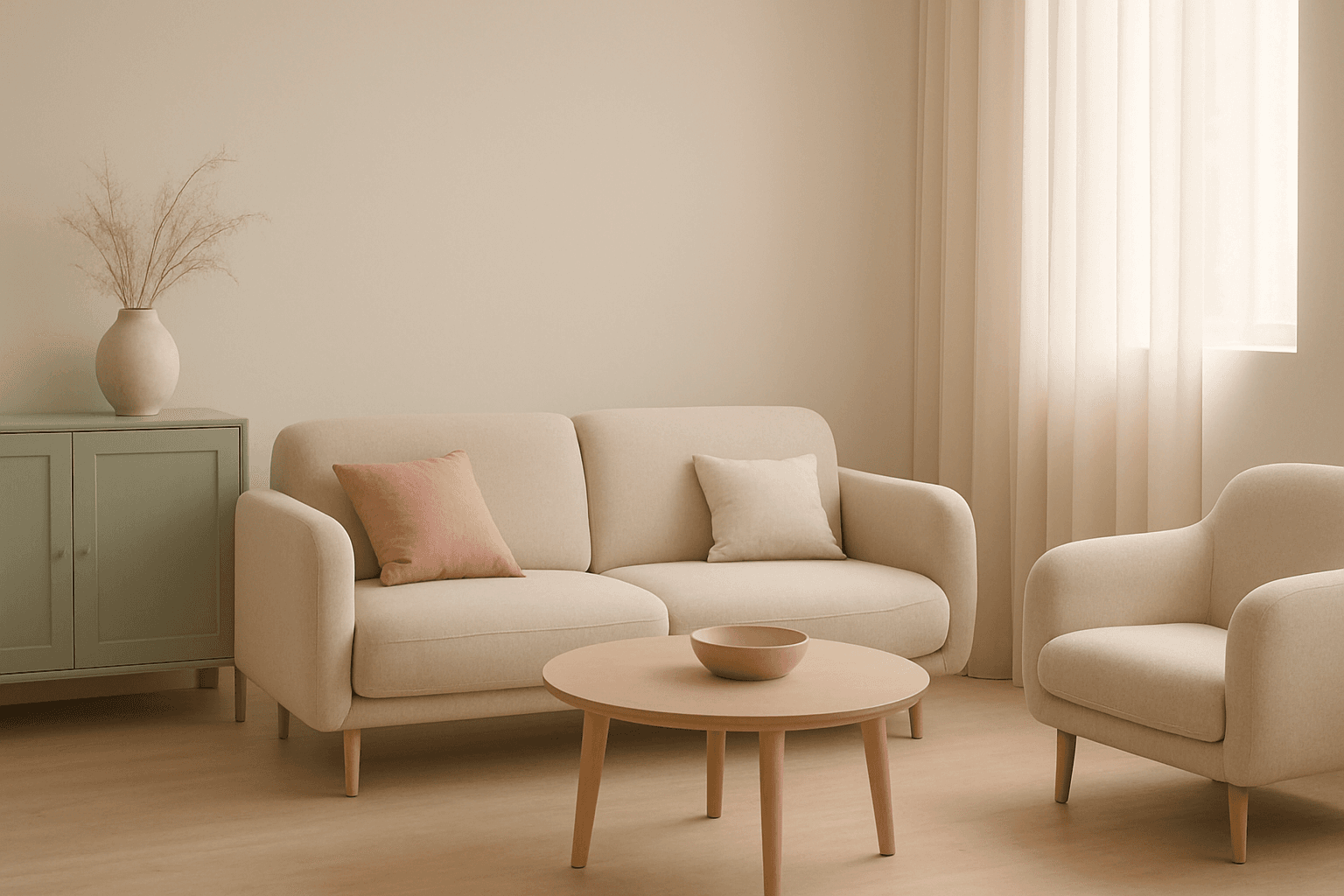
Incorporating a 'Calm Serene Mood' into AI-generated images sets the tone for peaceful and soothing visuals that invite viewers into a state of relaxation. This mood emphasizes gentle lighting conditions, balanced compositions, and color schemes that reduce visual tension. Artists and creators use this keyword to achieve imagery that feels reflective and harmonious, often found in wellness, nature, and minimalist themes. Implementing 'Calm Serene Mood' helps AI models prioritize visual elements that evoke calmness and suppress chaotic or aggressive details, making images more inviting and emotionally comforting.
Peaceful Atmosphere
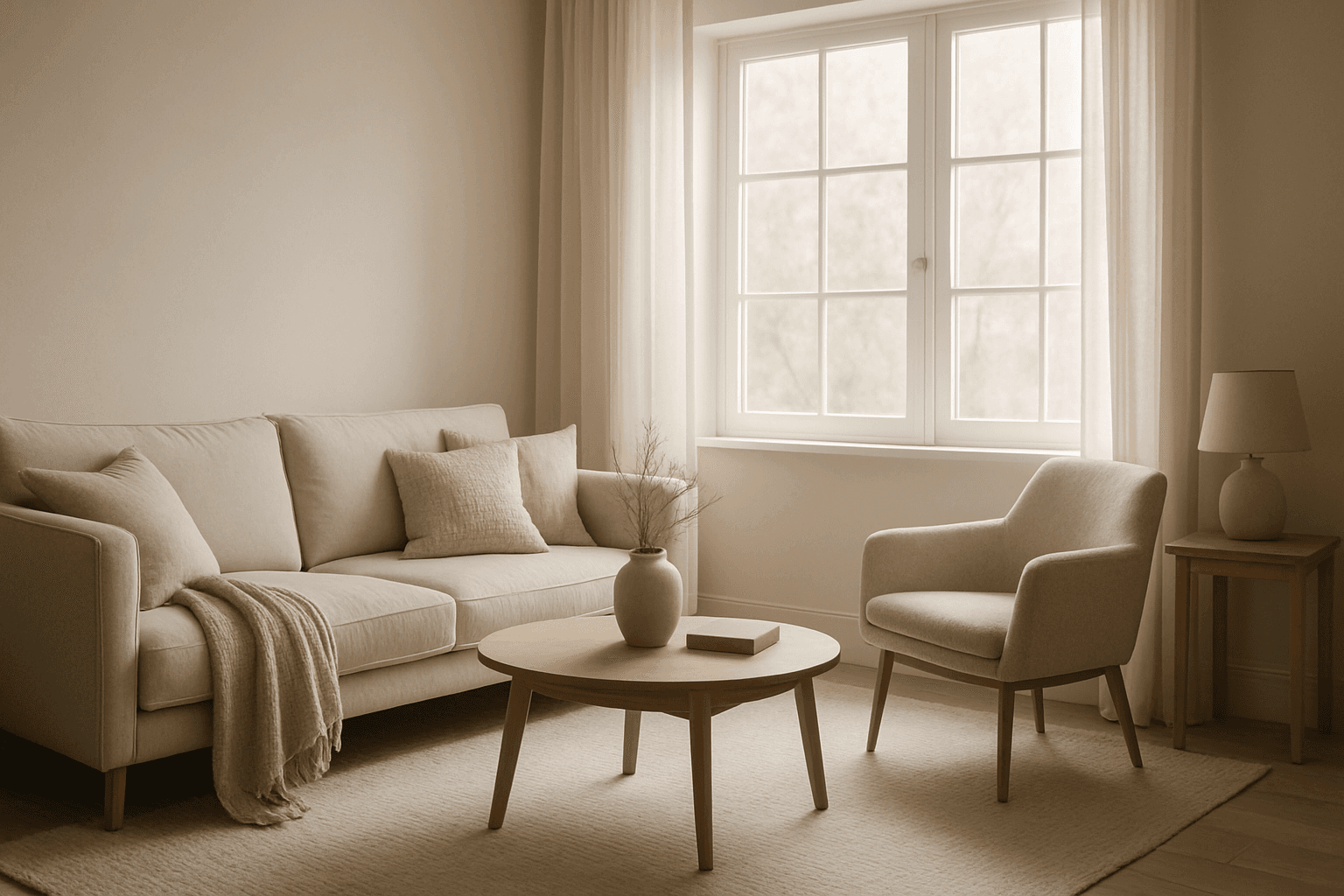
The peaceful atmosphere keyword is essential for generating AI images that convey calmness and tranquility. By focusing on soft lighting, harmonious colors, and minimalistic composition, images create a soothing visual experience that resonates emotionally with viewers. This atmosphere works well across various scenarios—from serene nature scenes to quiet indoor settings—highlighting moments of stillness and repose. Achieving a peaceful atmosphere means balancing subtle details that reduce visual noise, promoting relaxation and introspection. It's ideal for enhancing content that requires a sense of calm and well-being without overwhelming complexity.

Calm Beach Atmosphere
Using the 'Calm Beach Atmosphere' keyword in AI image prompts directs the model to depict serene and peaceful beach scenes. This atmosphere is defined by soft lighting, subdued color palettes often featuring gentle blues and warm beiges, and minimal activity or dynamic motion. It reduces visual noise and prioritizes elements that signal tranquility, such as calm water surfaces, empty beaches, and clear skies at dawn or dusk. This keyword is ideal when crafting images that aim to evoke relaxation, peacefulness, and contemplative moods associated with seaside escapes. It contrasts strongly with more energetic beach atmospheres like vibrant sunsets or crowded vacations, focusing instead on calmness and subtle beauty.
Serene Lakeside Mood
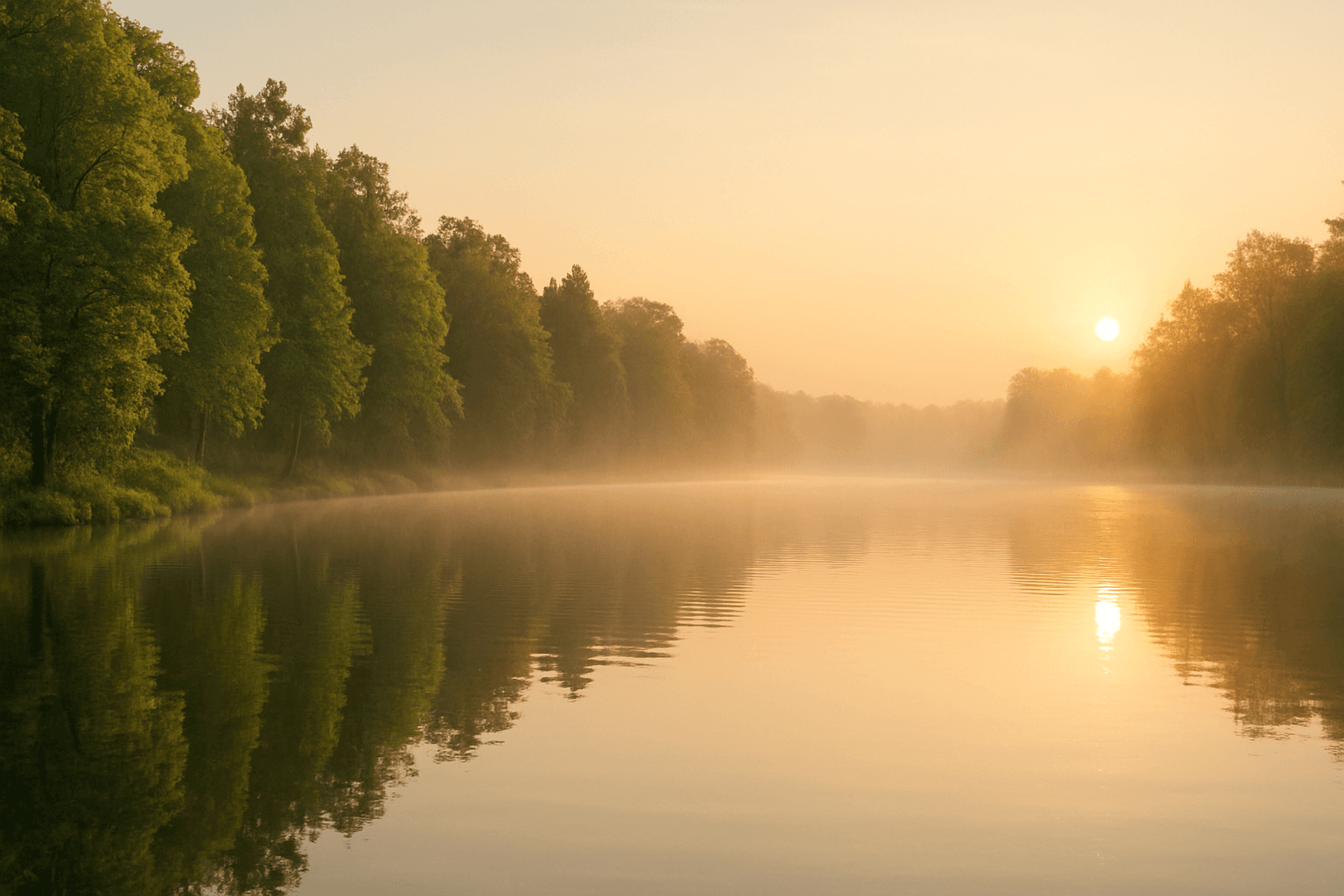
'Serene Lakeside Mood' is an atmospheric keyword focusing on rendering peaceful lakeside environments with a meditative and calming effect. This prompt element prioritizes soft lighting, still water, and natural tranquility to evoke feelings of relaxation and escape. It can bring out delicate details such as subtle water ripples, gentle fog or mist hovering over the lake surface, and vibrant but subdued greenery framing the scene. Artists and creators use this keyword to craft images suitable for wellness, meditation, nature storytelling, or emotional ambiance where serenity is central.

Misty Forest Atmosphere
The Misty Forest Atmosphere keyword is used in AI art generation to evoke a tranquil and mysterious mood within wooded landscapes. By simulating the presence of early morning fog or mist shrouding trees and underbrush, this prompt detail adds soft depth and a sense of calm isolation to images. The low contrast and de-saturated tones typical of misty scenes create a dreamy, almost otherworldly feel that is visually compelling. Artists and designers use this atmosphere to craft scenes that are both peaceful and evocative, often serving as backgrounds for stories, nature art, or mood boards. It works well in both photorealistic and stylized compositions, enhancing the emotional resonance through natural environmental effects.