Calm Serene Mood
Incorporating a 'Calm Serene Mood' into AI-generated images sets the tone for peaceful and soothing visuals that invite viewers into a state of relaxation. This mood emphasizes gentle lighting conditions, balanced compositions, and color schemes that reduce visual tension. Artists and creators use this keyword to achieve imagery that feels reflective and harmonious, often found in wellness, nature, and minimalist themes. Implementing 'Calm Serene Mood' helps AI models prioritize visual elements that evoke calmness and suppress chaotic or aggressive details, making images more inviting and emotionally comforting.
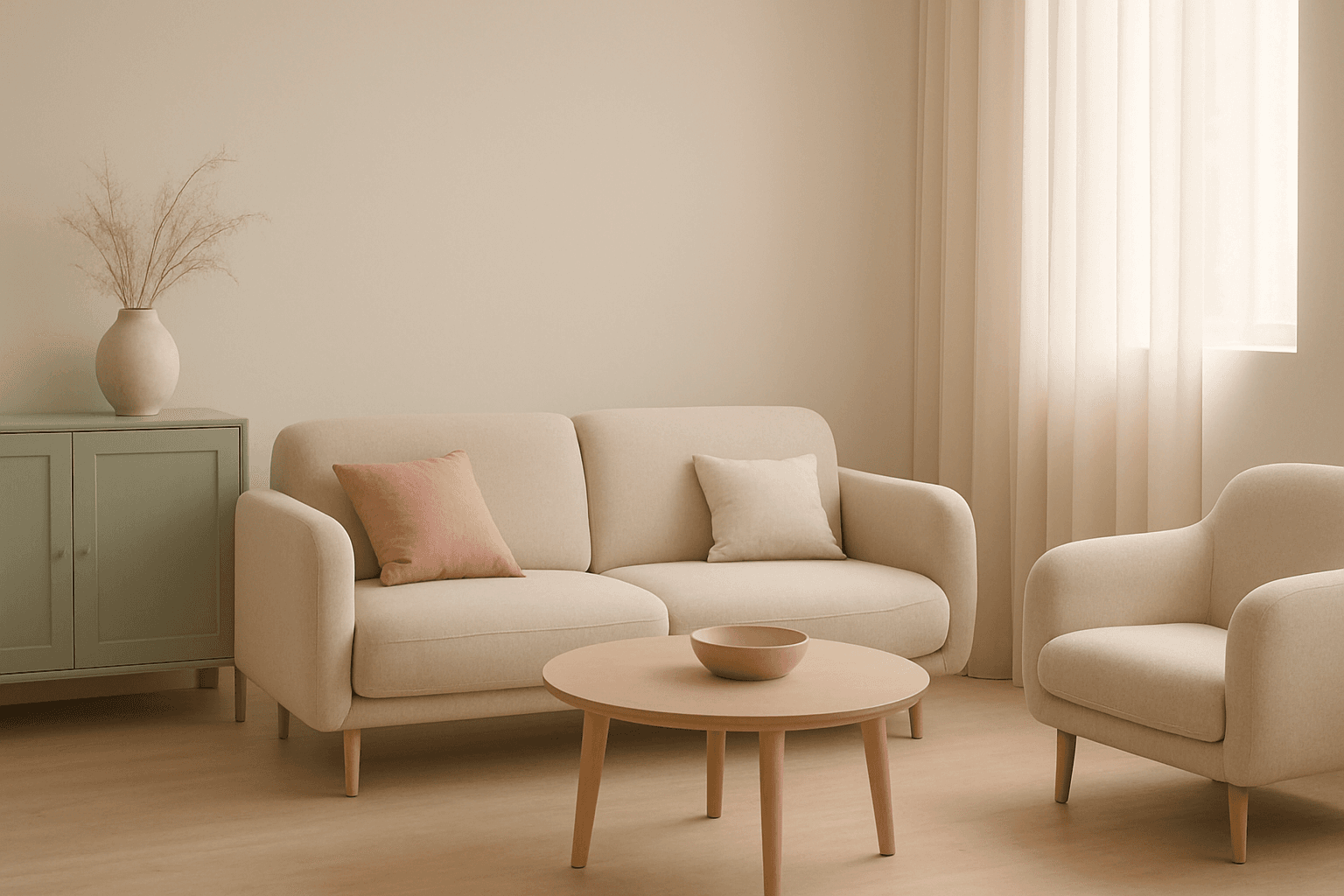
Definition
The 'Calm Serene Mood' keyword guides AI in creating images that evoke a sense of peacefulness and tranquility. By prompting visuals with gentle lighting, muted colors, and balanced compositions, it transforms the emotional resonance of an image towards calmness. This helps beginners direct AI outputs to be soothing rather than chaotic or vibrant, making it easier to achieve imagery appropriate for relaxation or mindfulness contexts.
- Sets a peaceful, soothing atmosphere in the image
- Uses visual cues like soft lighting and muted tones
- Alters emotional tone towards calm and balance
Prompt Formula
Use the formula: [subject or scene] + 'calm serene mood' + [lighting/style descriptors] + [color palette]. This creates consistent and effective prompts to evoke a tranquil atmosphere.
- Subject + calm serene mood + soft diffuse lighting + pastel color palette
- Minimalist composition + calm serene mood + natural light + muted earth tones
- Portrait + calm serene mood + warm gentle light + subtle background
Best Use Cases
'Calm Serene Mood' excels in visual contexts that require a sense of peace and relaxation.
- Wellness and spa marketing imagery delivering relaxing appeal
- Editorial content about meditation, mindfulness, or gentle lifestyle
- Social media posts aiming to evoke calm and attract engagement through serenity
Industry Applications
This keyword is valuable across multiple commercial fields.
- Advertising agencies creating wellness brand campaigns
- Editorial teams illustrating health and mindfulness topics
- Ecommerce platforms showcasing products related to relaxation like candles or yoga mats
Common Mistakes
To avoid muddy or overdone visuals when using 'Calm Serene Mood', steer clear of:
- Over-saturating colors which breaks the serene effect
- Adding too much detail or busy patterns that clutter the mood
- Using harsh or directional lighting that creates tension
Advanced Techniques
Refine calm serene mood by combining it with additional constraints:
- Add 'soft bokeh background' to isolate subjects and deepen tranquility
- Use 'cool pastel color grading' for enhanced soothing effect
- Combine with ‘natural elements’ like water or foliage for layered calmness
Professional Workflow
A streamlined workflow for calm serene mood images includes:
- Brief: Define the calming atmosphere desired and specific elements
- Generate: Use the prompt formula emphasizing peaceful attributes
- Select: Review outputs focused on balance, lighting, and color softness
- Refine: Adjust descriptors or add modifiers to reduce unwanted contrast or clutter
- Finalize: Choose images with the strongest emotional connection and graphical polish
FAQ
How does 'Calm Serene Mood' affect AI image colors?
It guides the AI to use softer, more muted, and harmonious colors such as pastels or natural tones to create a peaceful feeling.
Can 'Calm Serene Mood' be used with busy scenes?
It's best used with simple or uncluttered compositions; busy scenes may disrupt the tranquil effect.
Continue Exploring
Related Prompts
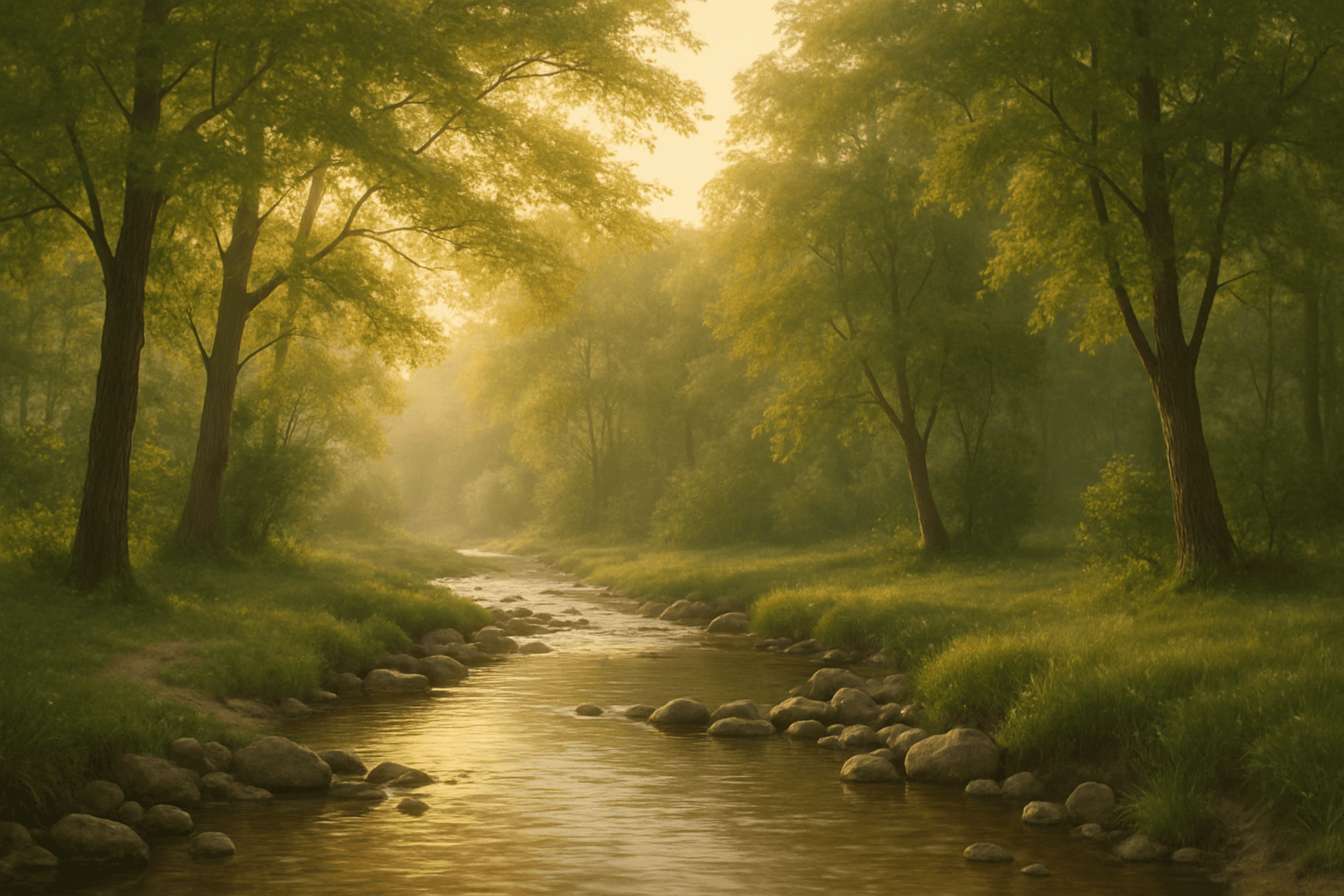
Calm Peaceful Environment
Using the 'Calm Peaceful Environment' keyword in AI image prompts helps produce images that communicate a sense of tranquility and well-being. This keyword guides the AI to prioritize soft light, natural and uncluttered scenes, and harmonious color palettes such as soft blues, greens, or warm earth tones. It is ideal for compositions depicting serene landscapes, quiet interiors, or soothing abstract backgrounds. Incorporating this keyword ensures the generated images are inviting and restful, suitable for wellness, meditation, or lifestyle themes. Overall, it adjusts the image's mood towards peacefulness by influencing elements like lighting, color, and spatial arrangement to reduce visual chaos and encourage contemplation.
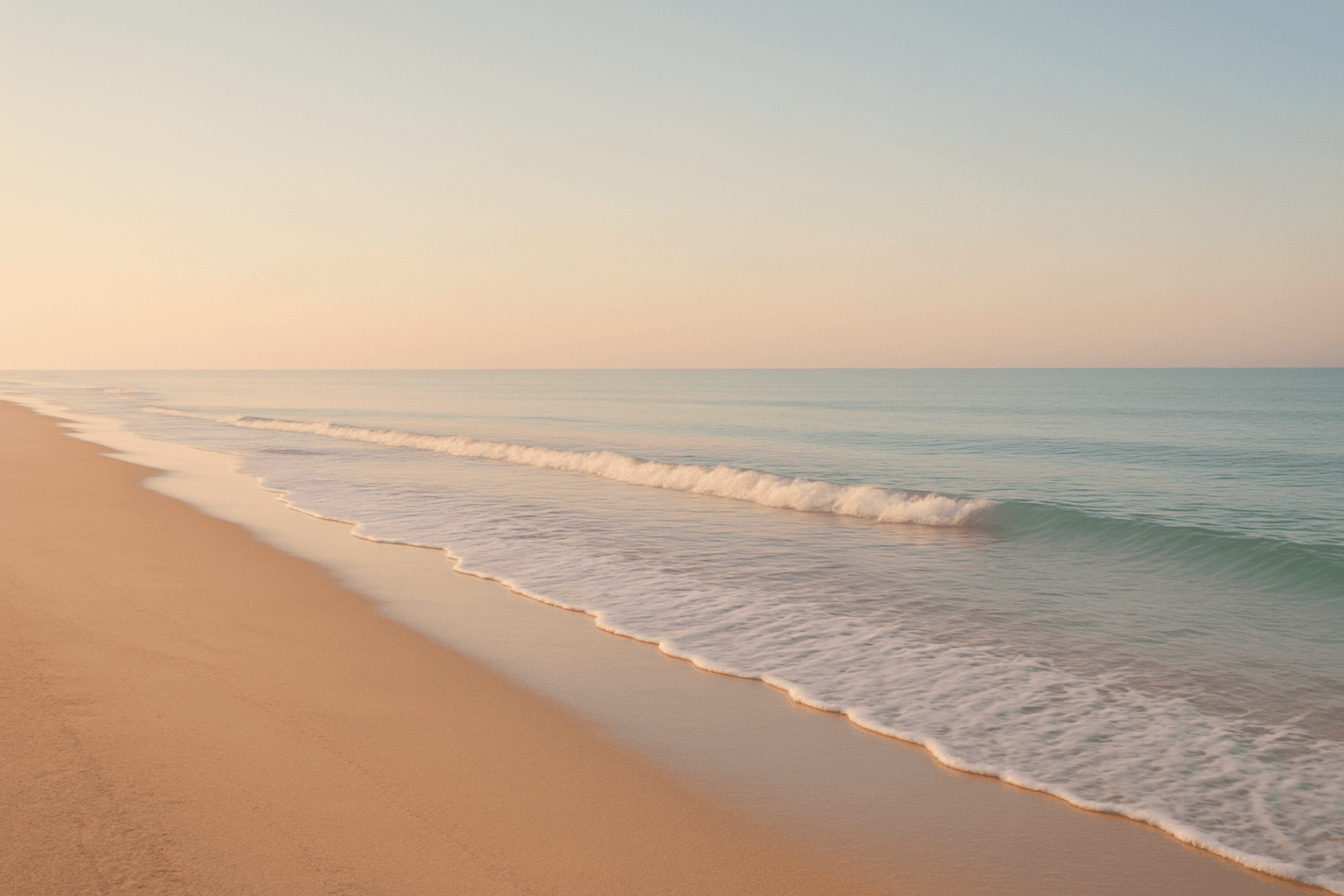
Calm Beach Atmosphere
Using the 'Calm Beach Atmosphere' keyword in AI image prompts directs the model to depict serene and peaceful beach scenes. This atmosphere is defined by soft lighting, subdued color palettes often featuring gentle blues and warm beiges, and minimal activity or dynamic motion. It reduces visual noise and prioritizes elements that signal tranquility, such as calm water surfaces, empty beaches, and clear skies at dawn or dusk. This keyword is ideal when crafting images that aim to evoke relaxation, peacefulness, and contemplative moods associated with seaside escapes. It contrasts strongly with more energetic beach atmospheres like vibrant sunsets or crowded vacations, focusing instead on calmness and subtle beauty.
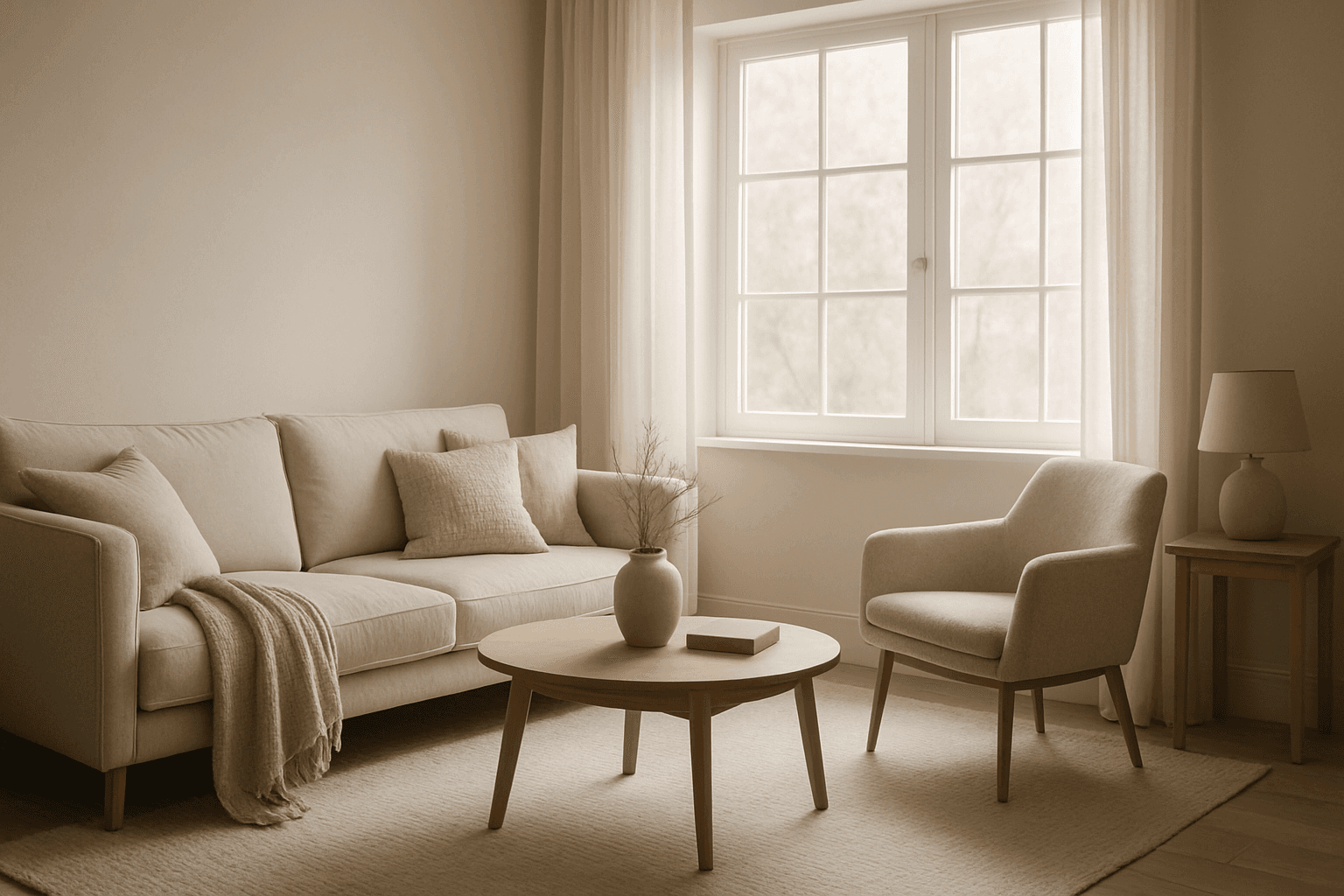
Peaceful Atmosphere
The peaceful atmosphere keyword is essential for generating AI images that convey calmness and tranquility. By focusing on soft lighting, harmonious colors, and minimalistic composition, images create a soothing visual experience that resonates emotionally with viewers. This atmosphere works well across various scenarios—from serene nature scenes to quiet indoor settings—highlighting moments of stillness and repose. Achieving a peaceful atmosphere means balancing subtle details that reduce visual noise, promoting relaxation and introspection. It's ideal for enhancing content that requires a sense of calm and well-being without overwhelming complexity.
Dusk Twilight Mood
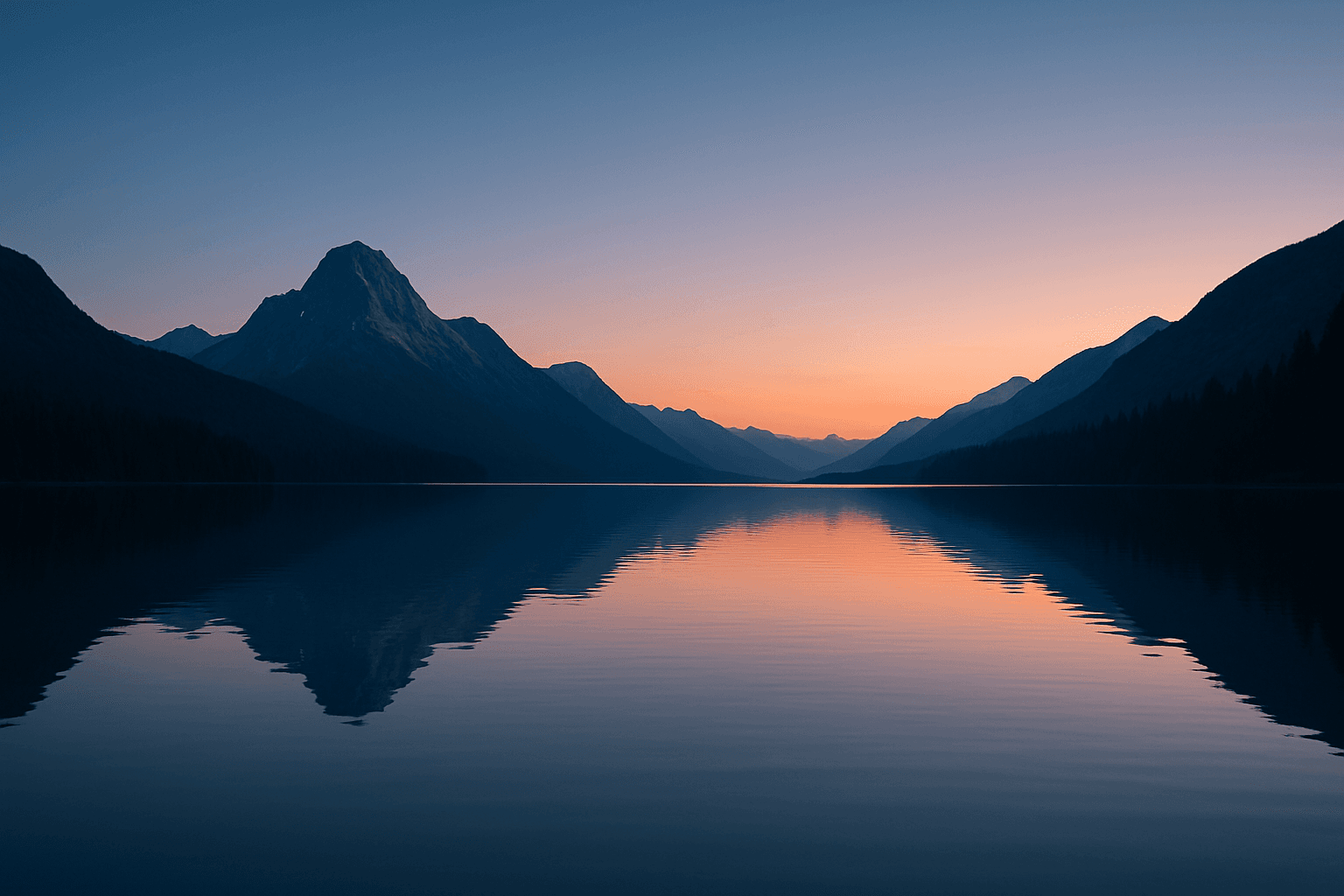
Dusk Twilight Mood captures the enchanting moments shortly after sunset when natural light softens and the sky transitions into peaceful gradients of blue and orange hues. This keyword enhances AI-generated images by infusing subtle warmth and fading daylight effects, creating contemplative and gentle moods. Its application suits a wide range of subjects from landscapes drenched in pastel skies to intimate portraits highlighted by soft shadows. The mood encourages a sense of calm and introspection, often reflecting the day's end and the approach of night. Using this keyword, artists can simulate realistic twilight lighting with refined contrast and balanced saturation, delivering evocative images with a premium editorial quality.
Rainy Day Mood
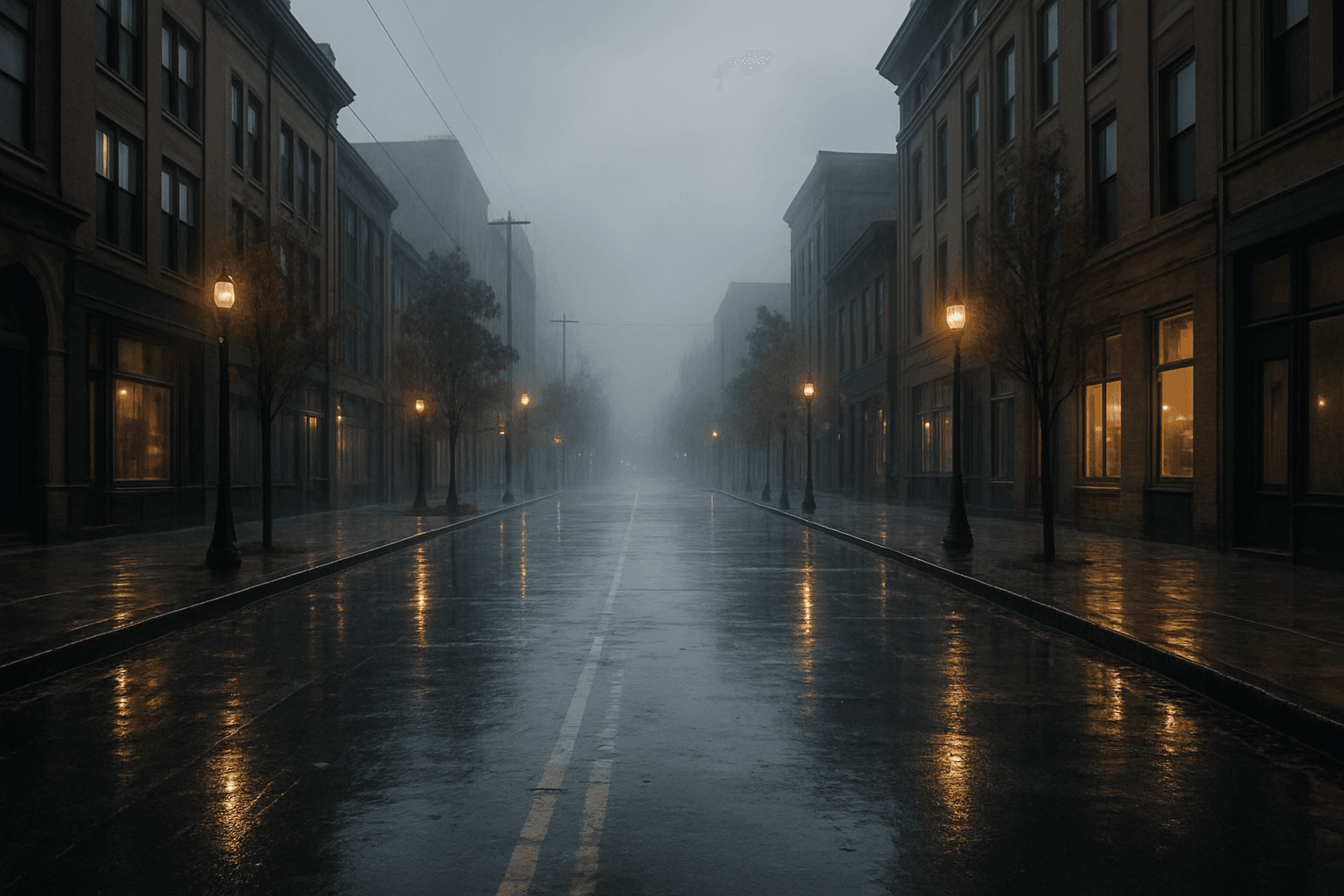
The Rainy Day Mood keyword enables AI image generators to craft scenes imbued with the ambiance of rainfall and its associated emotions. Including this keyword results in imagery where wet streets reflect city lights, characters might wear raincoats or hold umbrellas, and environments appear misty or gray. This atmosphere often conveys feelings of nostalgia, introspection, or tranquility. By integrating Rainy Day Mood, artists can shift the mood of their work towards more introspective or cinematic visuals. This keyword is especially useful for illustrating stories, editorial content, or artistic portraits where mood and environment play significant roles. Its subtle cues subtly influence lighting, color grading, and texture to evoke a realistic rainy setting.
Urban Nighttime Mood
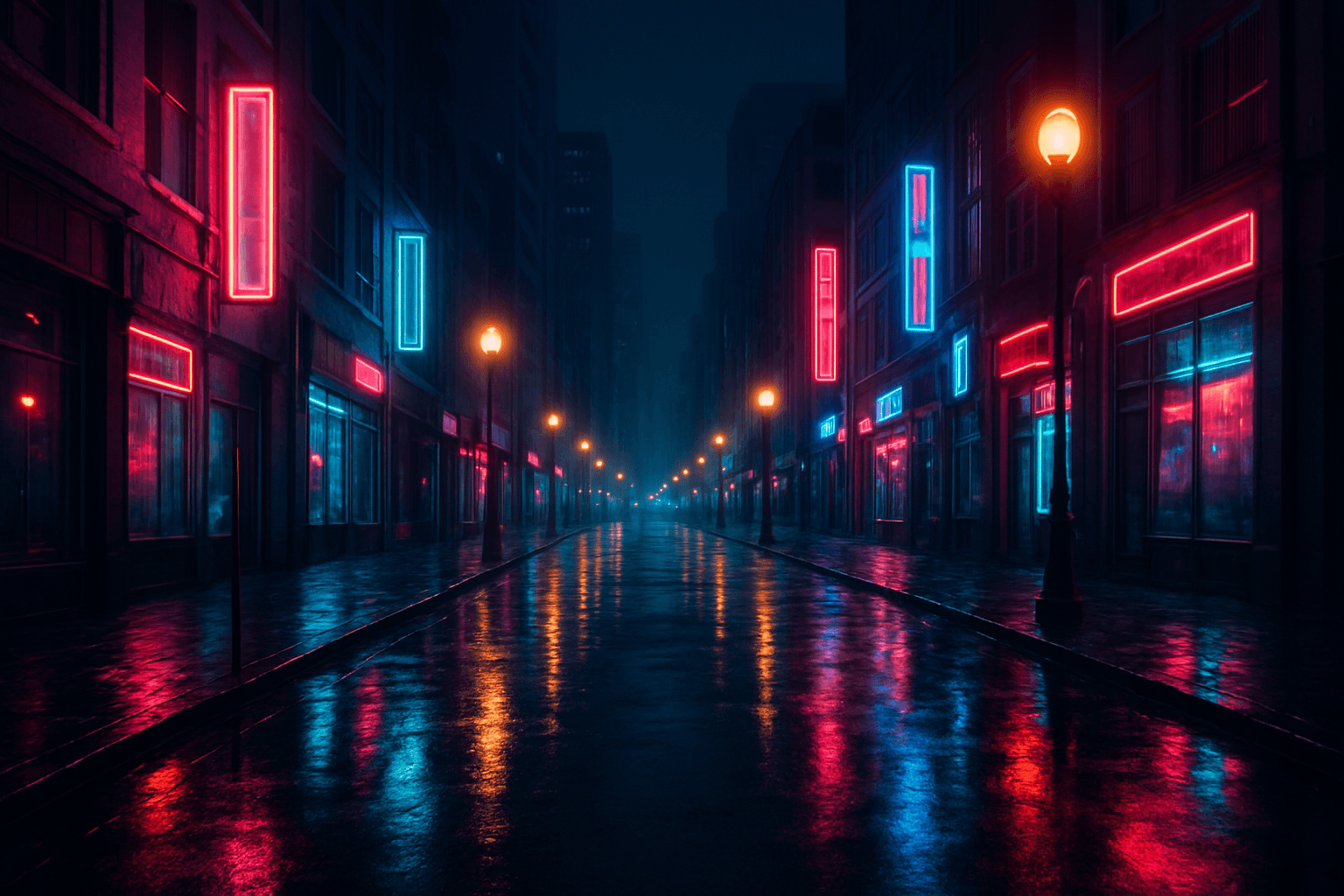
Urban Nighttime Mood focuses on capturing the unique ambiance present in cityscapes after sunset. This keyword emphasizes subtle lighting contrasts between artificial light sources and shadows, while showcasing realistic textures such as wet streets or glass surfaces. It conveys a quiet, contemplative, or energetic vibe depending on composition, making it ideal for cinematic, editorial, or conceptual visuals. Using this keyword enhances the emotional resonance of urban scenes and highlights the beauty found in nighttime environments.