Calm Beach Atmosphere
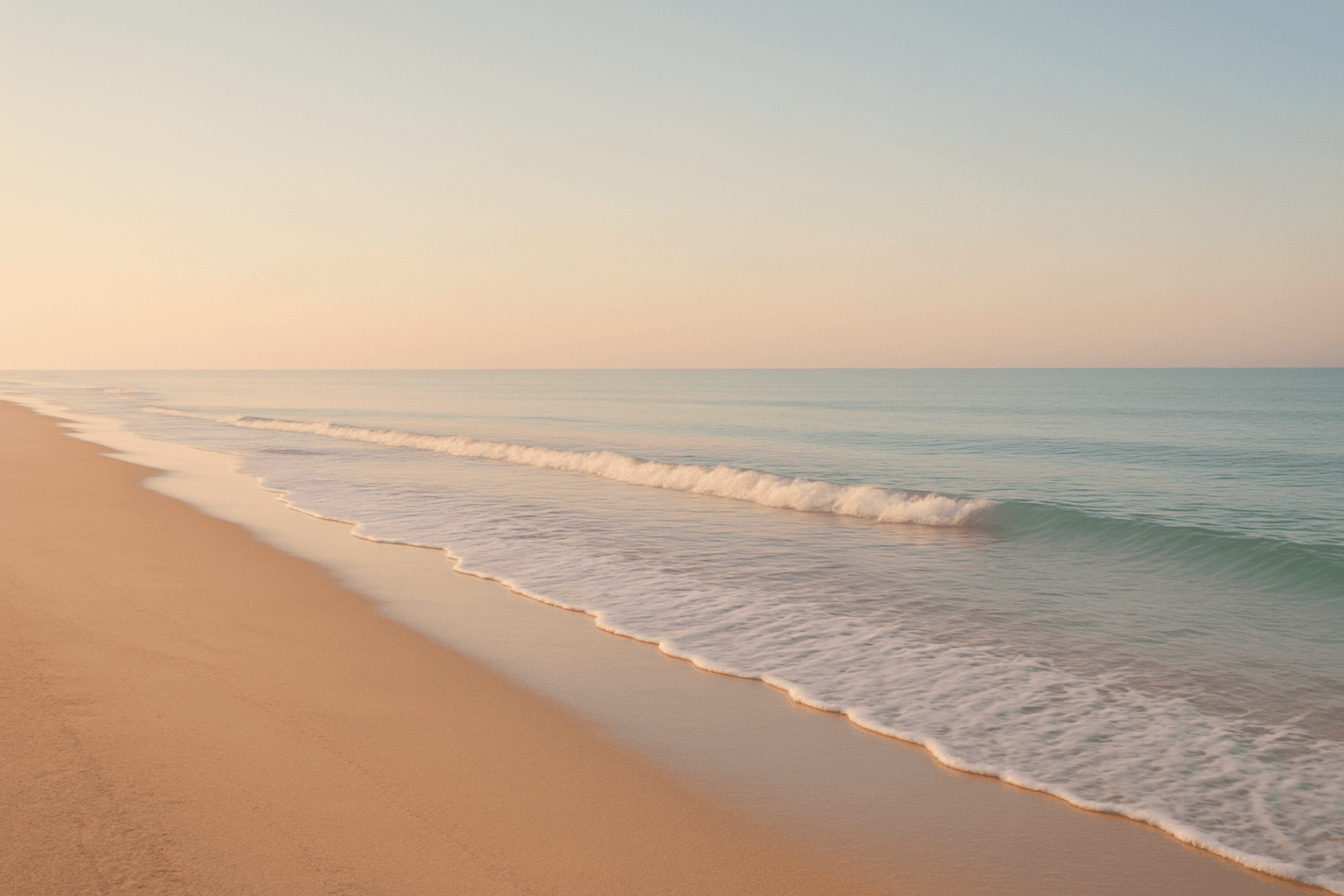
Using the 'Calm Beach Atmosphere' keyword in AI image prompts directs the model to depict serene and peaceful beach scenes. This atmosphere is defined by soft lighting, subdued color palettes often featuring gentle blues and warm beiges, and minimal activity or dynamic motion. It reduces visual noise and prioritizes elements that signal tranquility, such as calm water surfaces, empty beaches, and clear skies at dawn or dusk. This keyword is ideal when crafting images that aim to evoke relaxation, peacefulness, and contemplative moods associated with seaside escapes. It contrasts strongly with more energetic beach atmospheres like vibrant sunsets or crowded vacations, focusing instead on calmness and subtle beauty.
Definition
The 'Calm Beach Atmosphere' keyword specifies a tranquil seaside setting in AI image generation. It directs the model to emphasize peaceful, quiet beach scenes with gentle lighting and minimal human or environmental disruption. This keyword helps ensure the resulting image embodies serenity and relaxation instead of energetic or chaotic beach environments.
Visual Characteristics
- Soft, diffused natural lighting with pastel or muted tones
- Gentle, smooth water surfaces with subtle or no wave patterns
- Sparse beach elements, such as empty sand and clear skies
Prompt Formula
To create a calm beach atmosphere, combine descriptive elements focusing on tranquility and minimalism. Use time-of-day lighting cues like 'early morning' or 'golden hour,' and incorporate adjectives such as 'soft,' 'gentle,' and 'serene.' Include natural elements like 'empty sandy shore' and 'pastel sky' to enhance peacefulness.
- Calm beach atmosphere, soft morning light, gentle waves, empty sandy shore, pastel sky
- Serene coastal scene at golden hour, calm waters, minimal footprints on sand, tranquil ambiance
- Peaceful beach landscape with muted colors, smooth water surface, slight haze, no people
Best Use Cases
- Backgrounds for wellness or meditation apps that require calming visuals
- Editorial illustrations of peaceful seaside getaways
- Product backgrounds for beach or lifestyle brands emphasizing relaxation
Creative Variations
To reduce repetitive outputs, experiment with variations in lighting, composition, and mood. Combine the calm beach atmosphere with different weather conditions like light mist or sunset hues. Try diverse angles such as aerial views or close-ups of sand textures. Introduce subtle elements like seashells or driftwood to add interest without disrupting tranquility.
- Lighting shifts: dawn, golden hour, overcast soft light
- Compositions: aerial perspective, wide empty beach, close-up of sand or water edges
- Subtle weather: gentle mist, clear sky with pastel sunset tones
Industry Applications
- Wellness and meditation apps requiring peaceful background imagery
- Travel and tourism marketing highlighting relaxing destinations
- Ecommerce for beachwear or lifestyle products emphasizing calm environments
Common Mistakes
A frequent error is including too many busy elements or bright, contrasting colors that disrupt the calm mood. Overcrowded scenes with many people or intense waves also detract from serenity. Avoid harsh lighting like midday sun or stormy skies, which create tension instead of tranquility. To maintain a calm beach atmosphere, keep compositions minimal and lighting soft.
- Including crowds or busy human activities
- Using harsh midday or stormy lighting instead of soft morning or evening light
- Overloading the scene with vibrant colors and high contrast
FAQ
How can I ensure the AI creates a truly calm beach atmosphere?
Use descriptive keywords that emphasize softness, minimalism, and tranquility, such as 'gentle waves,' 'empty shore,' and 'soft morning light.' Avoid terms implying chaos or energy, like 'crowded' or 'stormy.' Specifying lighting conditions like 'golden hour' helps reinforce calmness.
Can I combine 'Calm Beach Atmosphere' with other keywords to create mood variations?
Yes, combining with keywords like 'misty morning' or 'sunset glow' can add unique moods while maintaining overall serenity. Experiment with subtle weather or lighting changes to diversify outputs without losing the calm essence.
Continue Exploring
Related Prompts
Calm Peaceful Environment
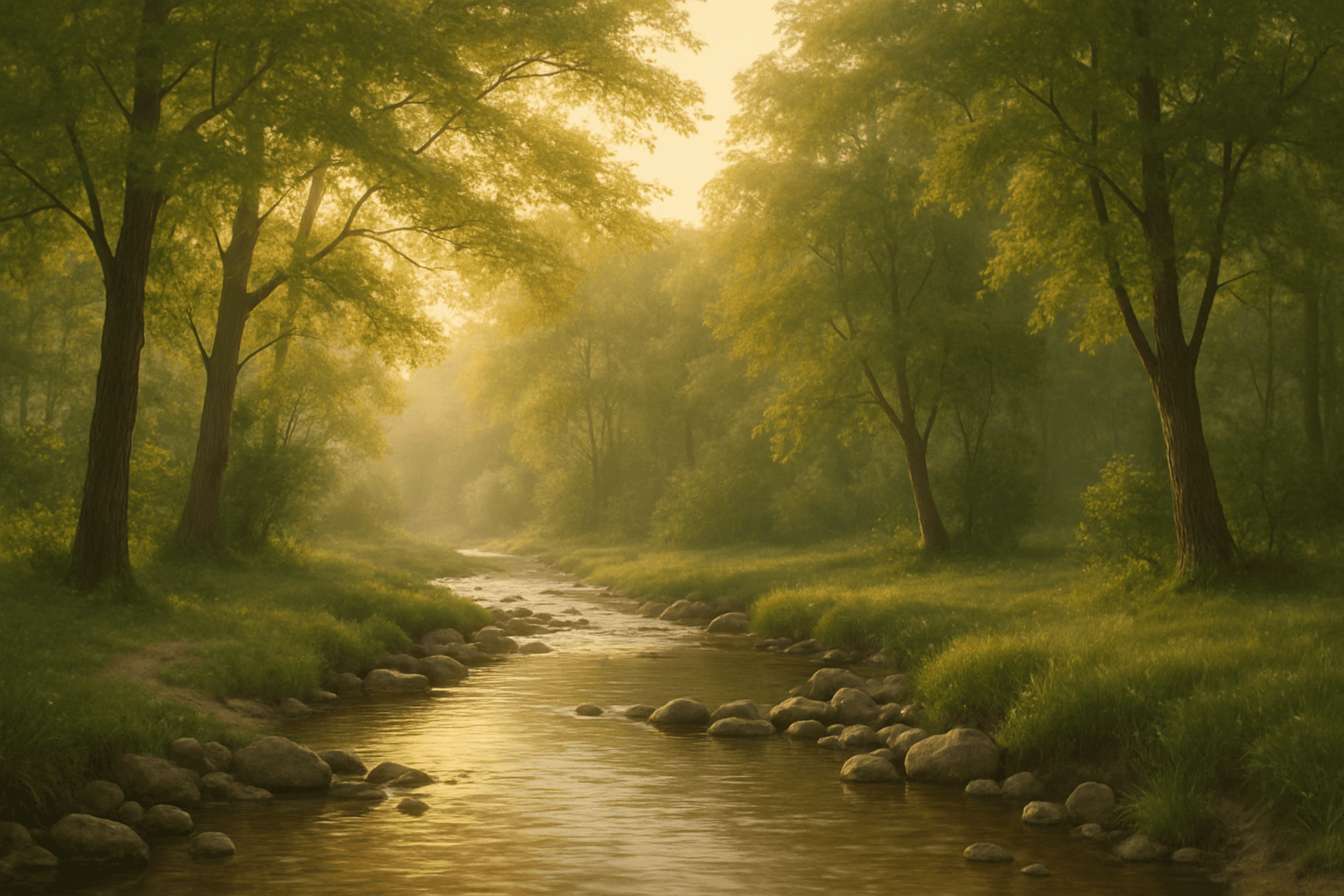
Using the 'Calm Peaceful Environment' keyword in AI image prompts helps produce images that communicate a sense of tranquility and well-being. This keyword guides the AI to prioritize soft light, natural and uncluttered scenes, and harmonious color palettes such as soft blues, greens, or warm earth tones. It is ideal for compositions depicting serene landscapes, quiet interiors, or soothing abstract backgrounds. Incorporating this keyword ensures the generated images are inviting and restful, suitable for wellness, meditation, or lifestyle themes. Overall, it adjusts the image's mood towards peacefulness by influencing elements like lighting, color, and spatial arrangement to reduce visual chaos and encourage contemplation.
Peaceful Atmosphere
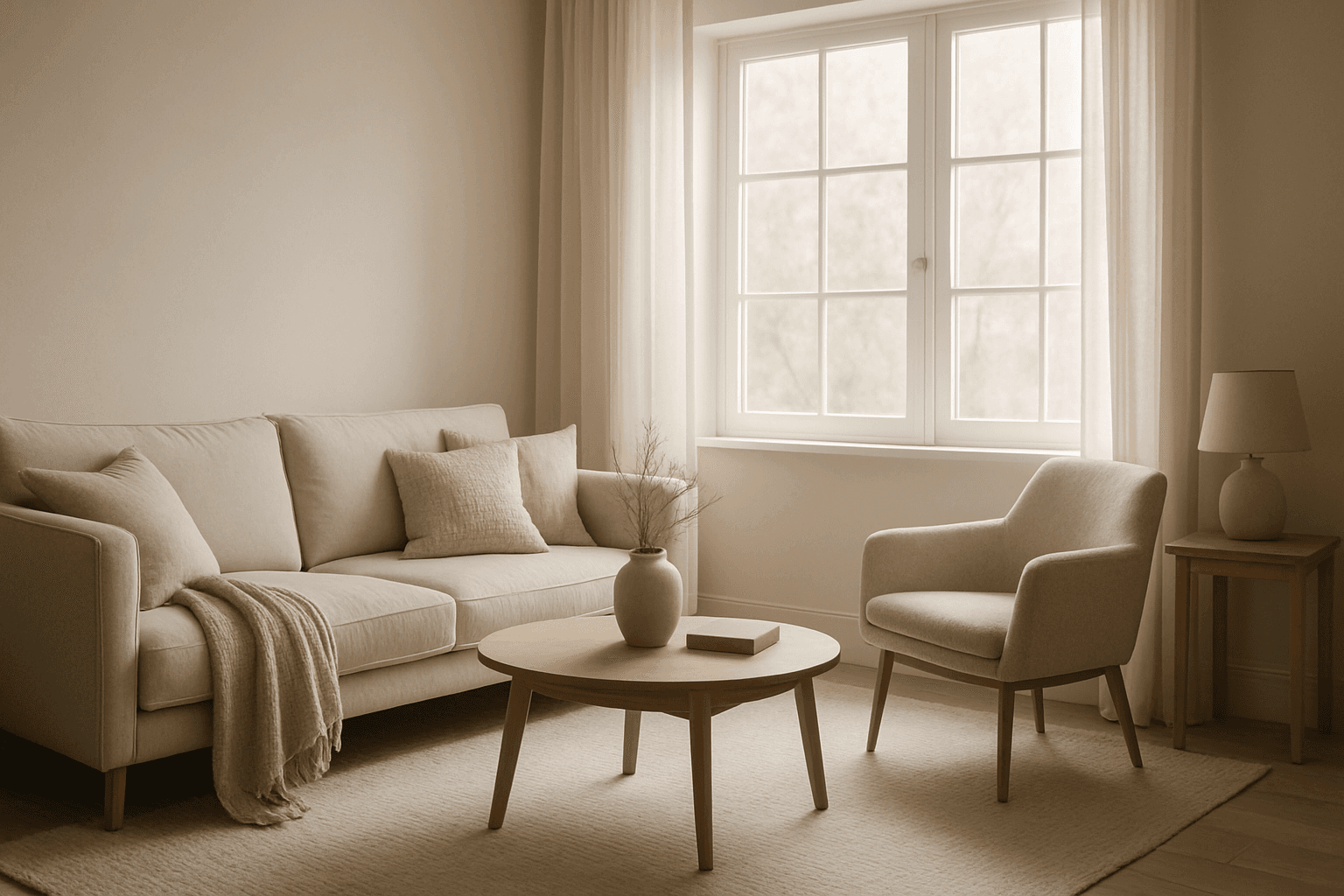
The peaceful atmosphere keyword is essential for generating AI images that convey calmness and tranquility. By focusing on soft lighting, harmonious colors, and minimalistic composition, images create a soothing visual experience that resonates emotionally with viewers. This atmosphere works well across various scenarios—from serene nature scenes to quiet indoor settings—highlighting moments of stillness and repose. Achieving a peaceful atmosphere means balancing subtle details that reduce visual noise, promoting relaxation and introspection. It's ideal for enhancing content that requires a sense of calm and well-being without overwhelming complexity.
Serene Lakeside Mood
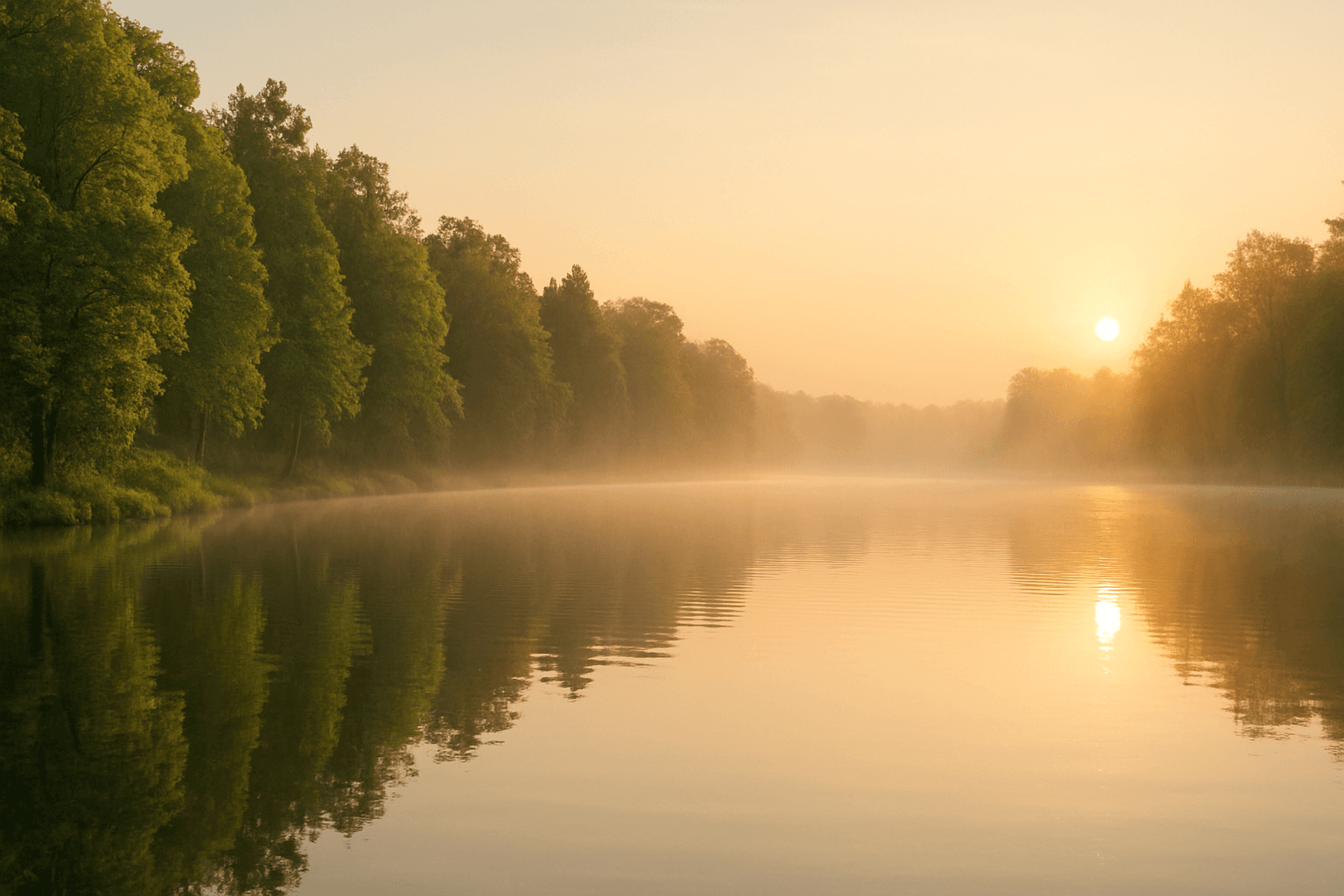
'Serene Lakeside Mood' is an atmospheric keyword focusing on rendering peaceful lakeside environments with a meditative and calming effect. This prompt element prioritizes soft lighting, still water, and natural tranquility to evoke feelings of relaxation and escape. It can bring out delicate details such as subtle water ripples, gentle fog or mist hovering over the lake surface, and vibrant but subdued greenery framing the scene. Artists and creators use this keyword to craft images suitable for wellness, meditation, nature storytelling, or emotional ambiance where serenity is central.
Calm Serene Mood
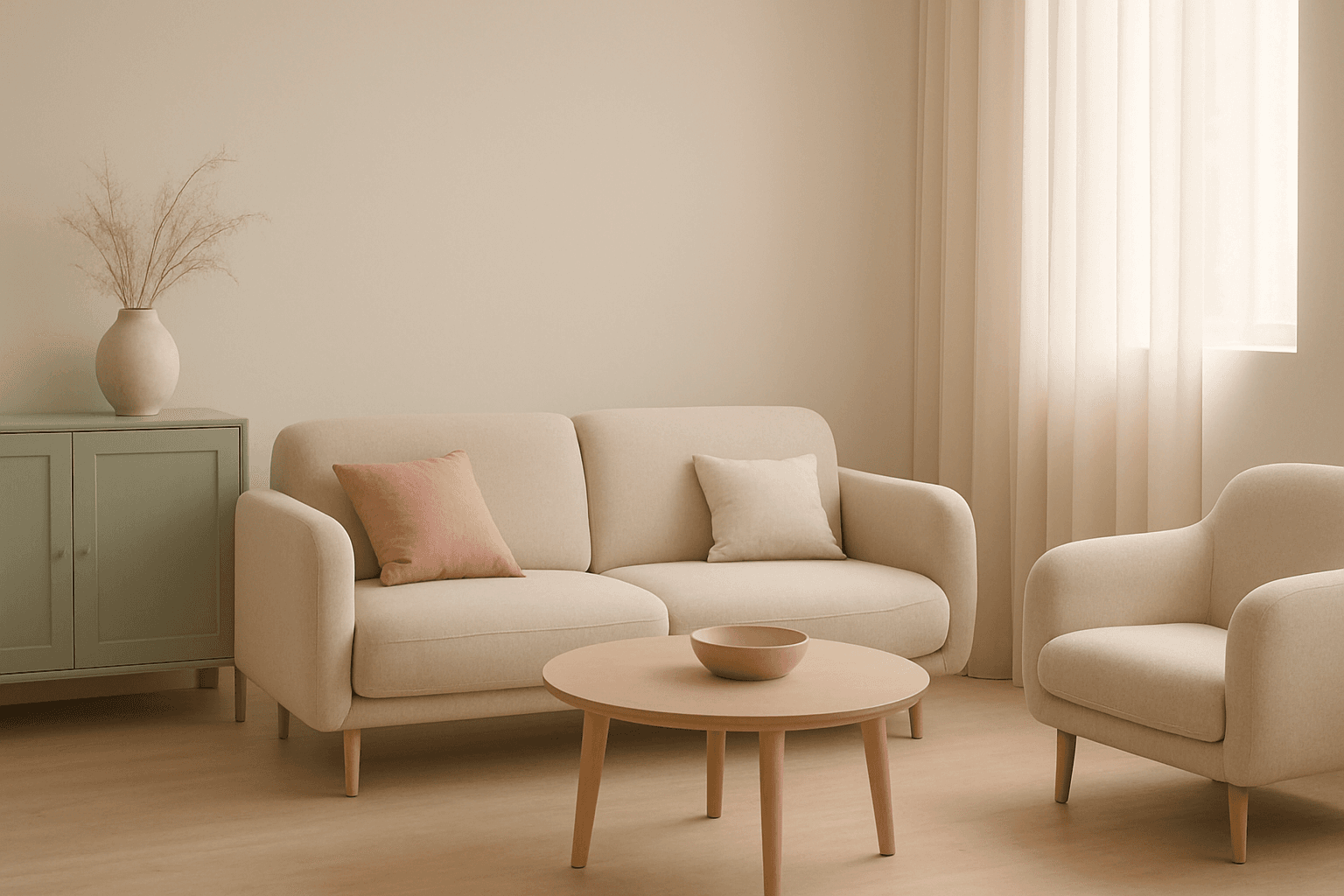
Incorporating a 'Calm Serene Mood' into AI-generated images sets the tone for peaceful and soothing visuals that invite viewers into a state of relaxation. This mood emphasizes gentle lighting conditions, balanced compositions, and color schemes that reduce visual tension. Artists and creators use this keyword to achieve imagery that feels reflective and harmonious, often found in wellness, nature, and minimalist themes. Implementing 'Calm Serene Mood' helps AI models prioritize visual elements that evoke calmness and suppress chaotic or aggressive details, making images more inviting and emotionally comforting.
Moody Urban Atmosphere
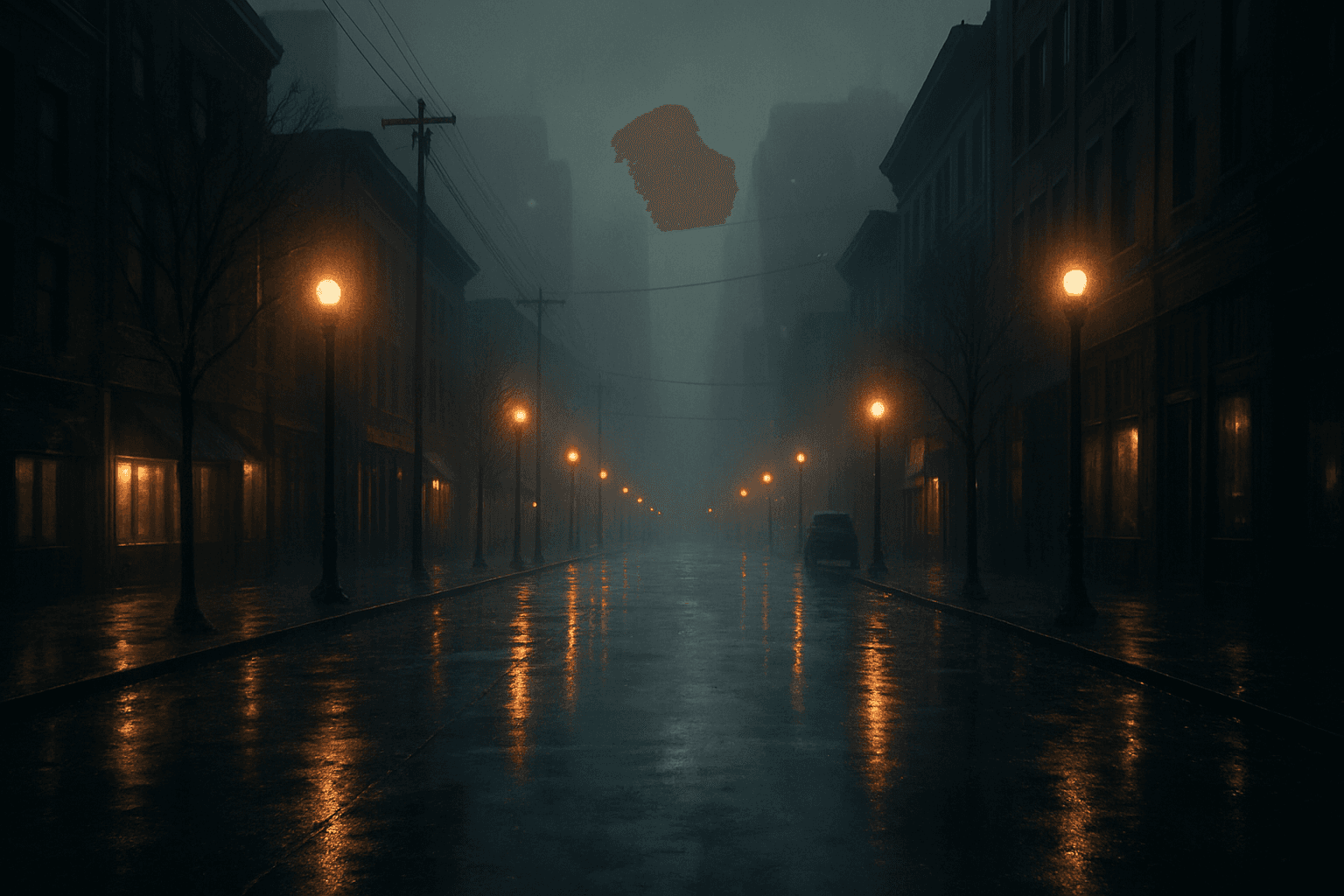
The 'Moody Urban Atmosphere' keyword guides AI image models to produce city environments imbued with emotional depth and cinematic tension. These images emphasize a specific ambiance characterized by somber lighting and subdued colors, evoking feelings such as nostalgia, solitude, or suspense. Artists and designers often seek this mood to communicate urban stories beyond the hustle and bustle, focusing instead on quiet moments or reflective scenes. Using this keyword effectively helps generate images that appear both realistic and emotionally charged, suitable for editorial content, film concept art, or evocative backgrounds in multimedia projects.
Autumn Forest Atmosphere
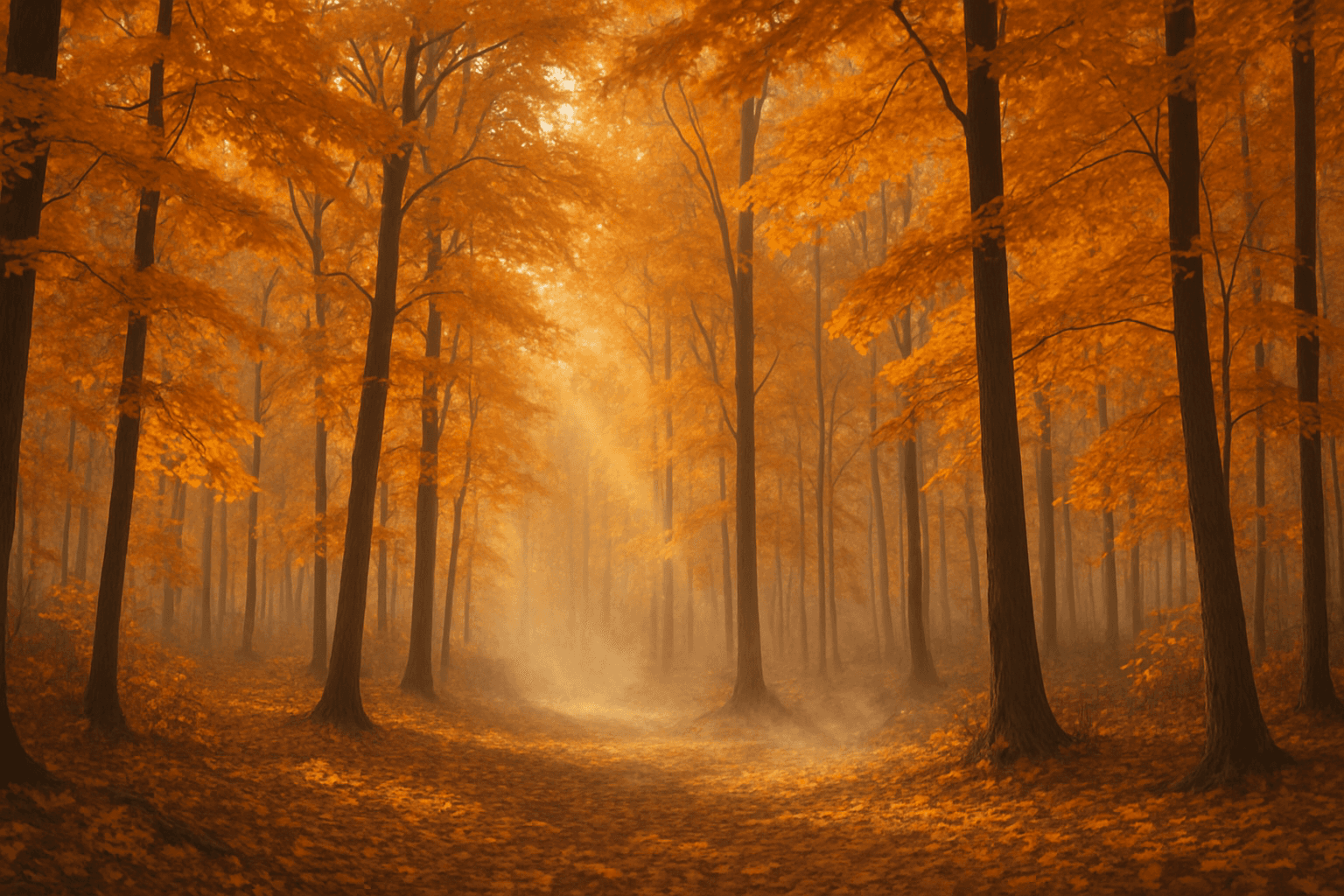
Autumn Forest Atmosphere refers to the visual and emotional qualities associated with forests during the fall season. When incorporated into AI image prompts, it helps produce scenes rich in warm hues like amber, crimson, and gold. The lighting tends to be soft, mimicking early morning or late afternoon sunlight filtered through foliage. This keyword also introduces elements such as fallen leaves, bare branches, and sometimes mist to evoke a serene yet dynamic environment. The atmosphere feels nostalgic, calm, and reflective, perfect for storytelling, seasonal marketing, and artistic nature representations.