Corporate Presentation Design
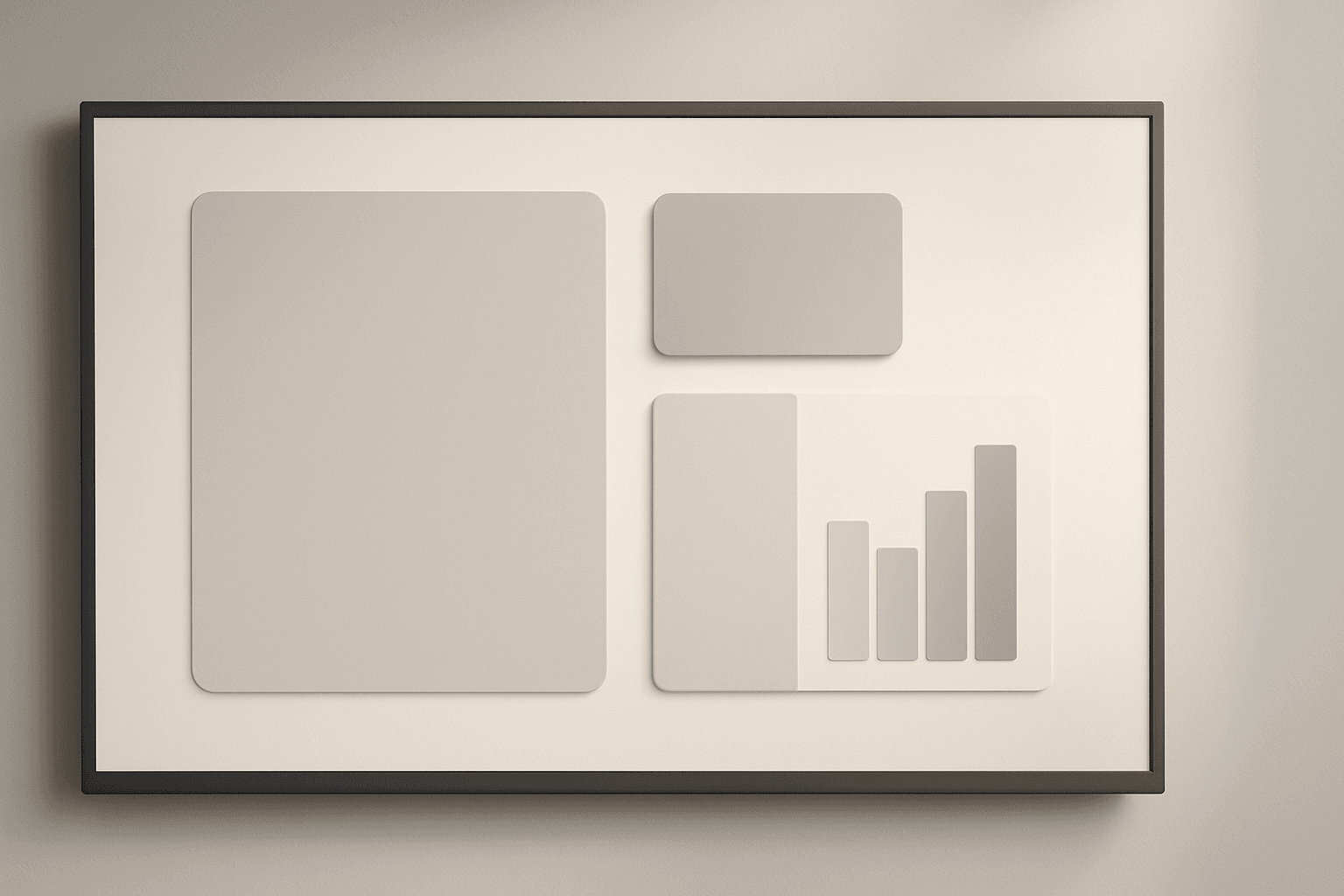
Corporate Presentation Design as a keyword guides AI models to generate images resembling professional slideshow designs used in business meetings and corporate communications. These images highlight a balance of clarity and elegance, often featuring well-organized text placeholders, charts, and graphical elements with a polished style. Using this keyword helps produce visuals that carry a premium editorial feel without clutter or excessive artistic flair, making them fit for corporate branding, consultancy reports, and executive summaries. This facilitates designers and marketers in quickly accessing fitting inspirational content or base imagery for branding and presentation projects.
Definition
Corporate Presentation Design in the context of AI image prompting means generating visuals that resemble professional business slides and layouts used for presentations. This keyword influences the AI to prioritize clean, structured, and minimalistic designs that reflect corporate environments — emphasizing clarity, neat typography, and polished compositions suitable for formal communication.
Prompt Formula
To build effective AI prompts incorporating Corporate Presentation Design, combine descriptive style phrases with elements of layout and lighting. For example:
- Corporate presentation design, minimalistic layout, neutral corporate colors
- Corporate presentation design, clean typography, subtle depth, digital screen display
- Corporate presentation design, editorial style, infographic elements, refined lighting
Best Use Cases
- Designing startup pitch deck covers to attract investors
- Creating internal training materials with clear, polished slides
- Generating visuals for annual business reports and consultancy presentations
Creative Variations
To avoid repetitive outputs when prompting Corporate Presentation Design, experiment with variations in style, lighting, and composition. Using different angles, color schemes, and subject focuses enhances uniqueness while maintaining professionalism.
- Switch between daylight and soft artificial lighting for mood shifts
- Incorporate flat lay or angled perspectives for composition variety
- Experiment with color accents such as blues, greys, or corporate brand colors
- Add subtle textures like paper grain or screen reflections
Industry Applications
Corporate Presentation Design images serve several commercial fields by supporting communication clarity and premium aesthetics in business contexts. They help elevate materials across advertising, editorial content, ecommerce, and more by providing professional-grade visuals.
- Advertising and marketing agencies crafting pitch presentations
- Editorial teams designing business or finance articles
- Ecommerce platforms showcasing corporate-themed digital products
Common Mistakes
Common prompting errors include overloading designs with decorative elements, which dilutes professionalism, or using vague descriptors that result in generic, flat outputs. Avoid unrealistic lighting and clutter that distract from the core corporate aesthetic.
- Avoid excessive flourishes or ornamental graphics
- Do not use overly bright or saturated colors inconsistent with corporate tones
- Specify lighting and material realism to prevent flat or artificial looks
Advanced Techniques
Enhance prompts by defining precise layout constraints and integrating complementary keywords. Use terms like “grid alignment,” “high-resolution vector charts,” or “realistic screen reflections” to refine details. Layer multiple related keywords to capture nuanced styles and ensure dynamic, premium-quality results.
- Combine with 'Professional Infographic Style' for detailed data visualization
- Add constraints like 'no text' or 'no logos' for clean, editorial use
- Specify material details such as 'matte paper texture' or 'digital LCD screen reflections'
FAQ
How can I ensure the AI generates realistic corporate presentation designs?
Use specific descriptors focusing on realistic materials (like paper or screens), refined lighting, and clean layouts. Also, include prompts to avoid text or logos for a generic, polished look.
What lighting styles work best for corporate presentation design images?
Soft, diffused lighting or subtle directional lighting works best to create a professional and refined atmosphere without harsh shadows or reflections.
Continue Exploring
Related Prompts
Packaging Design Presentation
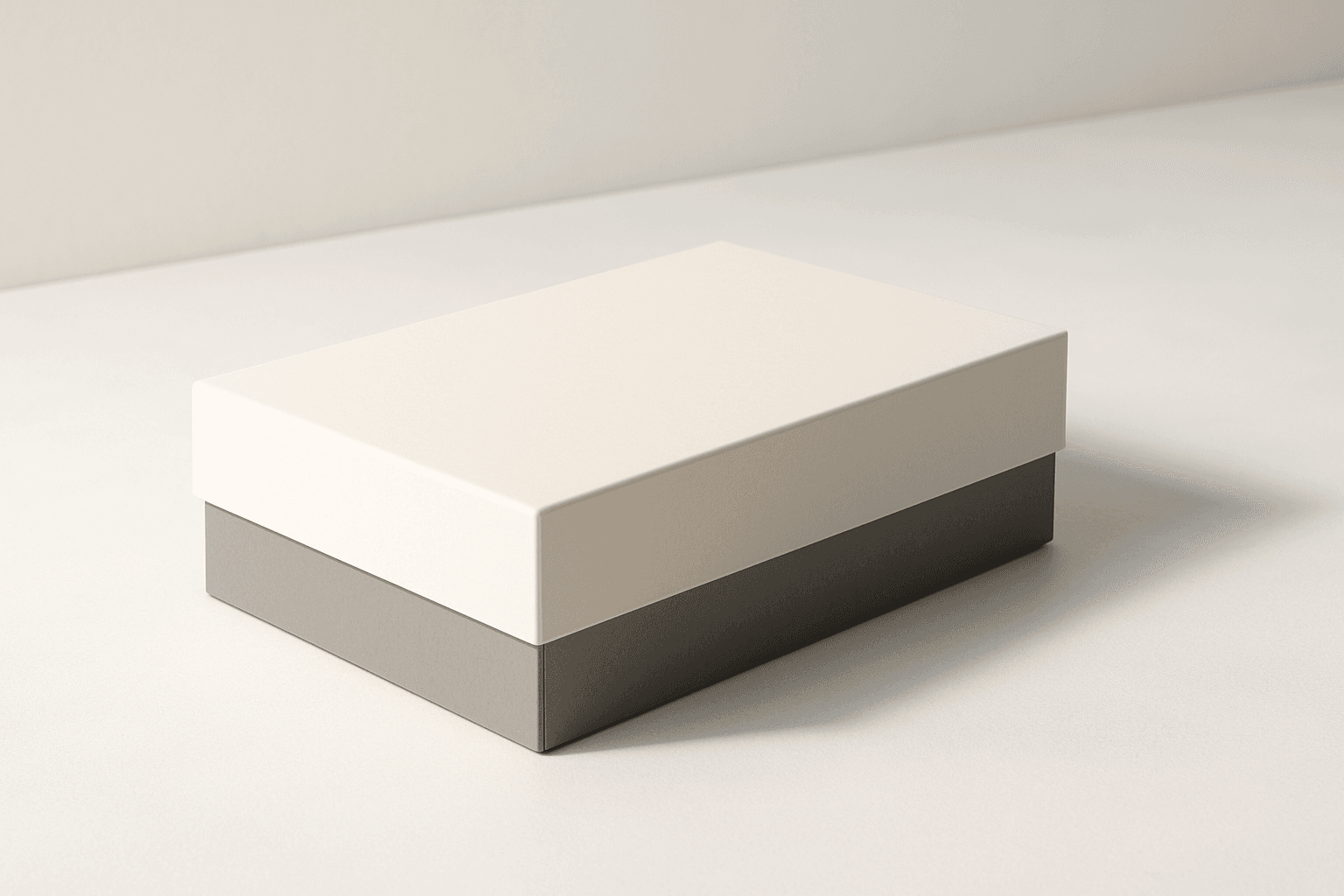
The 'Packaging Design Presentation' keyword elevates AI-generated images to display consumer product packaging in a professional, editorial style. It's designed to produce visuals that showcase packaging designs with premium polish, realistic material representation, and refined lighting. This approach is essential for designers, marketers, and e-commerce professionals needing imagery that accurately reflects packaging aesthetics without distractions. The results typically feature a clean background, subtle depth to accentuate three-dimensionality, and an absence of text or logos, ensuring the focus remains on the package design itself. By integrating this keyword into prompts, users can expect images suitable for presentations, online catalogs, and marketing assets that demand a commercial finish.

Social Media Banner Design
Social Media Banner Design is a crucial category in AI image generation aimed at producing graphics optimized for social media headers, ads, and promotional content. These designs prioritize clean layouts, modern aesthetics, and balanced lighting to ensure clarity and premium appeal. Using this keyword helps prompt AI models to focus on the visual language suitable for digital marketing banners—emphasizing readability, simplicity, and brand adaptability without text or logos. This is essential for marketers and designers who want to generate versatile hero images or thumbnails ready for social media use, maintaining consistency and professionalism across campaigns.

Packaging Design Visuals
Packaging Design Visuals are critical in illustrating product packaging concepts for designers, marketers, and retailers. Using AI prompts with this keyword generates imagery that highlights packaging prototypes or final designs with photorealistic qualities, often emphasizing materials and dimensional structure in well-lit editorial-style compositions. Such visuals are vital for client presentations, advertisements, e-commerce showcases, and refining packaging aesthetics without the need for physical samples. The approach focuses on clarity, material authenticity, and minimal distractions, making it a powerful tool in both creative and commercial workflows.
Brand Campaign Visual
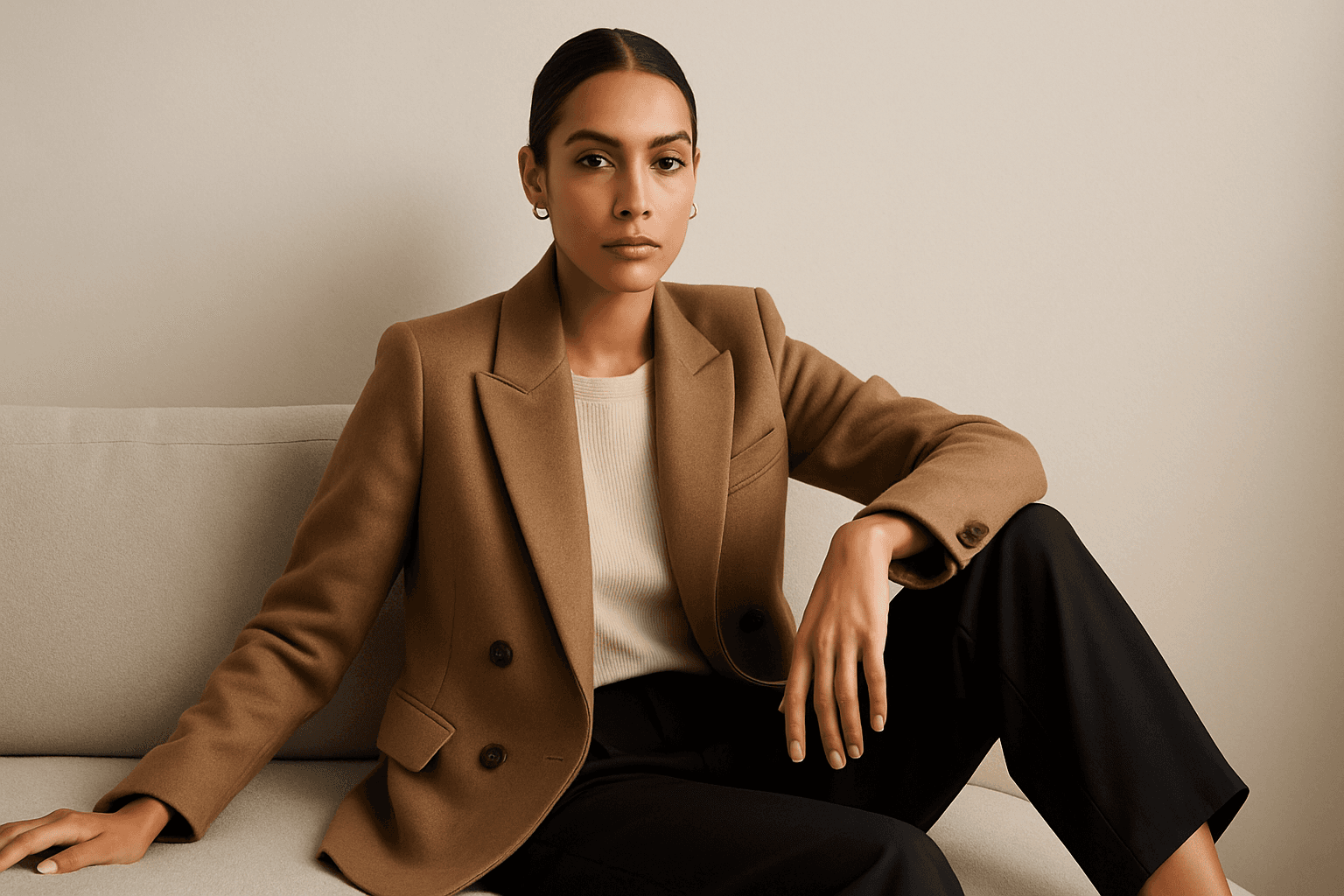
Brand Campaign Visual is an essential AI prompt keyword designed to generate high-quality images that effectively portray a brand’s personality and marketing message. These visuals typically feature a clean and sophisticated style, suitable for use in digital advertisements, social media, and corporate presentations. By directing AI models with this keyword, creators obtain images that incorporate subtle depth, premium stock-photo polish, and realistic textures to engage viewers while maintaining brand consistency. This approach helps marketers save time and resources in producing visuals that align tightly with their campaign goals.

Website Hero Background
Creating a website hero background with AI involves generating a visually striking image that sets the tone for the whole site. These images typically span the full width of the page and must balance aesthetic appeal with clear space for overlaying text or buttons. By guiding AI prompts with the 'Website Hero Background' keyword, designers can generate images that feature clean editorial compositions, realistic lighting, and subtle depth, ensuring they integrate seamlessly into commercial websites. The style emphasizes premium polish similar to high-quality stock photos, removing distractions like text or logos. This approach supports versatile use across various industries, maintaining professionalism and visual harmony.

Social Media Ad Creative
Social media advertising demands visuals that are both eye-catching and professional, capturing viewer attention immediately. The 'Social Media Ad Creative' prompt keyword is tailored to guide AI models to generate images with a modern, clean design aesthetic that matches current digital marketing trends. By emphasizing polished lighting, realistic materials, and subtle depth, these prompts produce versatile visuals suitable for various platforms without distractions like text or branding elements. Using this keyword can streamline content creation, helping marketers and designers efficiently create standout ad imagery that resonates with target audiences and drives engagement.