Minimal Text Overlay Style
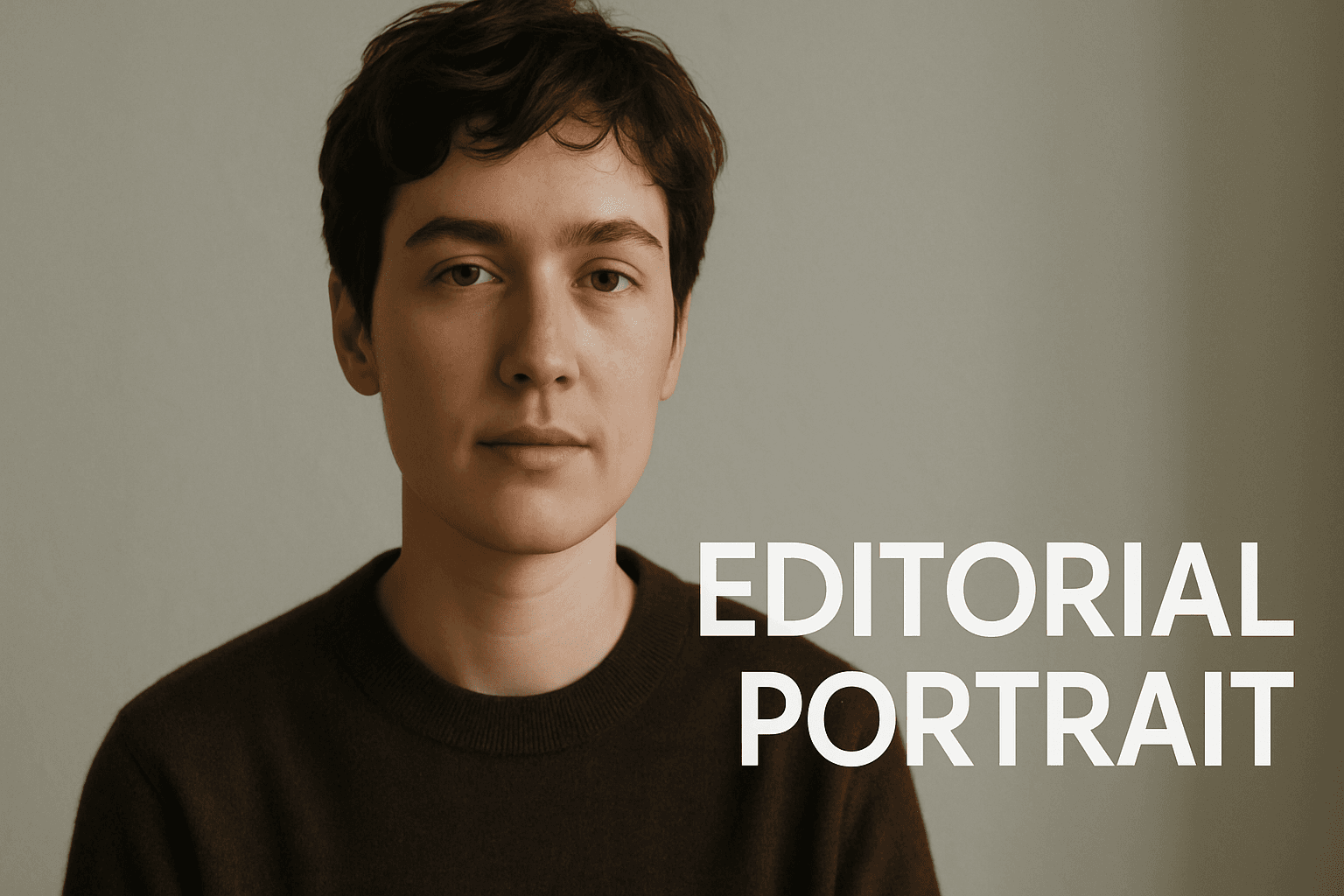
The Minimal Text Overlay Style is popular for creating refined and elegant visuals where text enhances but does not overpower the imagery. By restricting text quantity and styling it simply, this style lends itself well to modern editorial layouts, social media graphics, and promotional materials. It helps maintain the viewer’s focus on the image’s core subject while offering essential contextual or branding information. This approach is highly valued in AI-generated content for producing polished, professional-looking images that remain versatile across platforms and purposes.
Definition
Minimal Text Overlay Style involves adding very sparse and simple textual elements to an image, typically as unobtrusive overlays. This style keeps text minimal in quantity and form, focusing on clean fonts and subtle placement. When incorporated into an AI image prompt, it instructs the model to generate compositions where text complements the image harmoniously without dominating it.
Visual Characteristics
- Few words or short phrases used as text overlays
- Simple, clean typography often in sans-serif fonts
- Text integrated seamlessly without cluttering or distracting from the main image
Prompt Formula
To create images with this style, combine subject and setting descriptions with phrases emphasizing minimal and clean text overlays. Examples include "minimal text overlay in modern sans-serif font," "subtle white text overlay at bottom right," and "clean editorial composition with minimal labeling." These patterns help guide AI models toward design clarity and understated typography.
- Subject or scene description
- Phrase specifying "minimal text overlay"
- Descriptor for typography style, e.g., "clean sans-serif font"
- Composition or mood indicator, e.g., "editorial style", "subtle lighting"
Best Use Cases
- Social media graphics with concise messages
- Editorial article hero images needing subtle text context
- Branding materials with minimal logo or tagline integration
Creative Variations
To avoid repetitive results, experiment with different lighting moods such as soft natural light or dramatic shadows, vary text placement (top left, bottom center), and try alternative minimal font styles like thin, condensed, or geometric sans-serif. Adjust color contrasts between text and background for accessibility, and pair with different subject matters from portraits to landscapes.
- Vary lighting: soft, harsh, natural, studio
- Change text placement: corners, center, along edges
- Alternate font styles: condensed, geometric, light weight
- Adjust color contrast for text readability
- Apply to diverse subjects: nature, people, architecture
Professional Workflow
Start by clearly defining the image’s purpose and required text content. Next, generate initial AI samples using the minimal text overlay prompt formula. Review outputs for text legibility and harmonious integration. Select the best candidates and refine further if needed with adjustments to text placement, font style, or image lighting. Finally, export images optimized for the intended platform, ensuring consistent quality and visual appeal.
- Define image purpose and text content needs
- Generate initial AI images with minimal text overlay prompts
- Evaluate for text clarity and compositional balance
- Select and refine chosen images with focus on typography and lighting
- Export finalized images for specific media use
Related Styles
- Clean Typography
- Editorial Style
- Subtle Overlay
Model-Specific Tips
Use clear, descriptive phrases specifying 'minimal text overlay' combined with typography style to achieve consistent results across AI models. Avoid overloading prompts with conflicting text instructions. Favor universal descriptors like 'clean sans-serif font' rather than model-specific keywords. Experiment with synonym variations like 'subtle labeling' or 'discreet text' to refine output without relying on fragile syntax.
- Use explicit phrases: "minimal text overlay", "clean sans-serif font"
- Avoid conflicting or verbose text instructions
- Employ synonyms: "subtle labeling", "discreet text"
- Test prompt variations to ensure consistent results
- Focus on universal descriptive language rather than model-specific tags
FAQ
How do I ensure text remains legible in minimal text overlay images?
Choose high contrast between text color and background, keep text concise, and position it on relatively uniform or less busy image areas. Additionally, select clean fonts and appropriate sizes within the AI prompt to promote legibility.
Can minimal text overlay style work on busy backgrounds?
While possible, it is more challenging. To maintain clarity, AI prompts should request text placed on blurred or darkened sections of the background, or use semi-transparent overlays behind the text to enhance readability.
Continue Exploring
Related Prompts

Editorial Style
Editorial Style is a popular approach in AI-generated imagery that aims to produce visuals resembling those found in top-tier editorial publications. This style focuses on crafting images that are visually engaging yet tasteful and professional, ensuring they complement written content effectively. With a focus on clarity and refinement, editorial-style images avoid clutter and distractions, making them ideal for use as article heroes, thumbnail cards, and other content-driven placements. By emphasizing natural lighting and realistic textures, the style enhances visual storytelling, helping convey the intended message with impact and sophistication.

Graphic Line Art Style
Graphic Line Art Style is a visually striking illustration approach emphasizing clarity and simplicity through well-defined lines. It focuses on outlining forms with precision and minimalistic detail, avoiding heavy shading or elaborate color schemes. This style is popular in editorial illustrations, logos, and iconography due to its crisp readability and modern aesthetic. When incorporated into AI image prompts, it directs the model to produce minimalist visuals that can easily adapt to various themes while maintaining a clean, graphic look. Its simplicity makes it versatile for both monochrome and limited color compositions, suitable for branding, presentations, and artistic sketches where impact comes from form rather than texture or color richness.
Minimalist Design Style
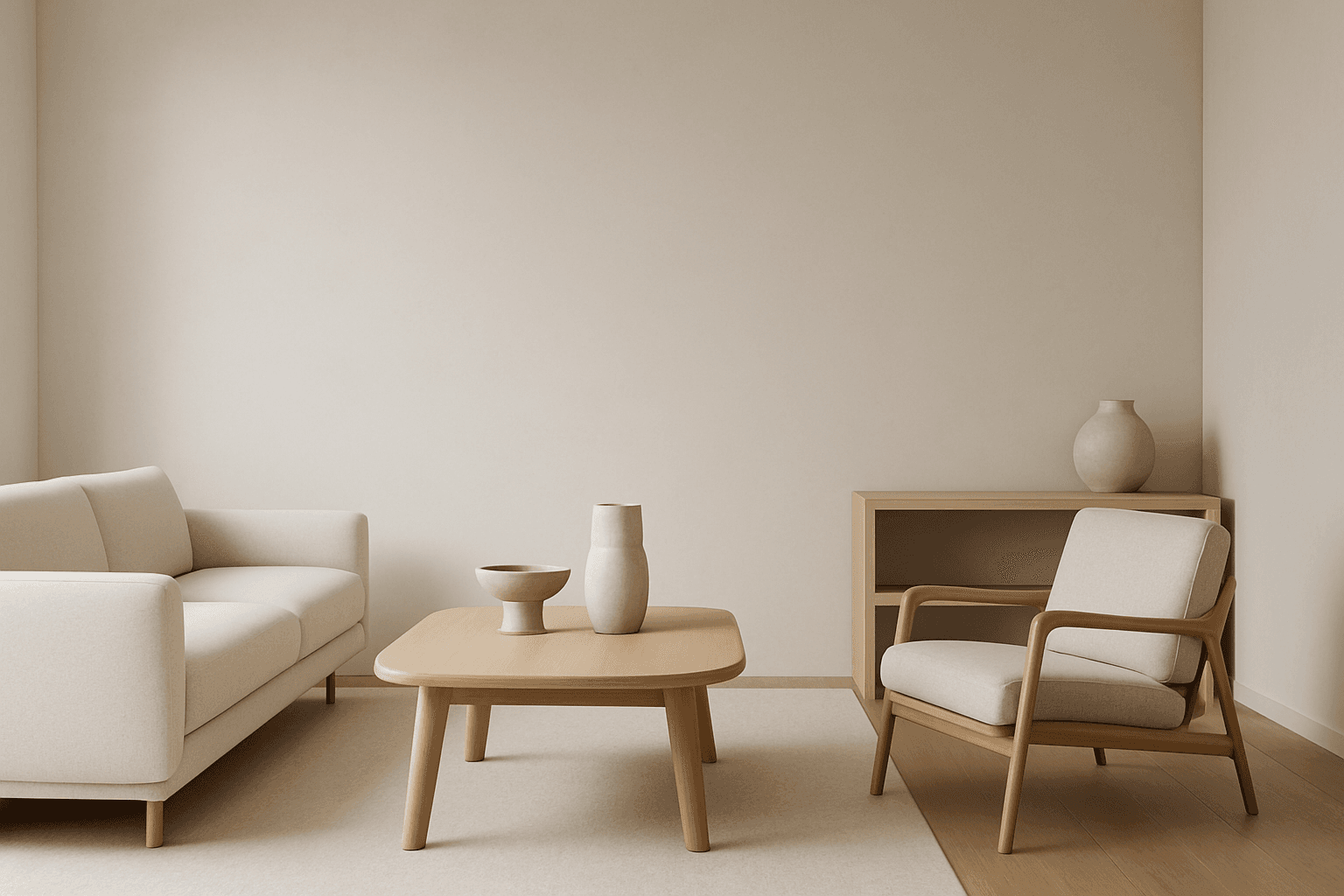
Minimalist design style is a popular artistic approach that strips visuals down to their fundamental components. It values functionality, clarity, and subtlety rather than embellishment. When used in AI image generation, it leads to creations with harmonious balance, simplicity, and impact. Minimalism favors sleek geometry, reduced ornamentation, and neutral or pastel color schemes. This style communicates sophistication and modern elegance, making it well suited for branding, editorial illustrations, product visuals, and architectural imagery. Adopting minimalist design in prompts guides AI to focus on essential shapes and textures, delivering images with visual calm and refined aesthetics.
Elegant Serif Typography Style
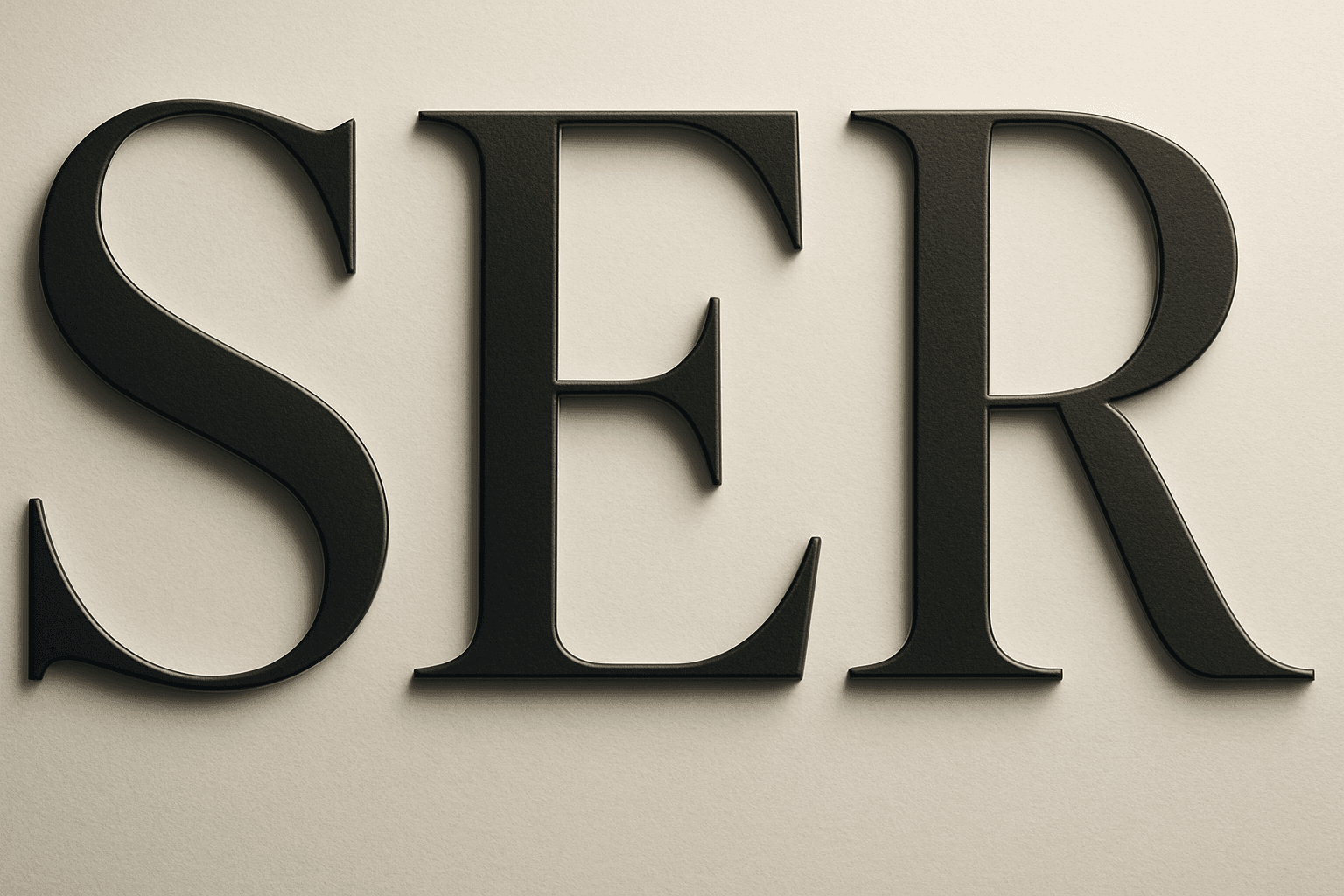
Elegant Serif Typography Style integrates classical typographic elements with a sense of grace and luxury. This style emphasizes serif fonts that reveal subtle ornamental strokes and a harmonious structure, evoking tradition, trustworthiness, and sophistication. When used in AI-generated imagery, it sets a tone that is both professional and inviting, suitable for editorial layouts, luxury branding, or high-end packaging. The style avoids overly rigid or modern sans-serif aesthetics, instead focusing on a timeless, readable presentation that complements premium visual content.

Flat Design Style
Flat Design Style simplifies visual elements by stripping down imagery to essential shapes and colors, lending itself to clarity and legibility. It's widely used in user interfaces, infographics, and branding where straightforward communication is key. AI image models interpreting this style produce images with sharp lines, uniform hues, and a graphic feel that avoids photorealism, making it perfect for scalable and versatile visuals that maintain impact across platforms.

Minimalist Iconography Style
Minimalist Iconography Style centers on simplifying visuals to their essential forms, making icons instantly recognizable and communicative. This style is widely used in user interfaces, branding, and instructional graphics due to its clarity and universal appeal. When leveraging AI to generate images, using this style keyword helps produce visuals that avoid excessive detail and prioritize clean, bold designs. The style aligns well with modern aesthetic trends favoring functional minimalism and can enhance the effectiveness of icons across digital platforms.