Minimalist Iconography Style
Minimalist Iconography Style centers on simplifying visuals to their essential forms, making icons instantly recognizable and communicative. This style is widely used in user interfaces, branding, and instructional graphics due to its clarity and universal appeal. When leveraging AI to generate images, using this style keyword helps produce visuals that avoid excessive detail and prioritize clean, bold designs. The style aligns well with modern aesthetic trends favoring functional minimalism and can enhance the effectiveness of icons across digital platforms.

Definition
Minimalist Iconography Style in AI image generation means producing graphics that are stripped down to their essential shapes and forms. This style emphasizes simplicity, clean lines, and minimal color usage to create visually striking icons that communicate ideas instantly and clearly. Integrating this style keyword into prompts directs the AI to avoid complex textures, gradients, or detailed realism, focusing instead on symbolic and geometric representation.
Prompt Formula
Use these prompt building patterns to create effective minimalist iconography images: • "Minimalist icon of [subject], simple geometric shapes, flat colors, clean lines" • "Flat design icon depicting [object or concept] with exact silhouette and negative space" • "Monochrome minimalist emblem of [symbol], bold shapes, high contrast background" Mix and match descriptive words like 'crisp edges,' 'negative space,' or 'abstract silhouette' to refine results.
- Minimalist icon of [subject], simple geometric shapes, flat colors, clean lines
- Flat design icon depicting [object or concept] with exact silhouette and negative space
- Monochrome minimalist emblem of [symbol], bold shapes, high contrast background
Best Use Cases
This style excels in scenarios requiring maximum clarity with minimal detail, such as: • Designing app and software UI icons where functionality and readability are crucial. • Creating signage or instructional graphics that must be understood at a glance. • Developing logos or brand symbols that benefit from strong, simple visuals.
- Designing mobile app icons or UI elements
- Creating instructional or safety signage graphics
- Developing brand logos and symbols requiring clarity
Common Mistakes
Frequent errors when prompting for minimalist iconography include: • Overcomplicating the icon with too many details or gradients. • Using too broad or vague keywords that lead to generic or cluttered designs. • Ignoring the importance of negative space, resulting in cramped visuals. Avoid these by specifying simplicity, limiting colors, and emphasizing silhouette and space.
- Avoid excessive detail or gradients
- Be specific to prevent generic results
- Use negative space effectively to enhance clarity
Advanced Techniques
For experienced prompt writers, enhance minimalist iconography by: • Combining the style with color theory terms like 'duotone' or 'limited palette' for refined aesthetics. • Using constraints such as 'vector style, no shading' or 'pixel-perfect edges' for crisp output. • Experimenting with abstract shapes and symbolic metaphors within the minimalist framework for unique icons.
- Combine with 'duotone' or 'limited palette' for refined color use
- Specify 'vector style' and 'no shading' to enhance sharpness
- Incorporate abstract symbolic shapes for originality within minimalism
FAQ
What distinguishes Minimalist Iconography Style from other icon styles?
Minimalist Iconography reduces icons to basic geometric shapes and limited colors, focusing on simplicity and clarity rather than detail or realism, making icons instantly recognizable.
Can Minimalist Iconography work well for complex subjects?
While complex subjects can be challenging, breaking them into their fundamental shapes and abstract forms enables minimalist representation that still communicates effectively.
Continue Exploring
Related Prompts

Flat Design Style
Flat Design Style simplifies visual elements by stripping down imagery to essential shapes and colors, lending itself to clarity and legibility. It's widely used in user interfaces, infographics, and branding where straightforward communication is key. AI image models interpreting this style produce images with sharp lines, uniform hues, and a graphic feel that avoids photorealism, making it perfect for scalable and versatile visuals that maintain impact across platforms.

Minimalist Design Style
Minimalist design style is a popular artistic approach that strips visuals down to their fundamental components. It values functionality, clarity, and subtlety rather than embellishment. When used in AI image generation, it leads to creations with harmonious balance, simplicity, and impact. Minimalism favors sleek geometry, reduced ornamentation, and neutral or pastel color schemes. This style communicates sophistication and modern elegance, making it well suited for branding, editorial illustrations, product visuals, and architectural imagery. Adopting minimalist design in prompts guides AI to focus on essential shapes and textures, delivering images with visual calm and refined aesthetics.

Graphic Line Art Style
Graphic Line Art Style is a visually striking illustration approach emphasizing clarity and simplicity through well-defined lines. It focuses on outlining forms with precision and minimalistic detail, avoiding heavy shading or elaborate color schemes. This style is popular in editorial illustrations, logos, and iconography due to its crisp readability and modern aesthetic. When incorporated into AI image prompts, it directs the model to produce minimalist visuals that can easily adapt to various themes while maintaining a clean, graphic look. Its simplicity makes it versatile for both monochrome and limited color compositions, suitable for branding, presentations, and artistic sketches where impact comes from form rather than texture or color richness.

Flat Graphic Style
The Flat Graphic Style is a popular design approach that emphasizes simplicity and clarity. It removes three-dimensional effects like shadows and highlights, focusing on clean, bold shapes and monochromatic or limited color palettes. This style is widely used in digital and print media for its readability and modern aesthetic. When used in AI prompt engineering, it guides the image generation toward compositions that look graphic and stylized rather than photorealistic. This makes it ideal for editorial illustrations, icons, and various branding materials where clarity and impact are essential.
Monoline Icon Style
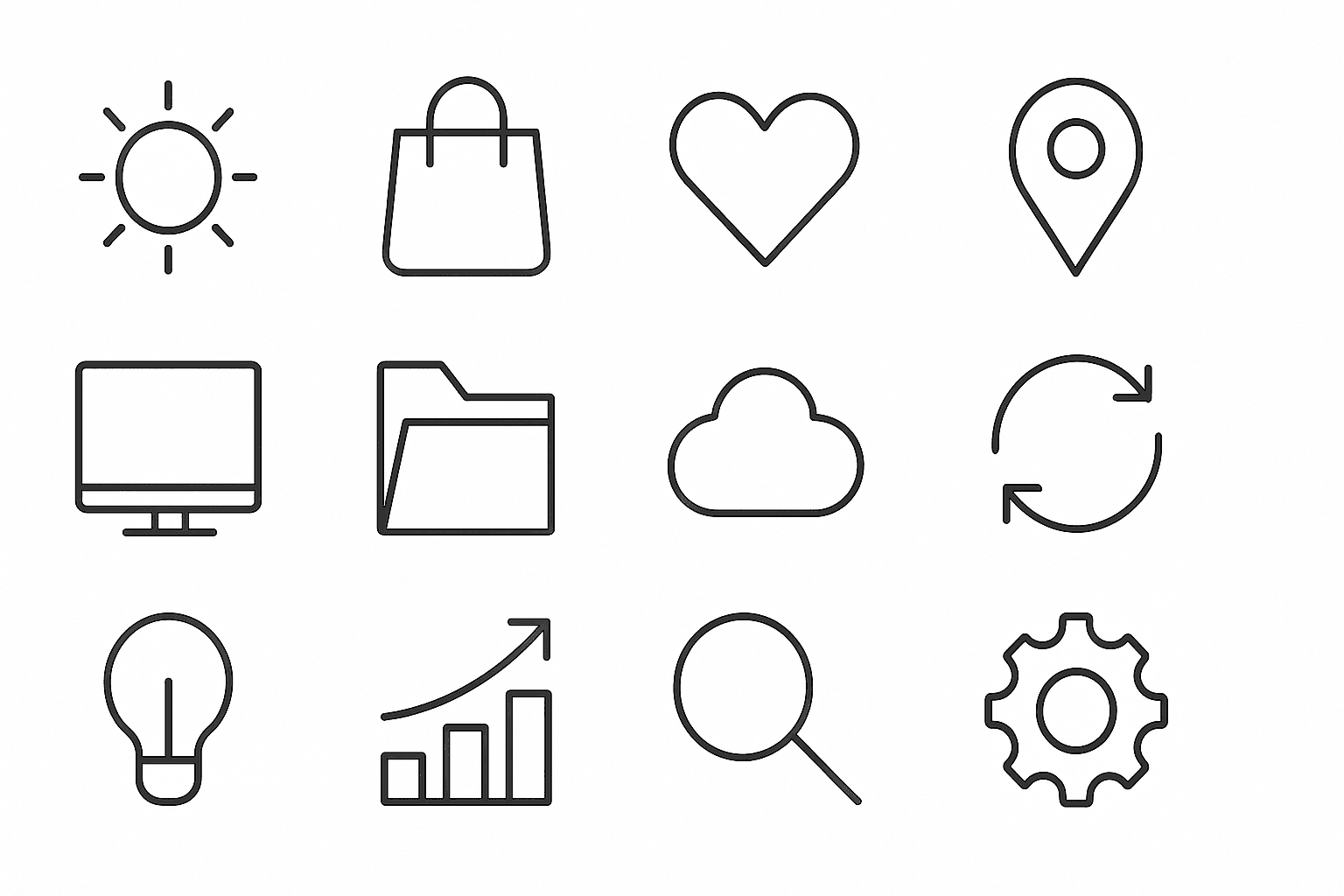
Monoline Icon Style is a popular visual approach that uses single-weight lines to construct simple and elegant illustrations or icons. This style avoids line thickness variation, gradients, or complex textures, resulting in a modern, crisp aesthetic. It’s widely used in digital product design, branding, and editorial contexts, especially to communicate ideas efficiently with minimal visual clutter. When incorporated into AI image prompts, this keyword guides the model to produce artwork that resembles vector line icons often used in user interfaces, signage, and infographics. The style’s consistency allows easy scalability and integration across different mediums.
Minimalist Icon Set Design
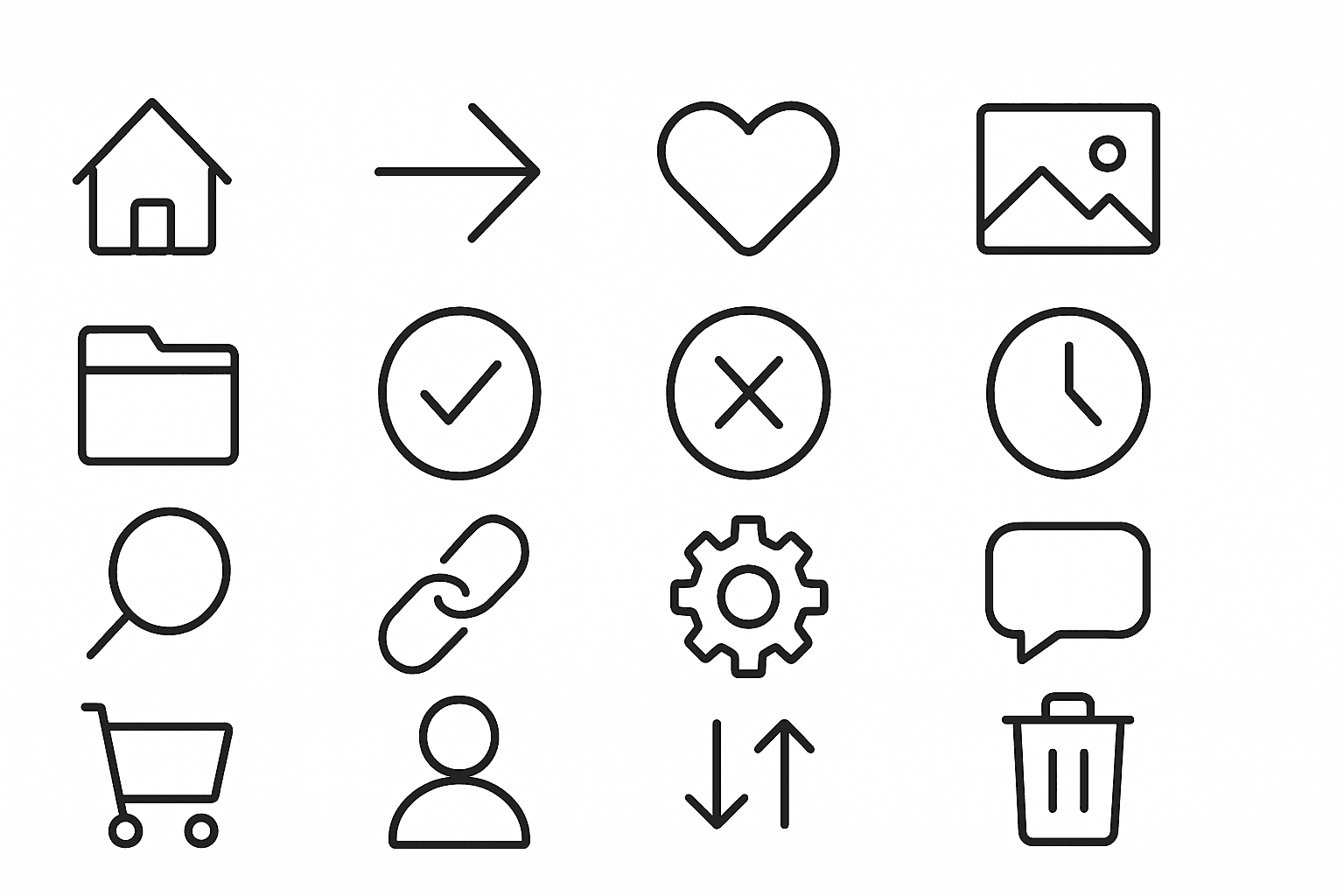
Minimalist Icon Set Design is a style that emphasizes simplicity and clarity in visual communication through icons. It leverages geometric shapes, flat colors, and streamlined forms to create symbols that are immediately recognizable and versatile across various platforms. This style is popular for interfaces, websites, and branding where clarity and quick comprehension are essential. When incorporated into AI prompts, it guides image models to prioritize clean lines, restrained details, and functional aesthetics, resulting in icons that feel modern and professional. The minimalist approach also enhances scalability, ensuring icons remain legible at small sizes.