Monoline Icon Style
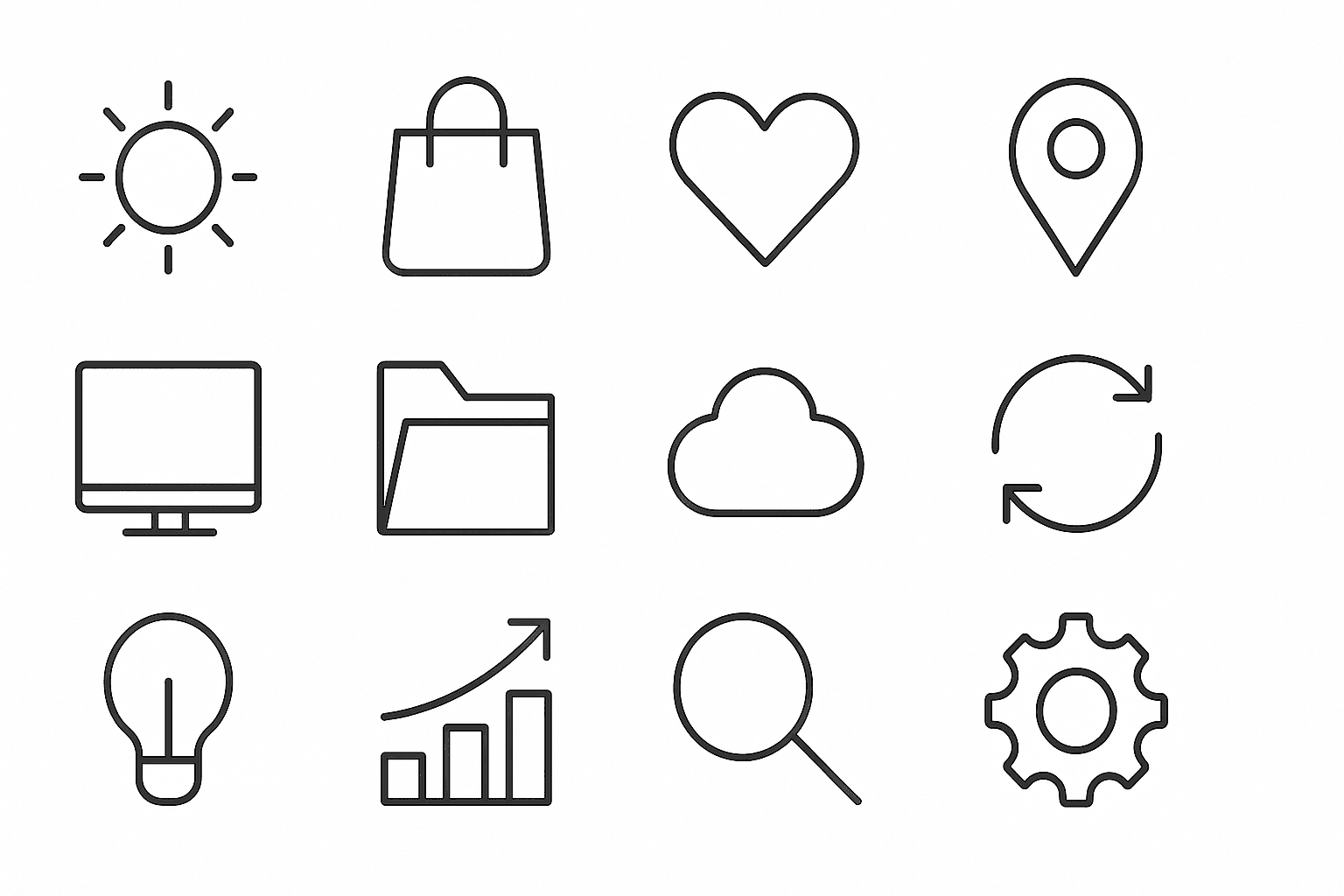
Monoline Icon Style is a popular visual approach that uses single-weight lines to construct simple and elegant illustrations or icons. This style avoids line thickness variation, gradients, or complex textures, resulting in a modern, crisp aesthetic. It’s widely used in digital product design, branding, and editorial contexts, especially to communicate ideas efficiently with minimal visual clutter. When incorporated into AI image prompts, this keyword guides the model to produce artwork that resembles vector line icons often used in user interfaces, signage, and infographics. The style’s consistency allows easy scalability and integration across different mediums.
Definition
Monoline Icon Style is a design approach emphasizing single-weight, uniform lines without thickness variation to create minimalist icons and illustrations. Adding this keyword in AI image prompts guides models to generate clean, consistent line art resembling vector icons. This style avoids gradients or shading, focusing on clarity and simplicity, ideal for beginners aiming for crisp, modern iconography.
Prompt Formula
To craft effective prompts for monoline icon style, combine descriptive keywords that emphasize line consistency and minimalism. Use phrases like "monoline icon style," "single-weight lines," "minimalist line art," and "clean vector outlines." Specify subject matter clearly, and consider background settings such as "on white background" to enhance clarity.
- monoline icon style
- single-weight lines
- minimalist line art
- clean vector outlines
- on white background
Best Use Cases
Monoline icon style excels in contexts where simplicity and clarity are paramount. It suits user interface icon sets, where readable and scalable icons improve usability. Branding projects benefit from its clean and modern look for logos or badges. Additionally, editorial illustrations and infographics use it to visually communicate concepts efficiently without visual noise.
- User interface icon sets for digital products
- Minimalist branding and logo design
- Editorial illustrations and infographics
Common Mistakes
A frequent pitfall is mixing monoline style with varying line weights, shading, or textures, which breaks the uniformity and clarity expected. Overly intricate shapes or excessive detail can diminish the minimalist appeal. Also, omitting clear subject description makes AI outputs generic or ambiguous. To avoid this, maintain strict line consistency and provide precise, focused prompts.
- Using varied line thicknesses contrary to monoline definition
- Adding shading or textures that clutter simplicity
- Prompting vague subjects leading to unclear icons
Advanced Techniques
For advanced prompt crafting, combine monoline icon style with color accents or geometric fills to add visual interest while maintaining line clarity. Introduce constraints like "limited color palette" or "flat colors" to balance simplicity with vibrancy. Utilizing negative space creatively within monoline frameworks enhances composition sophistication. Experiment with layering multiple monoline elements for complex symbols without losing cohesion.
- Combine monoline lines with minimal flat color fills
- Use limited color palettes for subtle highlights
- Incorporate negative space for refined compositions
- Layer multiple monoline icons for complex visuals
Professional Workflow
Start by briefing with detailed descriptors: define subject, style (monoline icon style), desired simplicity level, and background preferences. Generate multiple iterations with varied prompt phrasings to explore composition options. Select results that best match clarity and uniform line criteria. Refine chosen images by requesting tweaks like line thickness adjustment or background removal. Export vectors or high-resolution PNGs for integration in projects.
- Write precise prompts detailing monoline style and subject
- Generate multiple outputs to evaluate variations
- Select images with consistent line weight and clarity
- Request prompt refinements for fine-tuning
- Export formats suitable for design integration
Related Styles
Monoline Icon Style is closely related to line art, which also uses lines but may vary in thickness and shading. Minimalist icon style shares the emphasis on simplicity but can include slight variations in stroke or color. Flat design complements monoline icons by offering simple shapes with minimal shading, often paired together in UI and branding contexts for cohesive visual language.
- Line art
- Minimalist icon style
- Flat design
FAQ
What is the main difference between monoline icon style and other line art?
Monoline icon style uses a consistent, single line thickness throughout the design, whereas other line art styles often vary line weights and include shading or textures.
Can monoline icons include color fills?
Traditionally, monoline icons focus on uniform line work without fills, but advanced techniques may incorporate minimal flat color fills to add emphasis while maintaining simplicity.
Is monoline icon style suitable for detailed illustrations?
Monoline icon style is best suited for simple, clear icons and illustrations rather than highly detailed images, as complexity can reduce clarity in this style.
Continue Exploring
Related Prompts

Flat Design Style
Flat Design Style simplifies visual elements by stripping down imagery to essential shapes and colors, lending itself to clarity and legibility. It's widely used in user interfaces, infographics, and branding where straightforward communication is key. AI image models interpreting this style produce images with sharp lines, uniform hues, and a graphic feel that avoids photorealism, making it perfect for scalable and versatile visuals that maintain impact across platforms.

Graphic Line Art Style
Graphic Line Art Style is a visually striking illustration approach emphasizing clarity and simplicity through well-defined lines. It focuses on outlining forms with precision and minimalistic detail, avoiding heavy shading or elaborate color schemes. This style is popular in editorial illustrations, logos, and iconography due to its crisp readability and modern aesthetic. When incorporated into AI image prompts, it directs the model to produce minimalist visuals that can easily adapt to various themes while maintaining a clean, graphic look. Its simplicity makes it versatile for both monochrome and limited color compositions, suitable for branding, presentations, and artistic sketches where impact comes from form rather than texture or color richness.
Minimalist Icon Set Design
Minimalist Icon Set Design is a style that emphasizes simplicity and clarity in visual communication through icons. It leverages geometric shapes, flat colors, and streamlined forms to create symbols that are immediately recognizable and versatile across various platforms. This style is popular for interfaces, websites, and branding where clarity and quick comprehension are essential. When incorporated into AI prompts, it guides image models to prioritize clean lines, restrained details, and functional aesthetics, resulting in icons that feel modern and professional. The minimalist approach also enhances scalability, ensuring icons remain legible at small sizes.

Vector Art Style
Vector Art Style produces images that look like digital illustrations made with graphic design software such as Adobe Illustrator. The style focuses on clarity, precision, and scalability, capturing designs with minimal detail yet high definition. These images avoid texture noise and use solid colors, making them ideal for icons, logos, and infographics. AI models, when prompted correctly, can replicate this by generating artwork with polygonal shapes and smooth curves, delivering a modern, polished aesthetic suitable for professional and commercial uses.

Hand Drawn Sketch Style
Hand Drawn Sketch Style is a favored artistic approach in AI image generation, evoking the charm and authenticity of manual sketches. This style highlights visible strokes and spontaneous line imperfections, creating images that feel intimate and creative rather than polished. It is ideal for conceptual art, storyboarding, character design, and illustrations where raw expressiveness and personality are prioritized. The style softens digital perfection by emulating paper texture and hand pressure variations, making images appear crafted by an artist’s hand. Artists, designers, and content creators use this style to produce unique visuals that stand out with a traditional artistic touch while leveraging AI speed and flexibility.

Flat Vector Style
The Flat Vector Style keyword directs AI models to create images resembling digital vector illustrations common in modern graphic design. This style forgoes complex textures and photographic realism in favor of smooth, flat areas of color and sharp edges, making images visually striking and easily scalable. The resulting art is ideal for icons, infographics, editorial illustrations, and interfaces that demand clarity and simplicity. It aligns well with contemporary branding aesthetics and enhances readability in digital and print applications.