Flat Vector Style
The Flat Vector Style keyword directs AI models to create images resembling digital vector illustrations common in modern graphic design. This style forgoes complex textures and photographic realism in favor of smooth, flat areas of color and sharp edges, making images visually striking and easily scalable. The resulting art is ideal for icons, infographics, editorial illustrations, and interfaces that demand clarity and simplicity. It aligns well with contemporary branding aesthetics and enhances readability in digital and print applications.

Definition
Flat Vector Style refers to a visual style that mimics vector illustrations characterized by clean lines, solid color areas, and minimal shading or gradients. Specifying this keyword in an AI prompt guides the model to produce visuals that are simple yet impactful, relying on geometry and color blocks instead of textures or realistic detail. It's especially useful for creating modern graphics that scale well and maintain clarity across devices.
Prompt Formula
Use the keyword in combination with clear subject descriptions and color or design terms to get optimal results. A typical formula is: [subject] + 'flat vector style' + [color palette or mood] + [composition or purpose] + [lighting, if necessary]. This formula ensures the AI understands to prioritize the flat vector look while tailoring the image to your specific needs.
- [subject] + flat vector style + bright color palette + minimal shading
- [object] + flat vector style + clean geometric shapes + bold colors
- [concept] + flat vector style + simple layout + high contrast
Best Use Cases
- Creating editorial illustrations for blogs and magazines
- Designing UI elements and icons for apps and websites
- Developing infographics and educational visuals requiring clarity
Common Mistakes
A frequent mistake is combining flat vector style with requests for photorealism, textures, or excessive shading, which confuses the AI and results in muddy or overly complex images. Avoid vague prompts that omit style details, leading to generic or uninspiring outputs. To prevent this, be precise: explicitly include 'flat vector style' and clarify that gradients, textures, or photographic details should be minimal or excluded.
- Mixing flat vector style with photorealistic modifiers
- Imprecise prompts lacking style descriptors
- Overloading prompts leading to cluttered images
Advanced Techniques
Refine flat vector style prompts by specifying color schemes inspired by design trends (e.g., pastel, neon) or by combining with related styles like minimalist or geometric to create hybrid visuals. Use constraints like 'limited palette of 3 colors' or 'no outlines' to tailor complexity. Additionally, request specific composition types such as isometric or symmetrical layouts for specialized outcomes.
- Combine 'flat vector style' with 'minimalist color palette' for elegant designs
- Add constraints like 'no gradients' or 'use only primary colors'
- Specify composition types like 'isometric flat vector style illustration'
Professional Workflow
Begin by drafting a clear brief including subject, intended use, and style notes emphasizing 'flat vector style.' Generate multiple image variants emphasizing different color schemes or compositions. Evaluate outputs for line clarity, color flatness, and suitability to project needs. Refine prompts iteratively, adjusting composition or palette. Finalize selections by ensuring the images meet technical standards for scalability and export formats suited to the production pipeline.
Related Styles
- Minimalist Art - emphasizes simplicity and space
- Line Art - focuses on contours and outlines
- Geometric Style - uses strong shapes and symmetry
FAQ
How do I make sure the AI creates a true flat vector style image?
Include the keyword "flat vector style" explicitly in your prompt and avoid terms like "photo-realistic," "textured," or "3D." Specify minimal or no shading, use words like "clean," "simple," and "solid colors" to reinforce the desired style.
Can flat vector style images be used for animations?
Yes, flat vector style images are ideal for animations because their simple shapes and clean lines translate well across frames and scales, making them easy to animate and reproduce consistently.
Continue Exploring
Related Prompts

Flat Design Style
Flat Design Style simplifies visual elements by stripping down imagery to essential shapes and colors, lending itself to clarity and legibility. It's widely used in user interfaces, infographics, and branding where straightforward communication is key. AI image models interpreting this style produce images with sharp lines, uniform hues, and a graphic feel that avoids photorealism, making it perfect for scalable and versatile visuals that maintain impact across platforms.

Flat Graphic Style
The Flat Graphic Style is a popular design approach that emphasizes simplicity and clarity. It removes three-dimensional effects like shadows and highlights, focusing on clean, bold shapes and monochromatic or limited color palettes. This style is widely used in digital and print media for its readability and modern aesthetic. When used in AI prompt engineering, it guides the image generation toward compositions that look graphic and stylized rather than photorealistic. This makes it ideal for editorial illustrations, icons, and various branding materials where clarity and impact are essential.

Monoline Icon Style
Monoline Icon Style is a popular visual approach that uses single-weight lines to construct simple and elegant illustrations or icons. This style avoids line thickness variation, gradients, or complex textures, resulting in a modern, crisp aesthetic. It’s widely used in digital product design, branding, and editorial contexts, especially to communicate ideas efficiently with minimal visual clutter. When incorporated into AI image prompts, this keyword guides the model to produce artwork that resembles vector line icons often used in user interfaces, signage, and infographics. The style’s consistency allows easy scalability and integration across different mediums.

Vector Art Style
Vector Art Style produces images that look like digital illustrations made with graphic design software such as Adobe Illustrator. The style focuses on clarity, precision, and scalability, capturing designs with minimal detail yet high definition. These images avoid texture noise and use solid colors, making them ideal for icons, logos, and infographics. AI models, when prompted correctly, can replicate this by generating artwork with polygonal shapes and smooth curves, delivering a modern, polished aesthetic suitable for professional and commercial uses.
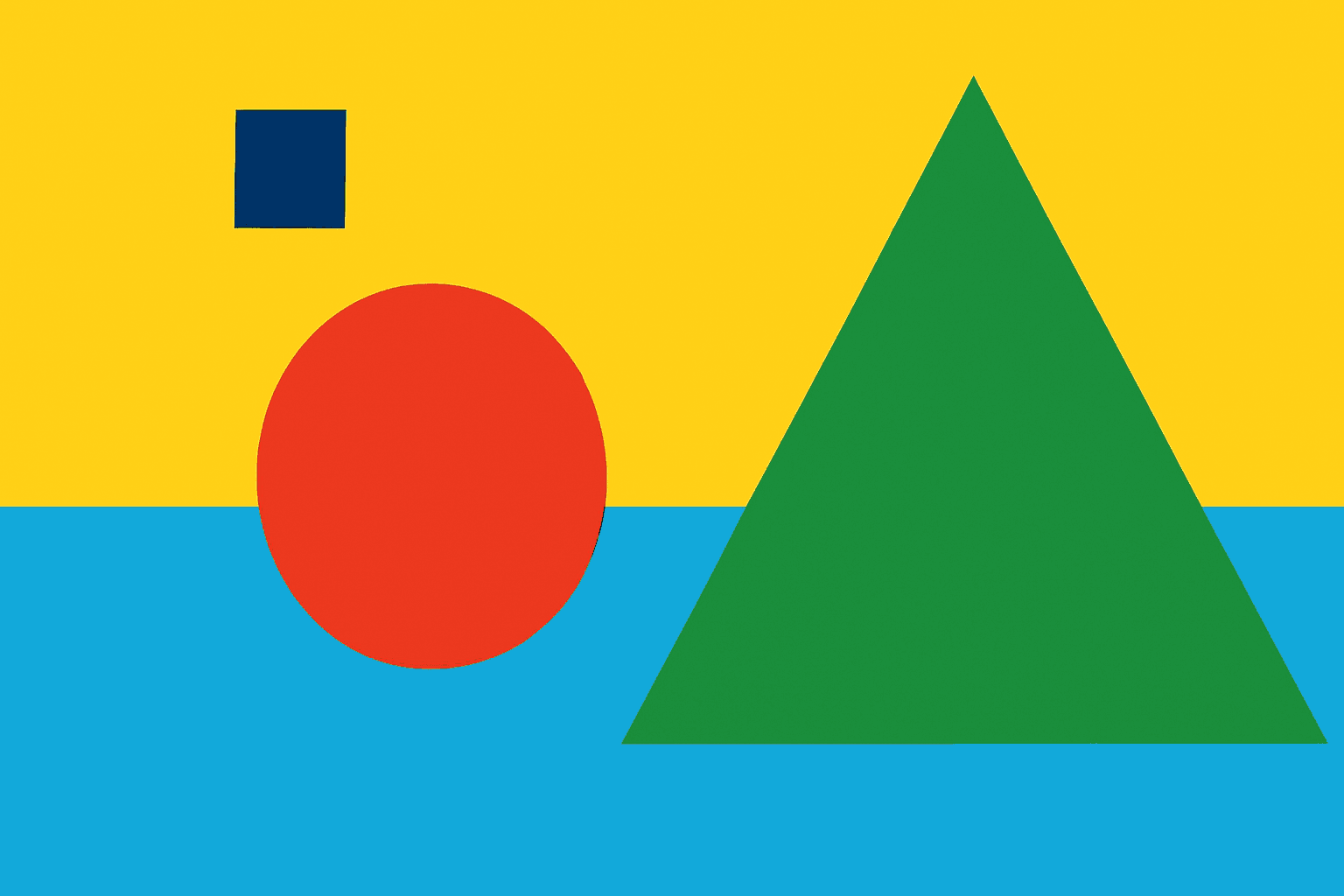
Flat Minimalist Design
Flat Minimalist Design emphasizes simplicity and clarity, stripping visuals down to fundamental shapes and colors without unnecessary complexity. It is ideal for creating straightforward, modern images that communicate messages effectively. When used as a keyword in AI prompts, it guides the model to exclude elaborate lighting or intricate detail, resulting in clean, polished compositions. This style suits editorial graphics, infographics, UI elements, and illustration-based content, offering a timeless, versatile aesthetic that appeals across digital and print media.
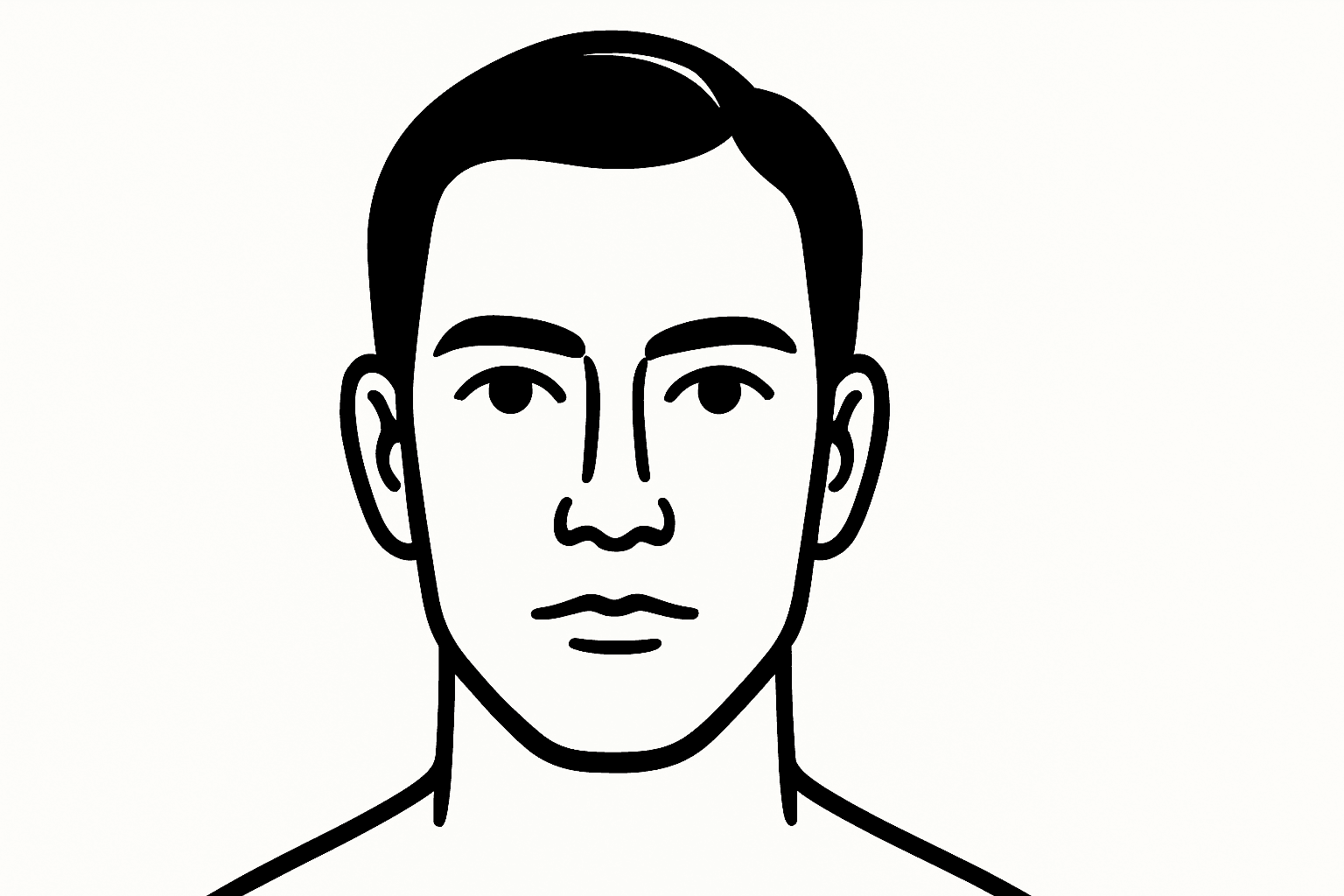
Graphic Line Art Style
Graphic Line Art Style is a visually striking illustration approach emphasizing clarity and simplicity through well-defined lines. It focuses on outlining forms with precision and minimalistic detail, avoiding heavy shading or elaborate color schemes. This style is popular in editorial illustrations, logos, and iconography due to its crisp readability and modern aesthetic. When incorporated into AI image prompts, it directs the model to produce minimalist visuals that can easily adapt to various themes while maintaining a clean, graphic look. Its simplicity makes it versatile for both monochrome and limited color compositions, suitable for branding, presentations, and artistic sketches where impact comes from form rather than texture or color richness.