Soft Focus Background
In AI image generation, the 'Soft Focus Background' effect helps create compelling compositions by gently blurring background areas while keeping foreground subjects sharp and detailed. This technique mimics professional photography, where lens aperture settings are used to isolate the subject from distracting elements. Adding this keyword enhances the image's mood and depth, giving it a polished, premium look suitable for editorial layouts, product shots, or portraits. It balances subtlety in lighting and texture while maintaining natural materials and colors, ensuring the image remains believable and sophisticated.

Definition
A 'Soft Focus Background' is an effect in AI image generation where background elements are purposefully blurred or softened to emphasize the image's main subject. It replicates photographic techniques that control depth of field, guiding attention and enhancing composition aesthetics. Adding this to prompts signals for subtle background diffusion without compromising overall image realism.
- Gentle blur on background areas
- Preserves subject sharpness
- Enhances depth and focus
Prompt Formula
To incorporate a Soft Focus Background in your AI image prompts, use combinations like 'sharp subject with soft focus background,' 'foreground in crisp detail with blurred soft focus background,' or 'portrait with softly diffused background and subtle bokeh.' Pair these with lighting descriptors such as 'natural light' or 'warm ambient light' to enhance mood.
- 'Subject with sharp focus, soft focus background'
- 'Foreground crisp, background softly blurred'
- 'Soft focus background with subtle bokeh effect'
- Add lighting terms: 'natural light', 'diffused light'
Best Use Cases
This technique excels when you want to draw attention to a subject while keeping the background unobtrusive. Ideal for portrait photography where facial details stand out, product shots needing clear display against an elegant backdrop, and lifestyle images that benefit from a gentle atmospheric effect to create warmth and depth.
- Portraits emphasizing facial features
- E-commerce product photography
- Lifestyle imagery with mood and depth
Advanced Techniques
Refine your Soft Focus Background prompts by specifying blur intensity, color toning, or combining with lighting effects such as rim or backlighting. Use constraints like 'soft focus background with muted colors' or 'background blur with subtle light flares.' Adding material cues helps maintain realism, e.g., 'soft focus background behind skin textures' or 'blurred fabric folds.'
- Specify blur level: 'gentle' vs. 'strong' soft focus
- Combine with lighting: 'warm rim light on subject'
- Add color constraints: 'muted or pastel background hues'
- Material preservation: 'realistic skin texture with soft blur behind'
Professional Workflow
Start by clearly defining your subject and desired atmosphere. Craft your prompt with the 'Soft Focus Background' keyword positioned after subject description and lighting details. Generate initial images and select those where the background effect is subtle yet effective. Refine prompts based on the blur strength or color adjustments. Post-process lightly if needed to balance sharpness and diffusion, maintaining natural look and polished composition.
- Describe main subject sharply
- Include 'soft focus background' after lighting details
- Generate and review initial outputs
- Refine for blur strength and color tone
- Apply light post-editing if necessary
Related Styles
'Soft Focus Background' pairs well with related visual styles such as 'Shallow Depth of Field' for photographic realism, 'Bokeh Background' for artistic light patterns, and 'Subtle Ambient Lighting' to maintain gentle, natural illumination. These complementary keywords help diversify prompt possibilities while preserving refined composition.
- Shallow Depth of Field
- Bokeh Background
- Subtle Ambient Lighting
Model-Specific Tips
Many current AI models respond well to descriptive phrases rather than strict syntax. Emphasize natural terms like 'soft focus' and avoid ambiguous jargon. Include comparative phrases like 'background less sharp than foreground' to guide depth interpretation. Use modifier chaining cautiously to preserve image coherence and test outputs iteratively to adjust softness levels effectively.
- Use natural language descriptors
- Include comparative focus terms
- Avoid ambiguous or conflicting modifiers
- Test and iterate softness levels
FAQ
How does a soft focus background differ from bokeh?
A soft focus background gently blurs all background elements to reduce detail, while bokeh specifically emphasizes the quality of out-of-focus light points, often creating visible, stylized light shapes. Both enhance subject emphasis but in distinct ways.
Can I use soft focus background for landscape images?
Yes, applying soft focus background in landscapes can create depth and highlight foreground elements, though it's best used subtly to maintain natural scene integrity.
Continue Exploring
Related Prompts

Textured Background Layer
In AI image generation, the textured background layer keyword emphasizes adding complex surface details and subtle irregularities behind the main subject to increase visual depth and immersion. This technique moves away from flat or overly simplified backgrounds, creating environments that feel tactile and natural. Artists and designers use textured backgrounds to support composition storytelling, evoke atmosphere, and prevent images from appearing sterile or overly digital. With careful prompt construction, the textured background enhances realism while maintaining focus on primary elements.
Tonal Contrast Composition
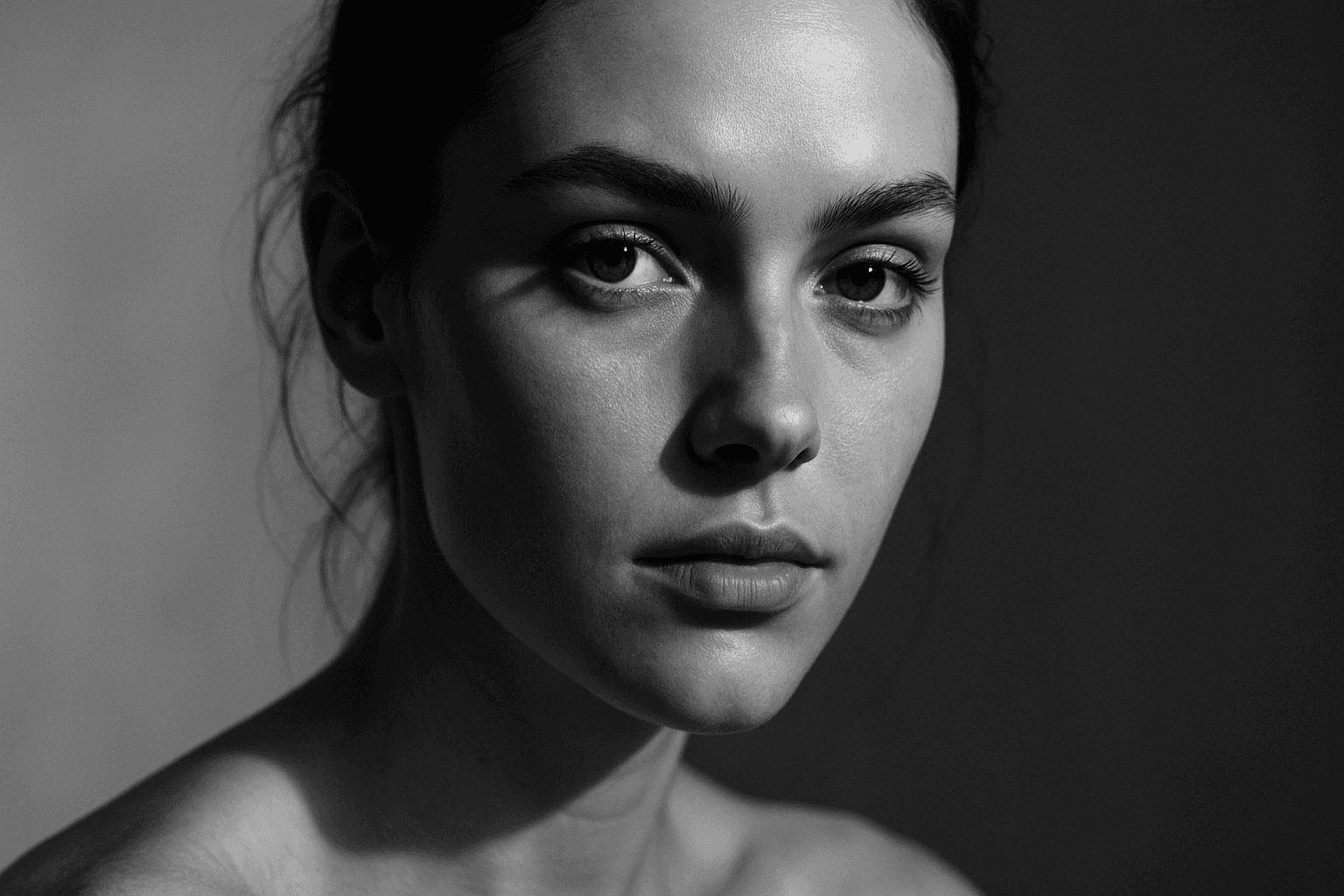
Tonal Contrast Composition is a fundamental principle in visual arts that governs how light and shadow interact within a scene. When applied in AI image generation, it helps create images with dramatic depth, where brighter areas attract attention and darker zones provide complementary framing. This interplay guides the viewer's eye naturally across the composition and emphasizes key elements without overwhelming color use. By focusing on tonal values, generated images gain a refined, realistic appearance reminiscent of premium editorial photography. Implementing tonal contrast thoughtfully results in believable textures, nuanced lighting, and a polished look suitable for professional design, advertising, and fine art applications.
Centered Focus Composition
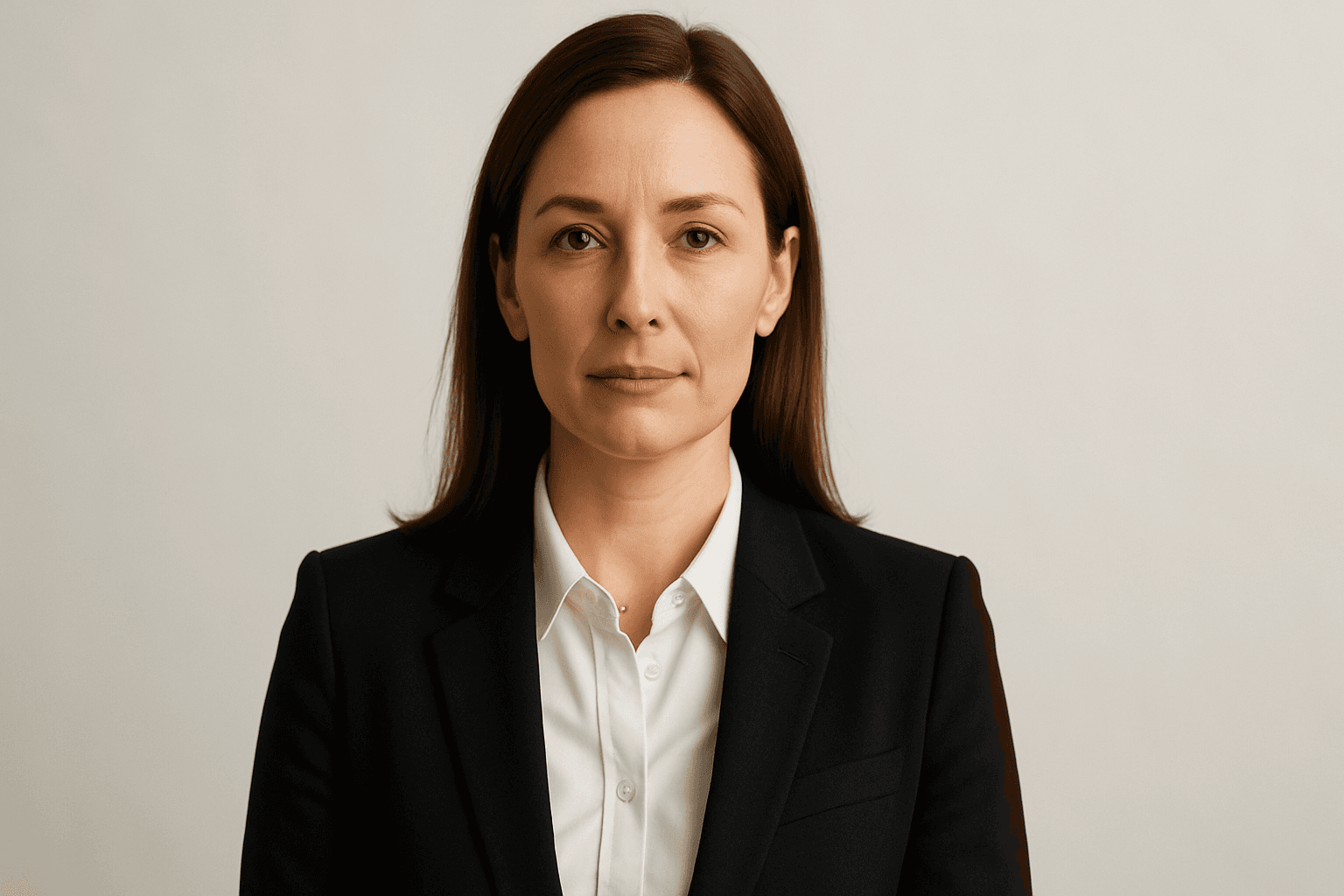
Centered Focus Composition is a fundamental technique in visual art and photography where the main subject is aligned precisely at the center of the frame. This method draws the viewer's eye directly to the focal point, emphasizing clarity and simplicity. In AI image generation, including terms related to 'centered focus' guides the model to replicate this balanced layout. This composition is effective for portraits, product shots, and editorial imagery where impact and emphasis are key. Centered framing exudes a formal, stable aesthetic and reduces visual clutter, making it ideal for high-quality, professional visuals guided by refined lighting and realistic materials.
Vignette Framing Technique
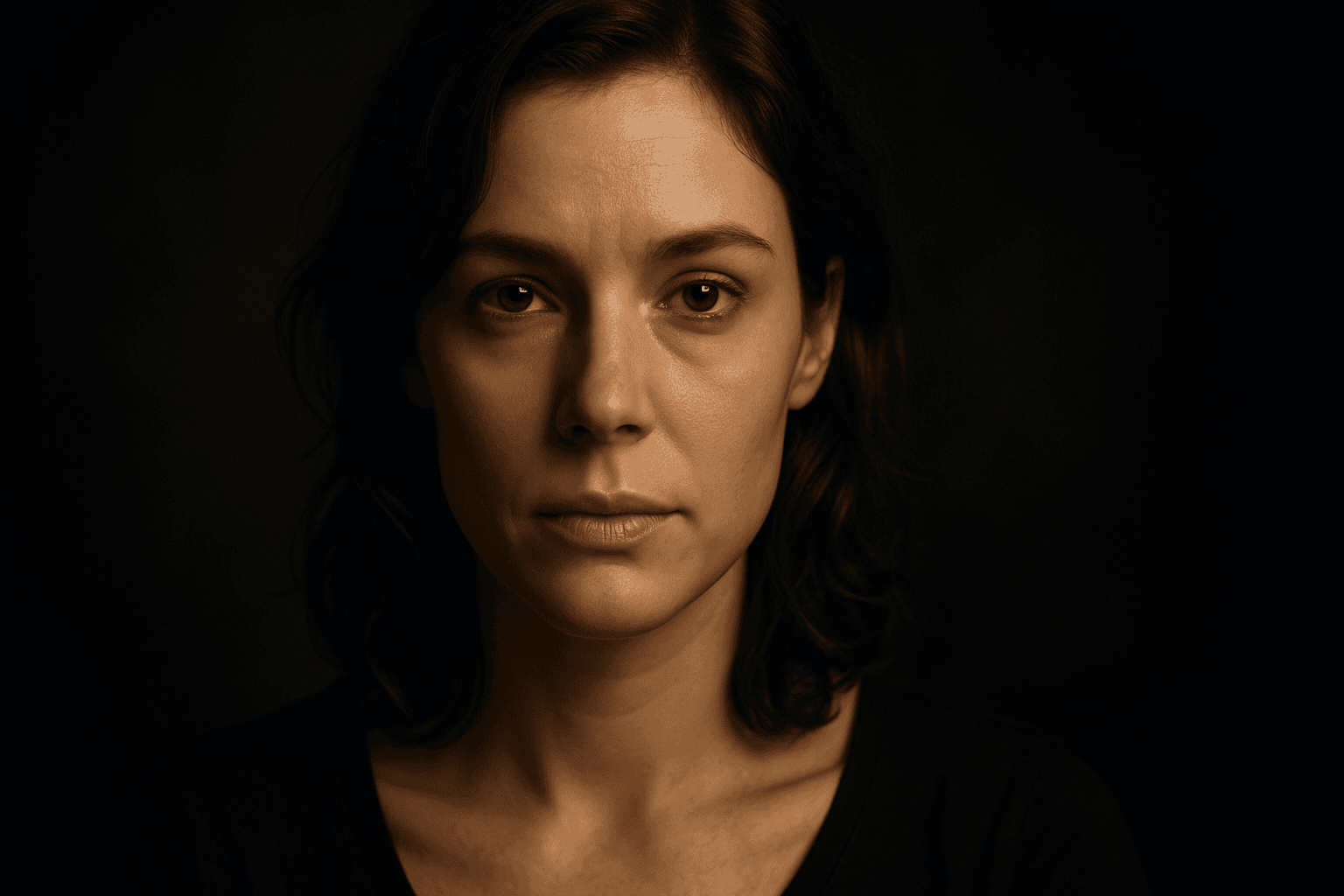
The Vignette Framing Technique is widely used in photography and digital art to subtly guide the viewer's eye toward the main subject. When incorporated into AI image prompts, it suggests the system to create imagery where the edges are softened, darkened, or less detailed, enhancing central focus and depth perception. This approach elevates the visual impact, especially in portraits, still-life, or scene compositions requiring a mood or intimate feel. Employing vignetting in AI-generated images creates a professional, polished look by framing the scene organically, subtly isolating subjects without the need for harsh borders or cropping.
Central Focus Composition
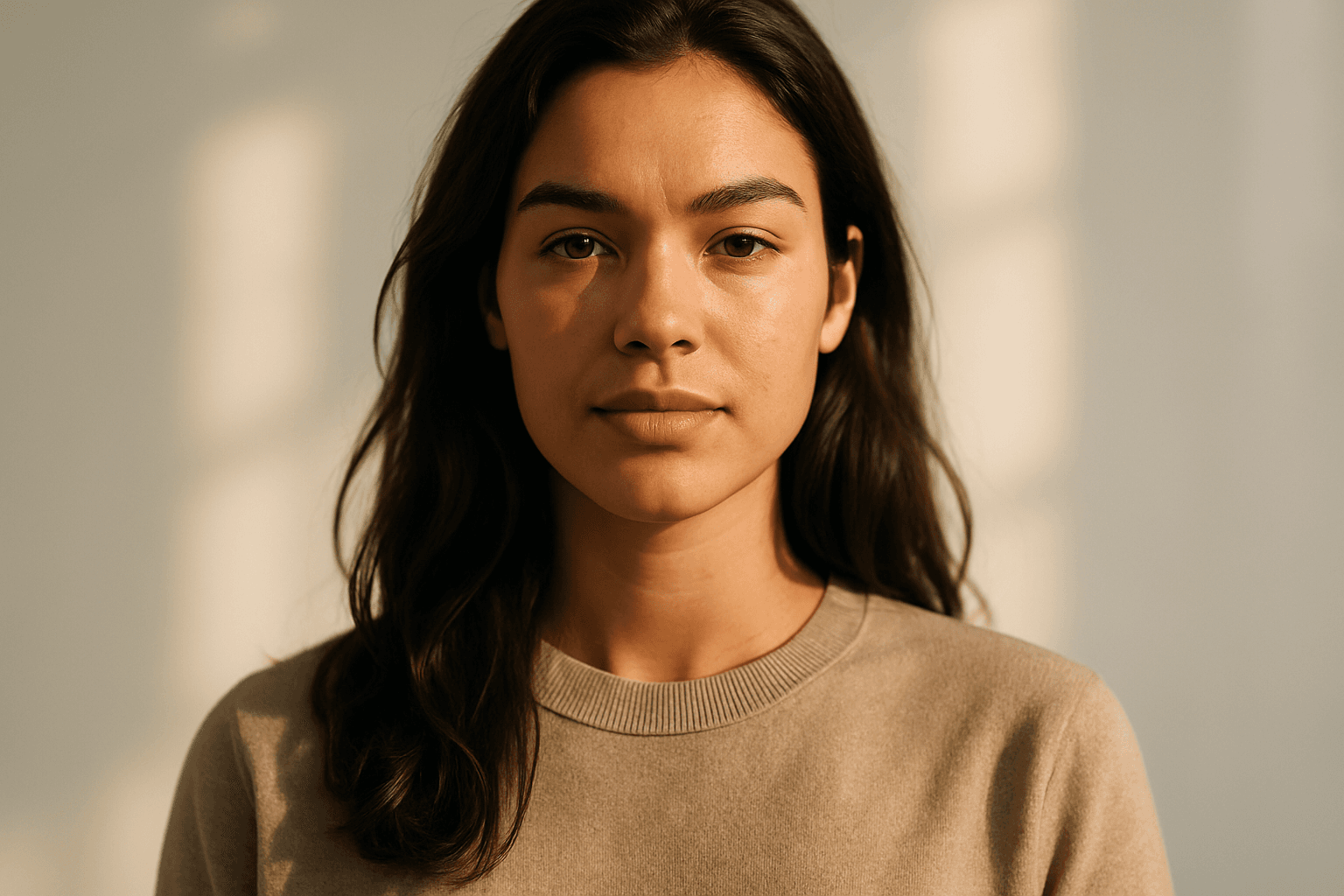
Central Focus Composition is a fundamental principle in visual design that directs the viewer's eye instantly to the image's main subject by positioning it at the exact center. This method leverages symmetry and balance to create images that have a strong visual impact and clear storytelling. When used in AI image generation, it ensures the subject dominates the frame and helps achieve polished, editorial-quality images ideal for a wide range of applications. This technique is especially powerful for portraits, product showcases, and conceptual art, where clarity and directness are keys.

Layered Foreground Background
In AI-generated imagery, achieving convincing spatial depth is key to visual impact. The 'Layered Foreground Background' composition style organizes visual elements so that there is a tangible separation between the front and back parts of a scene. This approach helps direct viewer attention to important subjects while providing context with background details. By defining prompt terms that specify layering, users encourage AI models to render multiple distinct planes with differing focus and clarity. The result is images with realistic depth cues, subtle volumetric lighting, and engaging storytelling potential. This technique is versatile across genres such as landscapes, portraits, and still life, giving compositions professional polish and clarity.