Vignette Framing Technique
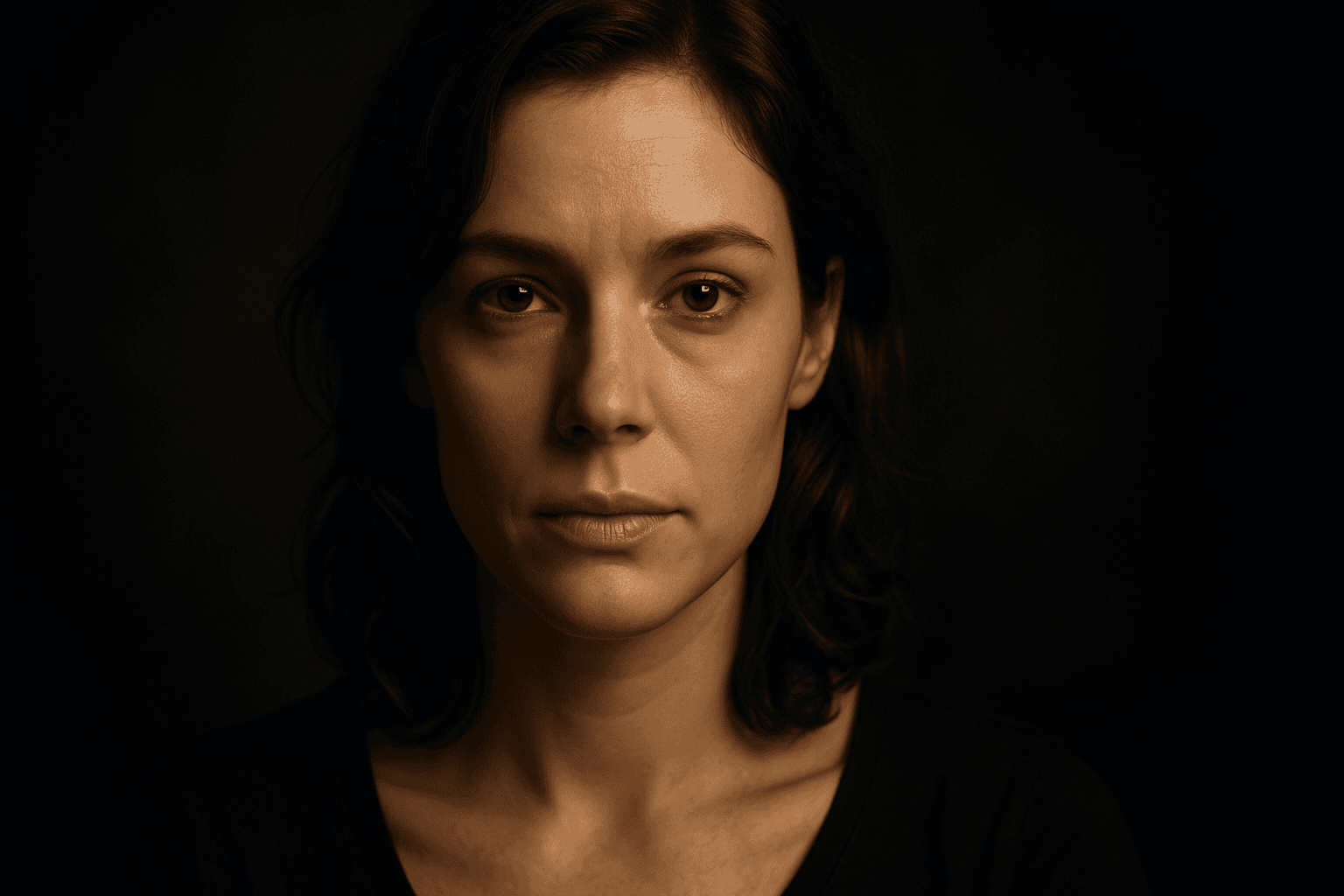
The Vignette Framing Technique is widely used in photography and digital art to subtly guide the viewer's eye toward the main subject. When incorporated into AI image prompts, it suggests the system to create imagery where the edges are softened, darkened, or less detailed, enhancing central focus and depth perception. This approach elevates the visual impact, especially in portraits, still-life, or scene compositions requiring a mood or intimate feel. Employing vignetting in AI-generated images creates a professional, polished look by framing the scene organically, subtly isolating subjects without the need for harsh borders or cropping.
Definition
The Vignette Framing Technique involves surrounding the central subject of an image with a subtle darkening or blur effect toward the edges. This method guides viewers' eyes naturally onto the focal point by minimizing peripheral distractions. When added to AI image prompts, it instructs the model to generate visuals with softly shaded or blurred boundaries, enhancing the sense of depth and emphasizing important details at the center.
Prompt Formula
Use phrases that convey gradual edge darkening and central focus for effective vignette framing in AI prompts. Example formula patterns: - "[main subject], vignette framing, soft dark edges, focused center lighting" - "[scene description], subtle blur around edges, vignette effect emphasizing subject" - "[object], spotlight effect with vignette, gentle edge shading" Incorporate terms like "soft dark edges," "gradual vignette," "blurred periphery," or "spotlight framing" to refine the effect systematically.
Best Use Cases
- Portrait photography and character studies that highlight facial expressions or emotions.
- Product photography that draws attention to the item by minimizing background distractions.
- Environmental or mood-driven compositions where intimacy and depth are desired, such as nighttime scenes or artistic landscapes.
Advanced Techniques
Experienced prompt writers can combine vignette framing with controlled lighting and color grading for nuanced effects. Use precise adjectives for vignette strength (e.g., "subtle," "strong"), shape (e.g., "round," "oval"), or color tint (e.g., "warm vignette edges"). Layer the technique with depth of field or bokeh effects to create complex focus hierarchies. Constraining vignette intensity can maintain detail near edges for stylistic balance or mood enhancement.
Professional Workflow
Start by defining the main subject and composition goals clearly in the prompt. Add vignette framing phrases early to establish the desired visual focus. Generate multiple render variations to evaluate vignette intensity and edge smoothness. Select images where the vignette enhances rather than overwhelms the subject. Refine prompts iteratively, adjusting brightness, vignette strength, and color tones, to align with final project requirements.
Related Styles
- Soft Focus
- Spotlight Effect
- Selective Focus
- Portrait Lighting
- Moody Lighting
Model-Specific Tips
When working with various AI models, prefer natural language instructions over rigid syntax for vignette effects. Use descriptive terms like "vignette framing," "soft dark edges," or "subtle edge blur." Avoid overly technical jargon that might lead to inconsistent outputs. For best results, combine vignette references with lighting and focus cues, as many models respond strongly to holistic scene descriptions rather than isolated keywords.
FAQ
How does the vignette framing technique improve AI-generated images?
It helps the AI emphasize the main subject by darkening or blurring the edges, creating a natural frame that guides viewer focus and reduces distractions.
Can vignette framing be combined with other compositional techniques in AI prompts?
Yes, combining vignette framing with lighting effects, depth of field, or color grading can create more dynamic and nuanced images.
Continue Exploring
Related Prompts

Layered Foreground Background
In AI-generated imagery, achieving convincing spatial depth is key to visual impact. The 'Layered Foreground Background' composition style organizes visual elements so that there is a tangible separation between the front and back parts of a scene. This approach helps direct viewer attention to important subjects while providing context with background details. By defining prompt terms that specify layering, users encourage AI models to render multiple distinct planes with differing focus and clarity. The result is images with realistic depth cues, subtle volumetric lighting, and engaging storytelling potential. This technique is versatile across genres such as landscapes, portraits, and still life, giving compositions professional polish and clarity.

Framing With Natural Elements
Framing with natural elements is a powerful compositional technique that uses elements such as trees, foliage, rocks, or water to surround or partially enclose the main subject or focal point of an image. This approach helps guide the viewer’s eye directly to the intended subject while adding layers of depth and realism. In AI image generation, including natural framing cues in prompts encourages the model to position these elements strategically in the foreground or edges, leading to rich and engaging visuals. This technique is particularly valuable in nature photography, portraiture, and storytelling imagery to convey atmosphere and context. Implementing this compositional style enhances visual harmony and boosts the professional quality of generated content.
Central Focus Composition
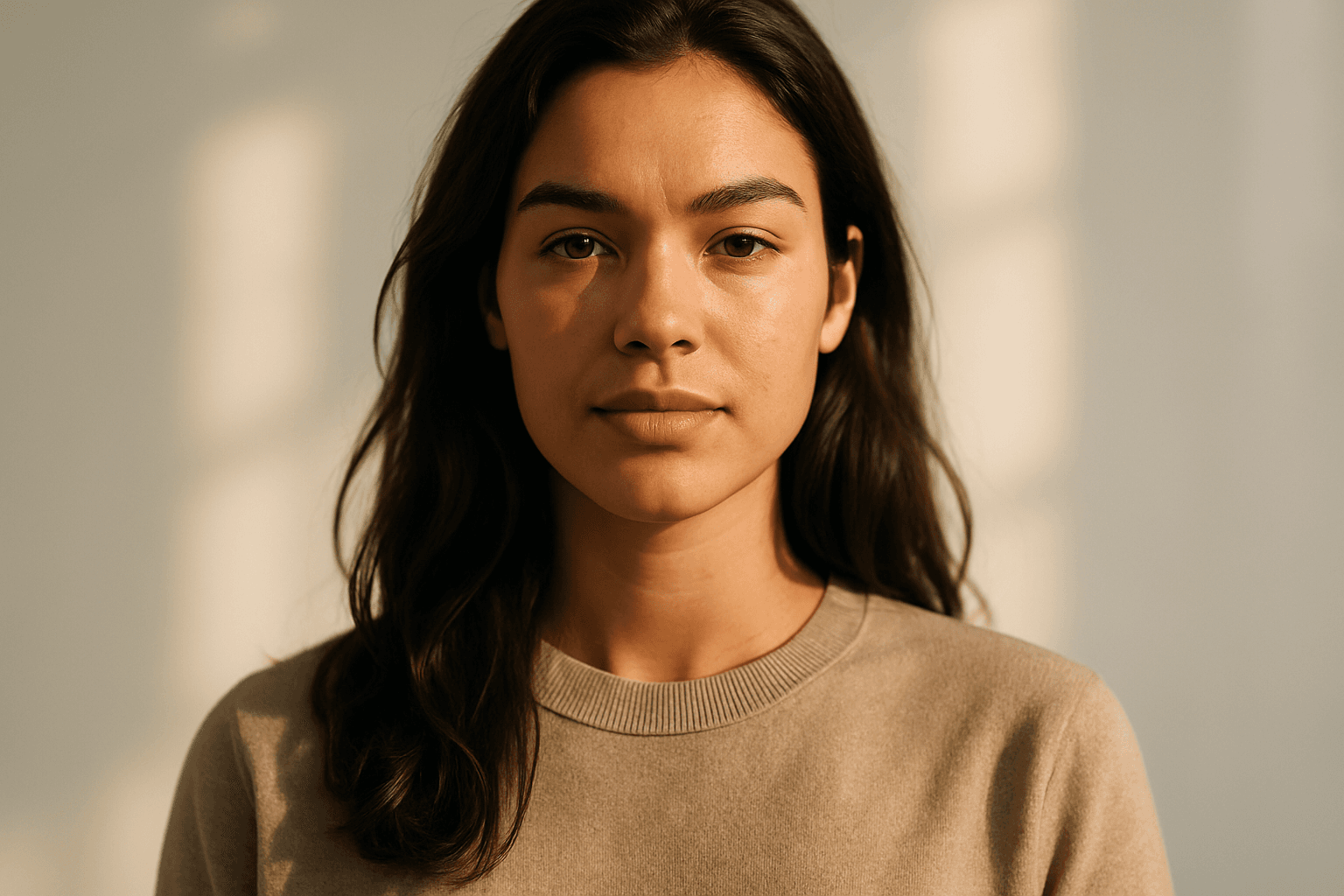
Central Focus Composition is a fundamental principle in visual design that directs the viewer's eye instantly to the image's main subject by positioning it at the exact center. This method leverages symmetry and balance to create images that have a strong visual impact and clear storytelling. When used in AI image generation, it ensures the subject dominates the frame and helps achieve polished, editorial-quality images ideal for a wide range of applications. This technique is especially powerful for portraits, product showcases, and conceptual art, where clarity and directness are keys.
Golden Ratio Framing
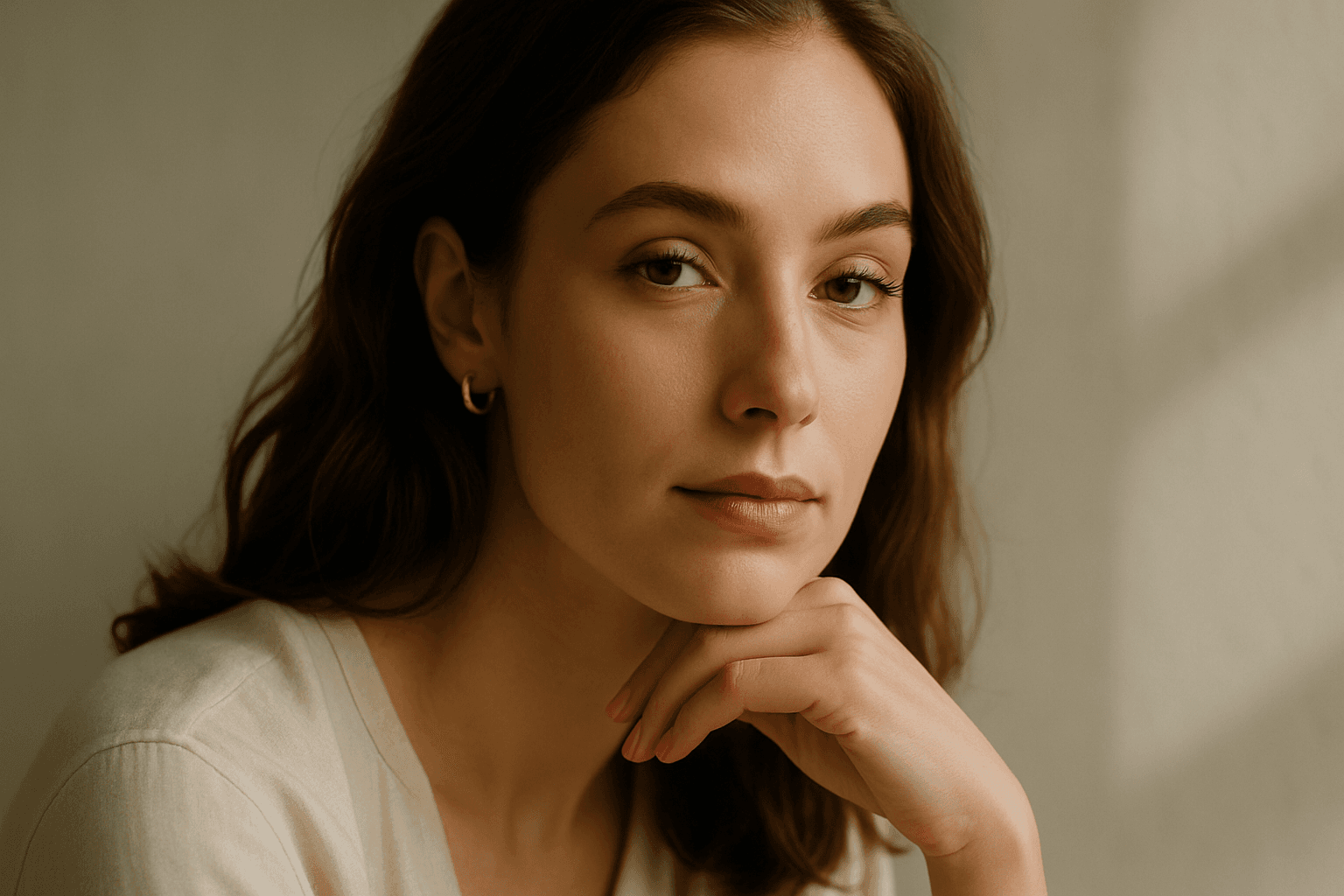
Golden Ratio Framing applies the classical golden ratio (approximately 1:1.618) to modern AI image generation, influencing where main subjects and details are arranged to maximize visual appeal. Utilizing this technique in prompts encourages AI models to create images with a refined, natural composition that feels intuitively pleasing. This method is especially valued in photography, art, and design, where visual harmony enhances storytelling or product presentation. By integrating Golden Ratio Framing into prompts, users can elevate the aesthetic quality and balance of AI-generated visuals without manually adjusting layout post-generation.

Symmetrical Framing Composition
Symmetrical framing composition is a powerful design technique that places visual elements evenly on either side of a central axis, resulting in an image that feels balanced and harmonious. This approach often highlights a main subject by placing it centrally and reflecting supporting elements symmetrically around it. Including this composition style in AI prompts helps generate images with clear order and structure, which are both aesthetically pleasing and easy to interpret. This is ideal for hero shots, architectural visuals, portraits, and product photography where balance enhances the subject's prominence.

Soft Focus Background
In AI image generation, the 'Soft Focus Background' effect helps create compelling compositions by gently blurring background areas while keeping foreground subjects sharp and detailed. This technique mimics professional photography, where lens aperture settings are used to isolate the subject from distracting elements. Adding this keyword enhances the image's mood and depth, giving it a polished, premium look suitable for editorial layouts, product shots, or portraits. It balances subtlety in lighting and texture while maintaining natural materials and colors, ensuring the image remains believable and sophisticated.