Textured Background Layer
In AI image generation, the textured background layer keyword emphasizes adding complex surface details and subtle irregularities behind the main subject to increase visual depth and immersion. This technique moves away from flat or overly simplified backgrounds, creating environments that feel tactile and natural. Artists and designers use textured backgrounds to support composition storytelling, evoke atmosphere, and prevent images from appearing sterile or overly digital. With careful prompt construction, the textured background enhances realism while maintaining focus on primary elements.

Definition
A textured background layer in AI image prompting is a descriptive input that instructs the model to generate a visually rich, multi-surfaced backdrop behind the main subject. It adds tactile, realistic details such as grain, pattern, or material simulation to the background, elevating the image's overall depth and complexity. This element helps transform flat or simple backgrounds into engaging visual canvases that support the composition without overpowering it.
Visual Characteristics
- Detailed surface textures visible in the background, such as fabric weaves, stone grain, or paper fibers
- Natural imperfections like cracks, folds, or subtle noise that imply realism
- Soft depth separation between foreground and background enhanced by texture contrasts
Prompt Formula
When crafting prompts involving textured background layers, combine material descriptors, surface quality terms, and lighting cues for better results. Use patterns like: "[main subject] with a textured background layer of [material] featuring [texture details], under [type of lighting]." This formula guides AI imagery toward producing focused subjects with enriched, visually complex backdrops that complement without distracting.
- Subject description
- Textured background material (e.g., aged paper, concrete, fabric)
- Specific texture details (e.g., grain, cracks, weave)
- Lighting style (e.g., soft natural, studio)
Best Use Cases
- Creating editorial images that demand subtle but rich background interest
- Designing product shots where material authenticity enhances value perception
- Generating digital art that requires naturalistic environmental layers to provide depth
Creative Variations
Experiment with different materials to evoke varying moods and contexts. Try rough stone textures for rugged feels or smooth fabric layers for elegance. Shift lighting from harsh directional to soft diffused to alter perceived texture prominence. Mix monochromatic color schemes with textured layers to emphasize surface detail, or use complementary colors to enhance background-subject separation. Compositionally, vary scale by positioning textured layers closer or more distant in the scene for spatial dynamics.
- Change background material (wood, stone, fabric, metal)
- Adjust lighting style and intensity
- Use monochrome vs. colorful textured backgrounds
- Vary texture scale and proximity relative to main subject
Related Styles
- Grainy and gritty surface textures
- Organic fabric weave and stitch detailing
- Material detail backgrounds with natural wear and tear
Model-Specific Tips
Avoid overly generic terms like "textured background" without qualifiers; specify material types and texture qualities for clearer model guidance. Use concrete descriptors of surface features (e.g., "fine linen weave," "distressed concrete cracks") combined with lighting cues to help modern image models render realistic textural layers. Testing variations in adjective specificity and lighting often yields more photorealistic or artistic results without reliance on provider-specific syntax.
FAQ
How does using a textured background layer improve my AI-generated images?
It adds depth and realism by introducing detailed surface qualities behind the main subject, making the overall image more engaging and natural-looking.
Can I specify different materials for the textured background?
Yes, specifying materials like stone, fabric, or paper helps the AI generate distinct and contextually appropriate textures.
Continue Exploring
Related Prompts

Soft Focus Background
In AI image generation, the 'Soft Focus Background' effect helps create compelling compositions by gently blurring background areas while keeping foreground subjects sharp and detailed. This technique mimics professional photography, where lens aperture settings are used to isolate the subject from distracting elements. Adding this keyword enhances the image's mood and depth, giving it a polished, premium look suitable for editorial layouts, product shots, or portraits. It balances subtlety in lighting and texture while maintaining natural materials and colors, ensuring the image remains believable and sophisticated.
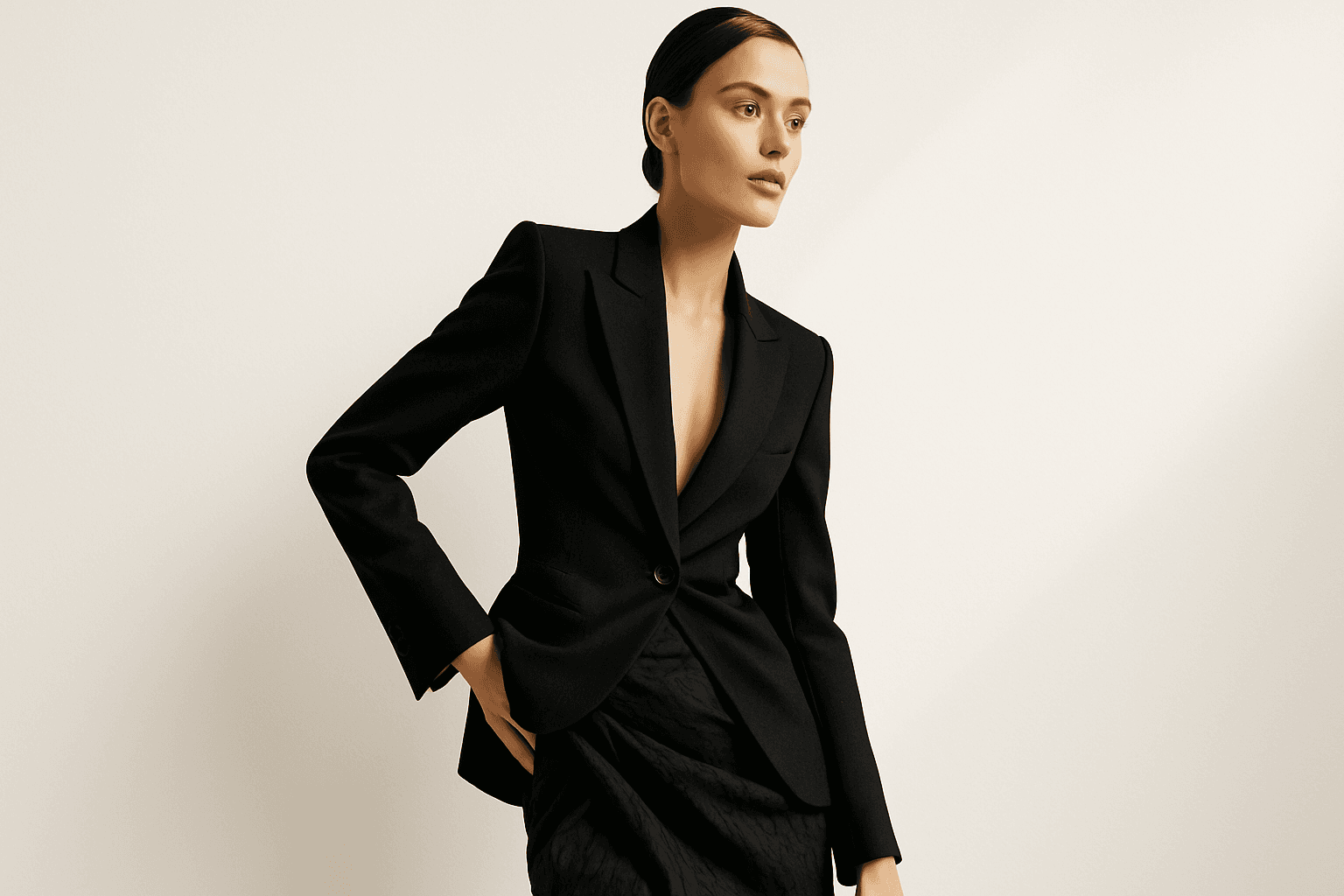
Dynamic Asymmetric Layout
Dynamic asymmetric layouts break away from the predictability of centered designs by introducing imbalance that attracts the viewer's eye across the composition. This style is widely used in editorial design, advertising, and digital media to convey energy, modernity, and sophistication. By emphasizing contrast and selective clustering, the layout guides attention strategically without relying on rigid balance. In AI image generation, specifying dynamic asymmetric layout in your prompt encourages the model to produce visually compelling scenes with elements arranged unevenly yet harmoniously, enhancing the overall narrative or mood of the image. This approach works particularly well for premium stock images and design headlines where a clean, polished look with subtle depth is desired.
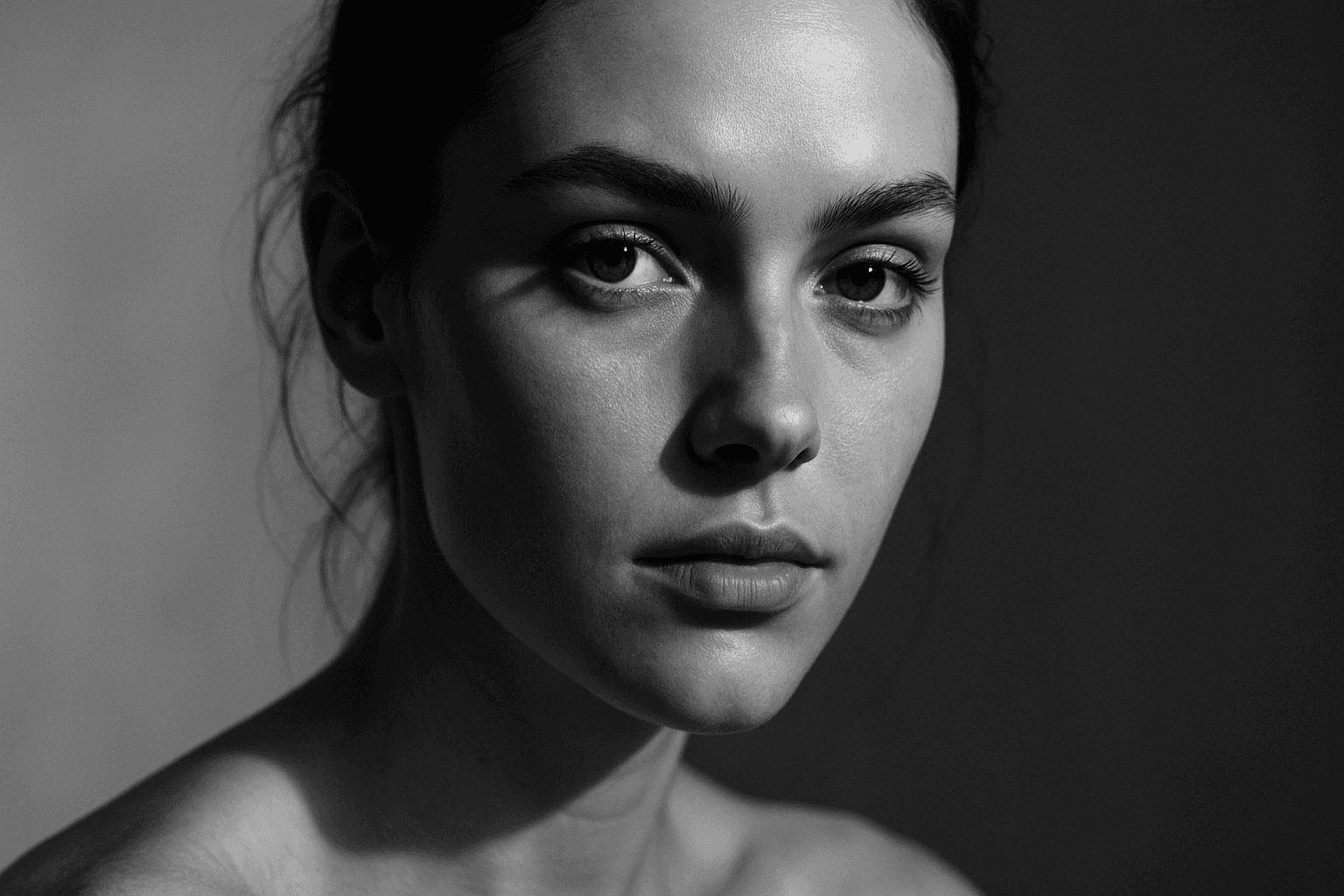
Tonal Contrast Composition
Tonal Contrast Composition is a fundamental principle in visual arts that governs how light and shadow interact within a scene. When applied in AI image generation, it helps create images with dramatic depth, where brighter areas attract attention and darker zones provide complementary framing. This interplay guides the viewer's eye naturally across the composition and emphasizes key elements without overwhelming color use. By focusing on tonal values, generated images gain a refined, realistic appearance reminiscent of premium editorial photography. Implementing tonal contrast thoughtfully results in believable textures, nuanced lighting, and a polished look suitable for professional design, advertising, and fine art applications.
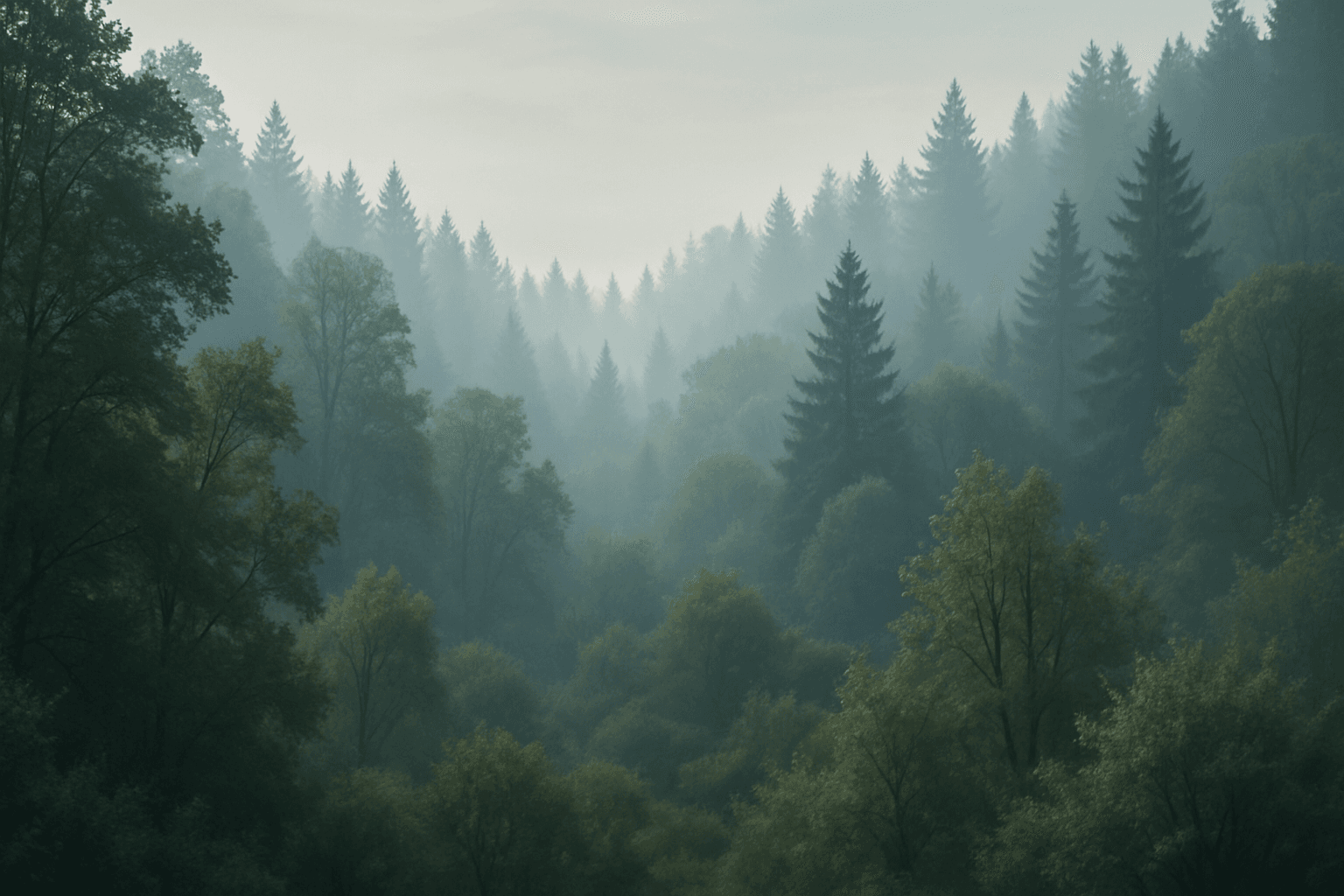
Layered Composition
Layered Composition is a foundational technique in photography, graphic design, and digital art used to add dimensionality to images. By strategically layering visual elements, artists create scenes that feel immersive and dynamic rather than flat. This technique leverages natural cues like perspective and lighting contrasts along with careful arrangement to differentiate layers. It helps convey complex narratives effectively, as each layer contributes unique information or mood. Modern digital tools further allow nuanced control over layering with adjustable opacity and blending modes, enhancing refinement. Layered compositions captivate viewers by guiding their attention sequentially through scenes with depth, fostering richer engagement and storytelling potential.
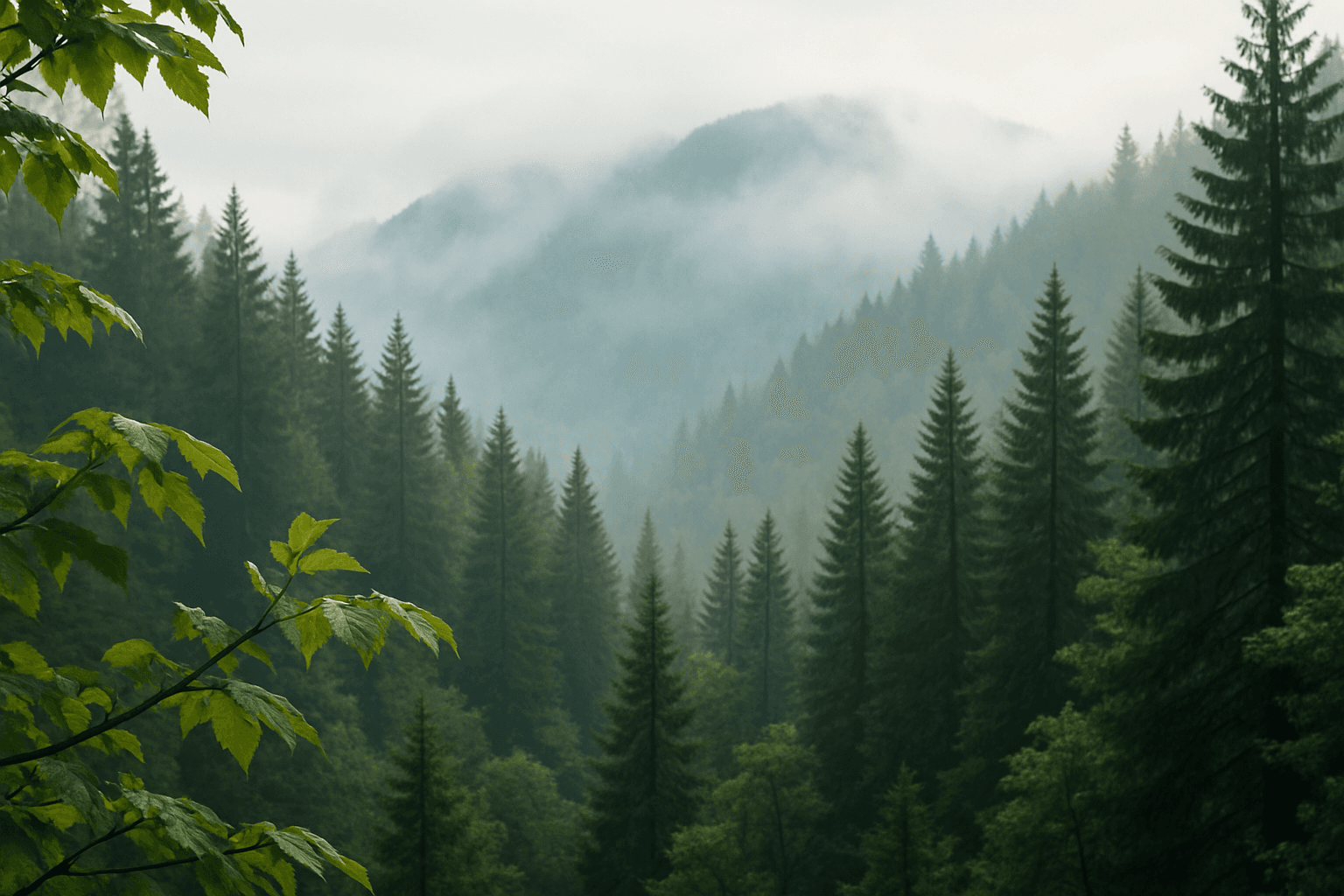
Layered Foreground Background
In AI-generated imagery, achieving convincing spatial depth is key to visual impact. The 'Layered Foreground Background' composition style organizes visual elements so that there is a tangible separation between the front and back parts of a scene. This approach helps direct viewer attention to important subjects while providing context with background details. By defining prompt terms that specify layering, users encourage AI models to render multiple distinct planes with differing focus and clarity. The result is images with realistic depth cues, subtle volumetric lighting, and engaging storytelling potential. This technique is versatile across genres such as landscapes, portraits, and still life, giving compositions professional polish and clarity.
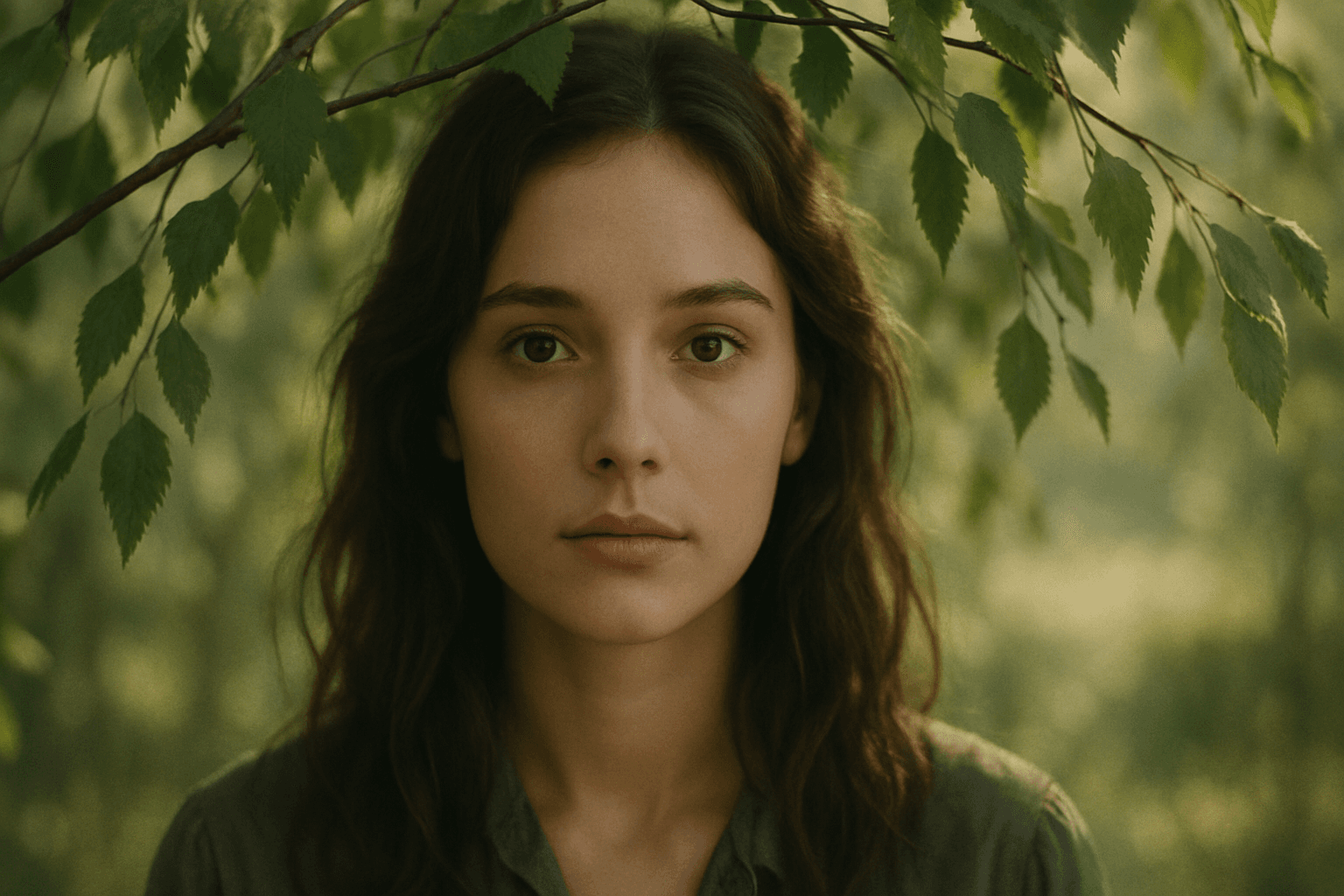
Framing With Natural Elements
Framing with natural elements is a powerful compositional technique that uses elements such as trees, foliage, rocks, or water to surround or partially enclose the main subject or focal point of an image. This approach helps guide the viewer’s eye directly to the intended subject while adding layers of depth and realism. In AI image generation, including natural framing cues in prompts encourages the model to position these elements strategically in the foreground or edges, leading to rich and engaging visuals. This technique is particularly valuable in nature photography, portraiture, and storytelling imagery to convey atmosphere and context. Implementing this compositional style enhances visual harmony and boosts the professional quality of generated content.