Symmetrical Balance Layout
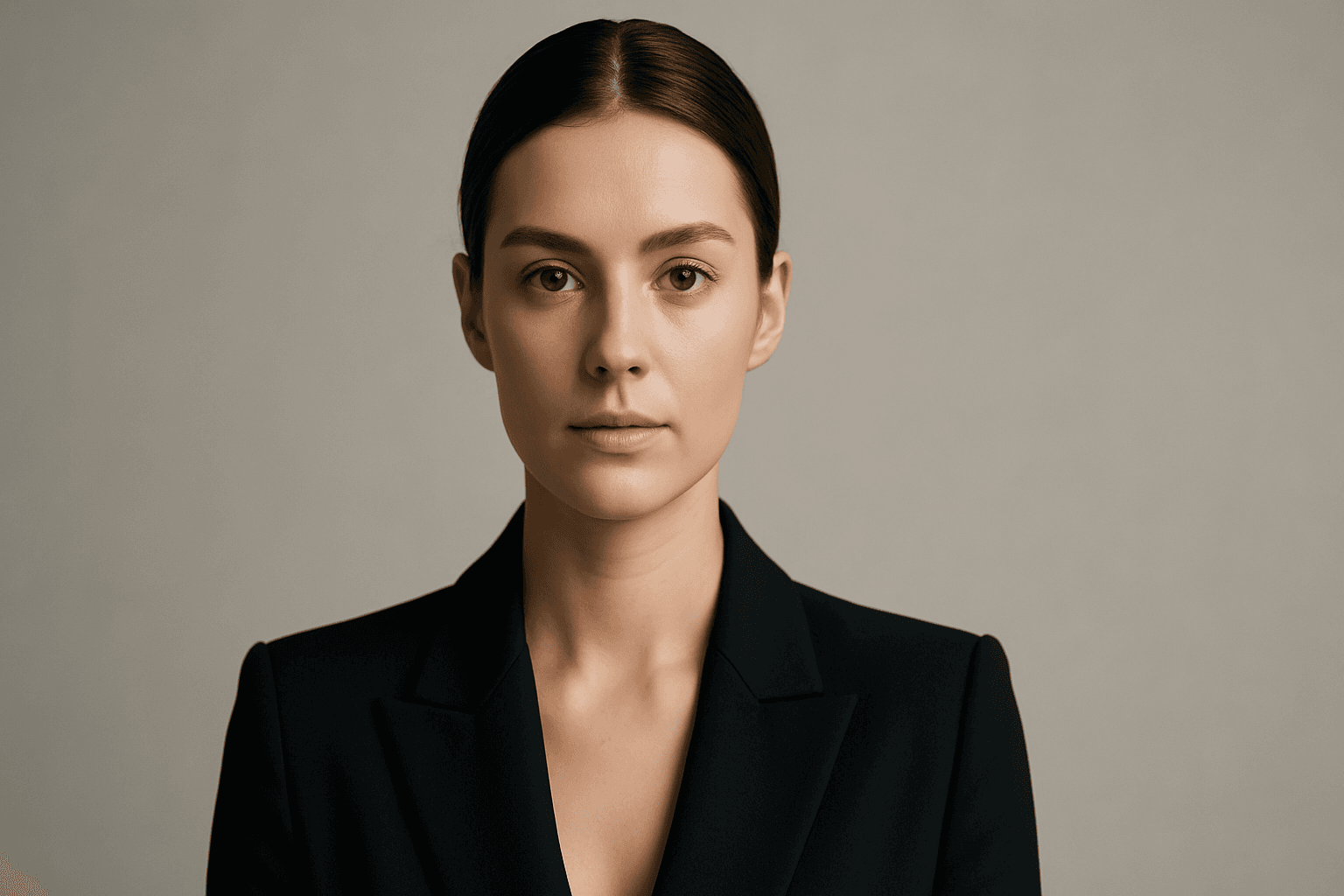
Symmetrical Balance Layout is a foundational principle in visual composition that organizes imagery so that both halves reflect one another, conveying stability and formality. When included in AI image prompts, it instructs generative models to produce images where subjects, shapes, and lighting are harmoniously balanced on either side of an imaginary central line. This layout enhances the viewer’s perception of order and calm, making it ideal for editorial hero images, brand presentations, and premium commercial photography. It often results in compositions that feel polished and visually coherent, aligning well with clean and modern design aesthetics.
Definition
Symmetrical Balance Layout means positioning visual elements so that one side mirrors or closely matches the other around a vertical or horizontal axis. For AI image prompts, adding this keyword instructs the model to create balanced, mirror-like compositions where shapes, colors, and subjects correspond evenly on both sides, resulting in harmony and visual stability.
Prompt Formula
To build prompts emphasizing symmetrical balance, combine subject details with layout directives and lighting or style modifiers. Use patterns like:
- [Main subject], symmetrical balance layout, even lighting
- [Scene description], clean modern style, symmetrical balance layout
- Close-up of [object], symmetrical elements on either side, soft natural light, premium stock aesthetics
Best Use Cases
- Formal editorial hero images requiring visual harmony
- Corporate branding photos emphasizing trust and professionalism
- Luxury product close-ups showcasing refined design
Advanced Techniques
Advanced prompt writers can refine symmetrical balance by adding constraints like the axis orientation (vertical or horizontal), balancing color palettes, or incorporating subtle asymmetry for realism. Combining symmetrical balance with styles like minimalism or high contrast lighting further enhances visual interest while maintaining harmony.
- Specify symmetrical balance along vertical or horizontal axis
- Combine with minimalistic or architectural styles
- Adjust color symmetry for mood variations
- Add subtle asymmetrical details to increase realism
- Use lighting direction to reinforce balance
Professional Workflow
A professional workflow starts by clearly defining the desired symmetrical layout and style in the brief. Generate multiple AI images using varied compositions and lighting setups within that layout constraint. Select images demonstrating precise balance, refined lighting, and coherent color harmony. Refine chosen images by adjusting prompt details or re-generation to perfect symmetry and alignment, ensuring they fit editorial or commercial needs efficiently.
- Define symmetry axis and style in prompt
- Generate diverse images with symmetrical balance
- Select best balanced and polished results
- Refine prompts to enhance lighting and details
- Finalize images for intended commercial use
Related Styles
- Asymmetrical Balance
- Radial Symmetry Layout
- Grid-Based Composition
Model-Specific Tips
When using different AI image models, emphasize symmetry using clear descriptive phrases such as "symmetrical composition" or "mirror-like balance." Avoid relying on model-dependent tokens or obscure syntax. Specify axis orientation to improve results. Use modifiers like "evenly balanced lighting" and "equal element distribution" to reinforce symmetrical layout, aiding consistent outputs across platforms.
- Use natural language: "symmetrical composition", "mirror-like balance"
- Specify axis: vertical or horizontal symmetry
- Add lighting cues reinforcing balance
- Avoid model-dependent tokens for portability
- Test prompt variations for consistent symmetry
FAQ
What does Symmetrical Balance Layout mean in AI image prompts?
It instructs the AI to arrange visual elements evenly around a central axis, producing balanced and harmonious images resembling mirror reflections.
Can symmetrical balance make images feel too static?
While it can evoke formality and calm, adding subtle asymmetry or dynamic lighting can maintain interest without sacrificing balance.
Continue Exploring
Related Prompts
Symmetrical Balance Design
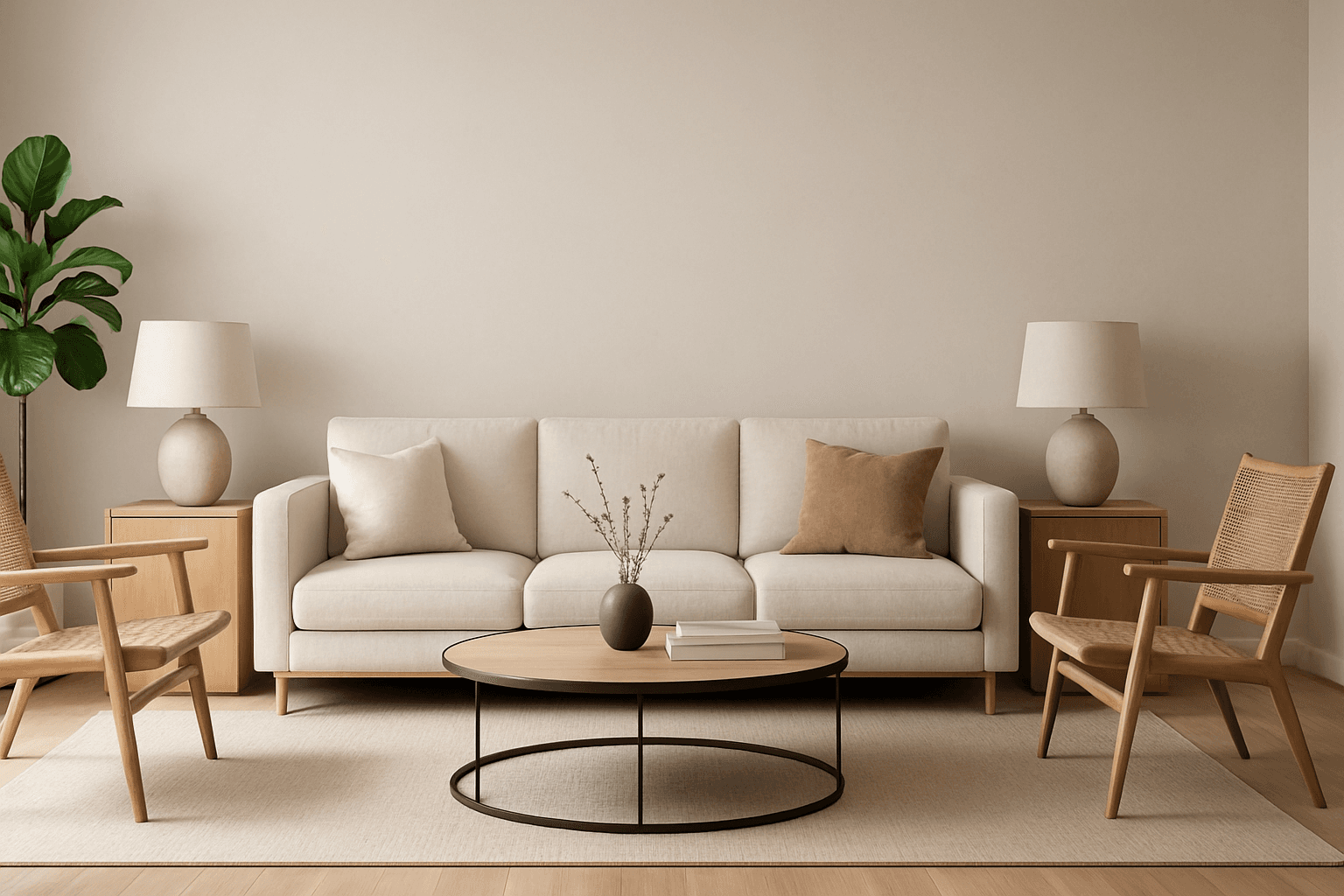
Symmetrical Balance Design is a foundational principle in visual composition, emphasizing harmony and equilibrium by mirroring elements across a central line. When incorporated into AI image prompts, it guides the model to generate images that feel orderly and balanced, appealing especially to designs that require calmness and formal structure. This design approach is commonly applied in architecture, product photography, and graphic design to evoke stability and professionalism. By using symmetrical balance, AI-generated images achieve a refined aesthetic often valued in editorial and commercial visuals, enhancing clarity and visual impact with polished, realistic materials and subtle depth.

Symmetrical Balance Composition
Symmetrical balance composition is a fundamental principle that ensures an image's elements are arranged so both sides mirror each other, giving the viewer a sense of harmony and equilibrium. This approach can be particularly powerful in AI image generation for crafting outstanding visuals that feel orderly and intentional. By specifying symmetrical balance in prompts, creators can achieve polished layouts that emphasize clarity and calmness, often suitable for editorial, commercial, and artistic needs. The balanced nature brings focus and often highlights a central subject elegantly, making images instantly engaging and aesthetically pleasing.
Symmetrical Visual Balance
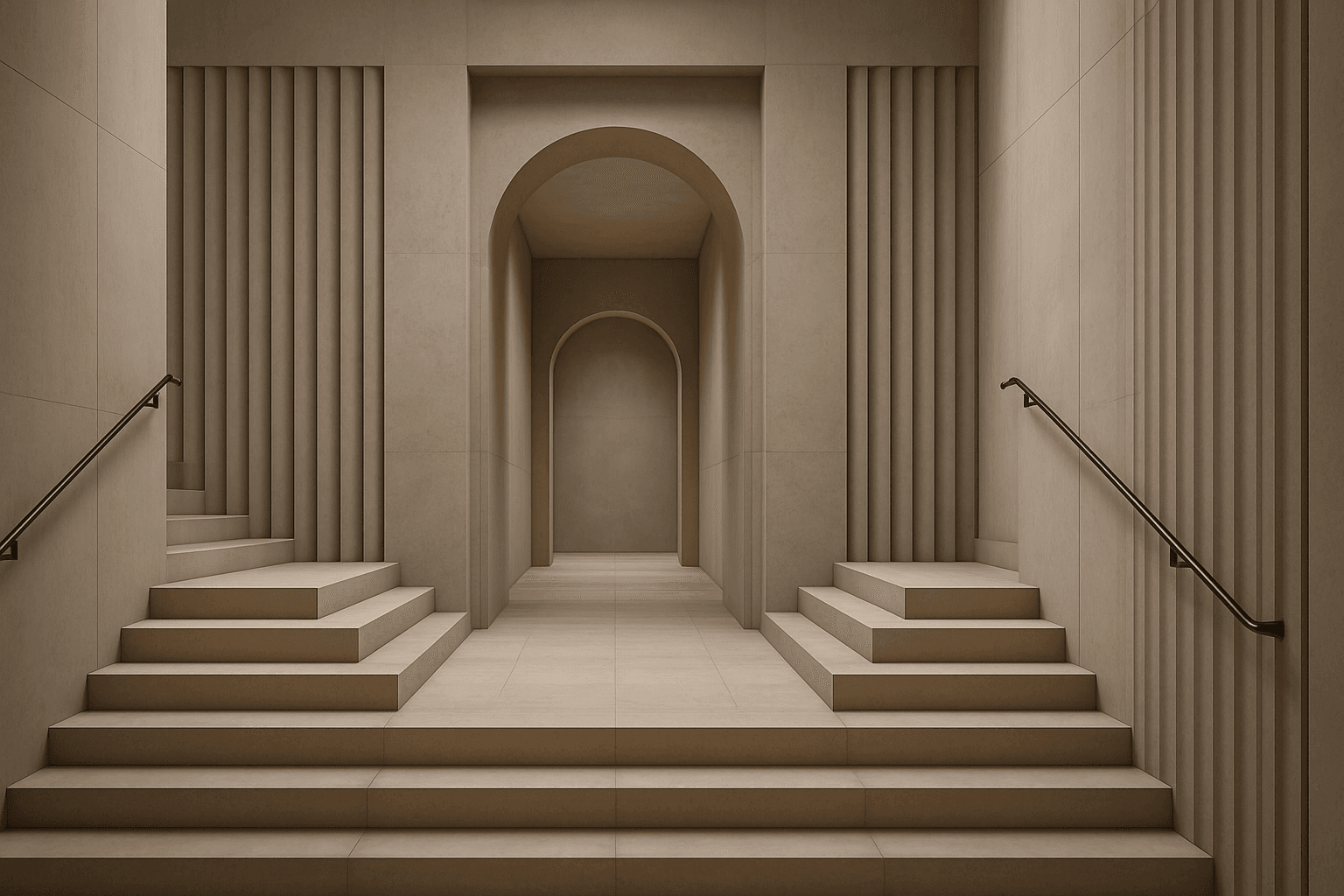
Symmetrical visual balance is a fundamental principle of composition that guides AI image generation toward harmonious and stable designs. By specifying this keyword, users encourage the visual content to be evenly arranged on both sides of a central axis, which can evoke feelings of calmness and structure. This approach suits a range of imagery, from portraits and architecture to product photography, giving a refined and polished look. When applied in prompts, it helps achieve clean editorial styles with subtle depth and premium polish, making the results ideal for hero images or thumbnails in a modern content library.

Symmetrical Framing Composition
Symmetrical framing composition is a powerful design technique that places visual elements evenly on either side of a central axis, resulting in an image that feels balanced and harmonious. This approach often highlights a main subject by placing it centrally and reflecting supporting elements symmetrically around it. Including this composition style in AI prompts helps generate images with clear order and structure, which are both aesthetically pleasing and easy to interpret. This is ideal for hero shots, architectural visuals, portraits, and product photography where balance enhances the subject's prominence.
Symmetrical Grid Composition
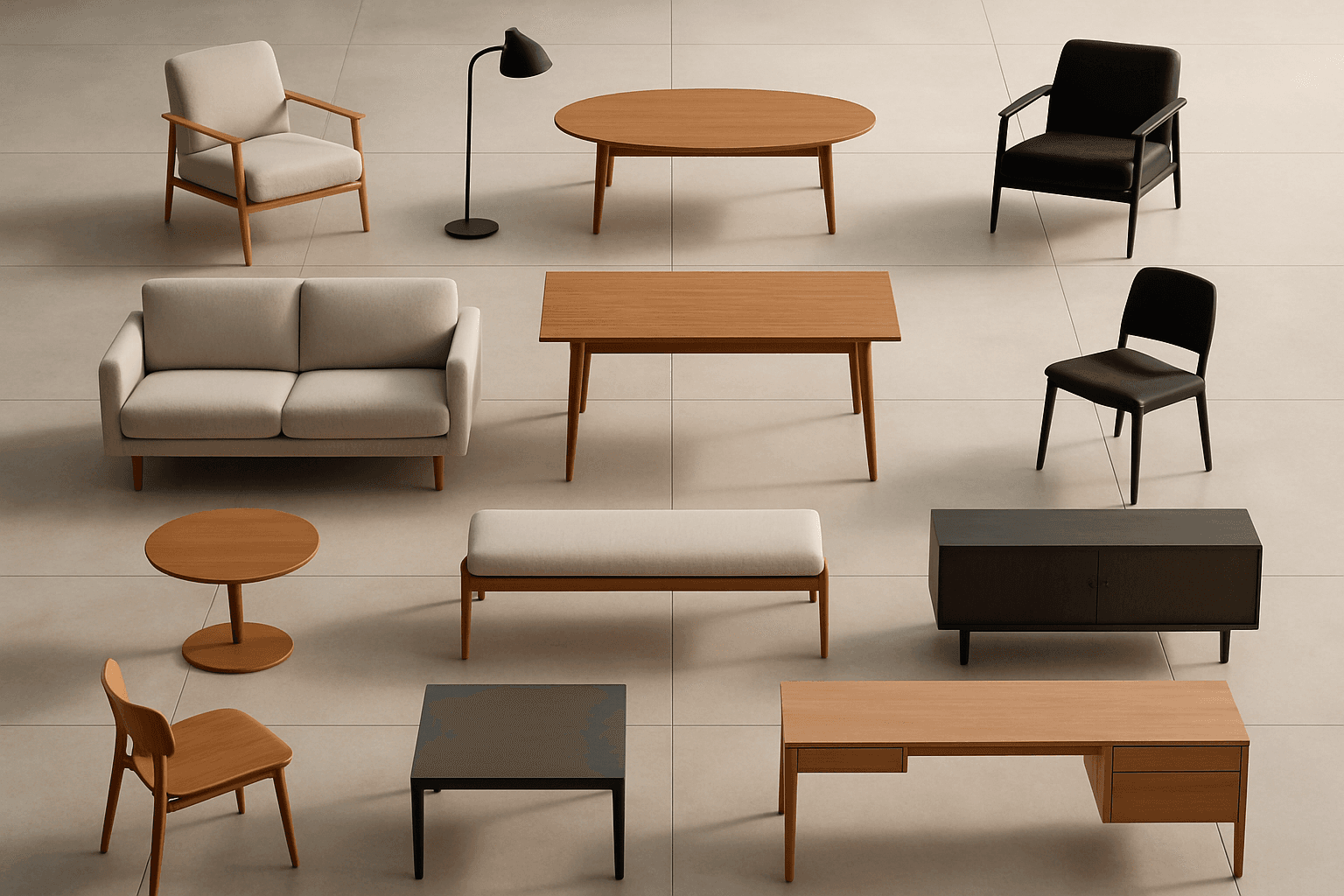
Symmetrical Grid Composition offers a systematic approach to organizing visual elements, which appeals to the eye by providing balance and stability. This composition style applies equally spaced, duplicated, or mirrored components arranged within a grid structure, often used to enhance clarity and order in images. When used in AI art prompts, it encourages the generation of clean, structured scenes that evoke professionalism and calm consistency. Designers and content creators leverage this style to produce visuals that are visually digestible and ideal for editorial layouts, product presentations, and architectural renderings. Incorporating symmetrical grids increases compositional harmony, making images easier to interpret and more engaging at first glance.
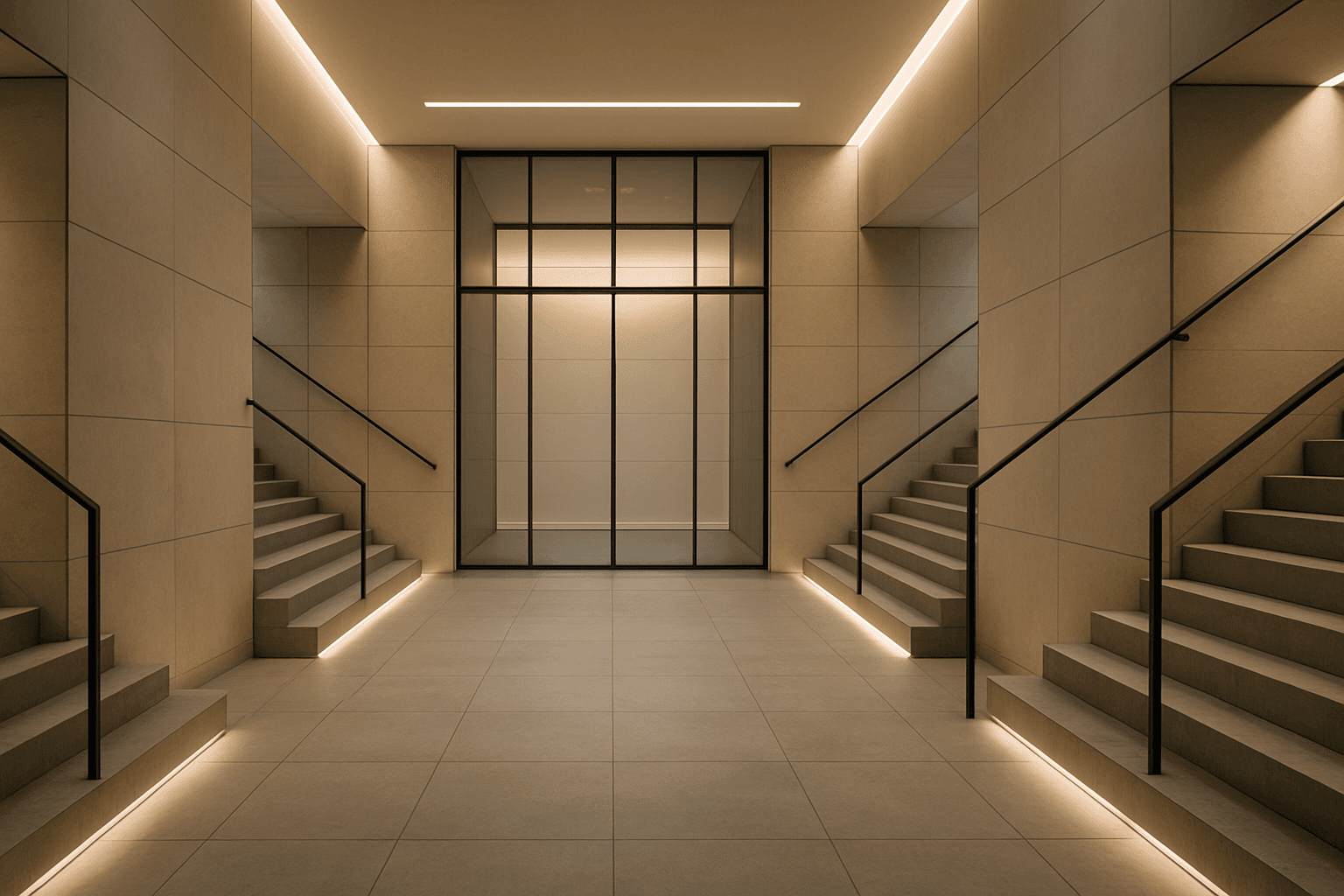
Symmetry And Balance
Symmetry and balance are foundational principles in visual arts and crucial for composing captivating AI-generated images. Using these keywords prompts AI models to structure scenes with mirrored or harmoniously weighted elements, creating aesthetically pleasing and organized visuals. Balanced compositions evoke feelings of stability and calm, while symmetry creates formal harmony admired in architecture, product photography, and portraiture. Incorporating these concepts refines the image's coherence and appeal, benefiting creatives who require polished, professional results. Whether applied to landscapes, objects, or abstract designs, symmetry, and balance guide the AI toward harmonious imagery that resonates with viewers on a subconscious level.