Circular Composition Layout
The Circular Composition Layout is essential for artists and designers who want to create images with natural balance and dynamic flow. By structuring elements around a central axis or circle, this composition draws viewers’ attention evenly across the image, often leading them to a central focus. In AI-generated art, specifying circular composition helps produce images with a polished aesthetic and organic movement, suitable for varied creative applications such as editorial visuals, product showcases, and social content. The layout promotes symmetry while still allowing visual complexity and interest, making images feel complete and professionally composed.

Definition
Circular Composition Layout organizes image elements around a central point or axis, forming a circular or radial pattern. This technique creates balance and a natural flow that guides the viewer’s eye smoothly through the image. In AI prompts, specifying this layout directs the AI to place subjects and supporting elements positioned around this circle, enhancing image harmony and visual interest.
Prompt Formula
To generate effective circular compositions with AI, combine spatial and compositional keywords to guide arrangement and style. Use syntax patterns like:
- "[main subject] framed by [supporting elements] arranged in a circular composition layout"
- "[scene description], radial symmetry, circular arrangement, balanced composition"
- "high detail, centered subject with circular flow around, soft lighting"
Best Use Cases
- Creating engaging editorial hero images that direct reader attention
- Product photography highlighting multiple items around a central product
- Designing social media graphics that encourage dynamic viewing movement
Creative Variations
Introduce creative twists to circular compositions by modifying style, lighting, and color schemes. For example, try asymmetrical radial arrangements for dynamism, experiment with backlighting or rim lighting to emphasize form within the circle, or use monochromatic palettes to focus on shape and flow rather than color complexity.
- Asymmetrical circular flows to break perfect symmetry
- Dramatic lighting like chiaroscuro or rim lighting within the circle
- Vibrant or monochrome color palettes emphasizing shape
Industry Applications
Circular Composition Layouts are highly effective in various commercial contexts. Advertisers use them to create memorable balanced visuals that engage consumers. Editorial designers prefer this layout for storytelling clarity, ensuring the reader’s eye moves fluidly. Ecommerce platforms benefit by showcasing product groups arranged harmoniously, improving aesthetics and user experience.
- Advertising visuals for brand campaigns
- Editorial illustrations and layout design
- Ecommerce photography and product arrangement
Common Mistakes
A frequent error is overcrowding the circular space with too many elements, causing visual clutter and loss of focal points. Another mistake is neglecting the balance, resulting in lopsided or confusing flows. Avoid generic circular patterns by integrating variation in size, texture, and spacing among elements to maintain interest and realism.
- Overcrowding leading to chaos rather than harmony
- Imbalanced element placement breaking the circle’s flow
- Using repetitive elements without variation causing dullness
Advanced Techniques
Combine Circular Composition Layout with complementary techniques like depth layering, selective focus, and lighting contrasts to enhance dimensionality. Use negative space strategically within the circle to emphasize key subjects. Experiment with partial or implied circles rather than perfect geometry for more natural and creative outputs.
- Layering foreground and background elements within the circle for depth
- Applying depth of field to focus central subjects
- Using implied circular shapes for organic flow
Professional Workflow
Begin with a clear briefing emphasizing circular arrangements and desired focal points. Generate multiple AI variants using prompt formulas focusing on radial layouts and lighting styles. Select images that best exhibit balanced composition and visual flow. Refine chosen images by adjusting lighting, color grading, or cropping to strengthen the circular focus, ensuring professional polish and usability.
- Define key subjects and circle center in prompt
- Generate and review multiple layout variants
- Refine with post-processing to enhance flow and balance
FAQ
How can I make AI understand a circular composition layout?
Use explicit keywords like "circular composition," "radial symmetry," or "elements arranged in a circle" within your prompts, and describe the spatial relationship among subjects to guide the AI toward that layout.
Can circular compositions work with asymmetrical designs?
Yes, asymmetrical circular compositions create dynamic and interesting visuals by breaking perfect symmetry while maintaining a circular flow, which can add creative tension and naturalism.
Continue Exploring
Related Prompts
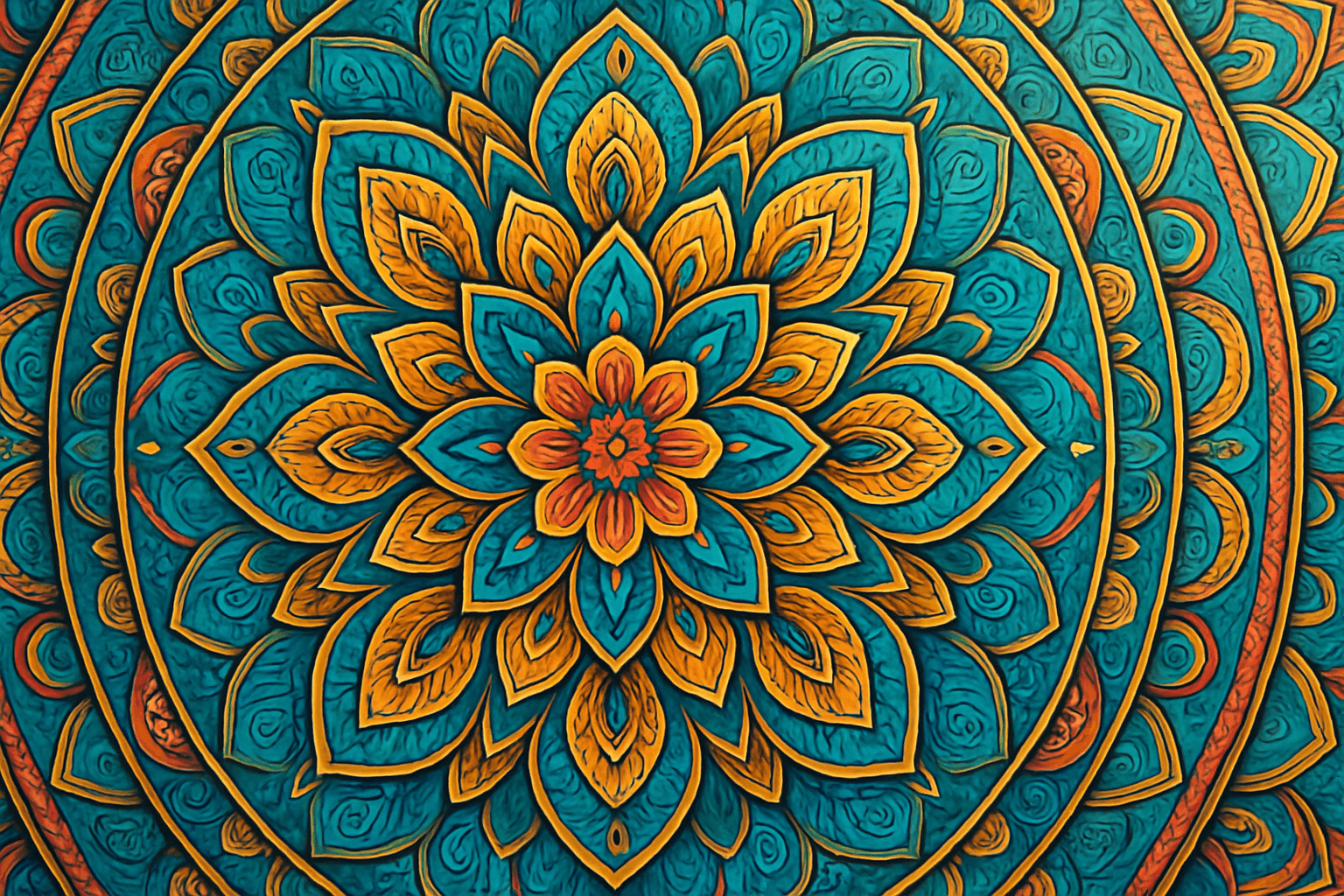
Radial Symmetry Composition
Radial Symmetry Composition creates visually striking images by arranging elements around a central axis, producing harmony and balance. This composition technique is especially effective in AI image generation for producing mandala-like designs, floral patterns, or architectural elements that draw the eye inward and convey stability. By integrating radial symmetry into prompts, artists can achieve images that feel cohesive and organized, enhancing aesthetic appeal. This method is widely favored in editorial imagery, decorative art, and visual branding, providing a dynamic yet orderly visual experience.

Golden Triangle Composition
Golden Triangle Composition is an artistic technique that divides an image space into four triangles using a diagonal line from one corner to the opposite, then adding two lines from the other corners intersecting this diagonal. This composition guides where important elements should be placed, encouraging a dynamic asymmetry that still feels balanced and natural. When used in AI image generation, specifying Golden Triangle Composition helps produce images where subjects and focal points are arranged according to these diagonals, making scenes visually interesting and engaging, avoiding static or centered layouts. This composition is favored in photography, painting, and design for its ability to create harmonious and dynamic visuals that maintain viewer interest.

Hierarchy In Visual Composition
Hierarchy in visual composition is a foundational design principle that structures the visual narrative by establishing the importance of elements within an image. It ensures that the viewer naturally notices the intended focal points first, then progresses logically through supporting details. Employing hierarchy strategically in AI image prompting enhances readability and engagement by controlling contrast, scale, color, and placement of objects. This guides viewers through a clean editorial composition with premium polish, subtle lighting, and realistic materials. Proper hierarchy avoids clutter and confusion, giving images a professional, refined aesthetic suitable for hero visuals and thumbnails.
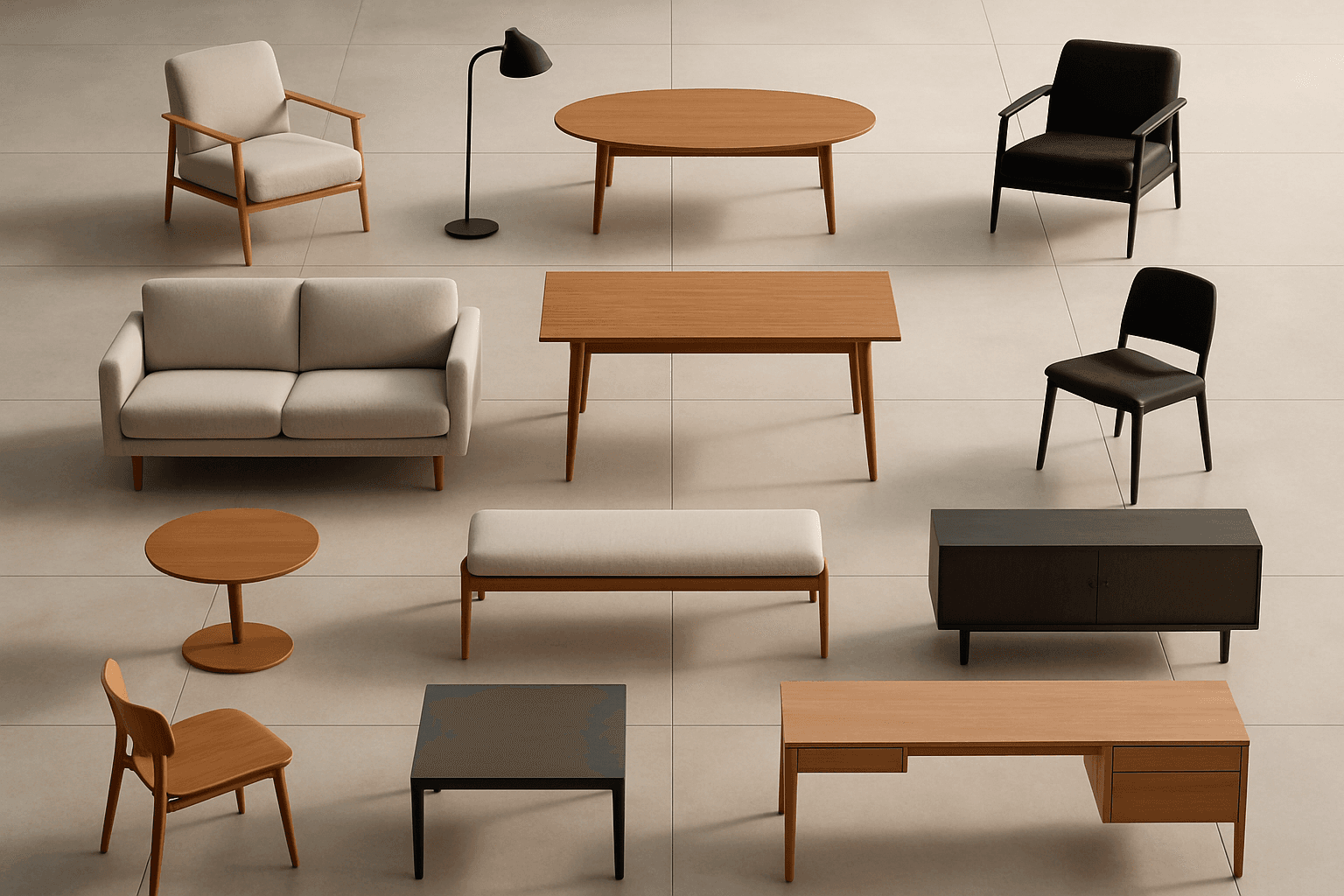
Symmetrical Grid Composition
Symmetrical Grid Composition offers a systematic approach to organizing visual elements, which appeals to the eye by providing balance and stability. This composition style applies equally spaced, duplicated, or mirrored components arranged within a grid structure, often used to enhance clarity and order in images. When used in AI art prompts, it encourages the generation of clean, structured scenes that evoke professionalism and calm consistency. Designers and content creators leverage this style to produce visuals that are visually digestible and ideal for editorial layouts, product presentations, and architectural renderings. Incorporating symmetrical grids increases compositional harmony, making images easier to interpret and more engaging at first glance.

Dynamic Asymmetric Layout
Dynamic asymmetric layouts break away from the predictability of centered designs by introducing imbalance that attracts the viewer's eye across the composition. This style is widely used in editorial design, advertising, and digital media to convey energy, modernity, and sophistication. By emphasizing contrast and selective clustering, the layout guides attention strategically without relying on rigid balance. In AI image generation, specifying dynamic asymmetric layout in your prompt encourages the model to produce visually compelling scenes with elements arranged unevenly yet harmoniously, enhancing the overall narrative or mood of the image. This approach works particularly well for premium stock images and design headlines where a clean, polished look with subtle depth is desired.

Rule Of Thirds Layout
The Rule of Thirds Layout is essential for creating visually balanced and aesthetically pleasing images by dividing the frame into thirds both horizontally and vertically. This technique avoids centering subjects and instead positions them along grid intersections, producing natural movement and interest within the composition. When incorporated into AI image prompts, it influences the algorithm to create images with better spatial harmony and focal placement. This adjustment can vastly improve the overall buy-in and professionalism of generated visuals, fitting perfectly for editorial, advertising, and artistic image creation.