Concrete Texture
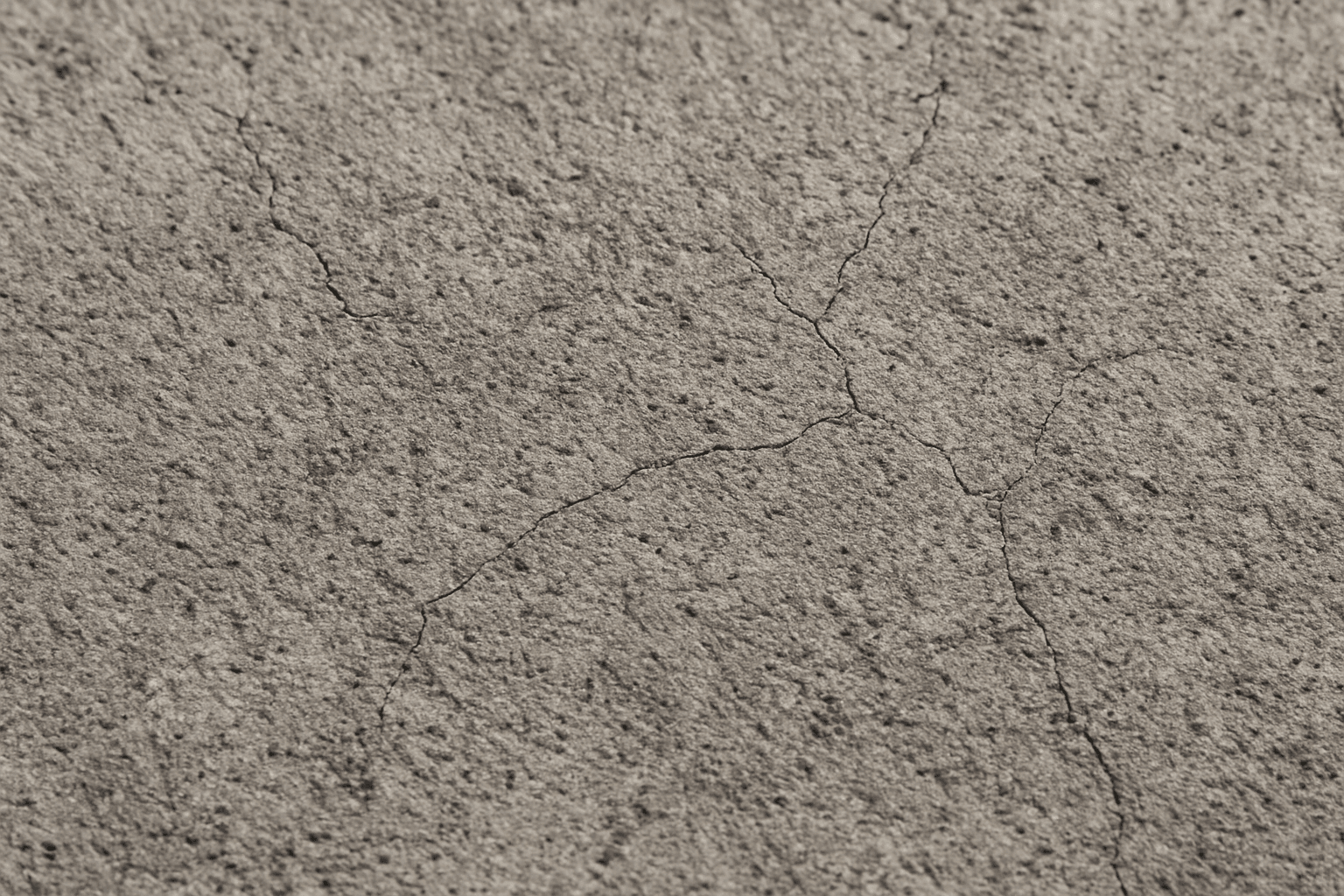
Using 'Concrete Texture' as a keyword in AI image generation is essential when aiming to simulate authentic concrete surfaces. This texture is characterized by its rough, grainy appearance with fine cracks and natural variations in tone, which contribute to a realistic material effect. Incorporating 'Concrete Texture' enriches scenes by adding depth and tactility, suitable for architectural renders, product backgrounds, or abstract compositions. It helps avoid flat or artificial appearances of concrete elements by instructing the AI to focus on the physical traits of concrete surfaces. This keyword is especially useful when high-fidelity material depiction is required for design presentations or digital art.
Definition
Concrete Texture in AI prompts specifies the visual properties and surface details typical of concrete material. It tells the AI to generate images featuring the rough, granular, and slightly cracked appearance of concrete surfaces. This keyword helps users achieve realistic representations of concrete, including subtle imperfections, color variations, and tactile qualities.
Visual Characteristics
- Rough, granular surface showing aggregate particles
- Visible fine cracks and natural surface imperfections
- Neutral and muted gray color palette with subtle shading variations
Prompt Formula
To integrate Concrete Texture effectively in prompts, combine it with details specifying lighting and context to enhance realism. Example formula: "[subject] with detailed concrete texture, [lighting style], [composition], [camera angle]". Adding adjectives like 'weathered', 'polished', or 'cracked' can refine results. For instance, "industrial interior with cracked concrete texture, soft diffused light, wide-angle view."
- [subject] with detailed concrete texture
- Include lighting descriptors like 'natural light', 'soft shadows'
- Specify composition or angle: 'close-up', 'wide-angle', 'macro'
- Add texture modifiers: 'cracked', 'polished', 'weathered'
- Combine with materials or styles: 'urban', 'industrial', 'minimalist'
Best Use Cases
- Realistic architectural renders featuring concrete walls or floors
- Textured backgrounds for product shots or digital artwork
- Urban and industrial themed designs requiring authentic material surfaces
Creative Variations
To avoid repetitive outcomes and add creative flair, experiment with different lighting conditions such as golden hour or harsh artificial light to emphasize texture. Alter the concrete's appearance by requesting variations like polished versus rough or fresh versus weathered surfaces. Playing with composition angles like macro close-ups or wide environmental contexts can generate diverse visual narratives. Color accents, such as moss or rust stains, can introduce visual interest to otherwise neutral textures.
- Change lighting: soft daylight, harsh shadows, colored illumination
- Modify surface: polished, cracked, weathered, stained
- Adjust composition: macro close-up, wide landscape view, angled shot
- Add environmental context: urban decay, industrial site, modern architecture
- Introduce subtle color shifts: moss green, rust orange, or warm undertones
Industry Applications
- Advertising for products emphasizing strength and durability
- Editorial content focused on architecture or construction trends
- Ecommerce platforms showcasing industrial-style home decor and furniture
FAQ
How does adding 'Concrete Texture' affect AI image generation?
Including 'Concrete Texture' guides the AI to simulate realistic concrete surfaces with visible roughness, cracks, and natural gray coloring, enhancing the authenticity of materials in the image.
Can 'Concrete Texture' be combined with other material keywords?
Yes, combining 'Concrete Texture' with keywords like 'weathered metal' or 'rustic wood' can create complex and layered surface visuals suited for industrial or urban scenes.
What lighting conditions work best for showcasing concrete texture?
Soft natural light or diffused lighting helps reveal the surface's fine details without harsh shadows, while directional light can accentuate texture depth and cracks.
Continue Exploring
Related Prompts
Rough Stone Texture
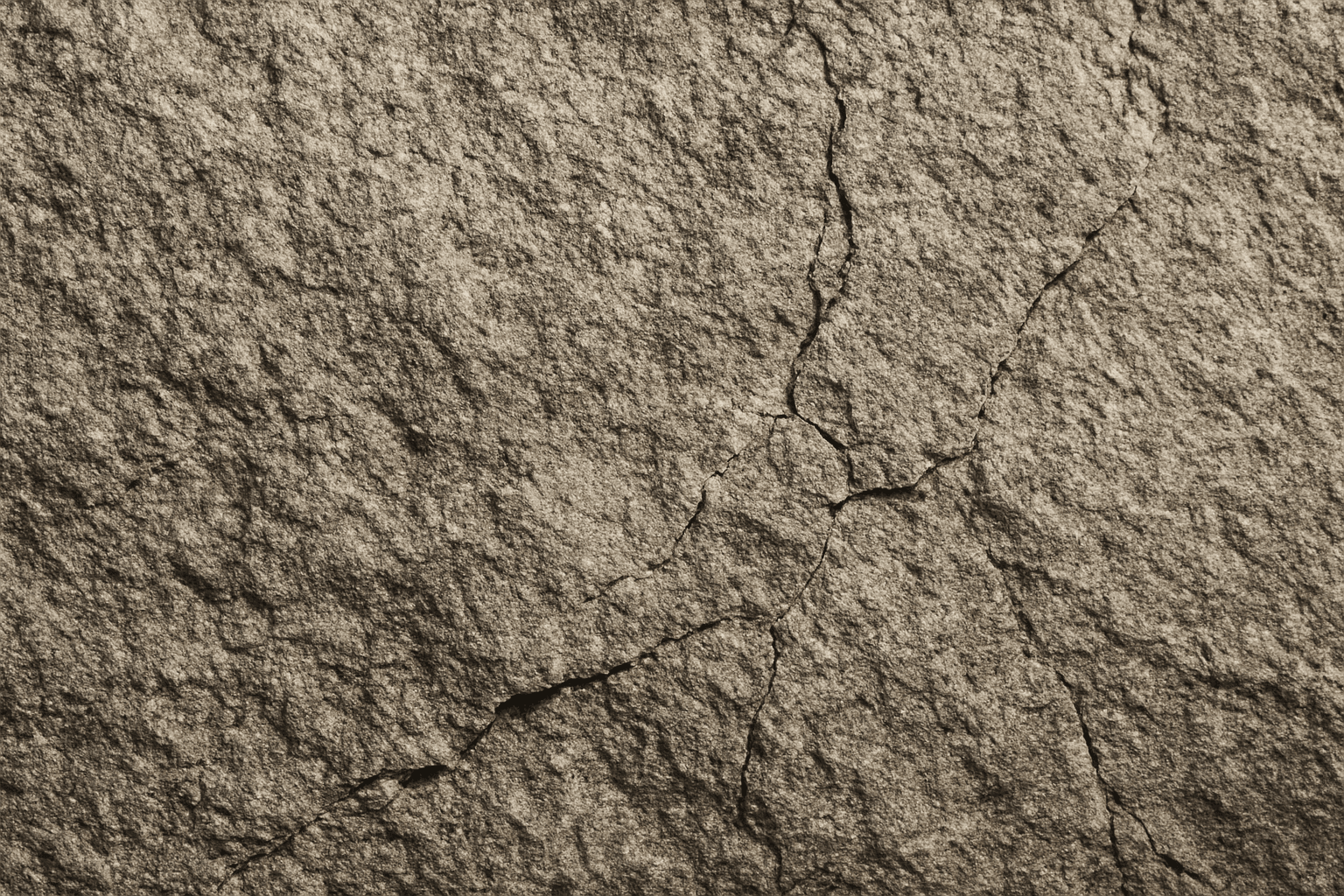
The 'Rough Stone Texture' keyword enhances AI-generated images by simulating the complex irregularities found in natural stone surfaces. This texture adds depth and authenticity to visuals, making materials appear tactile and rugged rather than smooth or artificial. It is especially valuable in rendering natural elements, architectural details, or backgrounds requiring realistic stone appearance. Using precise prompts with this keyword guides AI models toward creating images with detailed stone grains, cracks, and surface imperfections, aligning with authentic rough stone features found in nature or construction materials.

Rough Concrete Surface Texture
The 'Rough Concrete Surface Texture' keyword is essential for generating realistic architectural and artistic images where material authenticity is key. This texture conveys the tactile sensation of coarse, unfinished concrete, distinguished by its irregular surface, visible small stones, and imperfections like cracks and pores. Including this keyword in AI prompts enhances image realism by focusing on material detail. It is especially valuable in designs requiring gritty, industrial, or urban aesthetics, contributing to a sense of depth and authenticity in both digital and print projects. Mastery of rendering this texture helps designers and artists produce compelling visuals that resonate with users seeking raw and tangible surfaces.
Concrete Wall Texture
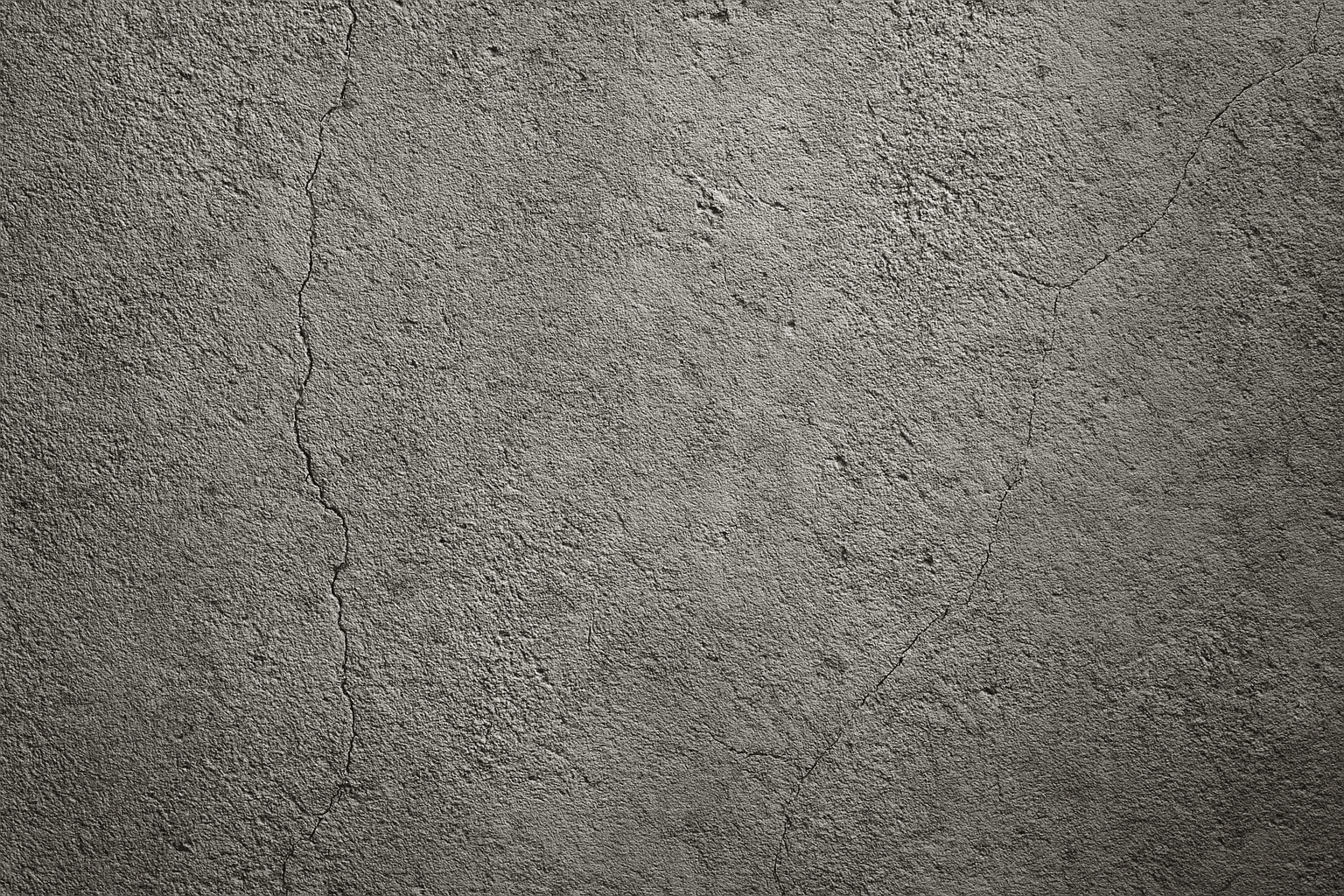
Concrete wall textures are a popular element in AI-generated imagery, valued for their ability to add a rugged, industrial feel to backgrounds and surfaces. This texture closely mimics the real-world appearance of concrete, featuring a mix of gray hues, roughness, and often subtle imperfections like streaks or cracks. When used in AI prompts, it directs image generators to emphasize materiality and structural realism, making it indispensable for architectural visualizations, graphic designs, and product backgrounds that require a tactile, authentic look. This keyword enhances the visual depth and lends an understated rawness to compositions, without drawing focus away from the main subject.
Rough Stone Surface Texture
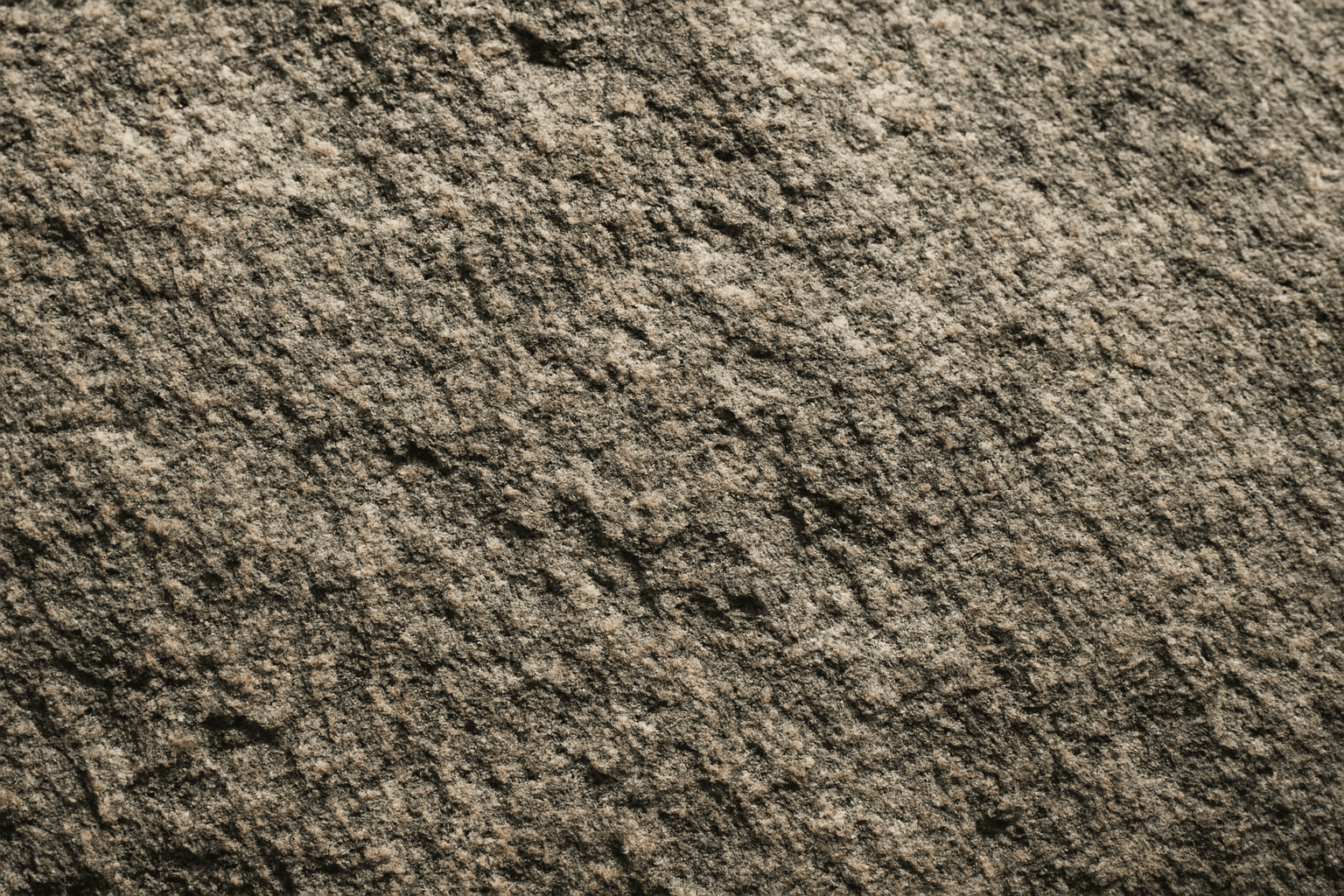
The 'rough stone surface texture' keyword enriches AI-generated images by emphasizing the coarse and uneven qualities of stone materials. Incorporating this into prompts directs the AI to produce surfaces with natural irregularities, such as grains, cracks, and rugged edges, which simulate real-world rough stone. This texture adds depth and realism, making visuals suitable for architectural renders, backgrounds, or tactile material studies. By mastering this keyword, creators can enhance visual storytelling where material authenticity plays a key role in immersion or aesthetic appeal.
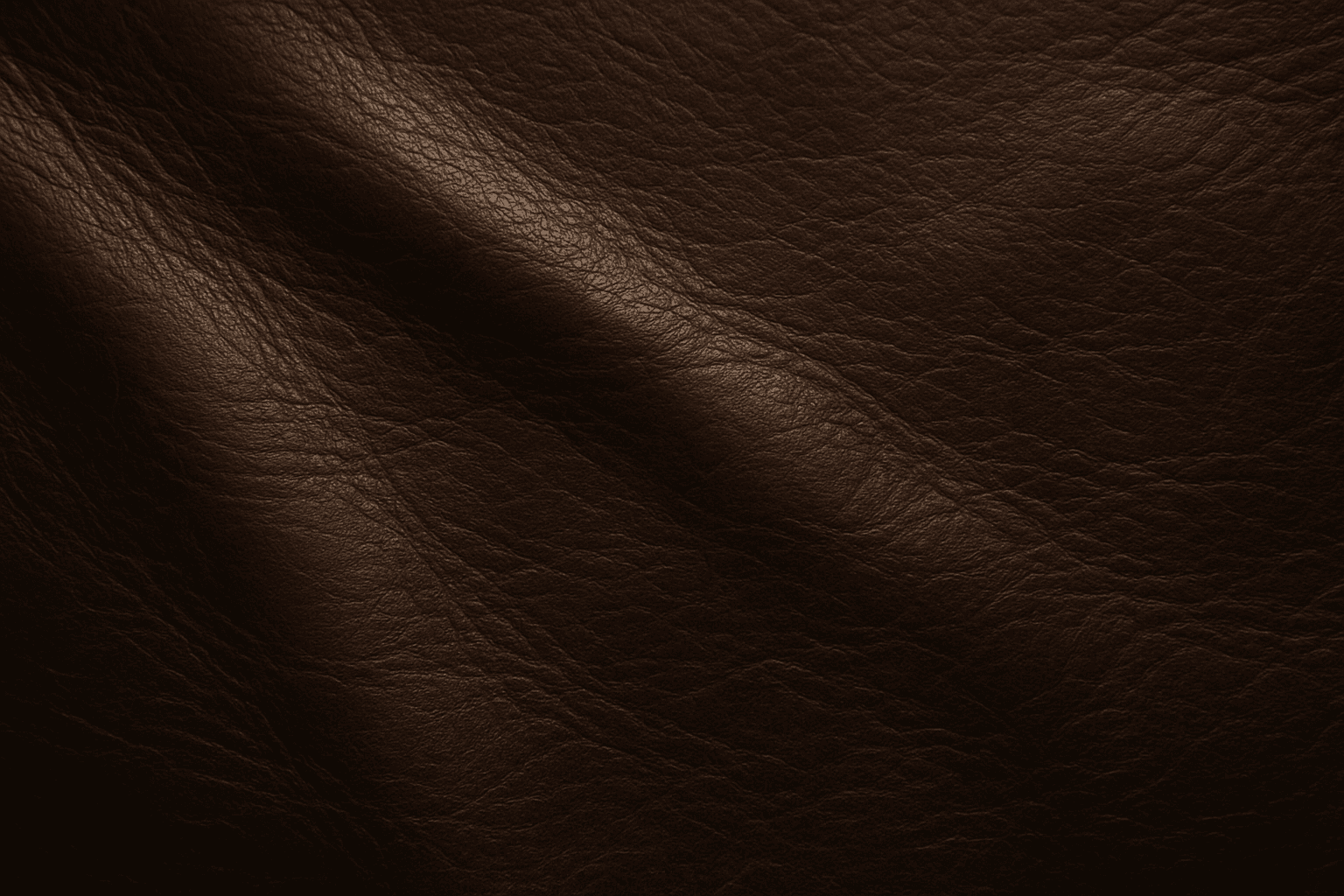
Leather Texture
Leather Texture evokes the visual and tactile qualities of genuine leather surfaces in AI-generated art. It introduces nuanced details like grain, pores, creases, and color variations that make materials appear authentic and luxurious. This texture is widely employed in fashion illustration, interior design renderings, product visualization, and materials studies. By using the leather texture keyword, AI models simulate the complex interplay of light, shadow, and surface imperfections typical in high-quality leather. This enriches compositions with warmth and premium appeal. Its adaptable nature supports everything from rough, distressed hides to smooth, polished finishes, providing versatility across genres and styles.
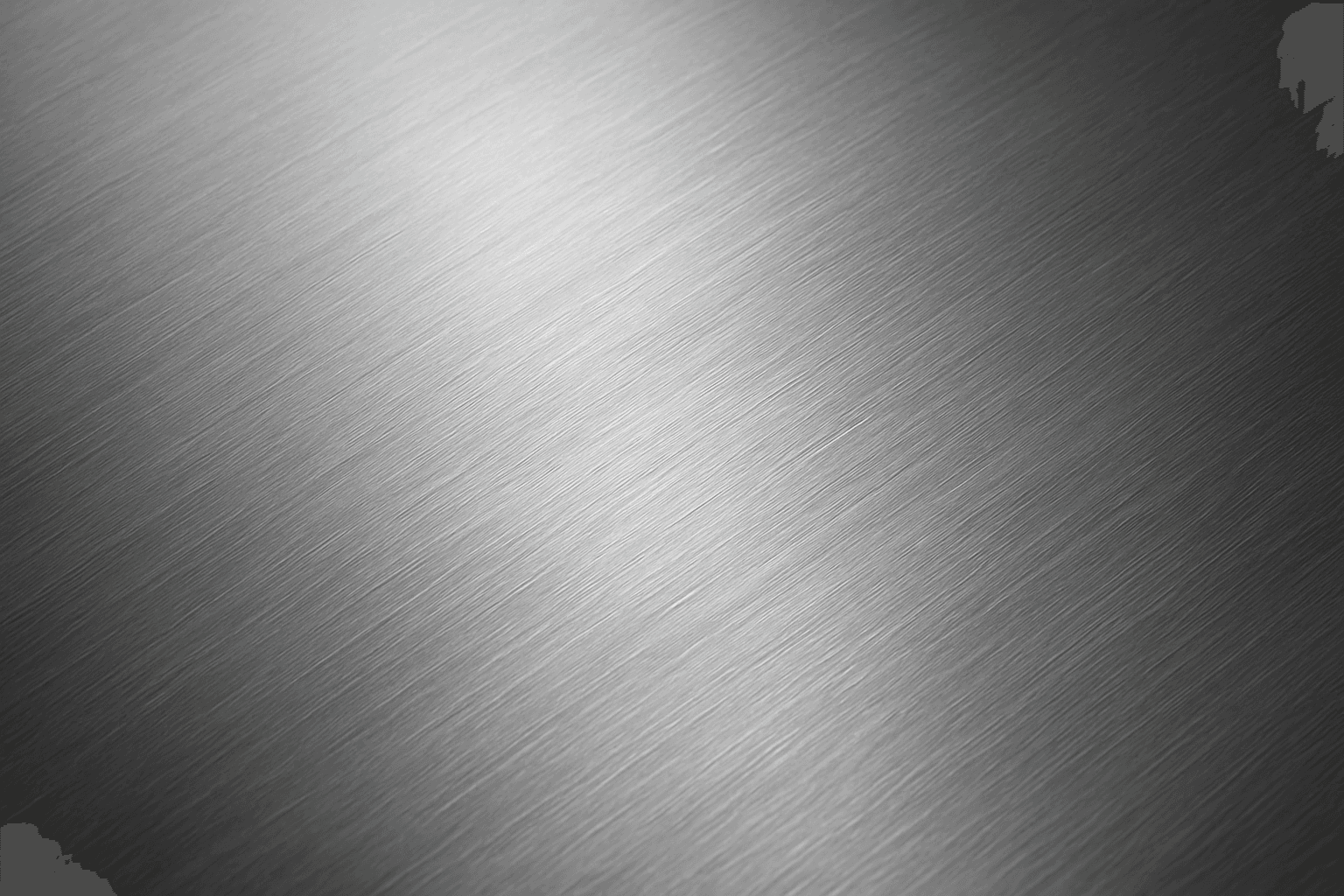
Brushed Metal Texture
Brushed Metal Texture in AI art generation captures the distinctive look of metal surfaces treated by abrasive brushing, which creates smooth, parallel lines affecting how light reflects. It's a popular material finish in industrial design, consumer electronics, and architectural elements, lending a premium, tactile quality to images. Using this texture in AI prompts ensures realistic rendering of metal objects with nuanced light interplay and surface depth. This texture enhances visual interest while maintaining subtlety, making it ideal for product visualizations, backgrounds, and stylized concept art. By controlling this parameter, creators can elevate the authenticity and sophistication of metallic materials within their compositions.