Crinkled Fabric Texture
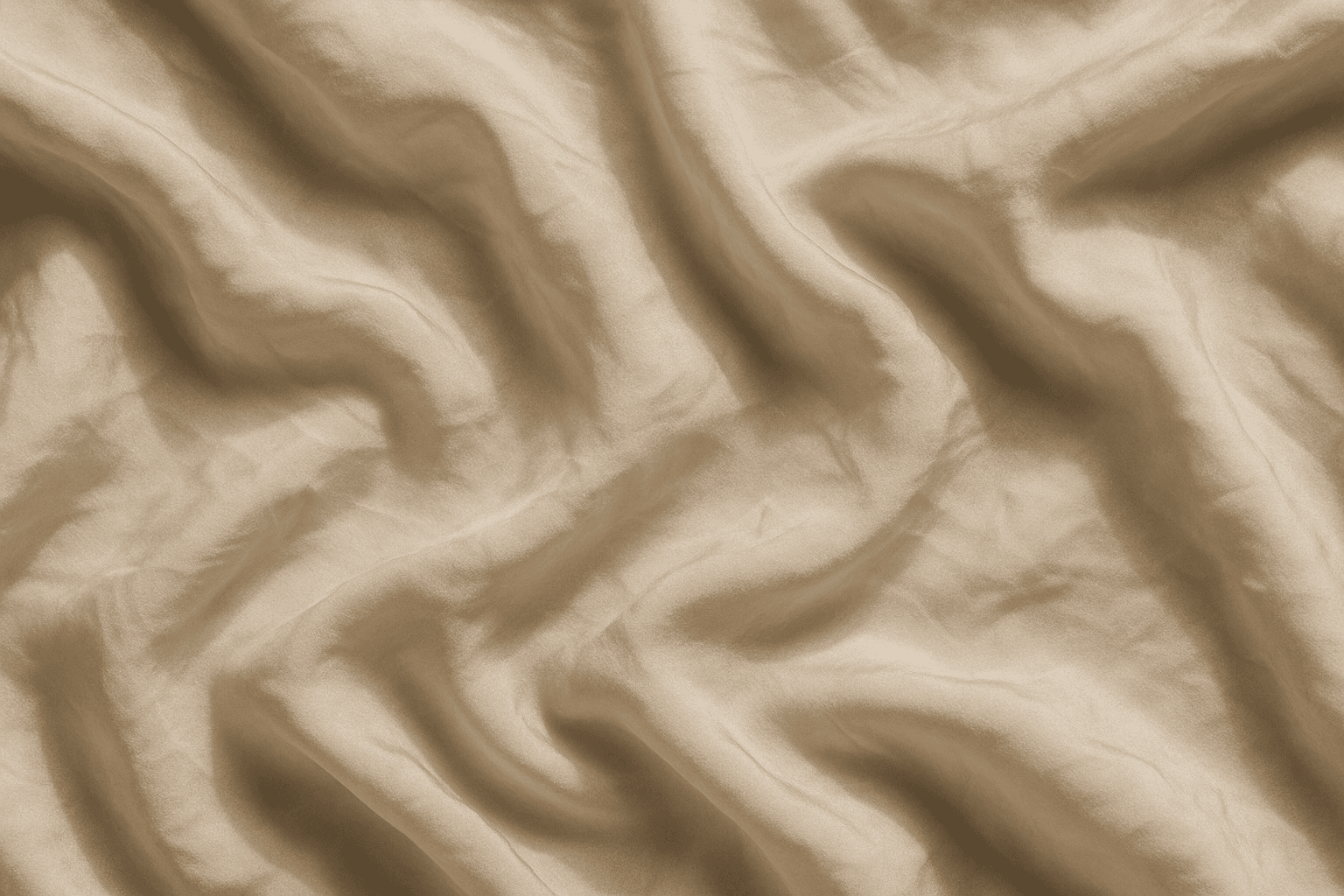
The 'Crinkled Fabric Texture' keyword enriches AI-generated imagery by focusing on the realistic depiction of fabric surfaces showing natural wrinkles and folds. This texture adds an organic, lived-in feel to fabric, distinguishing it from smooth or perfectly flat materials. By simulating light interaction with creased fabric, it highlights depth and softness, enhancing visual interest. Incorporating this keyword benefits creators who want to portray everyday materials like linens, silk, or cotton with authentic imperfections, making scenes feel more tangible and immersive. It is especially valuable when combined with diverse lighting setups and close-up perspectives to emphasize fabric detail.
Definition
Crinkled Fabric Texture represents the visual effect of fabric that appears naturally wrinkled or creased. Including it in an AI image prompt instructs the model to generate images with fabrics showcasing realistic creases, folds, and irregularities, enhancing tactile sensation and depth. This keyword changes the fabric’s appearance from smooth and flat to textured and dynamic, improving realism especially in close-up shots or detailed scenes.
Prompt Formula
Combine 'crinkled fabric texture' with fabric type, lighting, and style to build effective prompts. Examples: - "Crinkled fabric texture silk with soft natural lighting" - "Close-up of cotton fabric showing crinkled fabric texture and subtle shadows" - "Vintage dress fabric with crinkled fabric texture in warm studio light"
- [Fabric type] + crinkled fabric texture + [lighting condition]
- crinkled fabric texture + close-up + subtle shadows + [style]
- crinkled fabric texture + vintage/modern/fashion + [color tone]
Best Use Cases
- Fashion photography needing fabric detail emphasis
- Interior design visuals featuring draped fabrics
- Art compositions focused on realistic material textures
Advanced Techniques
Enhance the crinkled fabric texture effect by pairing it with specific modifiers: - Use "high-resolution" or "macro" for extreme close-up details. - Combine with lighting descriptions like "soft diffused light" or "directional side lighting" to accentuate folds. - Add emotion or atmosphere references such as "rustic","elegant","vintage","moody" to influence fabric appearance. - Use negative prompts to avoid unwanted elements like "no shine" if a matte texture is needed.
- High-resolution macros emphasize individual fabric creases
- Directional side lighting highlights depth in wrinkles
- Mood-driven adjectives adjust fabric age and feel
- Negative prompts manage reflections or excessive gloss
Professional Workflow
Start by clearly defining the fabric type and the desired crinkled effect alongside lighting style in your initial prompt. Generate multiple samples to explore variations in texture tightness and shadow intensity. Select images showing optimal balance between fabric detail and overall composition. Refine prompts iteratively, adjusting modifiers to reduce imperfections or enhance realism. Finalize images by applying minimal post-processing if needed, ensuring textures remain naturally detailed and consistent with the creative vision.
- Define fabric type and lighting conditions precisely
- Generate diverse samples to evaluate texture appearance
- Select best images focusing on texture realism
- Refine prompt parameters to enhance or soften creases
- Apply minimal post-process maintaining natural fabric look
FAQ
How do I make the crinkled fabric texture look more natural in AI images?
Include specific fabric types, realistic lighting conditions, and avoid overly uniform crease patterns. Using descriptors like ‘soft natural lighting’ and ‘irregular folds’ can help the AI create more authentic-looking textures.
Can this texture be applied to any fabric material in prompts?
Yes, the crinkled fabric texture keyword can be combined with various fabric types such as silk, cotton, linen, or velvet to generate tailored textured visuals.
Continue Exploring
Related Prompts
Fabric Texture
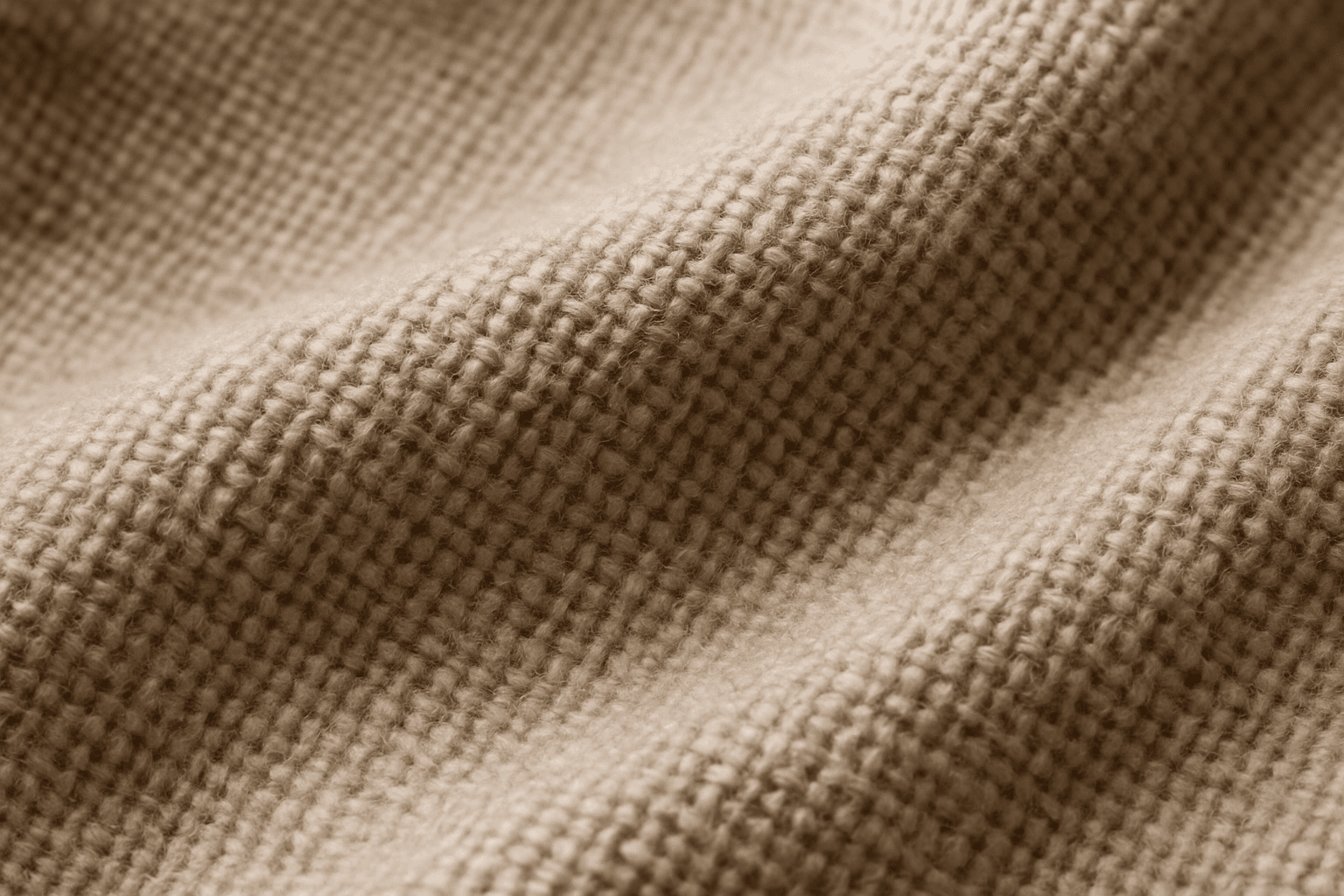
Fabric Texture is a vital keyword for AI image generation when you want to depict textiles realistically. It guides the AI to focus on nuances such as fiber weave, surface irregularities, and light reflection that define materials like cotton, silk, denim, or wool. This keyword enriches visuals in fashion photography, interior design details, and product shots by ensuring cloth surfaces look tangible and authentic. Proper use leads to images that convey texture depth, fiber quality, and material type, crucial for commercial appeal and viewer engagement.

Organic Fabric Texture
Organic fabric textures evoke the raw, natural qualities of textiles derived from plants and animals, such as cotton, linen, or wool. AI-generated images tagged with this keyword focus on capturing the tactile, authentic look of these fabrics. This includes detailed weaves, slight irregularities in fiber distribution, and earthy tones that convey warmth and eco-friendliness. Using organic fabric textures enhances visual storytelling when the goal is to emphasize sustainability, artisanal craftsmanship, or comfort in product visuals and editorial design. This keyword is suitable for creating nuanced backgrounds, material samples, and realistic textile representations in digital art and commercial imagery.
Smooth Silk Fabric Texture
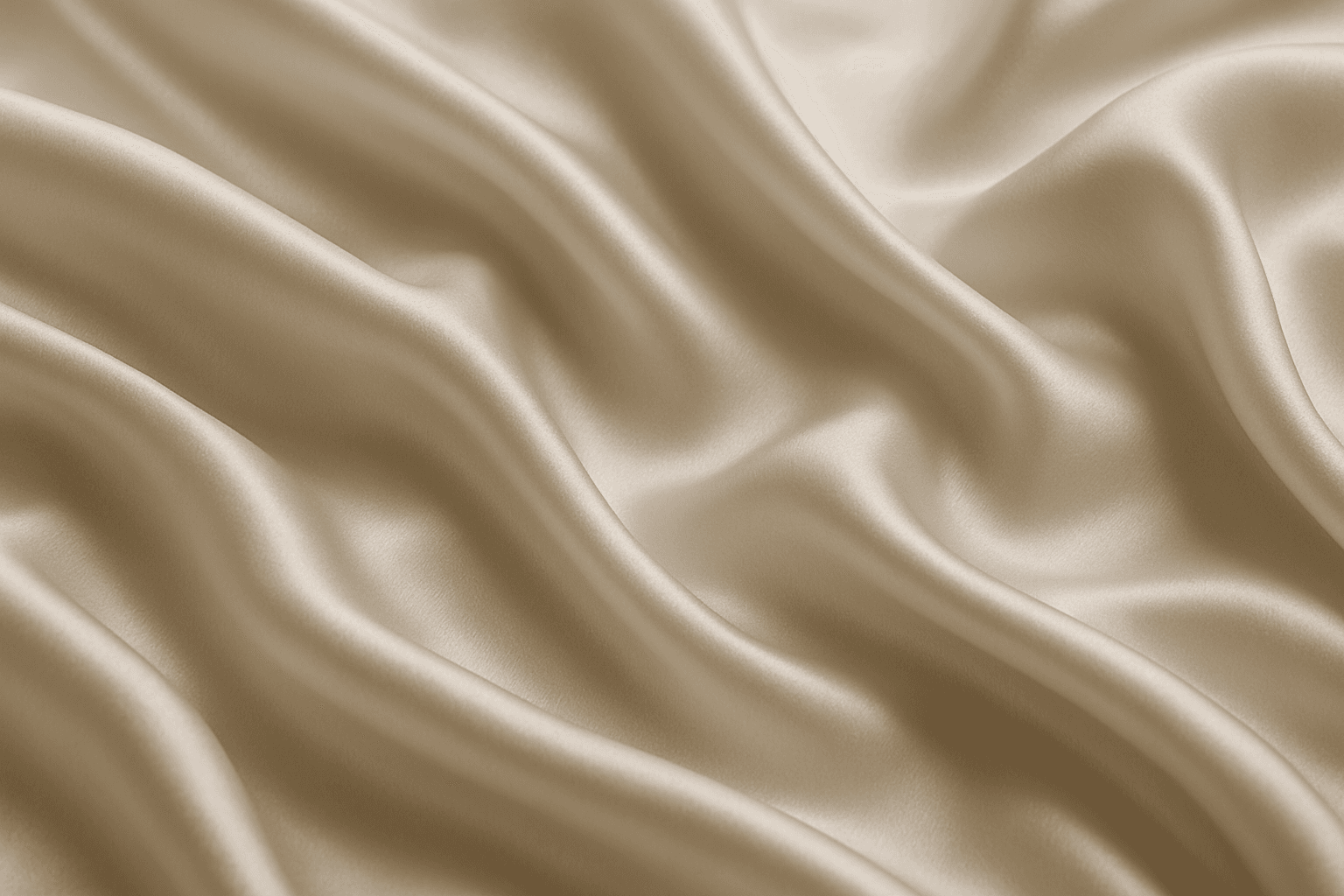
Smooth silk fabric texture is prized for its elegant appearance and soft touch, making it a favored material in fashion, interiors, and luxury goods. In AI image generation, this keyword triggers the creation of images showcasing silk's signature sheen, fluid motion, and delicate surface details. When used in prompts, it helps produce visuals with refined lighting that emphasize silk’s smoothness and reflective quality. This texture enhances images requiring a premium, sophisticated look by mimicking silk’s characteristic glow and tactile softness, suitable for editorial hero shots, product photography simulations, and stylized compositions.
Velvet Fabric Texture
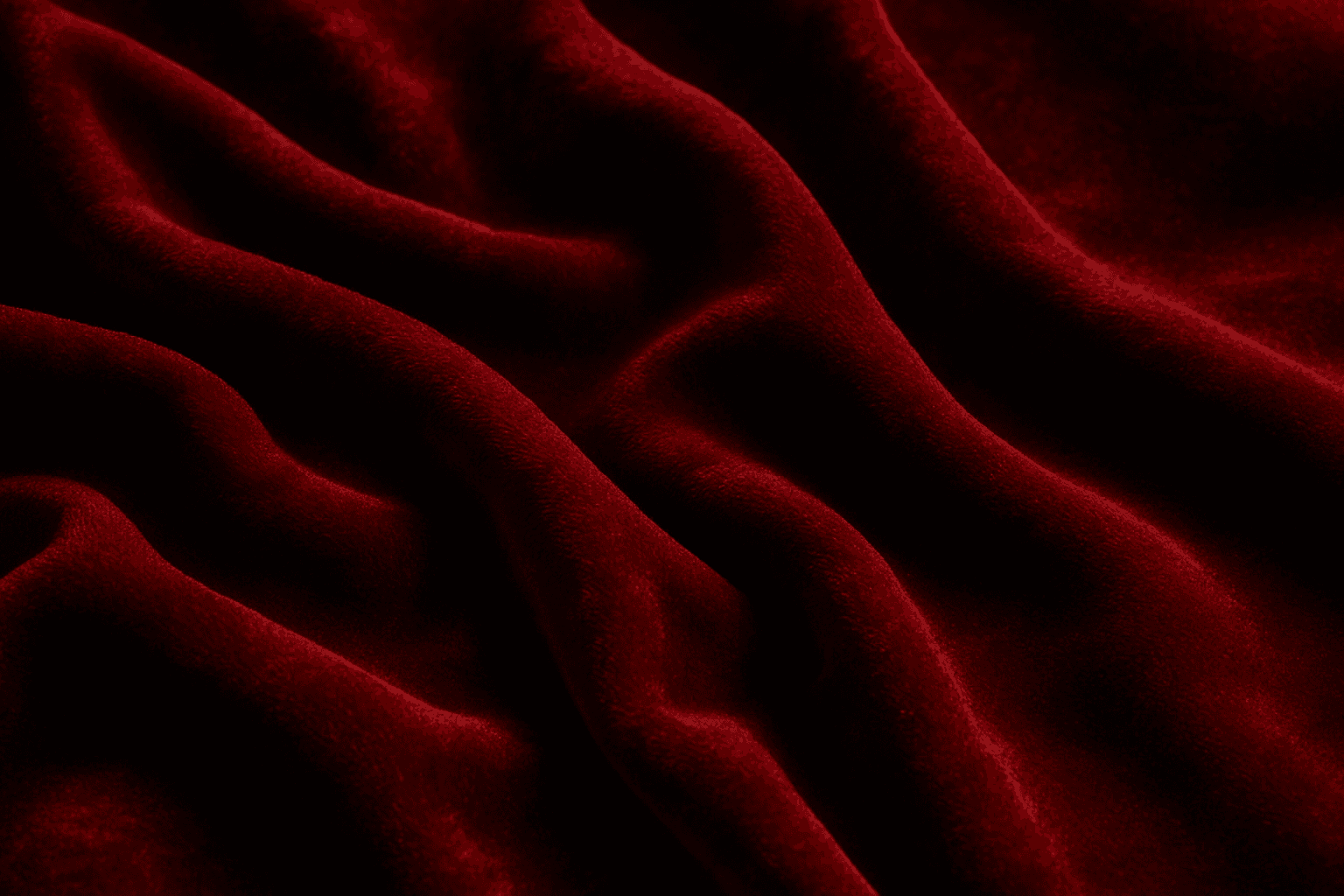
Velvet Fabric Texture is a highly valued keyword in AI image creation, known for adding a touch of luxury and tactile richness. Its unique surface combines densely packed fibers that catch light gently, creating a depth that transforms flat colors into dynamic, sumptuous visuals. When AI models recognize the velvet texture prompt, they generate images showcasing soft highlights and shadows along with a fabric's signature pile, making it ideal for realistic fashion designs, interior decor visuals, and product textures. This keyword elevates images by introducing delicate, realistic fabric details that convey comfort and elegance, apt for editorial and commercial uses.
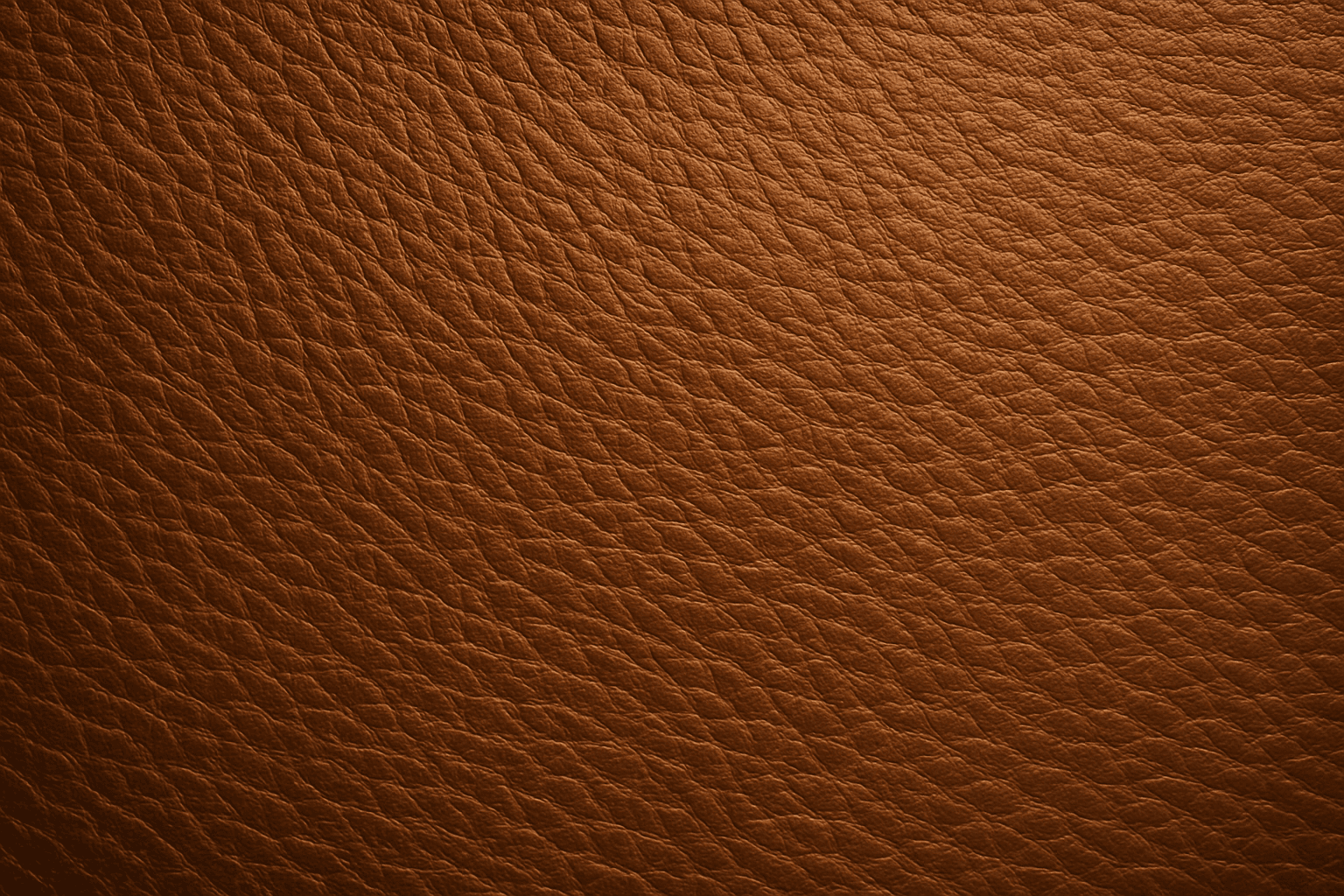
Leather Grain Texture
Using 'Leather Grain Texture' in AI image prompts allows creators to generate images with highly detailed and realistic leather surfaces. This keyword enhances the tactile quality of materials depicted, making them appear more authentic and premium. The characteristic grain patterns convey luxury and craftsmanship, useful for designs needing sophisticated material representation. When combined with appropriate lighting and composition, this texture can create visually rich images suitable for product visualization, fashion editorials, or interior design concepts. Mastery of this keyword helps artists achieve depth and realism in their material renderings, appealing to audiences seeking visually convincing visuals.
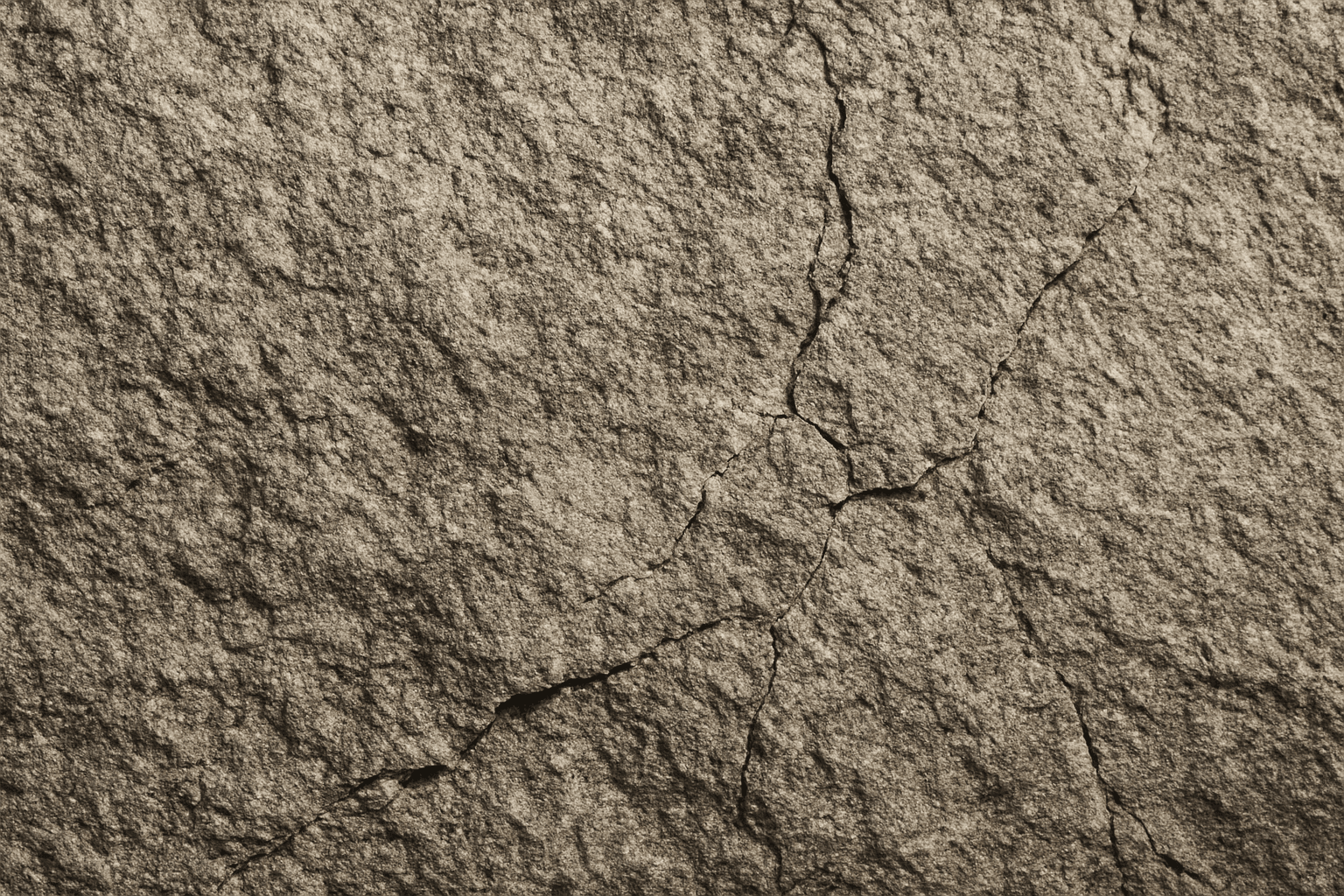
Rough Stone Texture
The 'Rough Stone Texture' keyword enhances AI-generated images by simulating the complex irregularities found in natural stone surfaces. This texture adds depth and authenticity to visuals, making materials appear tactile and rugged rather than smooth or artificial. It is especially valuable in rendering natural elements, architectural details, or backgrounds requiring realistic stone appearance. Using precise prompts with this keyword guides AI models toward creating images with detailed stone grains, cracks, and surface imperfections, aligning with authentic rough stone features found in nature or construction materials.