Fabric Weave Pattern
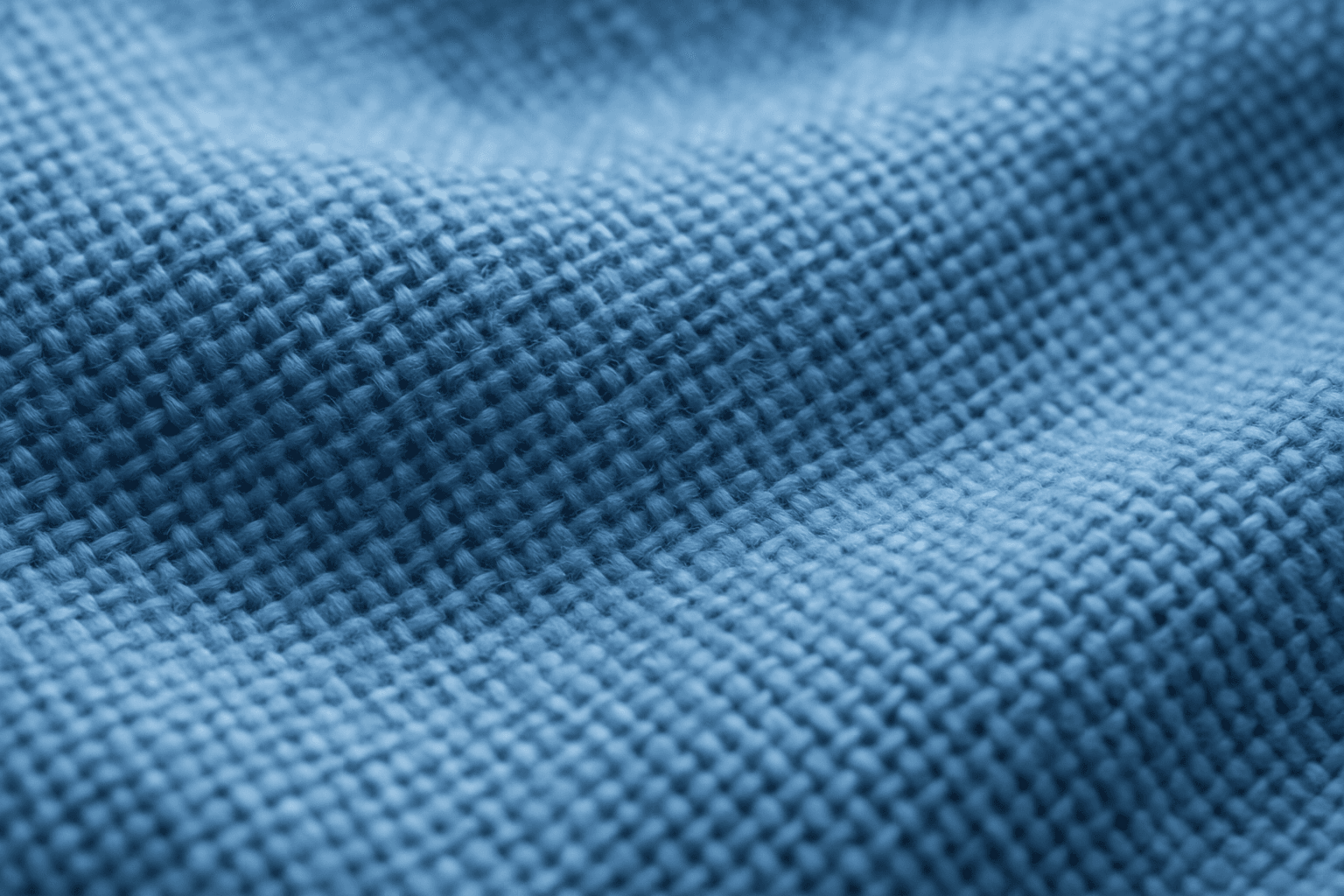
Fabric weave patterns provide rich, tactile details in AI-generated images, essential for portraying realistic textiles. Including this keyword enhances the depiction of material texture, surface intricacies, and thread arrangements, which elevate the authenticity of digital fabrics. This texture detail aids artists and designers in producing premium-quality visuals useful for fashion, interiors, and product mockups. Understanding how to prompt these patterns allows for versatility across luxury silks, rugged denims, or cozy woolens in digital art creation.
Definition
Fabric weave patterns describe the organized interlacing of threads forming textile surfaces. In AI prompts, including this keyword helps generate realistic fabric textures by directing the model to replicate the structure and look of woven materials, such as cotton, silk, or wool. This affects the image by adding intricate thread detail and textural depth, distinguishing fabric from smooth or abstract surfaces.
Visual Characteristics
- Clearly visible thread interlacing forming repeated patterns
- Textured surface variations like twill, satin, or basket weave
- Realistic light interaction creating subtle shadows across threads
Prompt Formula
Combine material type + fabric weave pattern + lighting + close-up or context to build effective prompts. For example, use phrases like "detailed cotton fabric weave pattern with soft natural lighting" or "close-up of luxurious silk fabric weave pattern under diffused light" to emphasize texture clarity and fabric identity.
- [Material type] fabric weave pattern
- Close-up with detailed thread texture
- Lighting style highlighting fabric folds and texture
Best Use Cases
- Fashion product shots emphasizing textile quality
- Interior design visuals showing upholstery and drapes
- Marketing visuals requiring authentic fabric textures
Creative Variations
To avoid repetitive results, vary weave types (plain, twill, herringbone), fabric materials (linen, denim, velvet), and lighting conditions (studio, natural, backlit). Experiment with macro versus wider framing to change focus from thread detail to overall fabric appearance. Color variations can also shift mood and style in the image.
- Different weave styles: twill, satin, basket
- Varied fabric materials: silk, denim, wool
- Lighting variations: side, back, ambient light
- Framing: macro close-up vs. contextual fabric fold
Industry Applications
- Fashion and textile design promos
- Advertising campaigns for apparel brands
- E-commerce product imagery focusing on fabric quality
Common Mistakes
A frequent mistake is using vague or generic prompts that produce flat or blurry fabric textures without clear thread detail. Avoid overloading the prompt with conflicting material types or styles which lead to inconsistent weave patterns. Also, insufficient lighting detail can make weave patterns look unrealistic or too flat.
- Using non-specific fabric descriptions leading to generic textures
- Conflicting weave style with material type causing inconsistency
- Ignoring lighting nuances, resulting in flat, unnatural fabric appearance
Model-Specific Tips
Use clear, descriptive language focusing on material and weave type. Combine the keyword with lighting and scale descriptors to help models discerningly render fabric textures. Avoid overly complex syntax; prioritize straightforward phrases for better understanding across diverse AI models. Testing slight prompt variations can improve results without relying on niche syntax.
- Pair fabric weave pattern with material and lighting descriptors
- Use simple and direct terms for thread detail
- Experiment with scale (macro vs. full fabric) to guide focus
FAQ
How does specifying a fabric weave pattern improve AI image quality?
It directs the AI to render detailed thread structures and realistic textile textures, enhancing material authenticity beyond flat colors or vague surfaces.
Can I combine fabric weave pattern with different lighting styles?
Yes, varying lighting such as natural, studio, or backlighting can emphasize weave details and create diverse visual moods in AI images.
Continue Exploring
Related Prompts
Woven Fabric Detail
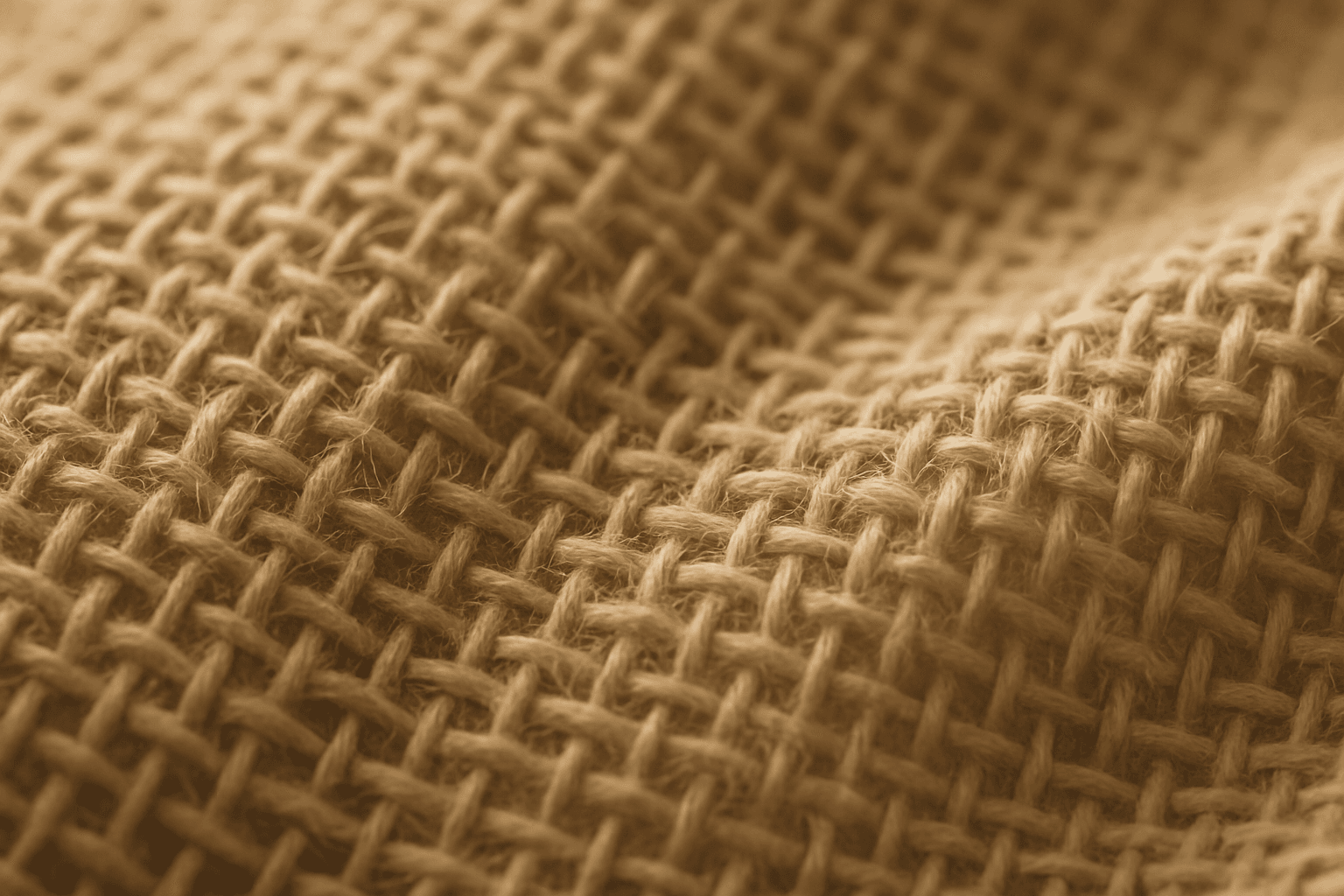
Woven fabric details bring life and realism to textile visuals by showcasing the intricate thread structure, including the warp and weft intersection that characterizes woven materials. In AI-generated images, adding 'woven fabric detail' ensures the depiction highlights the tactile nature of fabrics such as cotton, linen, or wool. This specificity helps designers, artists, and marketers produce authentic and premium presentations where texture fidelity is crucial, from fashion shots to interior fabrics.

Organic Fabric Texture
Organic fabric textures evoke the raw, natural qualities of textiles derived from plants and animals, such as cotton, linen, or wool. AI-generated images tagged with this keyword focus on capturing the tactile, authentic look of these fabrics. This includes detailed weaves, slight irregularities in fiber distribution, and earthy tones that convey warmth and eco-friendliness. Using organic fabric textures enhances visual storytelling when the goal is to emphasize sustainability, artisanal craftsmanship, or comfort in product visuals and editorial design. This keyword is suitable for creating nuanced backgrounds, material samples, and realistic textile representations in digital art and commercial imagery.
Fabric Texture
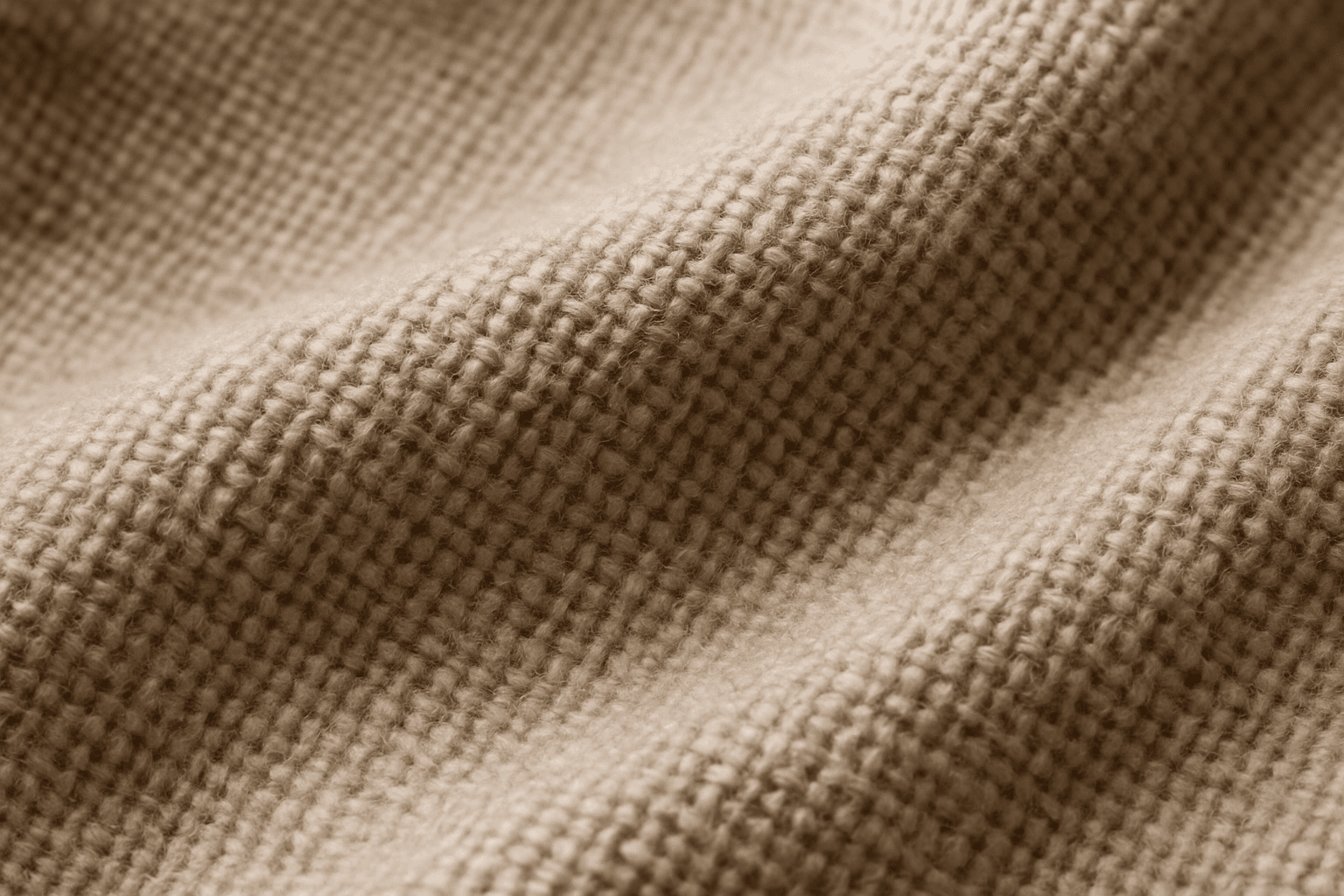
Fabric Texture is a vital keyword for AI image generation when you want to depict textiles realistically. It guides the AI to focus on nuances such as fiber weave, surface irregularities, and light reflection that define materials like cotton, silk, denim, or wool. This keyword enriches visuals in fashion photography, interior design details, and product shots by ensuring cloth surfaces look tangible and authentic. Proper use leads to images that convey texture depth, fiber quality, and material type, crucial for commercial appeal and viewer engagement.
Leather Grain Texture
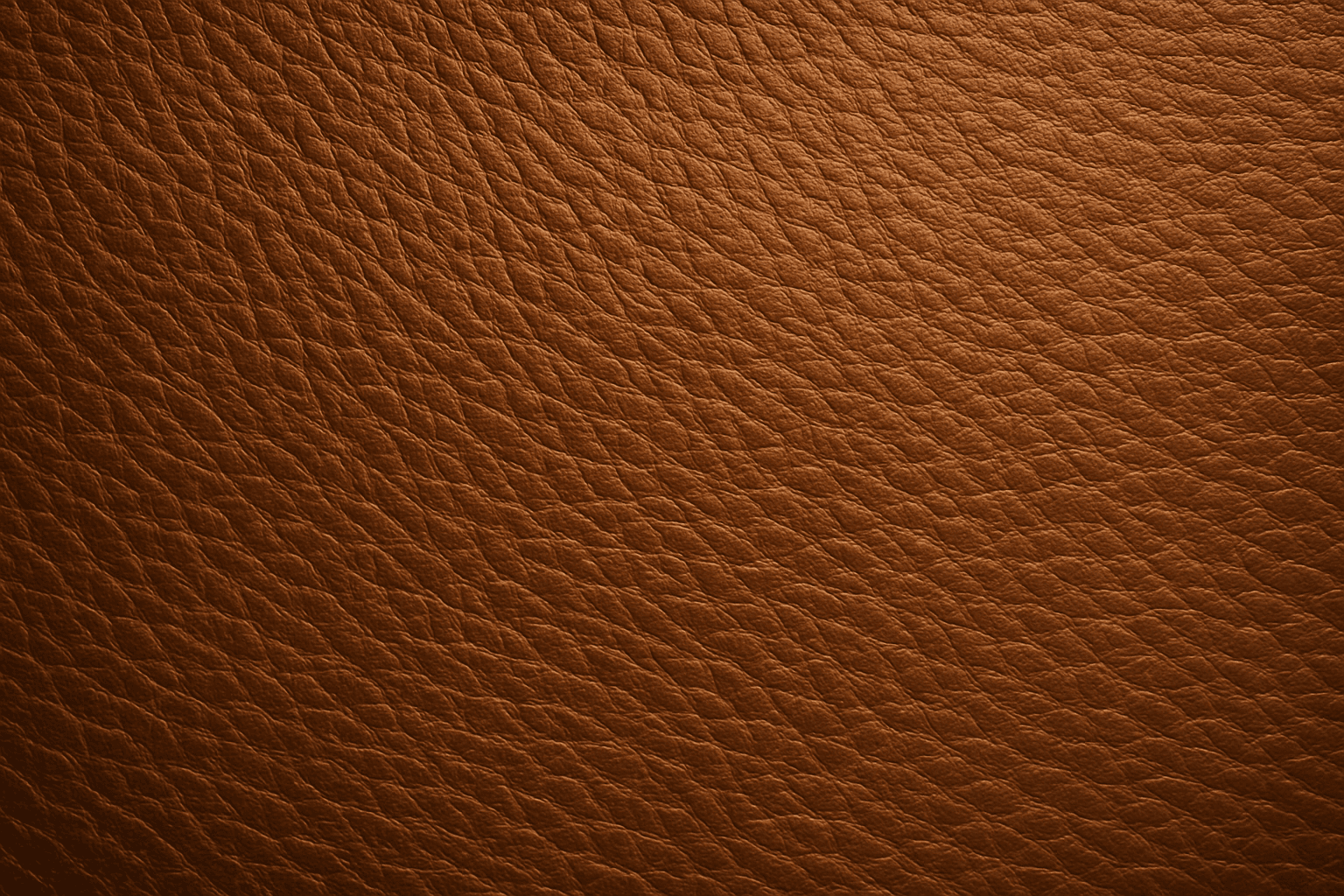
Using 'Leather Grain Texture' in AI image prompts allows creators to generate images with highly detailed and realistic leather surfaces. This keyword enhances the tactile quality of materials depicted, making them appear more authentic and premium. The characteristic grain patterns convey luxury and craftsmanship, useful for designs needing sophisticated material representation. When combined with appropriate lighting and composition, this texture can create visually rich images suitable for product visualization, fashion editorials, or interior design concepts. Mastery of this keyword helps artists achieve depth and realism in their material renderings, appealing to audiences seeking visually convincing visuals.
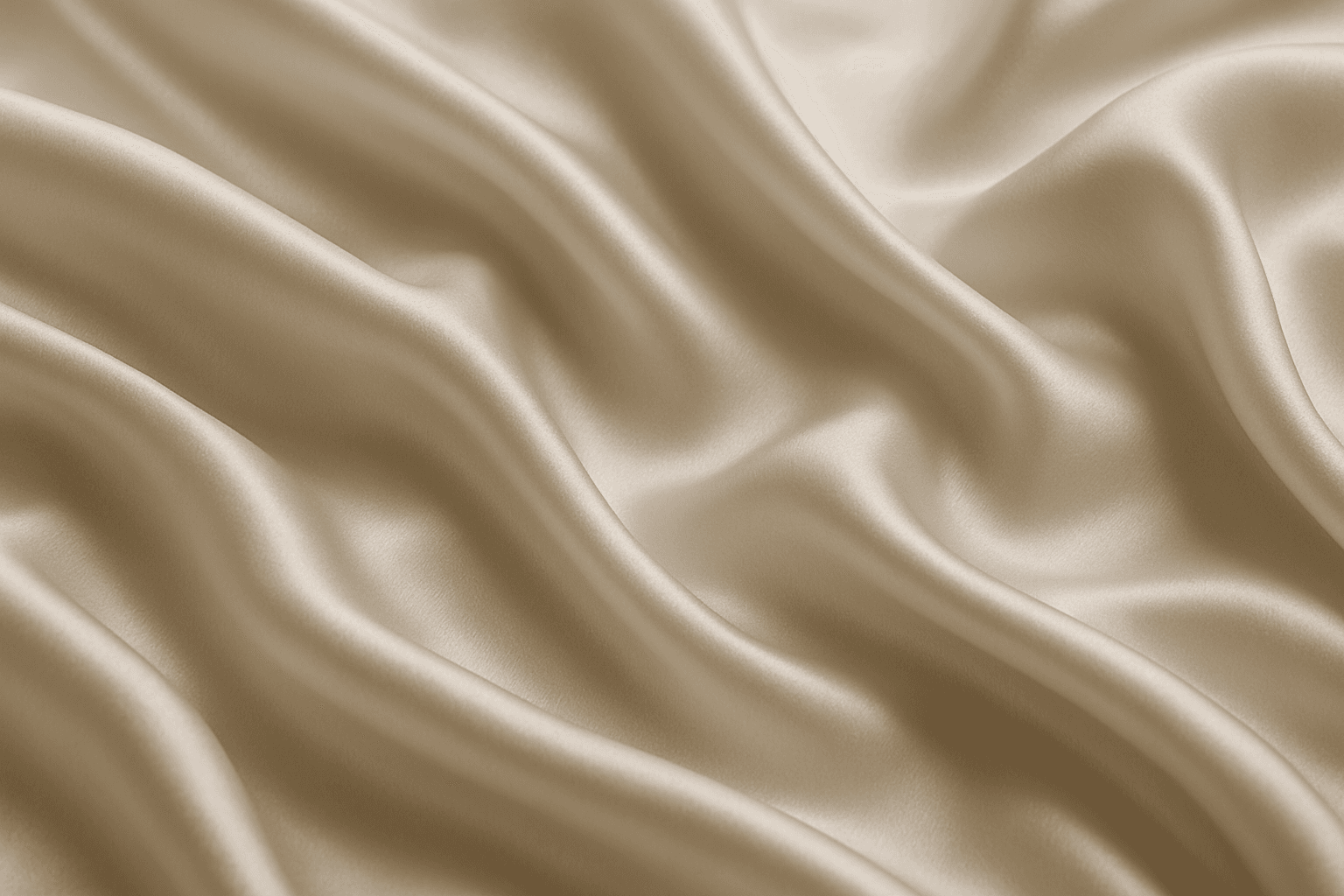
Smooth Silk Fabric Texture
Smooth silk fabric texture is prized for its elegant appearance and soft touch, making it a favored material in fashion, interiors, and luxury goods. In AI image generation, this keyword triggers the creation of images showcasing silk's signature sheen, fluid motion, and delicate surface details. When used in prompts, it helps produce visuals with refined lighting that emphasize silk’s smoothness and reflective quality. This texture enhances images requiring a premium, sophisticated look by mimicking silk’s characteristic glow and tactile softness, suitable for editorial hero shots, product photography simulations, and stylized compositions.

Woven Fabric Material Texture
Woven fabric material texture is a fundamental element in textile visualization, representing the intricate crossing and interlocking of yarns to form cloth. In AI-generated imagery, emphasizing woven fabric textures helps bring life to digital fabrics by simulating thread thickness, weave patterns, and fabric density. This texture varies from coarse burlap to fine silk weaves, each bringing distinct visual and tactile impressions. Using this keyword focuses AI's attention on fabric realism, making it ideal for fashion renders, interior design mockups, and product visualization where fabric detail enhances perceived quality.