Texture Overlay Techniques
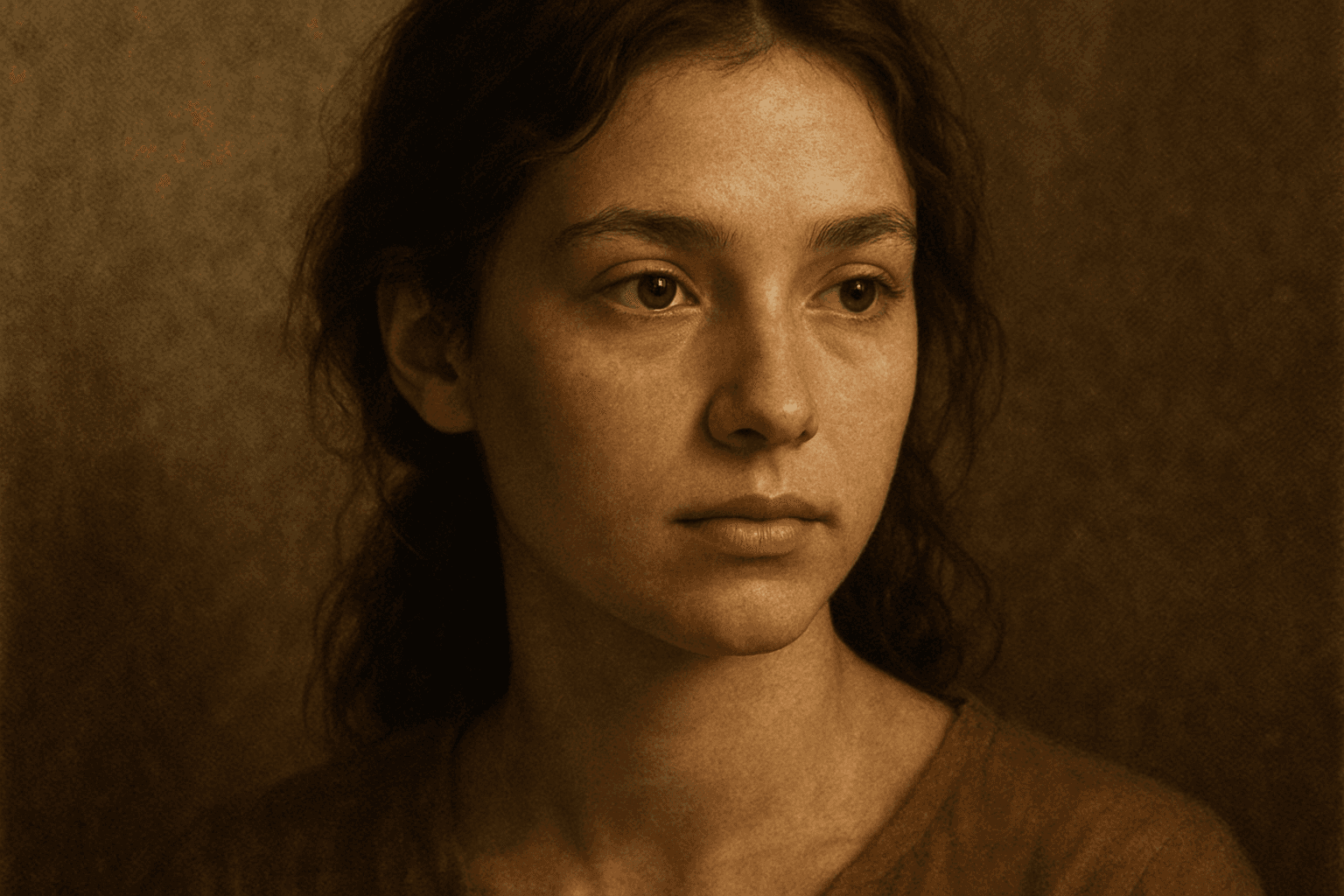
Texture Overlay Techniques are essential for artists and designers using AI image generation to add realistic or stylized surface qualities to their visuals. By specifying textures in a prompt, you can transform flat or generic images into rich, detailed creations that mimic physical materials or artistic effects. These overlays help in achieving mood, authenticity, or unique artistry by adding layers of complexity without altering the core composition. Whether you want a weathered wall effect or a glossy metallic finish, texture overlays deepen the narrative and visual appeal. Understanding how to incorporate texture keywords and their combinations allows for controlled refinement and diverse outputs, making images stand out in editorial, commercial, or creative projects.
Definition
Texture Overlay Techniques refer to the practice of incorporating detailed surface texture descriptions into AI image prompts. These overlays simulate the appearance of materials like fabric, stone, or paint, adding a tactile or dimensional quality to generated images. This method alters the visual output by enhancing depth, realism, and artistic detail without changing main subjects or composition.
Visual Characteristics
- Noticeable surface patterns such as grain, weave, or roughness
- Perceived depth created through layering and shadow effects
- Material imperfections like cracks, scratches, or stains that add realism
Prompt Formula
A versatile formula includes a base subject + texture descriptor + lighting condition + style/adjective. For example: "[subject], overlaid with [texture type], under [lighting], in a [style] style." Using specific texture types and adjectives controls the overlay effect precisely.
- Base subject or scene description
- Texture type or material (e.g., cracked concrete, velvet, peeling paint)
- Lighting condition (e.g., soft light, harsh shadows)
- Artistic style or adjective (e.g., vintage, grunge, hyperrealistic)
Best Use Cases
- Product mockups showcasing realistic material qualities
- Editorial or poster artworks needing atmospheric depth
- Digital paintings enhanced with tactile surface effects
Creative Variations
To diversify texture overlay outputs, vary the texture styles (smooth, rough, cracked), lighting setups (backlight, diffuse), color palettes (monochrome, vibrant), and compositional focus (close-up detail, wide scene). Integrate abstract textures or experiment with opacity and blending phrases. This approach prevents repetitive visuals and sparks originality in AI artwork.
- Switch texture types between natural and synthetic materials
- Experiment with different lighting conditions for mood shifts
- Alter color schemes from muted to saturated
- Vary focal points between detail and full scene
- Introduce blending terms like "soft overlay" or "heavy texture"]}],
Industry Applications
Texture Overlay Techniques find diverse uses across commercial fields. In advertising, texture enhances product realism and visual appeal, helping to sell quality and authenticity. Editorial industries employ these overlays for mood setting and storytelling through atmospheric detail. Ecommerce platforms utilize texture-rich images to display fabric or material qualities, improving customer confidence online. Additionally, interiors and social media content benefit from textured enhancements that add premium polish and attention-grabbing visuals.
- Advertising visuals for product material authenticity
- Editorial content for artistic and narrative depth
- Ecommerce imagery emphasizing fabric or material details
Common Mistakes
Common mistakes in using texture overlays include overloading prompts with multiple conflicting textures, which results in muddy or unrealistic images. Another error is failing to specify lighting or blending terms, causing textures to appear flat or detached from the subject. Overusing popular textures can lead to cliché or repetitive visuals. To avoid these, use clear, focused texture descriptions, integrate appropriate lighting and blending keywords, and explore unique texture variations to maintain originality and visual clarity.
- Avoid mixing too many texture types at once
- Specify lighting to integrate textures naturally
- Limit use of common textures to prevent repetitiveness
- Use blending or opacity keywords for realistic overlays
- Test prompts iteratively for clarity and visual harmony
FAQ
How do texture overlay techniques improve AI-generated images?
They add realistic surface details and material effects that create depth and tactile qualities, enhancing the image’s overall richness and visual interest.
Can I combine multiple textures in one prompt?
Yes, but it should be done carefully with clear descriptions and lighting conditions to avoid muddy or confusing results.
What types of projects benefit most from texture overlays?
Product mockups, editorial illustrations, digital art, and ecommerce presentations gain significant enhancement from well-applied texture overlays.
Continue Exploring
Related Prompts
Texture Overlay Technique
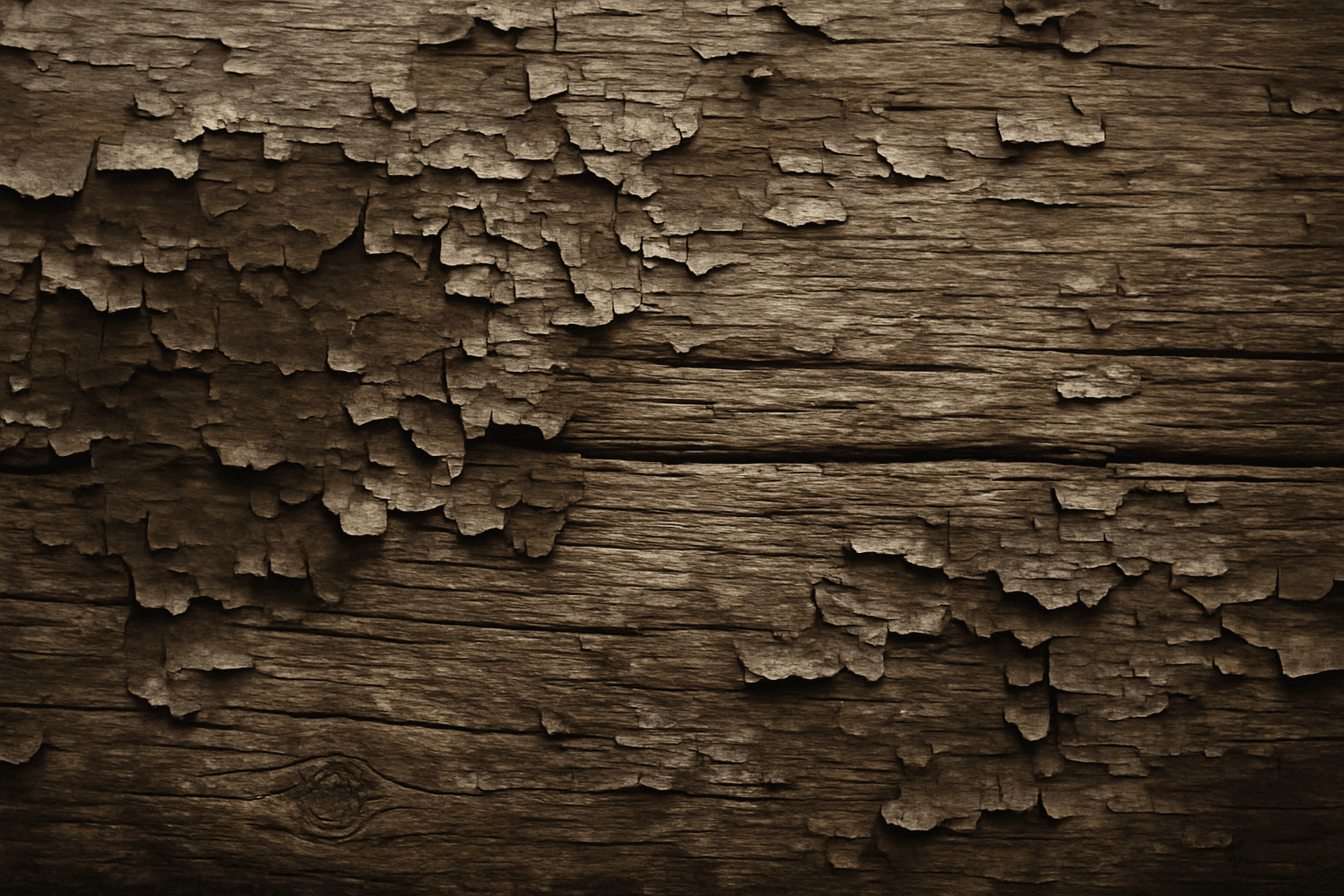
Texture Overlay Technique is a powerful method in AI image generation that improves the visual quality of outputs by simulating the appearance of varied material surfaces. By incorporating texture descriptors directly into prompts, users influence the model to apply intricate overlays such as cracks, fabric weaves, wood grains, or metallic finishes. This enriches images with a tactile sense, making them more engaging and lifelike. This technique is especially useful in design, art, and advertising where material authenticity impacts viewer perception. Mastering texture overlays helps prompt creators elevate simple base images into sophisticated visuals with nuanced surface dynamics.
Rough Canvas Texture
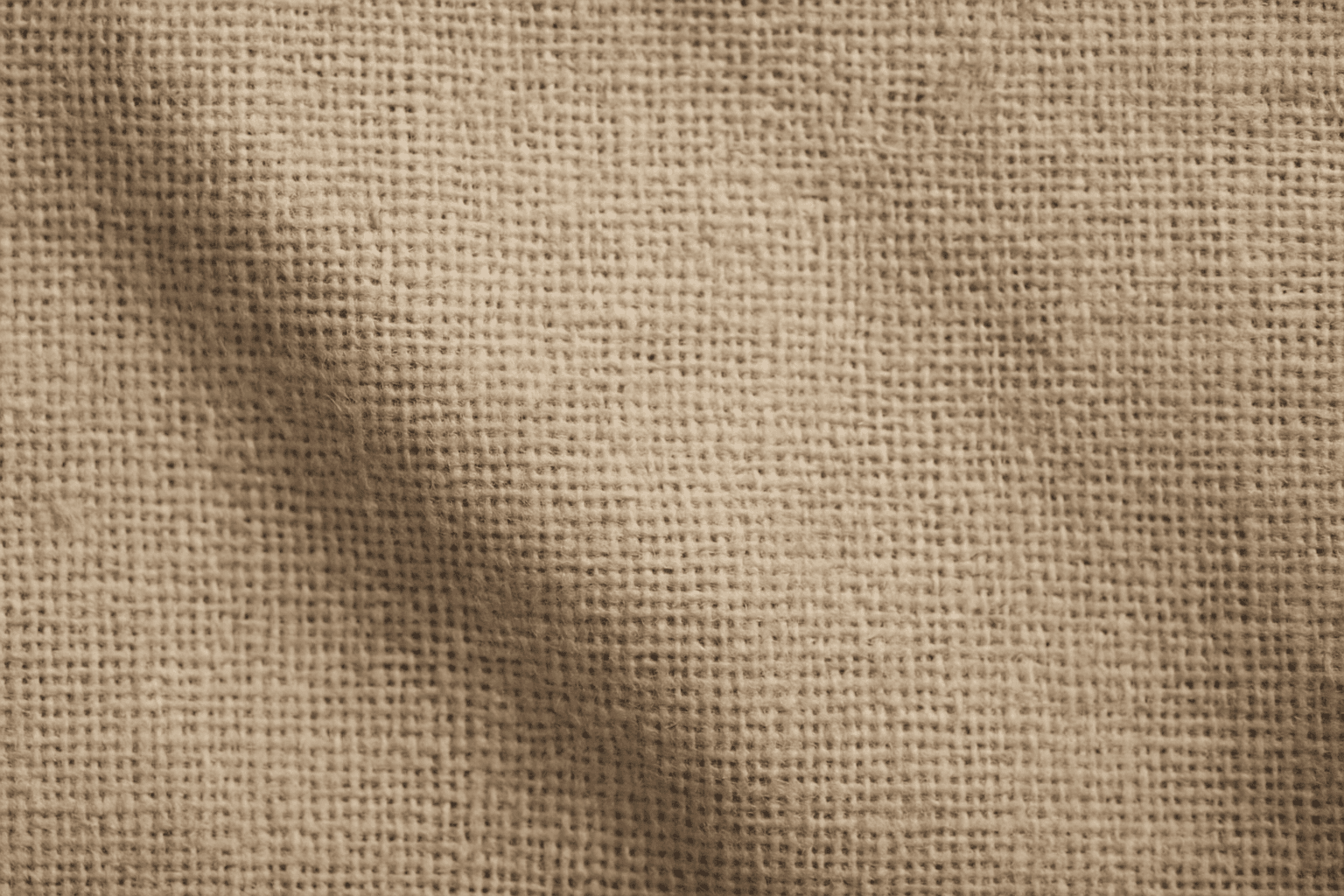
Rough Canvas Texture describes the distinct appearance of coarse woven fabric, typically made from natural fibers like cotton or linen. This texture is characterized by a pronounced weave pattern and a tactile, uneven surface. When used in AI image prompts, it enhances realism by simulating the physical characteristics of canvas materials often seen in paintings, upholstery, or artistic backgrounds. It helps bring a natural, handcrafted feel to digital images, enriching their visual depth and authenticity. This texture suits creative projects aiming to blend digital art with organic elements, serving as a compelling backdrop or detail layer.
Cracked Paint Wall Texture
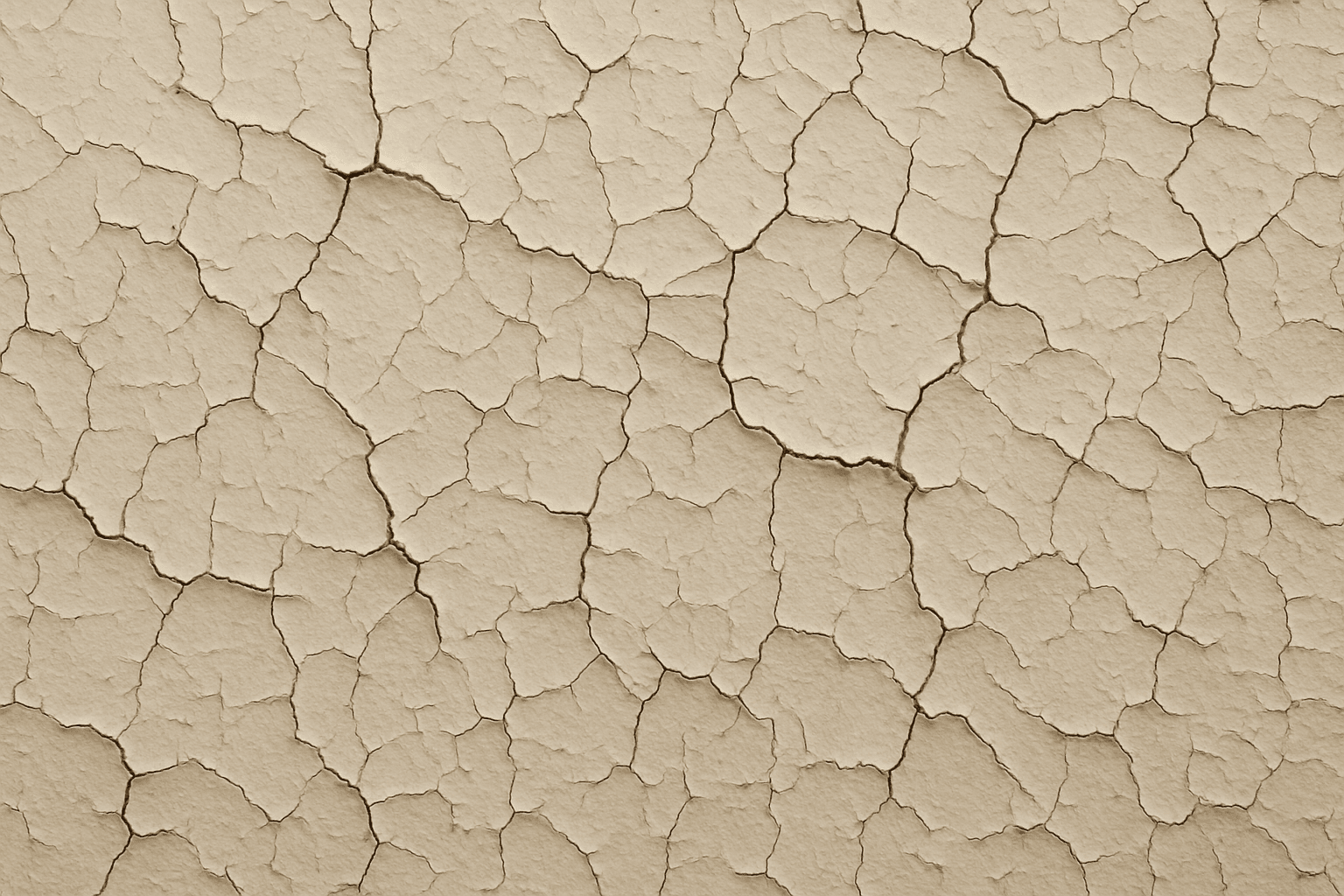
Cracked paint wall texture is a highly sought-after element in digital art and design for its ability to convey urban decay, vintage charm, or neglected environments. When applied to AI image generation, this keyword guides models to create detailed and photorealistic renderings of distressed wall surfaces marked by peeling, cracking, and flaking paint. These textures can evoke strong visual interest and tactile realism, ideal for use in backgrounds, material references, or concept art. Incorporating cracked paint enhances an image’s authenticity by simulating natural deterioration effects often seen in outdoor or abandoned settings, influencing the mood with aged aesthetics and weathered charm.
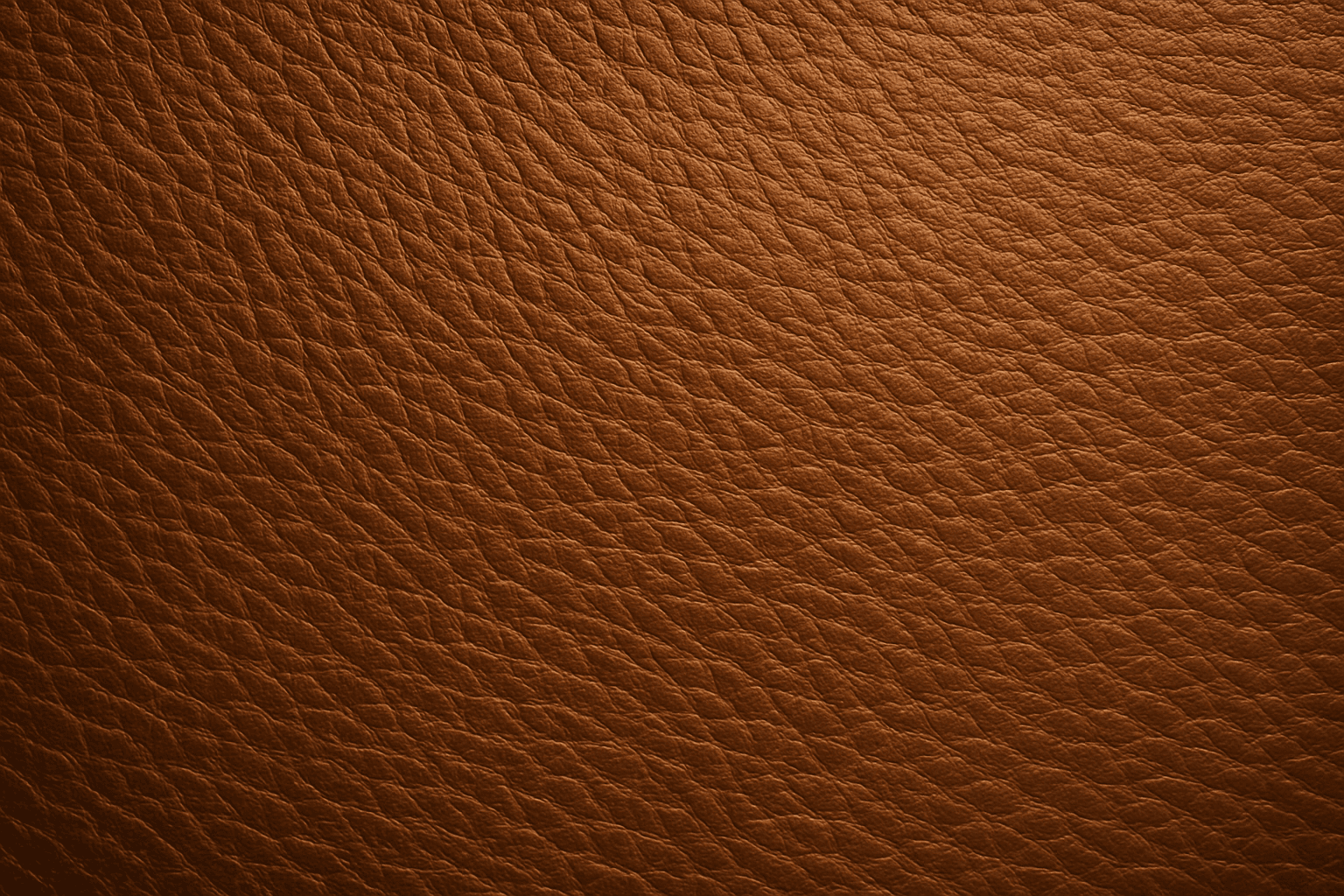
Leather Grain Texture
Using 'Leather Grain Texture' in AI image prompts allows creators to generate images with highly detailed and realistic leather surfaces. This keyword enhances the tactile quality of materials depicted, making them appear more authentic and premium. The characteristic grain patterns convey luxury and craftsmanship, useful for designs needing sophisticated material representation. When combined with appropriate lighting and composition, this texture can create visually rich images suitable for product visualization, fashion editorials, or interior design concepts. Mastery of this keyword helps artists achieve depth and realism in their material renderings, appealing to audiences seeking visually convincing visuals.
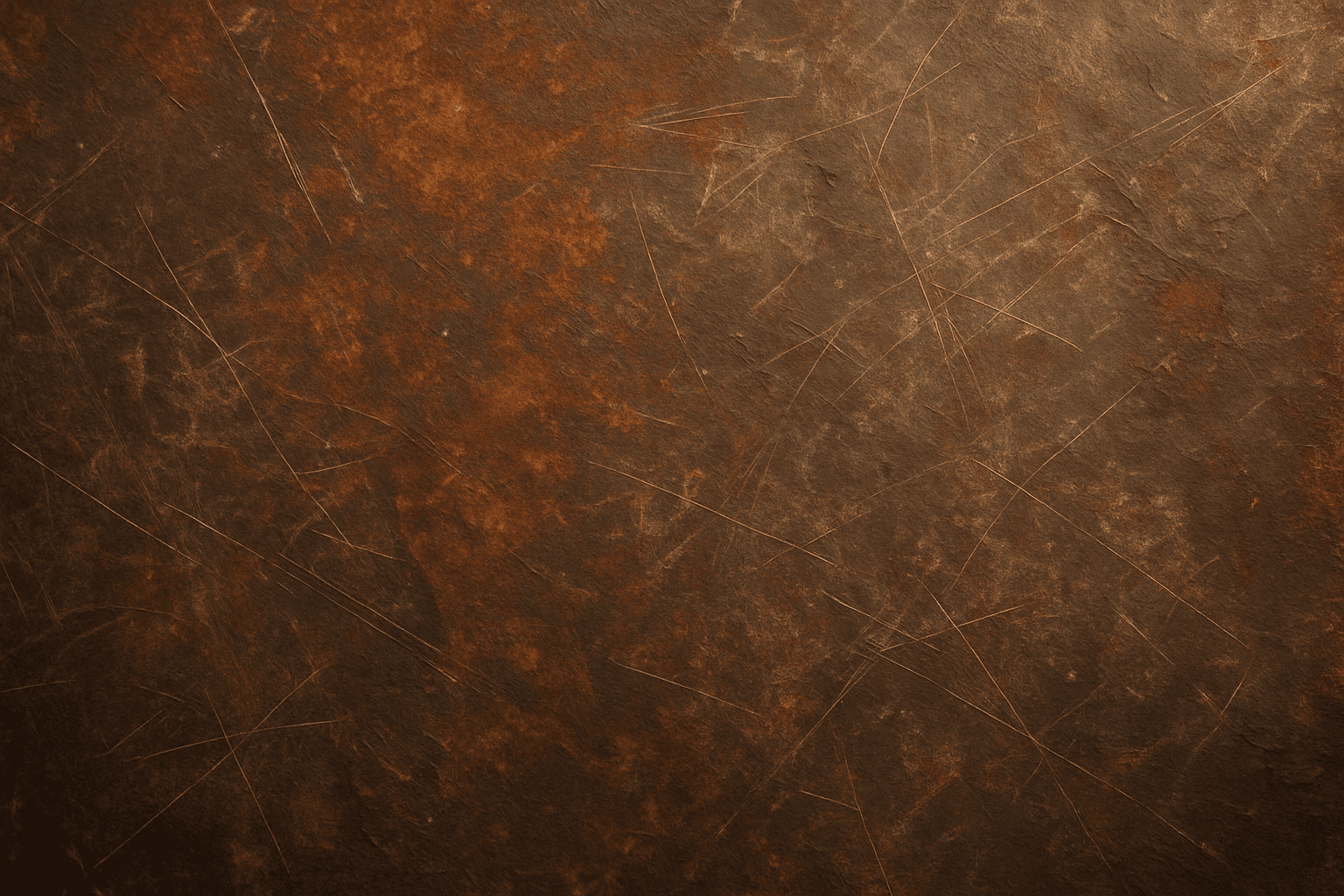
Rustic Metal Texture
Using the Rustic Metal Texture keyword in AI image generation prompts enables artists and designers to depict materials that evoke a tactile sense of history and industrial age charm. The effect mimics the natural aging process on metals, featuring oxidation, pitting, and surface irregularities, which deliver a realistic and visually compelling finish. This texture works well in designs requiring an authentic vintage or handcrafted aesthetic, often used to contrast smoother, newer materials or to emphasize material quality and environment. Incorporating this keyword enhances the feel of depth and realism, making digital renders more tangible and atmospheric for editorial, product visualization, and concept art contexts.
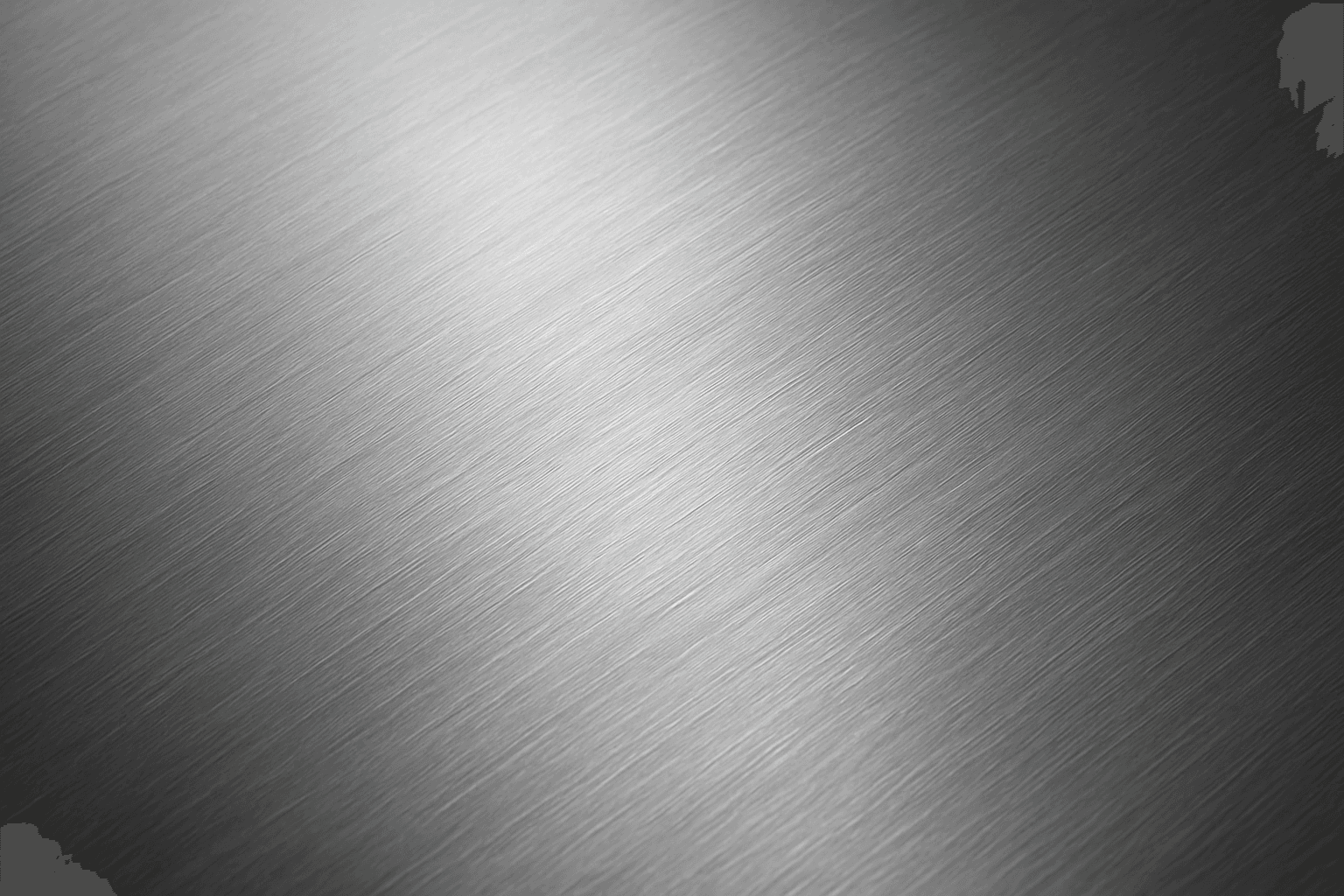
Brushed Metal Texture
Brushed Metal Texture in AI art generation captures the distinctive look of metal surfaces treated by abrasive brushing, which creates smooth, parallel lines affecting how light reflects. It's a popular material finish in industrial design, consumer electronics, and architectural elements, lending a premium, tactile quality to images. Using this texture in AI prompts ensures realistic rendering of metal objects with nuanced light interplay and surface depth. This texture enhances visual interest while maintaining subtlety, making it ideal for product visualizations, backgrounds, and stylized concept art. By controlling this parameter, creators can elevate the authenticity and sophistication of metallic materials within their compositions.