Rough Canvas Texture
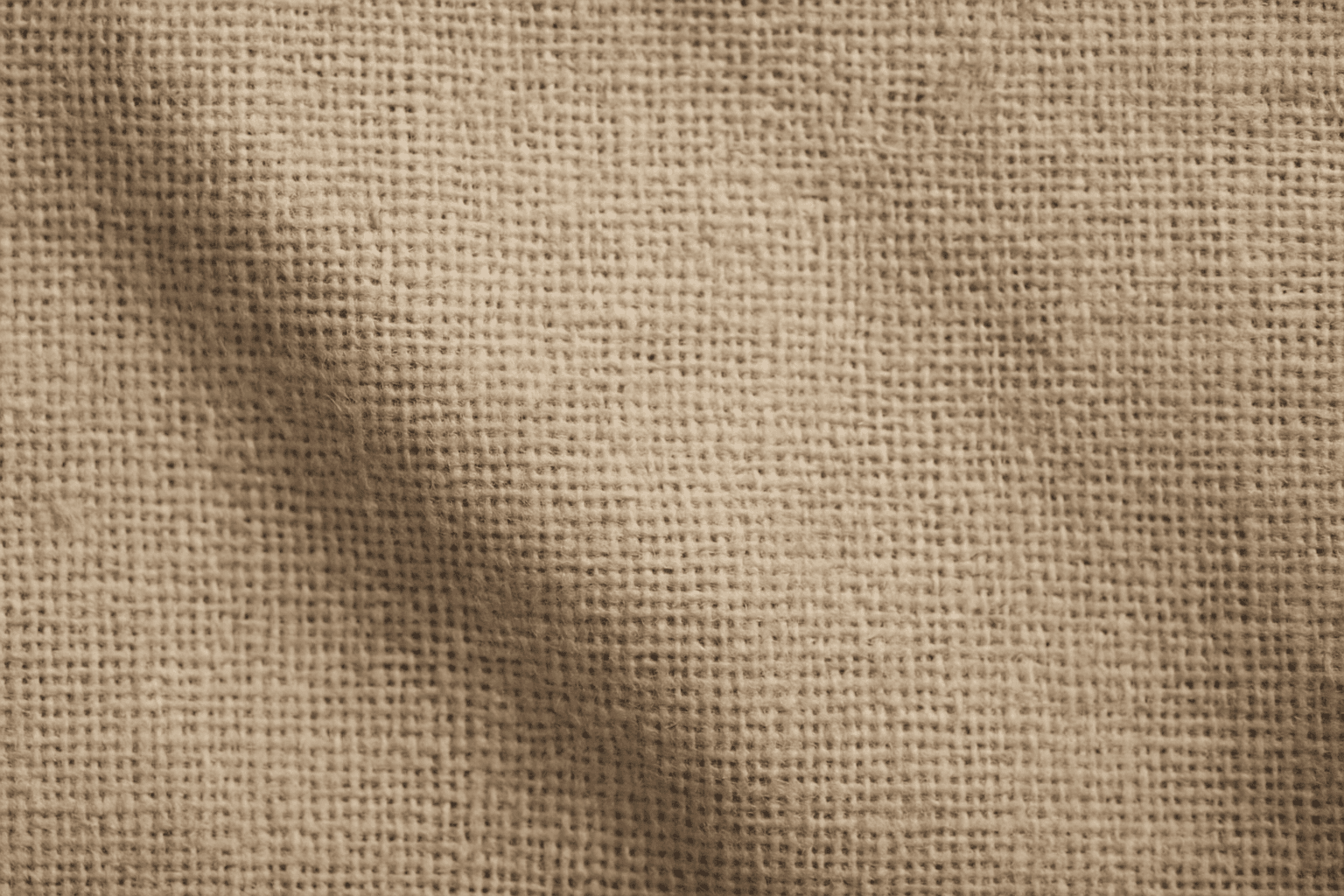
Rough Canvas Texture describes the distinct appearance of coarse woven fabric, typically made from natural fibers like cotton or linen. This texture is characterized by a pronounced weave pattern and a tactile, uneven surface. When used in AI image prompts, it enhances realism by simulating the physical characteristics of canvas materials often seen in paintings, upholstery, or artistic backgrounds. It helps bring a natural, handcrafted feel to digital images, enriching their visual depth and authenticity. This texture suits creative projects aiming to blend digital art with organic elements, serving as a compelling backdrop or detail layer.
Definition
Rough Canvas Texture captures the coarse, woven surface characteristic of canvas fabric, commonly used in art and upholstery. When added to an AI prompt, it guides the model to generate images showing visible fiber weaves, texture irregularities, and a tactile, natural look typical of rough fabric surfaces.
Prompt Formula
Combine texture descriptors with material and lighting details to trigger realistic canvas effects. Example pattern: "[subject] on rough canvas texture, detailed weave, natural fibers, subtle shadows, soft lighting." Adding adjectives like 'coarse,' 'natural,' or 'off-white' enhances authenticity.
- [Subject] on rough canvas texture
- Detailed weave and fiber details
- Natural color tones and subtle shadows
- Soft, diffused lighting to emphasize texture
Best Use Cases
- Digital paintings or illustration canvases
- Artistic textured backgrounds
- Product and textile mockups requiring fabric detail
Industry Applications
Rough Canvas Texture is particularly useful across several commercial fields. In advertising, it adds depth and tactile appeal to visuals promoting artisanal or handcrafted products. In editorial publishing, the texture enriches layouts by integrating natural material backdrops that enhance storytelling. Ecommerce platforms leverage this texture in product imagery to simulate textile quality, improving buyer confidence. Social media content creators use it to craft authentic, visually engaging posts with an organic feel.
- Advertising visuals emphasizing craftsmanship
- Editorial layouts with natural textured backgrounds
- Ecommerce product imagery featuring textiles
Common Mistakes
A frequent error is overloading prompts with generic texture terms without specificity, which can produce blurred or unrealistic fabric effects. Another mistake is neglecting lighting and shadow details, resulting in flat appearances. Avoid cluttered prompts that mix unrelated textures, causing muddiness. Focus on clear, concise descriptions emphasizing weave, fiber detail, and lighting to maintain authenticity.
- Using vague terms like 'texture' only
- Ignoring light and shadow interplay
- Mixing incompatible texture keywords
- Overcomplicating prompts causing noise
Advanced Techniques
Experienced prompt writers can refine results by combining Rough Canvas Texture with controlled lighting modes like 'soft diffused light' or 'dramatic shadows' to highlight texture depth. Specifying fabric wear such as 'frayed edges' or 'paint-splattered canvas' adds narrative detail. Experimenting with color grading or overlaying complementary textures like 'aged paper' can elevate visual impact while maintaining coherence.
- Control lighting to enhance texture depth
- Add wear details (frays, paint splatters)
- Layer with complementary textures
- Use color grading for mood enhancement
Professional Workflow
Begin by defining the creative objective and required image style. Draft prompts starting with Rough Canvas Texture combined with key subjects and lighting parameters. Generate multiple images varying texture detail and lighting. Review outputs, selecting those with authentic fabric weave and realistic shadows. Refine chosen images through iterative prompting or post-processing if available. Organize assets with metadata noting texture specifics for easy reuse in projects.
- Define project style and goals
- Compose detailed texture-inclusive prompts
- Generate varied outputs for selection
- Evaluate for realism and detail
- Iterate to improve or post-process final
FAQ
How can I make rough canvas texture appear more realistic in AI-generated images?
Include detailed descriptors of the weave and fibers, specify natural lighting conditions such as soft shadows, and avoid generic texture terms. Adding imperfections like slight frays or paint marks also increases realism.
Is Rough Canvas Texture suitable for modern product mockups?
Yes, it provides a natural fabric background that enhances the tactile feel of products, especially those related to art, fashion, or home textiles, making images stand out with a handcrafted impression.
Continue Exploring
Related Prompts

Rough Canvas Surface
Using 'Rough Canvas Surface' in AI image prompts introduces a rich textural layer that replicates the tactile qualities of genuine coarse canvas fabric. This texture lends authenticity and tactile depth by showcasing natural weave patterns and surface irregularities that scatter light softly. Ideal for artworks, product mockups, or backgrounds, this texture elevates imagery to feel handcrafted and organic. Its detailed grain adds subtle complexity without overpowering the composition, making it perfect for refined, premium visuals.
Texture Overlay Techniques
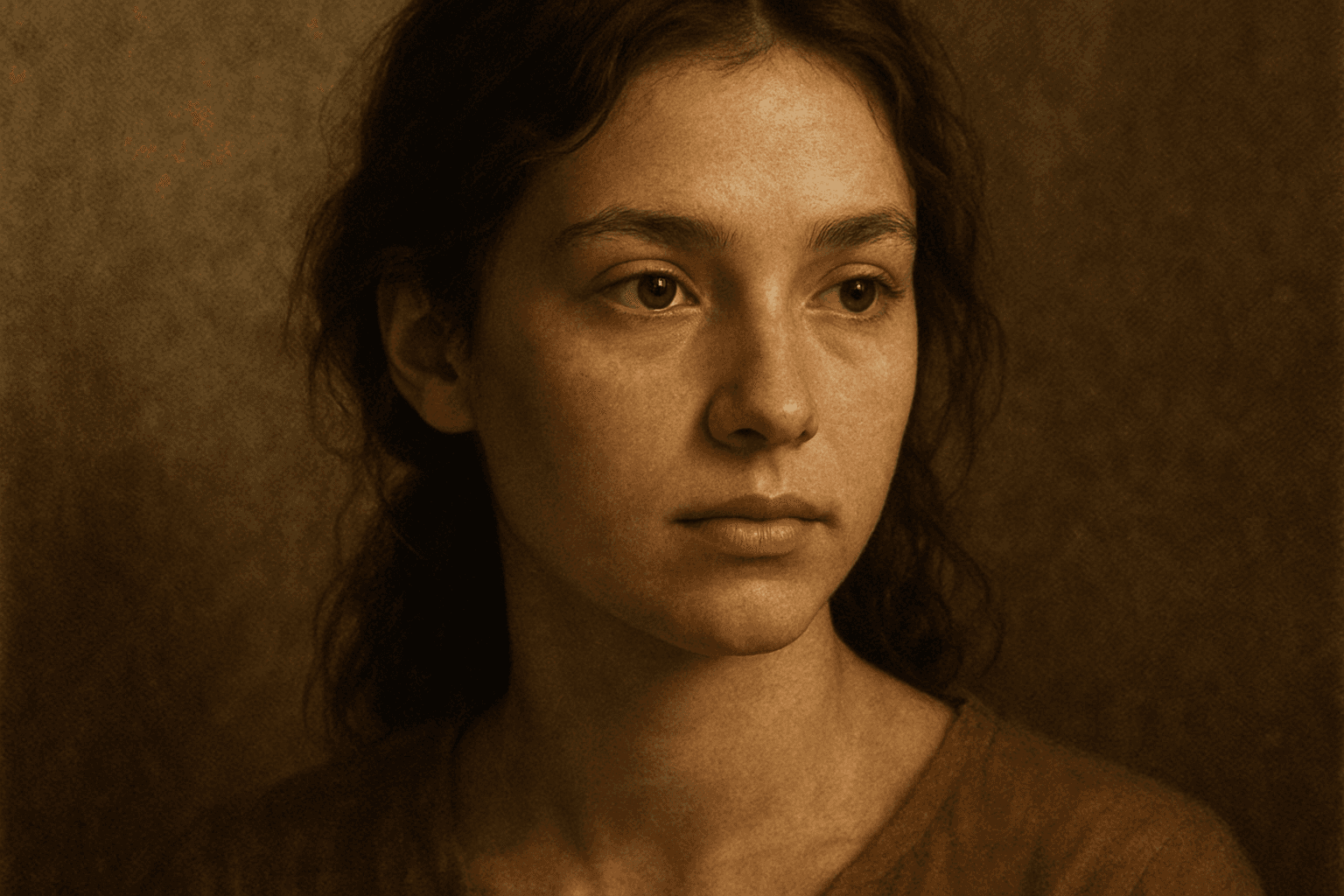
Texture Overlay Techniques are essential for artists and designers using AI image generation to add realistic or stylized surface qualities to their visuals. By specifying textures in a prompt, you can transform flat or generic images into rich, detailed creations that mimic physical materials or artistic effects. These overlays help in achieving mood, authenticity, or unique artistry by adding layers of complexity without altering the core composition. Whether you want a weathered wall effect or a glossy metallic finish, texture overlays deepen the narrative and visual appeal. Understanding how to incorporate texture keywords and their combinations allows for controlled refinement and diverse outputs, making images stand out in editorial, commercial, or creative projects.

Rough Concrete Surface Texture
The 'Rough Concrete Surface Texture' keyword is essential for generating realistic architectural and artistic images where material authenticity is key. This texture conveys the tactile sensation of coarse, unfinished concrete, distinguished by its irregular surface, visible small stones, and imperfections like cracks and pores. Including this keyword in AI prompts enhances image realism by focusing on material detail. It is especially valuable in designs requiring gritty, industrial, or urban aesthetics, contributing to a sense of depth and authenticity in both digital and print projects. Mastery of rendering this texture helps designers and artists produce compelling visuals that resonate with users seeking raw and tangible surfaces.
Rough Stone Texture
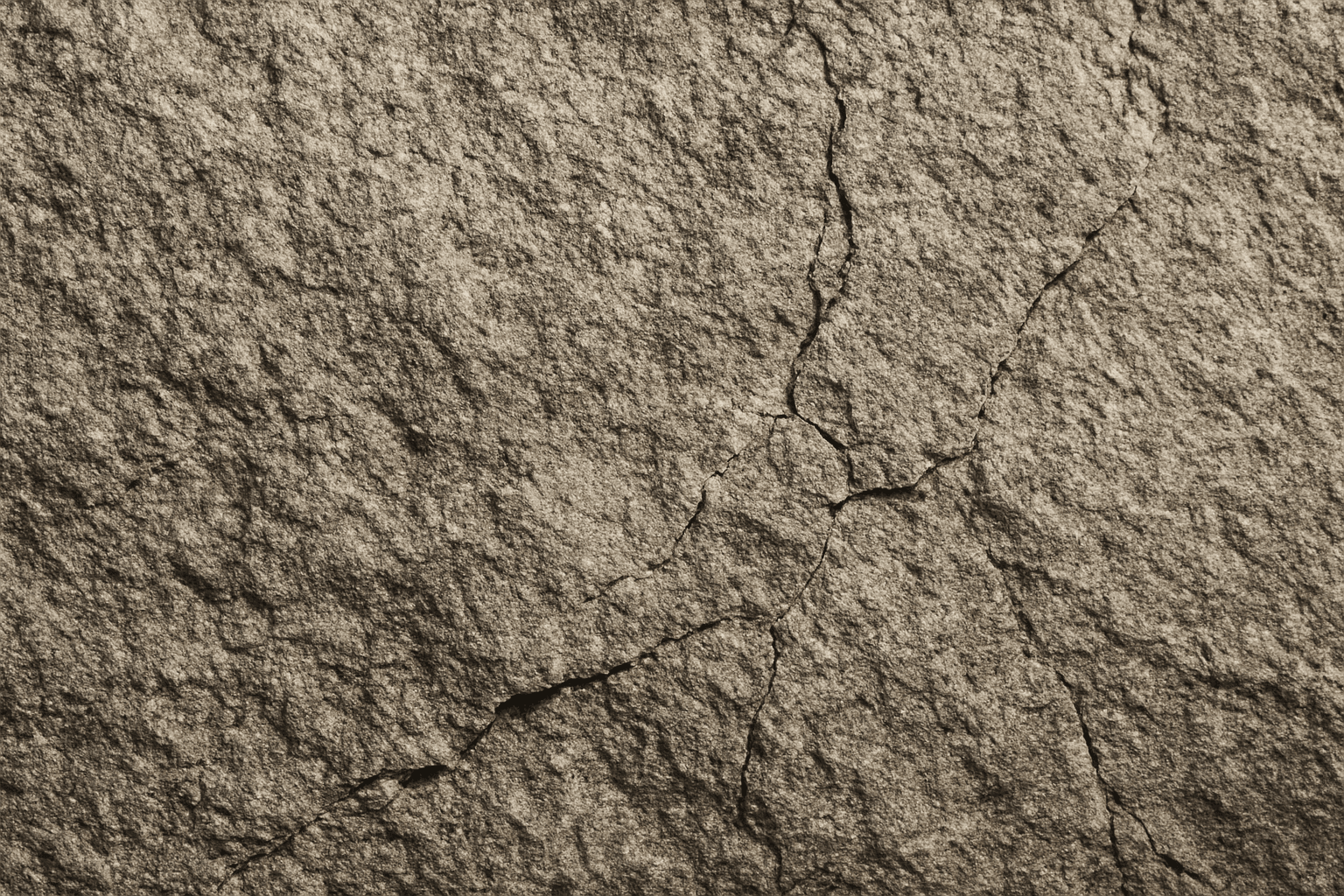
The 'Rough Stone Texture' keyword enhances AI-generated images by simulating the complex irregularities found in natural stone surfaces. This texture adds depth and authenticity to visuals, making materials appear tactile and rugged rather than smooth or artificial. It is especially valuable in rendering natural elements, architectural details, or backgrounds requiring realistic stone appearance. Using precise prompts with this keyword guides AI models toward creating images with detailed stone grains, cracks, and surface imperfections, aligning with authentic rough stone features found in nature or construction materials.
Distressed Paper Texture
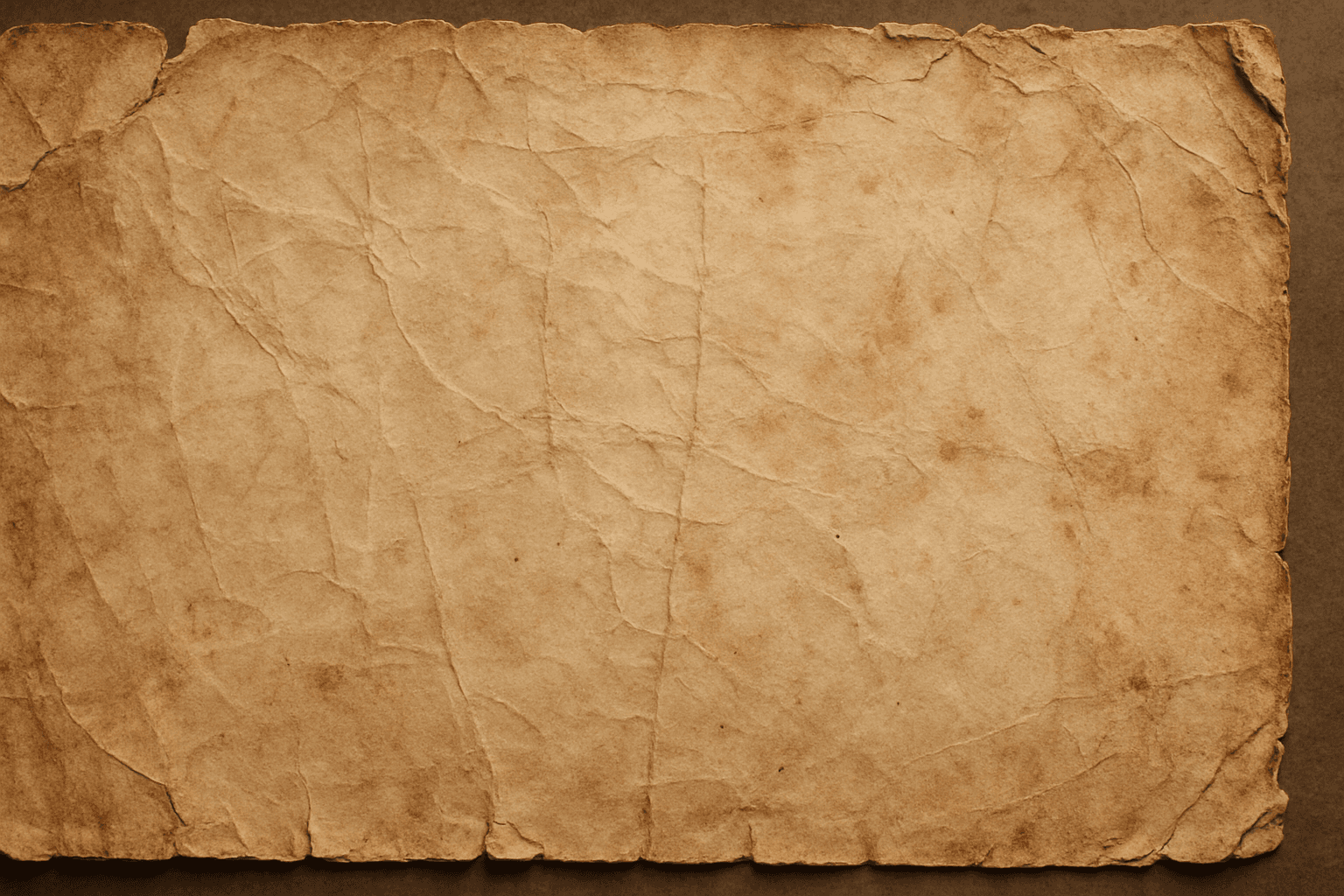
The distressed paper texture keyword is a valuable tool in AI image generation that adds authenticity and historical ambiance to digital artworks by simulating the look of aged or damaged paper. This effect is popular for creating backgrounds, overlays, or standalone textures in graphic design, photography adjustments, and illustrative projects. Incorporating distressed paper elements enriches visual storytelling, evokes nostalgia, and can enhance the mood of vintage or handmade aesthetics. Controlled application within prompts ensures that the wear appears natural without overpowering the primary subject.
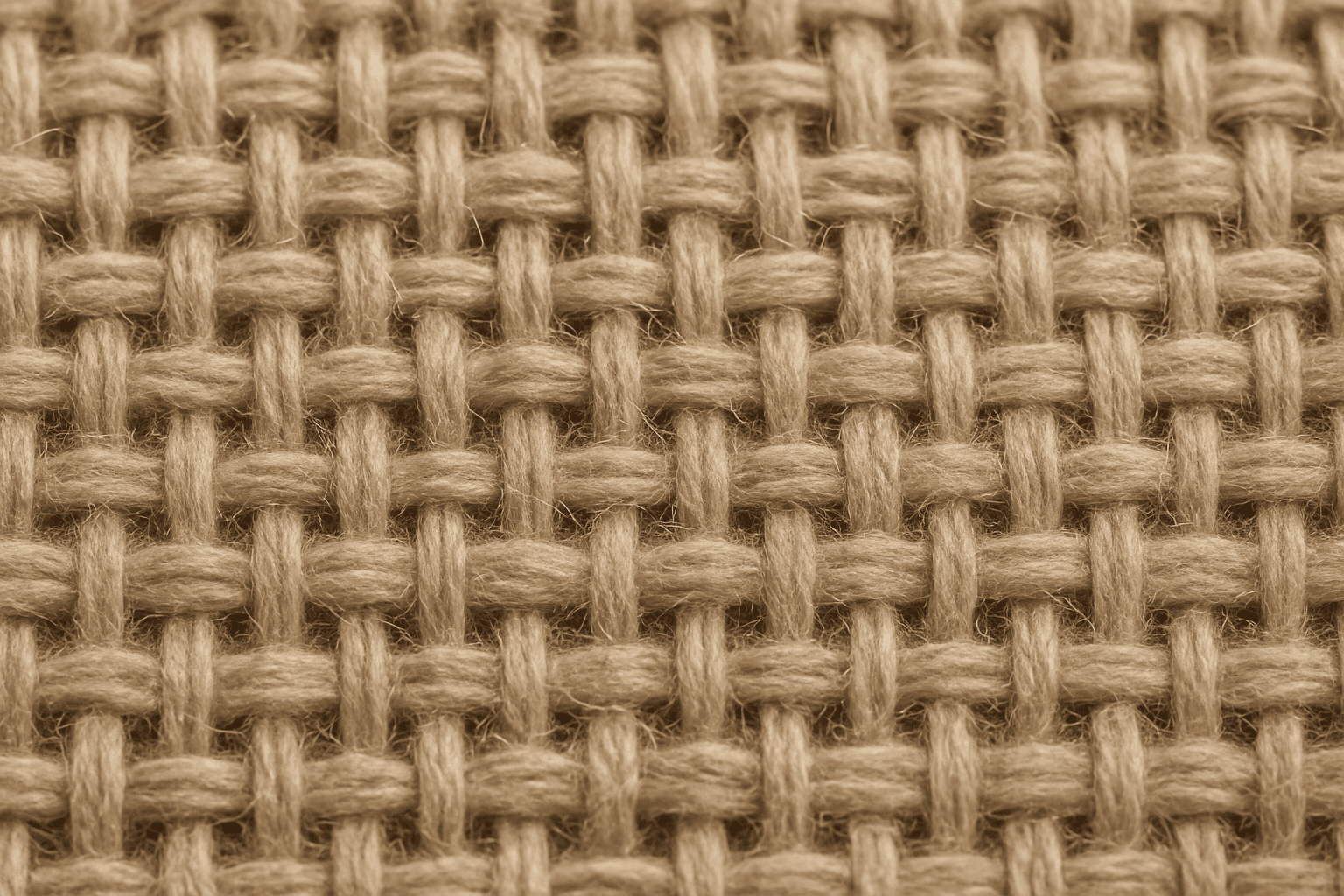
Woven Textile Texture
In the realm of AI image generation, 'woven textile texture' is a valuable keyword for artists and designers seeking photorealistic fabric appearances in their creations. This texture replicates the intricate intertwining of warp and weft threads seen in real textiles, providing a rich surface detail that enhances the tactile feel of digital images. Including this keyword helps render lifelike cloth materials with convincing thread patterns and subtle lighting interactions that highlight the depth and weave complexity. Such imagery benefits industries ranging from fashion design to interior visualization by adding authentic fabric elements that elevate overall realism.