Rough Canvas Surface
Using 'Rough Canvas Surface' in AI image prompts introduces a rich textural layer that replicates the tactile qualities of genuine coarse canvas fabric. This texture lends authenticity and tactile depth by showcasing natural weave patterns and surface irregularities that scatter light softly. Ideal for artworks, product mockups, or backgrounds, this texture elevates imagery to feel handcrafted and organic. Its detailed grain adds subtle complexity without overpowering the composition, making it perfect for refined, premium visuals.

Definition
The 'Rough Canvas Surface' keyword guides AI to simulate the tactile texture of authentic, coarse canvas fabric in generated images. This element adds a realistic, fibrous surface presence—showcasing visible weave and uneven texture patterns that influence light and shading, lending handmade and organic qualities to visuals.
Prompt Formula
To incorporate 'Rough Canvas Surface' in prompts effectively, combine texture descriptors with lighting and style terms. For example:
- [Subject] on rough canvas surface with visible weave and matte texture
- [Artwork type] painted on a textured rough canvas surface under soft lighting
- Close-up of [object] featuring rough canvas fabric grain and natural irregularities
Best Use Cases
- Creating digital artwork backgrounds that mimic real canvas texture
- Designing packaging visuals requiring authentic fabric tactile feel
- Adding texture depth to editorial photography and product mockups
Advanced Techniques
Experienced prompt writers can refine the 'Rough Canvas Surface' effect by controlling lighting to emphasize texture shadows and highlights, pairing it with color grading for aged or vintage effects, and layering material references for mixed-media realism. Consider adding constraints like "natural fiber imperfections," "coarse weave pattern," or "subtle fiber fraying" to increase surface complexity and authenticity.
- Use directional soft lighting to enhance texture shadows
- Combine with 'aged' or 'weathered' keywords for vintage looks
- Specify fiber detail levels like 'fine weave' vs 'coarse weave' for texture variety
Professional Workflow
Start by defining the subject and selecting 'Rough Canvas Surface' to add tactile fabric texture. Generate multiple images with varied lighting and texture intensity. Review outputs for surface realism and composition fit. Refine prompts to adjust weave visibility or fabric tone. Once satisfied, finalize images with subtle post-processing to enhance texture detail while maintaining natural feel for professional-grade visuals.
- Brief clearly including texture and lighting details
- Generate diverse image iterations with adjusted texture parameters
- Select images showcasing optimal grain clarity and realistic lighting
- Post-process lightly to sharpen or soften texture as needed
FAQ
How does adding 'Rough Canvas Surface' affect AI image output?
It instructs the AI to simulate a coarse and textured fabric background or surface, enhancing tactile realism, visible weave patterns, and subtle light interaction consistent with natural canvas.
Can I combine 'Rough Canvas Surface' with other textures?
Yes, layering it with complementary textures like 'aged paper' or 'fabric weave' can create complex materials and enhance artistic effects with more nuanced surface detail.
Continue Exploring
Related Prompts
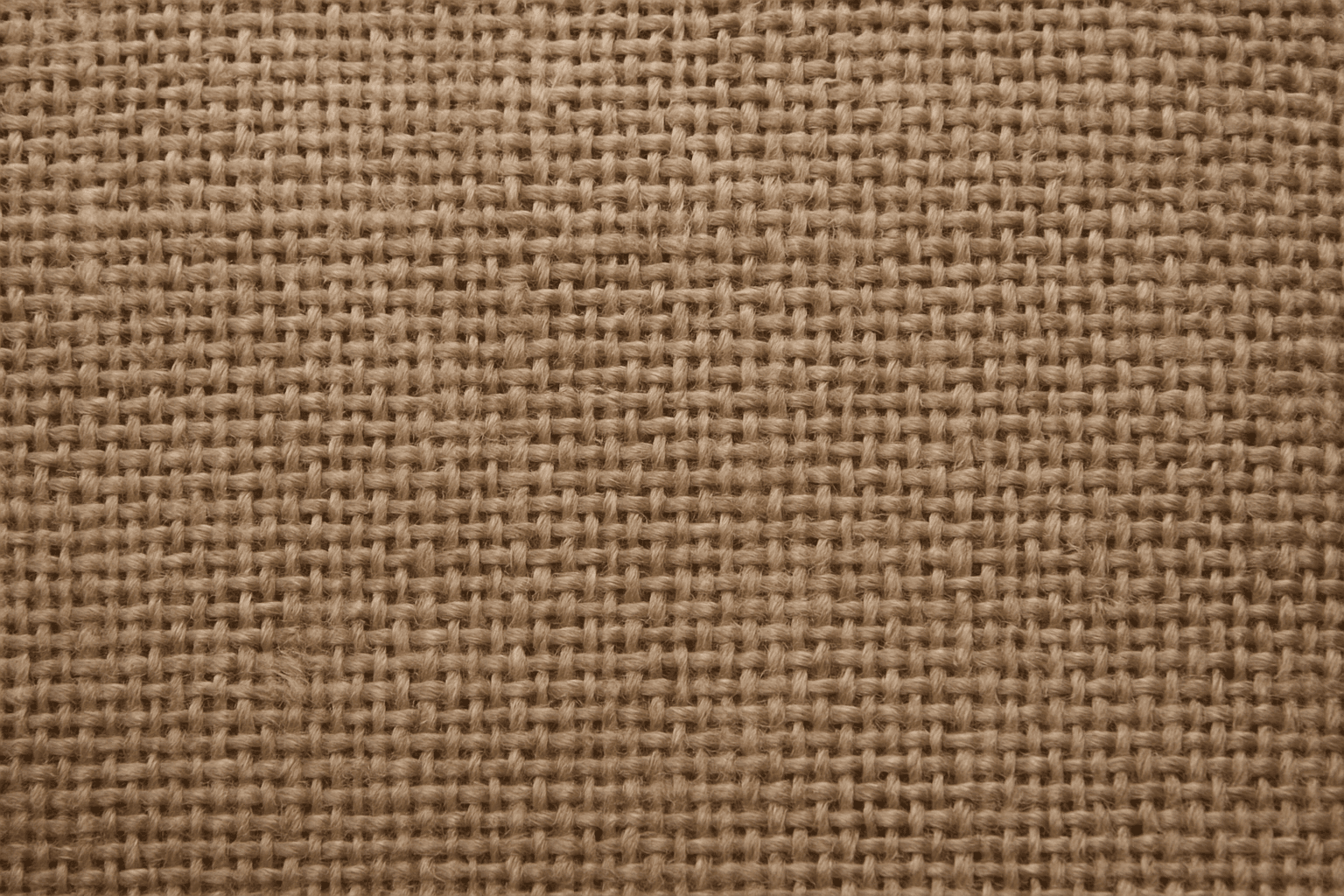
Rough Canvas Surface Texture
Rough Canvas Surface Texture is a popular keyword in the AI art community used to replicate the physical characteristics of a traditional painter's canvas within digital images. By incorporating this texture, artists and designers can introduce a natural, tactile element that enriches visual storytelling with the impression of real-world materials. This adds both photorealistic and artistic qualities, making AI-generated images evocative, detailed, and perfect for various creative projects that require a handcrafted feel. Whether aiming for a classic painting effect or textured backgrounds, this keyword guides AI models to recreate complex fiber surfaces realistically.
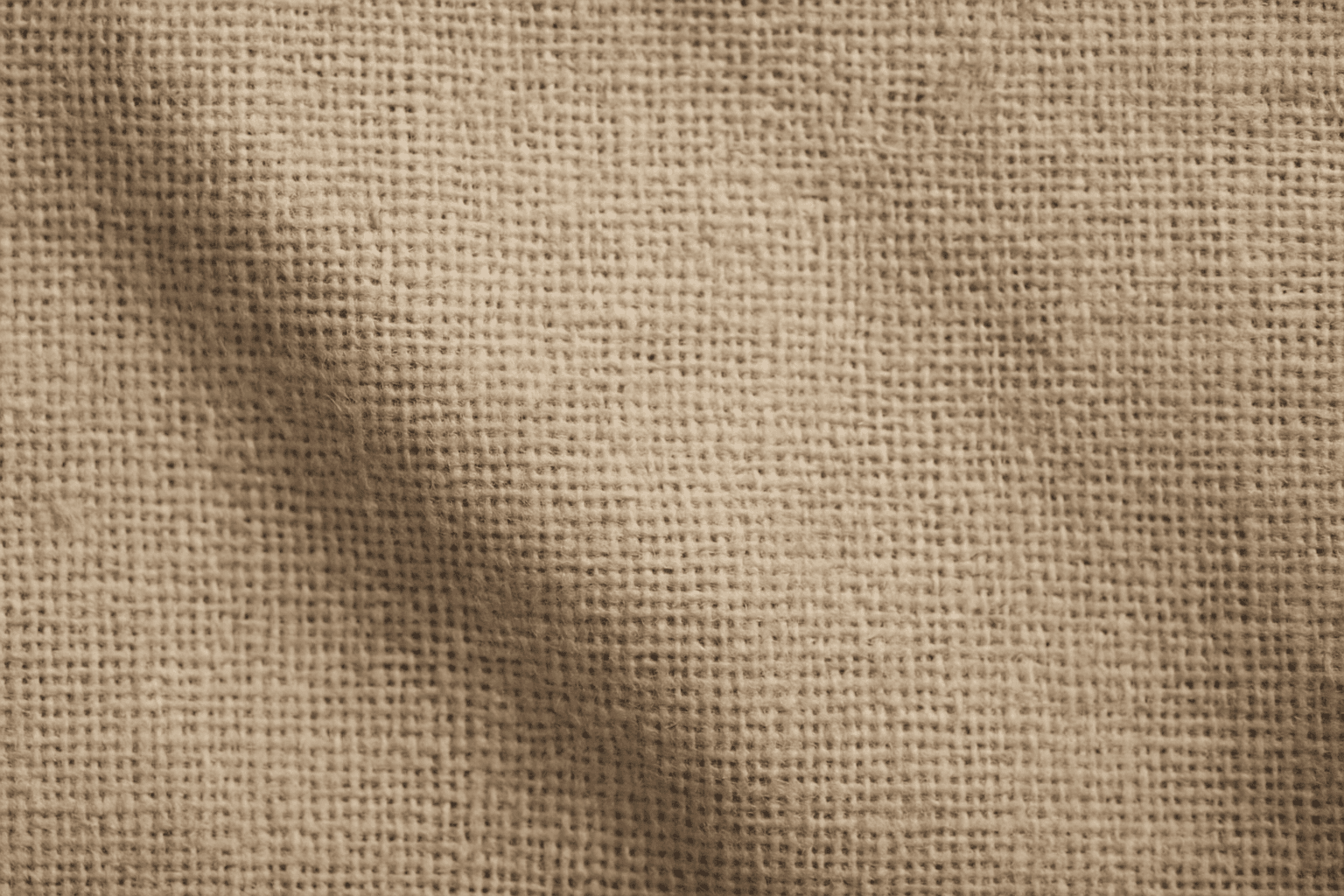
Rough Canvas Texture
Rough Canvas Texture describes the distinct appearance of coarse woven fabric, typically made from natural fibers like cotton or linen. This texture is characterized by a pronounced weave pattern and a tactile, uneven surface. When used in AI image prompts, it enhances realism by simulating the physical characteristics of canvas materials often seen in paintings, upholstery, or artistic backgrounds. It helps bring a natural, handcrafted feel to digital images, enriching their visual depth and authenticity. This texture suits creative projects aiming to blend digital art with organic elements, serving as a compelling backdrop or detail layer.
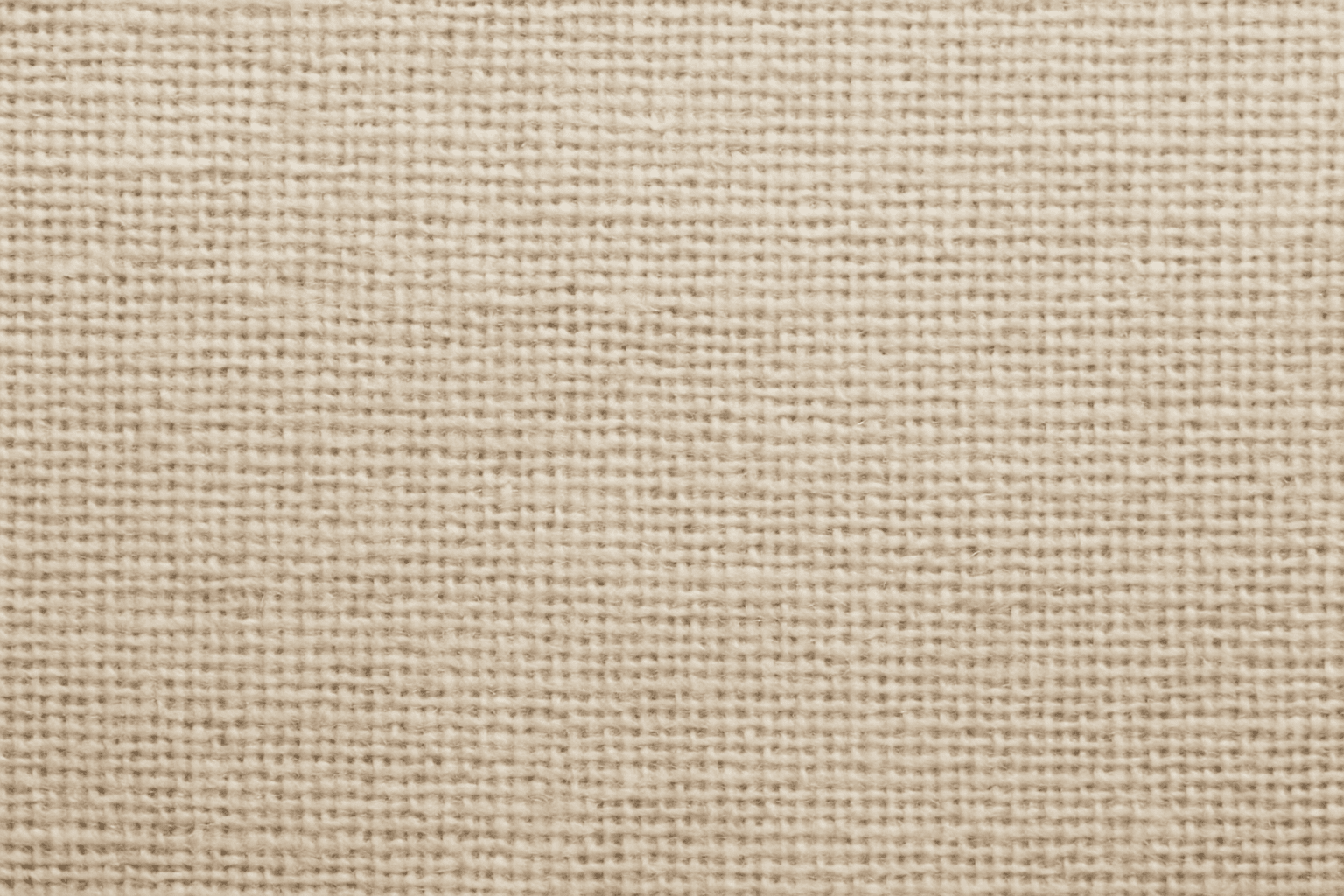
Textured Canvas Surface
In AI image generation, adding a 'Textured Canvas Surface' imparts the look and feel of traditional canvas materials, enriching digital images with a tactile, handcrafted aesthetic. This feature is vital when aiming for realism in artworks simulating paintings or prints, as it introduces subtle texture variations and surface depth that digital renders often lack. This keyword helps bridge the gap between digital creation and physical artistry by mimicking the fibrous structure and matte finish of real canvas, offering a premium and authentic appearance. Used carefully, it can elevate stock images, fine art reproductions, and editorial visuals that benefit from material authenticity.

Rough Concrete Surface Texture
The 'Rough Concrete Surface Texture' keyword is essential for generating realistic architectural and artistic images where material authenticity is key. This texture conveys the tactile sensation of coarse, unfinished concrete, distinguished by its irregular surface, visible small stones, and imperfections like cracks and pores. Including this keyword in AI prompts enhances image realism by focusing on material detail. It is especially valuable in designs requiring gritty, industrial, or urban aesthetics, contributing to a sense of depth and authenticity in both digital and print projects. Mastery of rendering this texture helps designers and artists produce compelling visuals that resonate with users seeking raw and tangible surfaces.
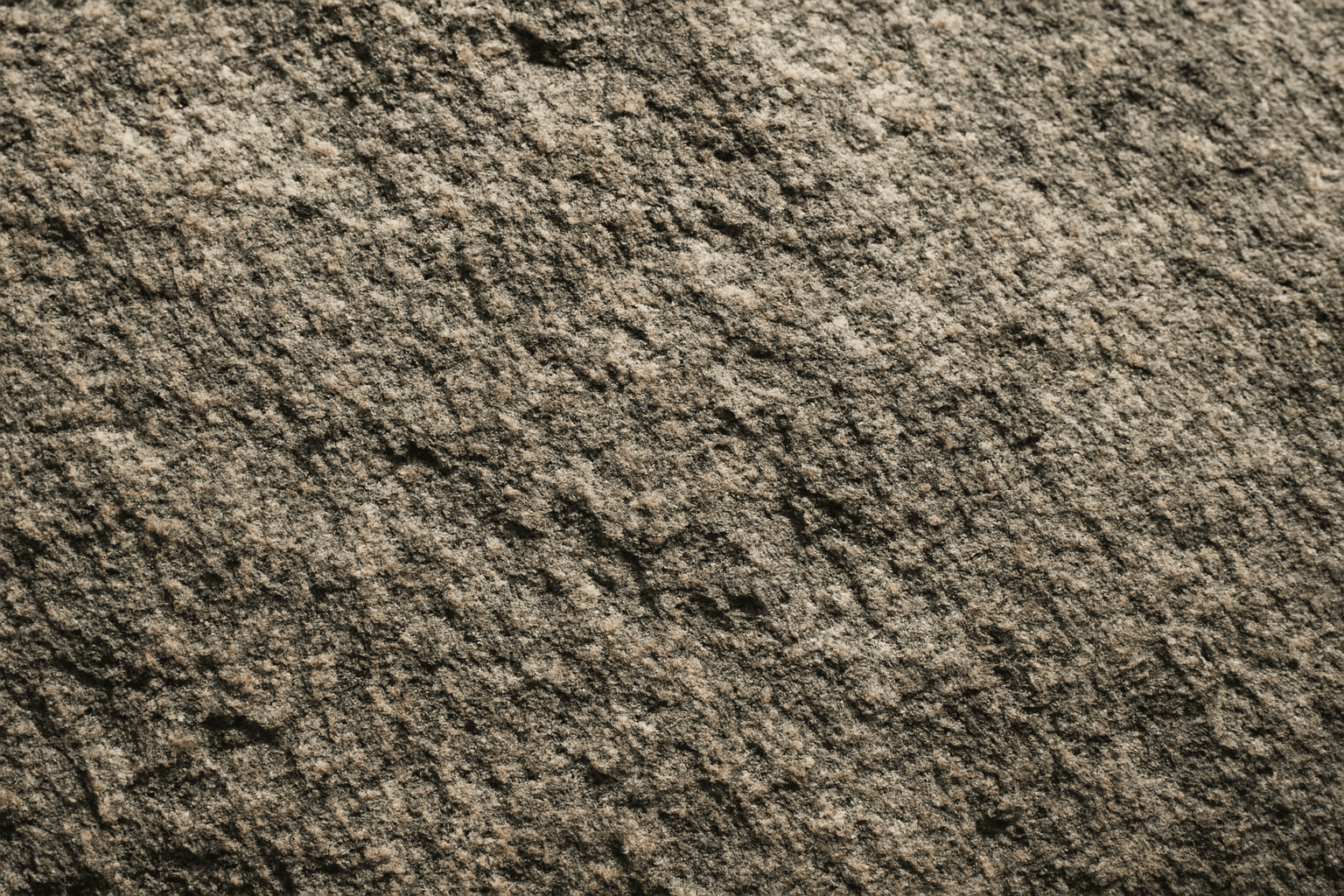
Rough Stone Surface Texture
The 'rough stone surface texture' keyword enriches AI-generated images by emphasizing the coarse and uneven qualities of stone materials. Incorporating this into prompts directs the AI to produce surfaces with natural irregularities, such as grains, cracks, and rugged edges, which simulate real-world rough stone. This texture adds depth and realism, making visuals suitable for architectural renders, backgrounds, or tactile material studies. By mastering this keyword, creators can enhance visual storytelling where material authenticity plays a key role in immersion or aesthetic appeal.

Wood Grain Surface Texture
Wood grain surface texture captures the intricate patterns and natural beauty found in wooden materials. This texture is characterized by flowing lines, knots, and a warm color palette that conjures the organic essence of wood. When incorporated in AI image generation prompts, it helps models produce authentic wooden surfaces, from smooth polished floors to rustic furniture with visible fibers. Wood grain lends tactile depth and aesthetic appeal, making images more immersive and rich in detail. Its versatility allows for use across design, interior visualization, product mockups, and artistic compositions, enhancing the material realism dramatically.