Woven Textile Texture
In the realm of AI image generation, 'woven textile texture' is a valuable keyword for artists and designers seeking photorealistic fabric appearances in their creations. This texture replicates the intricate intertwining of warp and weft threads seen in real textiles, providing a rich surface detail that enhances the tactile feel of digital images. Including this keyword helps render lifelike cloth materials with convincing thread patterns and subtle lighting interactions that highlight the depth and weave complexity. Such imagery benefits industries ranging from fashion design to interior visualization by adding authentic fabric elements that elevate overall realism.
Definition
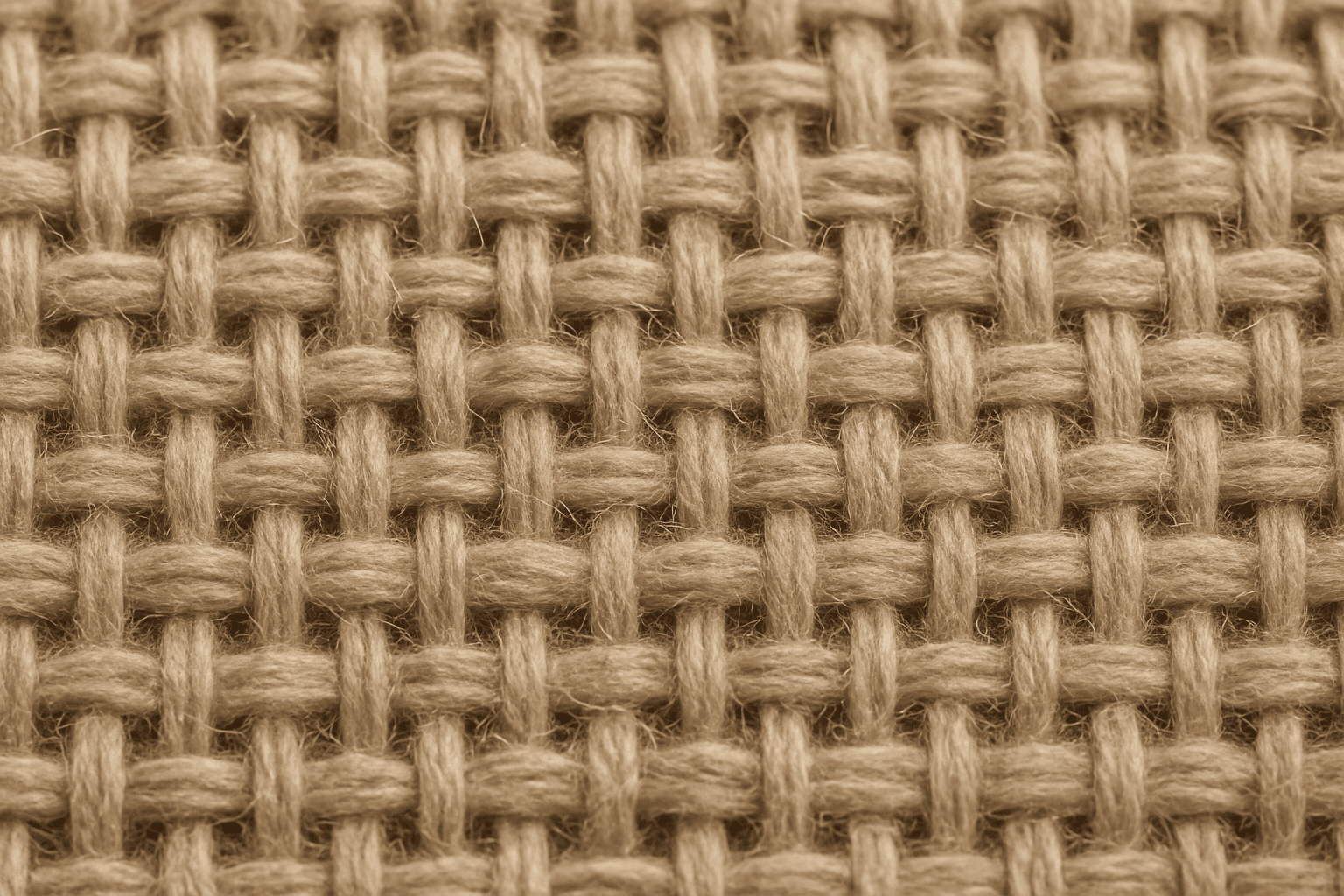
Woven textile texture in AI image generation refers to creating visual representations of fabrics where threads intersect in systematic patterns—like plain, twill, or satin weaves. Adding this keyword to prompts directs the AI to simulate the detailed surface of woven cloth, highlighting the interlacing threads and fabric fiber structure. This enhances the realism and tactile impression of the generated images by visually communicating the material’s weave pattern.
Visual Characteristics
- Visible interlaced thread patterns forming distinct crisscross or diagonal lines
- Textured surface showcasing subtle fiber details and thread thickness variations
- Natural color blending within thread strands creating soft depth and fabric irregularities
Prompt Formula
To reliably generate woven textile textures, use prompt patterns combining material descriptors, texture details, and lighting. For example: - "Close-up of [fabric type] with detailed woven textile texture, natural soft lighting" - "High-detail woven textile texture on [object], visible thread patterns, subtle fiber variations" - "Textured woven textile surface, intricate thread interlacing, realistic depth, warm ambient light" This formula ensures clear weaving presentation while enabling adjustments for fabric type and lighting nuances.
Best Use Cases
- Fashion imagery highlighting specific cloth textures and thread details
- Interior renderings emphasizing upholstery and curtain materials
- Product presentations of soft goods where fabric realism is key
Creative Variations
To diversify outputs and avoid repetitive woven textile renders, consider adjusting style and context. Experiment with different fabric types (e.g., silk, cotton, burlap), lighting scenarios (soft daylight, studio spotlight), color palettes (monochromatic, vibrant, earth tones), and compositions (extreme close-ups, fabric draped on objects, macro details). Introducing subtle wear, fraying edges, or patterned weave variations can add uniqueness and artistic depth to your texture imagery.
Industry Applications
- Ecommerce: realistic fabric textures improve product appeal and buyer confidence
- Advertising: textile visuals strengthen brand messaging in fashion and interiors
- Editorial: detailed fabric representations enrich magazine spreads and online content
Common Mistakes
A frequent error in prompts involving woven textile texture is neglecting specificity, resulting in blurry or generic fabric surfaces lacking thread detail. Overloading prompts with vague terms like 'fabric texture' without clarifying 'woven' can yield unrealistic or overly smooth results. Additionally, ignoring lighting and fiber characteristics can produce flat, lifeless textures. To avoid this, precisely incorporate 'woven textile texture' along with descriptors of fabric type, weave style, and lighting to ensure clear, tactile visuals.
Model-Specific Tips
When working with modern AI image models, use straightforward, descriptive language focusing on the weave pattern and fiber details without relying on complex syntax or negations. Pair 'woven textile texture' with concrete material names (e.g., linen, wool) and lighting cues to enhance output quality. Avoid ambiguous terms that may confuse the model, and prefer clarity and consistency. Testing prompt variations improves results, as different models interpret texture keywords slightly differently—adjust accordingly for best realism.
FAQ
How can I make woven textile textures appear more realistic in AI-generated images?
Include specific fabric types and weave patterns in your prompt, such as 'plain weave cotton' or 'twill wool,' along with lighting descriptors like 'soft natural light.' This combination prompts the AI to render more detailed and believable woven fibers and thread intersections.
Can I use woven textile texture prompts for non-fabric materials?
While primarily for fabrics, woven textile texture prompts can inspire artistic interpretations of any interlaced or mesh-like surfaces, such as basketry or wire meshes, if explicitly described in your prompt.
Continue Exploring
Related Prompts
Fabric Weave Pattern
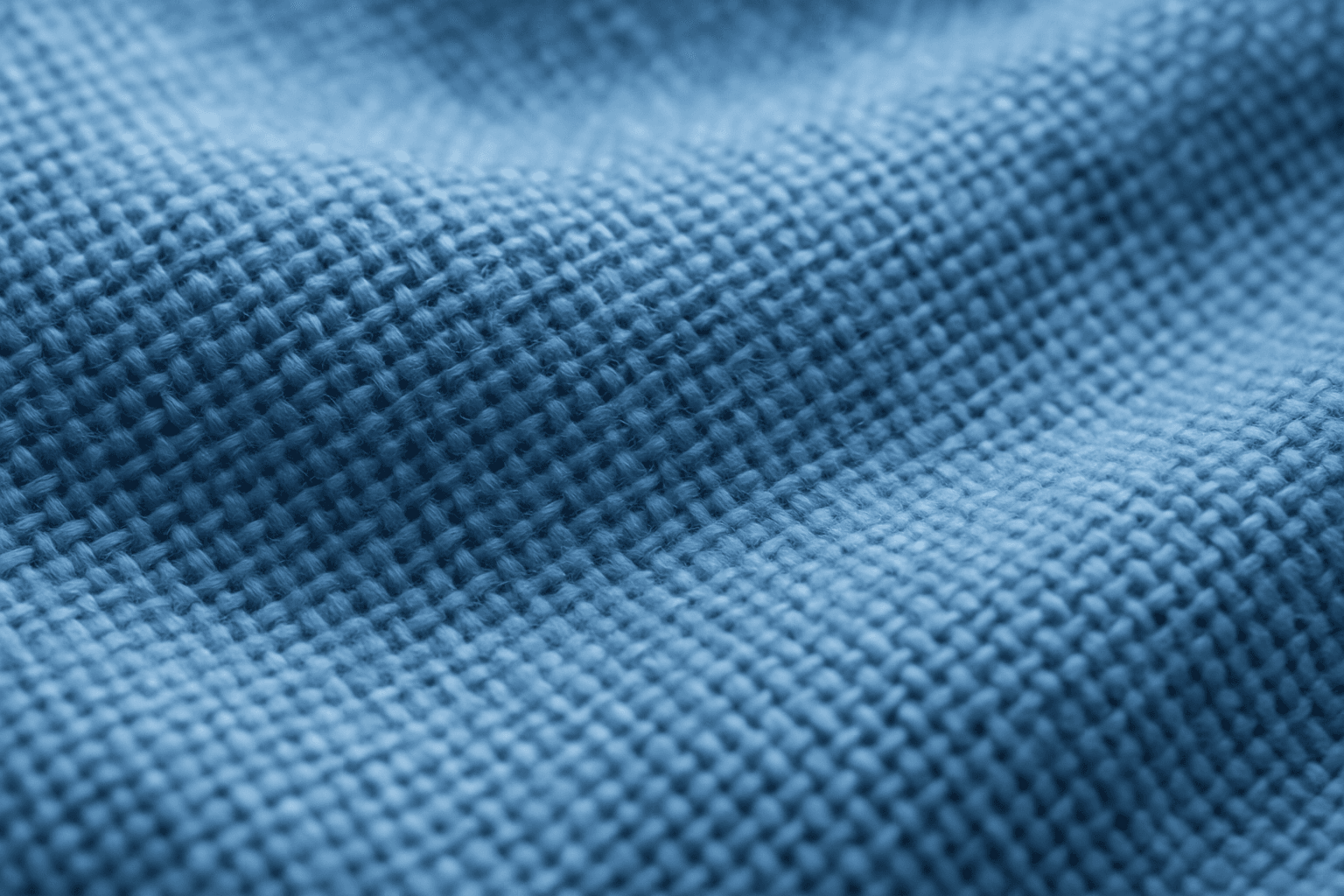
Fabric weave patterns provide rich, tactile details in AI-generated images, essential for portraying realistic textiles. Including this keyword enhances the depiction of material texture, surface intricacies, and thread arrangements, which elevate the authenticity of digital fabrics. This texture detail aids artists and designers in producing premium-quality visuals useful for fashion, interiors, and product mockups. Understanding how to prompt these patterns allows for versatility across luxury silks, rugged denims, or cozy woolens in digital art creation.

Woven Fabric Material Texture
Woven fabric material texture is a fundamental element in textile visualization, representing the intricate crossing and interlocking of yarns to form cloth. In AI-generated imagery, emphasizing woven fabric textures helps bring life to digital fabrics by simulating thread thickness, weave patterns, and fabric density. This texture varies from coarse burlap to fine silk weaves, each bringing distinct visual and tactile impressions. Using this keyword focuses AI's attention on fabric realism, making it ideal for fashion renders, interior design mockups, and product visualization where fabric detail enhances perceived quality.
Fabric Texture
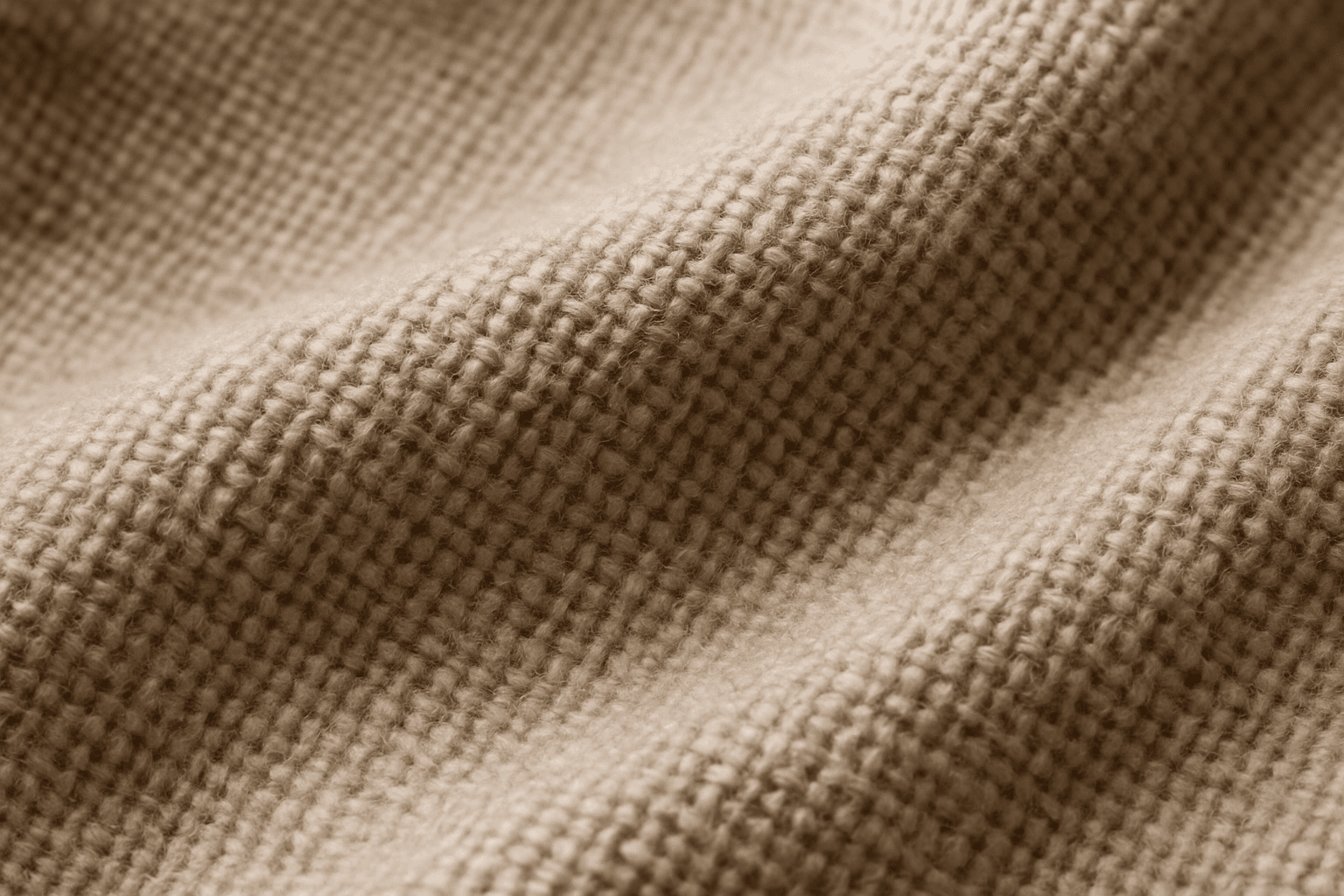
Fabric Texture is a vital keyword for AI image generation when you want to depict textiles realistically. It guides the AI to focus on nuances such as fiber weave, surface irregularities, and light reflection that define materials like cotton, silk, denim, or wool. This keyword enriches visuals in fashion photography, interior design details, and product shots by ensuring cloth surfaces look tangible and authentic. Proper use leads to images that convey texture depth, fiber quality, and material type, crucial for commercial appeal and viewer engagement.
Leather Grain Texture
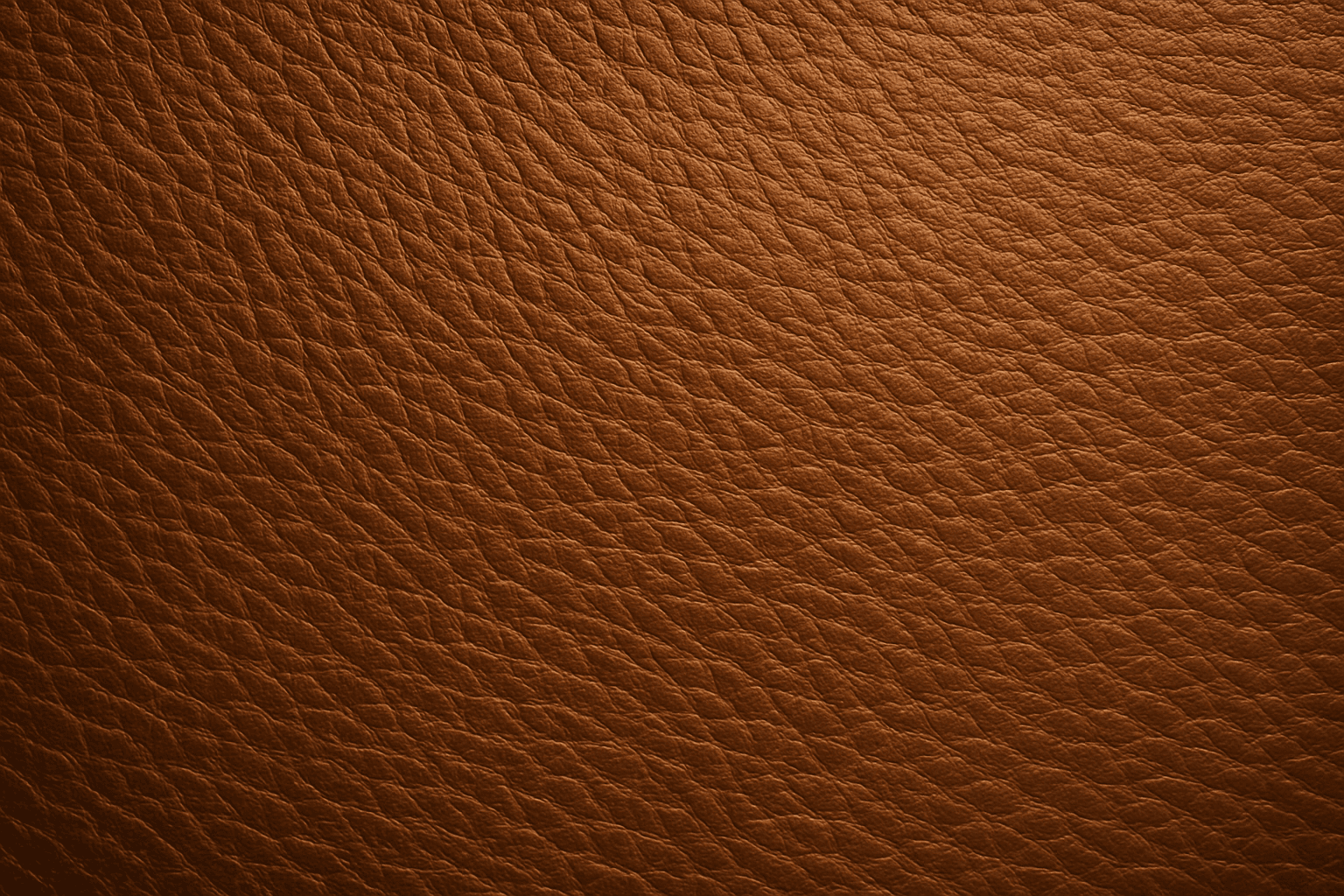
Using 'Leather Grain Texture' in AI image prompts allows creators to generate images with highly detailed and realistic leather surfaces. This keyword enhances the tactile quality of materials depicted, making them appear more authentic and premium. The characteristic grain patterns convey luxury and craftsmanship, useful for designs needing sophisticated material representation. When combined with appropriate lighting and composition, this texture can create visually rich images suitable for product visualization, fashion editorials, or interior design concepts. Mastery of this keyword helps artists achieve depth and realism in their material renderings, appealing to audiences seeking visually convincing visuals.

Organic Fabric Texture
Organic fabric textures evoke the raw, natural qualities of textiles derived from plants and animals, such as cotton, linen, or wool. AI-generated images tagged with this keyword focus on capturing the tactile, authentic look of these fabrics. This includes detailed weaves, slight irregularities in fiber distribution, and earthy tones that convey warmth and eco-friendliness. Using organic fabric textures enhances visual storytelling when the goal is to emphasize sustainability, artisanal craftsmanship, or comfort in product visuals and editorial design. This keyword is suitable for creating nuanced backgrounds, material samples, and realistic textile representations in digital art and commercial imagery.
Texture Overlay Techniques
Texture Overlay Techniques are essential for artists and designers using AI image generation to add realistic or stylized surface qualities to their visuals. By specifying textures in a prompt, you can transform flat or generic images into rich, detailed creations that mimic physical materials or artistic effects. These overlays help in achieving mood, authenticity, or unique artistry by adding layers of complexity without altering the core composition. Whether you want a weathered wall effect or a glossy metallic finish, texture overlays deepen the narrative and visual appeal. Understanding how to incorporate texture keywords and their combinations allows for controlled refinement and diverse outputs, making images stand out in editorial, commercial, or creative projects.