Distressed Paper Texture
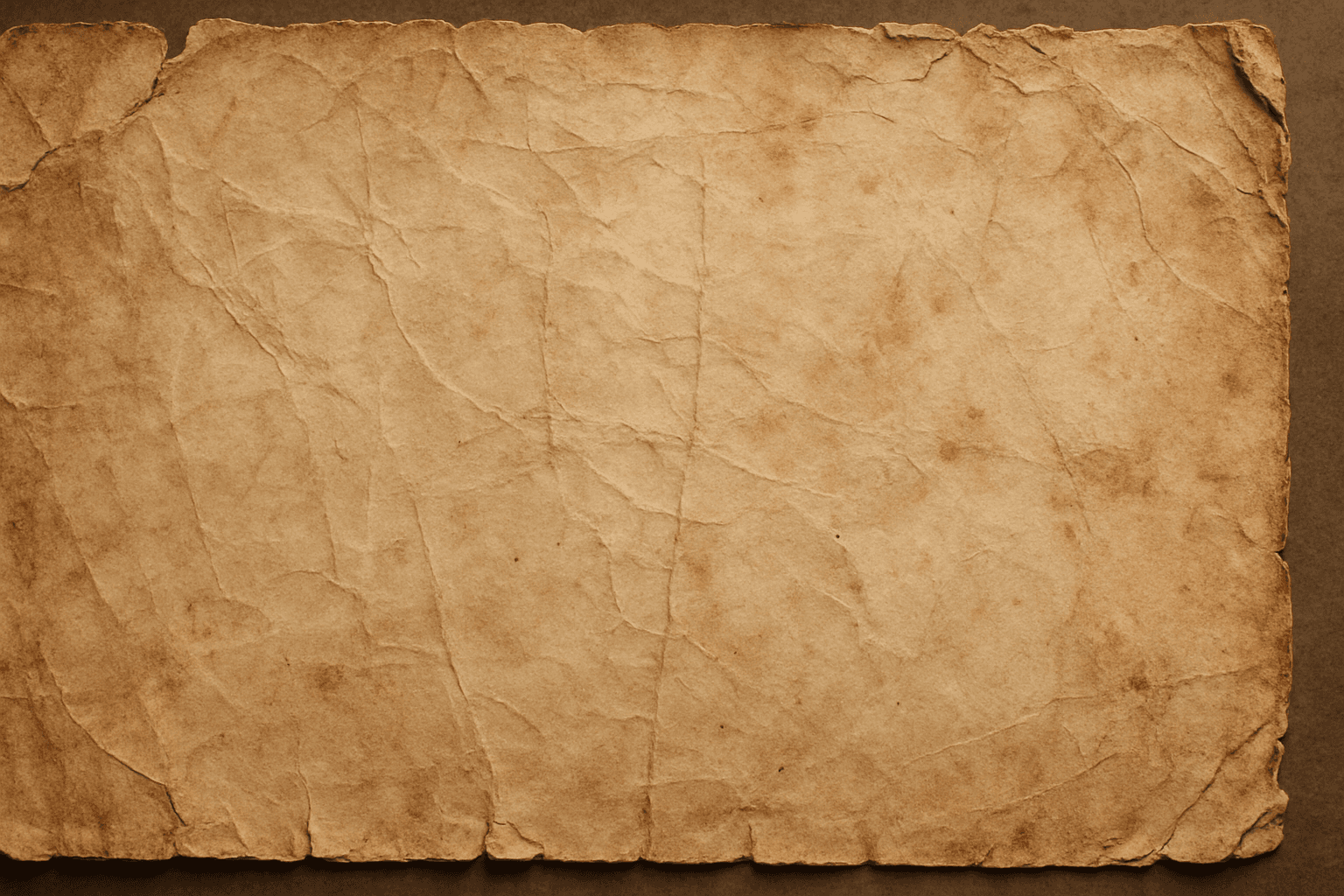
The distressed paper texture keyword is a valuable tool in AI image generation that adds authenticity and historical ambiance to digital artworks by simulating the look of aged or damaged paper. This effect is popular for creating backgrounds, overlays, or standalone textures in graphic design, photography adjustments, and illustrative projects. Incorporating distressed paper elements enriches visual storytelling, evokes nostalgia, and can enhance the mood of vintage or handmade aesthetics. Controlled application within prompts ensures that the wear appears natural without overpowering the primary subject.
Definition
Distressed paper texture is a design element that mimics the appearance of old or damaged paper surfaces in digital images. It typically includes effects like creases, stains, discoloration, and tearing, which impart a sense of age and wear. In AI image prompts, using this keyword encourages the generation of these visual imperfections to create realistic, aged material appearances, enhancing authenticity and vintage aesthetics.
Visual Characteristics
- Visible creases, wrinkles, and torn edges
- Stains, discolorations, and faded areas
- Rough, uneven surface with grain and fiber textures
Prompt Formula
To incorporate distressed paper texture effectively into AI prompts, combine texture modifiers with material descriptors and lighting details. For example: - "A vintage paper background with distressed paper texture, subtle wrinkles, and warm faded tones" - "Old torn parchment featuring distressed paper texture, water stains, and frayed edges under soft natural lighting" - "Handwritten letter on rustic paper, distressed paper texture, creased surface, natural shadows" This formula pairs the texture keyword with adjectives describing the condition, lighting, and materials to ensure clear generation instructions.
Best Use Cases
- Vintage poster and flyer designs requiring realistic aging
- Art and scrapbooking backgrounds imitating handcrafted paper
- Editorial layouts demanding authentic paper surfaces for storytelling
Creative Variations
To avoid repetitive outputs when generating distressed paper textures, experiment with variations in: - Color tones: from yellowed parchment to smoky gray or sepia - Lighting: soft natural light for subtle shadows or harsh side lighting to emphasize texture - Composition: include torn margins, crumpled corners, or scattered debris - Style: combine with ink splatters, handwriting, or modern graphic elements These adjustments help diversify the artistic feel while maintaining the distressed paper theme.
Industry Applications
- Print design for retro or vintage-themed marketing materials
- Packaging art needing aged or handmade paper appearance
- Photography backdrops enhancing product shots with organic textures
Common Mistakes
A frequent error in prompting distressed paper textures is requesting overly uniform or flat wear effects that look artificial. Avoid generic wording like "worn paper" without specifying texture details. Another mistake is combining incompatible styles that confuse the model, such as distressed paper with extremely clean or glossy materials. To prevent unrealistic results, explicitly include realistic imperfections such as creases, stains, and edge wear, and balance detail so it doesn’t overpower the main subject.
Model-Specific Tips
When using different AI image generation models, keep prompts modular and descriptive rather than relying on brand-specific keywords. Use clear texture descriptors and condition adjectives to guide the model effectively (e.g., "crumpled, stained, faded paper texture"). Test short prompt variations to see how your chosen model interprets distress effects, then refine by adding lighting and color nuances. Maintaining neutral syntax ensures broad compatibility and stable output across multiple platforms.
FAQ
How do I make distressed paper textures look realistic in AI-generated images?
Use detailed descriptors like creases, stains, and frayed edges in your prompt, and include lighting conditions that emphasize surface irregularities. Avoid vague terms and combine texture keywords with material and color details to enhance realism.
Can I use distressed paper texture with other material textures?
Yes, pairing distressed paper texture with complementary materials like ink stains, watercolor effects, or fabric fibers can create rich, complex visuals. Just ensure prompts clearly describe how these elements interact to avoid confusion.
Continue Exploring
Related Prompts
Paper Fiber Texture
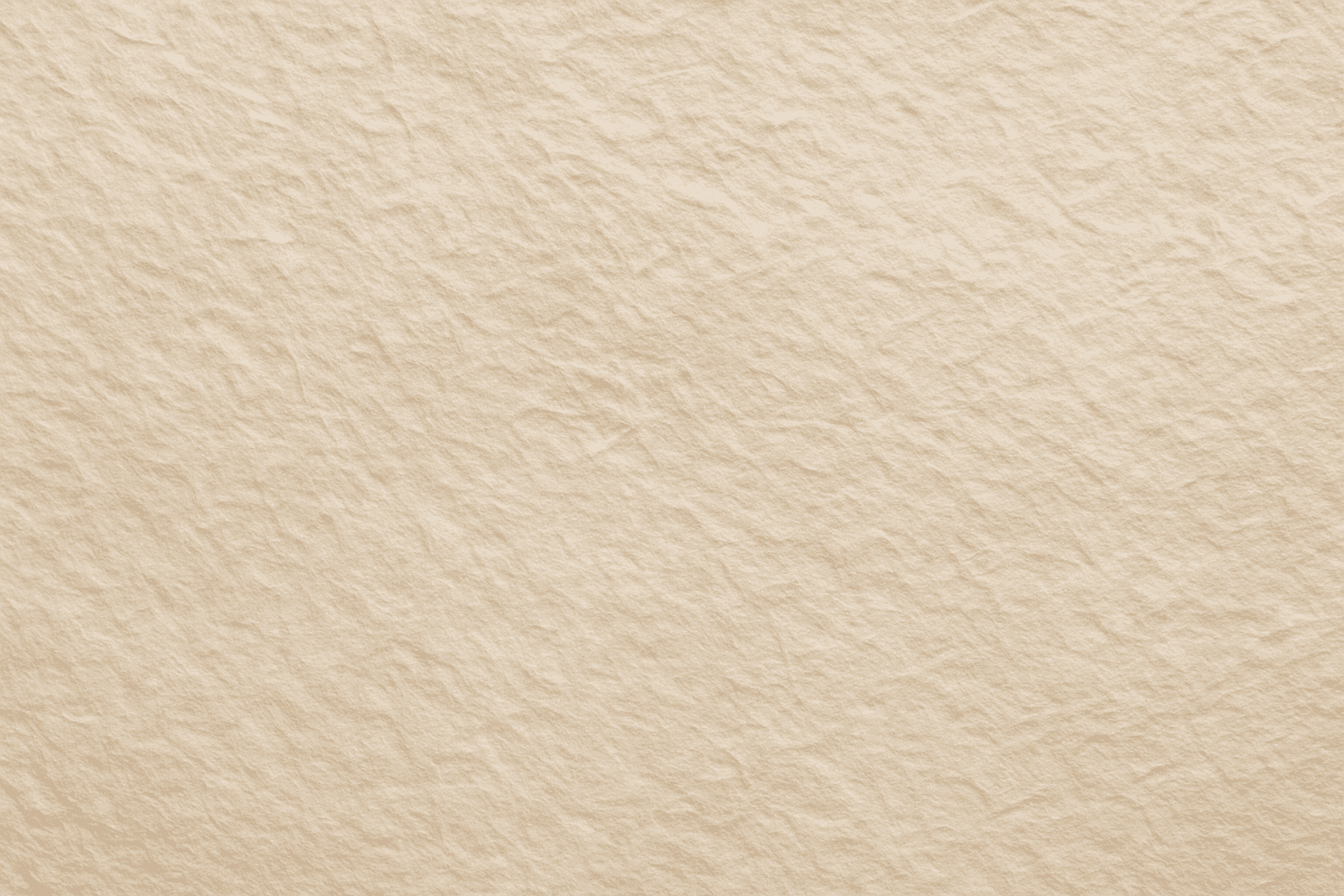
Paper Fiber Texture in AI-generated images enhances realism by simulating the microscopic fibers found in physical paper. This texture adds subtle detail and tactile qualities to artwork, making backgrounds or materials appear organic and handcrafted. When included in prompts, it helps models focus on delicate and uneven surfaces rather than flat or overly smooth ones. This keyword is especially useful in designs needing authenticity or vintage aesthetics, offering an alternative to digital or synthetic textures. It works well combined with lighting descriptions to highlight the tactile aspects of the fibers and create refined editorial visuals.
Cracked Paint Wall Texture
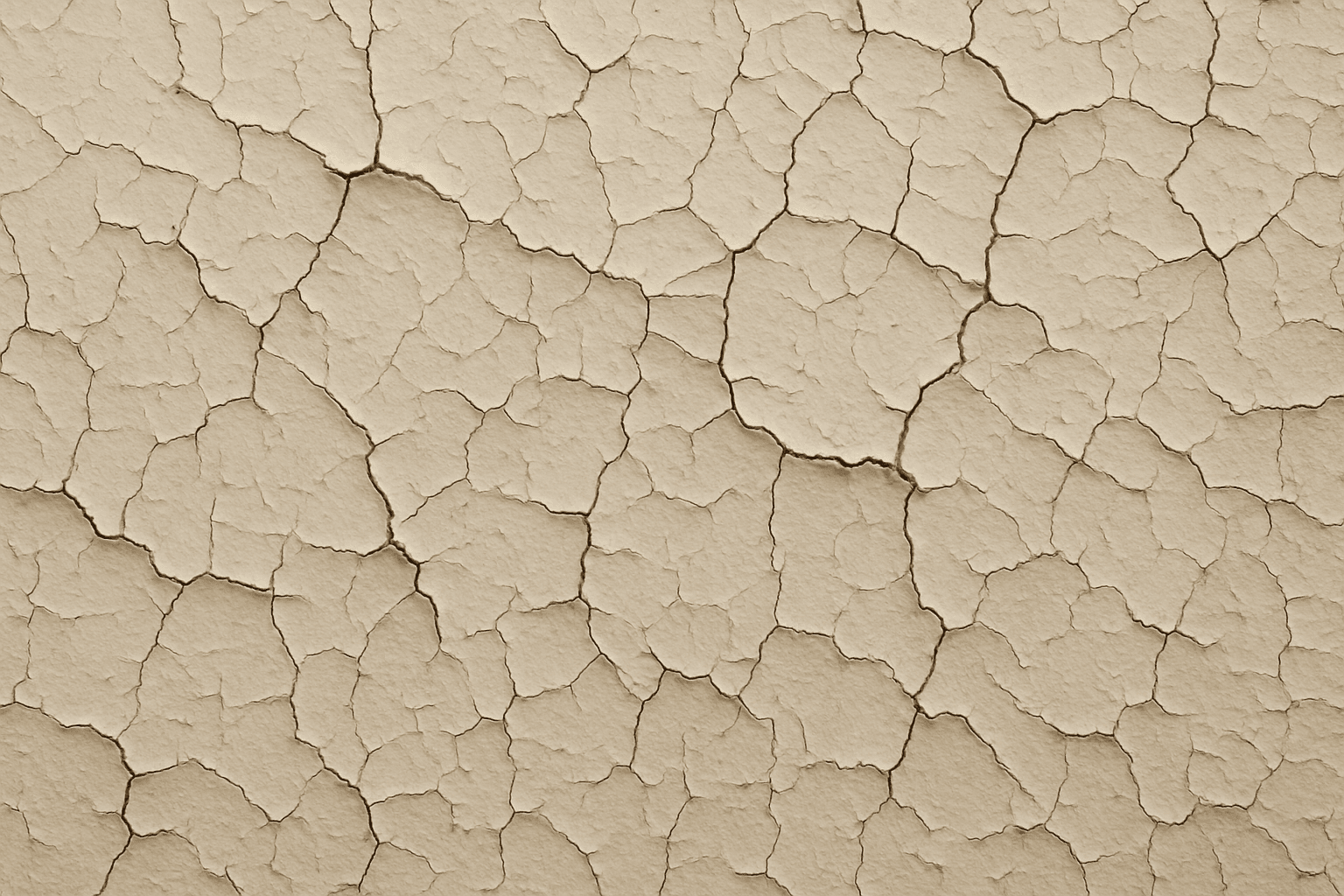
Cracked paint wall texture is a highly sought-after element in digital art and design for its ability to convey urban decay, vintage charm, or neglected environments. When applied to AI image generation, this keyword guides models to create detailed and photorealistic renderings of distressed wall surfaces marked by peeling, cracking, and flaking paint. These textures can evoke strong visual interest and tactile realism, ideal for use in backgrounds, material references, or concept art. Incorporating cracked paint enhances an image’s authenticity by simulating natural deterioration effects often seen in outdoor or abandoned settings, influencing the mood with aged aesthetics and weathered charm.
Rustic Metal Texture
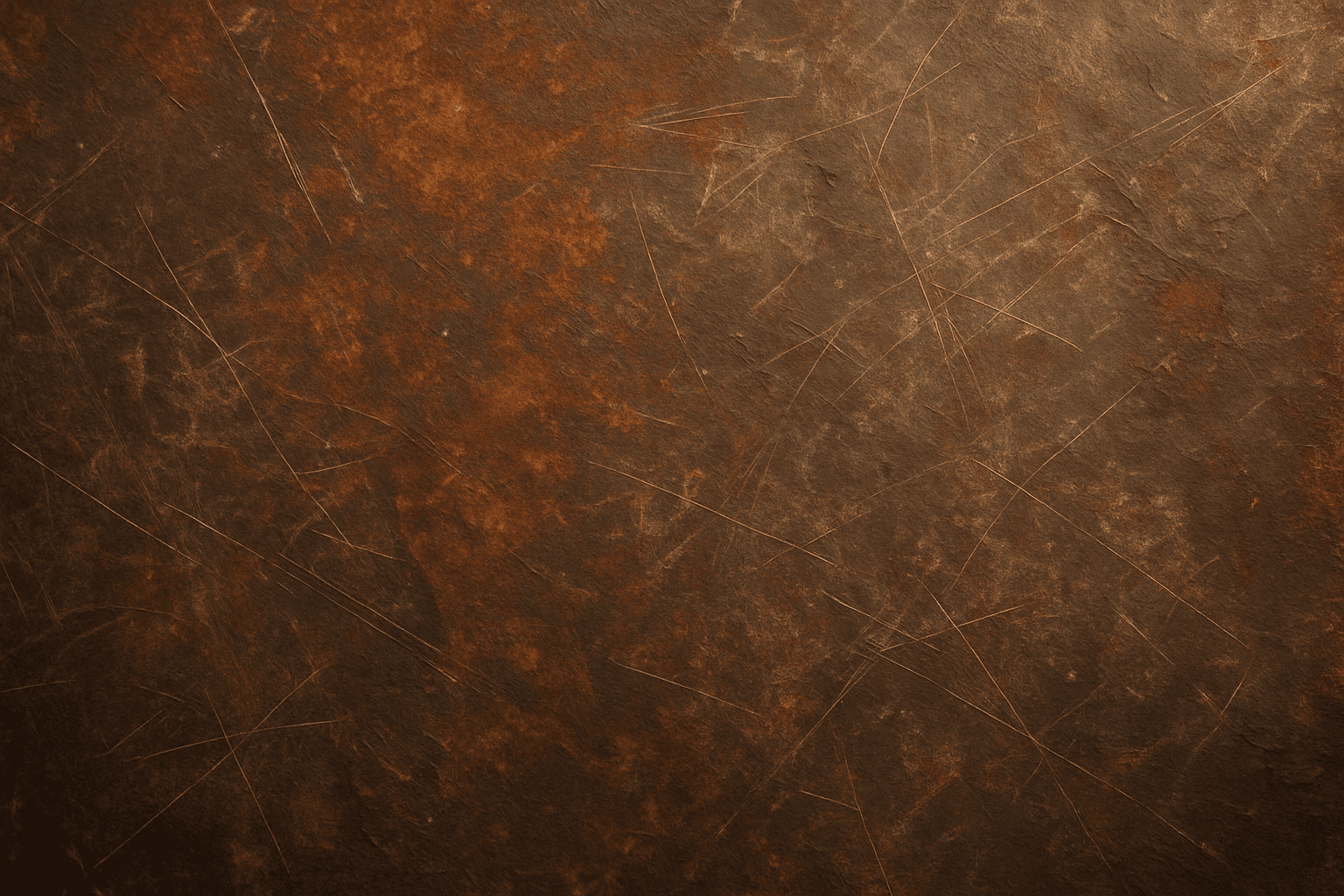
Using the Rustic Metal Texture keyword in AI image generation prompts enables artists and designers to depict materials that evoke a tactile sense of history and industrial age charm. The effect mimics the natural aging process on metals, featuring oxidation, pitting, and surface irregularities, which deliver a realistic and visually compelling finish. This texture works well in designs requiring an authentic vintage or handcrafted aesthetic, often used to contrast smoother, newer materials or to emphasize material quality and environment. Incorporating this keyword enhances the feel of depth and realism, making digital renders more tangible and atmospheric for editorial, product visualization, and concept art contexts.
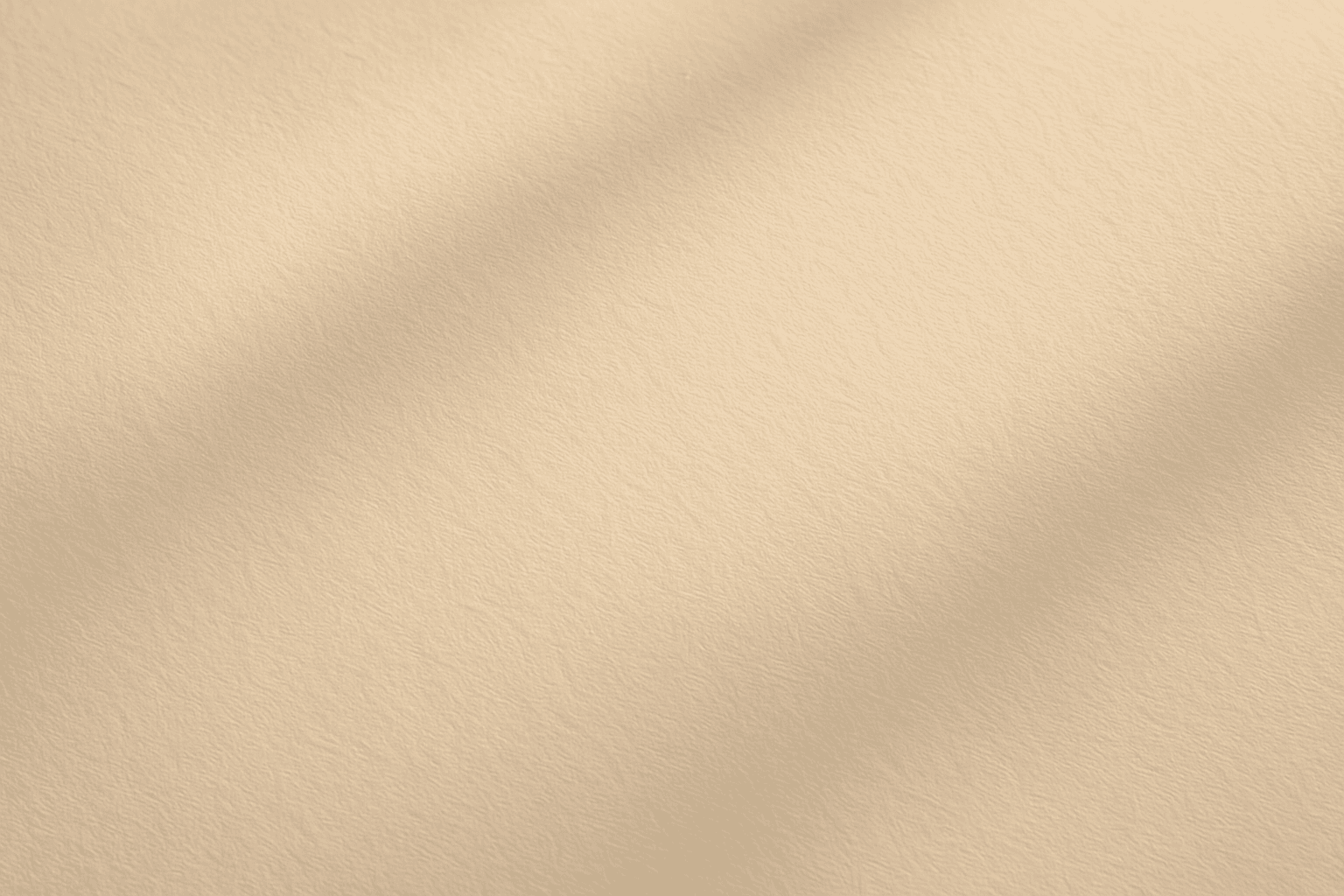
Soft Matte Paper Texture
Soft Matte Paper Texture is a specialized prompt keyword that helps artists and designers generate images featuring realistic, tactile paper surfaces with a matte finish. This texture is characterized by subdued reflections and a soft, natural look that avoids glare or shine. Using this keyword in AI prompts supports creations such as book covers, packaging mockups, stationery backgrounds, and fine art prints where the paper quality matters. The resulting images carry a premium aesthetic, imitating high-quality paper stock that is often sought after in print-design visualizations and marketing materials. Overall, employing Soft Matte Paper Texture enriches an AI image with subtle tactile cues contributing to a refined, understated finish.
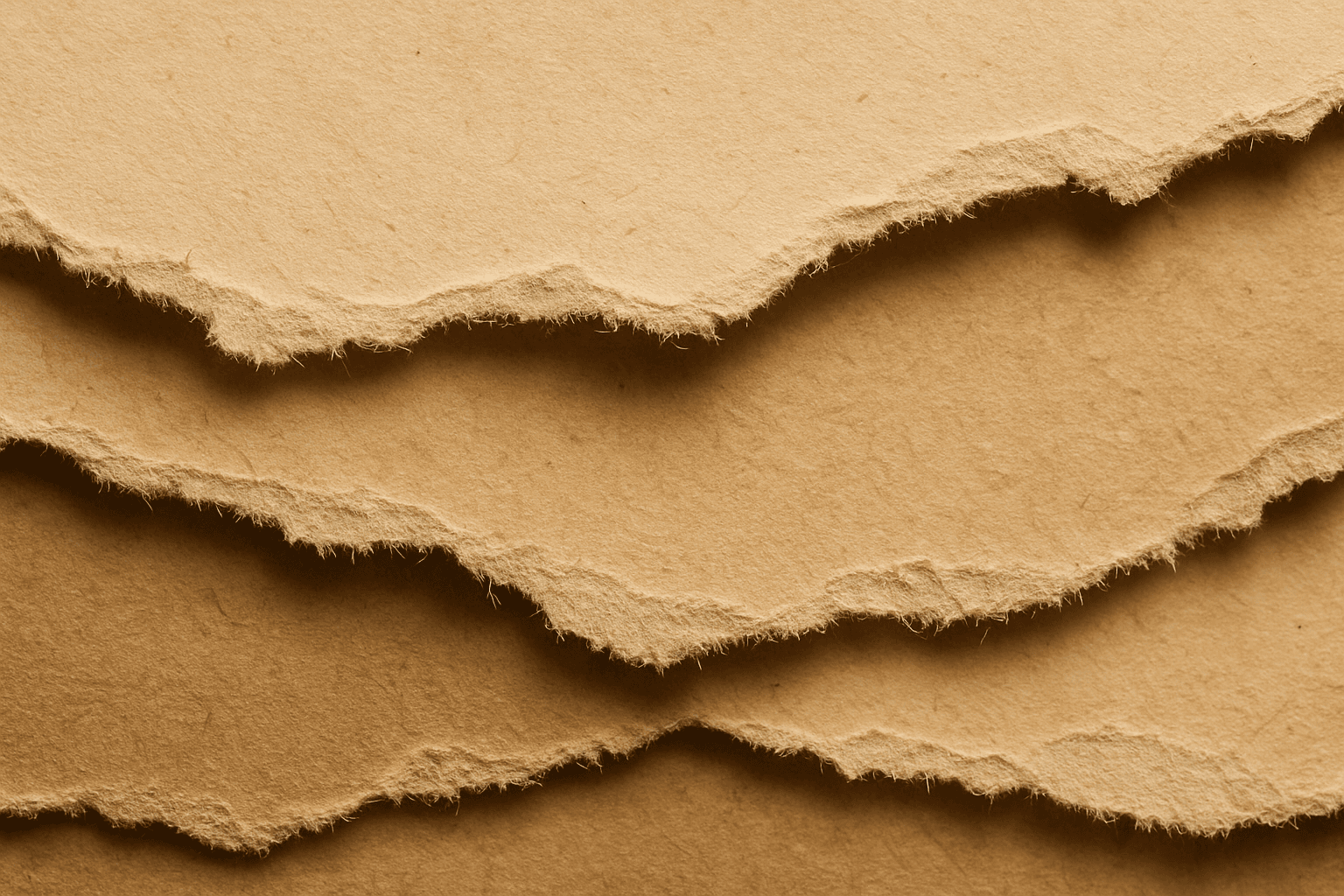
Torn Paper Texture
Using the Torn Paper Texture keyword in AI image prompts helps generate visuals that mimic torn paper edges and surfaces. This texture adds depth and realism by introducing naturally imperfect boundaries, often with visible fibers and roughness. It's ideal for creating collage effects, vintage posters, scrapbook aesthetics, or rustic backgrounds. Incorporating torn paper details can lend a tactile and handcrafted feel to digital images, making them stand out with organic imperfection rather than smooth, flat edges.
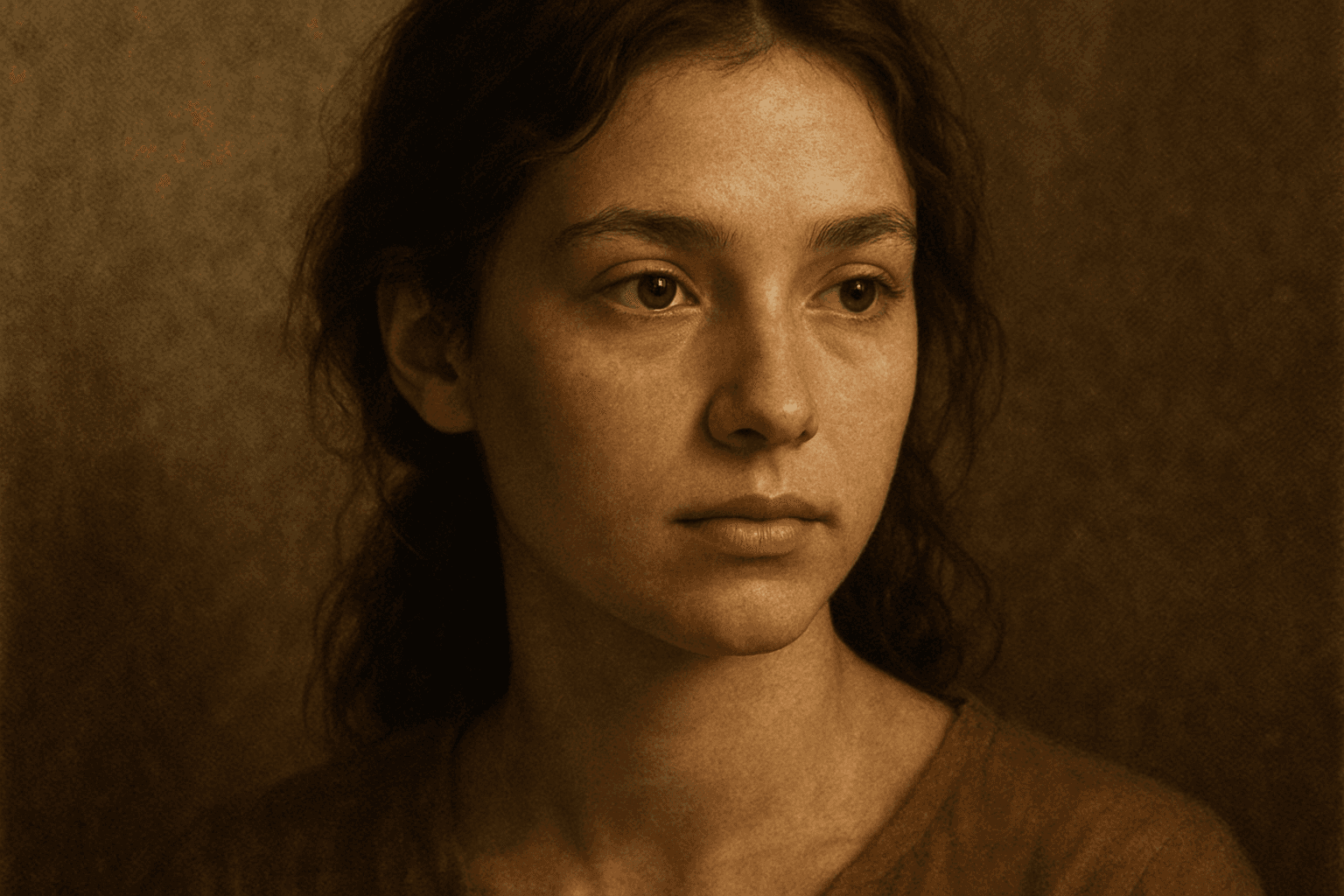
Texture Overlay Techniques
Texture Overlay Techniques are essential for artists and designers using AI image generation to add realistic or stylized surface qualities to their visuals. By specifying textures in a prompt, you can transform flat or generic images into rich, detailed creations that mimic physical materials or artistic effects. These overlays help in achieving mood, authenticity, or unique artistry by adding layers of complexity without altering the core composition. Whether you want a weathered wall effect or a glossy metallic finish, texture overlays deepen the narrative and visual appeal. Understanding how to incorporate texture keywords and their combinations allows for controlled refinement and diverse outputs, making images stand out in editorial, commercial, or creative projects.