Rustic Metal Texture
Using the Rustic Metal Texture keyword in AI image generation prompts enables artists and designers to depict materials that evoke a tactile sense of history and industrial age charm. The effect mimics the natural aging process on metals, featuring oxidation, pitting, and surface irregularities, which deliver a realistic and visually compelling finish. This texture works well in designs requiring an authentic vintage or handcrafted aesthetic, often used to contrast smoother, newer materials or to emphasize material quality and environment. Incorporating this keyword enhances the feel of depth and realism, making digital renders more tangible and atmospheric for editorial, product visualization, and concept art contexts.
Definition
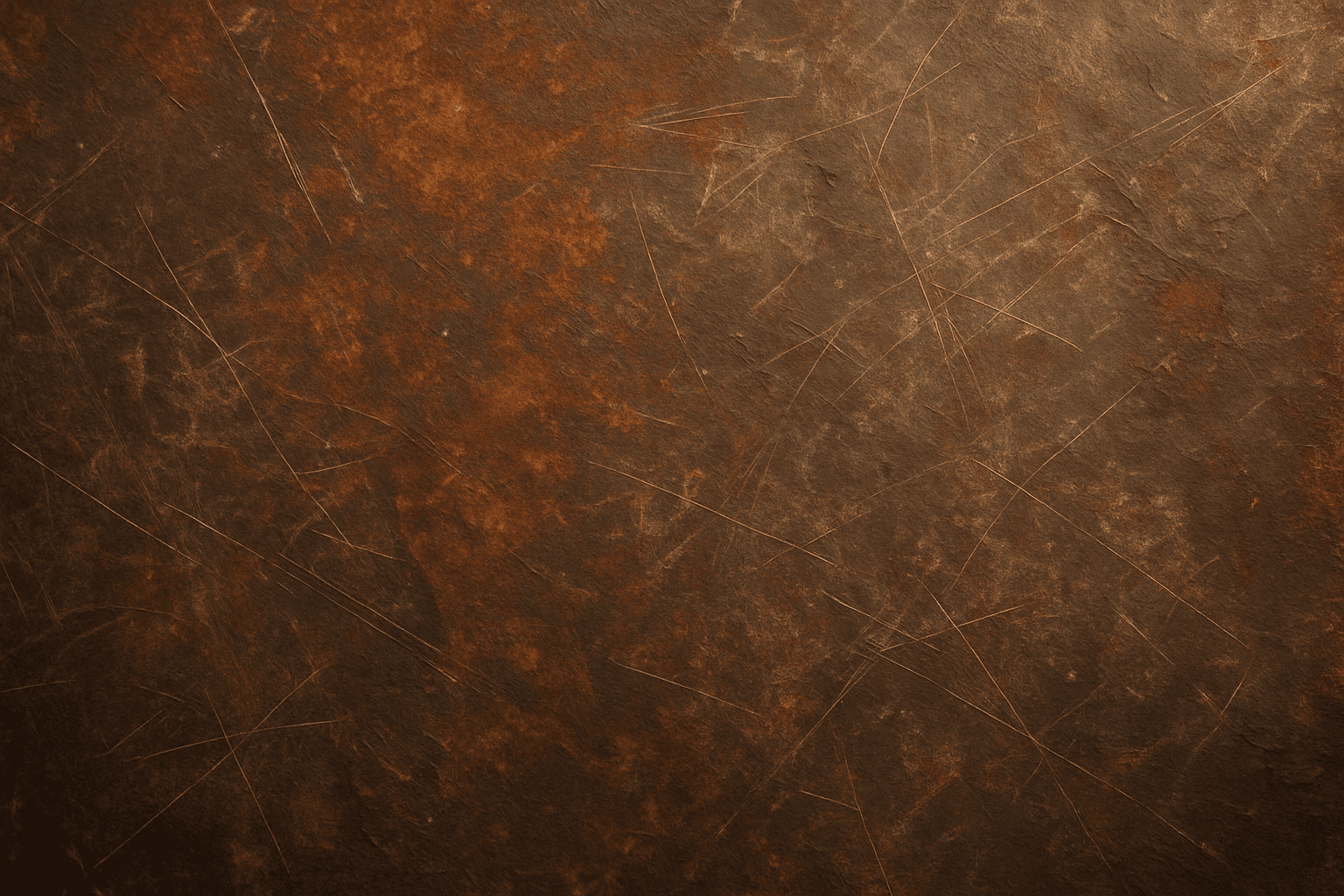
Rustic Metal Texture is a prompt element that directs AI image generators to produce surfaces resembling aged or worn metal. This includes effects like rust, scratches, denting, patina, and uneven coloration caused by oxidation and environmental exposure. By adding this keyword, users shift the material appearance from pristine and smooth to textured and weathered, enriching realism and atmosphere in generated imagery.
Visual Characteristics
- Presence of rust and oxidized metal patches with color variations
- Scratches, dents, and surface abrasions revealing wear
- Subtle layering of patina and uneven metallic sheen indicating weathering
Prompt Formula
Construct prompts by combining base material description with rustic modifiers and lighting details for realism. Example formula: [object/scene] + 'rustic metal texture' + [specific metal type, e.g., copper, iron] + [environment lighting, e.g., natural soft light, ambient shadows] + [detail emphasis, e.g., close-up, high resolution]. This helps maintain clarity and control over texture depiction.
Best Use Cases
- Enhance product visualizations showcasing metal components with authentic aging effects
- Create backgrounds or surfaces in vintage, steampunk or industrial digital illustrations
- Add tactile realism to architectural renderings featuring metal fixtures or outdoor equipment
Creative Variations
To diversify outputs when using Rustic Metal Texture, vary lighting and angle to capture different surface qualities. Try mixed metals (e.g., copper and iron blends), or adjust corrosion density for subtle to heavy rust effects. Changing color tone to warmer or cooler hues influences mood, while combining with natural elements like wood or stone adds artistic layers.
Industry Applications
- Ecommerce imagery enhancing trust through realistic material details
- Advertising visuals leveraging industrial or artisanal brand themes
- Interiors and architectural visualizations featuring decorative aged metal hardware
Common Mistakes
A frequent error is overloading prompts with vague terms like 'metal texture' without specifying rustic or aged qualities, leading to generic or unrealistic smooth surfaces. Excessive rust or noise can make images appear dirty or artificial. Use balanced adjectives and clear lighting cues to keep surface details authentic yet visually appealing.
FAQ
How do I control the level of rust on the Rustic Metal Texture?
Specify adjectives such as 'lightly rusted', 'heavily rusted', or 'patches of rust' in your prompt, and pair with lighting descriptions to influence the visibility and intensity of rust.
Can Rustic Metal Texture be combined with other materials?
Yes, you can integrate Rustic Metal Texture with materials like weathered wood or stone by mentioning them explicitly in the prompt, creating harmonious mixed-material compositions.
Continue Exploring
Related Prompts
Aged Rusted Metal Texture
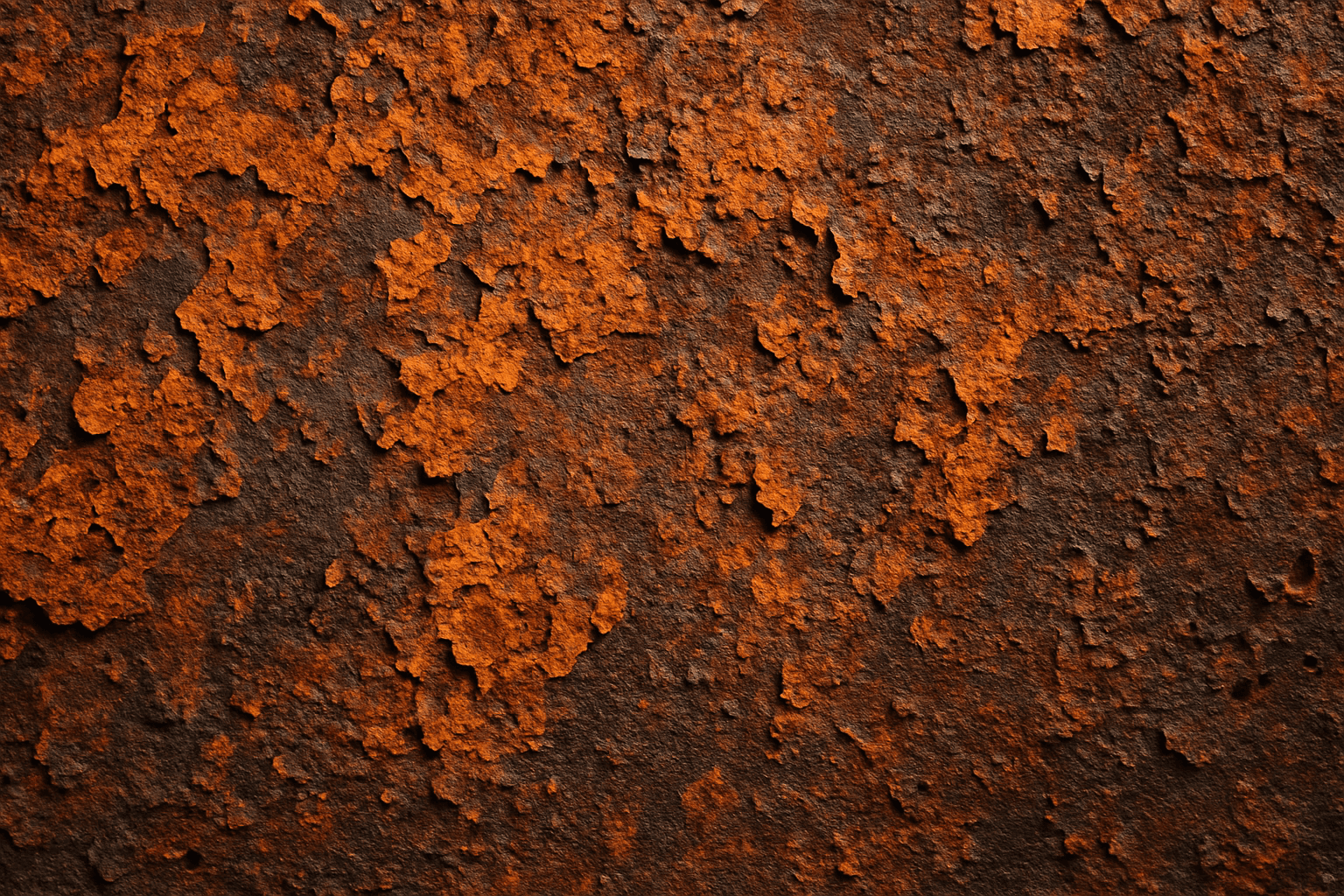
The keyword "Aged Rusted Metal Texture" evokes imagery of metal that has undergone natural corrosion over time, resulting in unique and complex surface patterns. In AI-generated visuals, this texture adds authenticity and vintage character, often featuring combinations of flaky rust, oxidized patches, and distressed metal surfaces. It enhances the tactile quality of materials and conveys a sense of history or neglect. Such textures are essential in design, art, and modeling when a raw, industrial, or antique aesthetic is desired. By manipulating this keyword in prompts, creators can produce diverse and compelling interpretations of rusted metal suitable for backgrounds, product renders, and artistic compositions.
Rustic Stone Texture
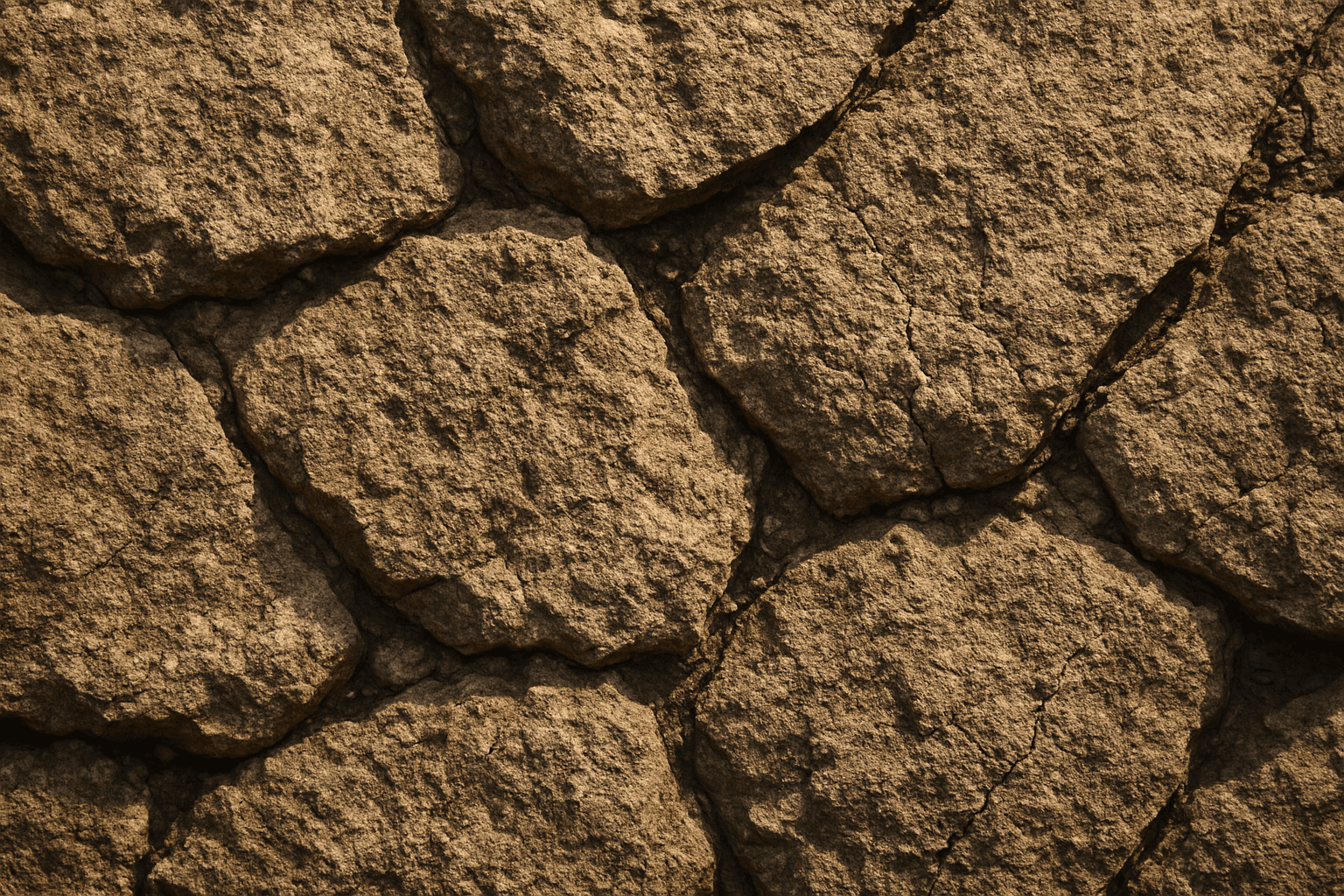
Rustic Stone Texture captures the charm of natural, unpolished stone surfaces, commonly found in outdoor walls, patios, and countryside architecture. When used as an AI prompt keyword, it guides image generation toward materials that have a raw, tactile quality with an irregular and aged look. This texture is highly valuable for artists and designers aiming to depict authentic stonework or vintage construction details. The keyword enhances image realism by emphasizing stone’s natural imperfections such as cracks, chips, and coarse grains. This makes it an excellent choice for backgrounds, architectural visualizations, and product mockups needing an organic, weathered material feel.
Weathered Wood Texture
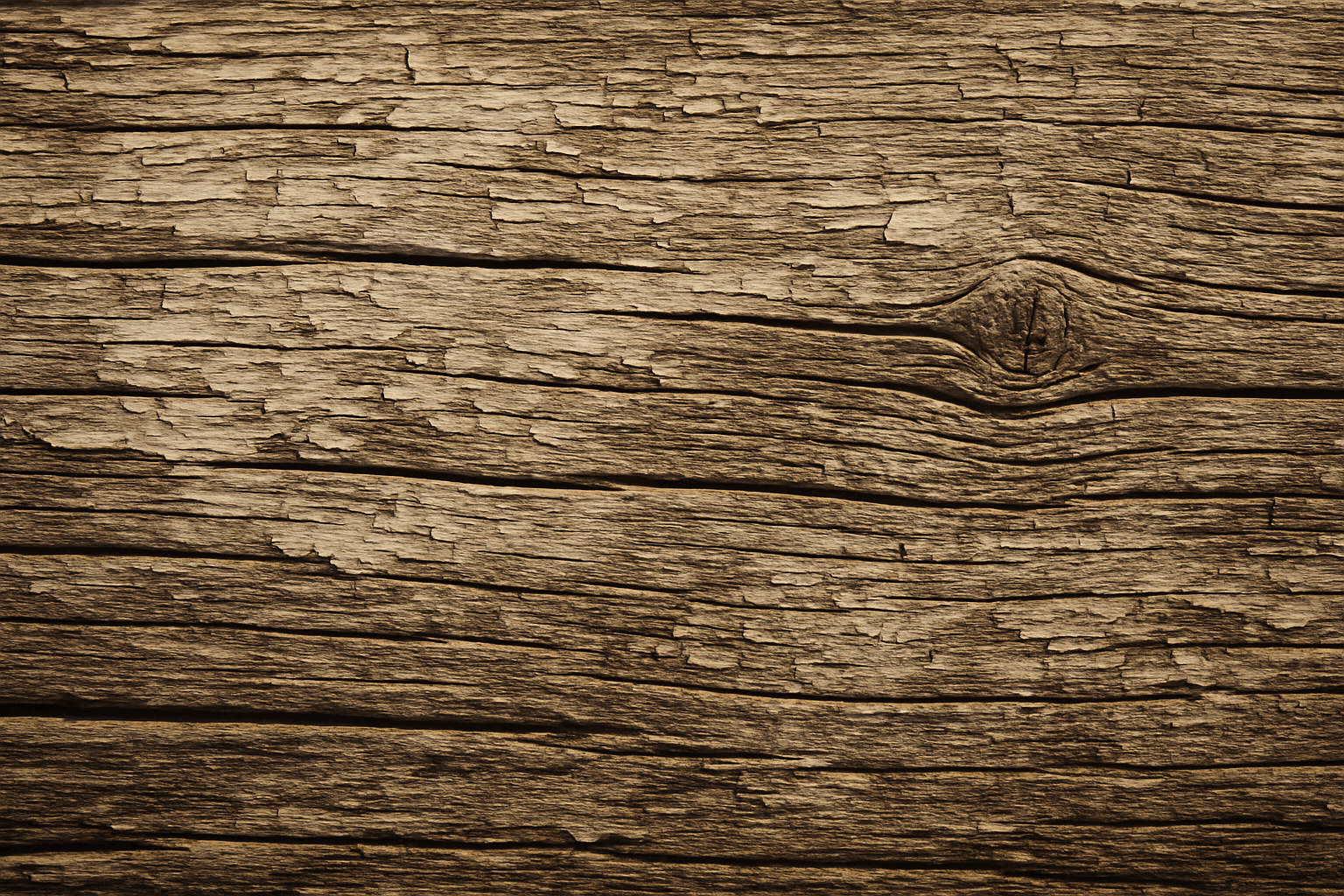
Weathered wood texture is prized in design and digital art for conveying authenticity and natural aging. It evokes warmth and rustic charm by representing wood that has been exposed to sun, rain, and wind over time. When used in AI prompt engineering, incorporating 'weathered wood texture' guides image generation models to produce materials that look tactile and imperfect, often featuring grain irregularities, color variations, and surface damage. This texture works well for backgrounds, architectural visualization, product packaging, and artistic projects where natural, worn aesthetics are desired, adding depth and storytelling potential to digital imagery.
Patina Metal Finish
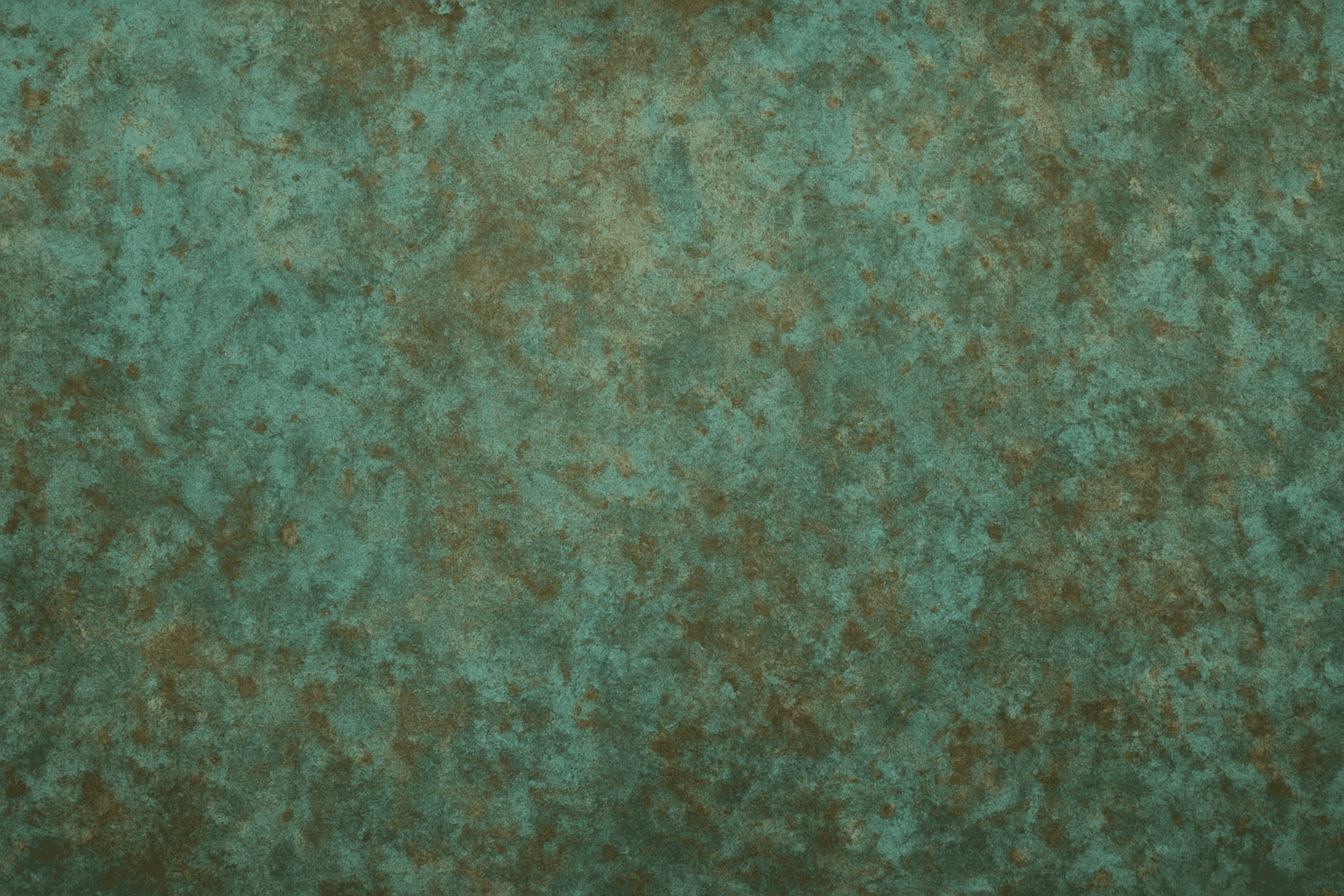
The 'Patina Metal Finish' keyword enriches AI-generated images with the unique appearance of aged metal surfaces. Unlike polished metal that looks shiny and new, a patina finish evokes a sense of history, weathering, and natural chemical transformation over time. Including this keyword in your AI prompts helps produce visuals where metal objects have color variations such as verdigris or rust-like textures with realistic surface imperfections. This effect is prized in product design renders, architectural visualizations, and artistic scenes to impart authenticity and tactile appeal. It bridges the gap between pristine metal surfaces and natural aging processes, adding storytelling depth via materials.
Brushed Metal Texture
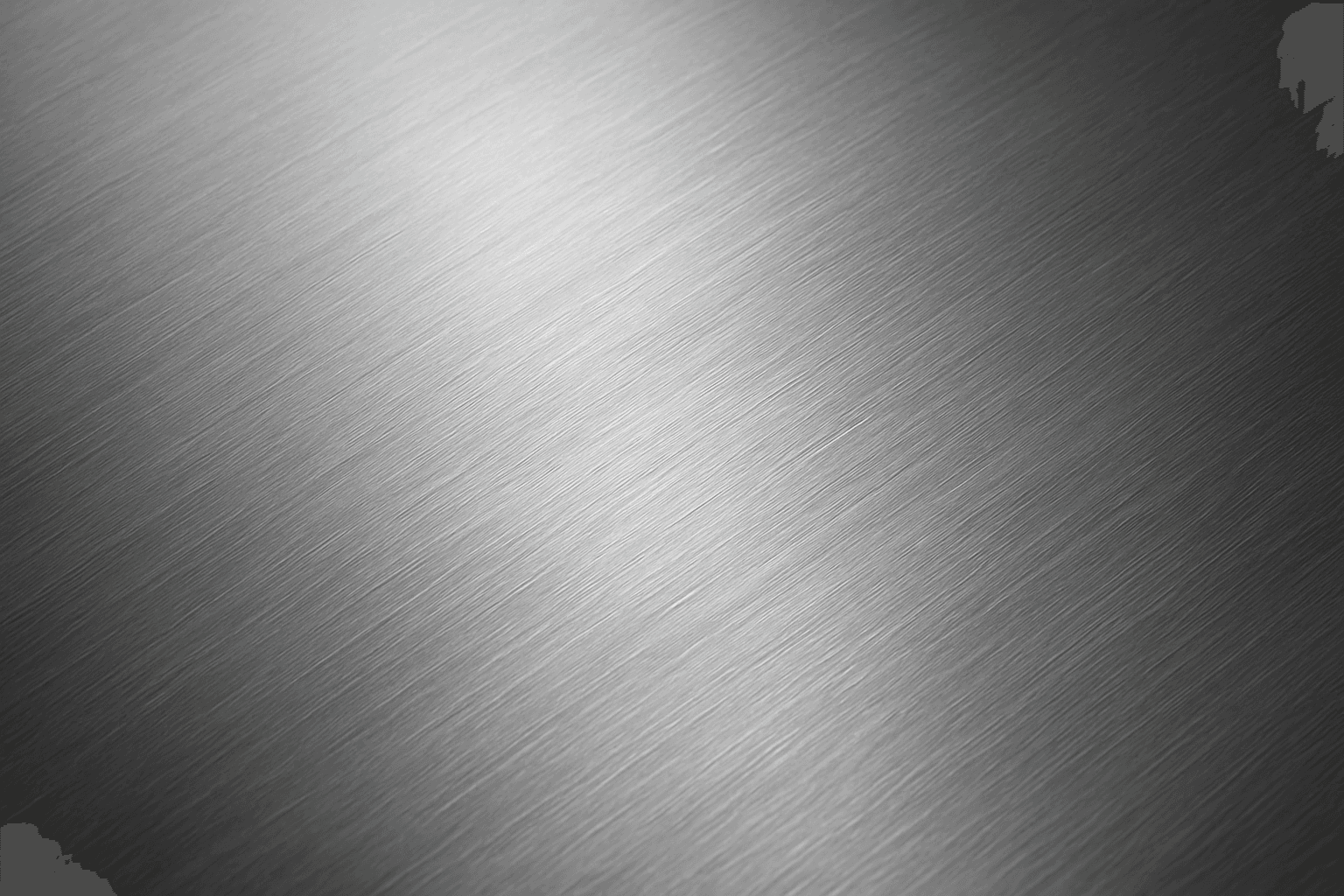
Brushed Metal Texture in AI art generation captures the distinctive look of metal surfaces treated by abrasive brushing, which creates smooth, parallel lines affecting how light reflects. It's a popular material finish in industrial design, consumer electronics, and architectural elements, lending a premium, tactile quality to images. Using this texture in AI prompts ensures realistic rendering of metal objects with nuanced light interplay and surface depth. This texture enhances visual interest while maintaining subtlety, making it ideal for product visualizations, backgrounds, and stylized concept art. By controlling this parameter, creators can elevate the authenticity and sophistication of metallic materials within their compositions.
Leather Grain Texture
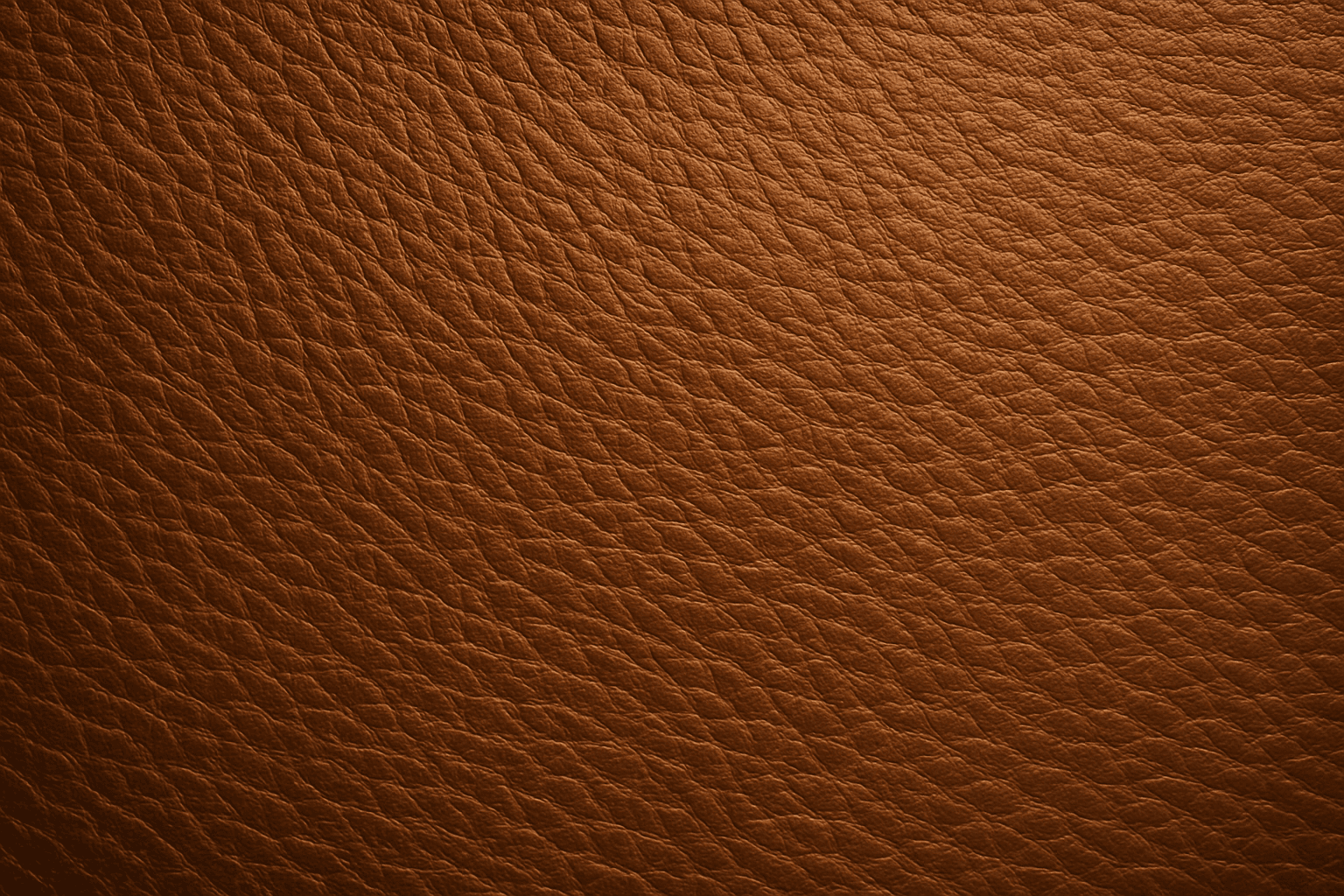
Using 'Leather Grain Texture' in AI image prompts allows creators to generate images with highly detailed and realistic leather surfaces. This keyword enhances the tactile quality of materials depicted, making them appear more authentic and premium. The characteristic grain patterns convey luxury and craftsmanship, useful for designs needing sophisticated material representation. When combined with appropriate lighting and composition, this texture can create visually rich images suitable for product visualization, fashion editorials, or interior design concepts. Mastery of this keyword helps artists achieve depth and realism in their material renderings, appealing to audiences seeking visually convincing visuals.