Brushed Metal Texture
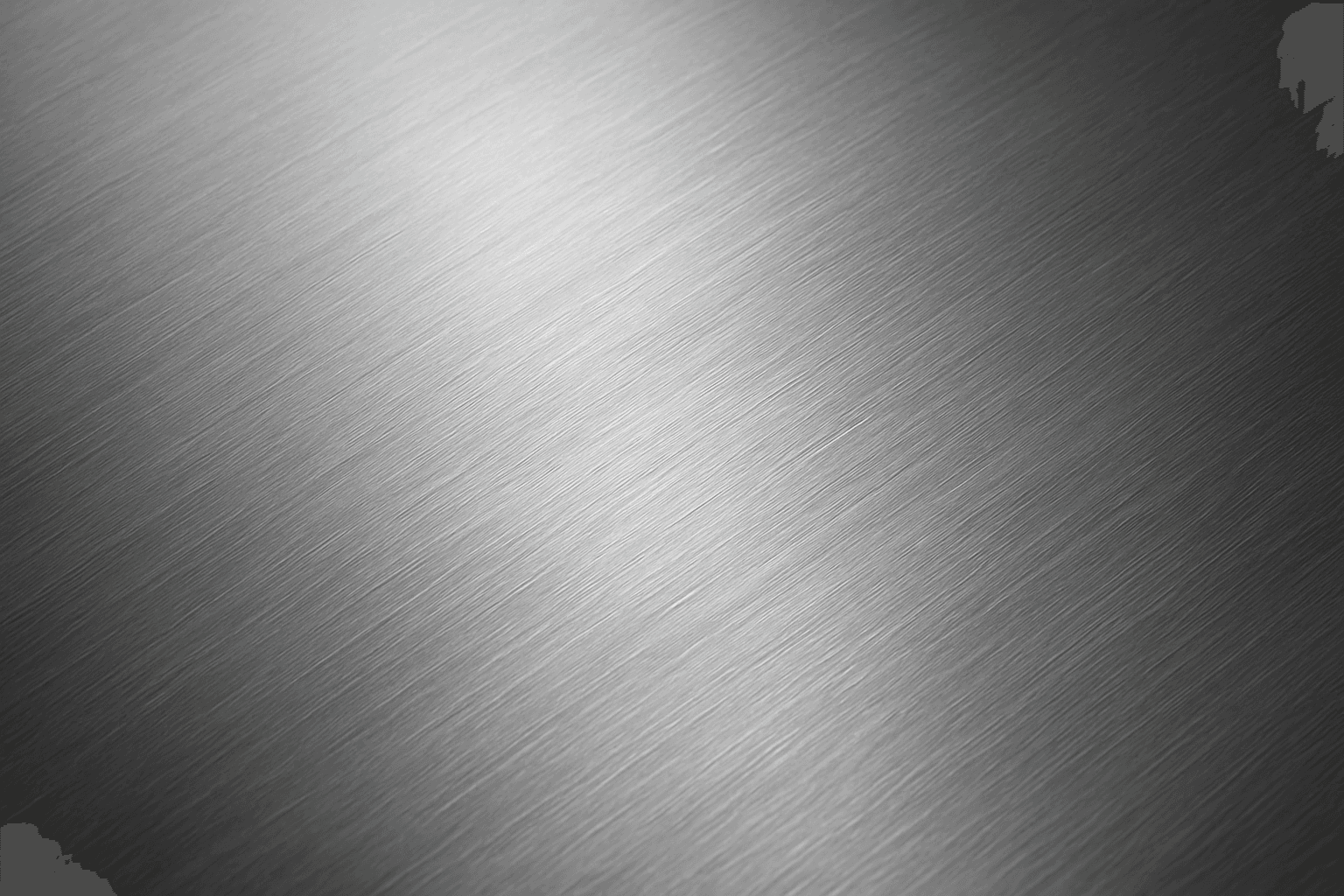
Brushed Metal Texture in AI art generation captures the distinctive look of metal surfaces treated by abrasive brushing, which creates smooth, parallel lines affecting how light reflects. It's a popular material finish in industrial design, consumer electronics, and architectural elements, lending a premium, tactile quality to images. Using this texture in AI prompts ensures realistic rendering of metal objects with nuanced light interplay and surface depth. This texture enhances visual interest while maintaining subtlety, making it ideal for product visualizations, backgrounds, and stylized concept art. By controlling this parameter, creators can elevate the authenticity and sophistication of metallic materials within their compositions.
Definition
Brushed Metal Texture is a surface finish characterized by fine, unidirectional scratches on a metal surface that create a soft satin effect. When used in AI image prompts, it directs the AI to simulate these subtle linear grooves and diffuse reflections, lending an authentic tactile appearance to metallic objects. This keyword helps beginners specify a realistic metal surface by describing its directional, matte finish rather than a glossy or smooth metal look.
Prompt Formula
To effectively incorporate brushed metal texture in AI prompts, use combinations that emphasize material details and lighting conditions. Common patterns include:
- Brushed metal texture + [metal type] (e.g., stainless steel, aluminum)
- Close-up or macro perspective + brushed metal texture + detailed surface
- Modifiers for lighting: soft lighting, diffuse reflections, subtle shadows, to enhance texture realism
Best Use Cases
- Rendering electronic devices or appliances with metallic enclosures
- Architectural visualizations featuring brushed metal panels
- Creating textured backgrounds or product mockups with industrial feel
Common Mistakes
A frequent error is overusing the brushed metal texture, which can result in an unnatural or overly noisy surface that distracts from the subject. Another mistake is neglecting lighting, as the texture relies on directional reflections to appear realistic. Avoid vague prompts like 'metal texture' without specifying brushed details, which leads to generic or glossy results. To fix these, specify 'fine linear grooves' and pair with lighting descriptors for subtle highlights and shadows.
Advanced Techniques
Experienced prompt writers can combine brushed metal texture with environment reflections, like ambient light or surrounding colors, to simulate real-world materials more precisely. Controlling the scale of brush strokes by adding 'micro fine' or 'wide brushed' can create different tactile effects. Incorporating negative prompts to exclude gloss or scratches can refine surface quality. Using photographic styles like 'macro lens' or 'high dynamic range' enhances texture detail clarity.
Professional Workflow
Begin by defining the metal type and desired brushed effect clearly. Run initial test prompts focusing on lighting and surface detail. Review generated images for truthful representation of linear texturing and light diffusion. Select candidates exhibiting subtlety and realism. Refine the prompt iteratively by adjusting brush detail scale, light intensity, and perspective. Finally, post-process for contrast or sharpness to enhance texture visibility while maintaining naturalism.
Related Styles
- Matte Metal Texture
- Metallic Sheen
- Industrial Surface Texture
Model-Specific Tips
Most modern AI models respond well to descriptive, natural language prompts. Use concise adjectives like 'fine brushed metal texture' paired with precise metal types to guide generation. Avoid overly technical jargon or rare terms that might confuse models. Providing context, such as 'close-up macro shot of brushed aluminum,' helps ensure the model understands scale and detail. Emphasize lighting conditions since texture appearance depends heavily on reflection and shadow interplay.
FAQ
How do I make brushed metal texture look realistic in AI images?
Use descriptive phrases specifying fine linear grooves, pair with soft, directional lighting and subtle reflections. Including metal type and close-up views helps AI render authentic textures.
Can brushed metal texture be combined with other materials in a prompt?
Yes, combining brushed metal texture with other materials like glass, leather, or plastic is effective, but clarify transitions and lighting for each to maintain realism.
Continue Exploring
Related Prompts
Brushed Steel Texture
Brushed steel texture is widely used in design and industrial contexts for its sleek, modern metallic look with a distinctive matte finish and faint linear grain. When used in AI image prompts, it guides the model to render surfaces that mimic steel polished in one direction, producing subtle reflections and texture that add realism and sophistication to metallic objects. This texture balances between shiny and dull, making it ideal for product visualizations, architectural details, and industrial design. Mastering brushed steel textures in AI imagery enhances the credibility and appeal of metallic representations across visuals.
Aged Rusted Metal Texture
The keyword "Aged Rusted Metal Texture" evokes imagery of metal that has undergone natural corrosion over time, resulting in unique and complex surface patterns. In AI-generated visuals, this texture adds authenticity and vintage character, often featuring combinations of flaky rust, oxidized patches, and distressed metal surfaces. It enhances the tactile quality of materials and conveys a sense of history or neglect. Such textures are essential in design, art, and modeling when a raw, industrial, or antique aesthetic is desired. By manipulating this keyword in prompts, creators can produce diverse and compelling interpretations of rusted metal suitable for backgrounds, product renders, and artistic compositions.
Rustic Metal Texture
Using the Rustic Metal Texture keyword in AI image generation prompts enables artists and designers to depict materials that evoke a tactile sense of history and industrial age charm. The effect mimics the natural aging process on metals, featuring oxidation, pitting, and surface irregularities, which deliver a realistic and visually compelling finish. This texture works well in designs requiring an authentic vintage or handcrafted aesthetic, often used to contrast smoother, newer materials or to emphasize material quality and environment. Incorporating this keyword enhances the feel of depth and realism, making digital renders more tangible and atmospheric for editorial, product visualization, and concept art contexts.
Texture Overlay Techniques
Texture Overlay Techniques are essential for artists and designers using AI image generation to add realistic or stylized surface qualities to their visuals. By specifying textures in a prompt, you can transform flat or generic images into rich, detailed creations that mimic physical materials or artistic effects. These overlays help in achieving mood, authenticity, or unique artistry by adding layers of complexity without altering the core composition. Whether you want a weathered wall effect or a glossy metallic finish, texture overlays deepen the narrative and visual appeal. Understanding how to incorporate texture keywords and their combinations allows for controlled refinement and diverse outputs, making images stand out in editorial, commercial, or creative projects.

Metallic Foil Texture
Metallic Foil Texture is a specialized descriptor used in AI image generation to simulate the appearance of thin metallic sheets that reflect light with a distinctive shine and texture. When integrated into prompts, it produces images with a sophisticated, realistic metallic finish characterized by gleaming highlights, soft wrinkles, and a polished look. This keyword is valuable in design, branding, and digital art contexts where a premium metallic aesthetic is desired. It enhances visual depth by capturing the interplay of light and surface irregularities typical of foil materials. Artists and designers leverage this texture to create backgrounds, patterns, and objects that stand out with elegant metallic allure.
Polished Wood Texture
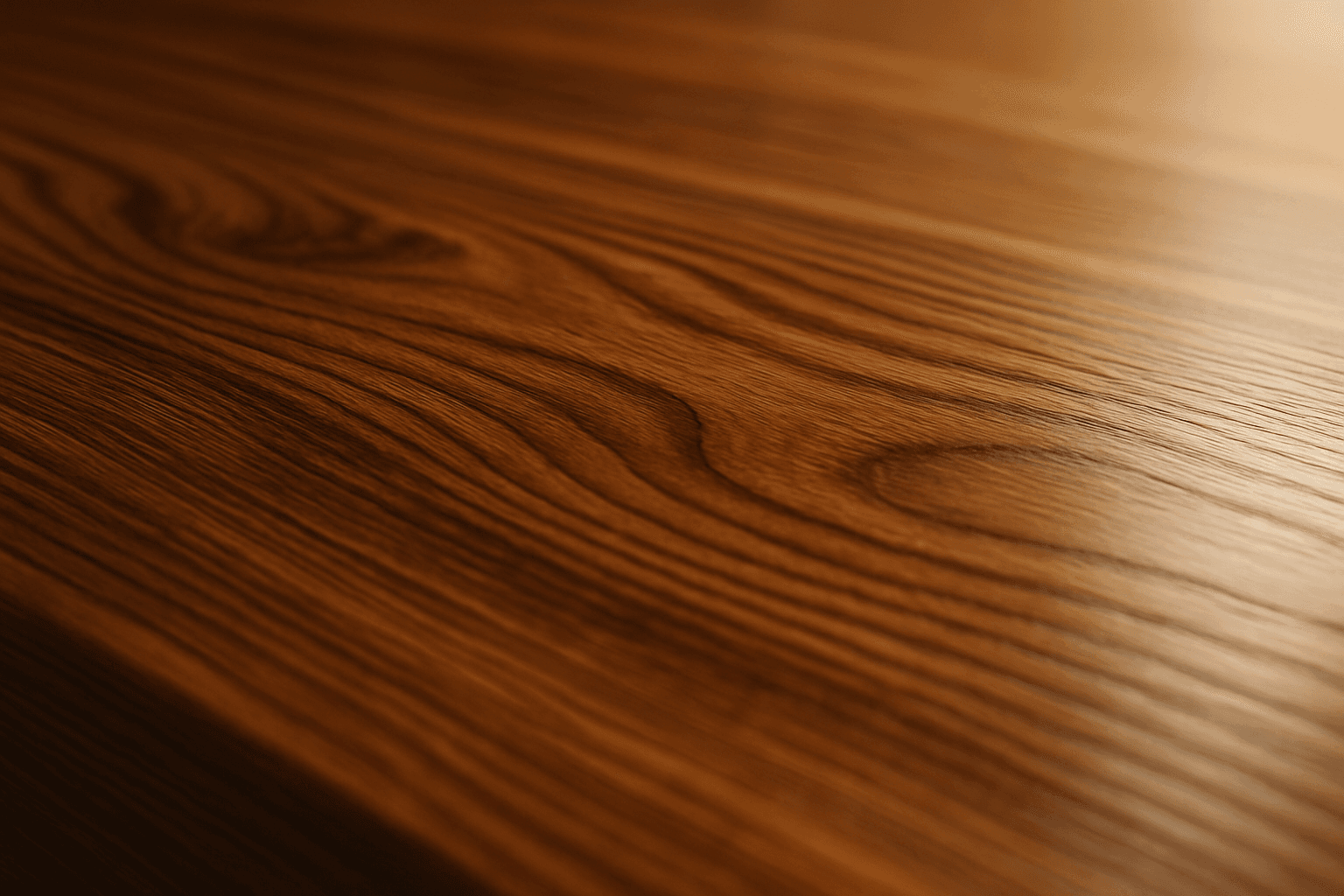
The 'Polished Wood Texture' keyword is essential for creating highly realistic and visually appealing wood surfaces in AI-generated imagery, especially in product design, interior visualization, and material studies. This texture emphasizes the fine finish and reflective qualities of wood that has been carefully sanded and treated with a glossy coating, producing subtle light reflections and depth. Using this keyword, artists and designers can quickly convey a sense of luxury, craftsmanship, and natural warmth in their images. It works effectively with various wood types and complements modern editorial aesthetics that value clean, premium material representations. Leveraging this texture in AI-generated images helps achieve a refined realism suitable for high-end design presentations or stock imagery.