Metallic Foil Texture
Metallic Foil Texture is a specialized descriptor used in AI image generation to simulate the appearance of thin metallic sheets that reflect light with a distinctive shine and texture. When integrated into prompts, it produces images with a sophisticated, realistic metallic finish characterized by gleaming highlights, soft wrinkles, and a polished look. This keyword is valuable in design, branding, and digital art contexts where a premium metallic aesthetic is desired. It enhances visual depth by capturing the interplay of light and surface irregularities typical of foil materials. Artists and designers leverage this texture to create backgrounds, patterns, and objects that stand out with elegant metallic allure.

Definition
Metallic Foil Texture means incorporating the reflective and shiny surface qualities characteristic of metal foil—such as gold or silver sheets—into AI-generated images. This keyword guides the AI to produce visuals mimicking the material's distinctive sheen, subtle wrinkles, and reflective nuances, lending images a luxurious, realistic metallic finish.
Visual Characteristics
- Highly reflective with bright specular highlights
- Subtle creases, crinkles, or smooth foil-like folds
- Metallic color tones including gold, silver, bronze, and copper hues
Prompt Formula
To effectively generate Metallic Foil Texture, use prompt patterns combining base subjects with descriptive foil attributes and lighting conditions. Examples include: - [Subject] with golden metallic foil texture, softly wrinkled surface, studio lighting - Close-up of silver metallic foil texture, high gloss, crumpled details - Abstract background featuring smooth copper metallic foil texture, reflective highlights
Best Use Cases
- Creating luxury product backgrounds and packaging art
- Simulating metallic textiles or embroidered fabrics in fashion visuals
- Generating abstract or decorative art pieces with reflective foil surfaces
Creative Variations
Vary Metallic Foil Texture prompts with lighting styles, foil colors, and surface conditions to create diverse results. For example, use harsh directional lighting to emphasize sharp creases or soft ambient light for a gentle glow. Experiment with different metallic shades like rose gold or chrome. Combine metallic foil with other materials such as leather or glass for mixed media textures. Adjust foil surface from highly crumpled to nearly smooth to diversify appearances.
FAQ
Can I use Metallic Foil Texture for non-metallic colors?
While Metallic Foil Texture typically refers to metal-like surfaces, you can experiment with non-metallic colors. However, the 'metallic' aspect primarily emphasizes reflective qualities and sheen, so colors that mimic metals usually yield the most realistic results.
What lighting works best to highlight Metallic Foil Texture?
Studio lighting with controlled directional highlights works best to bring out the shine, creases, and reflective details of metallic foil textures, enhancing their three-dimensional appearance.
Continue Exploring
Related Prompts
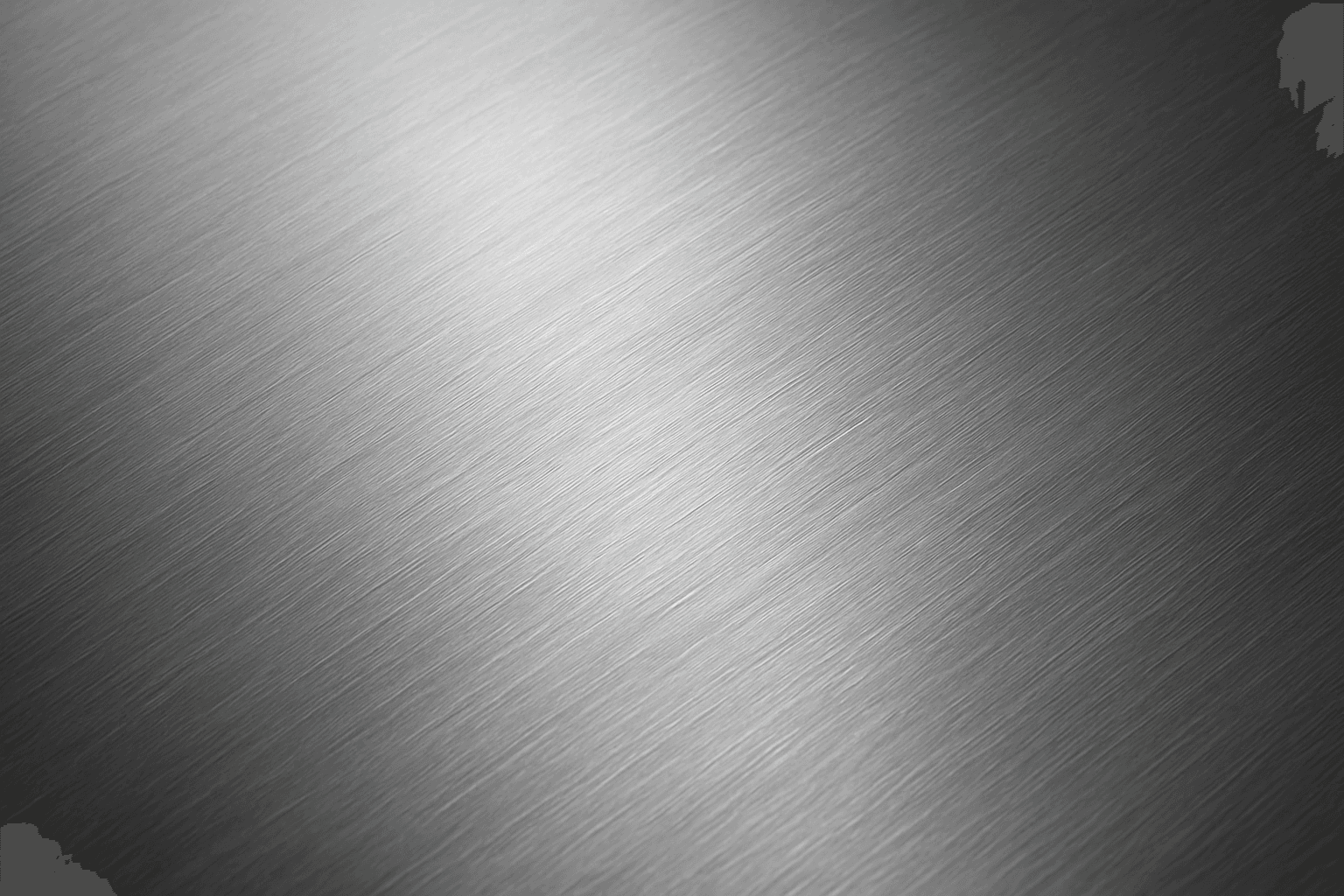
Brushed Metal Texture
Brushed Metal Texture in AI art generation captures the distinctive look of metal surfaces treated by abrasive brushing, which creates smooth, parallel lines affecting how light reflects. It's a popular material finish in industrial design, consumer electronics, and architectural elements, lending a premium, tactile quality to images. Using this texture in AI prompts ensures realistic rendering of metal objects with nuanced light interplay and surface depth. This texture enhances visual interest while maintaining subtlety, making it ideal for product visualizations, backgrounds, and stylized concept art. By controlling this parameter, creators can elevate the authenticity and sophistication of metallic materials within their compositions.
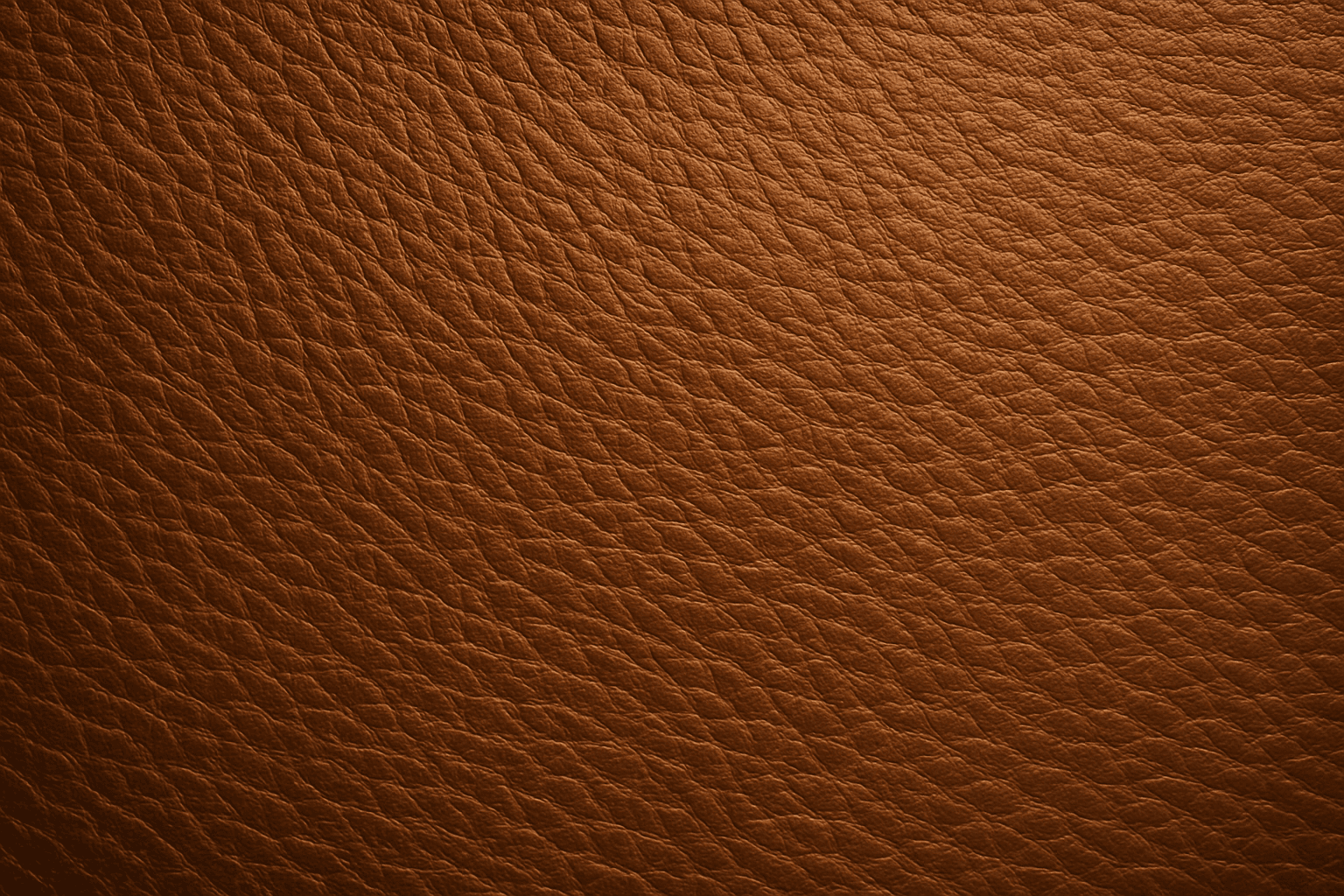
Leather Grain Texture
Using 'Leather Grain Texture' in AI image prompts allows creators to generate images with highly detailed and realistic leather surfaces. This keyword enhances the tactile quality of materials depicted, making them appear more authentic and premium. The characteristic grain patterns convey luxury and craftsmanship, useful for designs needing sophisticated material representation. When combined with appropriate lighting and composition, this texture can create visually rich images suitable for product visualization, fashion editorials, or interior design concepts. Mastery of this keyword helps artists achieve depth and realism in their material renderings, appealing to audiences seeking visually convincing visuals.
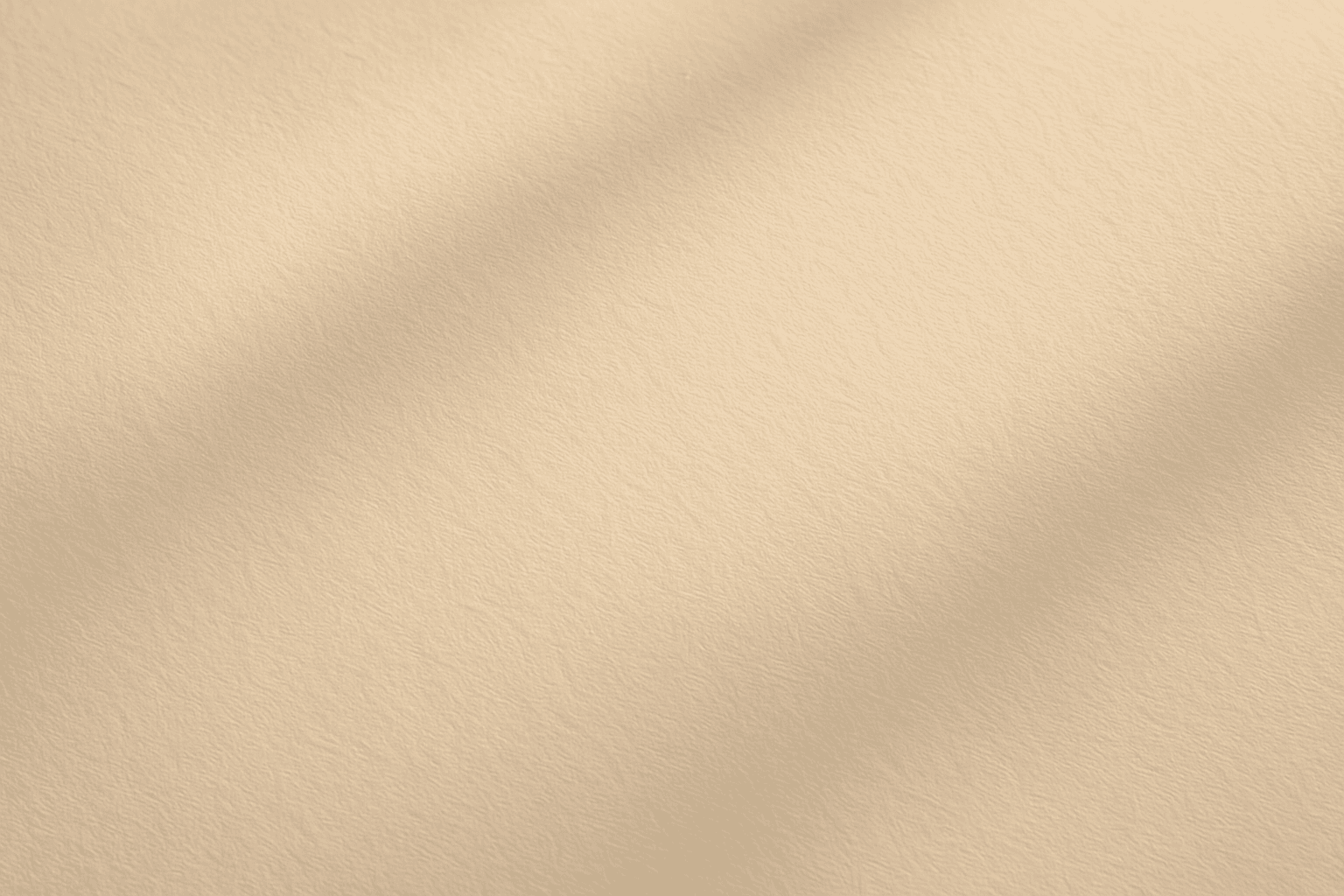
Soft Matte Paper Texture
Soft Matte Paper Texture is a specialized prompt keyword that helps artists and designers generate images featuring realistic, tactile paper surfaces with a matte finish. This texture is characterized by subdued reflections and a soft, natural look that avoids glare or shine. Using this keyword in AI prompts supports creations such as book covers, packaging mockups, stationery backgrounds, and fine art prints where the paper quality matters. The resulting images carry a premium aesthetic, imitating high-quality paper stock that is often sought after in print-design visualizations and marketing materials. Overall, employing Soft Matte Paper Texture enriches an AI image with subtle tactile cues contributing to a refined, understated finish.

Texture Overlay Techniques
Texture Overlay Techniques are essential for artists and designers using AI image generation to add realistic or stylized surface qualities to their visuals. By specifying textures in a prompt, you can transform flat or generic images into rich, detailed creations that mimic physical materials or artistic effects. These overlays help in achieving mood, authenticity, or unique artistry by adding layers of complexity without altering the core composition. Whether you want a weathered wall effect or a glossy metallic finish, texture overlays deepen the narrative and visual appeal. Understanding how to incorporate texture keywords and their combinations allows for controlled refinement and diverse outputs, making images stand out in editorial, commercial, or creative projects.
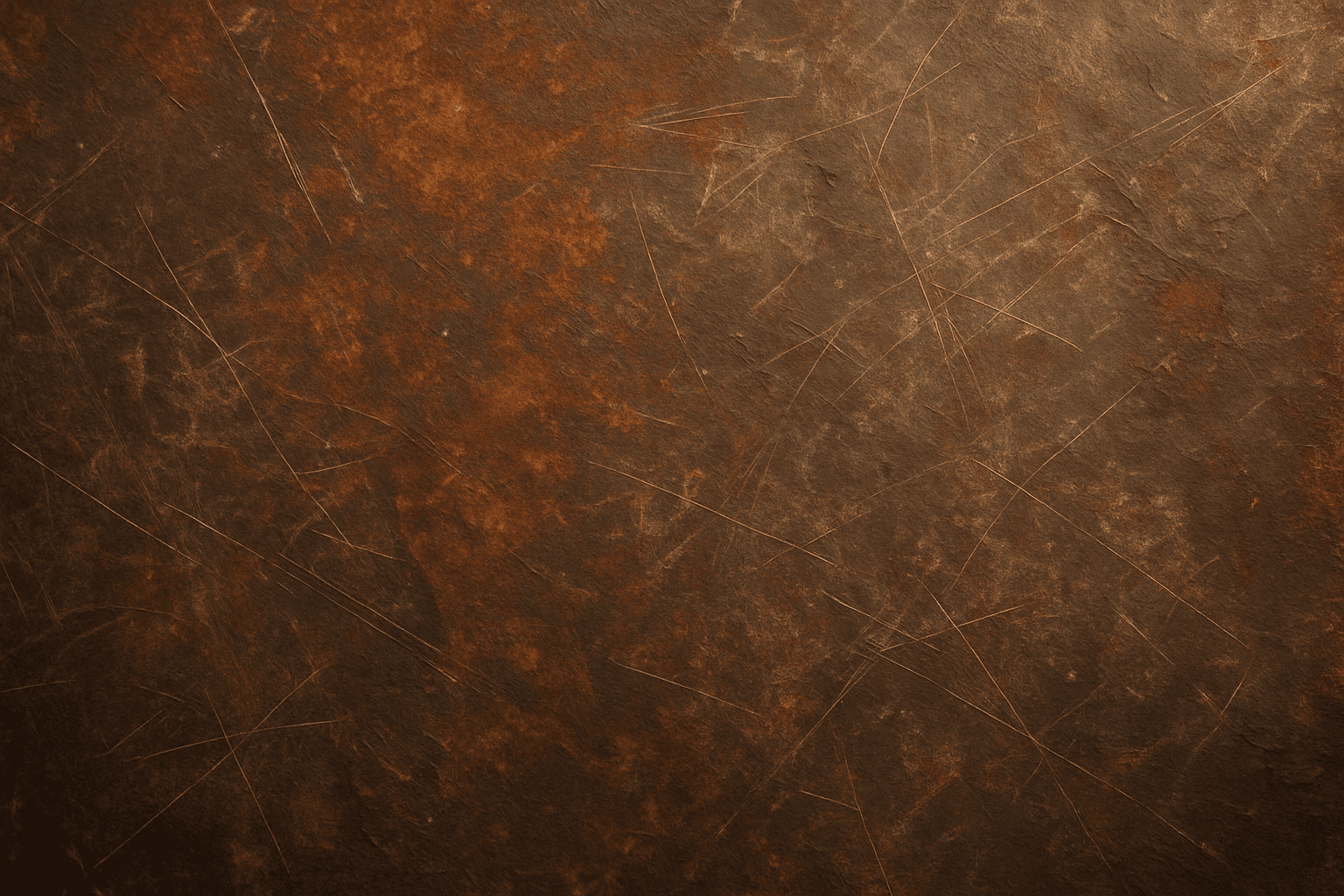
Rustic Metal Texture
Using the Rustic Metal Texture keyword in AI image generation prompts enables artists and designers to depict materials that evoke a tactile sense of history and industrial age charm. The effect mimics the natural aging process on metals, featuring oxidation, pitting, and surface irregularities, which deliver a realistic and visually compelling finish. This texture works well in designs requiring an authentic vintage or handcrafted aesthetic, often used to contrast smoother, newer materials or to emphasize material quality and environment. Incorporating this keyword enhances the feel of depth and realism, making digital renders more tangible and atmospheric for editorial, product visualization, and concept art contexts.
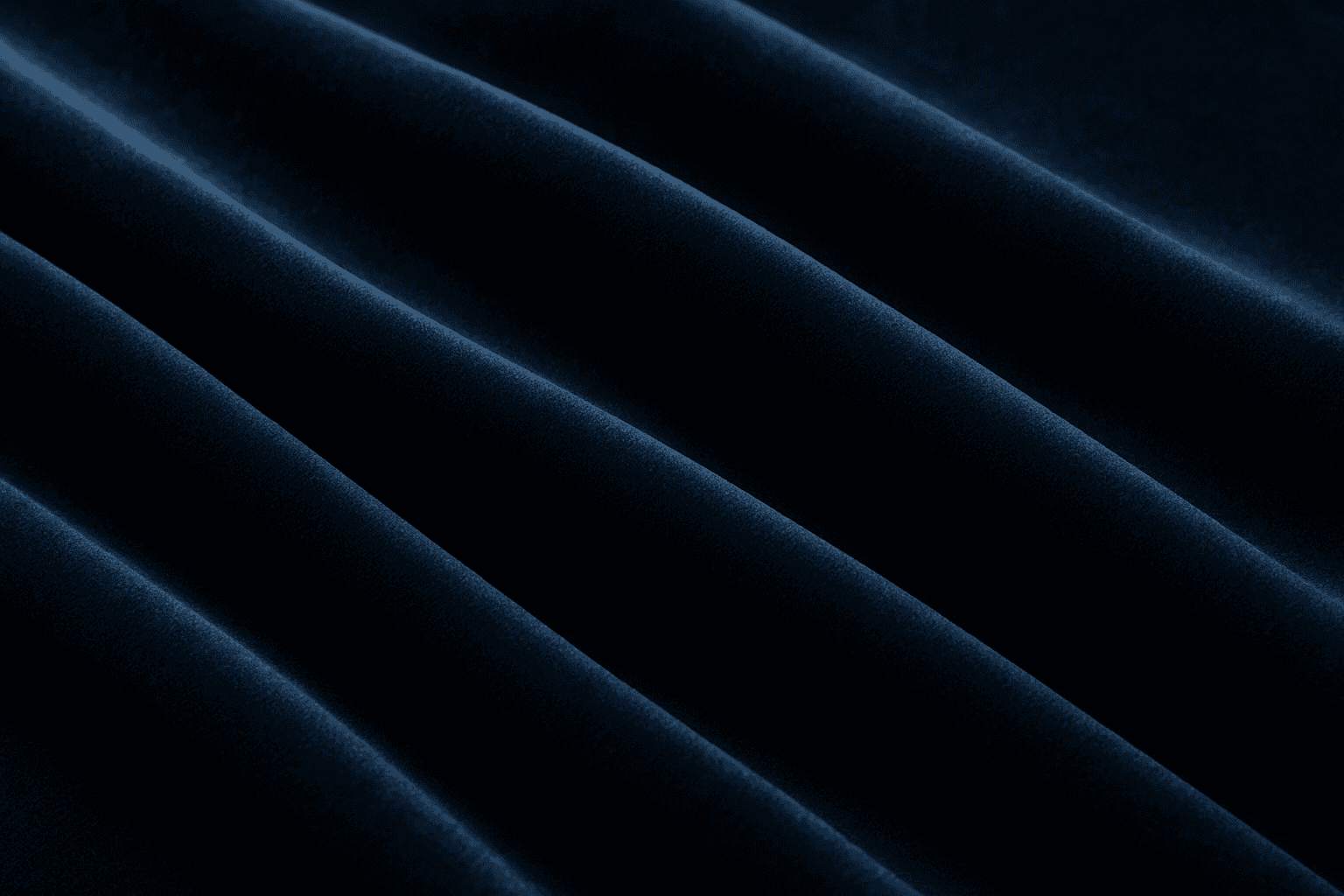
Soft Velvet Texture
Soft velvet texture adds a luxurious and tactile feel to AI-generated images by simulating the fine, dense pile typical of velvet fabric. When included in prompts, it directs AI models to replicate the characteristic softness, subtle sheen, and depth of this material, making visuals appear rich and inviting. This texture is ideal for creating realistic textiles, fashion elements, interior details, and cozy ambiance, infusing images with a quality of warmth and sophistication. The keyword helps achieve nuanced light interactions and surface definition, crucial for premium stock imagery and editorial designs requiring refined material depiction.