Soft Matte Paper Texture
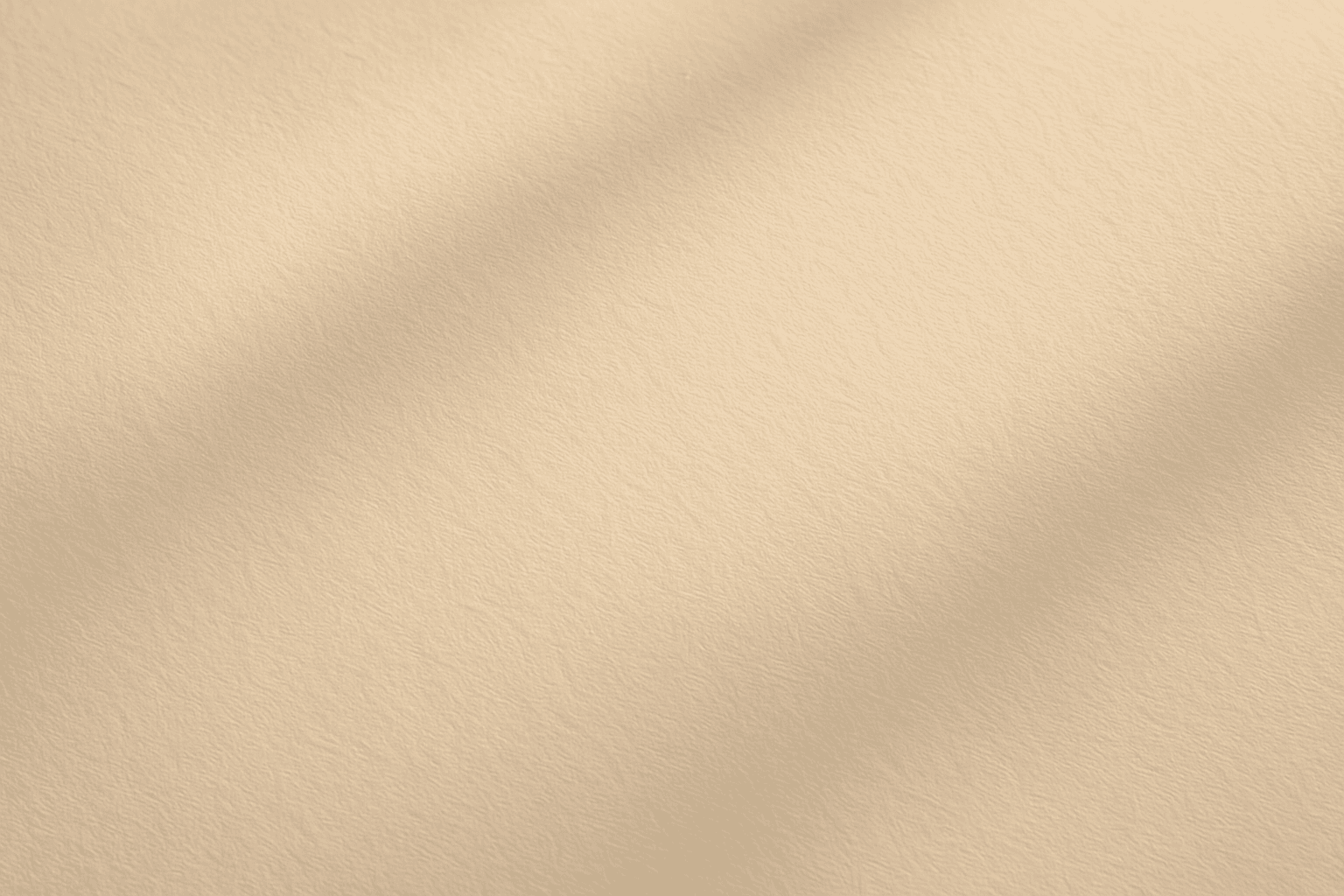
Soft Matte Paper Texture is a specialized prompt keyword that helps artists and designers generate images featuring realistic, tactile paper surfaces with a matte finish. This texture is characterized by subdued reflections and a soft, natural look that avoids glare or shine. Using this keyword in AI prompts supports creations such as book covers, packaging mockups, stationery backgrounds, and fine art prints where the paper quality matters. The resulting images carry a premium aesthetic, imitating high-quality paper stock that is often sought after in print-design visualizations and marketing materials. Overall, employing Soft Matte Paper Texture enriches an AI image with subtle tactile cues contributing to a refined, understated finish.
Definition
Soft Matte Paper Texture describes a realistic rendering of paper surfaces that feature a low-gloss, smooth finish with soft light reflection. It helps AI models understand to minimize shine and create gentle surface depth resembling premium matte paper. Adding this keyword in prompts changes how light interacts with the material in the image, favoring subtlety rather than glossiness.
- Replicates smooth, velvety paper surface
- Prevents harsh light reflections or shine
- Emulates softness typical of high-quality matte paper
Prompt Formula
Construct prompts by combining material, texture, and lighting elements that emphasize subtlety and softness. Typical formulas include: "[object or surface] with soft matte paper texture, subtle grain, diffused natural lighting" "Close-up of [stationery/product] on soft matte paper texture background, warm soft shadows" "Minimalist design featuring soft matte paper texture, smooth surfaces, gentle highlights"
- "soft matte paper texture" + "subtle grain"
- "diffused natural lighting" to reduce shine
- Include object context: "invitation card", "book cover", "stationery background"
Best Use Cases
Soft Matte Paper Texture excels in helping create tactile, tangible image qualities where paper finish matters. Its best use cases include: - Product mockups for print materials like greeting cards and invitations - Editorial and book cover visuals that highlight quality paper stocks - Backgrounds and overlays for branding assets requiring authentic stationery textures
- Print product mockups (invitations, cards)
- Book and editorial cover design
- Branding and lifestyle stationery backgrounds
Industry Applications
This keyword is valuable across various commercial fields: - Advertising: Showcasing product packaging with a premium paper feel to elevate brand perception - Editorial: Creating magazine or book covers that emphasize paper quality and tactile depth - E-commerce: Providing realistic mockups for stationery and paper goods to boost buyer confidence The natural lighting and subtle texture appeal increase product realism and visual interest.
- Advertising campaigns for packaging
- Editorial illustration and cover design
- E-commerce product visualization
Common Mistakes
Typical errors when using this keyword include: - Overemphasizing texture grain leading to unrealistic roughness - Adding glossy or shiny lighting effects contradicting the matte concept - Using vague or conflicting adjectives that confuse the AI model (e.g., "soft matte glossy") Avoid these by keeping descriptors clear and consistent with matte paper qualities and lighting that minimizes reflections.
- Avoid overly pronounced grain that looks rough
- Exclude glossy or shiny lighting keywords
- Use consistent matte-focused adjectives only
Advanced Techniques
Experienced prompt writers can refine results by: - Specifying lighting direction and softness to control shadow definition - Combining soft matte paper texture with color temperature cues for warm or cool paper tones - Adding modifiers for grain scale to simulate different paper weights or finishes - Using template prompts with variable objects to consistently generate product mockups with the same finish
- Control shadow softness: "soft shadows, diffused light"
- Color tone modifiers: "warm beige matte paper"
- Adjust grain scale: "fine grain", "medium texture"
- Template pattern: "product + soft matte paper texture + lighting"
FAQ
How does 'Soft Matte Paper Texture' affect image lighting in AI prompts?
It instructs the AI to minimize glossy reflections and harsh highlights, creating a more diffuse and natural light interaction that mimics the soft, low-gloss surface of matte paper.
Can I use 'Soft Matte Paper Texture' for surfaces other than paper?
While best suited for paper-like surfaces, this keyword can enhance any material needing a soft, matte finish, but results may vary depending on context and additional descriptors.
Continue Exploring
Related Prompts
Textured Paper Background
Adding the 'Textured Paper Background' keyword to an AI-generated image prompt introduces a tactile and organic feel, mimicking the subtle fibers and natural imperfections of real paper. It optimizes visual depth and material realism, making backgrounds appear authentic and refined. This effect is particularly useful in artistic, editorial, or product-related images where a clean yet textural backdrop is desired. By specifying this texture, users can elevate the image's material presentation, avoiding flat or digital-only appearances. The result is a premium stock-image-quality background with sophisticated lighting and nuanced detail that enhances focus on the main subject without distraction.
Matte Surface Texture
The 'Matte Surface Texture' keyword in AI image generation is fundamental when aiming for realism and subtlety in material appearance. Unlike glossy or reflective surfaces, matte textures offer a restrained light interaction, producing soft shadows and even visual tones. This texture is valued for its fine grain, softness, and understated elegance, making images appear modern and refined. Including this keyword enhances the material rendition of subjects like ceramics, paper, cloth, or painted surfaces, enabling photorealistic or stylized outputs that emphasize tactile qualities without distracting reflections. It's especially effective for editorial visuals, product mockups, and interior materials where controlling reflection is crucial.
Polished Wood Texture
The 'Polished Wood Texture' keyword is essential for creating highly realistic and visually appealing wood surfaces in AI-generated imagery, especially in product design, interior visualization, and material studies. This texture emphasizes the fine finish and reflective qualities of wood that has been carefully sanded and treated with a glossy coating, producing subtle light reflections and depth. Using this keyword, artists and designers can quickly convey a sense of luxury, craftsmanship, and natural warmth in their images. It works effectively with various wood types and complements modern editorial aesthetics that value clean, premium material representations. Leveraging this texture in AI-generated images helps achieve a refined realism suitable for high-end design presentations or stock imagery.
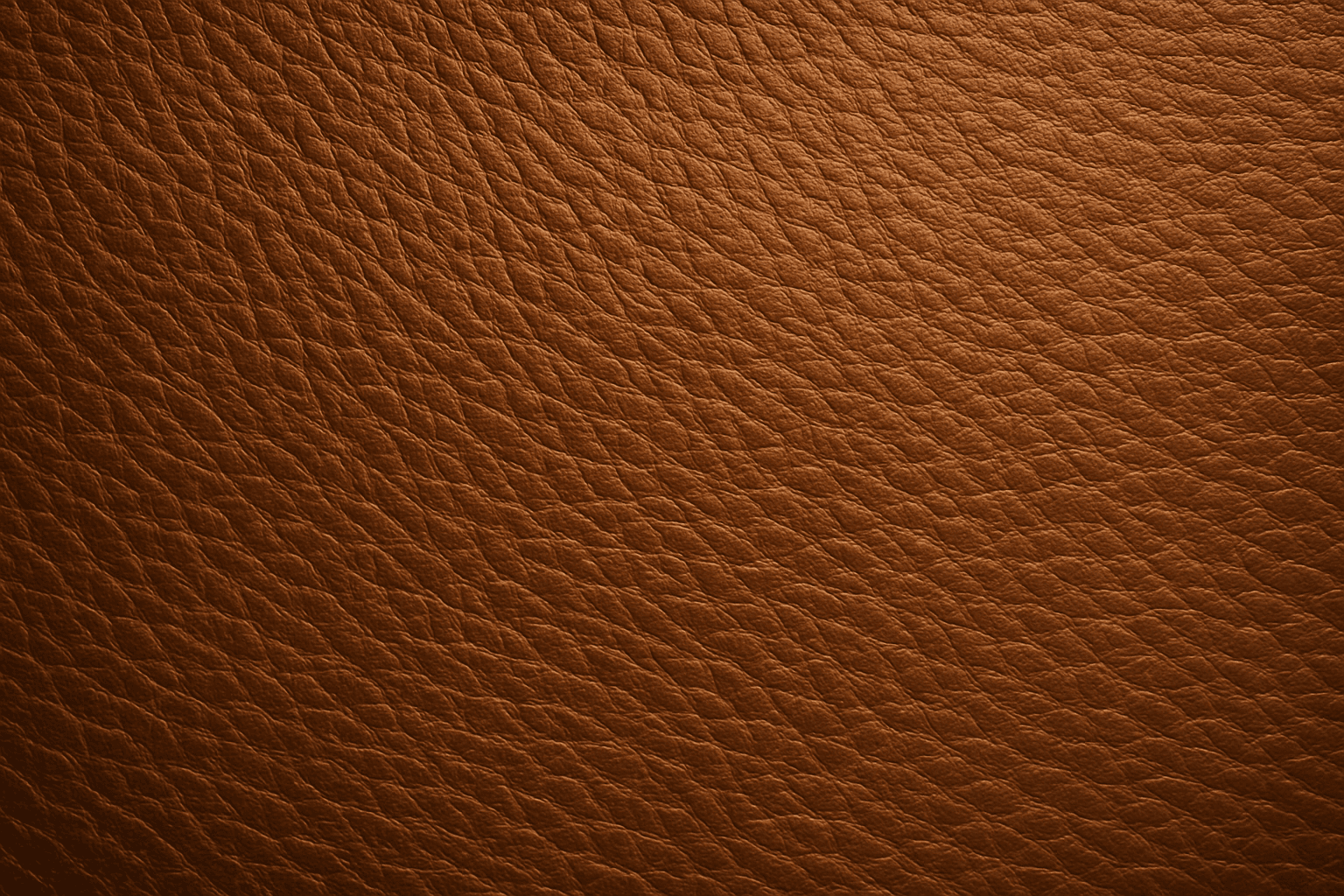
Leather Grain Texture
Using 'Leather Grain Texture' in AI image prompts allows creators to generate images with highly detailed and realistic leather surfaces. This keyword enhances the tactile quality of materials depicted, making them appear more authentic and premium. The characteristic grain patterns convey luxury and craftsmanship, useful for designs needing sophisticated material representation. When combined with appropriate lighting and composition, this texture can create visually rich images suitable for product visualization, fashion editorials, or interior design concepts. Mastery of this keyword helps artists achieve depth and realism in their material renderings, appealing to audiences seeking visually convincing visuals.
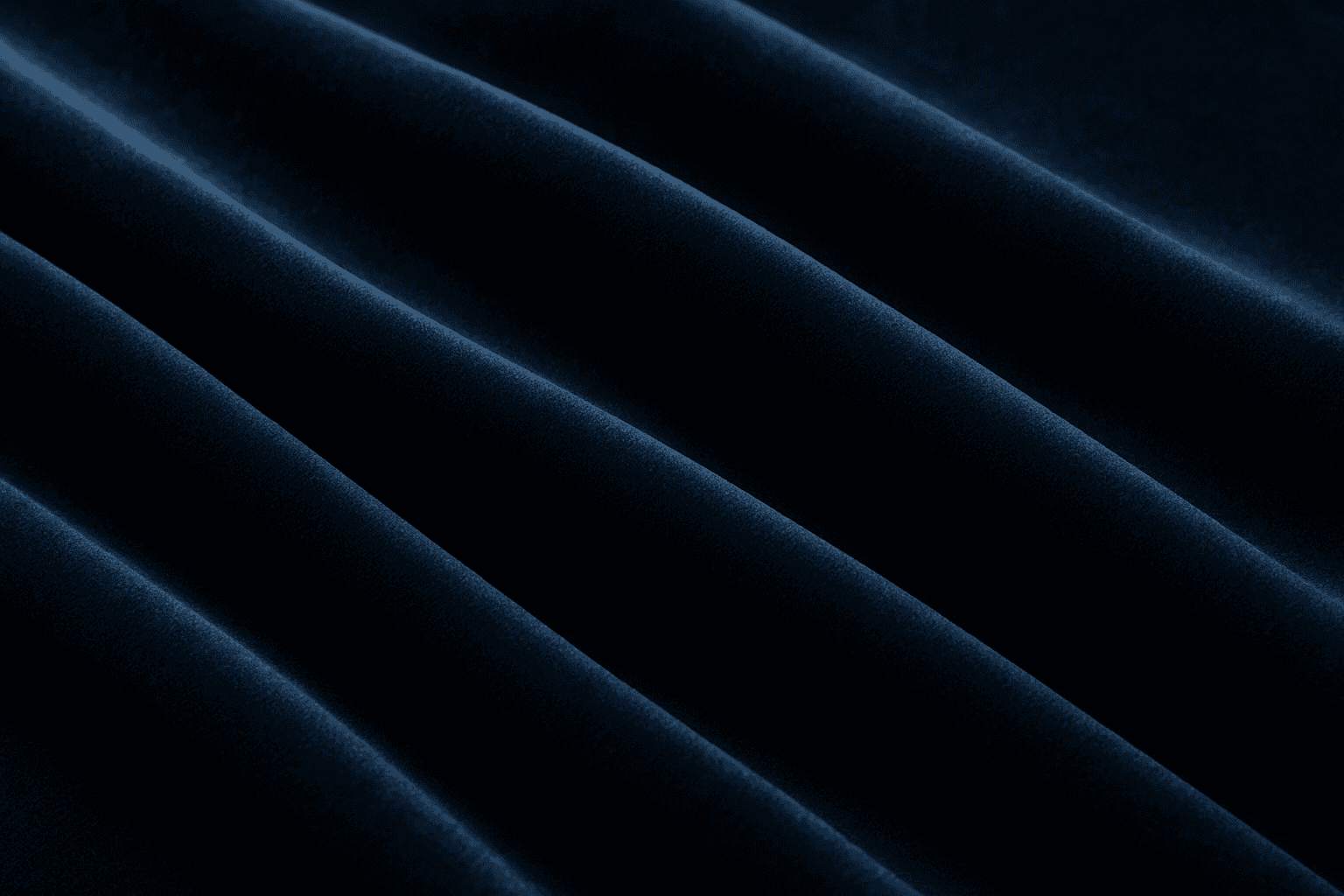
Soft Velvet Texture
Soft velvet texture adds a luxurious and tactile feel to AI-generated images by simulating the fine, dense pile typical of velvet fabric. When included in prompts, it directs AI models to replicate the characteristic softness, subtle sheen, and depth of this material, making visuals appear rich and inviting. This texture is ideal for creating realistic textiles, fashion elements, interior details, and cozy ambiance, infusing images with a quality of warmth and sophistication. The keyword helps achieve nuanced light interactions and surface definition, crucial for premium stock imagery and editorial designs requiring refined material depiction.
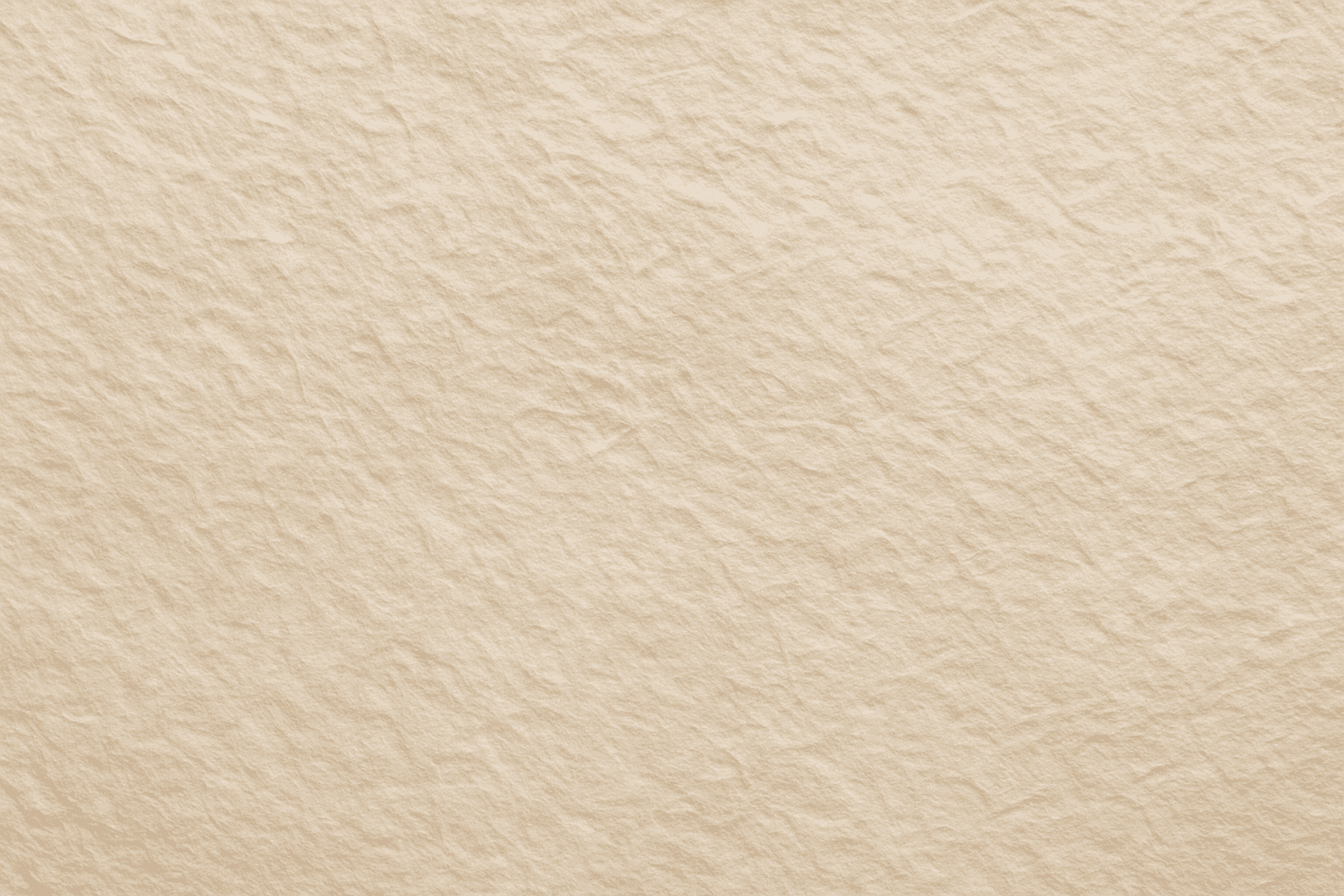
Paper Fiber Texture
Paper Fiber Texture in AI-generated images enhances realism by simulating the microscopic fibers found in physical paper. This texture adds subtle detail and tactile qualities to artwork, making backgrounds or materials appear organic and handcrafted. When included in prompts, it helps models focus on delicate and uneven surfaces rather than flat or overly smooth ones. This keyword is especially useful in designs needing authenticity or vintage aesthetics, offering an alternative to digital or synthetic textures. It works well combined with lighting descriptions to highlight the tactile aspects of the fibers and create refined editorial visuals.