Soft Velvet Texture
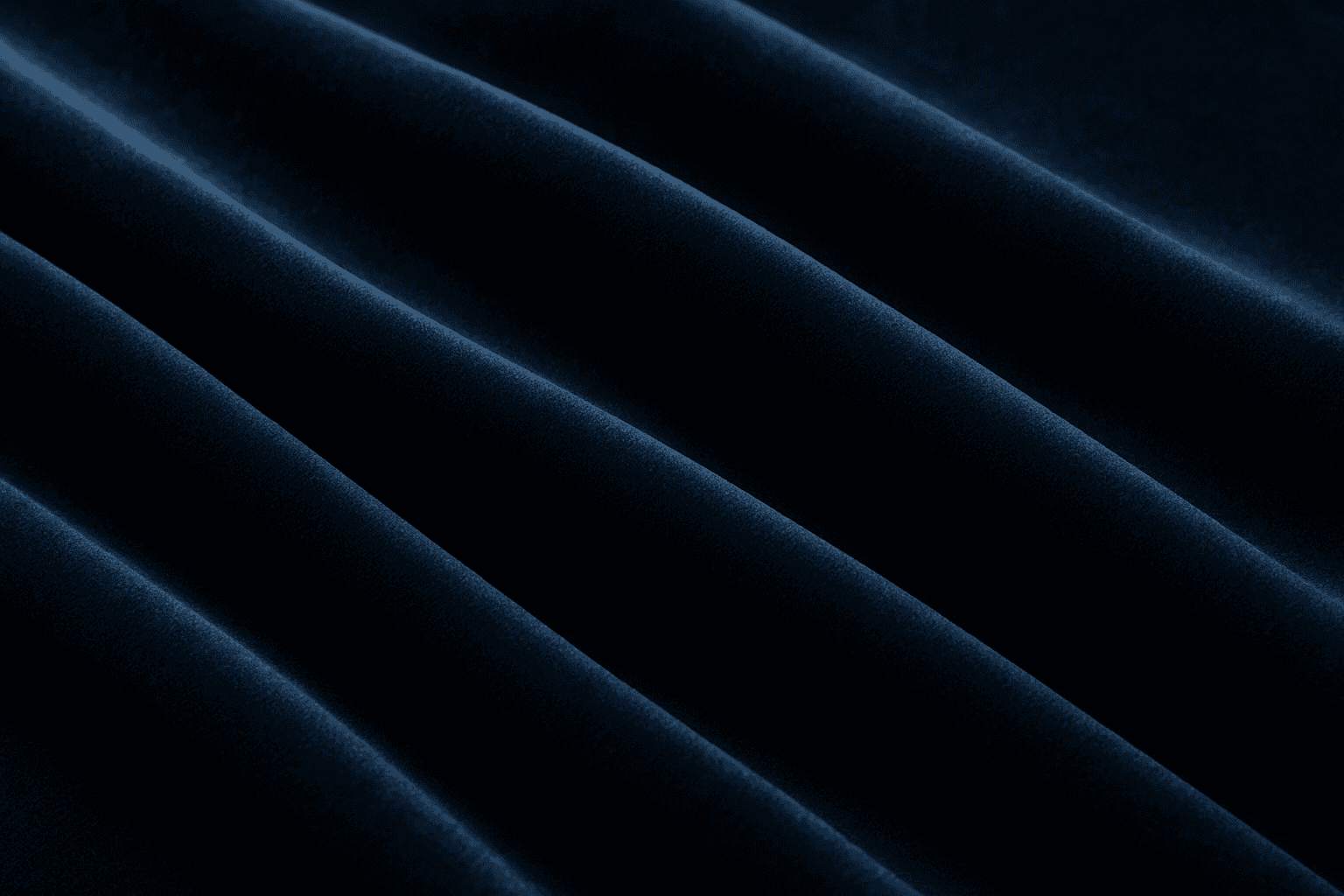
Soft velvet texture adds a luxurious and tactile feel to AI-generated images by simulating the fine, dense pile typical of velvet fabric. When included in prompts, it directs AI models to replicate the characteristic softness, subtle sheen, and depth of this material, making visuals appear rich and inviting. This texture is ideal for creating realistic textiles, fashion elements, interior details, and cozy ambiance, infusing images with a quality of warmth and sophistication. The keyword helps achieve nuanced light interactions and surface definition, crucial for premium stock imagery and editorial designs requiring refined material depiction.
Definition
The 'Soft Velvet Texture' keyword instructs AI to produce images that mimic the tactile and visual qualities of velvet fabric. This includes a soft, dense pile that catches light gently and exhibits a subtle sheen with rich, plush depth. Beginners should note that incorporating this keyword enhances the realism and textural feel of fabrics and materials in AI-generated imagery, making objects appear luxuriously soft and tactile.
Prompt Formula
Combine the fabric’s color, lighting, and descriptors with 'soft velvet texture' to craft effective prompts. Example formula: [subject] + [color] + 'soft velvet texture' + [lighting] + [context or setting]. Using modifiers like 'luxurious folds' or 'natural lighting' improves tactile realism.
- [subject] with soft velvet texture in [color]
- Luxurious soft velvet texture with subtle sheen under [lighting]
- Close-up of [object] featuring soft velvet texture and smooth folds
Best Use Cases
- Detailed fabric close-ups highlighting plush quality
- Interior textiles like cushions and drapery imagery
- Luxury fashion materials showcasing softness and sheen
Creative Variations
To diversify results and avoid repetitive outputs, adjust style, lighting, and color. Experiment with different fabric colors—deep jewel tones or pastel shades—as well as lighting angles, such as soft diffused vs. directional spotlights. Vary compositions by including wrinkles, folds, or flat layouts to emphasize texture nuances.
- Play with jewel-toned velvet colors vs. muted pastels
- Use soft ambient lighting or sharp directional light
- Include fabric folds, wrinkles, or flat smooth surfaces to vary depth
Industry Applications
Soft velvet texture images are widely used in luxury fashion advertising to showcase fabric quality, in interior design for product and fabric marketing, and in editorial stock photography emphasizing plush, tactile surfaces. These applications benefit from the texture’s ability to convey comfort, elegance, and material richness in various commercial creative projects.
- Luxury fashion lookbooks and promotional ads
- Furniture and textile ecommerce visuals
- Editorial and stock photography for premium brands
Common Mistakes
Avoid generic descriptions like 'soft fabric' without specifying 'velvet' as they result in lackluster, less defined textures. Overusing adjectives such as 'very soft, very smooth' can produce unrealistic or overly flat visuals. Also, inconsistent lighting or neglecting fabric folds leads to unnatural appearance. To prevent this, combine precise material terms with lighting and surface detail modifiers.
- Using vague terms instead of 'soft velvet texture'
- Overloading with generic softness adjectives
- Ignoring proper lighting and fabric folds in prompt
Advanced Techniques
Enhance your velvet texture prompts by adding constraints such as 'macro lens', 'high-resolution close-up', or specifying 'nap direction visible' to emphasize fabric pile. Combine with lighting effects like 'golden hour sunlight' or 'soft shadow gradients' to create mood. Layering additional texture overlays such as 'slight sheen' or 'light nap variation' can fine-tune realism.
- Add 'macro lens close-up' for detailed pile visibility
- Specify lighting conditions: 'golden hour sunlight' or 'soft shadows'
- Include nap direction and sheen details for tactile emphasis
Professional Workflow
Start by defining your concept and selecting color palettes that complement velvet textures. Build prompts using the formula, incorporating precise texture and lighting descriptors. Generate test images then review for realism, softness, and light interaction. Refine prompts iteratively by adjusting adjectives and light settings. Select final images that showcase clear velvet pile, natural folds, and subtle sheen, then polish in post-production for commercial readiness.
- Concept and color palette definition
- Prompt construction with texture and lighting focus
- Iterative generation and refinement
- Final selection based on tactile realism
- Post-production polishing
FAQ
How does adding 'soft velvet texture' affect AI-generated images?
Including 'soft velvet texture' guides the AI to render surfaces that mimic the plushness, subtle shine, and tactile feel of velvet fabric, enhancing realism and material depth.
Can 'soft velvet texture' be combined with other styles in prompts?
Yes, combining it with lighting styles, color variations, and subjects like fashion or interiors helps create diverse, rich visual results.
Continue Exploring
Related Prompts
Velvet Fabric Texture
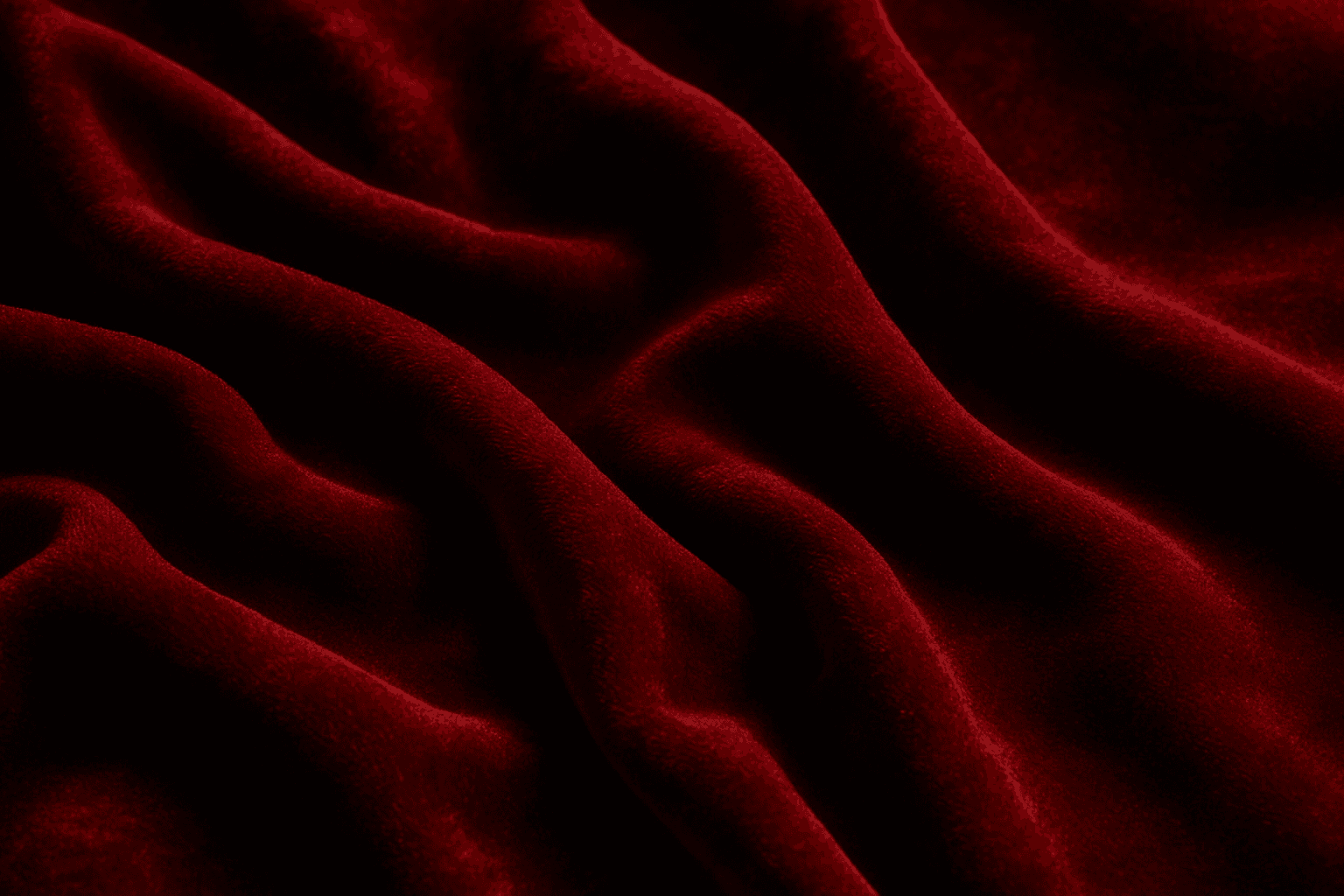
Velvet Fabric Texture is a highly valued keyword in AI image creation, known for adding a touch of luxury and tactile richness. Its unique surface combines densely packed fibers that catch light gently, creating a depth that transforms flat colors into dynamic, sumptuous visuals. When AI models recognize the velvet texture prompt, they generate images showcasing soft highlights and shadows along with a fabric's signature pile, making it ideal for realistic fashion designs, interior decor visuals, and product textures. This keyword elevates images by introducing delicate, realistic fabric details that convey comfort and elegance, apt for editorial and commercial uses.
Soft Matte Paper Texture
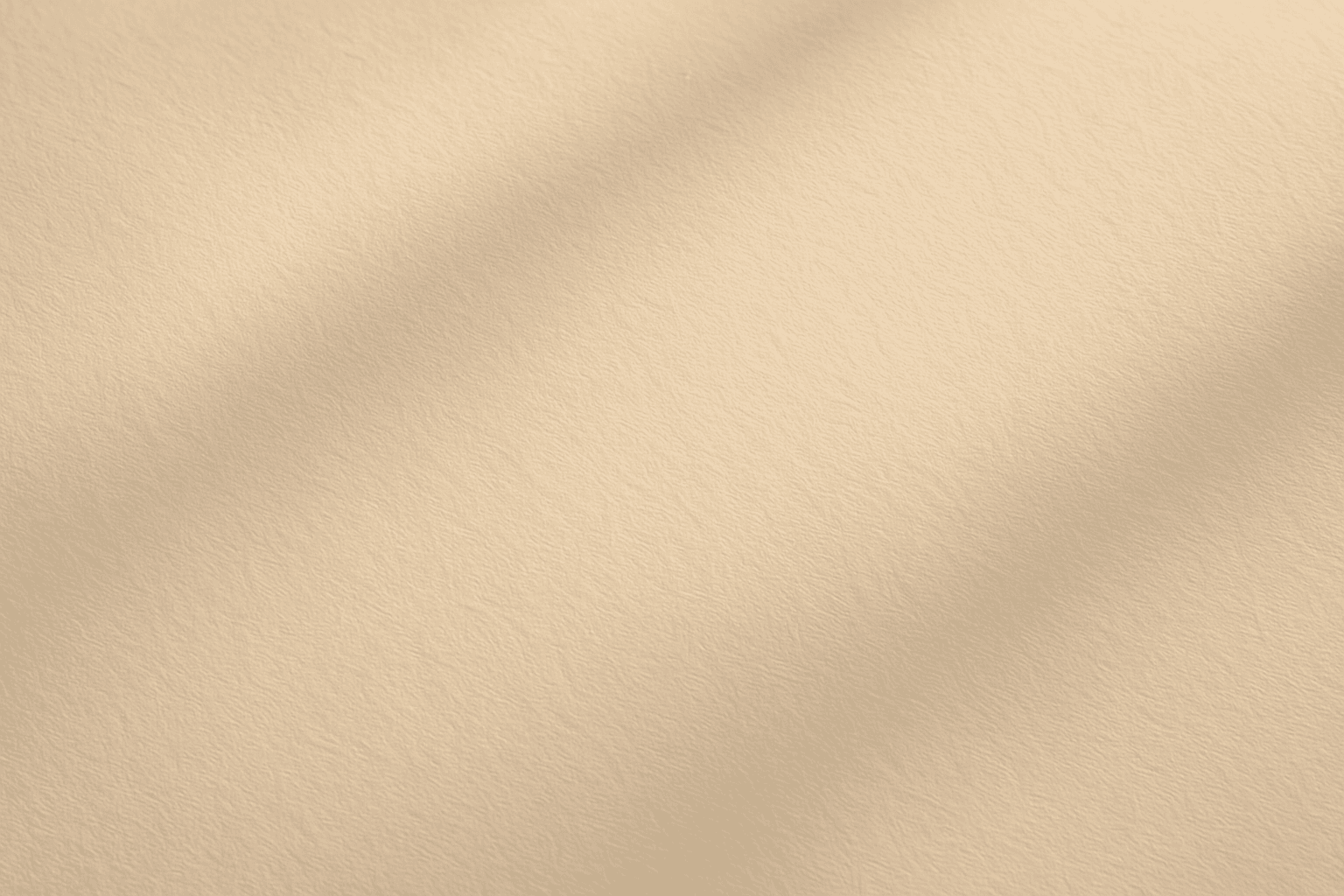
Soft Matte Paper Texture is a specialized prompt keyword that helps artists and designers generate images featuring realistic, tactile paper surfaces with a matte finish. This texture is characterized by subdued reflections and a soft, natural look that avoids glare or shine. Using this keyword in AI prompts supports creations such as book covers, packaging mockups, stationery backgrounds, and fine art prints where the paper quality matters. The resulting images carry a premium aesthetic, imitating high-quality paper stock that is often sought after in print-design visualizations and marketing materials. Overall, employing Soft Matte Paper Texture enriches an AI image with subtle tactile cues contributing to a refined, understated finish.
Smooth Silk Texture
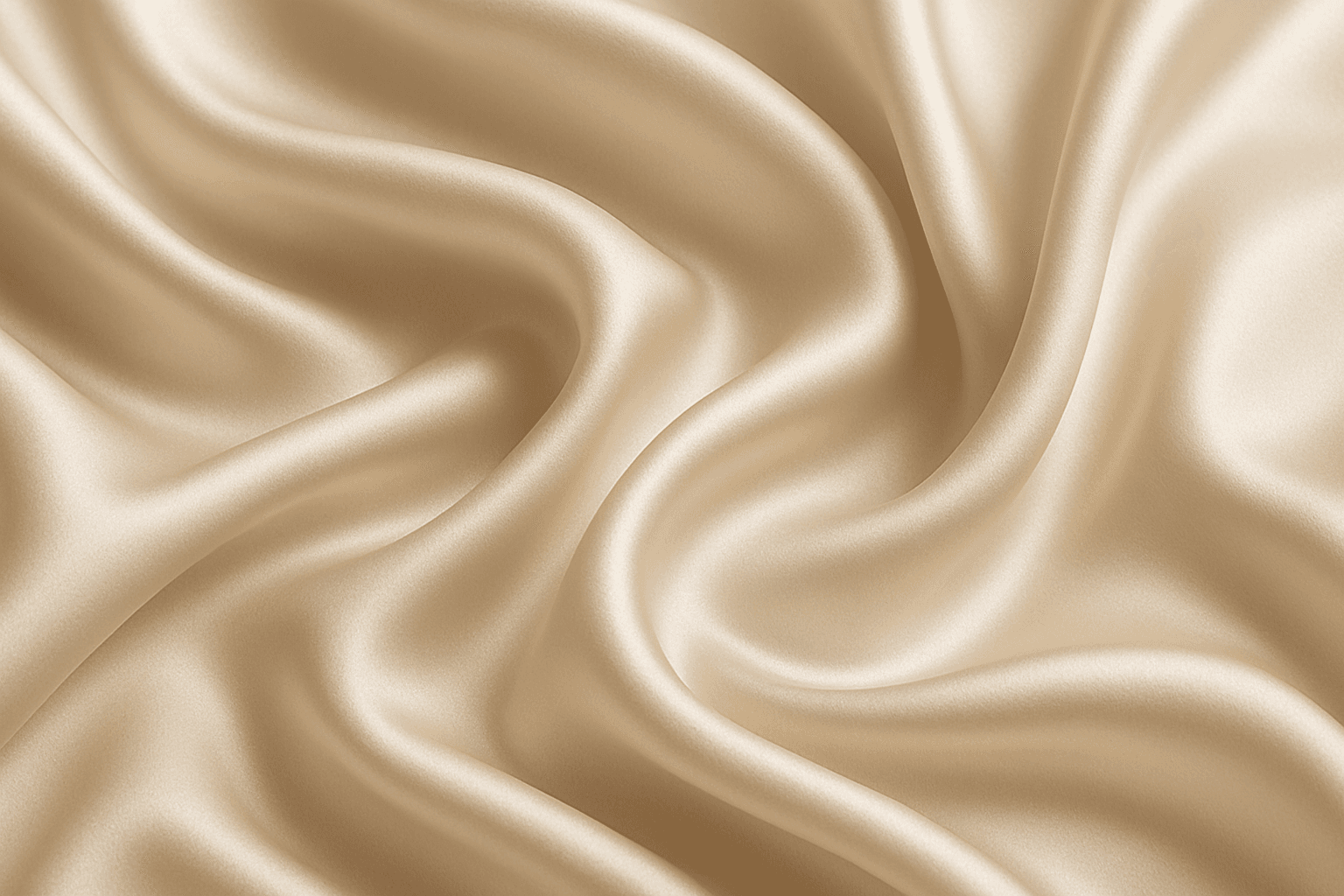
Using 'Smooth Silk Texture' as a keyword in AI prompts enhances image realism by replicating the distinct tactile and visual properties of silk fabric. This effect includes gentle light reflections, fine surface softness, and natural fold dynamics that emphasize quality and luxury. Including this keyword guides models to generate images with refined lighting and smooth gradients, often used in fashion, interiors, or product visuals where sophisticated fabric appearance is needed. It also adds subtle depth without harsh texture or noise, ensuring elegant and premium aesthetics suitable for editorial and commercial projects.
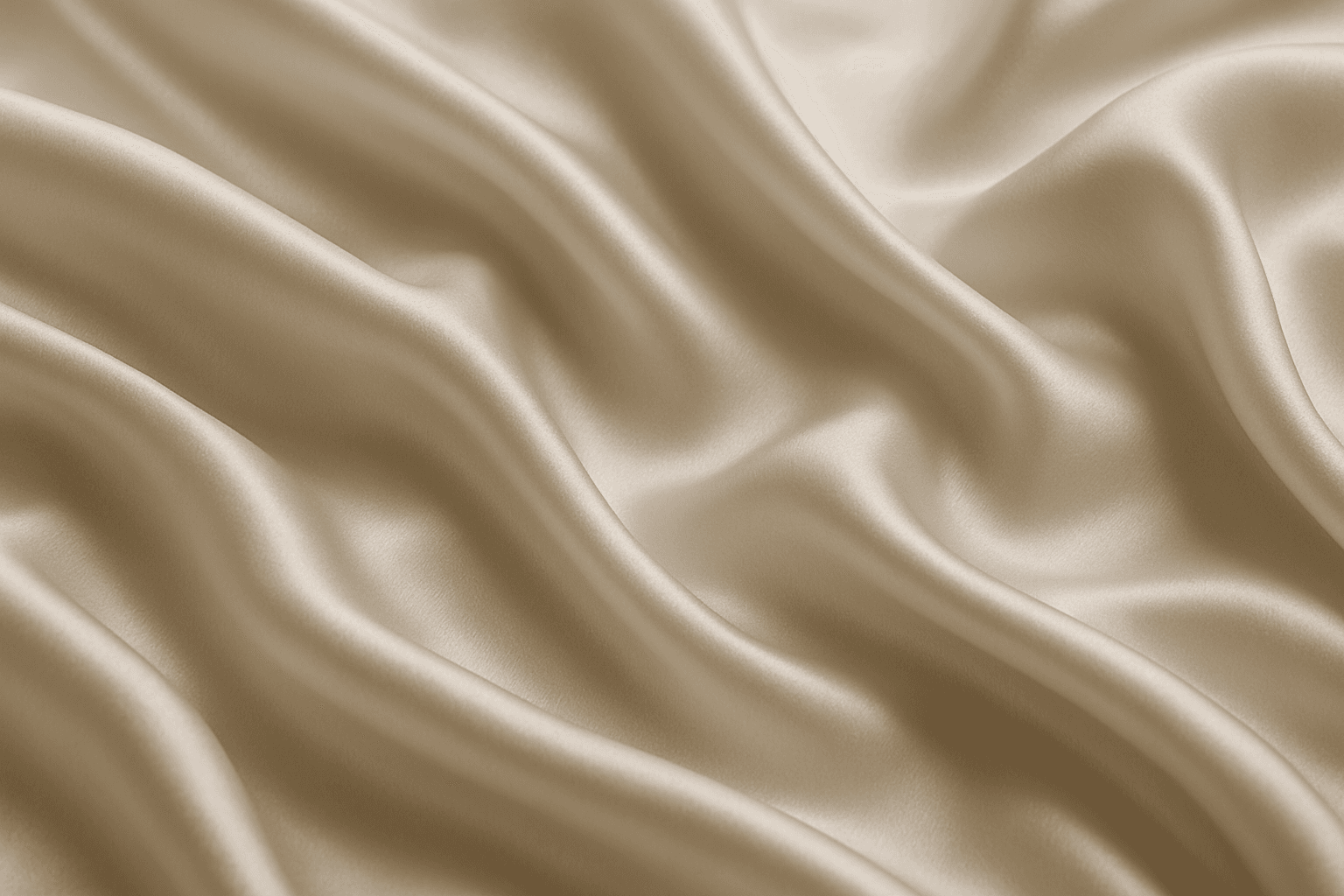
Smooth Silk Fabric Texture
Smooth silk fabric texture is prized for its elegant appearance and soft touch, making it a favored material in fashion, interiors, and luxury goods. In AI image generation, this keyword triggers the creation of images showcasing silk's signature sheen, fluid motion, and delicate surface details. When used in prompts, it helps produce visuals with refined lighting that emphasize silk’s smoothness and reflective quality. This texture enhances images requiring a premium, sophisticated look by mimicking silk’s characteristic glow and tactile softness, suitable for editorial hero shots, product photography simulations, and stylized compositions.
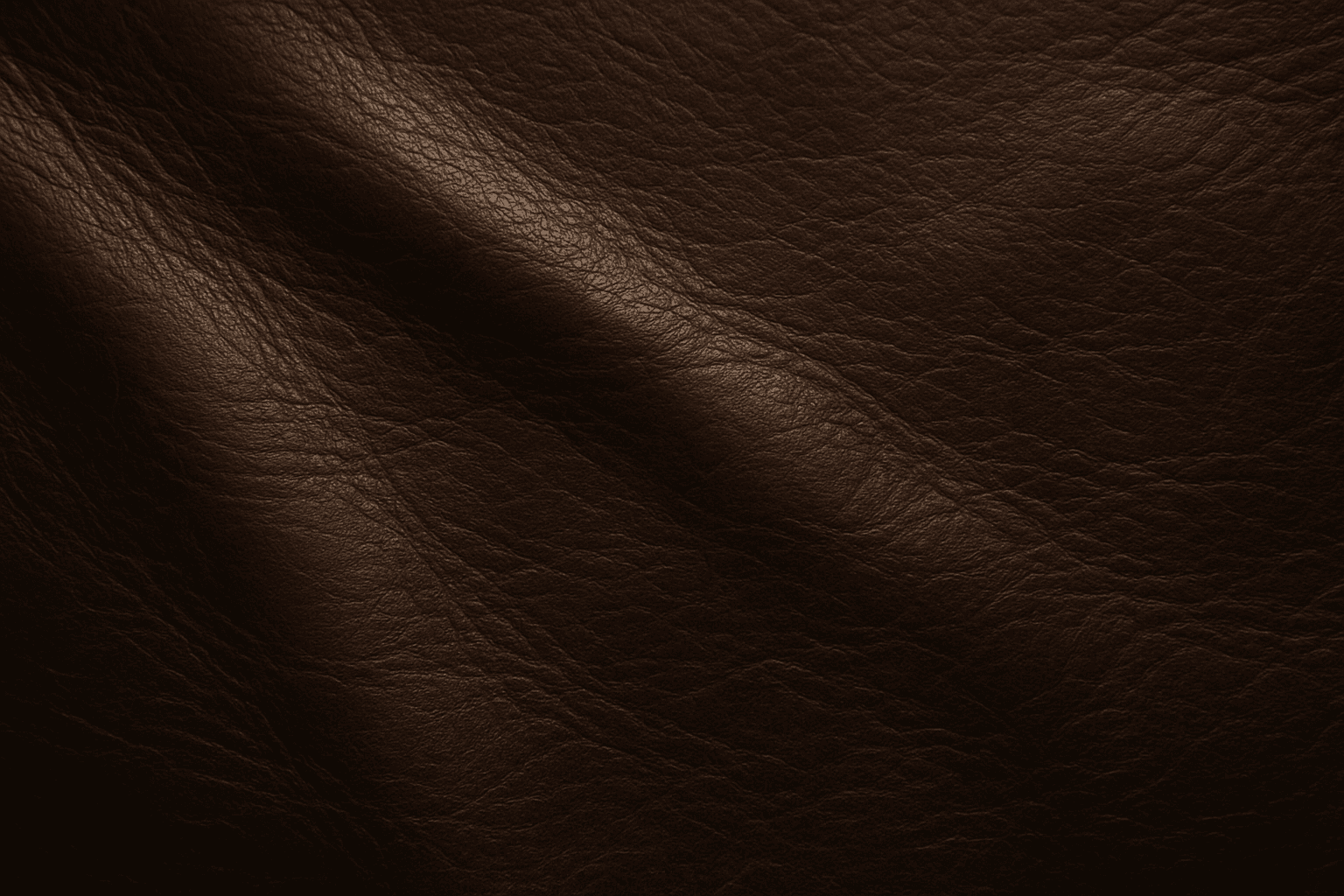
Leather Texture
Leather Texture evokes the visual and tactile qualities of genuine leather surfaces in AI-generated art. It introduces nuanced details like grain, pores, creases, and color variations that make materials appear authentic and luxurious. This texture is widely employed in fashion illustration, interior design renderings, product visualization, and materials studies. By using the leather texture keyword, AI models simulate the complex interplay of light, shadow, and surface imperfections typical in high-quality leather. This enriches compositions with warmth and premium appeal. Its adaptable nature supports everything from rough, distressed hides to smooth, polished finishes, providing versatility across genres and styles.

Embossed Leather Texture
Embossed leather texture is a specialized material representation used in AI-generated images to simulate luxurious and tactile surfaces often found in fashion, upholstery, and accessories. By integrating 'embossed leather texture' in prompts, artists can achieve highly detailed visuals characterized by the interplay of raised patterns and natural leather grain, rendered with refined lighting and subtle depth. This texture lends a premium and sophisticated feel, suitable for editorial product shots, background elements, or design mockups. Employing embossed leather enhances images by conveying material realism and surface complexity, enriching the sensory experience for viewers and buyers alike.