Smooth Silk Texture
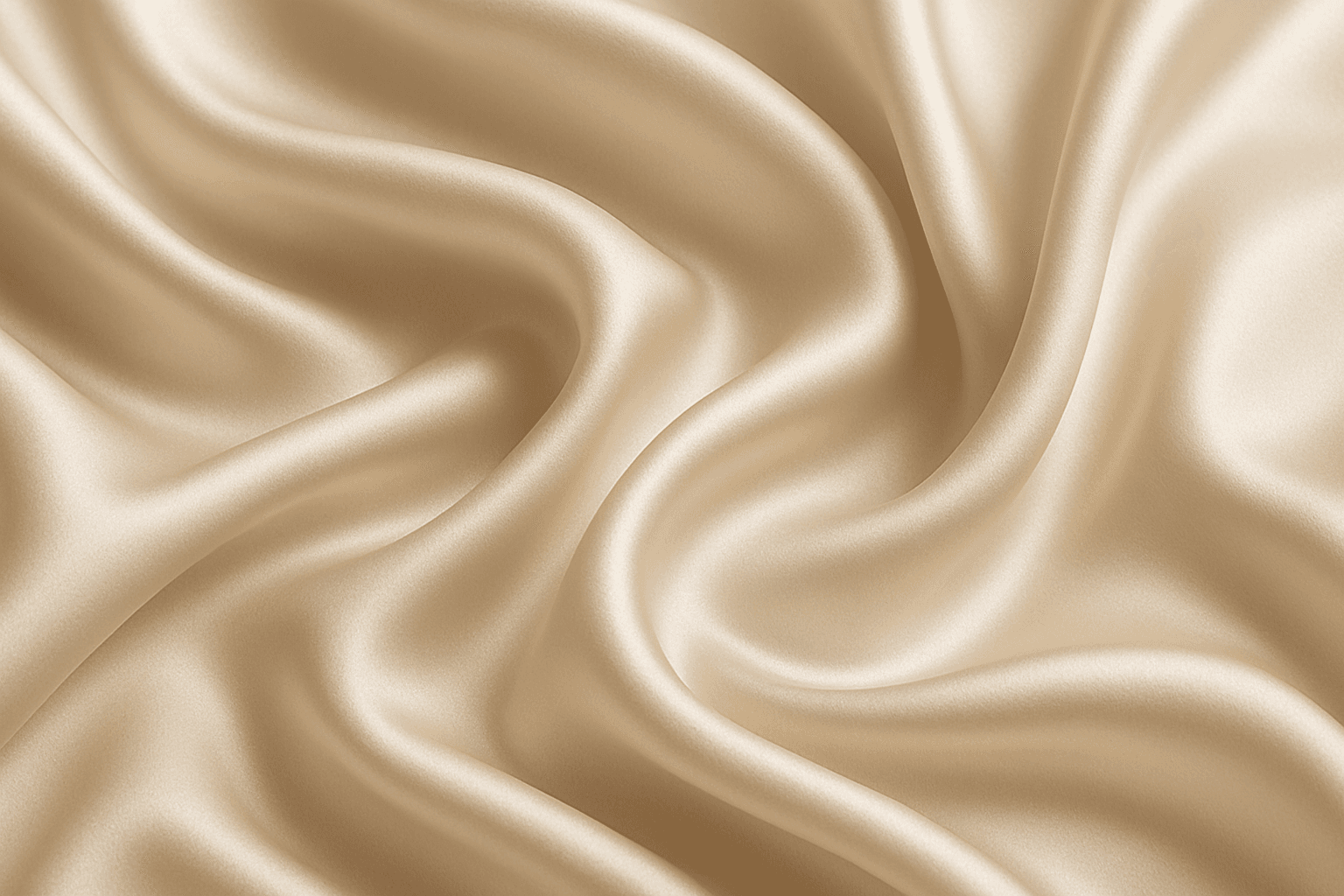
Using 'Smooth Silk Texture' as a keyword in AI prompts enhances image realism by replicating the distinct tactile and visual properties of silk fabric. This effect includes gentle light reflections, fine surface softness, and natural fold dynamics that emphasize quality and luxury. Including this keyword guides models to generate images with refined lighting and smooth gradients, often used in fashion, interiors, or product visuals where sophisticated fabric appearance is needed. It also adds subtle depth without harsh texture or noise, ensuring elegant and premium aesthetics suitable for editorial and commercial projects.
Definition
Smooth Silk Texture is a keyword describing fabrics appearing soft, glossy, and flowing like real silk. It modifies AI prompts to produce materials with natural sheen, gentle highlights, and realistic folds, enhancing tactile and visual authenticity in generated images.
Prompt Formula
Combine fabric descriptors with lighting and quality terms to craft refined prompts. Key phrases include: 'smooth silk texture', 'soft flowing fabric', 'subtle highlights', 'delicate folds', and 'realistic sheen'. Example formula: [Subject] + 'smooth silk texture' + [lighting style] + [composition style].
- [Subject] with smooth silk texture
- Soft flowing fabric with subtle highlights
- Delicate folds and realistic sheen
- Elegant lighting emphasizing fabric gloss
- Clean, minimal background for premium focus
Best Use Cases
- Fashion photography focusing on luxury garments
- Product shots of silk bedding or scarves
- Editorial imagery highlighting fabric details
Industry Applications
The 'Smooth Silk Texture' keyword is essential across fashion, interior design, and editorial content industries. It enhances product visualizations in ecommerce, supports sophisticated advertising campaigns for apparel and home textiles, and enriches editorial photography with superior fabric realism and aesthetic appeal.
- Fashion advertising and catalog imagery
- Luxury home decor and textile ecommerce visuals
- Editorial photo spreads and magazine content
Common Mistakes
A frequent error is over-specifying lighting which can flatten texture or create unnatural glare. Another mistake is mixing contradictory texture terms causing muddled results. Avoid vague descriptors that produce generic fabric surfaces lacking silk's characteristic smoothness and sheen.
- Overly harsh or unrealistic lighting
- Combining incompatible fabric textures
- Using vague terms like 'soft' without refinement
- Ignoring light reflection nuances
Advanced Techniques
To refine silk texture prompts, incorporate modifiers such as precise lighting conditions ('soft diffused light'), specific fold structures ('delicate cascading folds'), or material comparisons ('silk with subtle satin shimmer'). Use negative prompts to exclude unwanted noise or roughness. Experiment with different color palettes to highlight the texture's reflective quality.
- Add 'soft diffused lighting' to enhance softness
- Specify 'delicate cascading folds' for natural fabric flow
- Combine with 'satin shimmer' for advanced sheen effects
- Use negatives like 'no wrinkles' or 'no graininess'
- Experiment with warm or cool tones to influence reflection
Professional Workflow
Start by defining the subject and style, then integrate the 'Smooth Silk Texture' keyword with specific lighting and fold descriptors. Generate multiple variations to capture different detail levels and fabric flows. Evaluate images for realistic sheen, surface smoothness, and fold naturalness. Refine prompts iteratively based on selection, adjusting lighting and texture modifiers to perfect the silk appearance before finalizing for commercial use.
- Brief with subject and silk texture emphasis
- Generate image batches with varied lighting and folds
- Select images with authentic sheen and smoothness
- Refine prompts to enhance fold realism and remove artifacts
- Finalize and export polished images for client or stock
FAQ
How does adding 'Smooth Silk Texture' affect AI-generated images?
It guides the AI to create images with soft, glossy surfaces resembling silk fabric, adding realistic light reflections, smooth folds, and delicate highlights that enhance material authenticity.
Can 'Smooth Silk Texture' be combined with other texture keywords?
Yes, combining it with related textures like satin or glossy fabric can enhance realism, but be cautious to avoid conflicting descriptors that may confuse the AI and produce unnatural results.
Continue Exploring
Related Prompts
Smooth Silk Fabric Texture
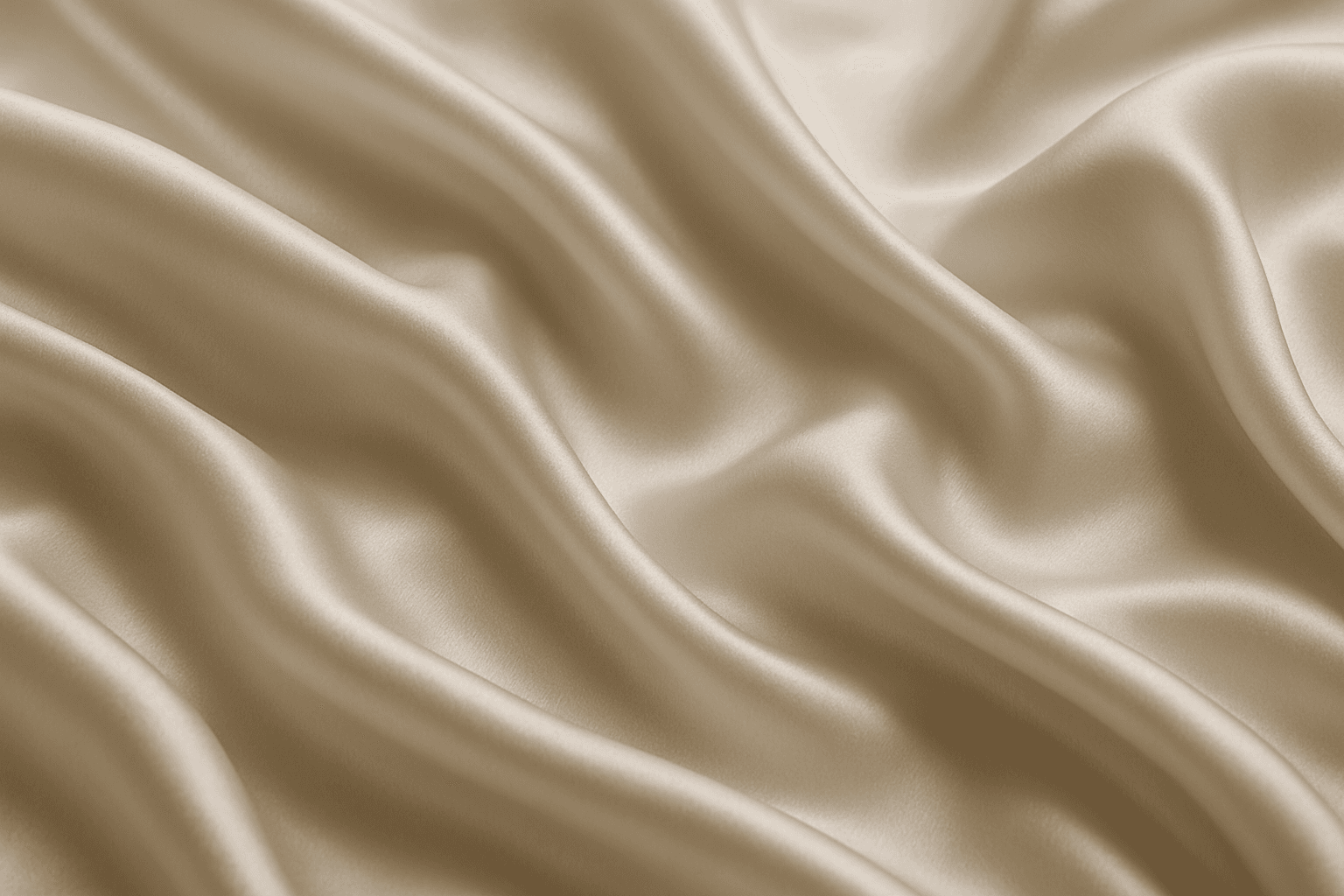
Smooth silk fabric texture is prized for its elegant appearance and soft touch, making it a favored material in fashion, interiors, and luxury goods. In AI image generation, this keyword triggers the creation of images showcasing silk's signature sheen, fluid motion, and delicate surface details. When used in prompts, it helps produce visuals with refined lighting that emphasize silk’s smoothness and reflective quality. This texture enhances images requiring a premium, sophisticated look by mimicking silk’s characteristic glow and tactile softness, suitable for editorial hero shots, product photography simulations, and stylized compositions.
Velvet Fabric Texture
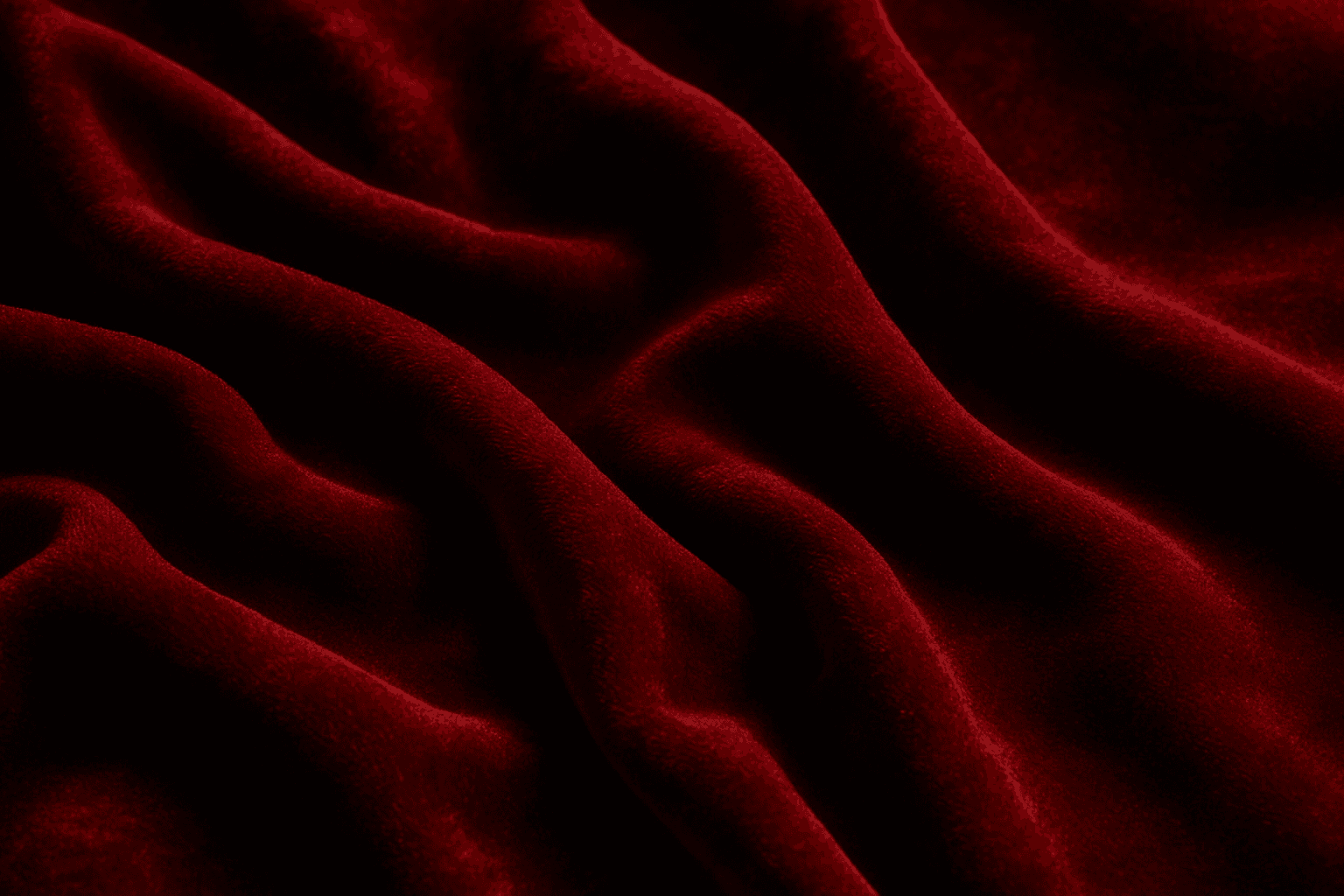
Velvet Fabric Texture is a highly valued keyword in AI image creation, known for adding a touch of luxury and tactile richness. Its unique surface combines densely packed fibers that catch light gently, creating a depth that transforms flat colors into dynamic, sumptuous visuals. When AI models recognize the velvet texture prompt, they generate images showcasing soft highlights and shadows along with a fabric's signature pile, making it ideal for realistic fashion designs, interior decor visuals, and product textures. This keyword elevates images by introducing delicate, realistic fabric details that convey comfort and elegance, apt for editorial and commercial uses.
Soft Velvet Texture
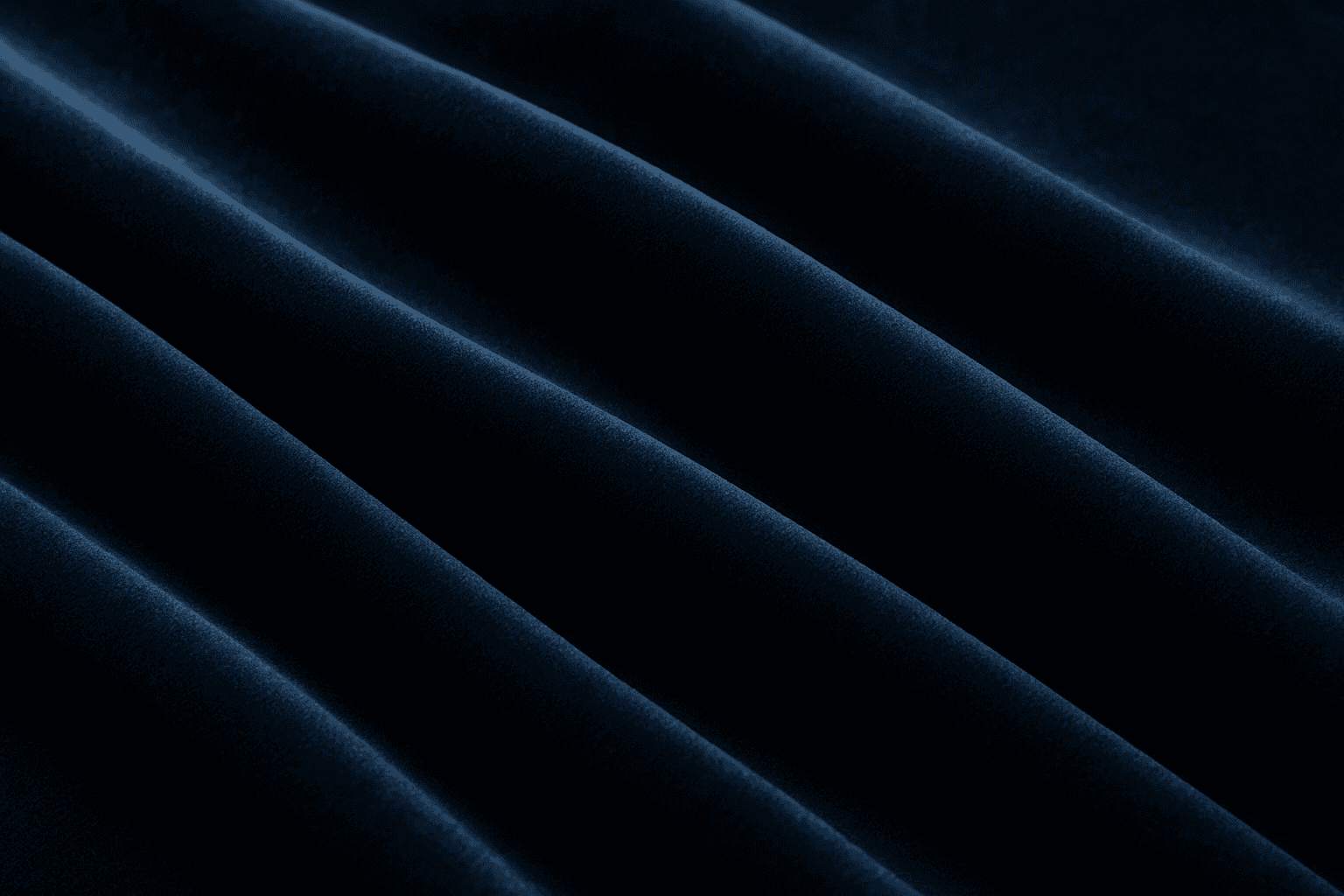
Soft velvet texture adds a luxurious and tactile feel to AI-generated images by simulating the fine, dense pile typical of velvet fabric. When included in prompts, it directs AI models to replicate the characteristic softness, subtle sheen, and depth of this material, making visuals appear rich and inviting. This texture is ideal for creating realistic textiles, fashion elements, interior details, and cozy ambiance, infusing images with a quality of warmth and sophistication. The keyword helps achieve nuanced light interactions and surface definition, crucial for premium stock imagery and editorial designs requiring refined material depiction.

Embossed Leather Texture
Embossed leather texture is a specialized material representation used in AI-generated images to simulate luxurious and tactile surfaces often found in fashion, upholstery, and accessories. By integrating 'embossed leather texture' in prompts, artists can achieve highly detailed visuals characterized by the interplay of raised patterns and natural leather grain, rendered with refined lighting and subtle depth. This texture lends a premium and sophisticated feel, suitable for editorial product shots, background elements, or design mockups. Employing embossed leather enhances images by conveying material realism and surface complexity, enriching the sensory experience for viewers and buyers alike.
Matte Surface Texture
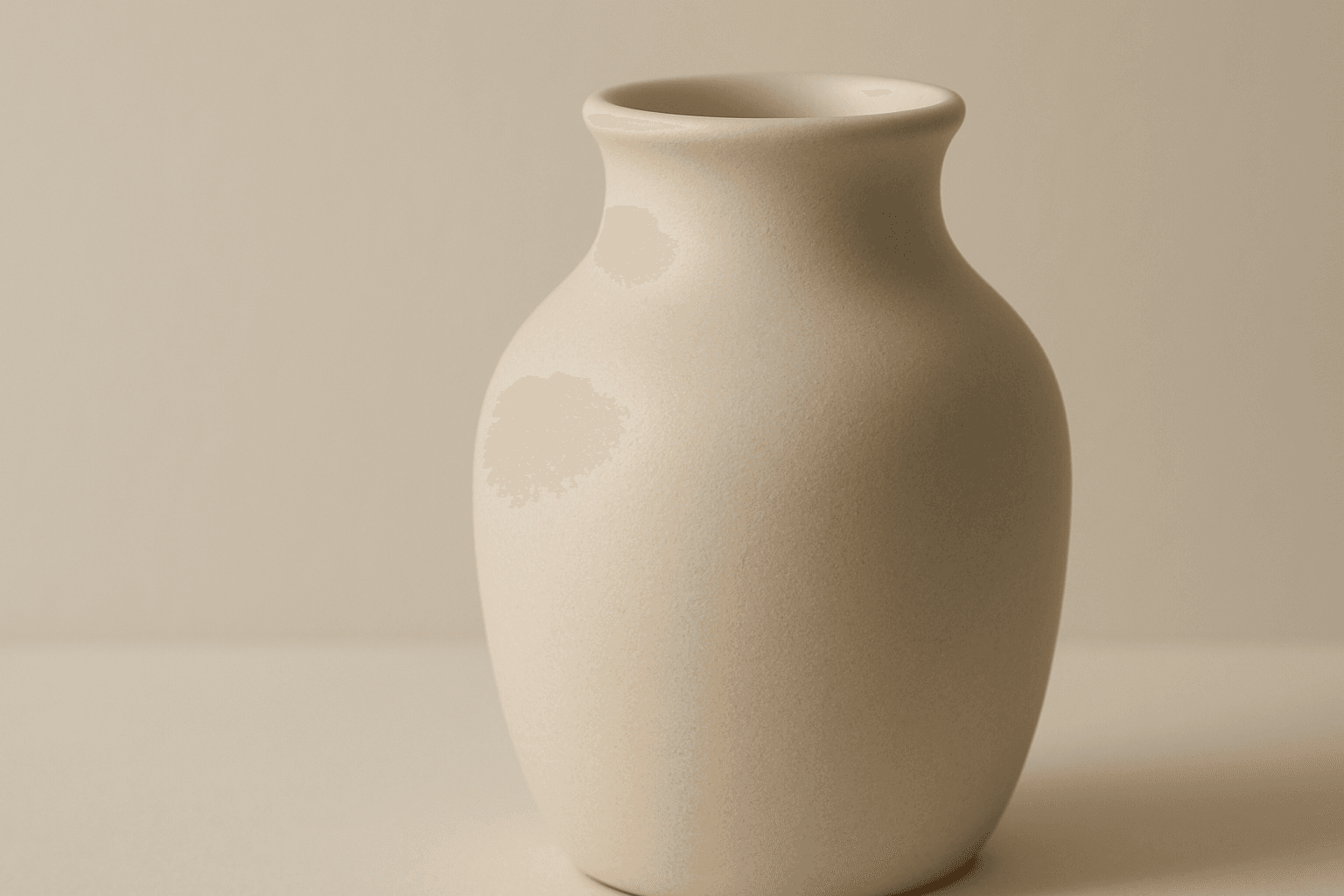
The 'Matte Surface Texture' keyword in AI image generation is fundamental when aiming for realism and subtlety in material appearance. Unlike glossy or reflective surfaces, matte textures offer a restrained light interaction, producing soft shadows and even visual tones. This texture is valued for its fine grain, softness, and understated elegance, making images appear modern and refined. Including this keyword enhances the material rendition of subjects like ceramics, paper, cloth, or painted surfaces, enabling photorealistic or stylized outputs that emphasize tactile qualities without distracting reflections. It's especially effective for editorial visuals, product mockups, and interior materials where controlling reflection is crucial.
Polished Wood Texture
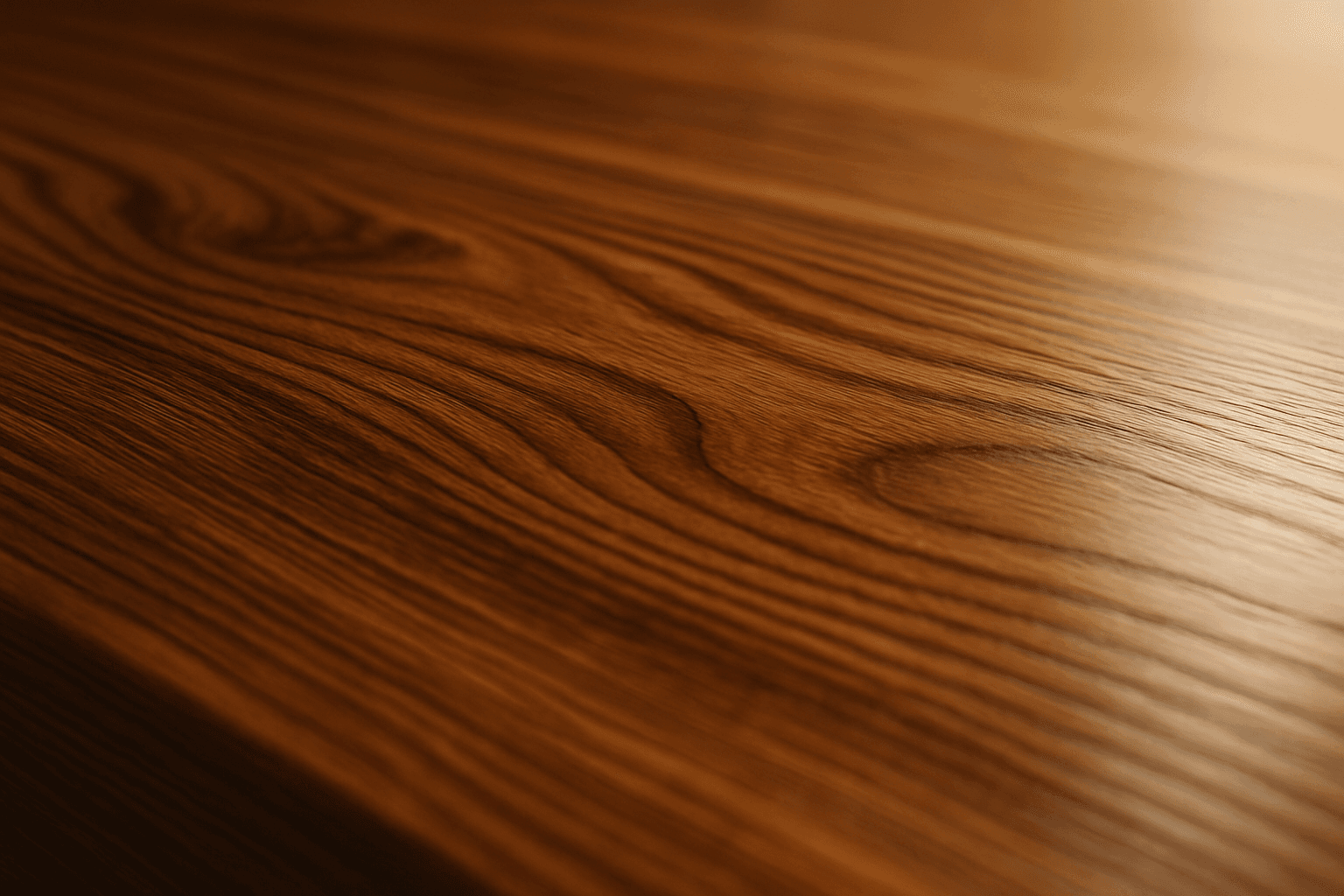
The 'Polished Wood Texture' keyword is essential for creating highly realistic and visually appealing wood surfaces in AI-generated imagery, especially in product design, interior visualization, and material studies. This texture emphasizes the fine finish and reflective qualities of wood that has been carefully sanded and treated with a glossy coating, producing subtle light reflections and depth. Using this keyword, artists and designers can quickly convey a sense of luxury, craftsmanship, and natural warmth in their images. It works effectively with various wood types and complements modern editorial aesthetics that value clean, premium material representations. Leveraging this texture in AI-generated images helps achieve a refined realism suitable for high-end design presentations or stock imagery.