Embossed Leather Texture
Embossed leather texture is a specialized material representation used in AI-generated images to simulate luxurious and tactile surfaces often found in fashion, upholstery, and accessories. By integrating 'embossed leather texture' in prompts, artists can achieve highly detailed visuals characterized by the interplay of raised patterns and natural leather grain, rendered with refined lighting and subtle depth. This texture lends a premium and sophisticated feel, suitable for editorial product shots, background elements, or design mockups. Employing embossed leather enhances images by conveying material realism and surface complexity, enriching the sensory experience for viewers and buyers alike.

Definition
Embossed leather texture in AI prompts refers to the detailed digital representation of leather surfaces featuring raised or recessed decorative patterns created by embossing techniques. This keyword cues the AI to generate textures that combine natural leather grain with tactile, visually distinct embossed designs, adding surface complexity and material authenticity to the image.
Visual Characteristics
- Raised or indented decorative patterns clearly visible on the leather surface
- Fine natural grain and subtle material imperfections typical of real leather
- Soft matte to subtle glossy finish reflecting light realistically
Prompt Formula
To effectively generate embossed leather textures, use prompt structures combining detailed material descriptors with lighting and style cues. For example: "high-resolution close-up of [color] embossed leather texture, soft natural lighting, photorealistic, fine grain details" or "luxury [product or surface] featuring embossed leather texture, studio lighting, sharp focus, premium quality." This formula ensures focus on both the embossing and leather material characteristics.
Best Use Cases
- Photorealistic product visuals for embossed leather accessories such as wallets and belts
- Background or surface textures in fashion editorials and interior design imagery
- Visuals for advertising premium leather goods emphasizing material quality and detail
Creative Variations
Varied artistic approaches prevent repetition and enrich embossed leather texture generation. Experiment with color shifts from classic browns to deep blacks or vibrant hues. Adjust lighting to dramatic chiaroscuro or soft diffused illumination for mood changes. Incorporate composition angles from close-up macro shots highlighting texture to wide-focus context scenes showing leather in use. Try mixing embossed leather with complementary materials like metal hardware or natural fabrics to increase visual interest.
Industry Applications
- High-end fashion product photography and ecommerce imagery
- Advertising materials targeting luxury lifestyle consumers
- Editorial content in interior design focusing on premium upholstered furniture
Common Mistakes
A frequent error is prompting too simply with just 'leather texture,' which can yield generic or flat surfaces lacking embossing details. Overusing unrelated adjectives can confuse the AI, producing unrealistic patterns or oversaturated colors. To avoid muddy results, specify embossing clearly and balance descriptive lighting terms to maintain material richness without excessive shine or shadow. Ensure prompt clarity to guide realistic tactile qualities and avoid overly synthetic or cartoonish effects.
FAQ
How can I make embossed leather textures look more realistic in AI images?
Include precise descriptors like 'fine grain,' 'raised embossing pattern,' and specify natural lighting conditions to enhance material depth. Using close-up perspectives and mentioning subtle imperfections also increases realism.
Can embossed leather textures be used for different colors and styles?
Yes, by adjusting color keywords and incorporating style modifiers such as 'vintage,' 'sleek,' or 'matte finish,' you can diversify the embossed leather appearance across various artistic themes.
Continue Exploring
Related Prompts
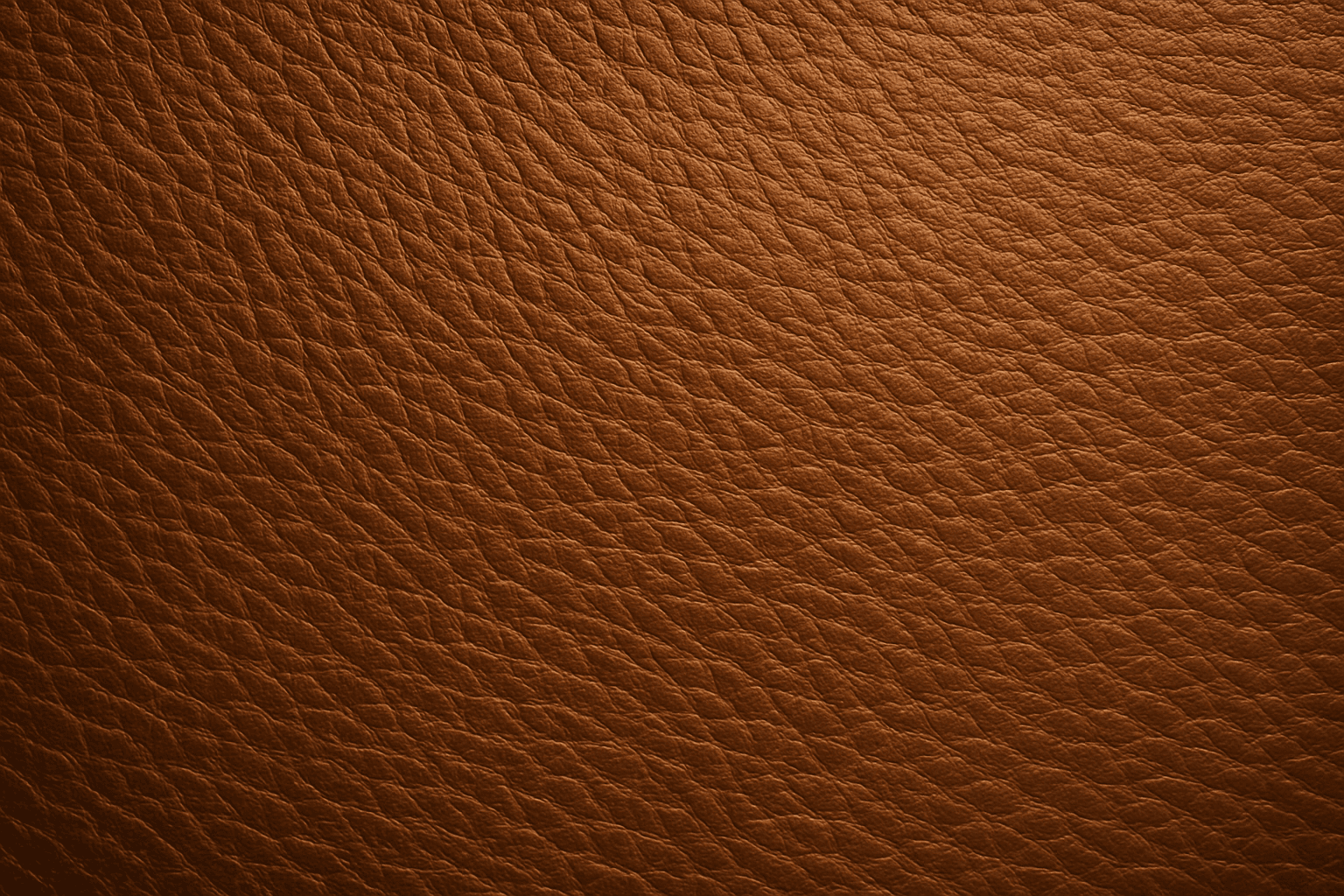
Leather Grain Texture
Using 'Leather Grain Texture' in AI image prompts allows creators to generate images with highly detailed and realistic leather surfaces. This keyword enhances the tactile quality of materials depicted, making them appear more authentic and premium. The characteristic grain patterns convey luxury and craftsmanship, useful for designs needing sophisticated material representation. When combined with appropriate lighting and composition, this texture can create visually rich images suitable for product visualization, fashion editorials, or interior design concepts. Mastery of this keyword helps artists achieve depth and realism in their material renderings, appealing to audiences seeking visually convincing visuals.
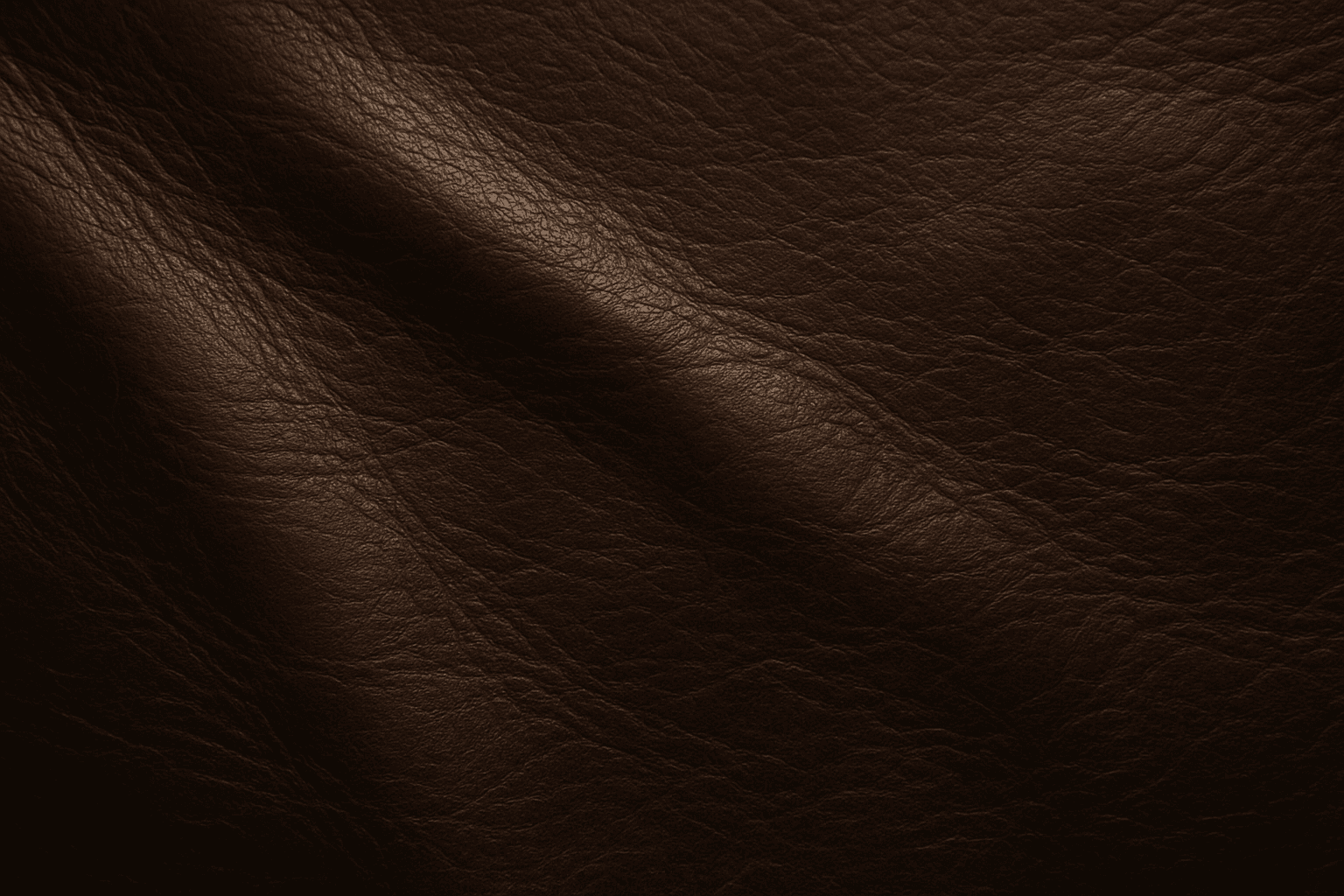
Leather Texture
Leather Texture evokes the visual and tactile qualities of genuine leather surfaces in AI-generated art. It introduces nuanced details like grain, pores, creases, and color variations that make materials appear authentic and luxurious. This texture is widely employed in fashion illustration, interior design renderings, product visualization, and materials studies. By using the leather texture keyword, AI models simulate the complex interplay of light, shadow, and surface imperfections typical in high-quality leather. This enriches compositions with warmth and premium appeal. Its adaptable nature supports everything from rough, distressed hides to smooth, polished finishes, providing versatility across genres and styles.
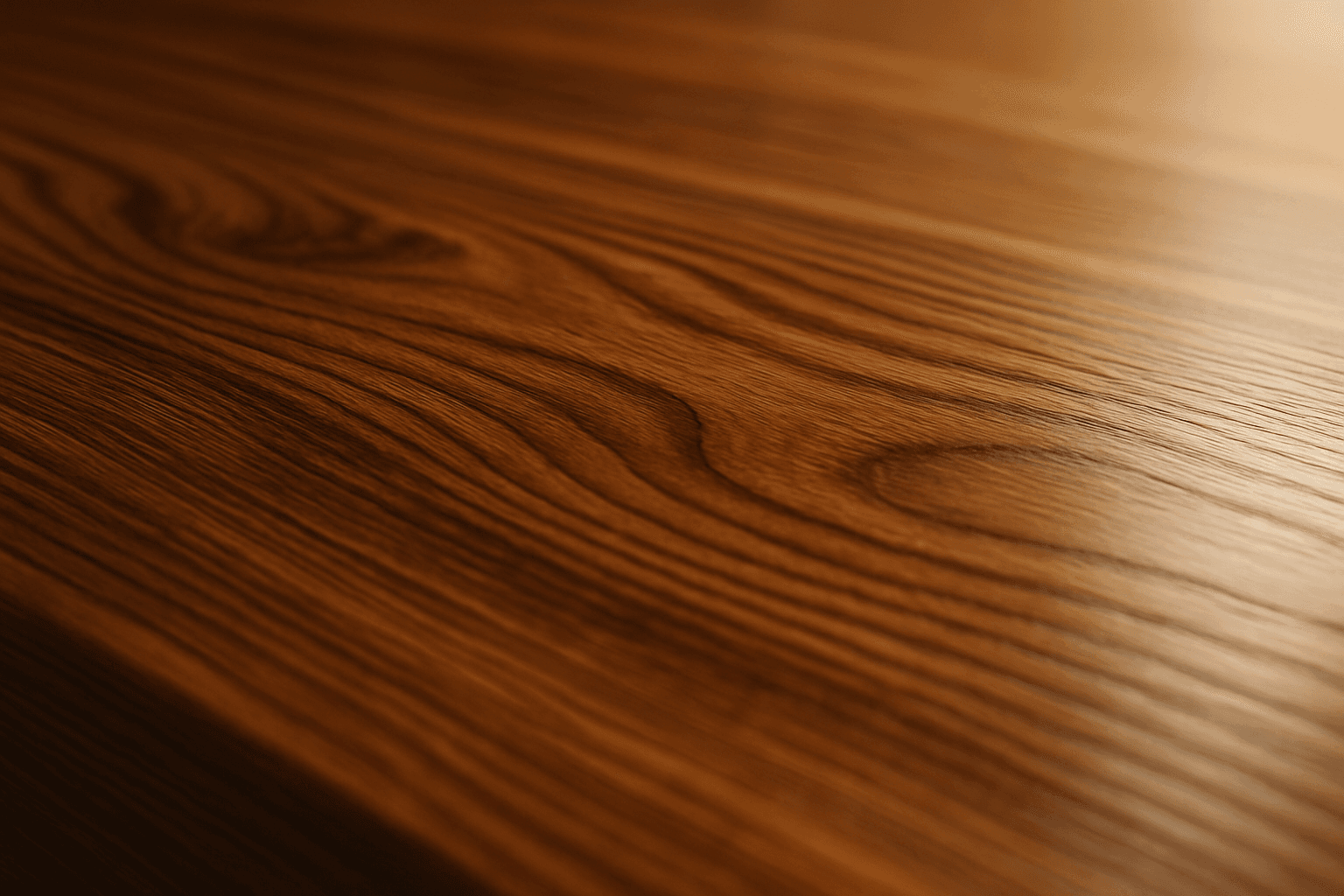
Polished Wood Texture
The 'Polished Wood Texture' keyword is essential for creating highly realistic and visually appealing wood surfaces in AI-generated imagery, especially in product design, interior visualization, and material studies. This texture emphasizes the fine finish and reflective qualities of wood that has been carefully sanded and treated with a glossy coating, producing subtle light reflections and depth. Using this keyword, artists and designers can quickly convey a sense of luxury, craftsmanship, and natural warmth in their images. It works effectively with various wood types and complements modern editorial aesthetics that value clean, premium material representations. Leveraging this texture in AI-generated images helps achieve a refined realism suitable for high-end design presentations or stock imagery.
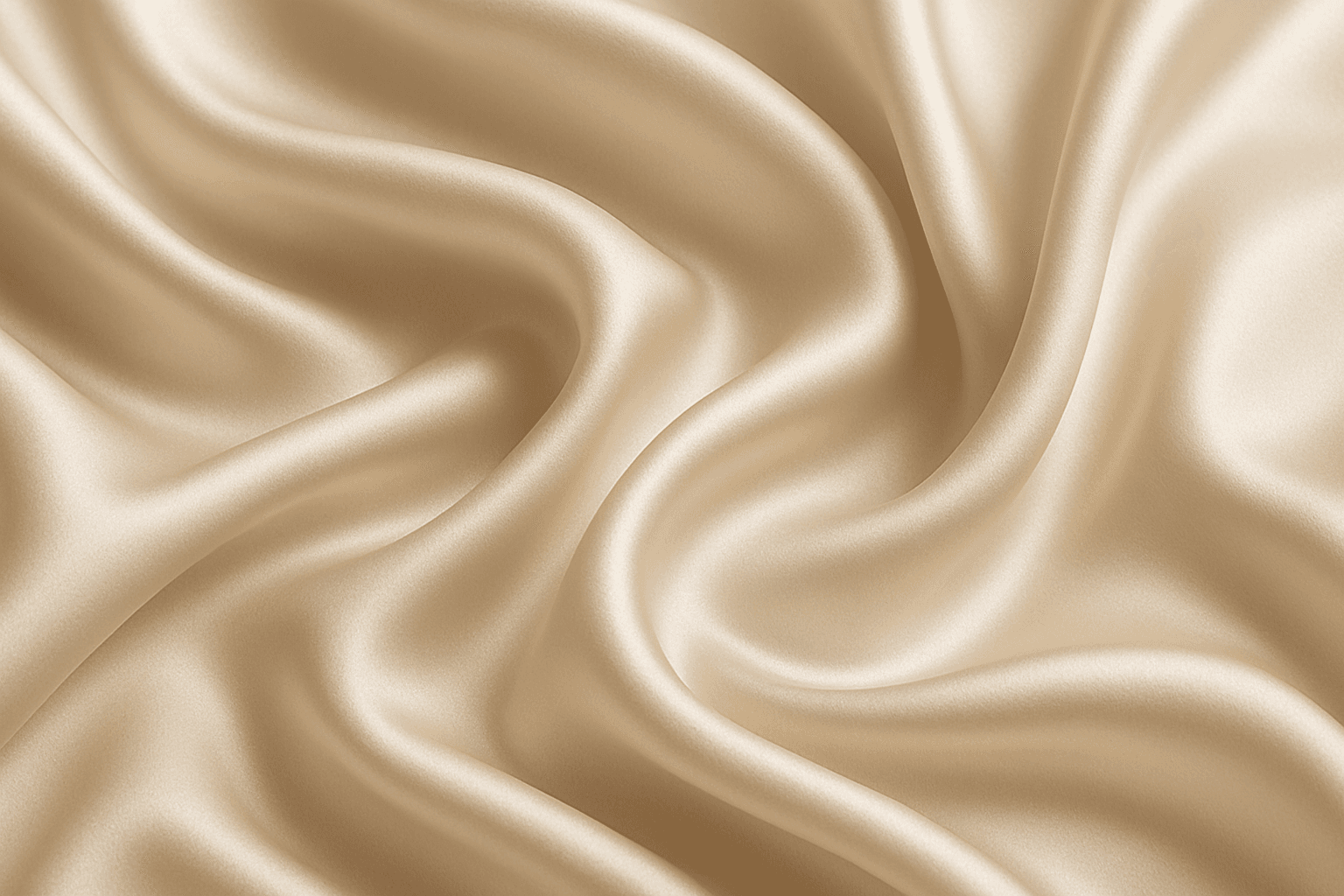
Smooth Silk Texture
Using 'Smooth Silk Texture' as a keyword in AI prompts enhances image realism by replicating the distinct tactile and visual properties of silk fabric. This effect includes gentle light reflections, fine surface softness, and natural fold dynamics that emphasize quality and luxury. Including this keyword guides models to generate images with refined lighting and smooth gradients, often used in fashion, interiors, or product visuals where sophisticated fabric appearance is needed. It also adds subtle depth without harsh texture or noise, ensuring elegant and premium aesthetics suitable for editorial and commercial projects.
Soft Matte Paper Texture
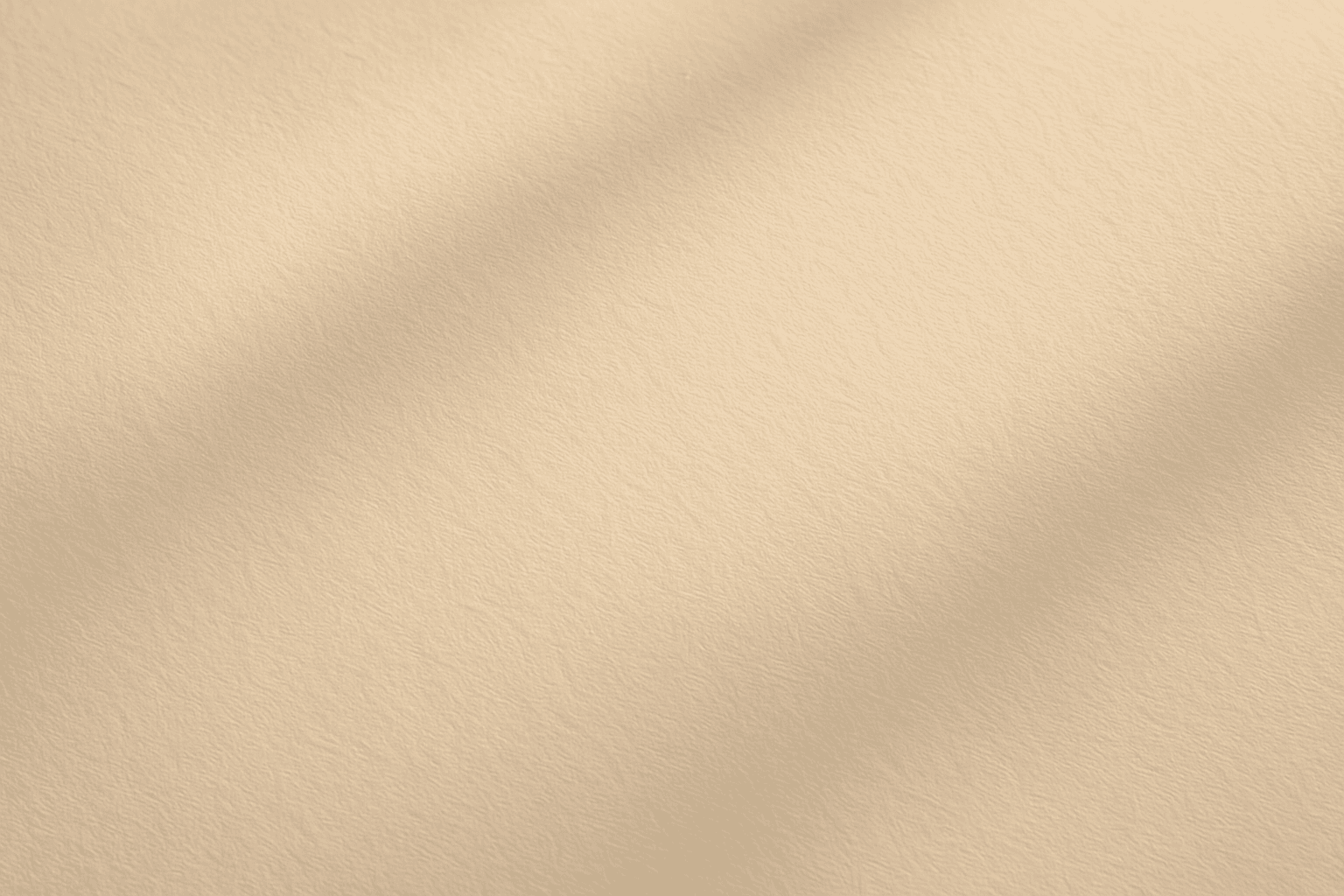
Soft Matte Paper Texture is a specialized prompt keyword that helps artists and designers generate images featuring realistic, tactile paper surfaces with a matte finish. This texture is characterized by subdued reflections and a soft, natural look that avoids glare or shine. Using this keyword in AI prompts supports creations such as book covers, packaging mockups, stationery backgrounds, and fine art prints where the paper quality matters. The resulting images carry a premium aesthetic, imitating high-quality paper stock that is often sought after in print-design visualizations and marketing materials. Overall, employing Soft Matte Paper Texture enriches an AI image with subtle tactile cues contributing to a refined, understated finish.
Granular Surface Texture
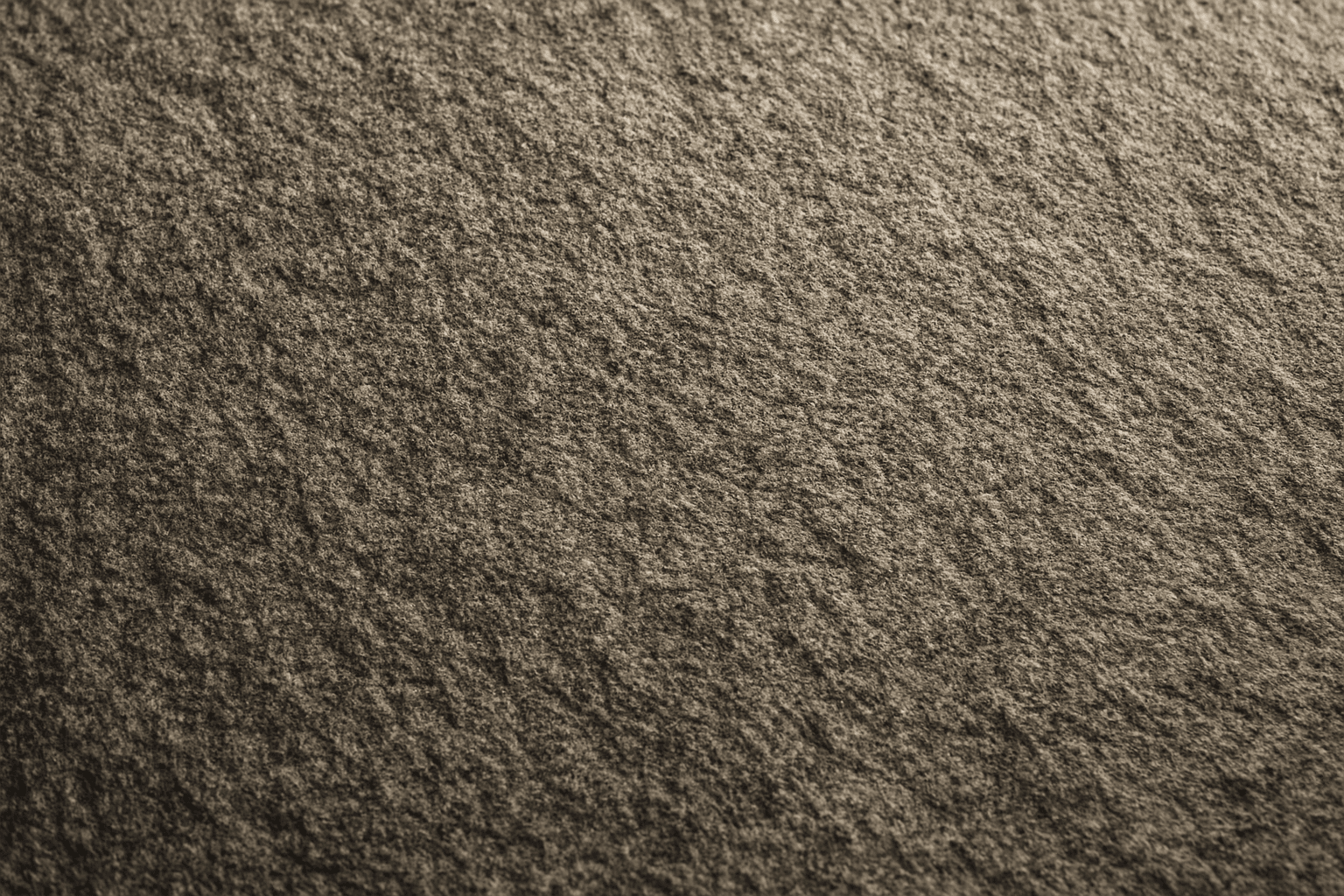
Granular Surface Texture is a key descriptive keyword used in AI image prompting to achieve photorealistic and tactile surfaces characterized by finely distributed grains or tiny particles. This texture offers an intricate level of detail that enriches the material quality of objects, making them appear more natural and tangible. When included in prompts, it encourages the generation of surfaces akin to sandpaper, concrete, rough fabric, or unpolished stone, providing visual complexity that appeals to designers and artists alike. Its use can transform otherwise flat or generic surfaces into engaging, dynamic visuals with depth and interest. This makes it valuable across many creative projects, from product visualization to environmental design.