Leather Texture
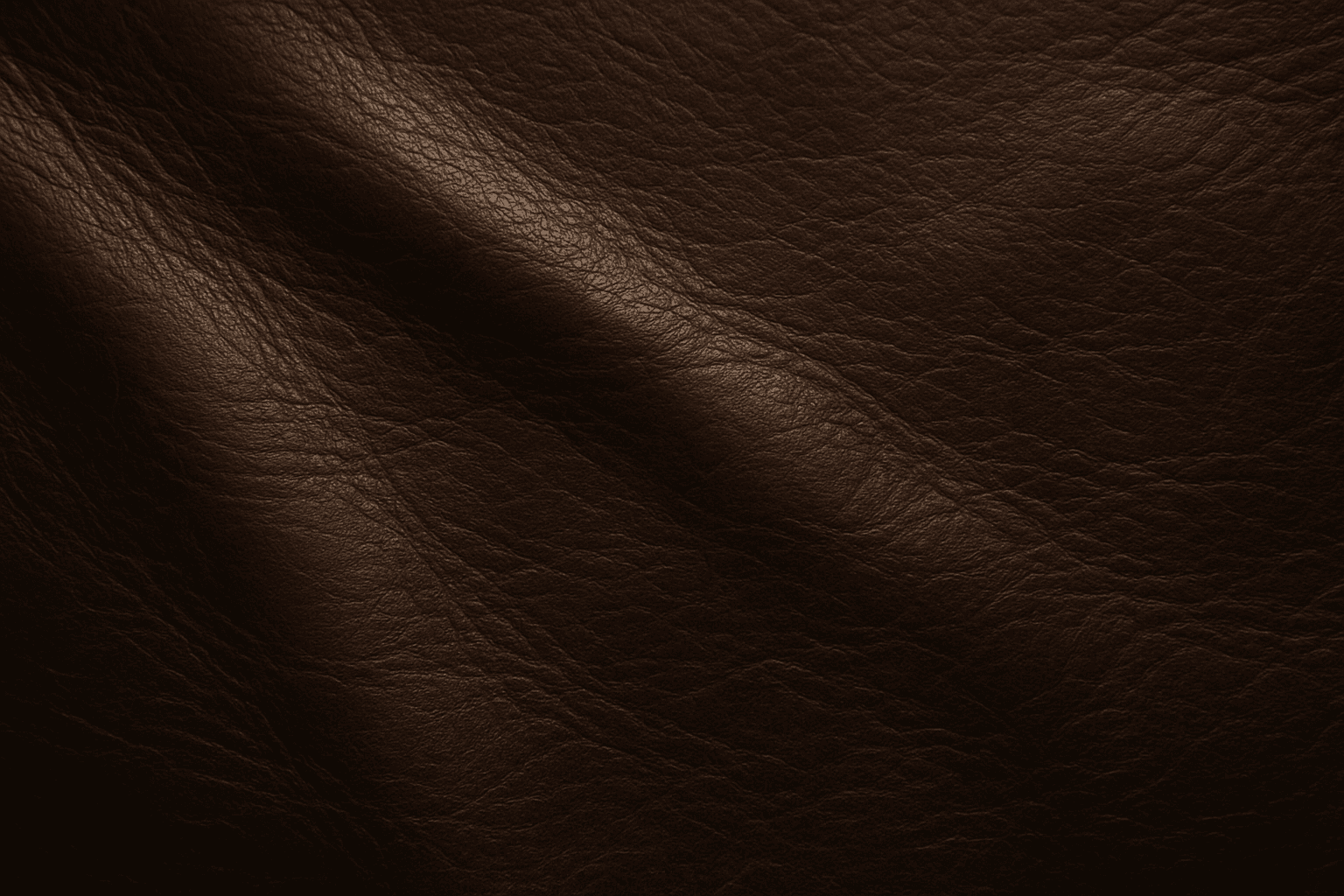
Leather Texture evokes the visual and tactile qualities of genuine leather surfaces in AI-generated art. It introduces nuanced details like grain, pores, creases, and color variations that make materials appear authentic and luxurious. This texture is widely employed in fashion illustration, interior design renderings, product visualization, and materials studies. By using the leather texture keyword, AI models simulate the complex interplay of light, shadow, and surface imperfections typical in high-quality leather. This enriches compositions with warmth and premium appeal. Its adaptable nature supports everything from rough, distressed hides to smooth, polished finishes, providing versatility across genres and styles.
Definition
Leather Texture in AI image prompts refers to the simulated look and feel of leather surfaces. Adding this keyword guides the AI to incorporate characteristic features such as natural grain, wrinkles, and light reflections typical of leather materials. It changes the visual rendering to appear more tactile and authentic, helping your image depict leather objects with realistic surface details.
- Simulates natural or synthetic leather materials
- Includes grain patterns, creases, and surface imperfections
- Enhances tactile realism and material authenticity
Prompt Formula
Use these key phrase structures to integrate leather texture effectively: - "[Adjective] leather texture with [detail], [lighting condition]" - "Close-up of [color] leather surface showing [texture detail], softly lit" - "Hyper-realistic [product] featuring worn leather texture and fine stitching" Combine leather texture descriptors with lighting and material conditions for a polished result.
- Adjectives: aged, smooth, distressed, polished, cracked
- Texture details: grain, wrinkles, creases, pores
- Lighting: soft light, directional lighting, natural light
Best Use Cases
- Visualizing fashion accessories like bags and shoes
- Rendering furniture and interior elements with leather upholstery
- Creating product shots for leather goods and lifestyle presentations
Advanced Techniques
To elevate leather texture prompts, combine material descriptors with context and stylistic refinements. Specify lighting angles to emphasize grain or wrinkles, or include wear patterns for realism. Use constraints like "macro shot" or "shallow depth of field" to focus on texture detail. Experiment with color variations — from natural browns to painted leather — to convey mood. Layer related textures like suede or cracked paint for complexity. Incorporate environmental reflections subtly to enhance authenticity.
- Pair with lighting modifiers: "side-lit," "golden hour"
- Use wear and aging notes: "scuffed edges," "faded color"
- Combine with complementary textures: "stitched seams," "brushed metal hardware"
- Specify shot type: "macro close-up," "high detail"
Professional Workflow
Begin by defining the usage intent: product visualization, editorial imagery, or design reference. Develop a concise prompt using the leather texture formula emphasizing desired material traits and lighting. Generate multiple sample images to explore variations in grain detail, color, and finish. Select outputs with the most realistic and visually appealing leather surfaces. Refine further by adjusting prompt specificity, such as introducing environment context or texture aging. Finally, perform minor post-processing to enhance contrast and detail fidelity before deployment.
- Clarify image purpose and context
- Construct precise prompt with detailed leather descriptors
- Generate and review multiple outputs
- Select best candidates and refine prompts iteratively
- Apply post-processing as needed for polish
Related Styles
- Suede Texture – softer, velvety leather alternative
- Aged or distressed leather for vintage aesthetics
- High-gloss leather for luxury and modern looks
FAQ
How can I make leather textures look more realistic in AI images?
To enhance realism, include specific descriptors like grain type, creases, and lighting conditions. Phrases such as "aged leather with visible wrinkles under natural light" help the AI simulate authentic surfaces. Additionally, specifying shot details like "macro close-up" can emphasize texture quality.
Can leather textures be combined with other materials in prompts?
Yes, combining leather texture with materials like metal hardware, stitching, or fabric can create complex, believable objects. Use conjunctions in your prompt, for example, "leather texture with brass buckle and stitched details," to enrich the visual narrative.
Continue Exploring
Related Prompts
Leather Grain Texture
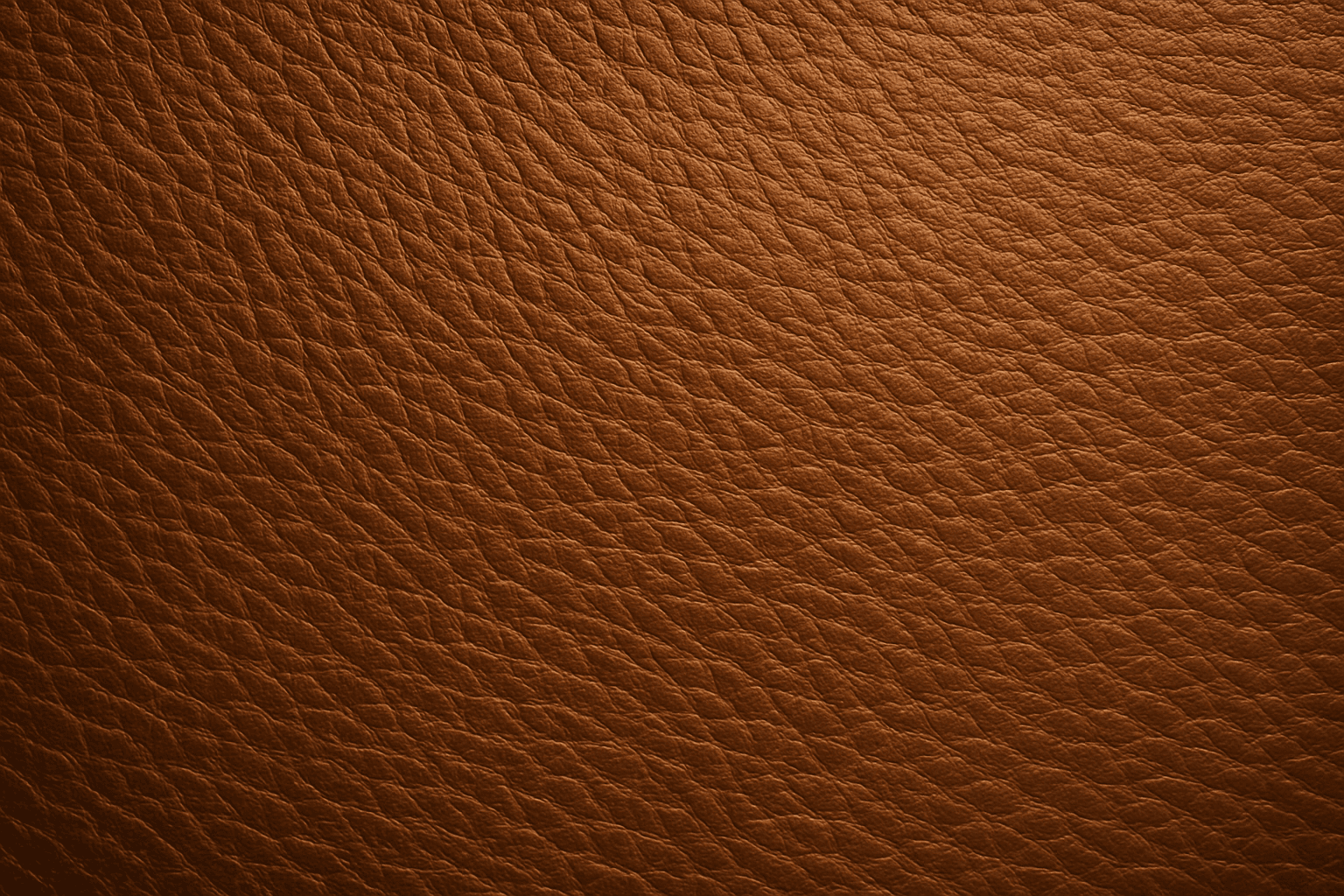
Using 'Leather Grain Texture' in AI image prompts allows creators to generate images with highly detailed and realistic leather surfaces. This keyword enhances the tactile quality of materials depicted, making them appear more authentic and premium. The characteristic grain patterns convey luxury and craftsmanship, useful for designs needing sophisticated material representation. When combined with appropriate lighting and composition, this texture can create visually rich images suitable for product visualization, fashion editorials, or interior design concepts. Mastery of this keyword helps artists achieve depth and realism in their material renderings, appealing to audiences seeking visually convincing visuals.
Fabric Texture
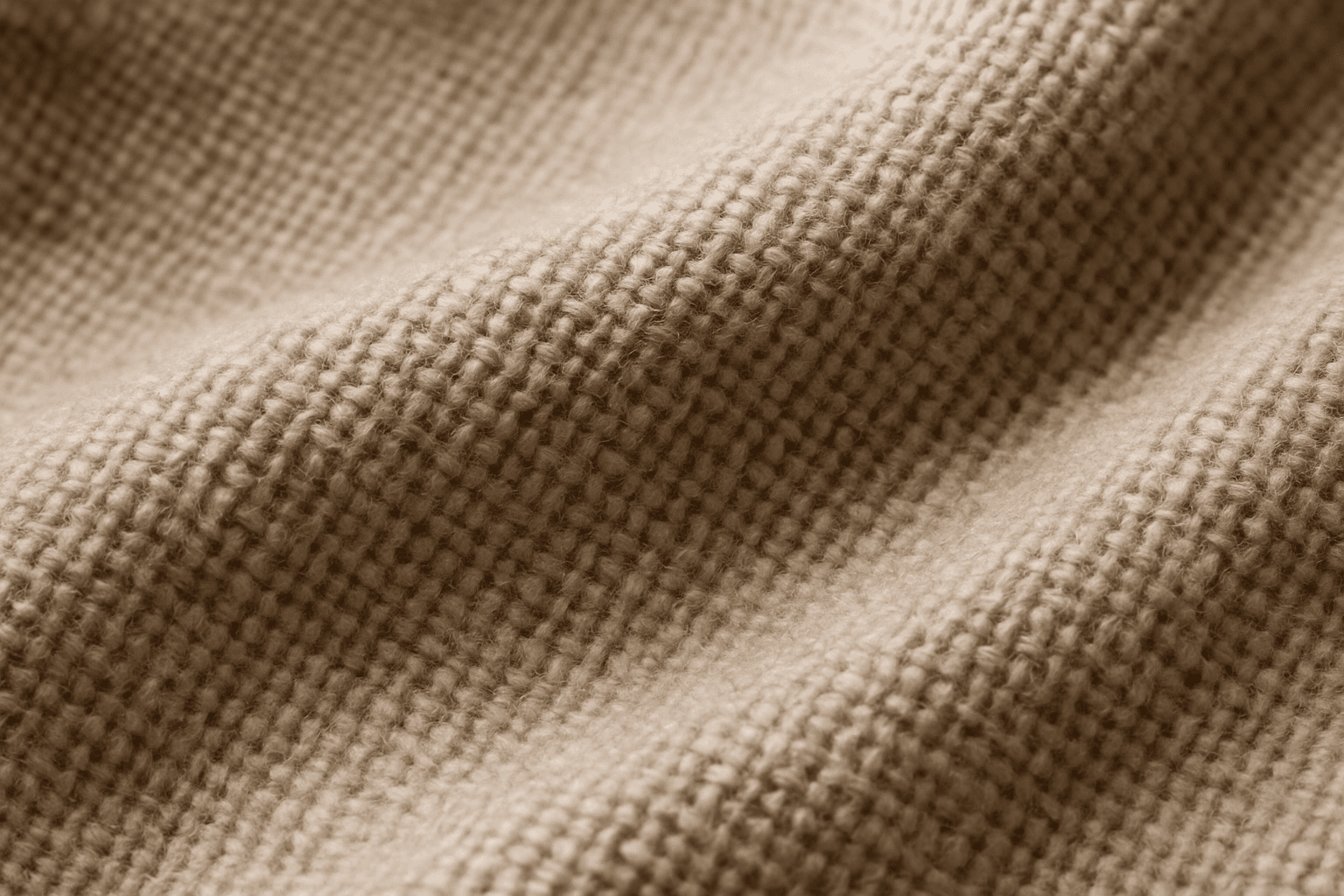
Fabric Texture is a vital keyword for AI image generation when you want to depict textiles realistically. It guides the AI to focus on nuances such as fiber weave, surface irregularities, and light reflection that define materials like cotton, silk, denim, or wool. This keyword enriches visuals in fashion photography, interior design details, and product shots by ensuring cloth surfaces look tangible and authentic. Proper use leads to images that convey texture depth, fiber quality, and material type, crucial for commercial appeal and viewer engagement.

Embossed Leather Texture
Embossed leather texture is a specialized material representation used in AI-generated images to simulate luxurious and tactile surfaces often found in fashion, upholstery, and accessories. By integrating 'embossed leather texture' in prompts, artists can achieve highly detailed visuals characterized by the interplay of raised patterns and natural leather grain, rendered with refined lighting and subtle depth. This texture lends a premium and sophisticated feel, suitable for editorial product shots, background elements, or design mockups. Employing embossed leather enhances images by conveying material realism and surface complexity, enriching the sensory experience for viewers and buyers alike.
Soft Velvet Texture
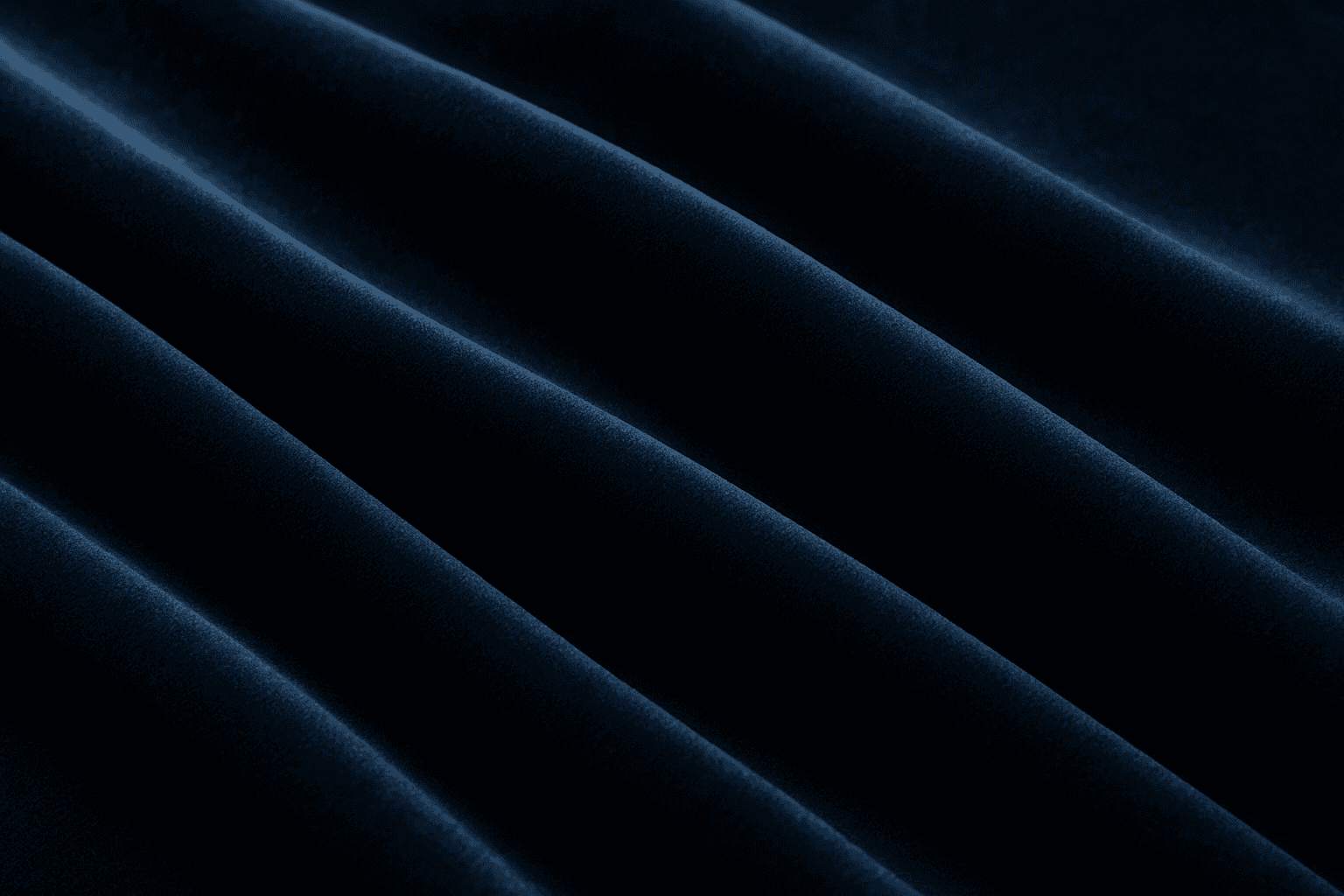
Soft velvet texture adds a luxurious and tactile feel to AI-generated images by simulating the fine, dense pile typical of velvet fabric. When included in prompts, it directs AI models to replicate the characteristic softness, subtle sheen, and depth of this material, making visuals appear rich and inviting. This texture is ideal for creating realistic textiles, fashion elements, interior details, and cozy ambiance, infusing images with a quality of warmth and sophistication. The keyword helps achieve nuanced light interactions and surface definition, crucial for premium stock imagery and editorial designs requiring refined material depiction.
Velvet Fabric Texture
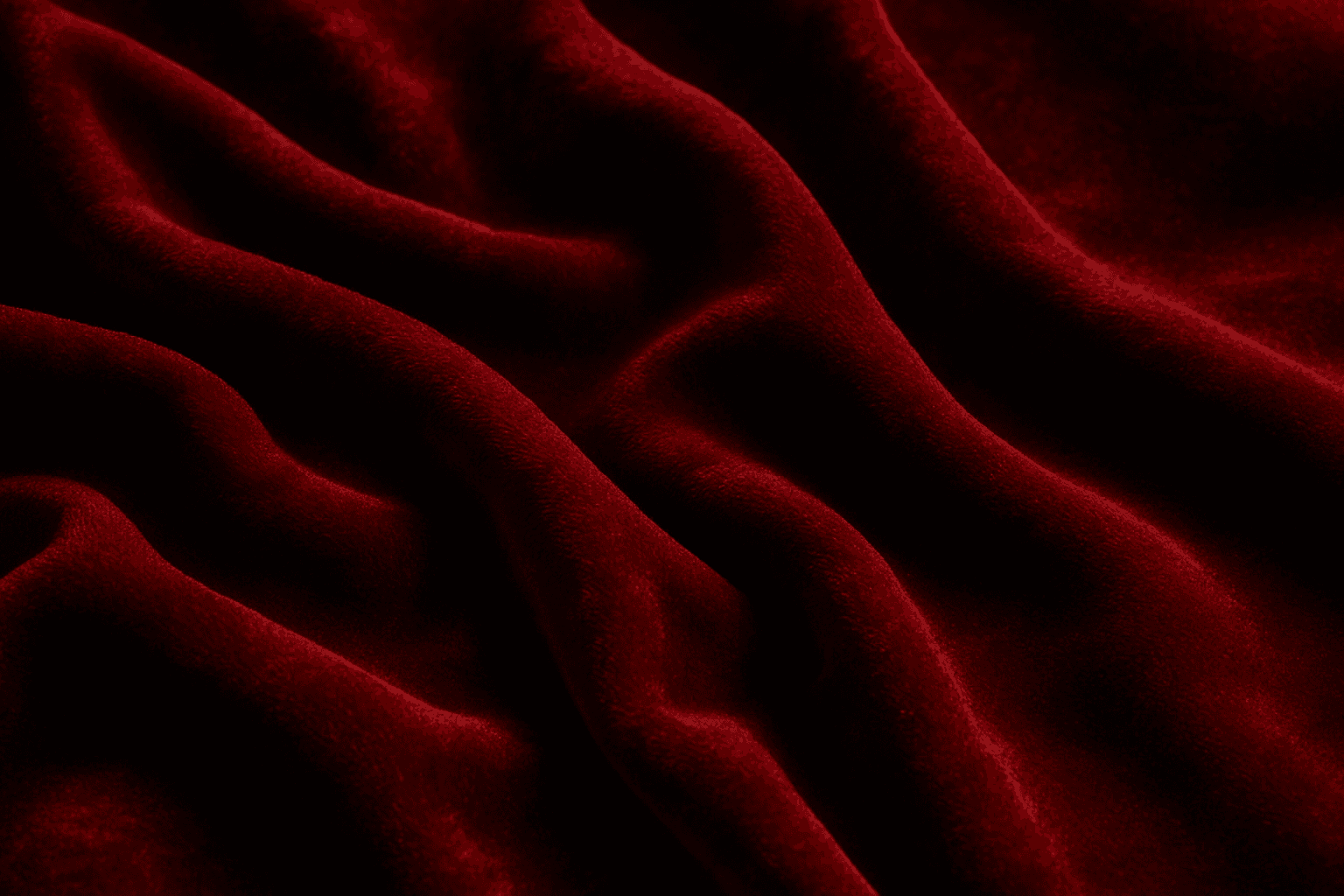
Velvet Fabric Texture is a highly valued keyword in AI image creation, known for adding a touch of luxury and tactile richness. Its unique surface combines densely packed fibers that catch light gently, creating a depth that transforms flat colors into dynamic, sumptuous visuals. When AI models recognize the velvet texture prompt, they generate images showcasing soft highlights and shadows along with a fabric's signature pile, making it ideal for realistic fashion designs, interior decor visuals, and product textures. This keyword elevates images by introducing delicate, realistic fabric details that convey comfort and elegance, apt for editorial and commercial uses.
Concrete Texture
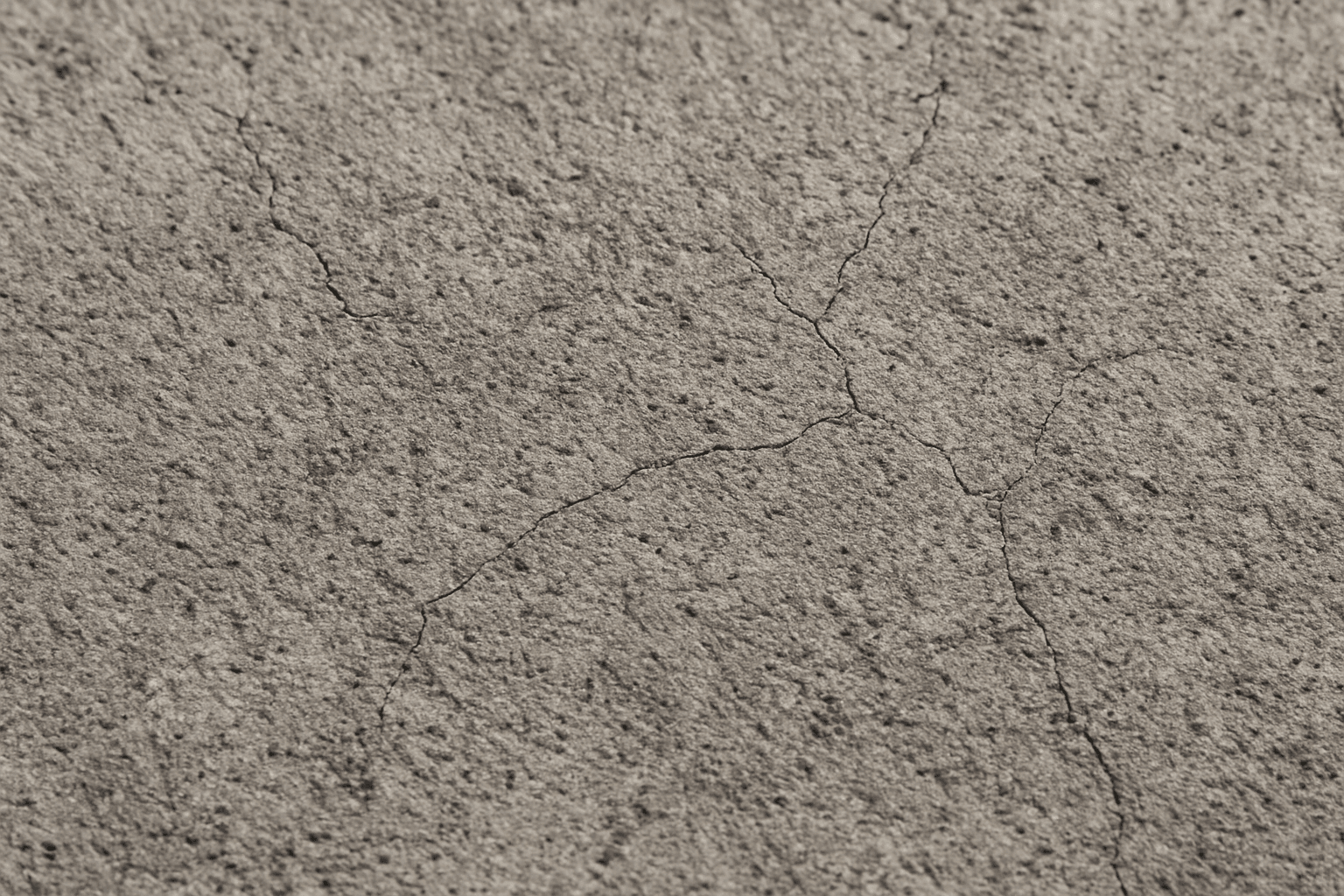
Using 'Concrete Texture' as a keyword in AI image generation is essential when aiming to simulate authentic concrete surfaces. This texture is characterized by its rough, grainy appearance with fine cracks and natural variations in tone, which contribute to a realistic material effect. Incorporating 'Concrete Texture' enriches scenes by adding depth and tactility, suitable for architectural renders, product backgrounds, or abstract compositions. It helps avoid flat or artificial appearances of concrete elements by instructing the AI to focus on the physical traits of concrete surfaces. This keyword is especially useful when high-fidelity material depiction is required for design presentations or digital art.