Brushed Steel Texture
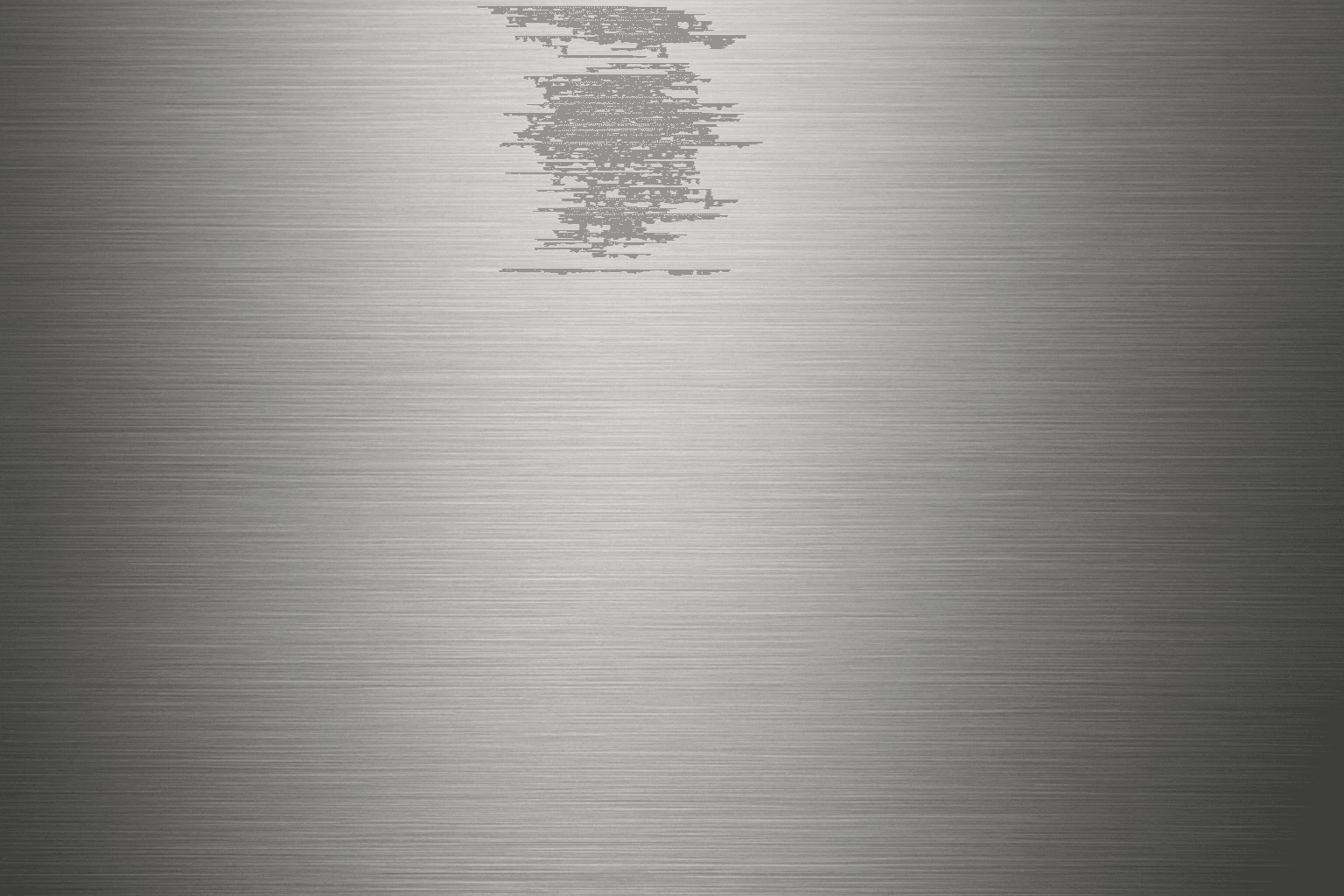
Brushed steel texture is widely used in design and industrial contexts for its sleek, modern metallic look with a distinctive matte finish and faint linear grain. When used in AI image prompts, it guides the model to render surfaces that mimic steel polished in one direction, producing subtle reflections and texture that add realism and sophistication to metallic objects. This texture balances between shiny and dull, making it ideal for product visualizations, architectural details, and industrial design. Mastering brushed steel textures in AI imagery enhances the credibility and appeal of metallic representations across visuals.
Definition
Brushed steel texture describes a metal surface treated with a fine abrasive to create uniform linear patterns that reduce reflectivity and produce a matte appearance. In AI image generation, it means instructing the model to render surfaces showing this directional grain and soft, diffused metallic reflections, resulting in a realistic portrayal of polished steel often seen in appliances and architectural elements.
Visual Characteristics
- Smooth metallic surface with soft, directional streaks
- Matte finish with subtle losses in surface glossiness
- Linear grain patterns running uniformly across the surface
Prompt Formula
Use descriptive sequences combining material and lighting terms to capture brushed steel qualities. Common formula: '[object or surface] with brushed steel texture, linear grain, matte metallic finish, subtle directional reflections, soft lighting, photorealistic.' Adjust lighting adjectives and scene context for variation.
- [subject] with brushed steel texture
- linear grain, matte metallic finish
- soft, directional reflections
- photorealistic, high detail lighting
Best Use Cases
- Rendering electronic device casings with realistic metal surfaces
- Interior design scenes featuring stainless steel appliances or fixtures
- Backgrounds and textures for industrial or futuristic compositions
Creative Variations
To avoid repetitive output, consider varying lighting direction and intensity (morning, studio, diffused), incorporating color tints like cool blue or warm bronze over brushed steel, or combining with water droplets or slight wear for added realism. Changing subject scale from macro close-ups to wider architectural views also diversifies visuals.
- Vary lighting: soft natural, studio spot, diffused
- Add color accents: cool blue tint, warm bronze overlay
- Include environmental effects: moisture, subtle scratches, reflections
Industry Applications
- Ecommerce photography for tech and kitchen appliances
- Advertising campaigns highlighting modern and premium metal craftsmanship
- Architectural visualization showcasing interior metal surfaces
Common Mistakes
A frequent issue is over-glossy or overly reflective metal that loses the matte, subdued sheen of true brushed steel. Avoid generic metals without visible linear grain or with chaotic patterns that break realism. Over-saturating color or neglecting directional lighting can also produce flat or artificial results. Always specify the grain direction and lighting quality to maintain authenticity.
Model-Specific Tips
Focus on simple, clear material descriptors paired with lighting and detail terms to ensure consistent results across models. Use terms like 'linear grain,' 'matte metallic,' and 'subtle directional reflection' to guide the model without relying on proprietary tokens. Test variations in lighting adjectives and scene context to optimize effect. Avoid complex syntax; opt for straightforward descriptive language and layering of key attributes for best output coherence.
FAQ
How can I make brushed steel texture look more realistic in AI images?
Include detailed descriptors such as 'linear grain,' 'matte finish,' and specify lighting conditions that create soft directional reflections. Adding context like environment reflections or slight surface imperfections can also boost realism.
What lighting works best with brushed steel texture prompts?
Soft, diffused or directional studio lighting tends to enhance the subtle grain and reduce harsh reflections, maintaining the characteristic matte appearance of brushed steel.
Continue Exploring
Related Prompts
Brushed Metal Texture
Brushed Metal Texture in AI art generation captures the distinctive look of metal surfaces treated by abrasive brushing, which creates smooth, parallel lines affecting how light reflects. It's a popular material finish in industrial design, consumer electronics, and architectural elements, lending a premium, tactile quality to images. Using this texture in AI prompts ensures realistic rendering of metal objects with nuanced light interplay and surface depth. This texture enhances visual interest while maintaining subtlety, making it ideal for product visualizations, backgrounds, and stylized concept art. By controlling this parameter, creators can elevate the authenticity and sophistication of metallic materials within their compositions.

Reflective Surface Texture
Reflective surface texture is a crucial attribute in AI image generation for achieving realism and material accuracy. When prompts specify reflective qualities, AI models simulate how light interacts with surfaces, producing highlights, gleams, and subtle mirror-like effects. This texture can depict materials such as chrome, glass, water, or polished ceramics, each bringing unique reflective nuances. Using reflective surface texture enhances visual appeal by adding depth and sophistication to compositions, making objects stand out with premium polish. It suits a variety of styles from photorealistic renders to creative abstractions, bridging artistic and commercial needs for lifelike imagery.
Polished Wood Texture
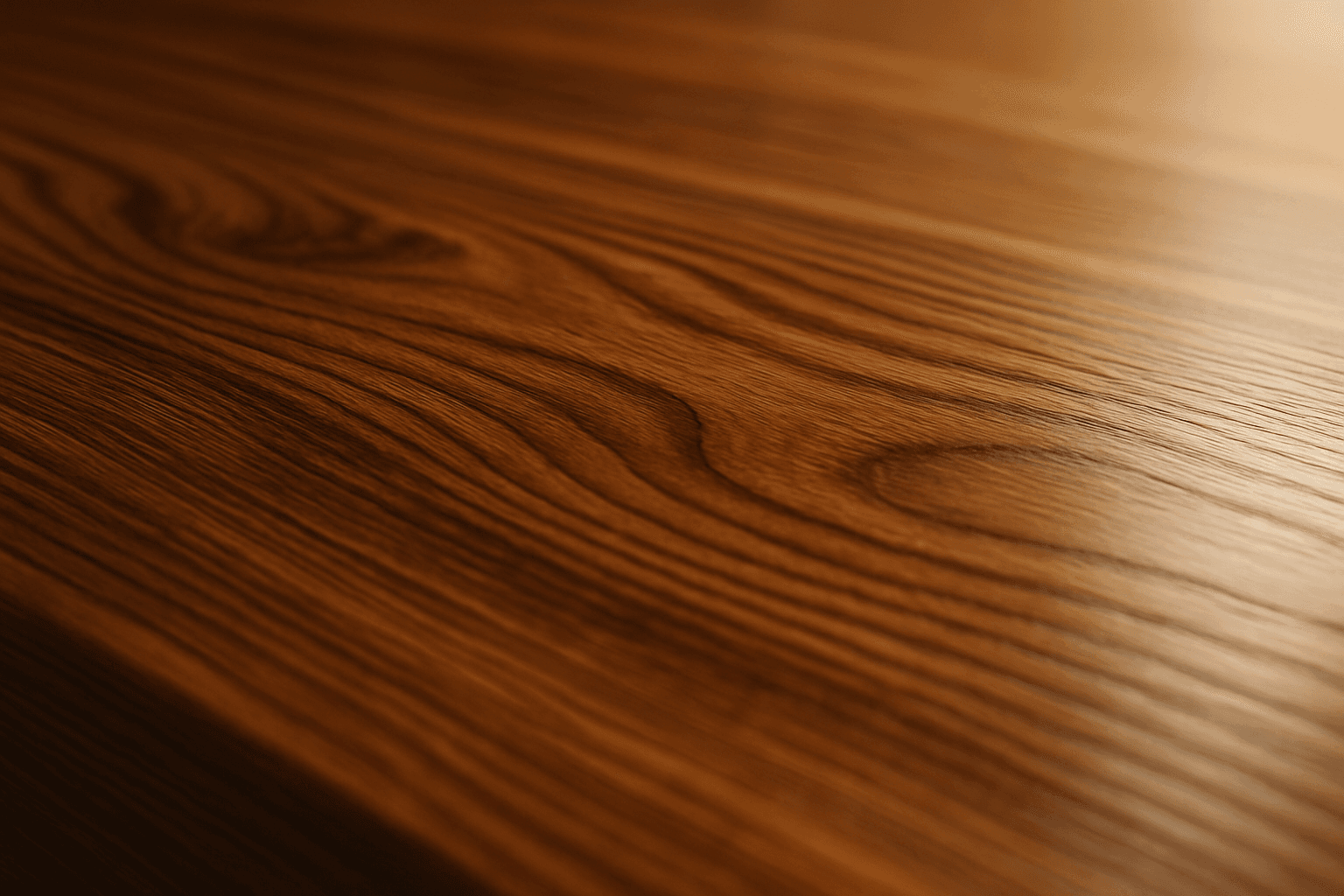
The 'Polished Wood Texture' keyword is essential for creating highly realistic and visually appealing wood surfaces in AI-generated imagery, especially in product design, interior visualization, and material studies. This texture emphasizes the fine finish and reflective qualities of wood that has been carefully sanded and treated with a glossy coating, producing subtle light reflections and depth. Using this keyword, artists and designers can quickly convey a sense of luxury, craftsmanship, and natural warmth in their images. It works effectively with various wood types and complements modern editorial aesthetics that value clean, premium material representations. Leveraging this texture in AI-generated images helps achieve a refined realism suitable for high-end design presentations or stock imagery.
Leather Texture
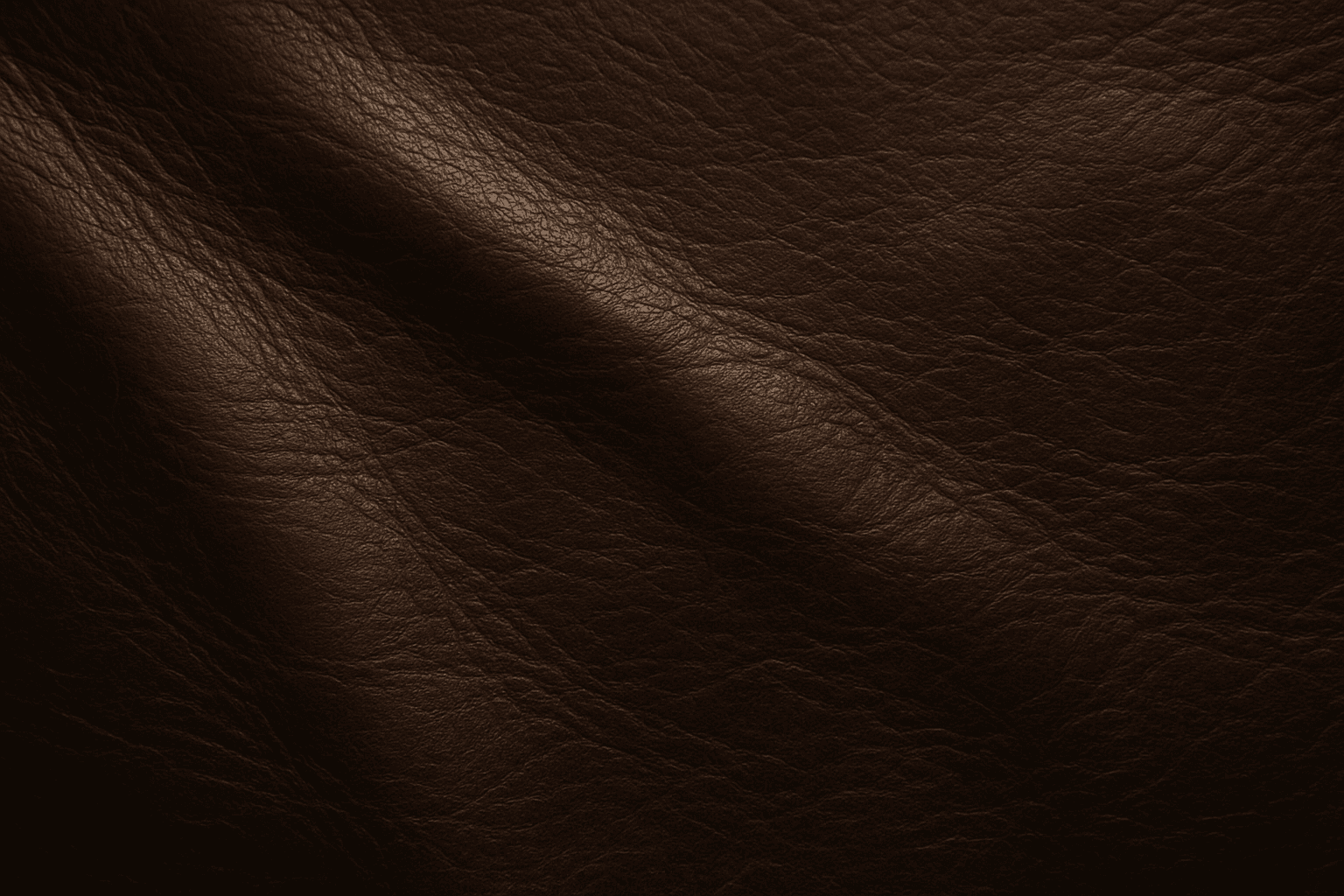
Leather Texture evokes the visual and tactile qualities of genuine leather surfaces in AI-generated art. It introduces nuanced details like grain, pores, creases, and color variations that make materials appear authentic and luxurious. This texture is widely employed in fashion illustration, interior design renderings, product visualization, and materials studies. By using the leather texture keyword, AI models simulate the complex interplay of light, shadow, and surface imperfections typical in high-quality leather. This enriches compositions with warmth and premium appeal. Its adaptable nature supports everything from rough, distressed hides to smooth, polished finishes, providing versatility across genres and styles.

Plasticized Surface Texture
Plasticized Surface Texture emphasizes a sleek, shiny appearance with a polished, flexible quality resembling plastic materials. When used in AI image generation, it transforms surfaces into smooth, glossy finishes characterized by bright highlights and subtle reflections. This texture does not show roughness or matte properties but instead creates a distinctive synthetic look often associated with consumer products, packaging, or modern design elements. It helps convey contemporary, clean aesthetics and can enhance visual emphasis on material quality in digital rendering or conceptual imagery.
Soft Matte Paper Texture
Soft Matte Paper Texture is a specialized prompt keyword that helps artists and designers generate images featuring realistic, tactile paper surfaces with a matte finish. This texture is characterized by subdued reflections and a soft, natural look that avoids glare or shine. Using this keyword in AI prompts supports creations such as book covers, packaging mockups, stationery backgrounds, and fine art prints where the paper quality matters. The resulting images carry a premium aesthetic, imitating high-quality paper stock that is often sought after in print-design visualizations and marketing materials. Overall, employing Soft Matte Paper Texture enriches an AI image with subtle tactile cues contributing to a refined, understated finish.