Reflective Surface Texture
Reflective surface texture is a crucial attribute in AI image generation for achieving realism and material accuracy. When prompts specify reflective qualities, AI models simulate how light interacts with surfaces, producing highlights, gleams, and subtle mirror-like effects. This texture can depict materials such as chrome, glass, water, or polished ceramics, each bringing unique reflective nuances. Using reflective surface texture enhances visual appeal by adding depth and sophistication to compositions, making objects stand out with premium polish. It suits a variety of styles from photorealistic renders to creative abstractions, bridging artistic and commercial needs for lifelike imagery.

Definition
Reflective surface texture in AI-generated images describes how surfaces simulate light reflection to create glossy, shiny appearances. This keyword directs AI models to mimic materials like glass, polished metal, or water, adding realistic highlights and reflections that enhance depth and visual interest. It is essential for making objects appear more tangible and physically accurate in compositions.
Prompt Formula
Combine reflective surface texture with material and lighting descriptors. Use phrases like "reflective surface texture," "high-gloss finish," or "mirror-like reflections" paired with specific materials (e.g., chrome, glass) and lighting settings (e.g., soft studio light, bright sunlight) to control the effect.
- [Material] with reflective surface texture under [lighting]
- Close-up of [object] featuring reflective surface texture and subtle highlights
- High-detail [material] showing mirror-like reflective surface texture
Best Use Cases
- Product shots needing shiny, premium material representation
- Architectural visualizations emphasizing glass and polished surfaces
- Creative still-life compositions with reflective elements to add interest
Common Mistakes
A frequent mistake is overusing reflective surface texture, which can lead to unnatural glare or washed-out areas. Avoid generic terms without specifying material or lighting, as this yields unrealistic or flat reflections. Additionally, neglecting environment reflections causes surfaces to look artificial. Balancing reflectivity and integrating accurate environmental cues is key to believable results.
Advanced Techniques
To refine reflective surface texture, combine it with environmental descriptions to add context reflections, such as "urban skyline reflected on glossy metal." Use modifiers like "soft reflections" or "sharp mirror-like reflections" to control the sharpness. Layer textures by mixing reflective with matte areas to enhance complexity. Experiment with time-of-day lighting prompts for dynamic reflections.
Professional Workflow
First, define the material and desired reflective quality in the prompt. Generate multiple variations adjusting light intensity and reflection sharpness. Select images showcasing balanced glare and natural-looking reflections. Refine prompts focusing on environmental context or texture layers for realism. Finalize images by subtle post-processing to enhance highlights without overpowering the composition.
Related Styles
- Glossy Finish
- Metallic Texture
- Specular Highlights
Model-Specific Tips
Frame reflective surface texture prompts with clear material and environment cues for consistent results across models. Avoid ambiguous adjectives; specify light sources and reflection character. Using phrases like "high detail reflective surface texture" or "soft diffuse reflections" improves control. Adjust terminology slightly based on model behavior observed in preview generations to optimize output.
FAQ
How can I avoid overly bright reflections when using reflective surface texture?
To prevent overly bright or blown-out reflections, specify softer lighting conditions or describe reflections as subtle or diffused in your prompt. Also, balance reflective and matte areas and include details about the environment to anchor reflections realistically.
Which materials best showcase reflective surface texture in AI images?
Materials like polished metal, glass, water, and glazed ceramics excel at showcasing reflective surface texture due to their natural light interaction properties, enhancing realism in AI-generated images.
Continue Exploring
Related Prompts

Plasticized Surface Texture
Plasticized Surface Texture emphasizes a sleek, shiny appearance with a polished, flexible quality resembling plastic materials. When used in AI image generation, it transforms surfaces into smooth, glossy finishes characterized by bright highlights and subtle reflections. This texture does not show roughness or matte properties but instead creates a distinctive synthetic look often associated with consumer products, packaging, or modern design elements. It helps convey contemporary, clean aesthetics and can enhance visual emphasis on material quality in digital rendering or conceptual imagery.
Brushed Steel Texture
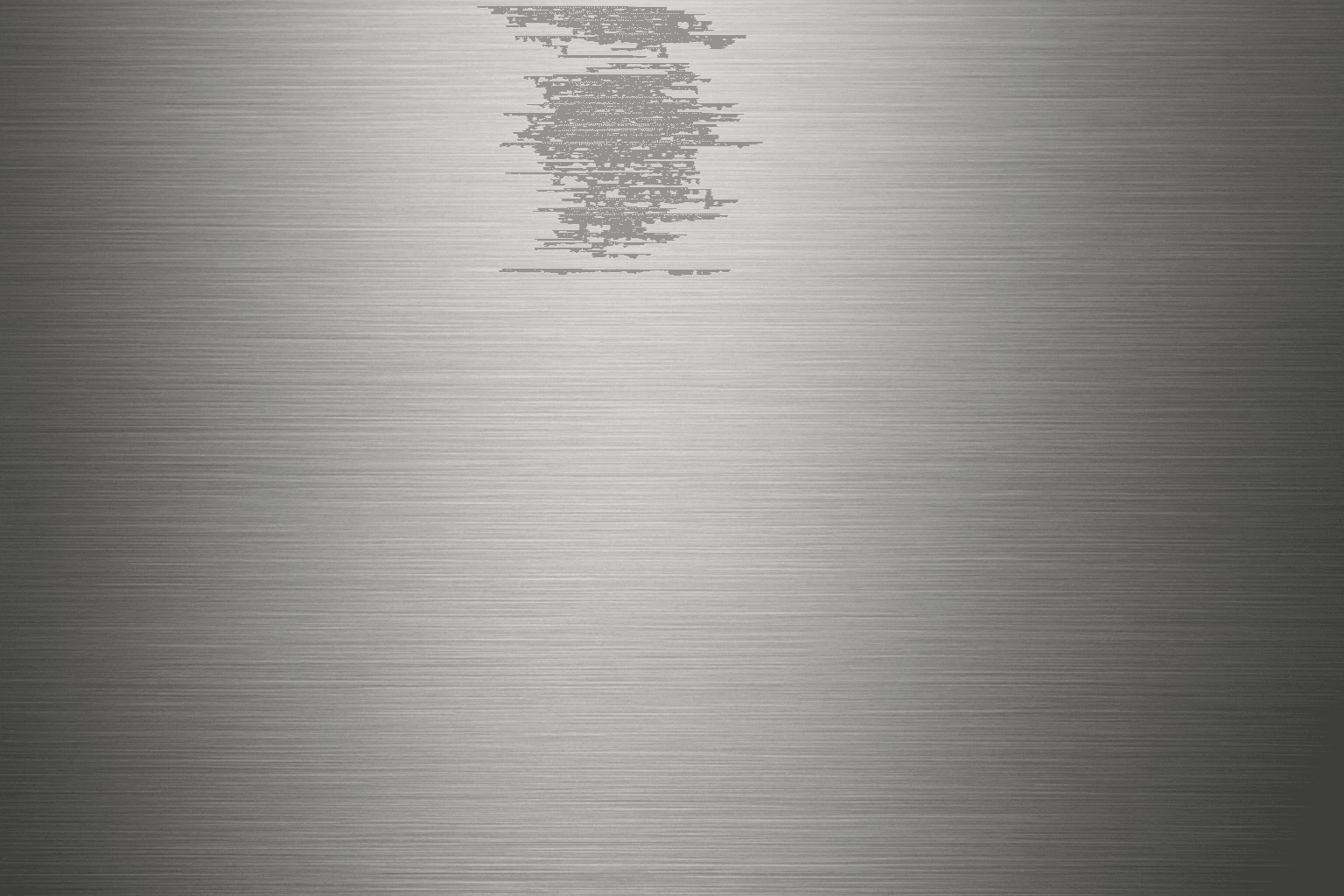
Brushed steel texture is widely used in design and industrial contexts for its sleek, modern metallic look with a distinctive matte finish and faint linear grain. When used in AI image prompts, it guides the model to render surfaces that mimic steel polished in one direction, producing subtle reflections and texture that add realism and sophistication to metallic objects. This texture balances between shiny and dull, making it ideal for product visualizations, architectural details, and industrial design. Mastering brushed steel textures in AI imagery enhances the credibility and appeal of metallic representations across visuals.
Matte Surface Texture
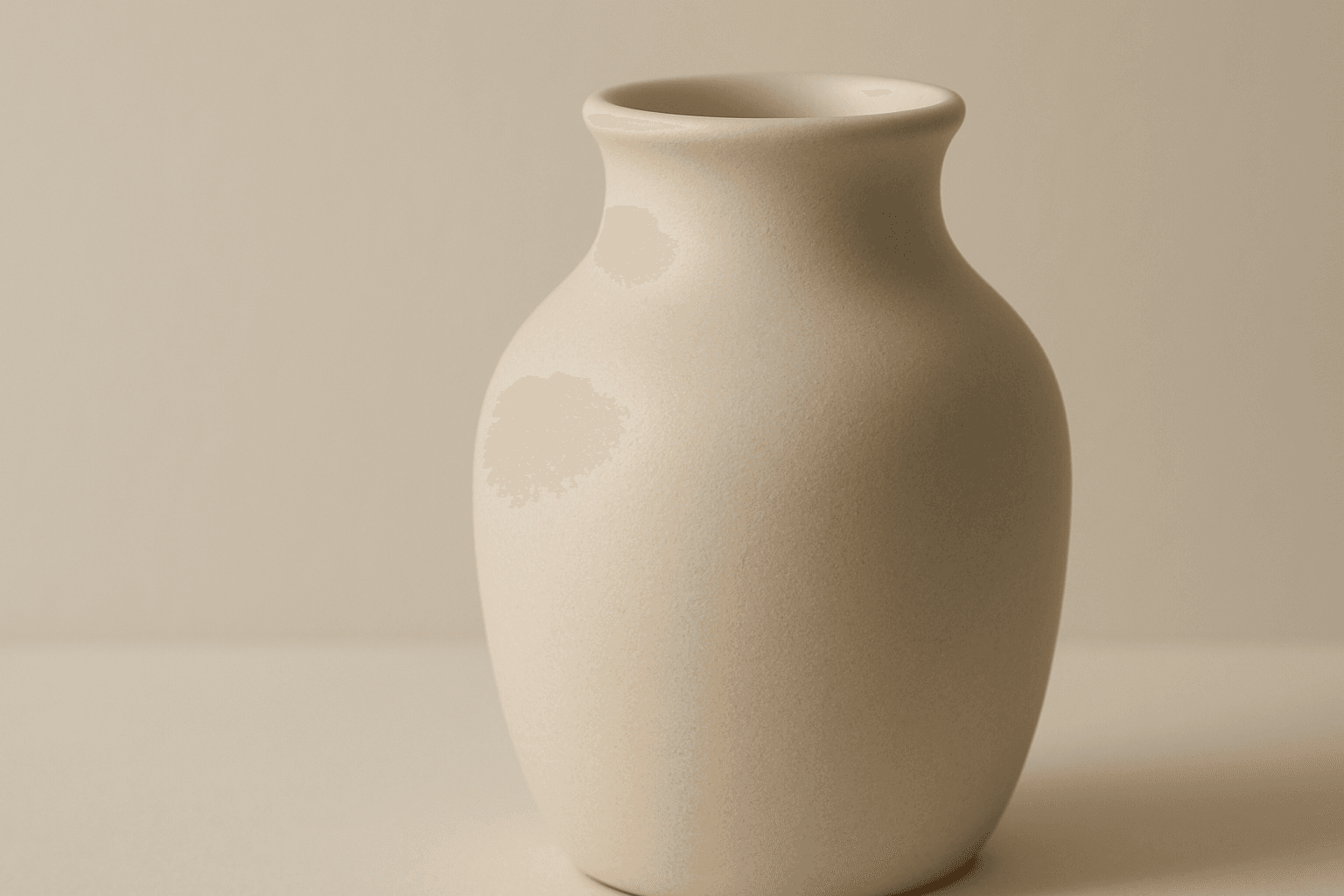
The 'Matte Surface Texture' keyword in AI image generation is fundamental when aiming for realism and subtlety in material appearance. Unlike glossy or reflective surfaces, matte textures offer a restrained light interaction, producing soft shadows and even visual tones. This texture is valued for its fine grain, softness, and understated elegance, making images appear modern and refined. Including this keyword enhances the material rendition of subjects like ceramics, paper, cloth, or painted surfaces, enabling photorealistic or stylized outputs that emphasize tactile qualities without distracting reflections. It's especially effective for editorial visuals, product mockups, and interior materials where controlling reflection is crucial.
Glossy Surface Finish
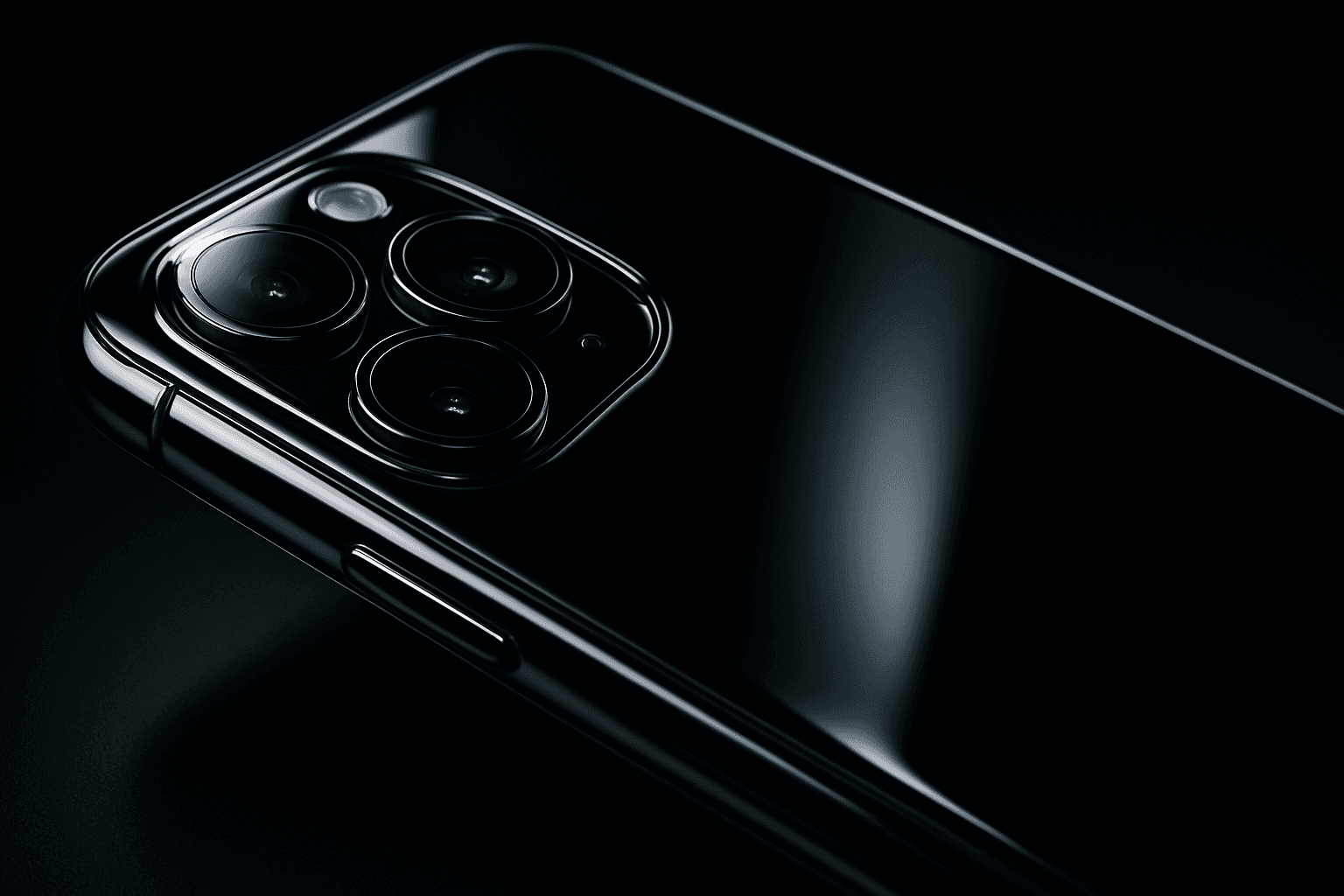
Adding a glossy surface finish to your AI image prompts transforms objects or materials by emphasizing their shiny, smooth qualities. It simulates surfaces like glass, polished metal, lacquered wood, or wet textures. This finish enhances realism by reflecting environmental light and adding depth, often making images appear more vibrant and tactile. Use it to create premium, high-end product renders, detailed textures, or eye-catching editorial visuals where surface quality matters. Glossy finishes can be combined with various materials and lighting setups, giving artists and designers flexibility to achieve the desired mood and style.
Granular Surface Texture
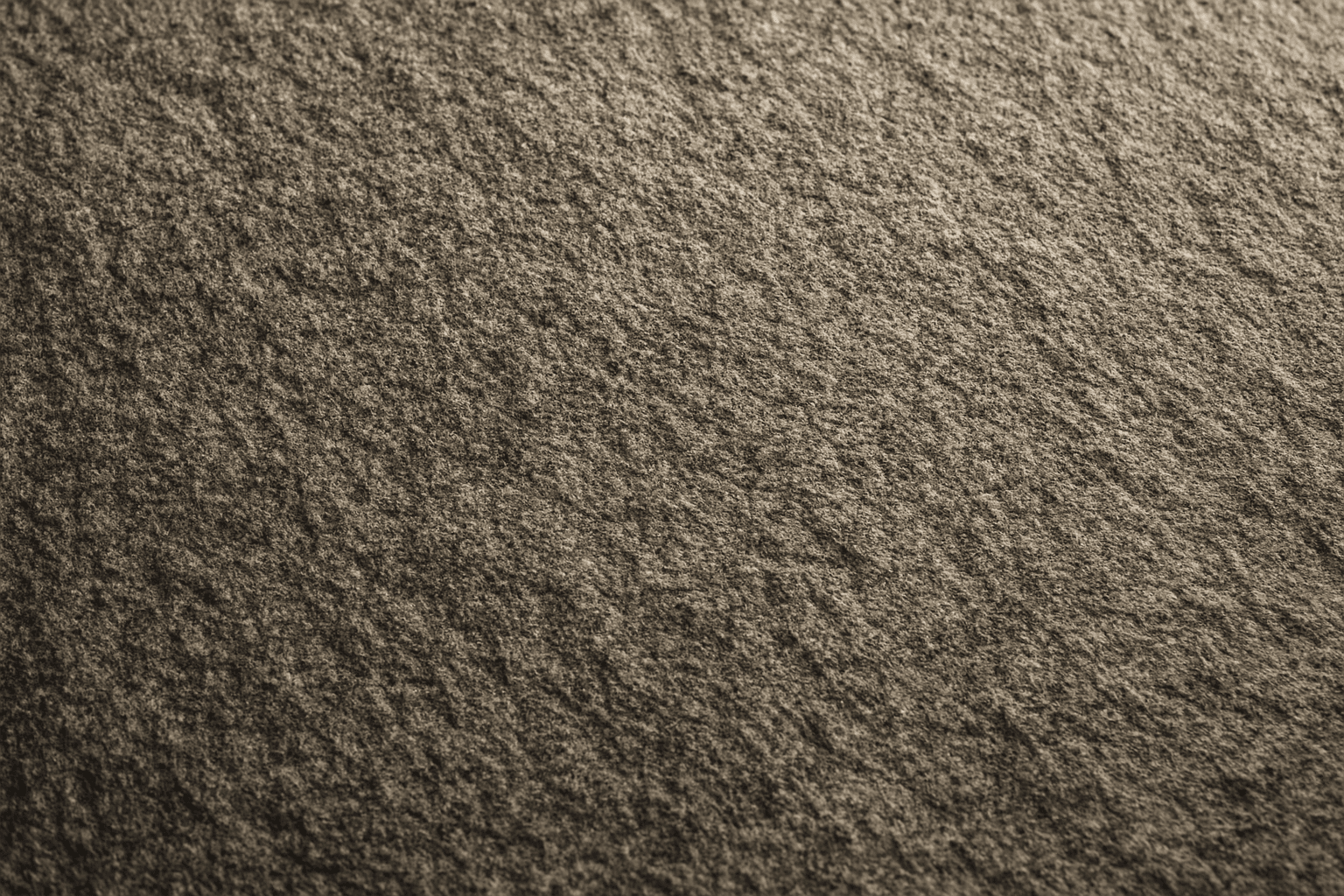
Granular Surface Texture is a key descriptive keyword used in AI image prompting to achieve photorealistic and tactile surfaces characterized by finely distributed grains or tiny particles. This texture offers an intricate level of detail that enriches the material quality of objects, making them appear more natural and tangible. When included in prompts, it encourages the generation of surfaces akin to sandpaper, concrete, rough fabric, or unpolished stone, providing visual complexity that appeals to designers and artists alike. Its use can transform otherwise flat or generic surfaces into engaging, dynamic visuals with depth and interest. This makes it valuable across many creative projects, from product visualization to environmental design.
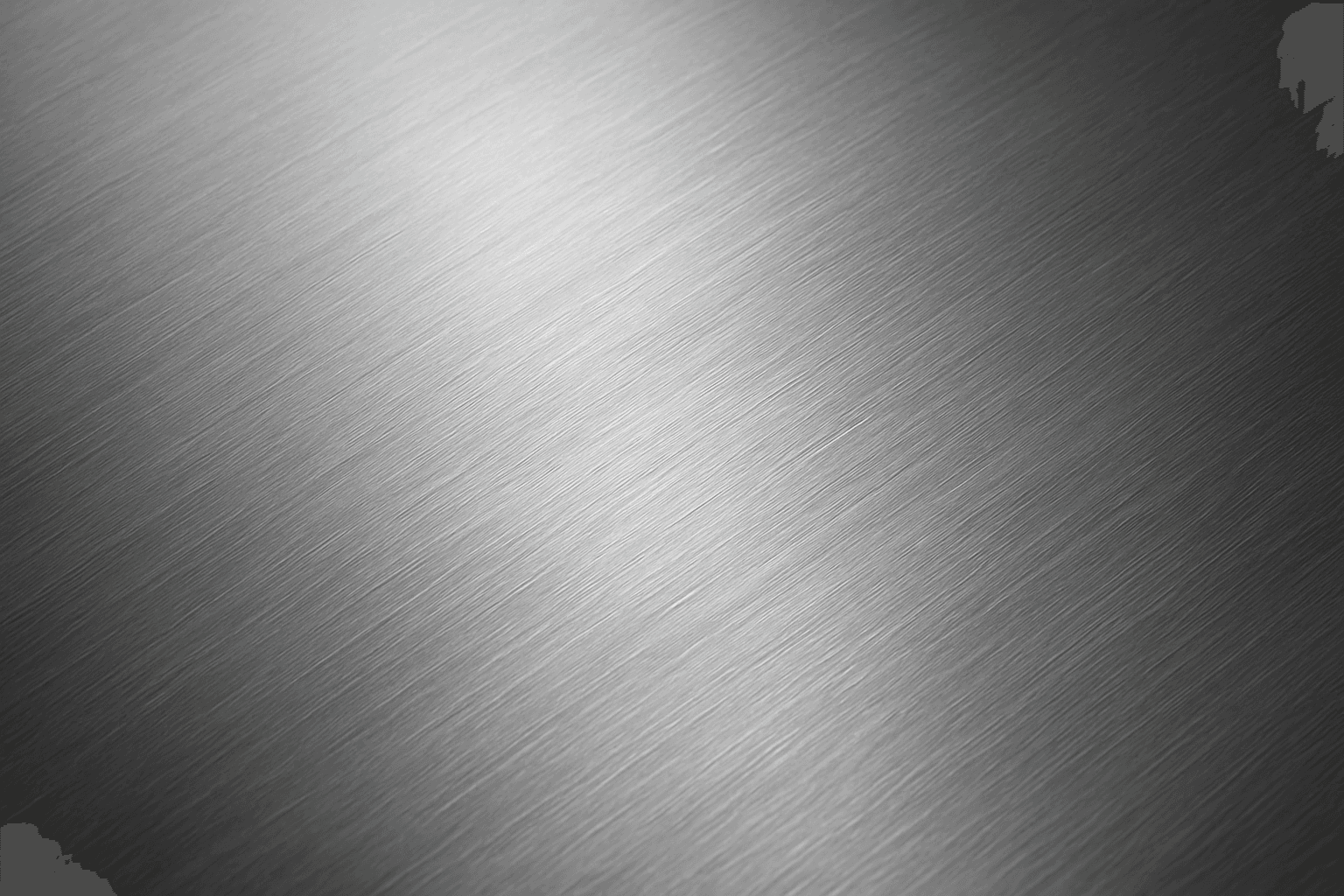
Brushed Metal Texture
Brushed Metal Texture in AI art generation captures the distinctive look of metal surfaces treated by abrasive brushing, which creates smooth, parallel lines affecting how light reflects. It's a popular material finish in industrial design, consumer electronics, and architectural elements, lending a premium, tactile quality to images. Using this texture in AI prompts ensures realistic rendering of metal objects with nuanced light interplay and surface depth. This texture enhances visual interest while maintaining subtlety, making it ideal for product visualizations, backgrounds, and stylized concept art. By controlling this parameter, creators can elevate the authenticity and sophistication of metallic materials within their compositions.