Glossy Surface Finish
Adding a glossy surface finish to your AI image prompts transforms objects or materials by emphasizing their shiny, smooth qualities. It simulates surfaces like glass, polished metal, lacquered wood, or wet textures. This finish enhances realism by reflecting environmental light and adding depth, often making images appear more vibrant and tactile. Use it to create premium, high-end product renders, detailed textures, or eye-catching editorial visuals where surface quality matters. Glossy finishes can be combined with various materials and lighting setups, giving artists and designers flexibility to achieve the desired mood and style.
Definition
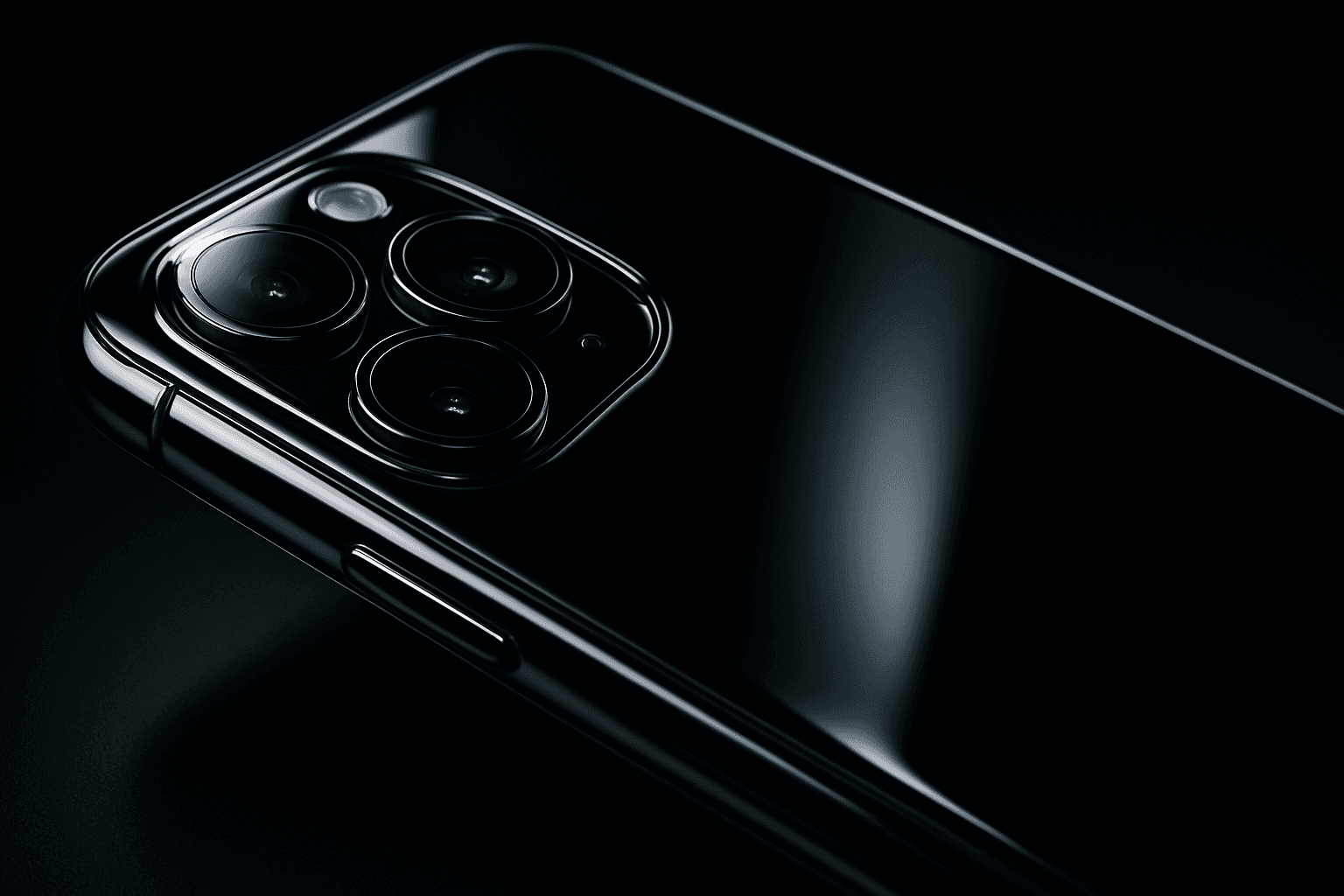
Glossy Surface Finish describes textures that are smooth and highly reflective, mimicking polished or wet surfaces. Adding this to AI prompts guides models to produce materials with clear shine and specular highlights, enhancing realism and visual depth in generated images.
Visual Characteristics
- Smooth surfaces with crisp, bright highlights
- Visible reflections of environment and light sources
- Shiny, polished appearance often with deep saturated color
Prompt Formula
Combine the base subject with material and finish descriptors like "glossy surface finish," "highly reflective," and lighting conditions that enhance shine. Example formula: [subject] + "with glossy surface finish" + [lighting setup] + [style or detail].
- [subject] with glossy surface finish
- highly reflective, polished, shiny surface
- studio lighting highlighting reflections
- sharp specular highlights
- realistic texture detail
Best Use Cases
- Product visuals for cosmetics, electronics, or luxury goods
- Interior design renders featuring polished materials
- Advertising and editorial images needing shiny, appealing textures
Creative Variations
To diversify outputs and avoid repetitiveness, vary lighting angles (e.g., soft natural light, dramatic studio spot), surface colors (metallic, colored lacquer), and environmental reflections (urban, natural). Experiment with wet vs. lacquered looks and combine gloss with other textures like fabric or matte accents.
- Change lighting: soft daylight, harsh spotlight, neon glow
- Vary colors: metallic gold, deep blue lacquer, transparent glass
- Mix gloss with wet surfaces or subtle scratches
- Introduce reflections from different environments
- Combine glossy with matte or textured areas for contrast
Industry Applications
- Ecommerce photography to showcase product quality
- Marketing and advertising for premium and luxury items
- Interior design and architectural visualization featuring polished finishes
Common Mistakes
Avoid generic wording like simply "shiny" without context, which can produce unrealistic or plastic-looking surfaces. Overusing glossiness can flatten image detail or cause unnatural reflections. Ensure lighting complements the gloss and specify clear reflections or materials to maintain realism and depth.
- Using vague terms without material context
- Overapplying gloss causing unnatural plastic look
- Ignoring lighting that supports reflections
- Failing to specify reflection clarity or environment
- Mixing gloss with conflicting textures without explanation
Model-Specific Tips
When working with multiple AI models, use simple yet descriptive phrases such as "glossy surface finish" and "highly reflective." Avoid model-specific syntax or tokens to ensure broad compatibility. Emphasize lighting and environment reflection descriptions to guide realistic gloss generation effectively across models.
- Use clear, descriptive language rather than model tokens
- Specify light source types and environment for reflections
- Combine gloss with material types for accuracy
- Test prompt variations for consistency
- Avoid excessive or vague adjectives that confuse models
FAQ
How does adding a glossy surface finish affect AI image realism?
It enhances realism by simulating how light reflects off smooth, shiny surfaces, producing highlights and reflections that give objects a polished, tactile appearance.
Can glossy surface finish be used with any material in AI prompts?
Glossy finishes work best with materials that naturally reflect light, such as metals, plastics, glass, ceramics, and wet surfaces, but may not suit inherently matte materials like rough wood or fabric.
Continue Exploring
Related Prompts
Glossy Plastic Surface
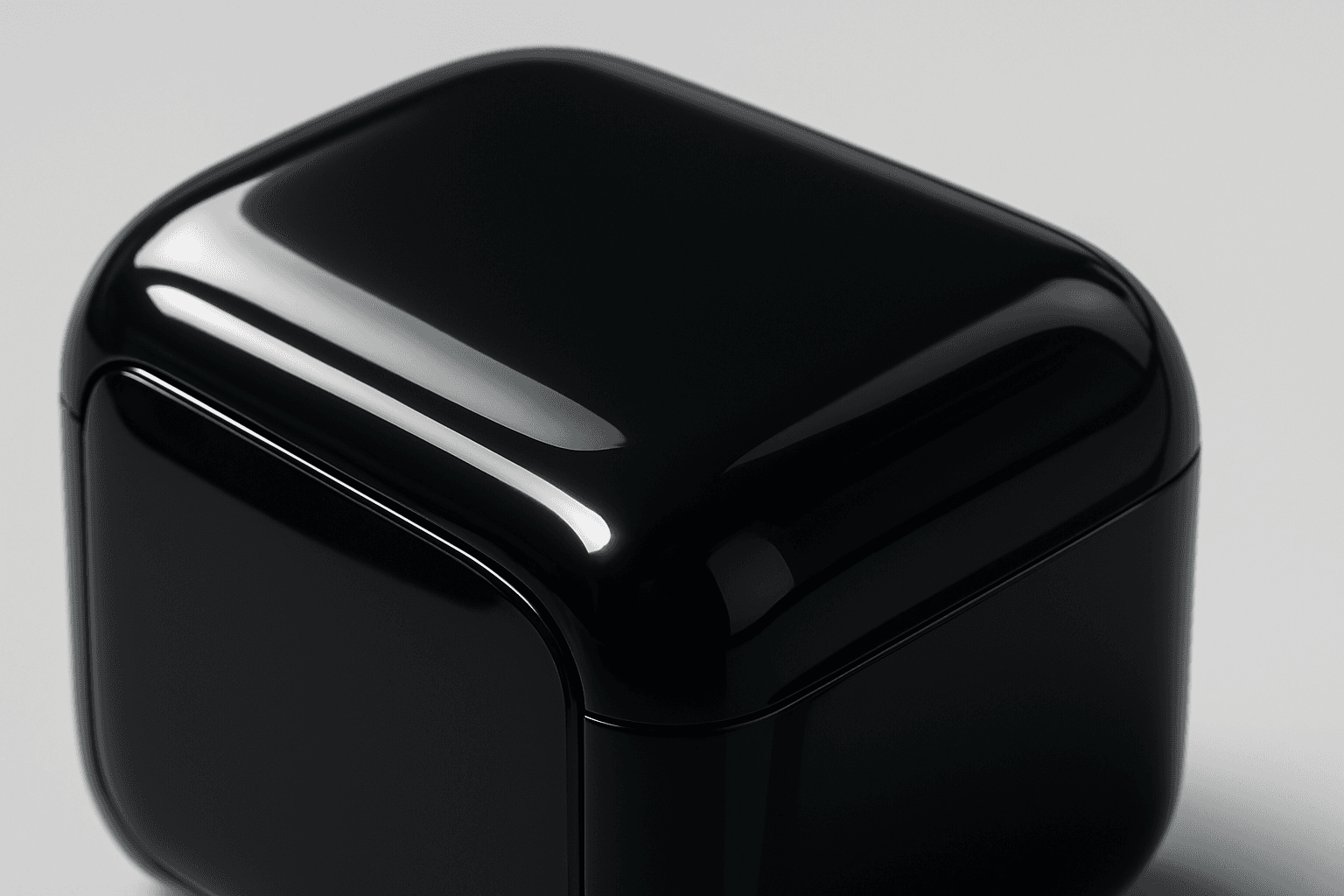
Adding 'Glossy Plastic Surface' in AI prompts introduces a sleek, shiny material effect that mimics polished plastic. This texture conveys a modern, manufactured feel, often used to depict objects with synthetic coatings or stylish packaging. The characteristic shine results from simulated light reflections, creating distinct highlight spots and smooth gradients that emphasize surface smoothness. This keyword helps differentiate images by adding an artificial luster, elevating the material realism in digital renders and creative compositions.
Ceramic Surface
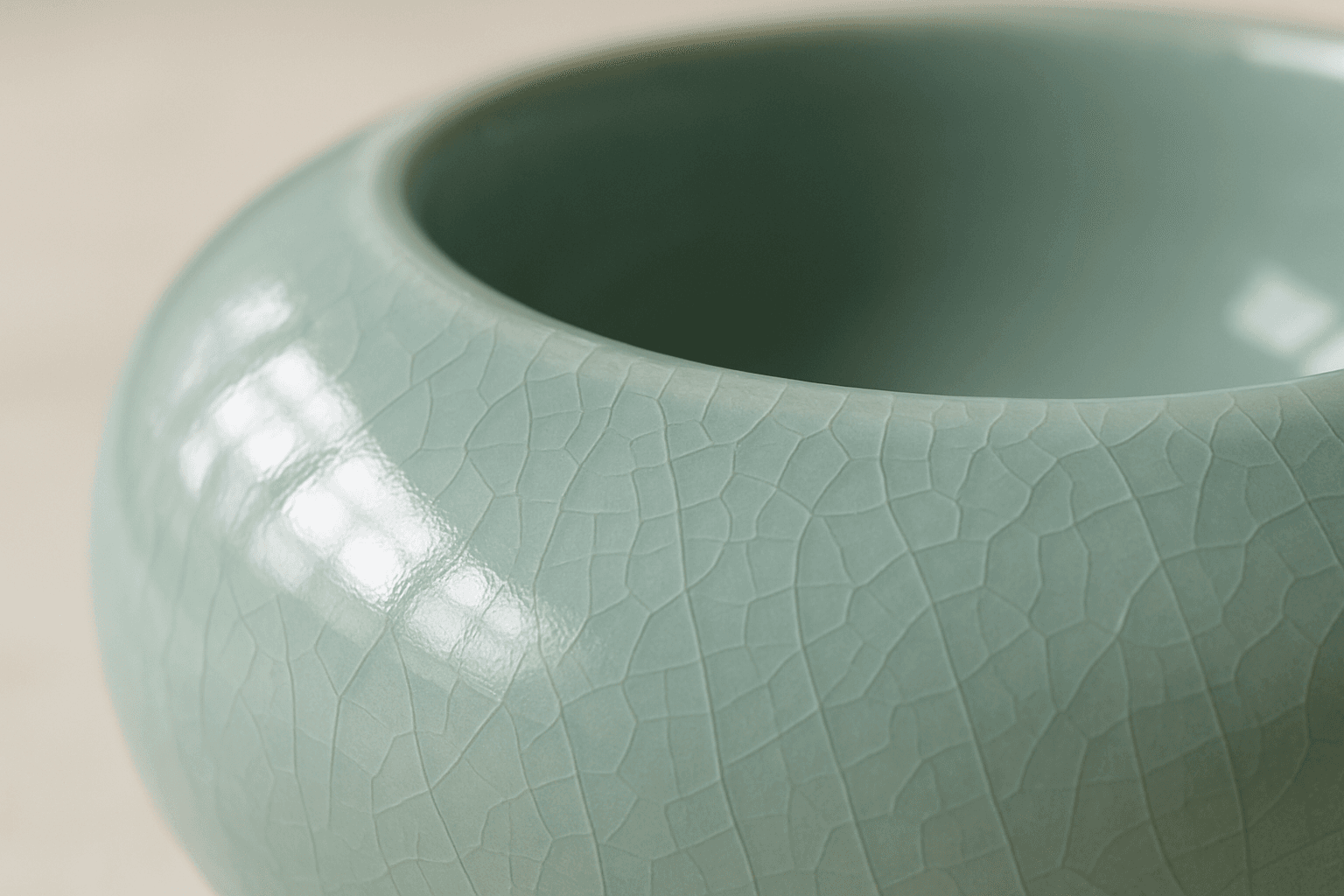
The keyword 'Ceramic Surface' in AI image generation targets a distinct material aesthetic recognizable by its smooth, often glossy finish and subtle textural nuances like glaze or crackle effects. Using this keyword refines renders to showcase the refined, tactile qualities of ceramics. It is essential for creating realistic representations of items like pottery, ceramic tiles, or porcelain wares, especially under nuanced lighting that enhances surface reflections and textures. The effect adds depth and realism, making objects appear tangible and convincing within various artistic or commercial compositions.

Reflective Surface Texture
Reflective surface texture is a crucial attribute in AI image generation for achieving realism and material accuracy. When prompts specify reflective qualities, AI models simulate how light interacts with surfaces, producing highlights, gleams, and subtle mirror-like effects. This texture can depict materials such as chrome, glass, water, or polished ceramics, each bringing unique reflective nuances. Using reflective surface texture enhances visual appeal by adding depth and sophistication to compositions, making objects stand out with premium polish. It suits a variety of styles from photorealistic renders to creative abstractions, bridging artistic and commercial needs for lifelike imagery.
Granular Surface Texture
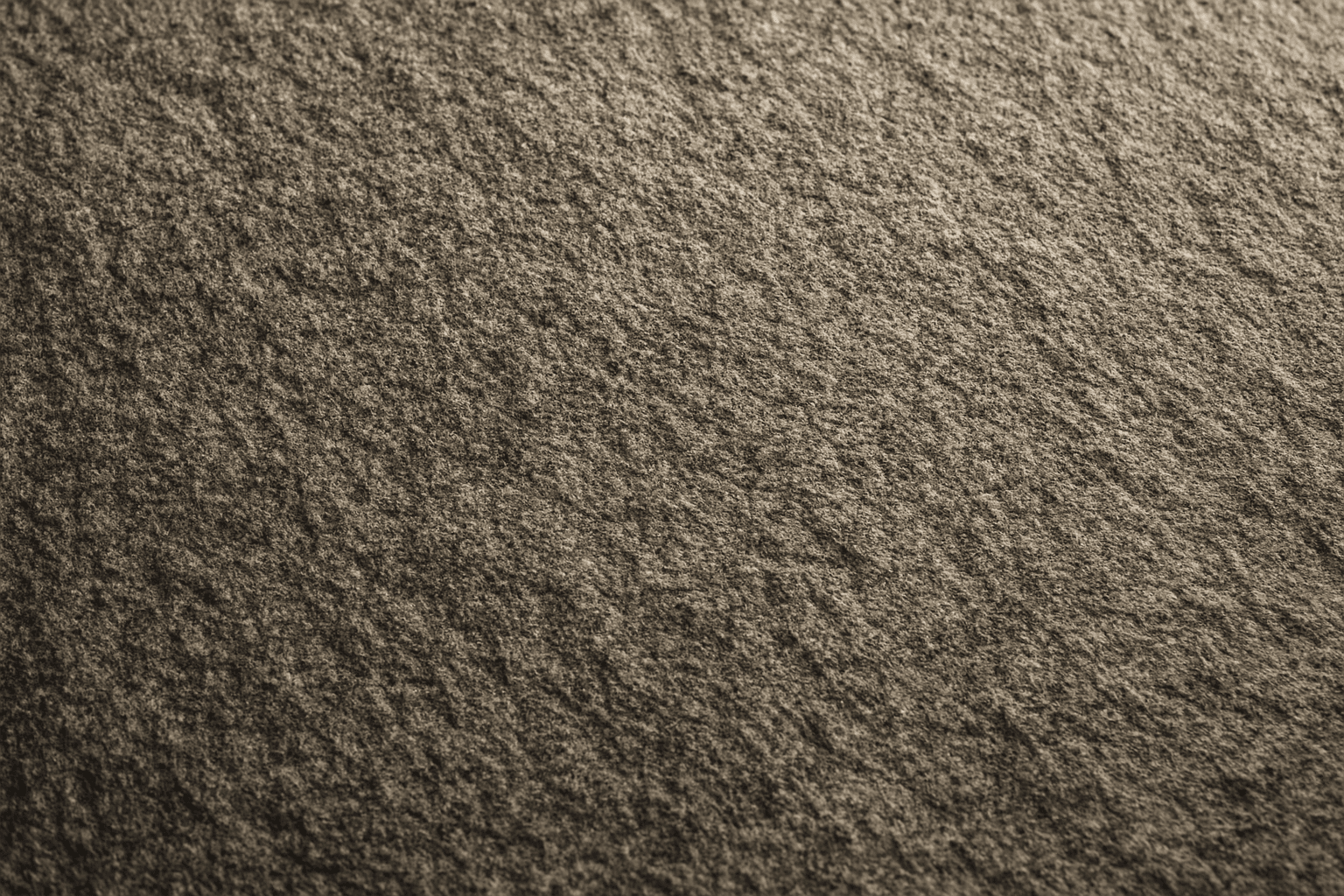
Granular Surface Texture is a key descriptive keyword used in AI image prompting to achieve photorealistic and tactile surfaces characterized by finely distributed grains or tiny particles. This texture offers an intricate level of detail that enriches the material quality of objects, making them appear more natural and tangible. When included in prompts, it encourages the generation of surfaces akin to sandpaper, concrete, rough fabric, or unpolished stone, providing visual complexity that appeals to designers and artists alike. Its use can transform otherwise flat or generic surfaces into engaging, dynamic visuals with depth and interest. This makes it valuable across many creative projects, from product visualization to environmental design.
Matte Surface Texture
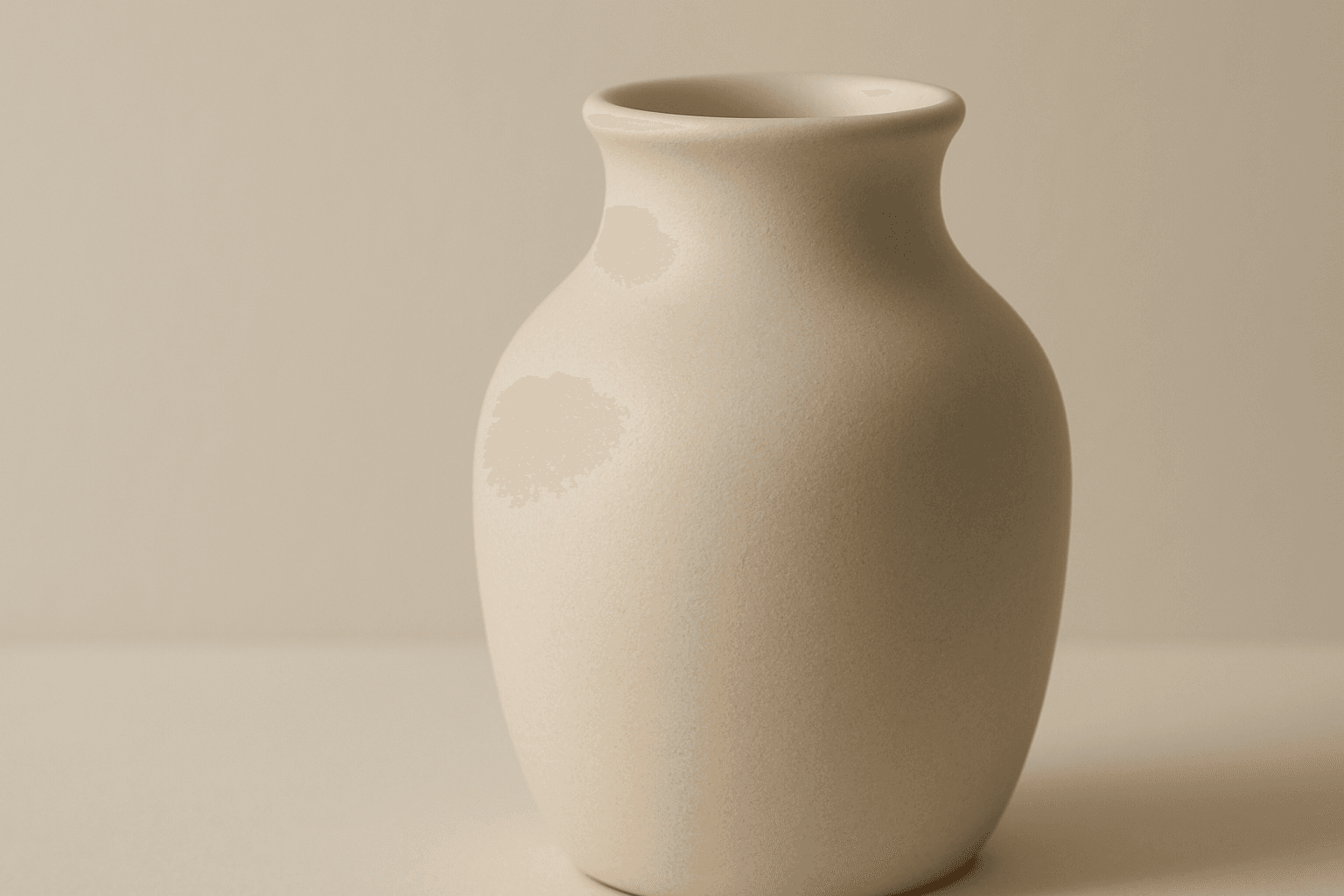
The 'Matte Surface Texture' keyword in AI image generation is fundamental when aiming for realism and subtlety in material appearance. Unlike glossy or reflective surfaces, matte textures offer a restrained light interaction, producing soft shadows and even visual tones. This texture is valued for its fine grain, softness, and understated elegance, making images appear modern and refined. Including this keyword enhances the material rendition of subjects like ceramics, paper, cloth, or painted surfaces, enabling photorealistic or stylized outputs that emphasize tactile qualities without distracting reflections. It's especially effective for editorial visuals, product mockups, and interior materials where controlling reflection is crucial.

Metallic Foil Texture
Metallic Foil Texture is a specialized descriptor used in AI image generation to simulate the appearance of thin metallic sheets that reflect light with a distinctive shine and texture. When integrated into prompts, it produces images with a sophisticated, realistic metallic finish characterized by gleaming highlights, soft wrinkles, and a polished look. This keyword is valuable in design, branding, and digital art contexts where a premium metallic aesthetic is desired. It enhances visual depth by capturing the interplay of light and surface irregularities typical of foil materials. Artists and designers leverage this texture to create backgrounds, patterns, and objects that stand out with elegant metallic allure.