Glossy Plastic Surface
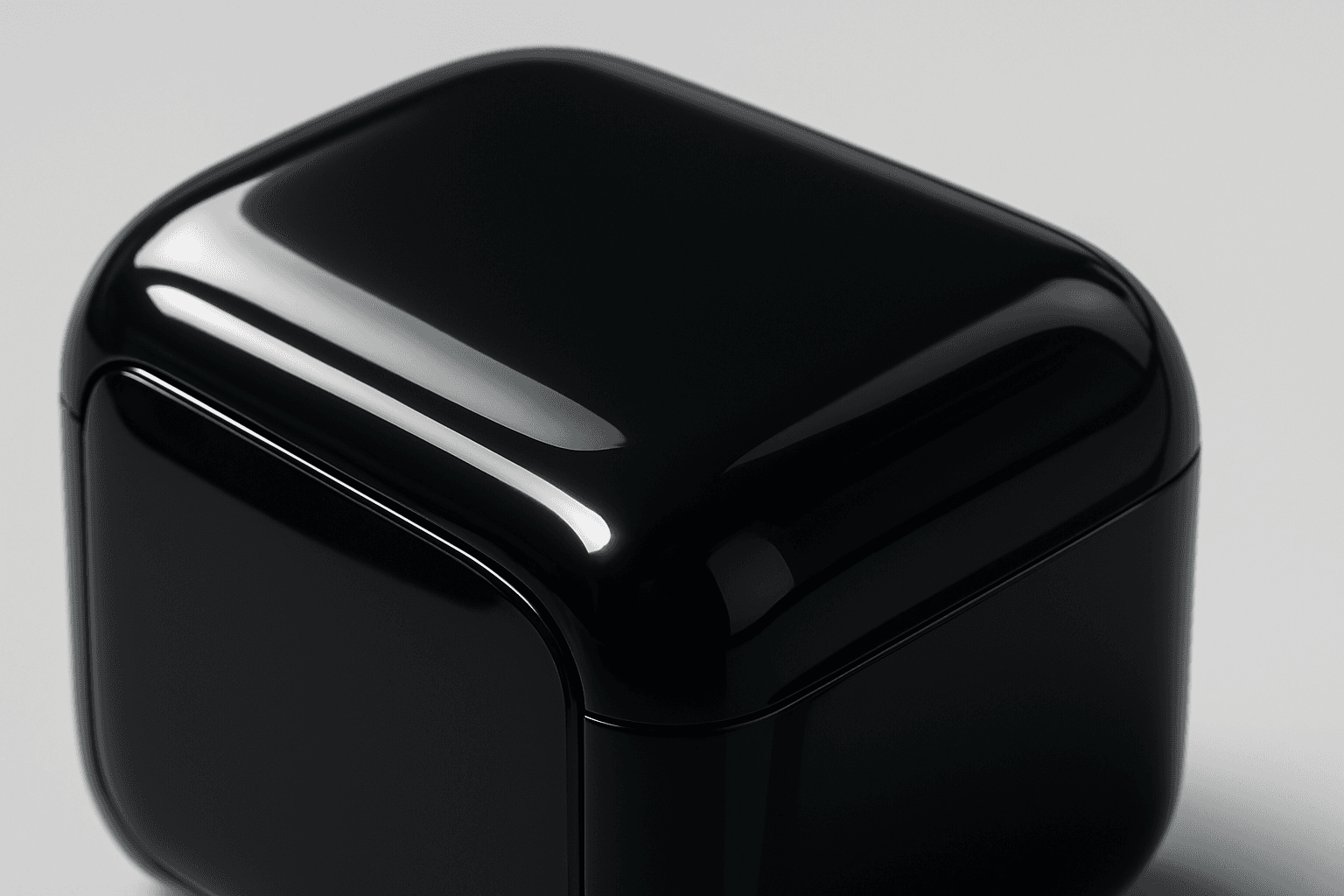
Adding 'Glossy Plastic Surface' in AI prompts introduces a sleek, shiny material effect that mimics polished plastic. This texture conveys a modern, manufactured feel, often used to depict objects with synthetic coatings or stylish packaging. The characteristic shine results from simulated light reflections, creating distinct highlight spots and smooth gradients that emphasize surface smoothness. This keyword helps differentiate images by adding an artificial luster, elevating the material realism in digital renders and creative compositions.
Definition
'Glossy Plastic Surface' describes a smooth, highly reflective texture similar to polished plastic. In AI prompts, it instructs the model to render materials with bright highlights, sleek reflections, and a synthetic sheen, differentiating from matte or rough textures.
Prompt Formula
Utilize combinations that emphasize material and lighting for best effect. Example formula: - Subject + 'glossy plastic surface' + lighting style + environment + camera angle - Add descriptive light reflections such as 'soft studio light' or 'sharp specular highlights' to enhance realism. - Combine with material color for variation, e.g., 'metallic blue glossy plastic surface'.
- Subject + glossy plastic surface + lighting + environment + camera
- 'glossy plastic surface' + with soft reflections + bright highlights + clean background
- Glossy plastic surface material + color + directional lighting + high detail
Best Use Cases
- Product mockups needing transparent or opaque plastic realism
- Packaging design images with reflective synthetic finishes
- Futuristic objects requiring sleek, shiny plastic materials
Advanced Techniques
To refine the 'Glossy Plastic Surface' effect, combine it with additional constraints: - Specify the type of lighting (e.g., 'HDR lighting' or 'studio spotlights') for controlled reflections. - Use modifiers like 'soft focus' or 'micro-scratches' to add tactile detail. - Layer with color variations or transparency to simulate translucent plastics. - Experiment with environment reflections to increase realism.
- Specify lighting types to control reflections
- Add micro-textures or subtle imperfections
- Incorporate translucency or tinted plastic effects
- Use environment reflections for authentic shine
Professional Workflow
Begin by clearly defining your subject and desired plastic appearance including color and finish. Incorporate 'Glossy Plastic Surface' early in your prompt to establish base material traits. Generate several variations adjusting lighting and angles to capture optimal highlights. Select best images focusing on realistic shine and smoothness. Refine prompts by adding modifiers such as environment reflections or surface details. Iterate quickly using prompt versioning to hone final image for commercial or creative use.
- Define subject and plastic finish clearly
- Include glossy plastic surface early in prompt
- Generate multiple variations with lighting changes
- Select and refine results based on reflection quality
- Apply detail modifiers for final polish
Related Styles
- Reflective Surface
- Plastic Material
- Synthetic Texture
- Metallic Sheen
- High Gloss Finish
Model-Specific Tips
Most contemporary AI image generators respond well to natural language prompts describing material traits. Use straightforward modifiers like 'glossy plastic surface' combined with lighting cues for best results. Avoid overly technical jargon or rare synonyms to maintain model understanding. Adjust prompt weight or emphasis if supported, to prioritize the glossy effect. Test outputs across multiple models to find the best gloss rendition for your project.
- Use clear, descriptive language about material and light
- Combine with lighting descriptors for enhanced reflections
- Avoid obscure terms to ensure model comprehension
- Test across different AI models for best gloss effect
- Adjust prompt emphasis or weight if technique available
FAQ
How does adding 'Glossy Plastic Surface' affect AI-generated images?
It causes the AI to render surfaces with smooth, reflective qualities typical of polished plastic, adding bright highlights and realistic shine that make objects appear synthetic and sleek.
Can 'Glossy Plastic Surface' be combined with other material keywords?
Yes, it pairs well with colors, lighting styles, and texture modifiers like 'metallic sheen' or 'translucent plastic' for nuanced material appearances.
Continue Exploring
Related Prompts
Glossy Surface Finish
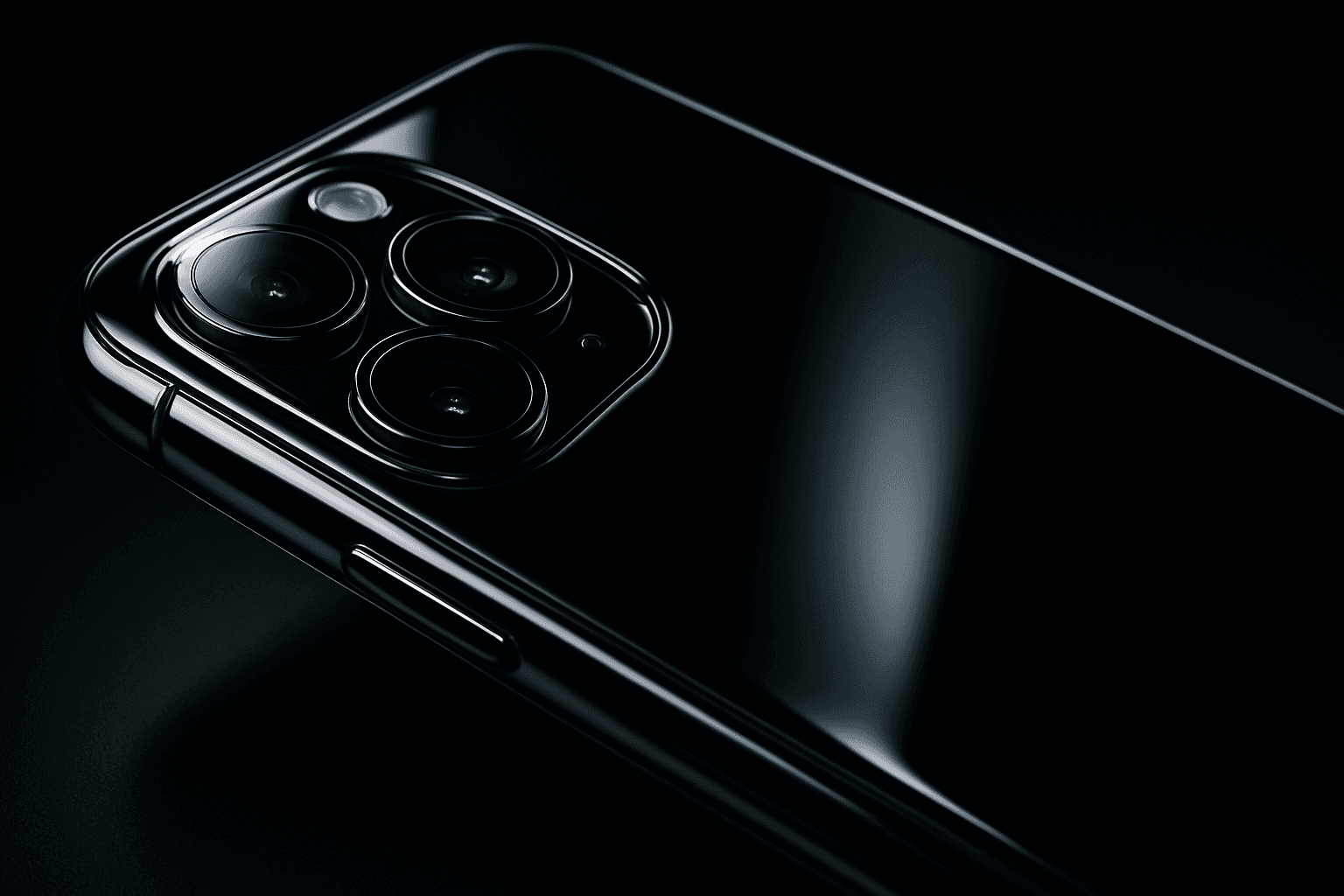
Adding a glossy surface finish to your AI image prompts transforms objects or materials by emphasizing their shiny, smooth qualities. It simulates surfaces like glass, polished metal, lacquered wood, or wet textures. This finish enhances realism by reflecting environmental light and adding depth, often making images appear more vibrant and tactile. Use it to create premium, high-end product renders, detailed textures, or eye-catching editorial visuals where surface quality matters. Glossy finishes can be combined with various materials and lighting setups, giving artists and designers flexibility to achieve the desired mood and style.

Plasticized Surface Texture
Plasticized Surface Texture emphasizes a sleek, shiny appearance with a polished, flexible quality resembling plastic materials. When used in AI image generation, it transforms surfaces into smooth, glossy finishes characterized by bright highlights and subtle reflections. This texture does not show roughness or matte properties but instead creates a distinctive synthetic look often associated with consumer products, packaging, or modern design elements. It helps convey contemporary, clean aesthetics and can enhance visual emphasis on material quality in digital rendering or conceptual imagery.

Matte Surface Texture
The 'Matte Surface Texture' keyword in AI image generation is fundamental when aiming for realism and subtlety in material appearance. Unlike glossy or reflective surfaces, matte textures offer a restrained light interaction, producing soft shadows and even visual tones. This texture is valued for its fine grain, softness, and understated elegance, making images appear modern and refined. Including this keyword enhances the material rendition of subjects like ceramics, paper, cloth, or painted surfaces, enabling photorealistic or stylized outputs that emphasize tactile qualities without distracting reflections. It's especially effective for editorial visuals, product mockups, and interior materials where controlling reflection is crucial.

Metallic Foil Texture
Metallic Foil Texture is a specialized descriptor used in AI image generation to simulate the appearance of thin metallic sheets that reflect light with a distinctive shine and texture. When integrated into prompts, it produces images with a sophisticated, realistic metallic finish characterized by gleaming highlights, soft wrinkles, and a polished look. This keyword is valuable in design, branding, and digital art contexts where a premium metallic aesthetic is desired. It enhances visual depth by capturing the interplay of light and surface irregularities typical of foil materials. Artists and designers leverage this texture to create backgrounds, patterns, and objects that stand out with elegant metallic allure.
Ceramic Surface
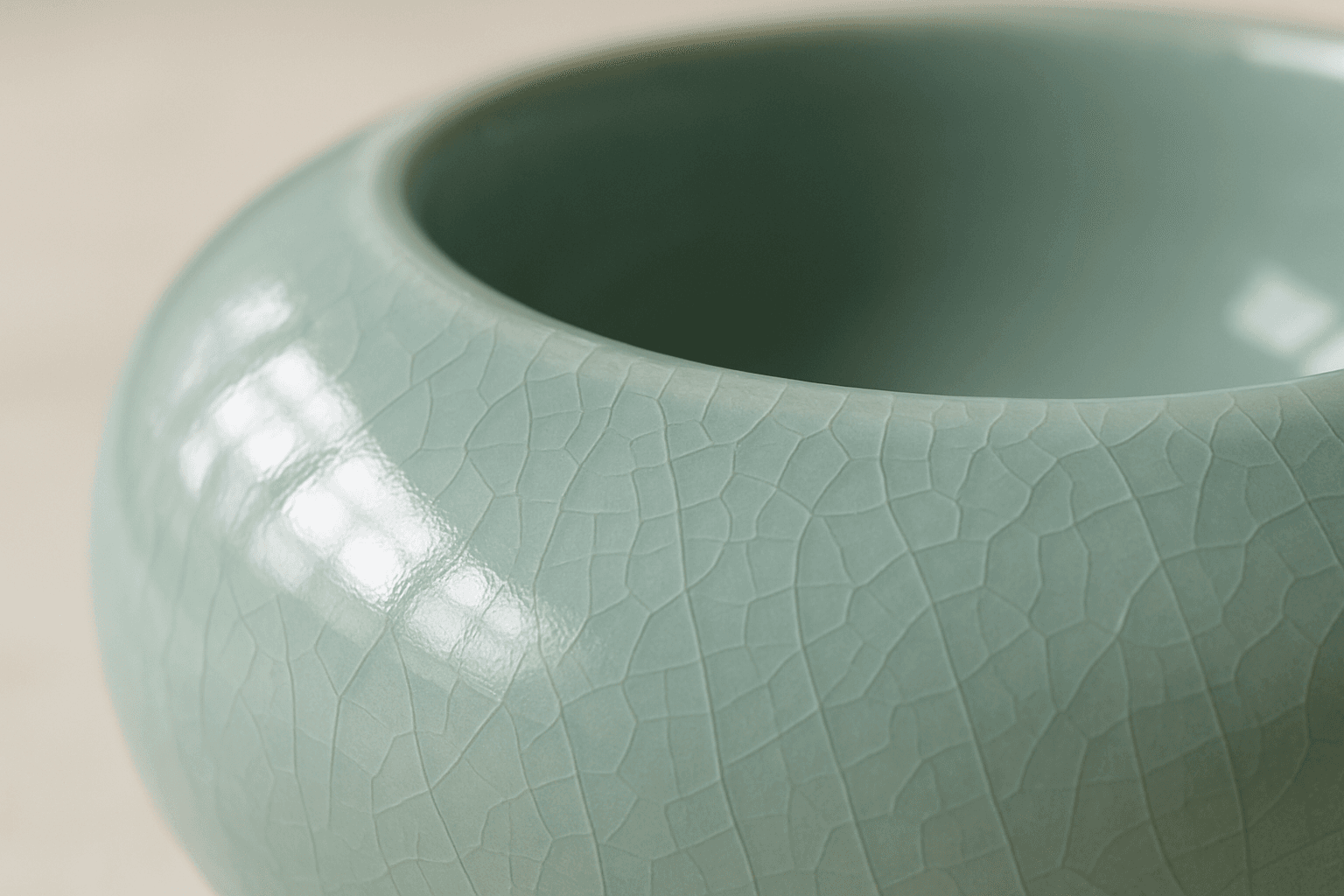
The keyword 'Ceramic Surface' in AI image generation targets a distinct material aesthetic recognizable by its smooth, often glossy finish and subtle textural nuances like glaze or crackle effects. Using this keyword refines renders to showcase the refined, tactile qualities of ceramics. It is essential for creating realistic representations of items like pottery, ceramic tiles, or porcelain wares, especially under nuanced lighting that enhances surface reflections and textures. The effect adds depth and realism, making objects appear tangible and convincing within various artistic or commercial compositions.

Translucent Plastic Texture
Translucent plastic texture is prized in visual design for its ability to impart depth and realism to digital materials. It simulates surfaces like frosted glass or thin plastic sheets that diffuse light while retaining some visibility of objects behind them. In AI image generation, specifying 'translucent plastic texture' guides models to produce nuanced light interplay, soft shadows, and partial transparency that enrich material realism without full opacity. This texture is widely used in product visualization, packaging design, and creative artwork to evoke a clean, modern aesthetic with tactile appeal. Incorporating this descriptor refines prompt outcomes, enabling artists and designers to achieve premium, photorealistic surfaces efficiently.