Translucent Plastic Texture
Translucent plastic texture is prized in visual design for its ability to impart depth and realism to digital materials. It simulates surfaces like frosted glass or thin plastic sheets that diffuse light while retaining some visibility of objects behind them. In AI image generation, specifying 'translucent plastic texture' guides models to produce nuanced light interplay, soft shadows, and partial transparency that enrich material realism without full opacity. This texture is widely used in product visualization, packaging design, and creative artwork to evoke a clean, modern aesthetic with tactile appeal. Incorporating this descriptor refines prompt outcomes, enabling artists and designers to achieve premium, photorealistic surfaces efficiently.

Definition
Translucent plastic texture describes a material surface that allows light to pass through diffusely, creating a soft and glowing effect with partial visibility of objects behind it. In AI image prompts, using this keyword directs the model to simulate surfaces resembling frosted or semi-transparent plastics, enhancing material realism and subtle translucency in generated images.
Prompt Formula
To incorporate translucent plastic texture effectively in AI prompts, use these formula patterns: - [Object] with translucent plastic texture and soft diffused lighting - Close-up of [material] showing translucent plastic surface with subtle internal glow - Product design featuring translucent plastic texture combined with realistic shadows Combine with adjectives like "frosted," "matte," "semi-transparent" to specify variations.
- [Object] with translucent plastic texture and soft diffused lighting
- Close-up of [material] showing translucent plastic surface with subtle internal glow
- Product design featuring translucent plastic texture combined with realistic shadows
Best Use Cases
- Visualizing consumer products with frosted or semi-transparent plastic parts
- Designing packaging elements that require a subtle see-through effect
- Creating digital artwork emphasizing light diffusion and material depth
Advanced Techniques
Enhance prompt specificity by combining 'translucent plastic texture' with lighting and environment descriptors. For example, add "rendered with volumetric lighting" to emphasize light scattering inside the material, or "macro shot with fine surface imperfections" to highlight realistic texture details. Experiment with translucency levels by pairing with terms like "lightly frosted" or "deeply translucent". Using negative prompts such as "no sharp reflections" can prevent unwanted glossiness and maintain the soft appearance. Layer materials in multi-object scenes to showcase interaction of translucent plastics with colored backdrops or internal illumination.
- Combine with volumetric lighting for rich light scattering effects
- Use macro shots to emphasize detailed surface imperfections
- Specify translucency intensity: 'lightly frosted' vs. 'deeply translucent'
- Apply negative prompts to reduce sharp reflections
- Layer with colored lighting to enhance internal glow
Professional Workflow
Start by defining the material properties and conceptualizing the specific translucent plastic look your project needs. Write detailed prompts incorporating material and lighting descriptors to generate initial image sets. Review outputs selecting those that best capture translucency and texture subtleties. Refine prompts adjusting translucency levels, gloss, and lighting until the desired balance of diffusion and clarity is achieved. Use iterative upscaling and compositing techniques if needed for final polish. Maintain organized prompt versions and metadata to streamline future asset generation and reuse.
- Define material and lighting attributes clearly in prompts
- Generate multiple image variants for comparison
- Select images excelling in translucency realism
- Refine prompts iteratively focusing on texture and light
- Apply post-processing or compositing for final polish
Related Styles
- Frosted Glass Texture
- Semi-Transparent Materials
- Matte Plastic Finishes
Model-Specific Tips
For optimal results across modern AI models, use clear, descriptive language over rigid syntax. Avoid overly technical jargon or brand-specific terms; instead, focus on sensory cues like "soft light diffusion" and "subtle internal glow." Balance material keywords with lighting conditions to guide realistic translucency. Test prompts incrementally refining translucency adjectives, and incorporate negative phrases to suppress unwanted reflections or opacity. Utilize native model strengths in rendering glossy or matte finishes, adapting your descriptors accordingly to each model's output characteristics.
- Use sensory and descriptive language rather than technical jargon
- Combine material and lighting descriptors clearly
- Incrementally refine translucency adjectives
- Include negative prompts to control reflections
- Adapt wording to model-specific finish rendering capabilities
FAQ
How does 'translucent plastic texture' affect AI image generation?
It guides the AI to simulate semi-transparent plastic surfaces that diffuse light softly, producing realistic material appearances with partial visibility through the object.
Can translucent plastic textures vary in opacity?
Yes, by adding adjectives like 'lightly frosted' or 'deeply translucent' in prompts, you can control the level of opacity and light diffusion in the generated texture.
Continue Exploring
Related Prompts
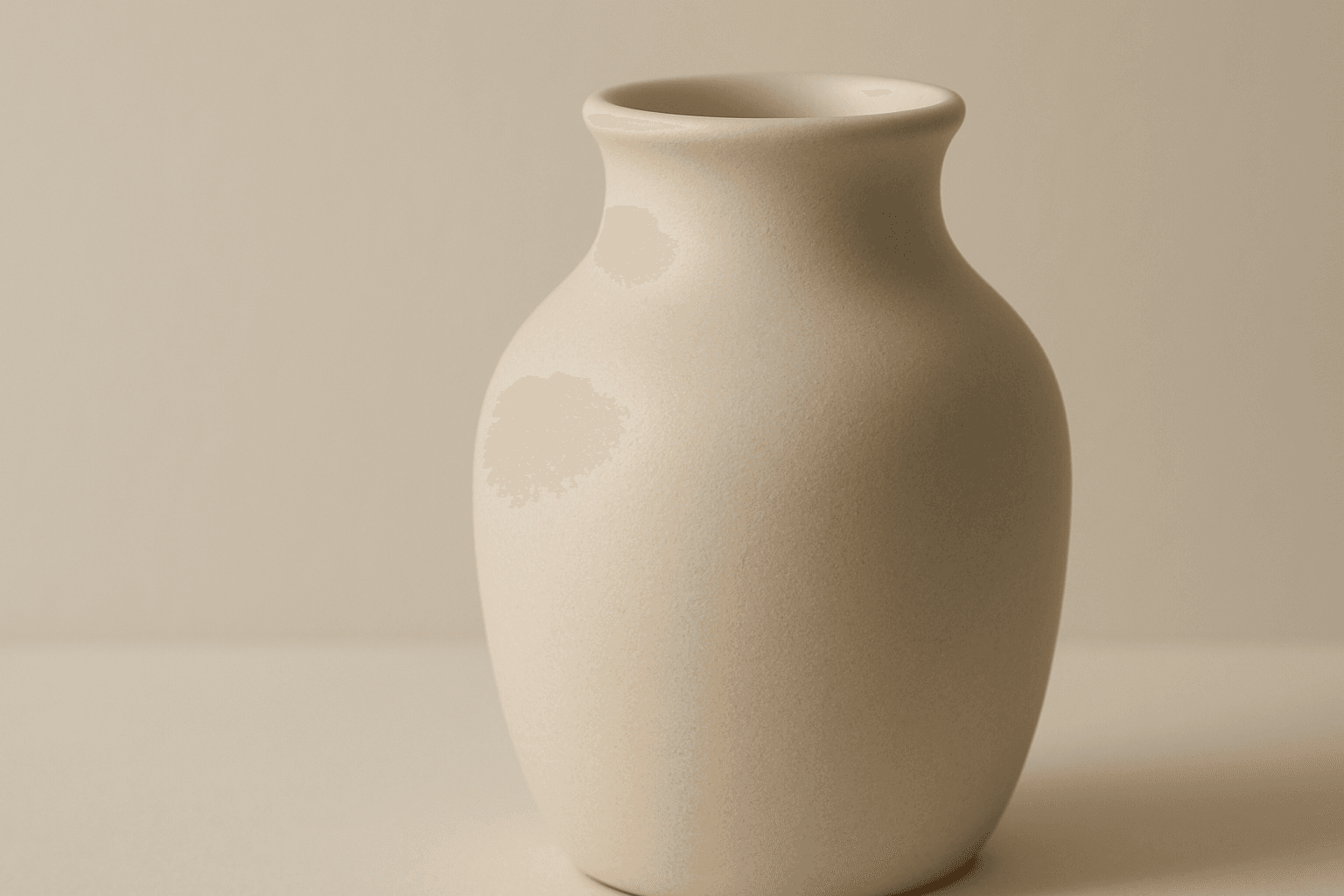
Matte Surface Texture
The 'Matte Surface Texture' keyword in AI image generation is fundamental when aiming for realism and subtlety in material appearance. Unlike glossy or reflective surfaces, matte textures offer a restrained light interaction, producing soft shadows and even visual tones. This texture is valued for its fine grain, softness, and understated elegance, making images appear modern and refined. Including this keyword enhances the material rendition of subjects like ceramics, paper, cloth, or painted surfaces, enabling photorealistic or stylized outputs that emphasize tactile qualities without distracting reflections. It's especially effective for editorial visuals, product mockups, and interior materials where controlling reflection is crucial.
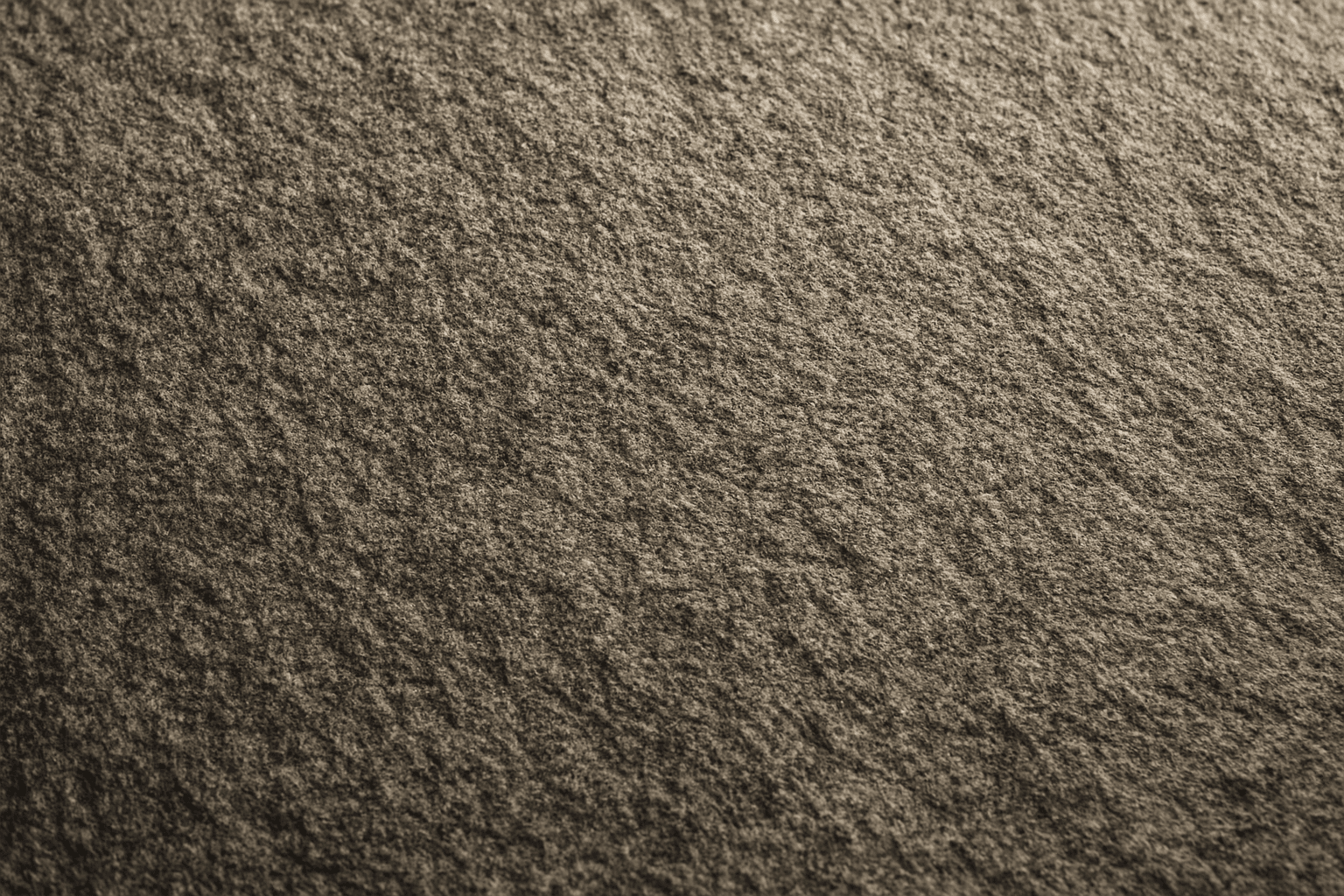
Granular Surface Texture
Granular Surface Texture is a key descriptive keyword used in AI image prompting to achieve photorealistic and tactile surfaces characterized by finely distributed grains or tiny particles. This texture offers an intricate level of detail that enriches the material quality of objects, making them appear more natural and tangible. When included in prompts, it encourages the generation of surfaces akin to sandpaper, concrete, rough fabric, or unpolished stone, providing visual complexity that appeals to designers and artists alike. Its use can transform otherwise flat or generic surfaces into engaging, dynamic visuals with depth and interest. This makes it valuable across many creative projects, from product visualization to environmental design.

Soft Matte Paper Texture
Soft Matte Paper Texture is a specialized prompt keyword that helps artists and designers generate images featuring realistic, tactile paper surfaces with a matte finish. This texture is characterized by subdued reflections and a soft, natural look that avoids glare or shine. Using this keyword in AI prompts supports creations such as book covers, packaging mockups, stationery backgrounds, and fine art prints where the paper quality matters. The resulting images carry a premium aesthetic, imitating high-quality paper stock that is often sought after in print-design visualizations and marketing materials. Overall, employing Soft Matte Paper Texture enriches an AI image with subtle tactile cues contributing to a refined, understated finish.
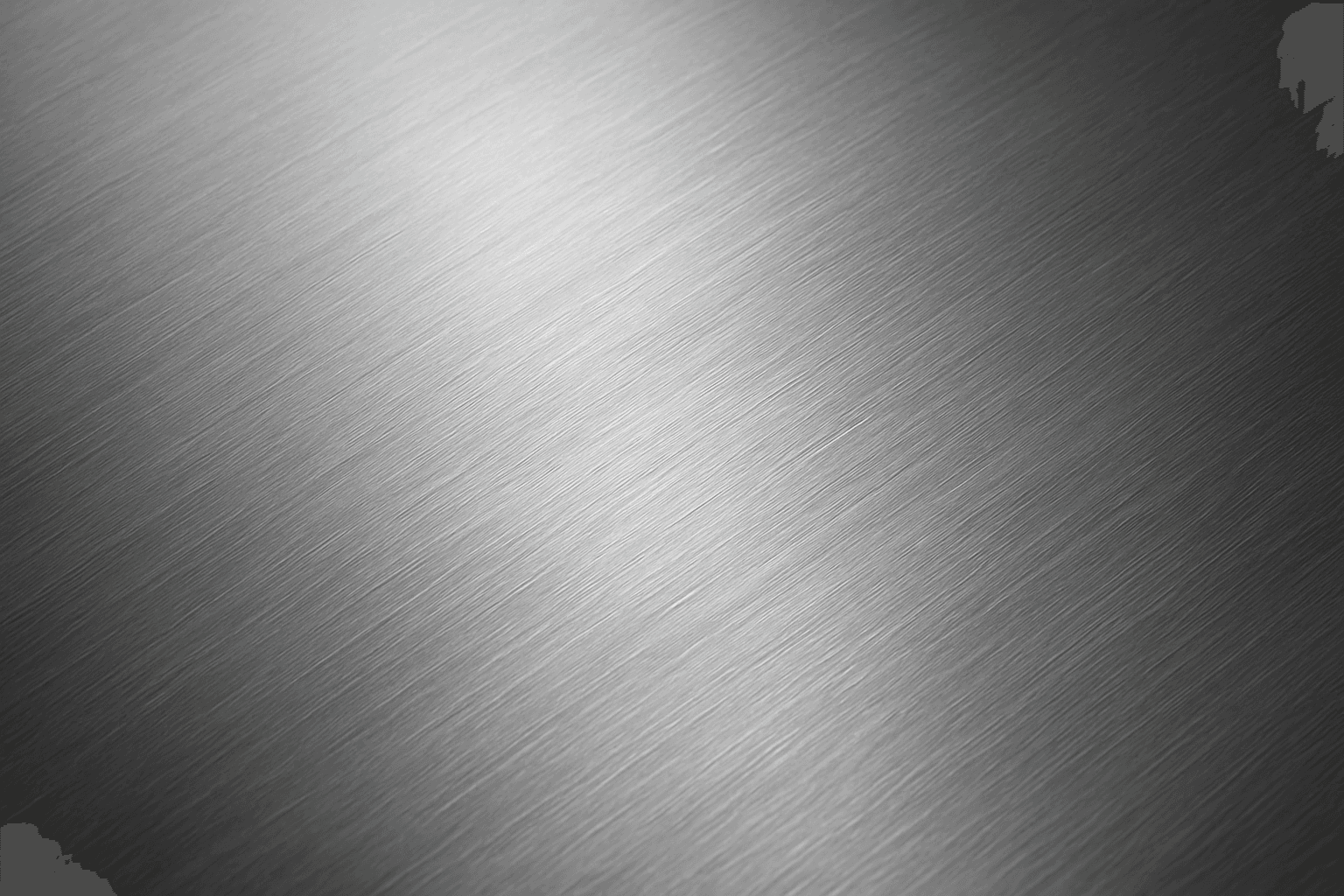
Brushed Metal Texture
Brushed Metal Texture in AI art generation captures the distinctive look of metal surfaces treated by abrasive brushing, which creates smooth, parallel lines affecting how light reflects. It's a popular material finish in industrial design, consumer electronics, and architectural elements, lending a premium, tactile quality to images. Using this texture in AI prompts ensures realistic rendering of metal objects with nuanced light interplay and surface depth. This texture enhances visual interest while maintaining subtlety, making it ideal for product visualizations, backgrounds, and stylized concept art. By controlling this parameter, creators can elevate the authenticity and sophistication of metallic materials within their compositions.
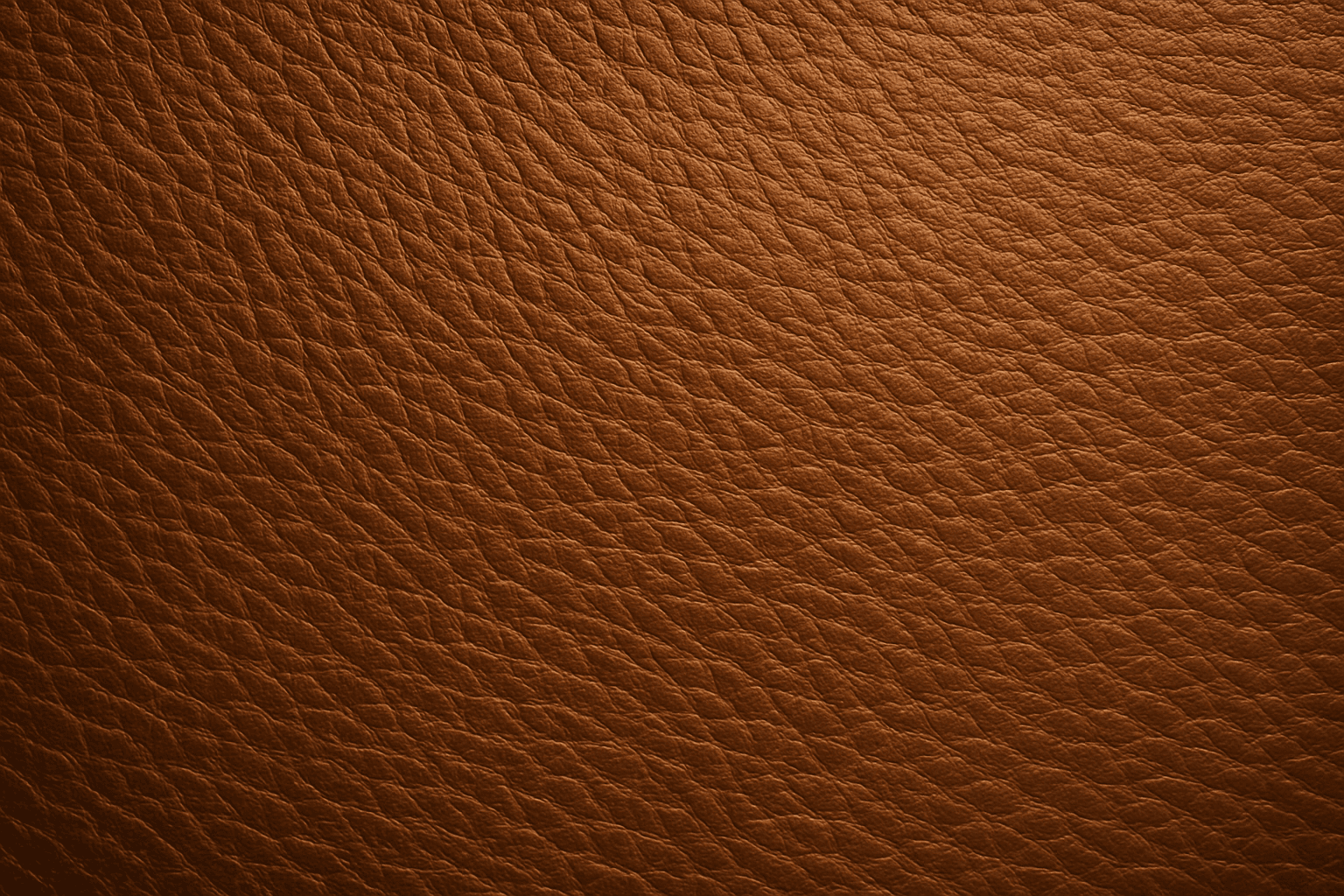
Leather Grain Texture
Using 'Leather Grain Texture' in AI image prompts allows creators to generate images with highly detailed and realistic leather surfaces. This keyword enhances the tactile quality of materials depicted, making them appear more authentic and premium. The characteristic grain patterns convey luxury and craftsmanship, useful for designs needing sophisticated material representation. When combined with appropriate lighting and composition, this texture can create visually rich images suitable for product visualization, fashion editorials, or interior design concepts. Mastery of this keyword helps artists achieve depth and realism in their material renderings, appealing to audiences seeking visually convincing visuals.
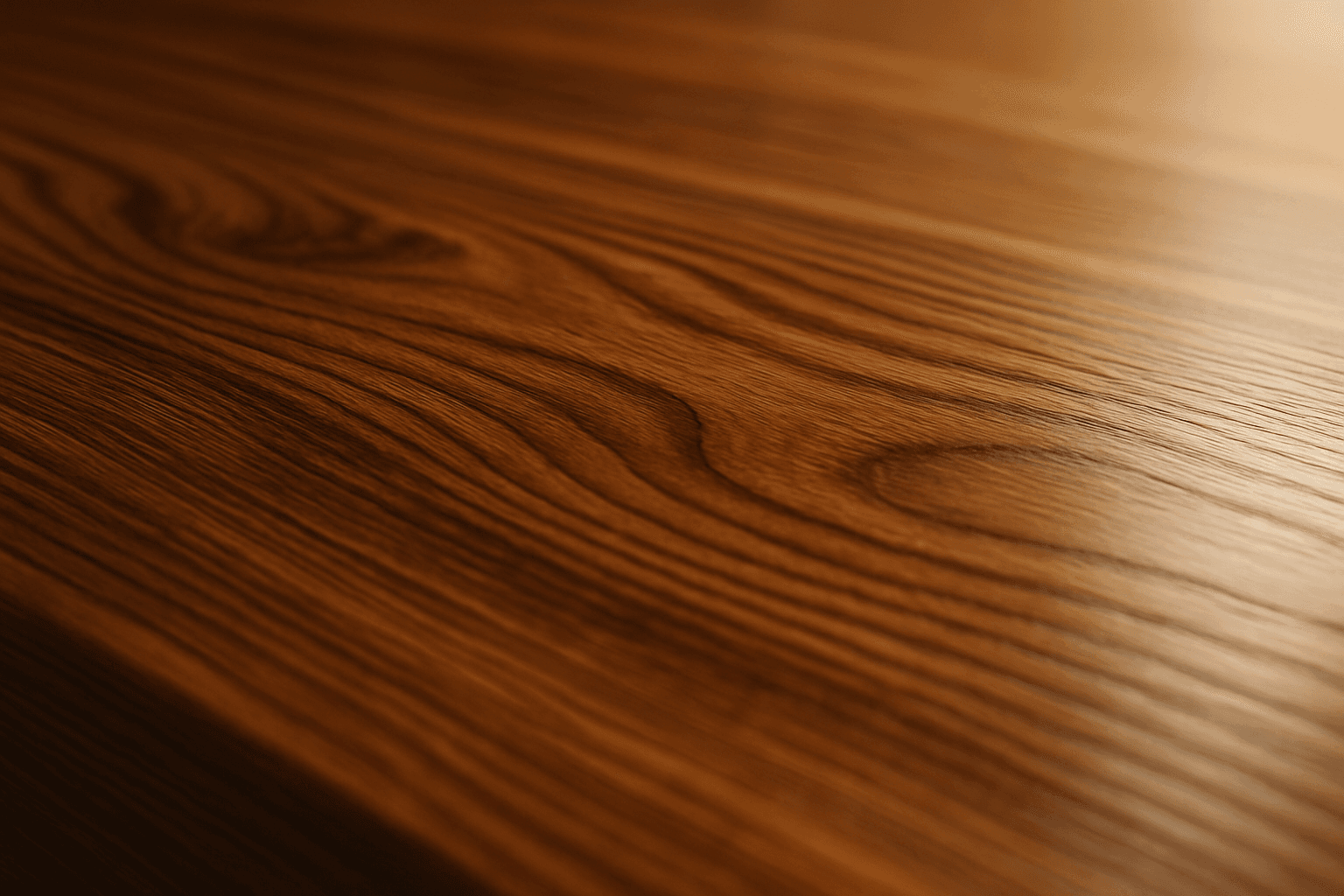
Polished Wood Texture
The 'Polished Wood Texture' keyword is essential for creating highly realistic and visually appealing wood surfaces in AI-generated imagery, especially in product design, interior visualization, and material studies. This texture emphasizes the fine finish and reflective qualities of wood that has been carefully sanded and treated with a glossy coating, producing subtle light reflections and depth. Using this keyword, artists and designers can quickly convey a sense of luxury, craftsmanship, and natural warmth in their images. It works effectively with various wood types and complements modern editorial aesthetics that value clean, premium material representations. Leveraging this texture in AI-generated images helps achieve a refined realism suitable for high-end design presentations or stock imagery.