Plasticized Surface Texture
Plasticized Surface Texture emphasizes a sleek, shiny appearance with a polished, flexible quality resembling plastic materials. When used in AI image generation, it transforms surfaces into smooth, glossy finishes characterized by bright highlights and subtle reflections. This texture does not show roughness or matte properties but instead creates a distinctive synthetic look often associated with consumer products, packaging, or modern design elements. It helps convey contemporary, clean aesthetics and can enhance visual emphasis on material quality in digital rendering or conceptual imagery.

Definition
Plasticized Surface Texture defines a smooth and glossy finish resembling plastic materials, contributing shiny and flexible surface qualities in AI-generated images. It changes a prompt by specifying the material's appearance to be sleek and reflective, avoiding rough or matte looks. This keyword directs the model to generate artificial, polished surfaces commonly found in synthetic objects like packaging, consumer electronics, or decor items.
Visual Characteristics
- High gloss and reflective highlights giving a polished appearance
- Smooth, uniform surfaces without visible roughness or grain
- Subtle translucency or soft light diffusion suggesting plastic flexibility
Prompt Formula
To create compelling images with Plasticized Surface Texture, combine this keyword with object descriptions and lighting details. Use modifiers emphasizing gloss, reflection, and smoothness to enhance realism. For example, pairing with terms like 'high gloss,' 'reflective highlights,' or 'soft diffused lighting' enriches the surface portrayal. You can structure prompts as: [subject] + "plasticized surface texture" + [desired gloss or lighting qualities].
- [Subject] with plasticized surface texture and high gloss highlights
- [Object] featuring smooth plasticized surface texture under soft lighting
- [Subject] in close-up showing reflective plasticized surface texture
Best Use Cases
- Packaging design showcasing synthetic flexible plastics
- Product renders requiring realistic shiny surfaces
- Concept art for futuristic or industrial synthetic materials
Creative Variations
To diversify output and avoid repetition using Plasticized Surface Texture, experiment with different lighting conditions like backlighting or colored reflections. Adjust color palettes from translucent pastels to opaque vibrant shades. Incorporate variations in composition such as macro close-ups emphasizing texture details or wide shots showing material interaction with surroundings. Modulate gloss levels from ultra-shiny to subtle sheen for nuanced results.
- Use varying colored light reflections (cool or warm tones)
- Try macro perspectives focusing on texture details
- Alter glossiness intensity from high shine to subtle luster
- Combine with translucency for semi-transparent plastic effects
Industry Applications
Plasticized Surface Texture is widely used across industries requiring realistic synthetic material visuals. In advertising, it enhances product imagery with appealing glossy finishes. Ecommerce benefits from showcasing plastic packaging details, improving consumer perception. Editorial content often incorporates such textures to illustrate concepts involving modern manufacturing or futuristic designs, contributing to compelling visuals.
- Product advertising with plasticized material appeals
- Ecommerce showcase of plastic packaging and gadgets
- Editorial illustrations of modern synthetic design concepts
Common Mistakes
A frequent error is overusing Plasticized Surface Texture without balancing reflections and lighting, leading to overly shiny or unrealistic images. Avoid combining it with conflicting texture keywords like rough or matte surfaces that confuse the AI. Another pitfall is neglecting proper light sources, which can cause flat or muddy results. To prevent this, carefully control gloss intensity and pairing keywords to maintain natural-looking plastic surfaces.
- Over-saturating gloss causing unnatural shine
- Combining with matte or rough surface keywords inconsistently
- Ignoring appropriate lighting which flattens the reflective effect
FAQ
How does Plasticized Surface Texture affect lighting in AI images?
It increases surface reflectivity and gloss, requiring well-positioned light sources to highlight smooth and shiny plastic-like qualities effectively.
Can I use Plasticized Surface Texture for both opaque and translucent materials?
Yes, it supports a range of plastic-like appearances from fully opaque glossy surfaces to subtly translucent textures, depending on additional prompt modifiers.
Continue Exploring
Related Prompts
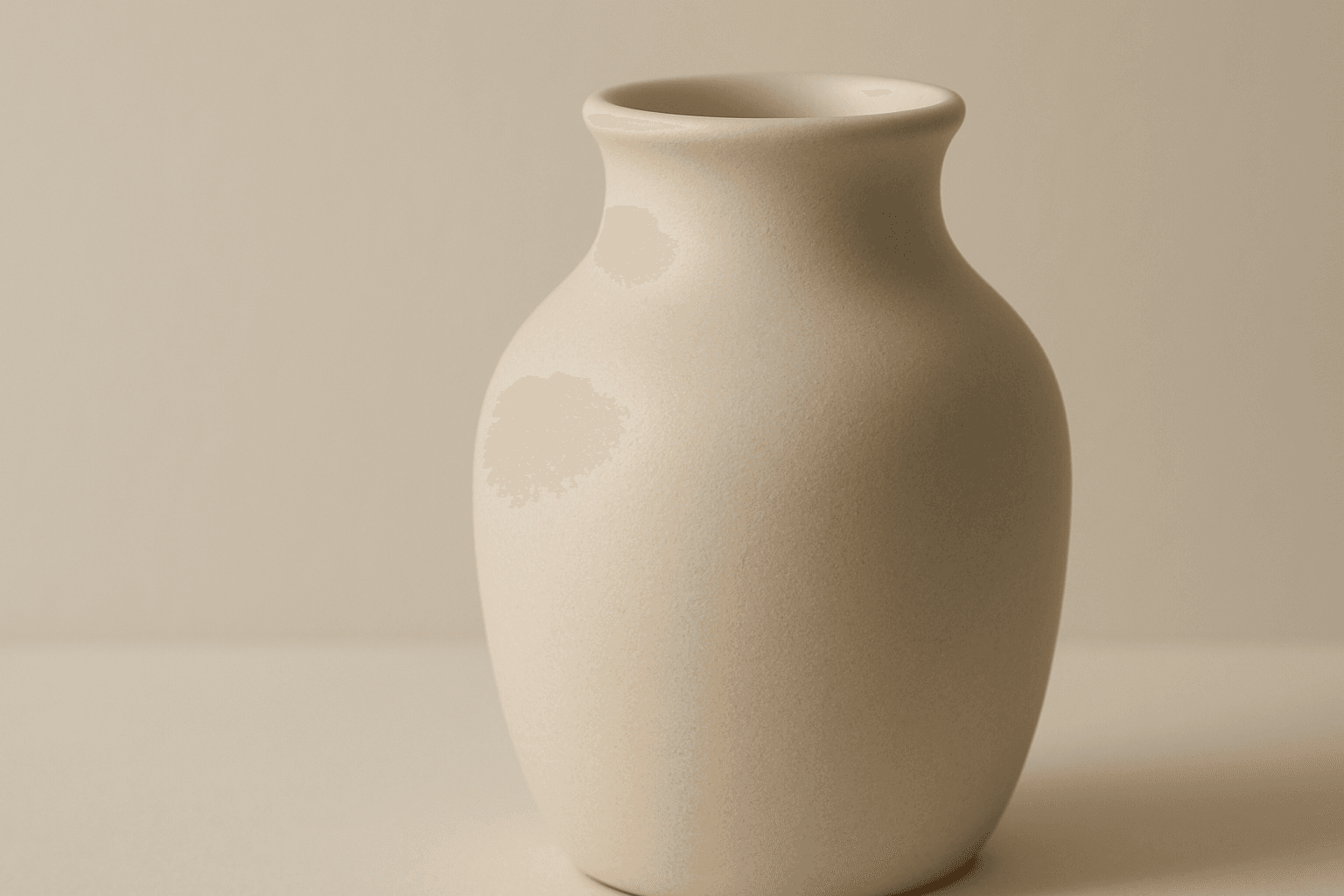
Matte Surface Texture
The 'Matte Surface Texture' keyword in AI image generation is fundamental when aiming for realism and subtlety in material appearance. Unlike glossy or reflective surfaces, matte textures offer a restrained light interaction, producing soft shadows and even visual tones. This texture is valued for its fine grain, softness, and understated elegance, making images appear modern and refined. Including this keyword enhances the material rendition of subjects like ceramics, paper, cloth, or painted surfaces, enabling photorealistic or stylized outputs that emphasize tactile qualities without distracting reflections. It's especially effective for editorial visuals, product mockups, and interior materials where controlling reflection is crucial.
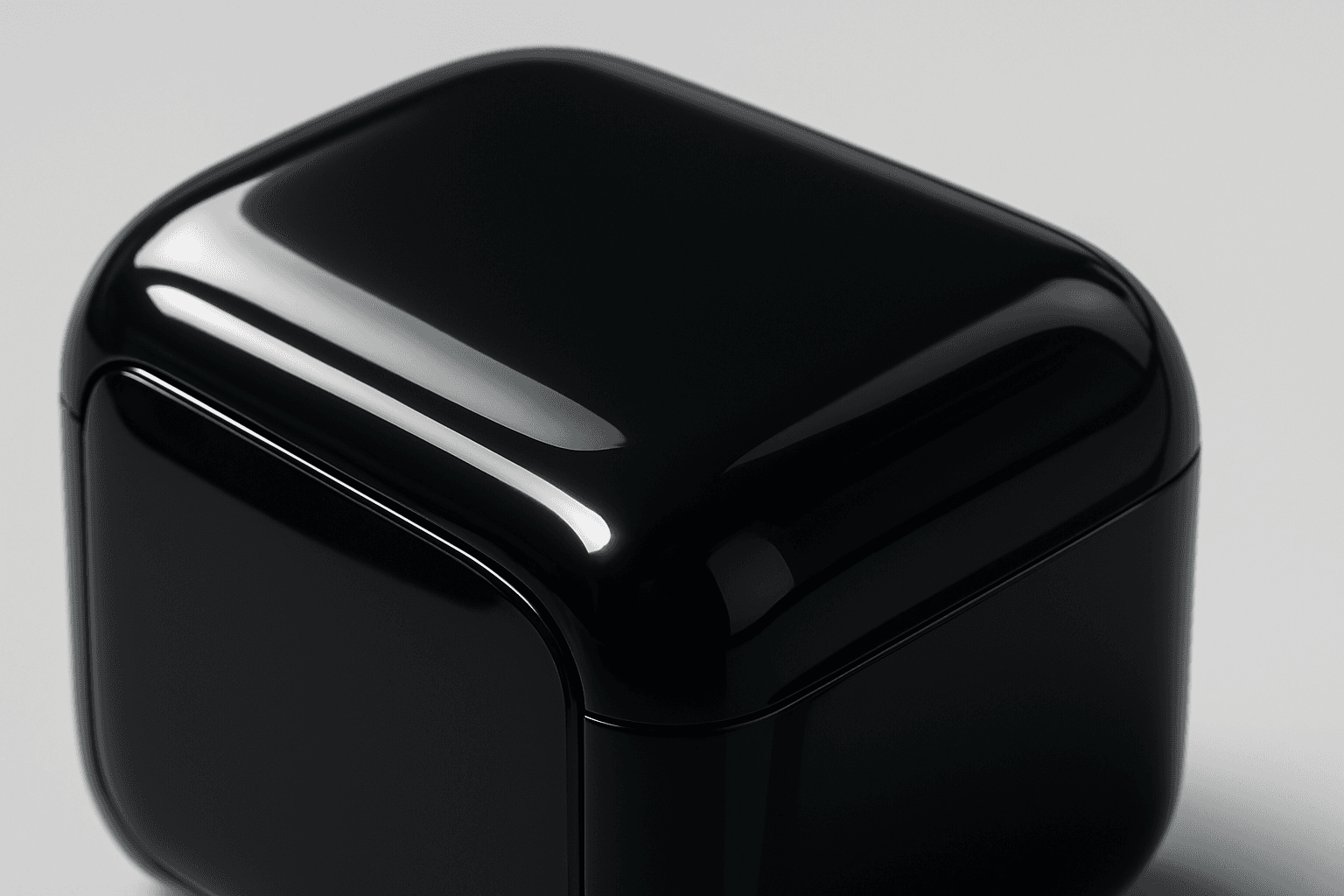
Glossy Plastic Surface
Adding 'Glossy Plastic Surface' in AI prompts introduces a sleek, shiny material effect that mimics polished plastic. This texture conveys a modern, manufactured feel, often used to depict objects with synthetic coatings or stylish packaging. The characteristic shine results from simulated light reflections, creating distinct highlight spots and smooth gradients that emphasize surface smoothness. This keyword helps differentiate images by adding an artificial luster, elevating the material realism in digital renders and creative compositions.
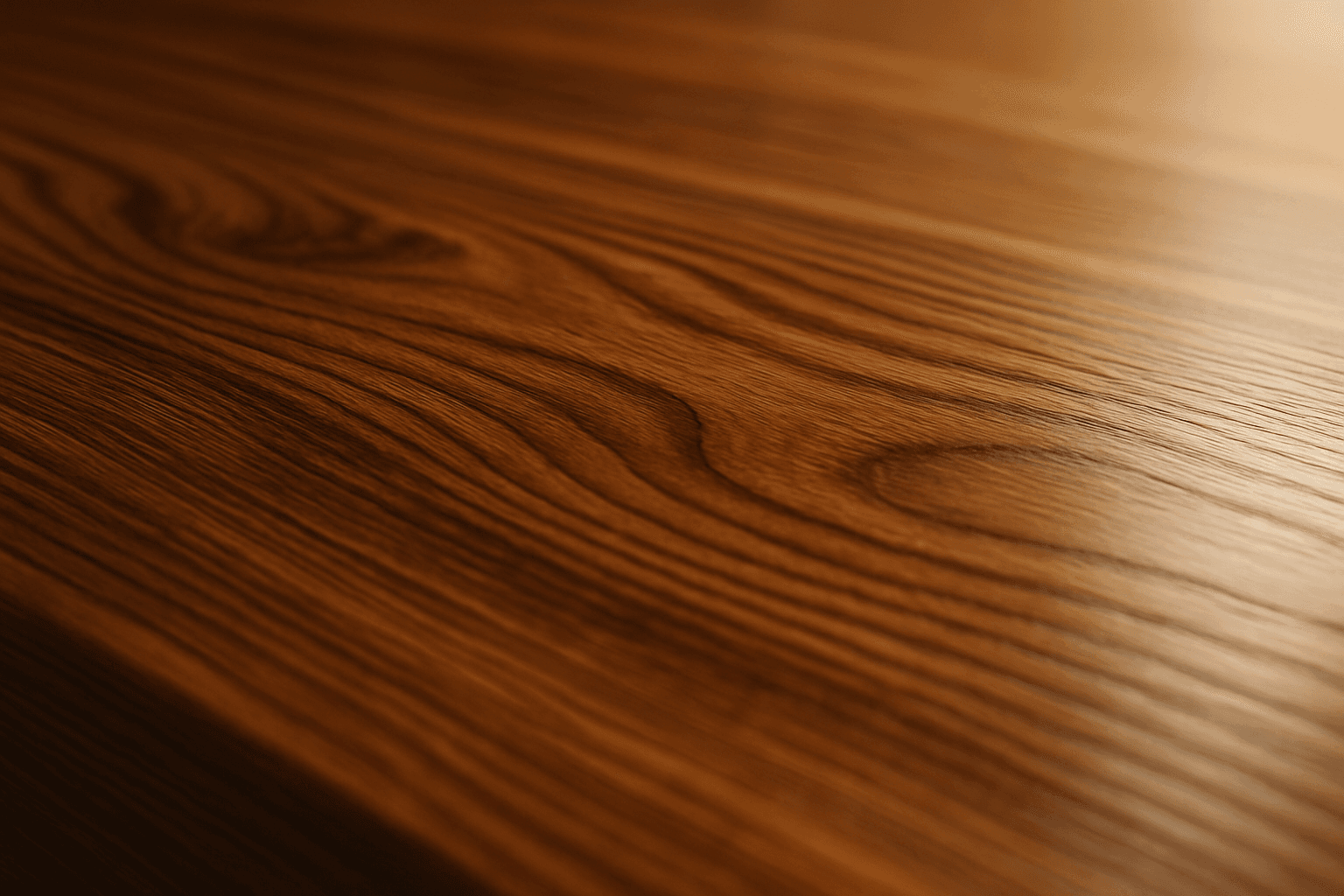
Polished Wood Texture
The 'Polished Wood Texture' keyword is essential for creating highly realistic and visually appealing wood surfaces in AI-generated imagery, especially in product design, interior visualization, and material studies. This texture emphasizes the fine finish and reflective qualities of wood that has been carefully sanded and treated with a glossy coating, producing subtle light reflections and depth. Using this keyword, artists and designers can quickly convey a sense of luxury, craftsmanship, and natural warmth in their images. It works effectively with various wood types and complements modern editorial aesthetics that value clean, premium material representations. Leveraging this texture in AI-generated images helps achieve a refined realism suitable for high-end design presentations or stock imagery.

Reflective Surface Texture
Reflective surface texture is a crucial attribute in AI image generation for achieving realism and material accuracy. When prompts specify reflective qualities, AI models simulate how light interacts with surfaces, producing highlights, gleams, and subtle mirror-like effects. This texture can depict materials such as chrome, glass, water, or polished ceramics, each bringing unique reflective nuances. Using reflective surface texture enhances visual appeal by adding depth and sophistication to compositions, making objects stand out with premium polish. It suits a variety of styles from photorealistic renders to creative abstractions, bridging artistic and commercial needs for lifelike imagery.

Rough Concrete Surface Texture
The 'Rough Concrete Surface Texture' keyword is essential for generating realistic architectural and artistic images where material authenticity is key. This texture conveys the tactile sensation of coarse, unfinished concrete, distinguished by its irregular surface, visible small stones, and imperfections like cracks and pores. Including this keyword in AI prompts enhances image realism by focusing on material detail. It is especially valuable in designs requiring gritty, industrial, or urban aesthetics, contributing to a sense of depth and authenticity in both digital and print projects. Mastery of rendering this texture helps designers and artists produce compelling visuals that resonate with users seeking raw and tangible surfaces.
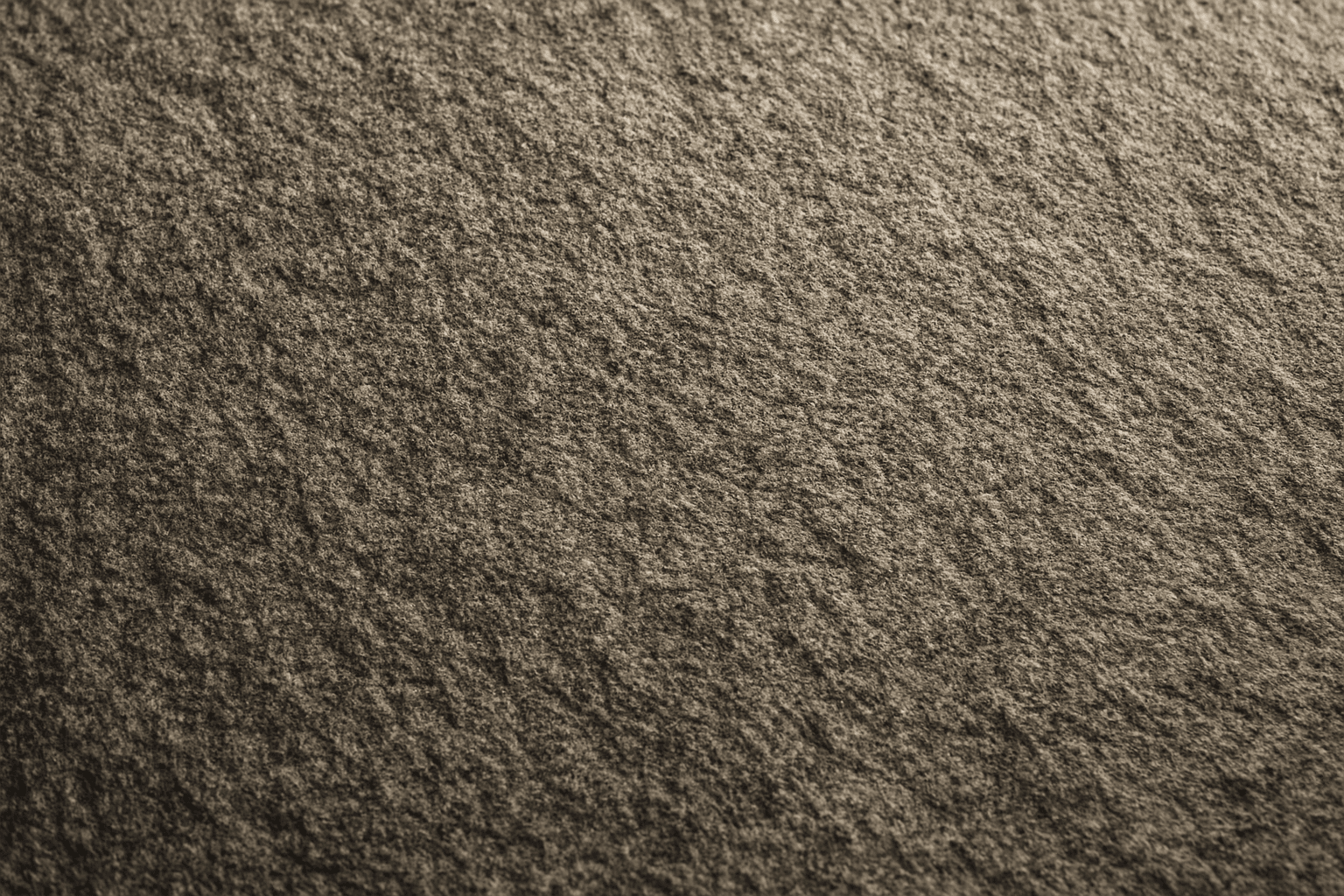
Granular Surface Texture
Granular Surface Texture is a key descriptive keyword used in AI image prompting to achieve photorealistic and tactile surfaces characterized by finely distributed grains or tiny particles. This texture offers an intricate level of detail that enriches the material quality of objects, making them appear more natural and tangible. When included in prompts, it encourages the generation of surfaces akin to sandpaper, concrete, rough fabric, or unpolished stone, providing visual complexity that appeals to designers and artists alike. Its use can transform otherwise flat or generic surfaces into engaging, dynamic visuals with depth and interest. This makes it valuable across many creative projects, from product visualization to environmental design.