Ceramic Surface
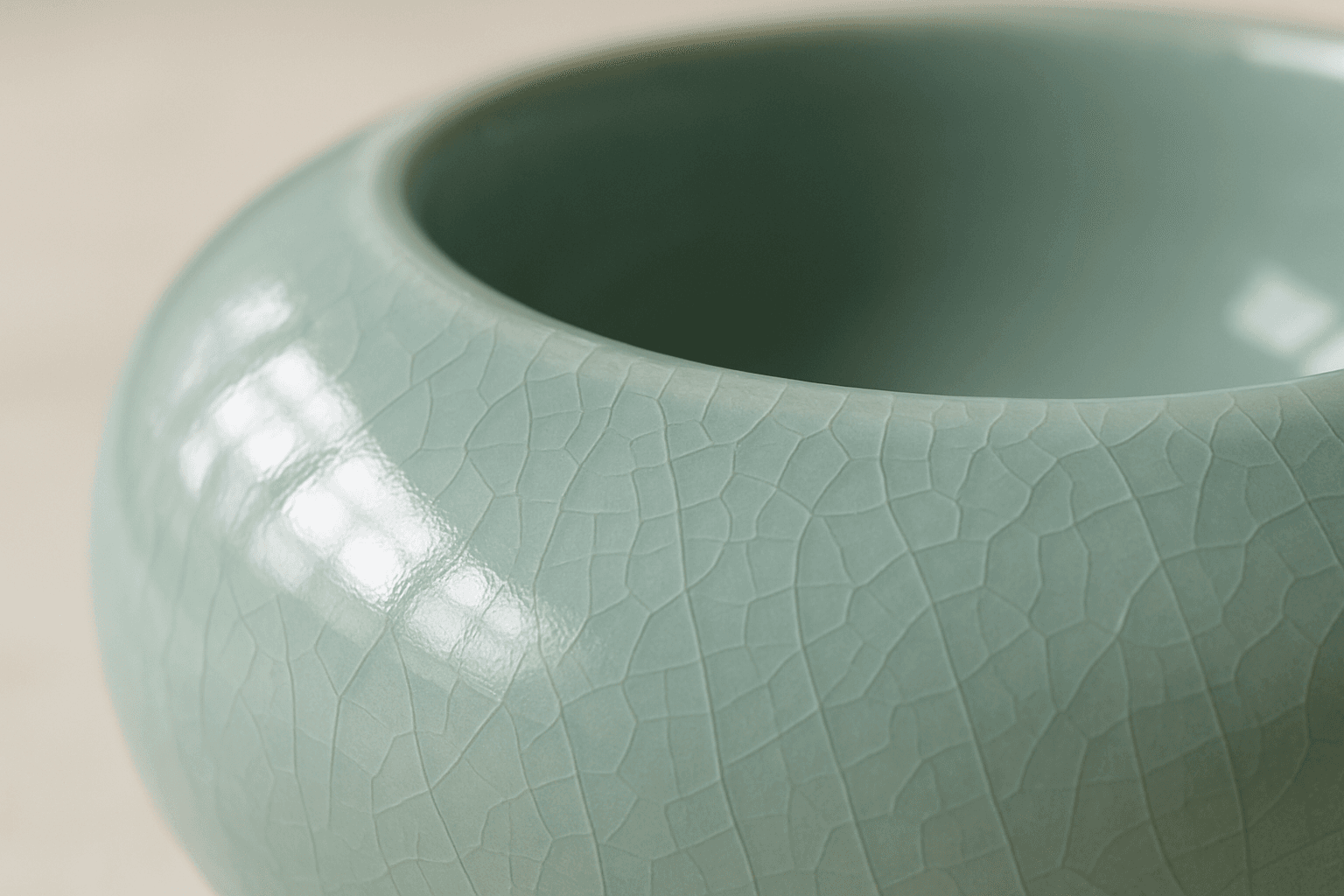
The keyword 'Ceramic Surface' in AI image generation targets a distinct material aesthetic recognizable by its smooth, often glossy finish and subtle textural nuances like glaze or crackle effects. Using this keyword refines renders to showcase the refined, tactile qualities of ceramics. It is essential for creating realistic representations of items like pottery, ceramic tiles, or porcelain wares, especially under nuanced lighting that enhances surface reflections and textures. The effect adds depth and realism, making objects appear tangible and convincing within various artistic or commercial compositions.
Definition
Ceramic Surface describes the visual and tactile qualities of ceramic materials such as pottery, porcelain, or tiles. When added to AI image prompts, it instructs the model to replicate textures exhibiting smoothness, glossiness, and fine glaze effects that are characteristic of ceramics, resulting in realistic and material-accurate images.
Prompt Formula
To incorporate Ceramic Surface effectively, combine material descriptors with lighting and texture details. Example formulas: - "[object] with smooth ceramic surface, soft natural light, subtle glaze reflections" - "Close-up of ceramic tile surface, crackle texture, diffused lighting" - "Glossy ceramic mug on wooden table, daylight illumination, shallow depth of field"
- [subject] with smooth ceramic surface, soft natural light, subtle glaze reflections
- Close-up of ceramic tile surface, crackle texture, diffused lighting
- Glossy ceramic mug on wooden table, daylight illumination, shallow depth of field
Best Use Cases
- Product visualization for ceramics and porcelain items
- Interior design imagery focusing on ceramic tile surfaces
- Art photography highlighting texture and gloss of ceramic objects
Common Mistakes
A common error is failing to specify lighting and texture nuances when using 'Ceramic Surface', resulting in flat or plastic-like appearances. Avoid generic terms alone; combine with descriptors like 'glossy', 'glazed', or 'crackle texture' to evoke realism. Overusing overly broad material words can cause muddy or unrealistic renderings that lack the characteristic sheen of ceramic. Balancing light direction and gloss levels helps maintain natural surface authenticity.
- Neglecting to mention lighting or gloss leads to unrealistic textures
- Using generic material terms without refinement makes images flat
- Overapplying gloss effects results in artificial, plastic-like surfaces
Advanced Techniques
For nuanced realism, combine 'Ceramic Surface' with specific light types such as 'soft ambient light' or 'studio spotlights' to modulate reflections and shadows. Introduce variations like 'aged crackle glaze' or 'matte finish ceramic' for stylistic diversity. Use constraints like 'high resolution close-up' or 'macro detail' to emphasize texture intricacies and subtle surface imperfections, enhancing tactile sensation.
- Pair with lighting descriptors (e.g., soft ambient light) to control reflections
- Add glaze variations like aged crackle or matte finish for stylistic effects
- Use macro or close-up constraints to highlight texture detail and imperfections
Professional Workflow
Start by defining the subject and the desired ceramic material finish, specifying 'Ceramic Surface' alongside lighting and texture modifiers. Generate multiple image variants to compare gloss levels and texture sharpness. Select images with balanced reflections and realistic cracks or glaze, then refine prompts incrementally for improved detail or mood. Finally, standardize lighting and composition to ensure consistency across project assets.
- Define subject and ceramic surface characteristics with lighting
- Generate multiple render variants varying gloss and texture focus
- Select and refine images emphasizing realistic reflections and glazing
- Ensure consistent lighting and composition for cohesive asset sets
Related Styles
Ceramic Surface pairs well with complementary visual styles emphasizing materiality and texture, such as 'Glossy Porcelain' for high shine finishes, 'Glazed Tile Texture' for patterned surfaces, and 'Matte Ceramic' for subdued, low-reflectivity appearances. Exploring adjacent keywords enables versatile visual outcomes tailored to specific design goals.
- Glossy Porcelain - emphasizing high reflectivity and shine
- Glazed Tile Texture - focusing on patterned ceramic surfaces
- Matte Ceramic - low gloss, muted finish ceramic textures
FAQ
How do I make ceramic surfaces appear more realistic in AI-generated images?
Include lighting details like 'soft natural light' or 'studio lighting' and specify texture traits such as 'glazed,' 'crackle,' or 'matte finish' when using 'Ceramic Surface' in prompts. This combination helps the model simulate authentic reflections and surface nuances.
Can I use 'Ceramic Surface' for objects other than pottery?
Yes. 'Ceramic Surface' applies to any object featuring ceramic material qualities, including tiles, tableware, or decorative ceramics, making it versatile across different subjects.
What common mistakes should I avoid when prompting ceramic textures?
Avoid vague material terms without texture or lighting context, which cause flat or plastic-like results. Also, don’t overdo glossiness or omit surface imperfections needed to convey ceramic authenticity.
Continue Exploring
Related Prompts
Glossy Surface Finish
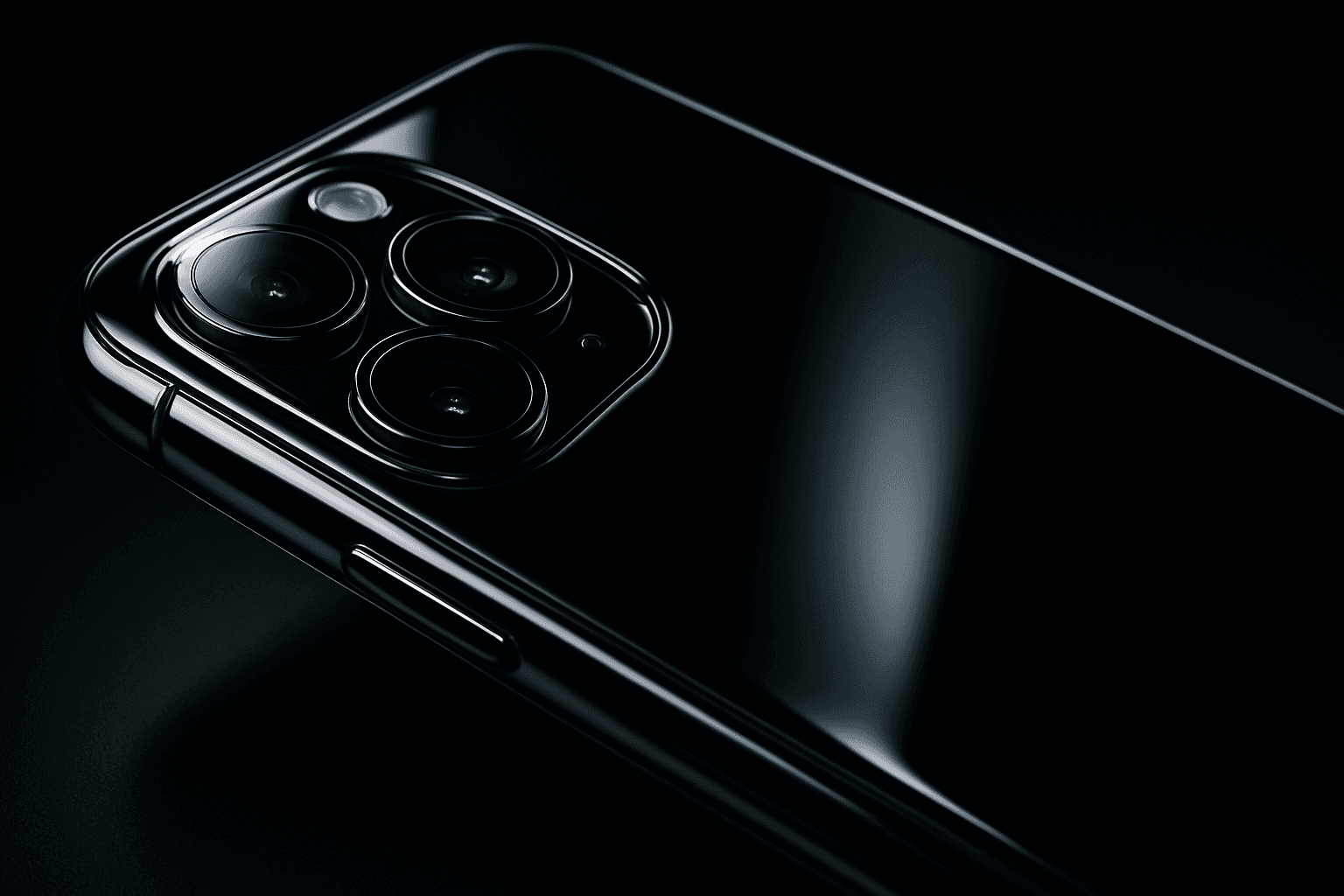
Adding a glossy surface finish to your AI image prompts transforms objects or materials by emphasizing their shiny, smooth qualities. It simulates surfaces like glass, polished metal, lacquered wood, or wet textures. This finish enhances realism by reflecting environmental light and adding depth, often making images appear more vibrant and tactile. Use it to create premium, high-end product renders, detailed textures, or eye-catching editorial visuals where surface quality matters. Glossy finishes can be combined with various materials and lighting setups, giving artists and designers flexibility to achieve the desired mood and style.
Glass Reflection Effects
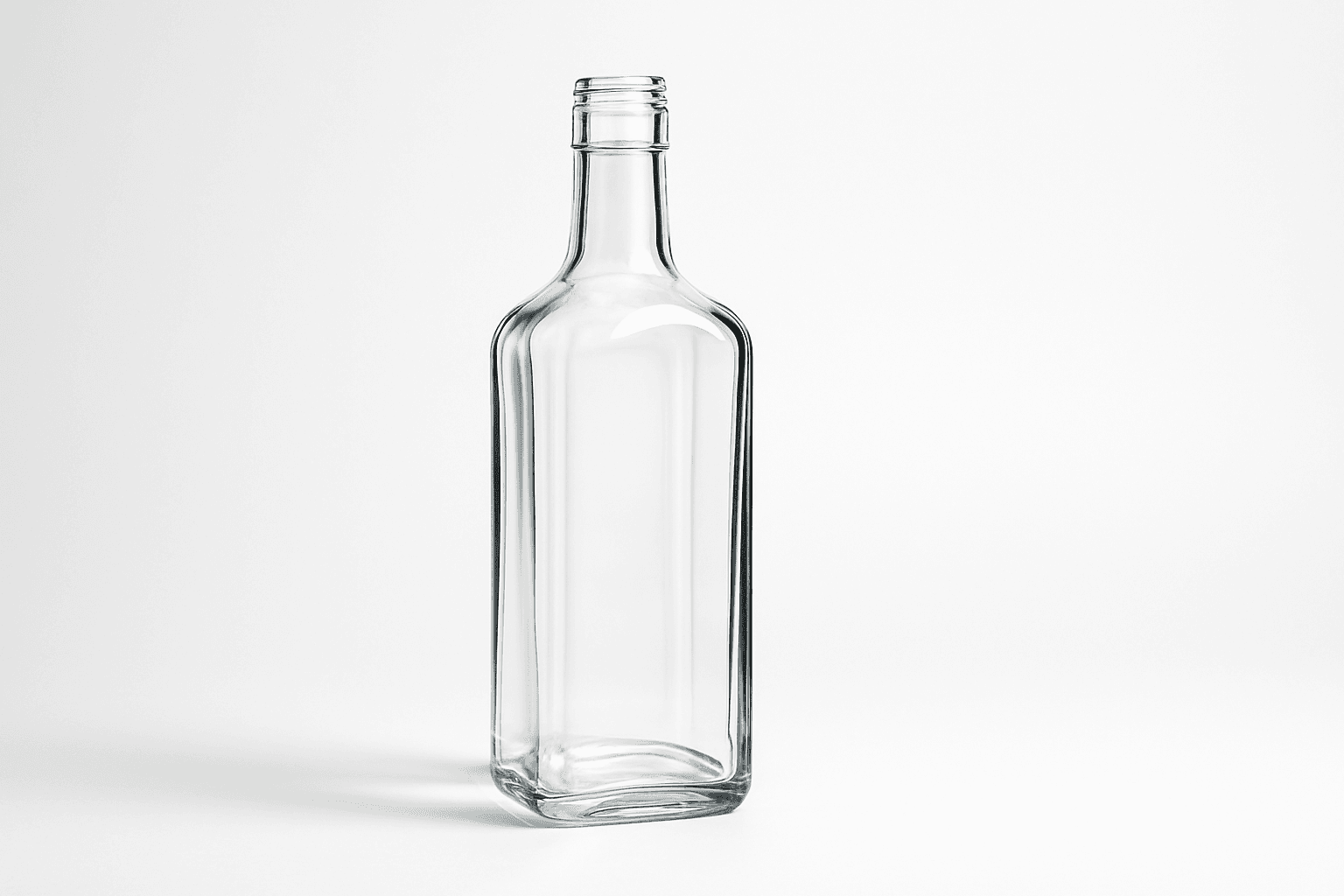
Glass Reflection Effects bring a premium realism to AI-generated images by simulating the natural behavior of light on glass materials. This keyword enhances textures and surfaces, making objects appear polished and three-dimensional with believable reflections and refractions that respond to environmental lighting. Using these effects can elevate images from flat or artificial to lifelike visuals suitable for professional design, marketing, and artistic projects. By incorporating Glass Reflection Effects in prompts, creators can achieve sophisticated renderings of windows, glassware, bottles, and architectural elements with convincing material qualities.

Chalkboard Surface Texture
Chalkboard Surface Texture captures the unique look and feel of traditional blackboards commonly used in classrooms. It combines dark, matte backgrounds with subtle surface grains and visible chalk-related markings like smudges and partial rubbings. This texture adds tactility and context to illustrations, educational materials, design projects, or product simulations involving chalkboards. When integrated into AI image prompts, it guides the AI to emphasize realistic surface details and material qualities, avoiding overly smooth or flat rendering. This results in images that evoke familiarity and authenticity, making them ideal for conveying variety in textural compositions or thematic classroom scenarios.
Frosted Glass Surface
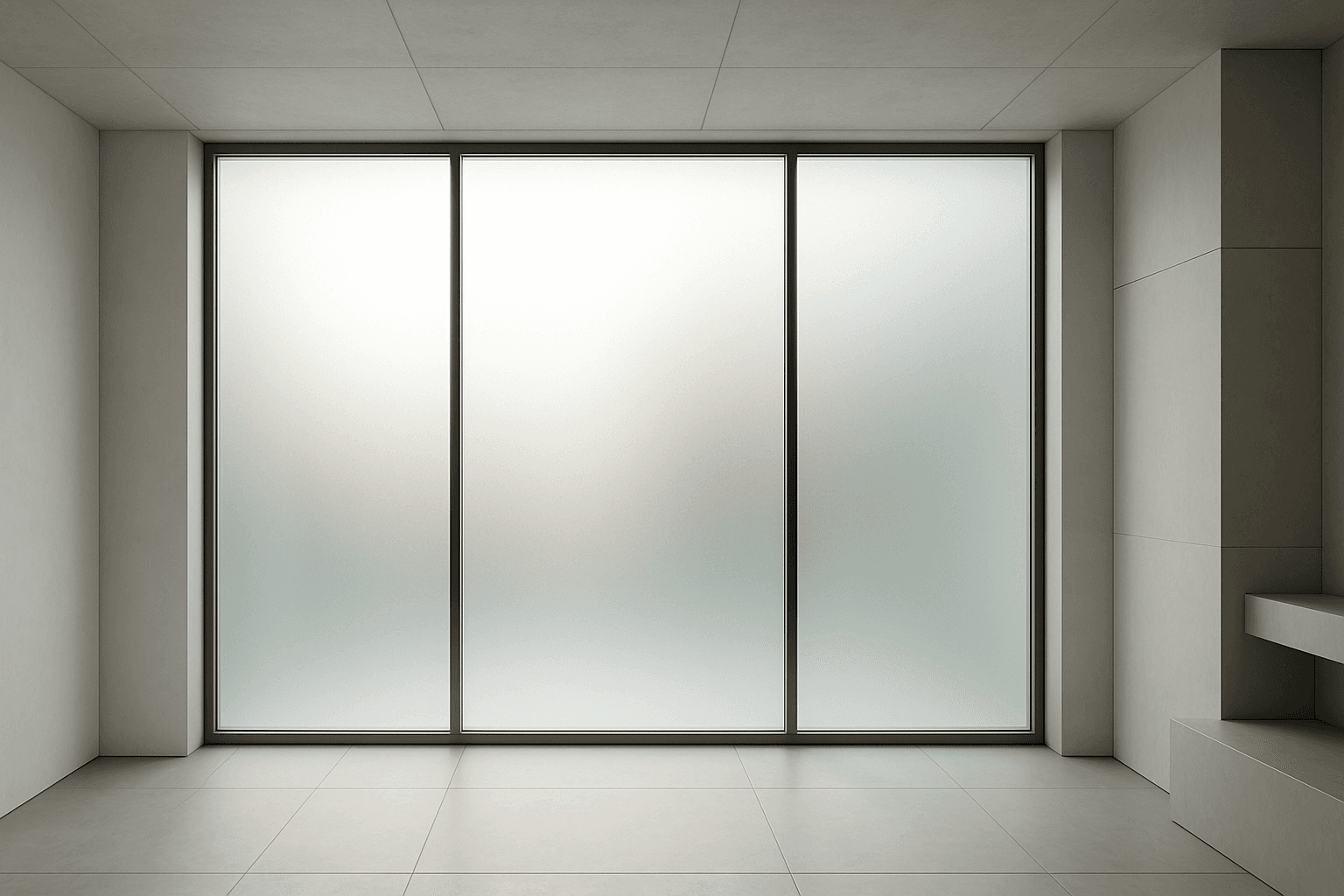
Frosted glass surfaces are widely used in modern design to provide privacy without sacrificing natural light. When incorporated into AI image prompts, this texture lends a subtle, elegant diffusion effect that replicates real-world glass treatments. It enhances scenes requiring sophisticated material realism and refined lighting. The frosted finish creates soft visual layers, allowing light to scatter gently and producing an inviting atmosphere. This texture works well in architecture, product design, and abstract compositions, adding depth while maintaining clarity of shape and color. Using this keyword correctly guides AI models to render nuanced glass surfaces with premium polish and tactile authenticity.

Reflective Surface Texture
Reflective surface texture is a crucial attribute in AI image generation for achieving realism and material accuracy. When prompts specify reflective qualities, AI models simulate how light interacts with surfaces, producing highlights, gleams, and subtle mirror-like effects. This texture can depict materials such as chrome, glass, water, or polished ceramics, each bringing unique reflective nuances. Using reflective surface texture enhances visual appeal by adding depth and sophistication to compositions, making objects stand out with premium polish. It suits a variety of styles from photorealistic renders to creative abstractions, bridging artistic and commercial needs for lifelike imagery.

Wood Grain Surface Texture
Wood grain surface texture captures the intricate patterns and natural beauty found in wooden materials. This texture is characterized by flowing lines, knots, and a warm color palette that conjures the organic essence of wood. When incorporated in AI image generation prompts, it helps models produce authentic wooden surfaces, from smooth polished floors to rustic furniture with visible fibers. Wood grain lends tactile depth and aesthetic appeal, making images more immersive and rich in detail. Its versatility allows for use across design, interior visualization, product mockups, and artistic compositions, enhancing the material realism dramatically.